Key takeaways
- Coding agents like Claude Code, Codex, and OpenCode pick libraries, SDKs, and docs for developers, so they are now a distribution channel for developer-tool and API companies.
- Most AI visibility tools track ChatGPT, Gemini, and Perplexity only. Coding agent tracking is rare, and Promptwatch is the platform in this guide that covers Codex, Claude Code, and OpenCode explicitly.
- Coding agents disagree with each other. A September 2026 Armature study found Claude Code, Codex, and Cursor picked the same tool in only 42% of cases, so one agent's data does not predict another's.
- Visibility is only half the job. You also need crawler logs, docs that agents can read, and a public GitHub presence to change what they recommend.
- If your product is not for developers, you can skip this category and track the usual chatbots and AI search engines.
Why coding agents matter for AI visibility
A year or two ago, a developer who wanted a payments SDK or a vector database would search Google, skim a few blog posts, and pick one. Now a lot of them type the request into a terminal and let an agent choose. The agent reads the repo, runs a web search, installs the package, and writes the integration code. The developer may never see a comparison page.
That changes who you are marketing to. If Claude Code reaches for a competitor's SDK when someone asks for "a queue library for Node," you lose the deal before any human evaluates you. And you probably will not see it in your analytics, because the decision happened inside a terminal session.
The three agents worth tracking right now are different products with different habits:
- Claude Code is Anthropic's proprietary agent. It runs in the terminal, VS Code, JetBrains, a desktop app, and the browser. Its default behavior leans on what the model already knows, with web search used in roughly 30% of sessions according to the Armature study.
- Codex is OpenAI's agent, with a CLI, IDE extension, desktop apps, and a cloud sandbox. The same study found it used web search in 94% of sessions, which means your public pages matter far more for Codex than for Claude Code.
- OpenCode is the open-source, provider-agnostic option. Its site claims over 208,000 GitHub stars and 16M monthly developers, and it runs Claude, GPT, Gemini, Kimi, DeepSeek, or local models through Ollama. It also searches the web through Exa.
That last point is awkward for measurement. OpenCode's recommendations depend on whichever model the developer plugged in, so the same prompt can produce different answers on different setups. Treat OpenCode data as a distribution, not a single answer.
If you want the original research on how these agents choose tools, Amplifying's "What Claude Code Actually Chooses" (February 2026) and Armature's September 2026 study are the two public sources I would read first.
What coding agent tracking actually means
Coding agent visibility is the same idea as AI search visibility, aimed at a different audience. You write prompts a developer would give an agent ("set up auth for a Next.js app," "add rate limiting to this Express API"), run them against the agents, and record which tools get recommended, in what order, and with what tone.
The metrics are familiar:
- How often your product is mentioned at all
- Where it lands in the list of recommendations
- Share of voice against named competitors
- Which sources the agent cited or fetched
- Sentiment of the language around your product
What is different is the source layer. Coding agents lean heavily on documentation, GitHub repos, package registries, and changelogs. Promptwatch Data's software citation report shows the same pattern in ChatGPT: for software prompts from Sep 28 to Oct 4, 2026, GitHub was the most cited domain (1.2%), followed by learn.microsoft.com (0.98%) and G2 (0.73%), and docs and help centers earned the largest share by source type at 2.64%. That is ChatGPT, not a coding agent, but it is the best public proxy I have for what developer-facing prompts pull from.
Which AI visibility tools track coding agents
Here is the honest state of the market. Almost every tool in the catalog tracks ChatGPT, Perplexity, and Google AI Overviews. Coding agents are a much shorter list. I could not verify coding agent tracking for most of the tools below from the research I had, so the table marks that as "not confirmed" rather than guessing. Check each vendor's current docs before buying.
| Tool | Coding agent tracking | Crawler logs | Content execution | Best for |
|---|---|---|---|---|
| Promptwatch | Codex, Claude Code, OpenCode | Yes, IP-verified | Content Agent, CMS publishing | Developer-tool and API companies that want to act on the data |
| Profound | Not confirmed | Not confirmed | Not confirmed | Large enterprise monitoring |
| Scrunch AI | Not confirmed | Not confirmed | Not confirmed | Brand monitoring across LLMs |
| Otterly.AI | Not confirmed | No | No | Basic prompt tracking on a budget |
| Peec AI | Not confirmed | No | No | Marketing teams wanting simple tracking |
| AthenaHQ | Not confirmed | Not confirmed | Limited | Visibility tracking and optimization |
| Ahrefs Brand Radar | Not confirmed | No | No | Teams already living in Ahrefs |
| Semrush AI Toolkit | Not confirmed | No | Writing tools | Teams already living in Semrush |
Promptwatch
Promptwatch is the one I would start with for this specific job, because coding agent tracking is built in rather than bolted on. It tracks Codex, Claude Code, and OpenCode alongside ChatGPT, Gemini, Perplexity, Google AI Overviews, and the rest, using the same visibility, mention, sentiment, and competitor metrics for all of them. Every plan tracks all supported models, so you do not pay extra to add the coding agents.
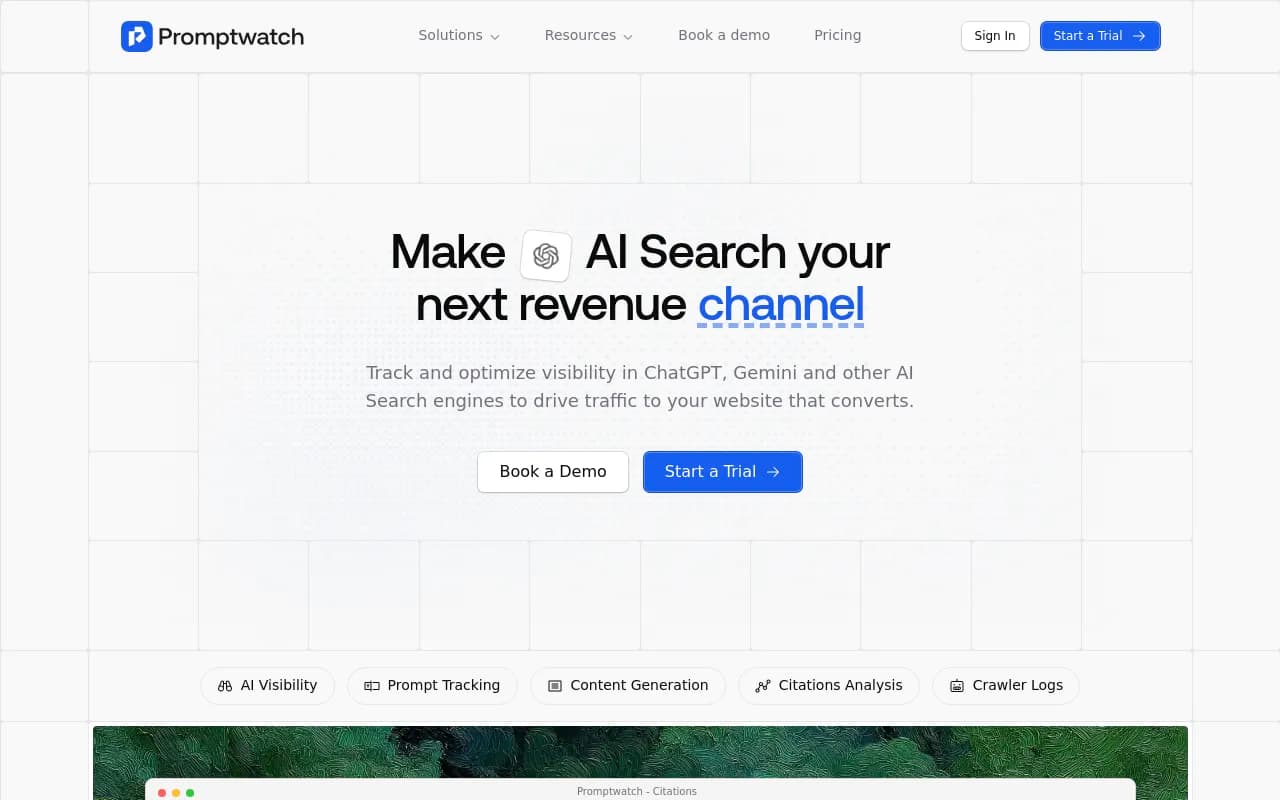
A few things matter for a developer-tool company in particular:
- The coding agents are tracked in their real interfaces where possible, and answers there can differ from what the raw API returns. For OpenCode, which searches the web through Exa, that matters.
- Query fan-outs show the exact web searches an agent runs per response. Since Codex searches the web in most sessions, you can see which queries it fires and whether your docs show up for them.
- IP-verified AI crawler logs show whether bots like GPTBot, ClaudeBot, and OAI-SearchBot can actually read your docs, and where they hit errors. A product can be invisible to an agent simply because its docs sit behind a JavaScript wall.
- Citation Trends classify every citation by content type and source type, so you can see whether agents lean on your docs, your GitHub, or third-party review sites.
- The Action Board and Content Agent turn gaps into prioritized tasks and published pages, rather than leaving you with a dashboard.
Pricing runs from Essential at $95/mo (50 prompts, no crawler logs) to Professional at $245/mo and Business at $579/mo. Crawler logs start on Professional, and the automated Content Agent starts on Business. Confirm current numbers at promptwatch.com/pricing. There is a 7-day free trial on monthly billing, and a free AI visibility report if you just want a first look.
For a deeper explanation of the tracking itself, Promptwatch published a guide on coding agent visibility covering how to add Claude Code and Codex to a project.
Monitoring-only alternatives
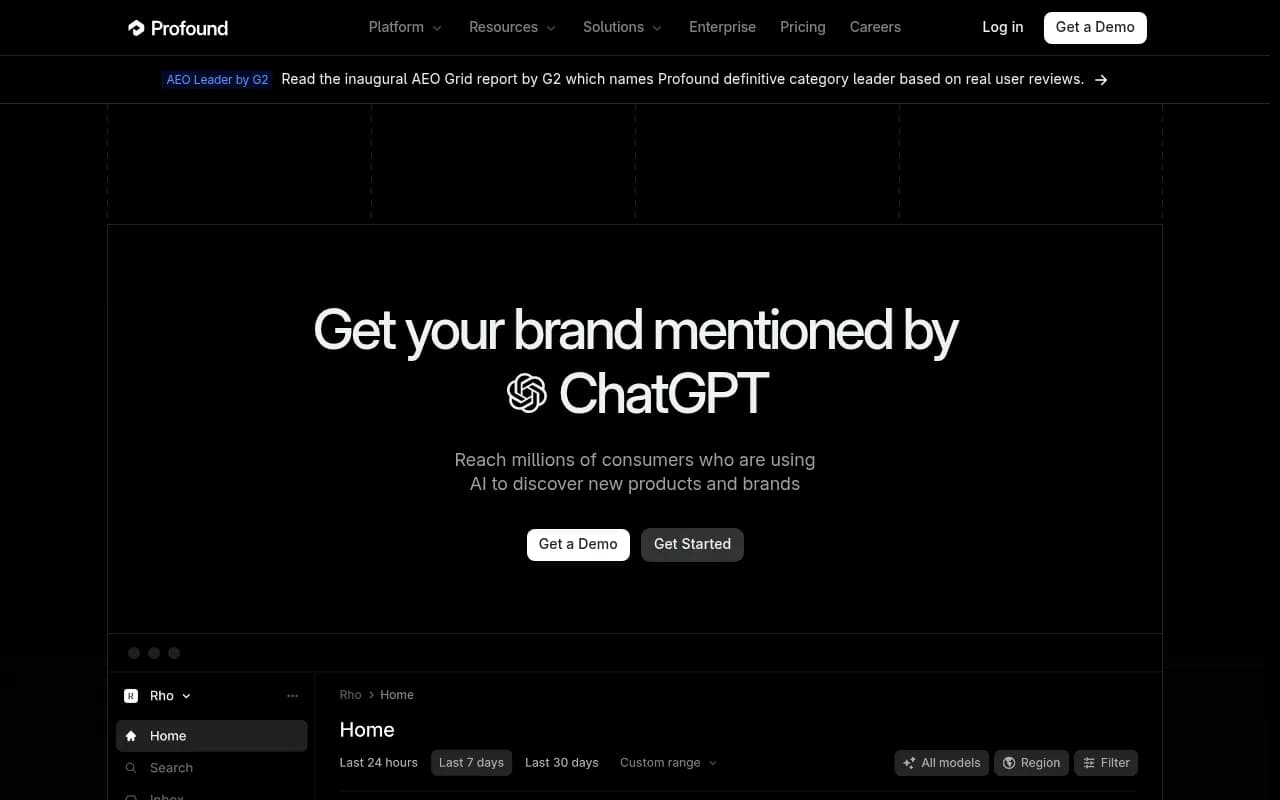
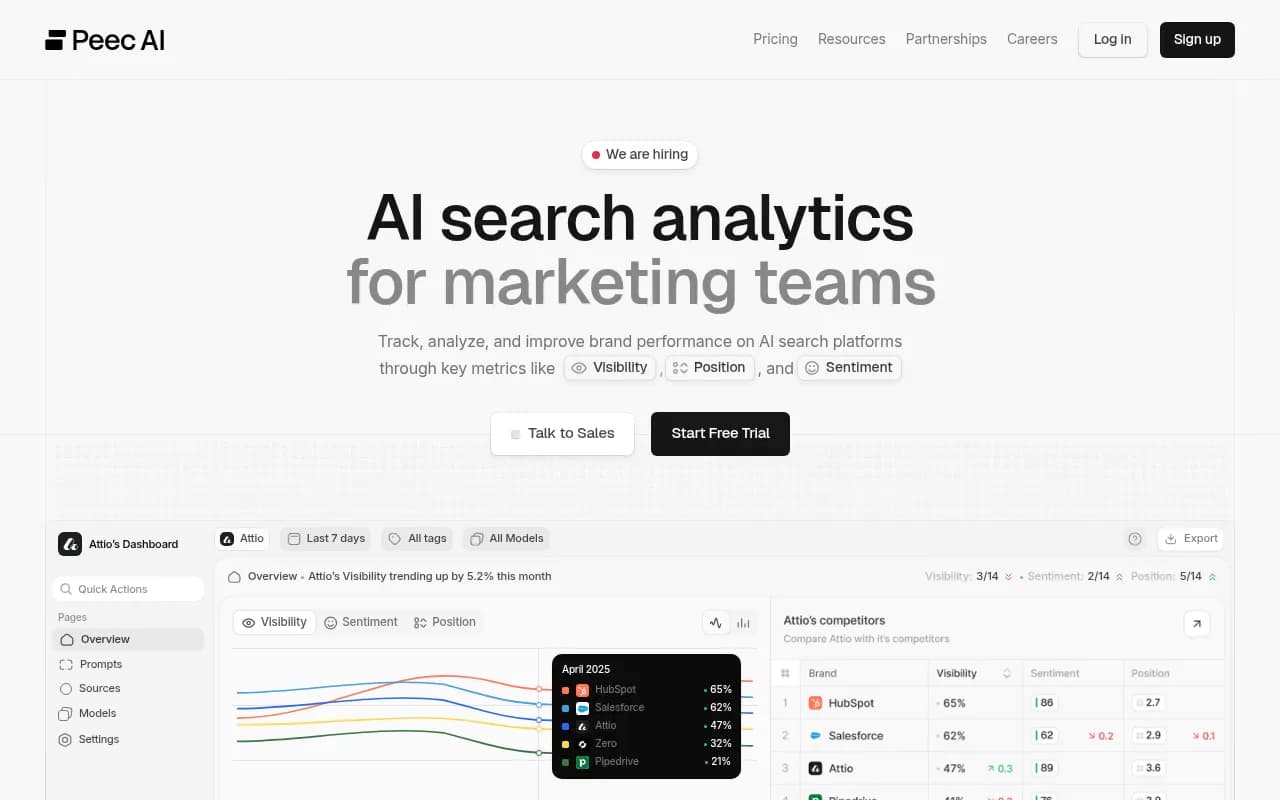
Tools like Profound, Scrunch, Otterly.AI, Peec AI, and AthenaHQ are reasonable for classic brand monitoring in ChatGPT and Perplexity. If your product is aimed at marketers or consumers, they may be all you need. For developer tools, the missing piece is coding agent coverage, and I would ask each vendor directly whether and how they track Codex, Claude Code, and OpenCode before committing.
Profound
Otterly.AI


SEO suites
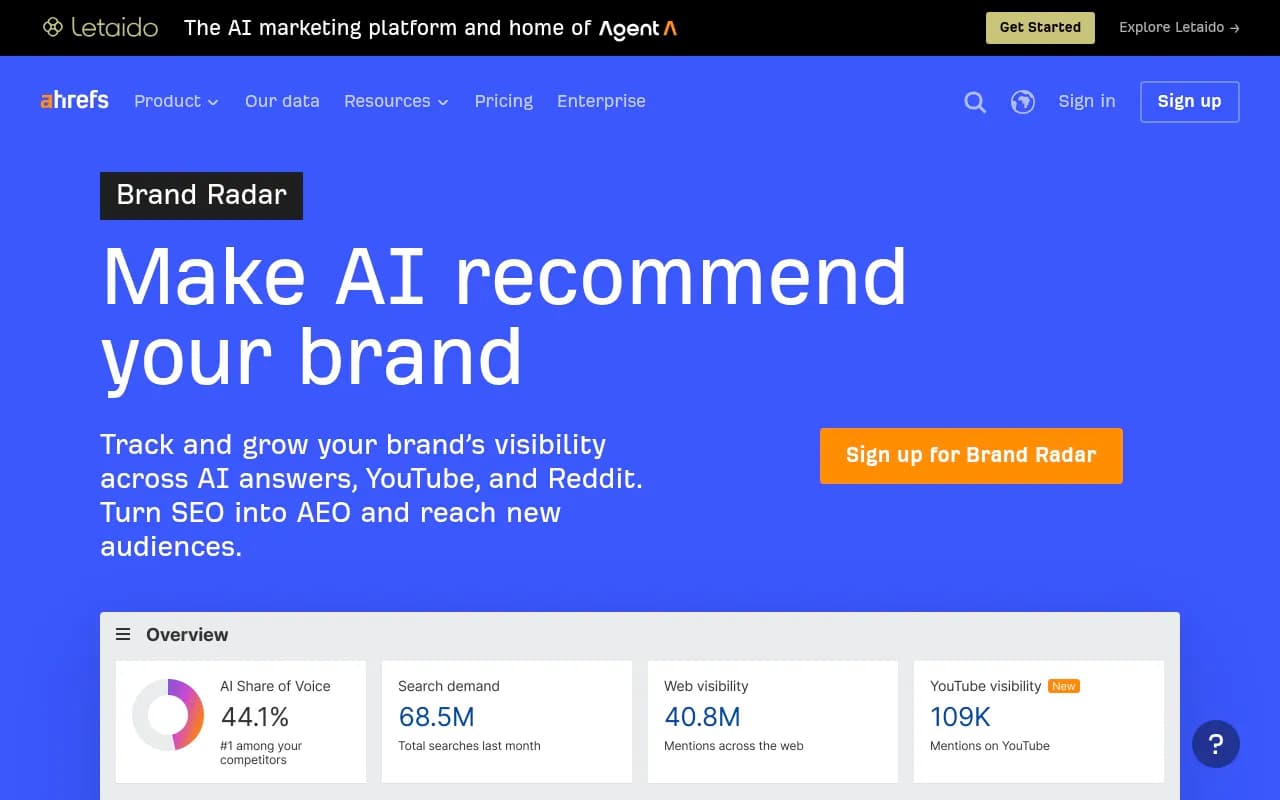
Semrush and Ahrefs Brand Radar both added AI tracking, and they make sense if your team already works in those suites and wants one login. The tradeoff is usually fixed prompt sets and shallower AI-specific data. I did not find anything confirming coding agent coverage in either.
If you want to browse more options, the directory of GEO software at bestgeosoftware.com lists a much wider field than I can cover here.
Why the three agents need separate tracking
It is tempting to run a few prompts through whichever agent you have installed and call it done. Don't. The agents behave differently enough that one sample misleads you.
| Behavior | Claude Code | Codex | OpenCode |
|---|---|---|---|
| Maker | Anthropic | OpenAI | Open source (Anomaly) |
| Model | Claude only | OpenAI models | 75+ providers, any model |
| Web search use | About 30% of sessions (Armature) | About 94% of sessions (Armature) | Via Exa, depends on setup |
| Sandboxing | Deny-first permissions | OS-level sandbox | Client and server design |
| What drives recommendations | Training data plus some search | Live web pages | Whatever model is plugged in |
| What to optimize | Presence in model knowledge, docs, GitHub | Crawlable, current public pages | Broad coverage across models |
The practical read: Codex rewards fresh, crawlable public content because it searches so often. Claude Code leans more on what the model already believes, which is a slower lever you move through sustained citations and docs presence. OpenCode averages across whatever models its users pick.
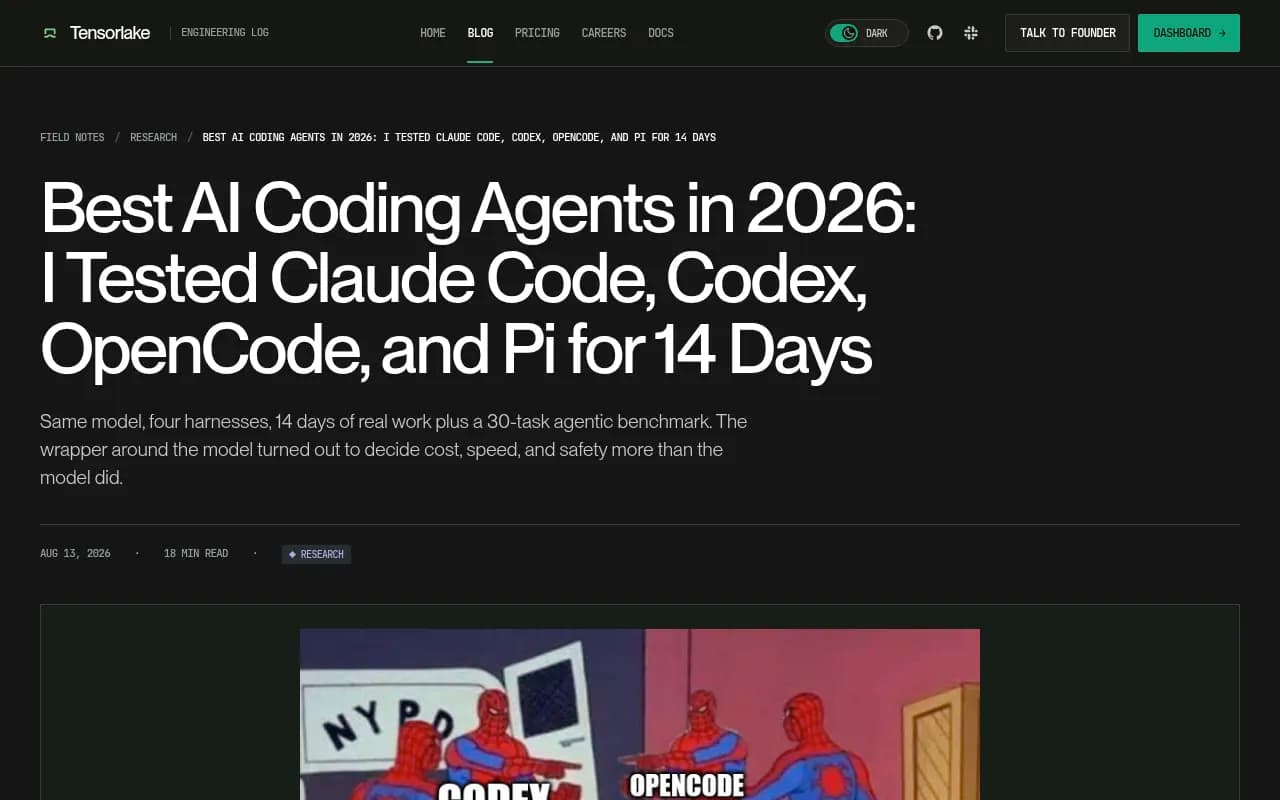
Tensorlake's 14-day test makes a point worth remembering here: the harness around the model changes behavior as much as the model does. Their line was "pick the harness first, pick the model second." For visibility, that translates to tracking each harness as its own surface.
How to track coding agents step by step
1. Write prompts the way a developer would
Skip marketing language. Developers give agents tasks, not category searches. Good prompts look like "add background job processing to a Django app" or "which SDK should I use for sending transactional email from Go." Include a mix of branded prompts ("how do I set up YourProduct"), competitor comparisons, and open-ended task prompts where you hope to be recommended unprompted.
2. Track all three agents plus the chatbots
Run the same prompt set across Claude Code, Codex, and OpenCode, and keep ChatGPT, Gemini, and Perplexity in the mix. Developers still ask chatbots for recommendations, and the chatbots often feed the same sources the agents use. Compare the results side by side. If you are recommended in ChatGPT but absent in Codex, that is a specific, fixable gap.
3. Check whether agents can read your site
This is the step teams skip. Look at robots.txt, CDN rules, and WAF settings for AI crawlers. Promptwatch's AI crawler traffic report (June 8 to Sep 6, 2026) found OpenAI accounted for 79.8% of verified AI crawler requests in the week of Aug 31 to Sep 6, down from 94.8% in early June. Its advice is to compare that mix against your own logs: a provider that is large in the mix but near zero in your logs suggests you are blocked.
Free tools help here too. The Agentic Readiness Check shows which AI crawlers can read your site and which agent standards you support, and the AI Crawler URL Inspector tests a specific page.
4. Fix the sources agents actually use
From the software citation data, the pattern for developer tools is straightforward:
- Publish crawlable docs and help centers, not docs locked in a single-page app
- Keep a public, active GitHub presence with a clear README
- Keep G2 and Capterra profiles current, since review sites still earn a meaningful share
- Add an llms.txt file if you want to give agents a clean index of your docs
One caution on markdown: Promptwatch's data on markdown in AI search shows markdown files make up just 0.05% of AI search citations. Markdown serves AI agents that fetch pages directly, not AI search engines. Useful for coding agents, not a ranking shortcut.
5. Re-measure and repeat
Coding agents ship model updates constantly. Claude Code's default Opus model changed on September 22, 2026, and Codex's bundled default changed on September 4. Any of those can reshuffle recommendations. Weekly re-runs beat quarterly audits. Promptwatch can run monitors daily, or every 12, 6, or 1 hours on Business, which is useful around a launch or a model release.
What the tools will not tell you
A few honest limits.
First, I found no public research that breaks out coding-agent traffic in crawler data, so benchmark numbers for "how often agents hit docs sites" are thin. Treat any vendor that claims precise coding agent traffic share with some skepticism.
Second, coding agent output is nondeterministic. Run each prompt several times and look at rates, not single answers. A tool that reports one mention as a win is not telling you much.
Third, agent security tools like Pillar, CrowdStrike Falcon Guardian, Palo Alto Networks (Koi), and Gen Digital Sage show up in coding-agent roundups, but they solve a different problem. They govern what agents are allowed to do inside your company. They do not measure whether an agent recommends your product. Do not confuse the two categories when you are buying.
Picking a tool: a quick decision guide
| Your situation | What to pick |
|---|---|
| Developer tool or API company, need coding agent data and a way to act on it | Promptwatch |
| Marketing-led SaaS, only need ChatGPT and Perplexity monitoring | A monitoring tracker such as Otterly.AI or Peec AI |
| Already deep in an SEO suite, light AI tracking is enough | Semrush or Ahrefs Brand Radar |
| Agency running several developer-tool clients | Promptwatch agency plans (Kick-off $199, Growth $399, Scale $799) |
| Need to restrict what agents can do inside your org | An agent security tool, not a visibility tool |
For agencies, the plans include unlimited projects and seats, all models, and crawler logs, though they do not include the Content Agent or Knowledge Base. Agencies that need content generation or white-labeling go to Enterprise. More on that at Promptwatch for agencies.
If you want to compare directories of trackers more broadly, the rankings at ai-rank-tools.com are a decent starting point.
A realistic first week
Here is what I would actually do with a small team.
- Day one: run the free AI visibility report and the Agentic Readiness Check. You are looking for crawler blocks and obvious gaps.
- Day two: write 30 to 50 developer-style prompts across branded, comparison, and task categories.
- Days three and four: track them in Claude Code, Codex, OpenCode, ChatGPT, Gemini, and Perplexity. Note where you are missing entirely.
- Day five: open the citation and fan-out data for the prompts where a competitor wins. Find the pages the agent used. That list is your content to-do.
- Week two onward: fix docs, publish comparison and how-to pages, and re-measure.
The point is the loop: measure, find what the agent read, fix it, check again. A dashboard that stops at step one is a nice report and not much else.
Bottom line
Coding agent tracking is early, and the tool field is thin. Promptwatch is the one I can point to that tracks Codex, Claude Code, and OpenCode on every plan and then helps you act on what it finds, with crawler logs and content tools in the same product. Everyone else in this list is, as far as I could confirm, a ChatGPT-and-Perplexity monitor. If your customers are developers, start with the free report, check whether agents can read your docs, and decide from there.
The companies that benefit most are the ones whose docs, GitHub, and review profiles are already good, because those are the sources the agents lean on. Start by making sure an agent can fetch your docs without hitting a wall.