Key takeaways
- Unbounce is the best pick for AI-powered optimization -- its Smart Traffic feature routes visitors to the best variant automatically, without manual A/B test analysis
- Instapage leads on enterprise-grade experimentation and real-time collaboration, but at a significantly higher price point
- Leadpages offers the best value for small businesses and beginners, with the lowest starting price and a gentle learning curve
- Swipe Pages is the specialist choice for mobile ad traffic, with AMP-powered pages that load in under 2 seconds
- All four tools are genuinely no-code -- the right choice depends on your traffic volume, budget, and how much you care about speed vs. depth of testing
Sending paid traffic to your homepage is one of the most expensive habits in digital marketing. A homepage has navigation, multiple CTAs, and a dozen ways for a visitor to wander off. A dedicated landing page has one job. That's the whole point.
The problem is that "landing page builder" has become a crowded category with a lot of noise. Unbounce, Instapage, Leadpages, and Swipe Pages are the four names that keep coming up in serious conversion rate discussions -- and they're genuinely different products aimed at different buyers. This guide breaks down exactly what each one does well, where each one falls short, and which one you should actually use.
What makes a landing page builder good for conversion rate?
Before getting into the tools, it's worth being clear about what we're evaluating. "Good for conversion" isn't just about templates. The things that actually move the needle are:
- A/B testing: Can you run split tests without a developer? How easy is it to set up, and how does the platform report results?
- Page speed: Every second of load time costs conversions. This is especially true on mobile.
- Personalization: Can you show different content to different audience segments?
- Ad platform integration: Does the page connect cleanly to Google Ads and Meta without extra setup?
- Ease of use: If building a page takes three days, you'll build fewer of them. Speed of iteration matters.
With those criteria in mind, here's how the four main contenders stack up.
The four tools at a glance
| Feature | Unbounce | Instapage | Leadpages | Swipe Pages |
|---|---|---|---|---|
| Starting price | ~$99/mo | ~$199/mo | $37/mo | $39/mo |
| A/B testing | Yes (+ AI Smart Traffic) | Yes (enterprise-grade) | Yes (basic) | Yes |
| AI optimization | Smart Traffic AI | Limited | Limited | No |
| Page speed focus | Good | Good | Good | Excellent (AMP) |
| Mobile-first | Yes | Yes | Yes | Yes (AMP-first) |
| Best for | AI-driven optimization | Enterprise teams | Small business/beginners | Mobile ad campaigns |
| Free trial | Yes | Yes | Yes | Yes |
| Template library | 100+ | 200+ | 200+ | 40+ |
| Collaboration tools | Basic | Real-time | Basic | Basic |
Unbounce: best for AI-powered optimization
Unbounce has been around since 2009 and has evolved into something more than a drag-and-drop builder. The headline feature is Smart Traffic -- a machine learning system that analyzes visitor attributes (device, location, browser, behavior) and automatically routes each person to the page variant they're most likely to convert on.

The practical difference from standard A/B testing is meaningful. With a normal split test, you run two variants, wait for statistical significance, pick a winner, and then manually implement it. Smart Traffic skips most of that. It starts learning from the first 50 visitors and continuously optimizes without you having to do anything. Unbounce claims this improves conversions by up to 30% compared to standard A/B testing -- which is plausible, though your mileage will vary by traffic volume.
Beyond Smart Traffic, Unbounce has solid fundamentals: a pixel-perfect drag-and-drop editor, 100+ conversion-focused templates, built-in popups and sticky bars, and direct Google Ads integration. The templates are designed specifically for lead generation, not repurposed website layouts.
Where Unbounce gets complicated is pricing. The Build plan starts around $99/month, but Smart Traffic is locked to higher tiers. If you want the AI optimization that makes Unbounce distinctive, you're looking at $149/month or more. That's not unreasonable for what you get, but it's worth knowing upfront.
Unbounce is the right choice if you're running significant paid traffic and want optimization to happen automatically rather than manually. It's less compelling if you're just starting out or if your traffic volume is too low for the AI to learn effectively (Smart Traffic needs at least 50 conversions per variant to work well).
Instapage: best for enterprise teams and serious experimentation
Instapage positions itself at the enterprise end of the market, and the pricing reflects that -- plans start around $199/month and go up from there. What you get for that premium is the most sophisticated experimentation and collaboration setup of any tool in this category.

The A/B testing in Instapage is genuinely enterprise-grade. You can run multivariate tests, segment results by traffic source, and get heatmaps and session recordings built into the platform. The collaboration features are also a step above the competition -- multiple team members can work on a page simultaneously with real-time editing, which matters if you have designers, copywriters, and marketers all touching the same assets.
Instapage also has AdMap, a feature that visually connects your ad campaigns to specific landing pages. This makes it easier to maintain message match (the alignment between what your ad says and what your landing page says) across large campaign structures. For agencies or in-house teams managing dozens of campaigns, this is genuinely useful.
The downside is the price. Instapage is expensive for what most small businesses need. Zapier's 2026 review noted that while Instapage is worth checking out, they preferred it specifically for teams that need the collaboration and experimentation depth -- not for solo marketers or small teams who'd be paying for features they won't use.
Instapage makes sense if you're an agency managing multiple clients, an in-house team with multiple stakeholders reviewing pages, or a company spending enough on paid ads that sophisticated testing directly pays for itself.
Leadpages: best value for small businesses
Leadpages is the most accessible of the four, both in terms of price and learning curve. At $37/month for the standard plan, it's roughly a third of Unbounce's entry price and a fifth of Instapage's.

The feature set is more modest -- you get A/B testing, 200+ templates, a drag-and-drop editor, and integrations with most major email marketing and CRM tools. What Leadpages doesn't have is Unbounce's AI optimization or Instapage's enterprise collaboration. But for a small business owner who needs to build a lead capture page, run a basic split test, and connect it to Mailchimp or ActiveCampaign, Leadpages does the job without overcomplicating things.
One thing Leadpages does particularly well is speed of setup. The editor is simpler than Unbounce's, which means less flexibility but also less time spent fiddling with layouts. If you want to go from zero to a live page in an afternoon, Leadpages is probably the fastest path.
The platform also includes alert bars, pop-ups, and opt-in forms that work across your existing website -- so it's not just a standalone page builder, it's more of a lead capture toolkit.
For small businesses, solopreneurs, and anyone who wants Unbounce-level features at half the price, Leadpages is the obvious starting point. The main limitation is that as your needs grow -- more sophisticated testing, more traffic, more complex personalization -- you'll eventually hit its ceiling.
Swipe Pages: best for mobile ad campaigns
Swipe Pages is the most specialized tool in this comparison. It's built specifically for mobile-first landing pages using AMP (Accelerated Mobile Pages), which means pages load in under 2 seconds on mobile devices. For anyone running mobile ad campaigns on Google or Meta, that speed advantage is real and measurable.

The conversion case for page speed is well-documented. Google's own research found that as page load time goes from 1 second to 3 seconds, the probability of a mobile user bouncing increases by 32%. Swipe Pages is built around eliminating that problem.
The trade-off is flexibility. AMP has constraints -- certain JavaScript features and design elements aren't supported. Swipe Pages has around 40+ templates, which is fewer than the other tools, and the editor is more limited than Unbounce or Instapage. If you need complex custom layouts or deep personalization, you'll feel constrained.
But if your primary use case is mobile ad traffic -- especially Google Ads or Meta campaigns targeting mobile users -- Swipe Pages is worth serious consideration. The speed advantage alone can offset the limitations, and the pricing ($39/month) is competitive with Leadpages.
How to choose: a practical decision framework
The honest answer is that all four tools work. The question is which one fits your situation.
Choose Unbounce if:
- You're running consistent paid traffic (1,000+ visitors/month per page)
- You want optimization to happen automatically without manual analysis
- You have budget for the higher tiers where Smart Traffic is available
- You need popups and sticky bars alongside your pages
Choose Instapage if:
- You're managing multiple campaigns across a team
- You need real-time collaboration between designers, copywriters, and marketers
- You're spending enough on ads that sophisticated multivariate testing has clear ROI
- Message match across large campaign structures is a priority
Choose Leadpages if:
- You're a small business or solopreneur
- Budget is a constraint and you need a capable tool at a low price
- You want to get pages live quickly without a steep learning curve
- You need basic A/B testing and solid integrations without enterprise complexity
Choose Swipe Pages if:
- Most of your traffic comes from mobile devices
- You're running Google Ads or Meta campaigns targeting mobile users
- Page speed is your primary conversion lever
- You can work within AMP's design constraints
Other tools worth knowing about
These four aren't the only options. A few others are worth mentioning depending on your context:
Carrd is the best free option for simple, single-page sites. It won't do A/B testing or complex integrations, but for a basic landing page with a form, it's hard to beat at $0.
HubSpot Landing Pages is worth considering if you're already in the HubSpot ecosystem. The pages connect directly to the CRM and marketing automation, which eliminates a lot of integration work.

ClickFunnels is the choice if you're building full sales funnels rather than standalone landing pages. It's more expensive and more complex, but it handles multi-step flows that the other tools don't.

Landingi is a solid mid-market option that sits between Leadpages and Unbounce in terms of features and price, with strong event tracking built in.

LanderLab is worth a look for performance marketers who need to build and test pages at scale.

A note on templates and design
All four tools have template libraries, but templates are only a starting point. The conversion impact of a landing page comes from the copy, the offer, and the match between what the ad promised and what the page delivers -- not the template.
That said, Unbounce and Instapage have templates that are more explicitly designed around conversion psychology (clear hierarchy, single CTA, social proof placement). Leadpages templates are solid but feel more generic. Swipe Pages templates are mobile-optimized by default, which matters more than visual sophistication for its target use case.
Speed and technical performance
Page speed deserves its own mention because it's often underweighted in tool comparisons. Swipe Pages wins here by design -- AMP pages are fast by definition. Unbounce, Instapage, and Leadpages all produce reasonably fast pages, but the speed depends heavily on how many images, scripts, and third-party integrations you add.
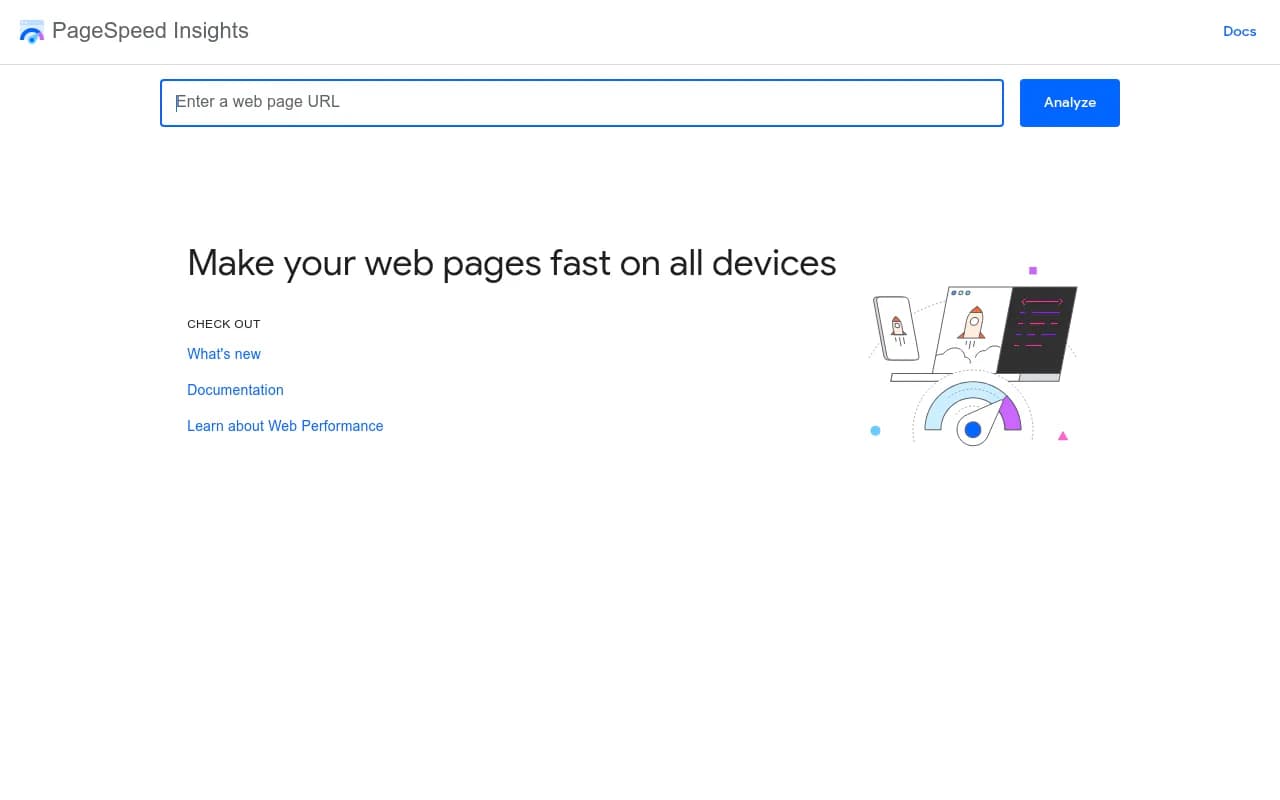
If you're serious about page speed and want to measure it, tools like Google PageSpeed Insights are free and give you a clear picture of where your pages stand.
Integrations and the broader stack
Landing pages don't exist in isolation. They need to connect to your email platform, CRM, and analytics tools. All four builders support the major integrations (Mailchimp, ActiveCampaign, HubSpot, Salesforce, Google Analytics), but the depth varies.
Unbounce and Instapage have more native integrations and better Zapier support for custom workflows. Leadpages covers the essentials. Swipe Pages has fewer integrations than the others, which is worth checking against your specific stack before committing.

Final recommendation
If you're just starting out: Leadpages. It's affordable, capable, and won't overwhelm you.
If you're scaling paid campaigns and want automation: Unbounce. The Smart Traffic feature is genuinely differentiated and worth the price if you have the traffic to support it.
If you're running an agency or enterprise team: Instapage. The collaboration and experimentation depth justifies the cost at scale.
If mobile speed is your primary concern: Swipe Pages. Nothing else in this category matches it for AMP-powered mobile performance.
The worst outcome is spending weeks evaluating tools instead of building and testing pages. All four have free trials. Pick the one that fits your situation, build something, and see what the data tells you.