Key takeaways
- ChatGPT and other AI engines now factor in location context when generating recommendations, making city-level tracking essential for local and multi-location clients
- Most AI visibility tools track at the national or global level -- only a handful support state/city-level prompt monitoring
- The most useful client reports combine visibility scores, competitor comparisons, citation sources, and a clear action plan
- Agencies that can show why a client is invisible in AI search -- and fix it -- retain clients far longer than those who just deliver dashboards
- Tools like Promptwatch support city-level tracking natively, making it one of the few platforms built for this use case
Why local AI search tracking matters now
For years, local SEO meant Google Maps rankings, citation consistency, and review volume. That playbook still works. But something has shifted in how people find local businesses.
When someone asks ChatGPT "what's the best HVAC company in Denver" or "top rated personal injury lawyers in Austin," they get a direct answer. No map pack. No ten blue links. Just a recommendation, often with a brief explanation of why.
Your client either appears in that answer or they don't.
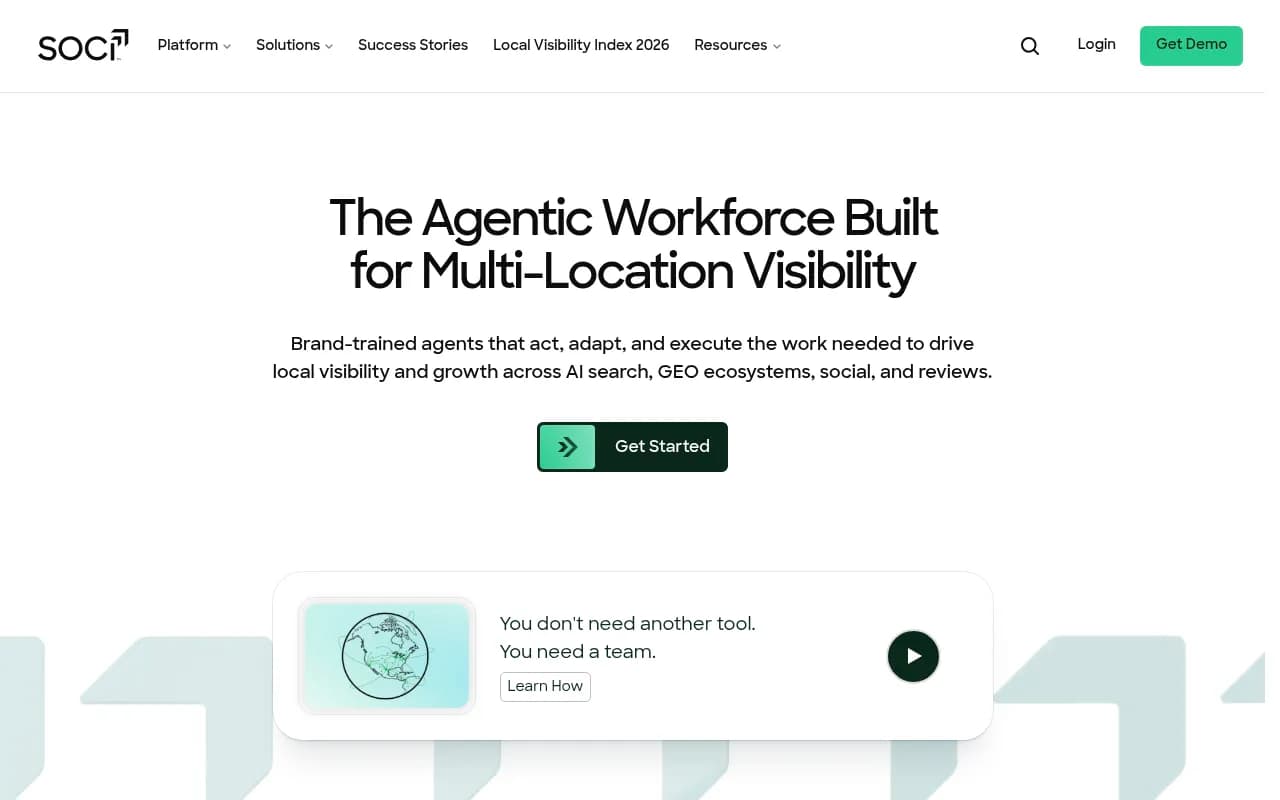
According to SOCi's 2026 Local Visibility Index, multi-location brands are now being evaluated on a "% Recommended" metric -- how often they appear in AI-generated responses across their service areas. The brands winning in AI search aren't necessarily the ones with the most reviews or the highest Google rankings. They're the ones whose content directly answers the questions AI models are trained to respond to.
This creates a real opportunity for agencies. Local businesses are mostly unaware of how they appear (or don't appear) in ChatGPT, Gemini, or Perplexity. Most have no idea what prompts are driving recommendations in their category. And almost none of them are doing anything about it.
That's your opening.
What "city-level tracking" actually means
Before you build a service around this, it's worth being precise about what city-level AI tracking involves -- because it's different from traditional local rank tracking.
In traditional local SEO, you track a keyword like "plumber near me" from a specific GPS coordinate. The rank changes based on where the searcher is physically located.
In AI search, location works differently. ChatGPT doesn't have a GPS signal. Instead, it responds to location signals embedded in the prompt itself. So "best plumber in Chicago" and "best plumber in Houston" are treated as distinct queries -- and the responses can be completely different.
City-level AI tracking means running location-specific prompts (with the city name included) and monitoring whether your client appears in the response, how prominently, and what the AI says about them.
For a multi-location client with 20 service areas, that means running 20 variations of each prompt. For a franchise with 200 locations, it scales accordingly.
This is why most basic AI visibility tools fall short for local work. They're built for brand-level monitoring, not geographic segmentation.
Setting up city-level prompt tracking
Step 1: Build your prompt set
Start with the queries your client's customers actually use. Think about:
- Category + city: "best [service] in [city]"
- Problem-based: "who should I call for [problem] in [city]"
- Comparison: "top [service] companies in [city]"
- Recommendation: "recommend a [service] provider in [city]"
For most local clients, 10-20 prompts per location is a reasonable starting point. Focus on the ones with commercial intent -- the queries where someone is about to make a decision.
If you're managing a multi-location client, you don't need to track every prompt in every city from day one. Start with the top 5 markets by revenue, then expand.
Step 2: Choose a tool that supports geographic segmentation
This is where most agencies hit a wall. Many AI visibility platforms run prompts without location context, or they only support national-level tracking.
For city-level work, you need a platform that lets you specify the location in the prompt configuration and ideally run the same prompt set across multiple cities simultaneously.
Promptwatch's Professional plan ($249/mo) includes state and city-level tracking natively -- you can configure prompts to run with city context and compare results across locations. That's one of the few platforms where this is a first-class feature rather than a workaround.

Other tools worth evaluating for local AI tracking:

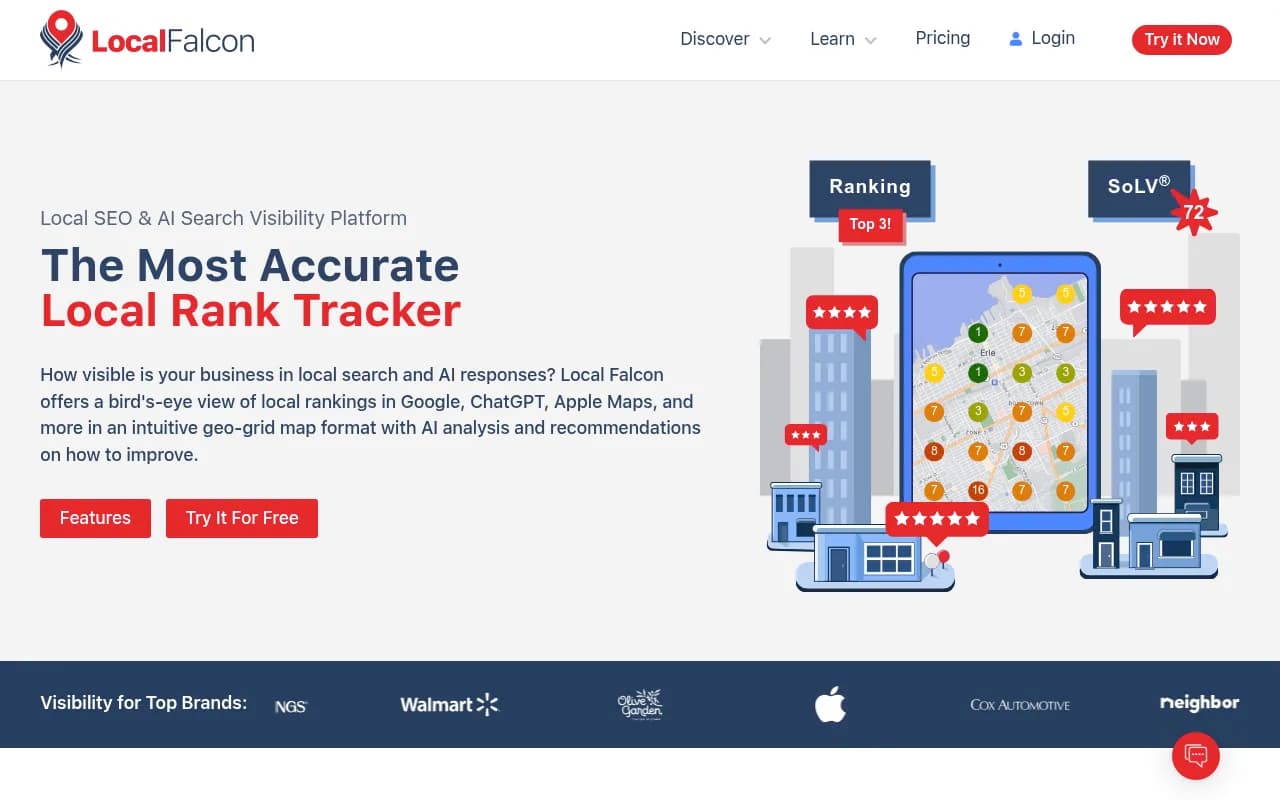
Local Falcon has been particularly active in building out AI visibility features for local agencies -- their playbook for AI visibility services is worth reading if you're building this as a productized service.
Step 3: Establish a baseline
Before you can show progress, you need to know where the client stands. Run your full prompt set across all target cities and record:
- Whether the brand appears in the AI response (yes/no)
- Position in the response (first mention, second mention, etc.)
- Whether the response includes a positive, neutral, or negative characterization
- Which competitors appear when the client doesn't
- What sources the AI cites (if visible)
This baseline becomes the "before" state in your client reports. It's also useful for the initial sales conversation -- running a quick scan before the pitch call and showing a prospect exactly where they're invisible is a compelling way to open a conversation.
Building client reports that actually land
The data is only useful if clients understand it. Most agency clients don't know what an LLM is, and they don't need to. What they care about is: "Am I showing up when my customers ask AI for a recommendation?"
Here's a reporting structure that works well for local clients.
The visibility score
Give each client a simple percentage: out of all the prompts you're tracking, what share return a response that includes their brand? A client appearing in 3 out of 20 tracked prompts has a 15% AI visibility score.
This number is easy to explain, easy to track over time, and immediately comparable to competitors. If the top competitor in the market has a 65% score and your client is at 15%, that gap is the entire pitch for your service.
Competitor comparison
Show which competitors are appearing in the prompts where your client isn't. This is often the most motivating data point for clients -- seeing a specific competitor named by ChatGPT when asked for a recommendation in their city.
A simple table works well here:
| Prompt | Client appears? | Top competitor named |
|---|---|---|
| "Best HVAC company in Denver" | No | Competitor A |
| "HVAC repair in Denver" | No | Competitor B |
| "Denver heating and cooling" | Yes (3rd) | Competitor A |
| "Emergency HVAC Denver" | No | Competitor C |
City-by-city breakdown
For multi-location clients, show visibility by market. Some cities will be stronger than others -- usually because the client has more content, more reviews, or more citations in those markets. The weak markets become the priority for content work.
| City | Visibility score | Change vs last month |
|---|---|---|
| Denver | 45% | +8% |
| Colorado Springs | 20% | +2% |
| Boulder | 12% | 0% |
| Fort Collins | 5% | -3% |
What the AI is saying
Pull actual response excerpts where the client appears. Clients love seeing their brand name in a ChatGPT response. They also need to know if the AI is saying something inaccurate or outdated -- which happens more than you'd expect.
If the AI describes a client's business incorrectly (wrong service area, outdated pricing, wrong specialization), that's a content problem you can fix.
The action plan
This is what separates a good agency report from a data dump. Every report should end with 3-5 specific actions:
- "Create a dedicated page targeting [prompt] -- this is the gap driving your low score in Fort Collins"
- "Your competitor appears in 12 of 15 prompts because they have detailed FAQ content on [topic] -- we recommend building similar content"
- "The AI is citing a Yelp review from 2022 that mentions a service you no longer offer -- we need to update your content to correct this"
The content gap problem (and how to fix it)
Here's the thing most agencies miss: low AI visibility is almost always a content problem.
AI models recommend brands that have clear, authoritative content answering the questions users ask. If a client's website doesn't have a page that directly addresses "emergency HVAC repair in Denver," ChatGPT probably won't recommend them for that query -- even if they're excellent at it.
The gap analysis is straightforward: look at the prompts where competitors appear and your client doesn't, then identify what content those competitors have that your client lacks.
Platforms like Promptwatch have built-in Answer Gap Analysis that automates this -- it shows you exactly which prompts competitors are visible for and what content is driving those citations. That turns a manual research process into something you can do at scale across a client portfolio.
Once you know the gaps, the fix is usually one of:
- Creating new location-specific service pages
- Adding FAQ sections that directly answer the tracked prompts
- Building comparison or "best of" content in the client's category
- Getting the client cited in third-party sources (local directories, industry publications, Reddit threads) that AI models pull from
Pricing and packaging this as an agency service
City-level AI visibility tracking is a recurring service, not a one-time audit. The data changes as AI models update, as competitors publish new content, and as your own content work takes effect.
A reasonable packaging structure:
Starter: 1 location, 20 prompts, monthly report -- $300-500/mo Growth: Up to 5 locations, 50 prompts, monthly report + content recommendations -- $800-1,200/mo Multi-location: 10+ locations, 100+ prompts, monthly report + content production -- $2,000+/mo
The content production piece is where the real margin is. Tracking alone is a commodity. Showing clients what to fix and then fixing it is a defensible service.
For the prospecting side, running a free AI visibility scan before a sales call is a proven opener. Show a prospect their score, show them where their top competitor is appearing, and you've created urgency without a hard sell.
Tools comparison for local AI tracking
Here's how the main options stack up for agency use cases focused on local/city-level tracking:
| Tool | City-level tracking | Multi-client management | Content gap analysis | White-label reports | Price |
|---|---|---|---|---|---|
| Promptwatch | Yes (Professional+) | Yes | Yes | Yes | From $249/mo |
| Local Falcon | Yes (AI scan) | Yes | Limited | Yes | Varies |
| SOCi | Yes | Yes (enterprise) | Limited | Yes | Enterprise |
| Rankshift | Limited | Yes | No | Limited | Varies |
| BrightLocal | Traditional local only | Yes | No | Yes | From $39/mo |
| Otterly.AI | No | Limited | No | No | From $29/mo |
Otterly.AI

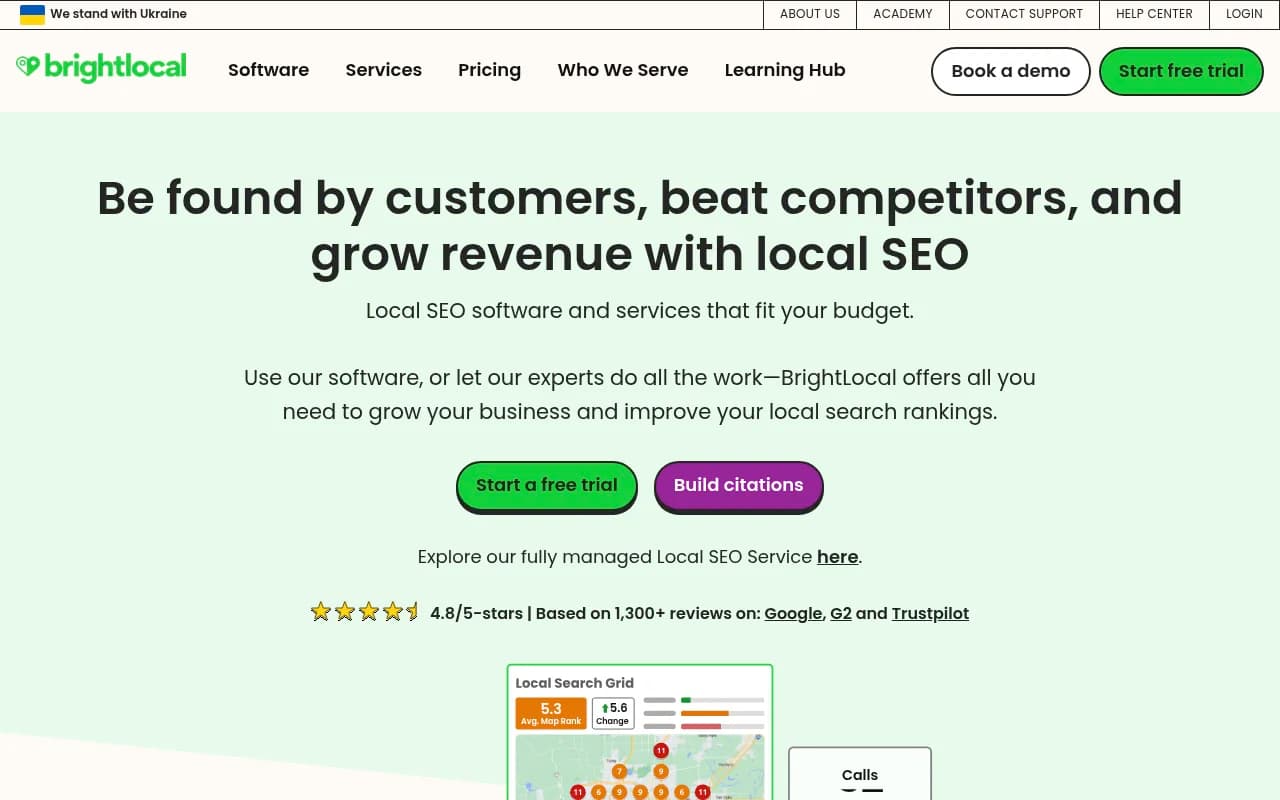
BrightLocal remains the standard for traditional local SEO reporting, but it doesn't track AI search at all. For agencies that want to add AI visibility as a service layer on top of existing local SEO work, the combination of BrightLocal (for Google Maps/traditional) and Promptwatch (for AI search) covers both channels.
What to watch for in AI responses
A few things to flag when reviewing AI responses for local clients:
Hallucinated details. AI models sometimes invent phone numbers, addresses, or service descriptions. If you spot this, it's an urgent fix -- a client being recommended with wrong contact information is worse than not being recommended at all.
Outdated citations. AI models often pull from content that's years old. If a client rebranded, changed their service area, or updated their specialization, the AI may still be describing the old version.
Negative framing. Occasionally an AI response will include a caveat about a brand ("some reviewers note long wait times" or "pricing is on the higher end"). These usually trace back to specific review sources or forum discussions. Knowing where they come from lets you address them.
Competitor dominance. If one competitor appears in 80% of your tracked prompts, dig into why. Usually it's a combination of content depth, third-party citations, and review volume. That analysis becomes your roadmap.
Getting started this week
You don't need a full platform subscription to start. Here's a practical first step:
Pick one client in a competitive local category. Open ChatGPT and run 10 prompts with their city name included. Note whether they appear, who does appear, and what the AI says. Screenshot everything.
That's your proof of concept. It takes 30 minutes and gives you enough data to have a meaningful conversation with the client -- or to use as a prospecting tool with a new prospect in the same category.
Once you've validated the concept with one client, build out the tracking infrastructure properly. The manual approach doesn't scale past two or three clients, and the reporting becomes inconsistent. That's when a platform like Promptwatch -- with its city-level prompt configuration, competitor heatmaps, and built-in content gap analysis -- starts paying for itself.
The agencies that build this capability now, while most competitors are still focused purely on Google rankings, will have a significant head start. Local AI search is not a future trend. It's happening right now, and most local businesses have no idea where they stand.