Key takeaways
- Google Business Profile (GBP) and ChatGPT visibility are now two separate channels driving local discovery — you need data from both to understand your true local search presence.
- GBP tracks high-intent actions (calls, direction requests, website clicks), while city-level ChatGPT tracking shows whether AI models recommend your business when locals ask conversational questions.
- Combining both datasets reveals gaps that neither source shows alone — for example, a location with strong GBP traffic but zero AI mentions is invisible to a growing share of searchers.
- Tools like Promptwatch let you track AI visibility by city and persona, while platforms like BrightLocal and Improvado handle GBP data at scale.
- The most actionable workflow: export GBP performance by location, layer in city-level AI visibility scores, and use the gaps to prioritize content and listing optimization.
Local search in 2026 is split. When someone wants to find a plumber, a restaurant, or a med spa near them, they might open Google Maps and check the local pack — or they might just ask ChatGPT, Perplexity, or Gemini. Both paths are real, both are growing, and they pull from completely different data sources.
The problem is that most local businesses and agencies are only watching one of them. They check Google Business Profile metrics once a month (or less), and they have no idea what ChatGPT says when someone in their city asks a relevant question. That blind spot is getting more expensive as conversational AI search keeps eating into traditional local search volume.
This guide walks through how to pull both data streams together — practically, not theoretically.
Why these two data sources are complementary, not redundant
GBP analytics tells you what happened after someone found your listing. The three metrics that matter most, according to Birdeye's 2026 State of Google Business Profiles report: website visits (47% of tracked actions), direction requests (38%), and phone calls (15%). These are high-intent signals from people who were already in the Google ecosystem.
ChatGPT tracking tells you something different: whether AI models surface your business when someone asks a conversational question. "Best Italian restaurant in Austin," "who does emergency HVAC repair near downtown Denver," "top-rated pediatric dentist in Chicago" — these queries happen in ChatGPT, Perplexity, and Gemini now, and they don't show up in your GBP dashboard at all.
The overlap is smaller than you'd think. A business can have excellent GBP performance (lots of calls, strong review velocity, high map impressions) and still be completely invisible in AI-generated recommendations. The reverse is also true: some businesses get cited by AI models regularly but have thin GBP profiles that underperform on Maps.
Combining both gives you a more honest picture of local visibility — and a clearer sense of where to invest.
Step 1: Get your GBP data into a usable format
The native GBP interface is fine for a quick check, but it's not built for analysis. If you're managing more than one location, or if you want to join GBP data with other sources, you need to get it out of the dashboard.
Option A: Manual export (works for 1-5 locations)
Log into Google Business Profile, navigate to each location, and export performance data as a CSV. You'll get impressions, search queries, actions (calls, directions, website clicks), and photo views. The main limitation: GBP only retains 18 months of data, and the export process is location-by-location, which gets tedious fast.
Option B: GBP API (for developers and analysts)
The Google Business Profile API gives you programmatic access to performance insights and location data. It's the right choice if you're building a reporting pipeline or managing dozens of locations. The catch is rate limits and schema changes — you'll need persistent extraction architecture, not a one-off script.
Option C: Third-party connectors
For most marketing teams, a connector is the practical middle ground. Tools like Improvado pull GBP data directly into your data warehouse alongside 1,000+ other marketing sources, handling schema mapping and connector maintenance automatically.
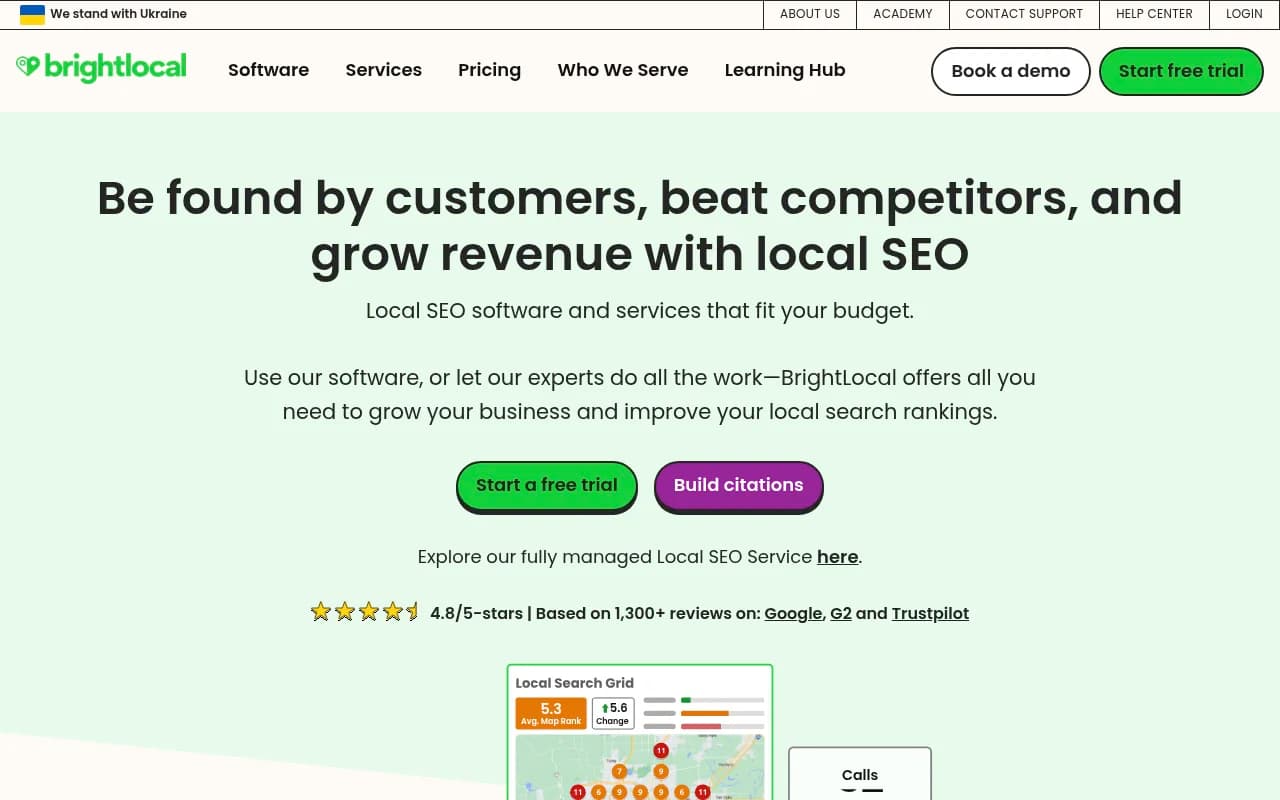
BrightLocal is worth mentioning here too — it's built specifically for local SEO at scale and handles GBP data well across multi-location setups.
Whatever method you use, the key fields to capture per location:
- Total impressions (Search vs. Maps)
- Search type breakdown (direct, branded, discovery)
- Actions: calls, direction requests, website clicks
- Top search queries
- Review count and average rating
- Response rate and response time
Step 2: Set up city-level ChatGPT tracking
This is the part most local businesses haven't done yet. Tracking what ChatGPT says about your brand in a specific city requires a different kind of tool than anything in the traditional local SEO stack.
The core idea: you define a set of prompts that represent how real customers in your target cities ask questions ("best [category] in [city]", "who should I call for [service] in [neighborhood]"), and a tracking platform runs those prompts regularly against multiple AI models, recording whether your brand appears, where it ranks in the response, and what competitors are mentioned.
Promptwatch does this with city and state-level granularity — you can set up location-specific personas that match how your actual customers prompt, and track results across ChatGPT, Perplexity, Google AI Overviews, Gemini, and several other models simultaneously.

A few other tools worth knowing about:
BrightLocal has started incorporating AI visibility features alongside its traditional local SEO tracking, making it a reasonable option if you're already using it for GBP management.

Rankshift tracks brand visibility across ChatGPT and Perplexity with a clean interface, though it's lighter on the local/city-level customization side.
What to track per city
For each target location, set up prompts across a few categories:
- Category discovery: "best [your category] in [city]"
- Problem-based: "who can help with [specific problem] in [city]"
- Comparison: "[your category] near [neighborhood] vs [neighborhood]"
- Review-driven: "most recommended [category] in [city]"
Run these against at least ChatGPT and Perplexity to start. Google AI Overviews matters too, especially for mobile local searches.
Step 3: Build the combined view
Once you have GBP data and AI visibility data for the same locations, the interesting analysis starts. Here's a simple framework for reading the combined picture:
| GBP performance | AI visibility | What it means | Priority action |
|---|---|---|---|
| High | High | Strong local presence across both channels | Maintain; protect review velocity |
| High | Low | Visible on Maps but missing from AI recommendations | Create content targeting AI citation; optimize for conversational queries |
| Low | High | AI recommends you but Maps presence is weak | Improve GBP completeness, photo quality, review count |
| Low | Low | Underperforming on both channels | Full local SEO + GEO audit needed |
The "High GBP / Low AI" quadrant is where most established local businesses sit right now. They've done the work to rank well on Maps, but their content doesn't answer the kinds of conversational questions AI models use to generate recommendations.
The "Low GBP / High AI" pattern is rarer but interesting — it often shows up for businesses that have been mentioned in local press, Reddit threads, or review aggregators that AI models cite heavily, even without a polished GBP profile.
Step 4: Diagnose why AI visibility is low (when it is)
If a location has strong GBP performance but poor AI visibility, the gap usually comes down to one of a few things:
Your content doesn't answer the questions AI models are trained on
AI models recommend businesses based on what they've learned from the web — reviews, local directories, blog posts, news coverage, Reddit discussions. If your website has thin content and your only online presence is your GBP listing, AI models don't have much to work with.
The fix: create content that directly answers the questions your customers ask. Not generic "about us" pages, but specific articles and FAQs that address real local queries. "What to look for in an emergency plumber in [city]" written by your business is the kind of content that gets cited.
Promptwatch's Answer Gap Analysis shows exactly which prompts competitors are visible for that you're not — which makes content prioritization much less guesswork.
Your reviews aren't being surfaced
AI models pull heavily from review platforms. A business with 200 Google reviews and consistent 4.8-star ratings is much more likely to be cited than one with 12 reviews. Review velocity matters too — recent reviews signal that a business is active.
Cross-reference your GBP review data with your AI visibility scores. Low review count often correlates directly with low AI mention rates.
You're not in the right directories and aggregators
Beyond Google, AI models cite Yelp, TripAdvisor, Healthgrades, Houzz, and dozens of category-specific directories. If your business isn't listed (or has inconsistent NAP data) across these sources, AI models may not have enough confidence to recommend you.
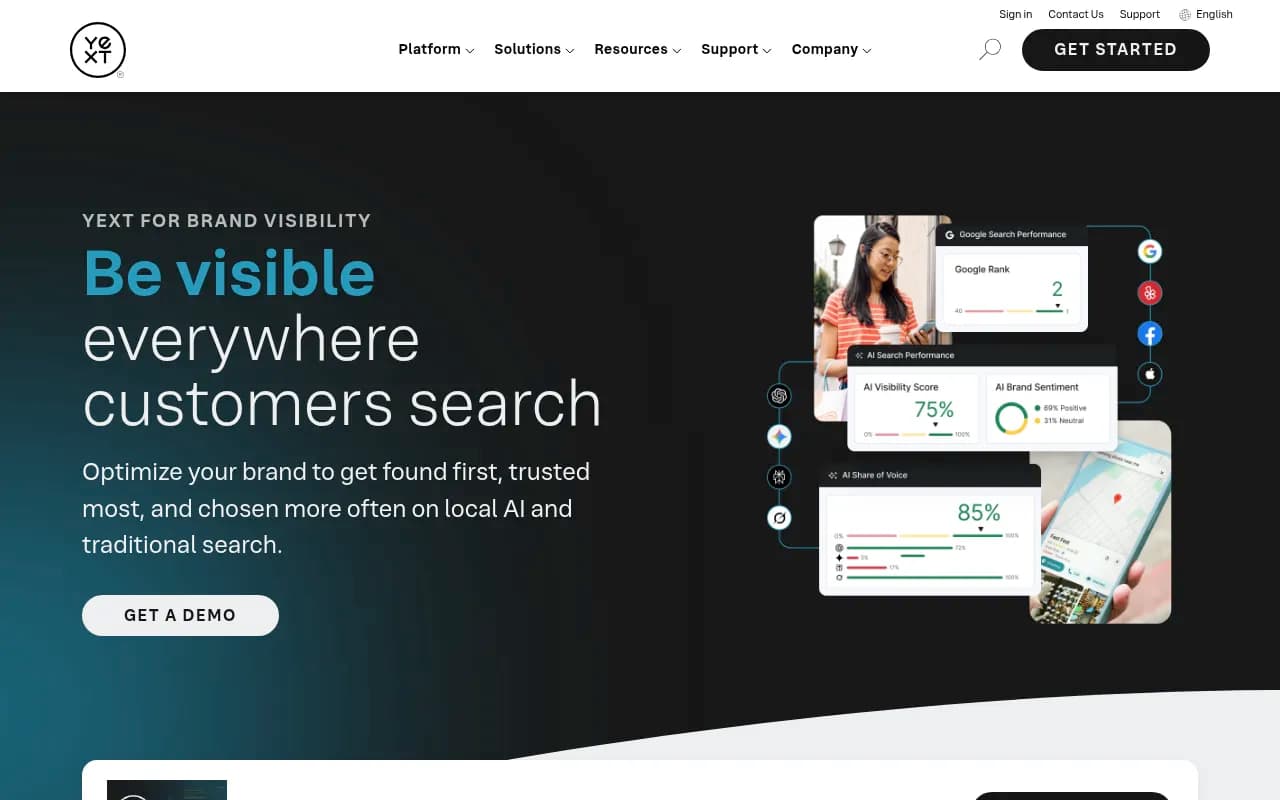
Yext handles multi-location listing consistency across traditional and AI search channels, which is worth considering if you're managing several locations with inconsistent directory data.
Step 5: Connect visibility to actual revenue
Tracking GBP metrics and AI visibility scores is useful. Connecting them to leads and revenue is better.
For GBP, this is relatively straightforward: calls, direction requests, and website clicks are trackable actions with clear conversion implications. If you're running call tracking, you can tie GBP calls directly to booked appointments or sales.
For AI visibility, attribution is harder but not impossible. A few approaches that work:
- UTM-tagged landing pages: if your AI visibility tool tracks when your brand appears in AI responses with a link, use UTM parameters to identify traffic from AI referrals.
- Server log analysis: AI crawlers (ChatGPT's GPTBot, Perplexity's PerplexityBot, etc.) leave traces in server logs. Analyzing these tells you which pages AI models are reading, which correlates with what they recommend.
- Direct traffic monitoring: a meaningful portion of AI-referred traffic shows up as direct in GA4. Comparing direct traffic trends against AI visibility score changes can reveal the relationship.
Promptwatch offers traffic attribution through a code snippet, Google Search Console integration, or server log analysis — which closes the loop between AI visibility and actual site traffic.
Step 6: Automate the reporting
Manually pulling GBP exports and AI visibility data every month doesn't scale. Here's a practical automation stack depending on your setup:
For small teams (1-10 locations)
- GBP data: export monthly CSVs or use a lightweight connector
- AI visibility: Promptwatch or Rankshift with email reports
- Reporting: Google Sheets or Looker Studio with a simple combined dashboard
For agencies and multi-location brands
- GBP data: Improvado or BrightLocal API into your data warehouse
- AI visibility: Promptwatch (supports up to 5 sites on Business plan, with agency/enterprise pricing for more)
- Reporting: Looker Studio with Promptwatch's native integration, or custom dashboards via the API
Google Analytics 4 is worth connecting here too — specifically to track the "direct" and referral traffic that correlates with AI visibility changes over time.
One more tool worth mentioning for the data pipeline side: Windsor.ai has built a native ChatGPT integration that lets you query your GBP data conversationally — useful for quick analysis without building a full dashboard.
Practical example: a regional HVAC company with 8 locations
Say you're running marketing for an HVAC company with locations across a mid-sized metro area. Here's what the combined analysis might surface:
Your downtown location has the highest GBP call volume (strong Maps presence, lots of reviews, good response rate). But when you run city-level ChatGPT prompts for "emergency AC repair downtown [city]," a competitor shows up in the top three recommendations and you don't appear at all.
Why? Your competitor has a blog post titled "What to do when your AC breaks down in [city] in summer" that gets cited regularly. You have no comparable content.
Your suburban location, on the other hand, has lower GBP call volume but shows up in AI recommendations for "HVAC maintenance near [suburb]" — because a local home improvement blog mentioned you in a roundup that AI models cite.
The combined view tells you: invest content resources in the downtown location, and figure out what's driving the suburban AI visibility so you can replicate it elsewhere.
Tools comparison
| Tool | GBP data | AI visibility | City-level tracking | Content gap analysis | Best for |
|---|---|---|---|---|---|
| Promptwatch | No (via integration) | Yes (10 models) | Yes | Yes | Full AI visibility + optimization |
| BrightLocal | Yes | Partial | Yes | No | Local SEO agencies |
| Improvado | Yes | No | No | No | Data pipeline / analytics |
| Yext | Yes | Partial | Yes | No | Multi-location listing management |
| Rankshift | No | Yes | Limited | No | Basic AI visibility tracking |
The honest answer is that no single tool does everything perfectly yet. The most practical setup in 2026 is Promptwatch for AI visibility and content gap analysis, combined with BrightLocal or Improvado for GBP data, feeding into a shared reporting layer.
What to do this week
If you want to start combining these data streams without a big project:
- Export the last 90 days of GBP performance for your top 3-5 locations. Note calls, direction requests, and top search queries per location.
- Set up 5-10 city-level prompts in a tracking tool (Promptwatch has a free trial) for each location. Use the actual questions your customers ask.
- Run the 2x2 matrix above. Identify which locations fall into the "High GBP / Low AI" quadrant.
- For those locations, look at what content your AI-visible competitors have that you don't. That's your content backlog.
- Publish one piece of content per location that directly answers a high-volume local query. Track whether AI visibility improves over the following 4-6 weeks.
The gap between GBP optimization and AI visibility optimization is closing fast. The businesses that figure out both channels now will have a meaningful head start on the ones that are still treating local search as a single, unified thing.