Key takeaways
- Blocking an AI crawler does not directly write false claims about you. It removes your own pages from what that system can read, so third-party pages, old snapshots and training data fill the gap.
- Training bots (GPTBot, ClaudeBot, Google-Extended) and answer-time bots (OAI-SearchBot, ChatGPT-User, Claude-User, PerplexityBot) do different jobs. Blocking one group does not mean blocking the other, and mixing them up is the most common mistake.
- Robots.txt is a voluntary convention, not access control. A wildcard rule, a CDN firewall or a bad deploy can block bots you never meant to block.
- No public study I found measures the causal link between blocking and wrong brand facts. Treat this as a well-reasoned risk, then verify it with your own crawler logs and AI answers.
- The fix is a loop: audit robots.txt and CDN rules, check IP-verified crawler logs, test what AI says about you, and correct the pages that feed wrong claims.
The short answer
Sort of, but indirectly. Robots.txt does not tell an AI what to say. It tells a crawler what it may fetch. If your pricing page, docs and about page are off limits, the model still answers questions about you. It just answers from whatever else it can find: review sites, Reddit threads, competitor comparison pages, news coverage, and whatever it absorbed during training.
That substitute material is where wrong facts come from. Your 2024 pricing on a listicle. A former CEO on an old press article. A feature you retired two years ago, still described on a directory. When your own pages are readable, they compete with that material. When they are blocked, they do not compete at all.
I want to be upfront about the evidence. I could not find a study that isolates blocking as the cause of brand inaccuracies. What exists is adjacent: data on who blocks, data on how long cited pages stay in circulation, and a lot of documentation on how the different bots behave. The argument below is built from those pieces, and the last section shows how to test it on your own site rather than take my word for it.
How robots.txt actually works for AI bots
The file sits at the root of your domain and lists user-agent groups with Allow and Disallow rules. A crawler that respects the convention reads the group matching its name, or the wildcard group if none matches, and skips what is disallowed.
Three things matter for accuracy.
First, compliance is voluntary. Cloudflare's write-up on managed robots.txt describes the file as a code of conduct sign and stresses that it is not access control. Poorly behaved bots can ignore it. Well behaved ones, which includes the major AI operators' documented crawlers, generally follow it.
Second, many sites have no file at all. Cloudflare found that only about 37% of the top 10,000 domains on its network have a robots.txt, and GPTBot was disallowed in just 7.8% of those files at the time of its analysis. Google-Extended appeared in 5.6%, and anthropic-ai, PerplexityBot, ClaudeBot and Bytespider each in under 5%. So most sites are not blocking AI on purpose. Where blocking exists, it is often a deliberate publisher decision.
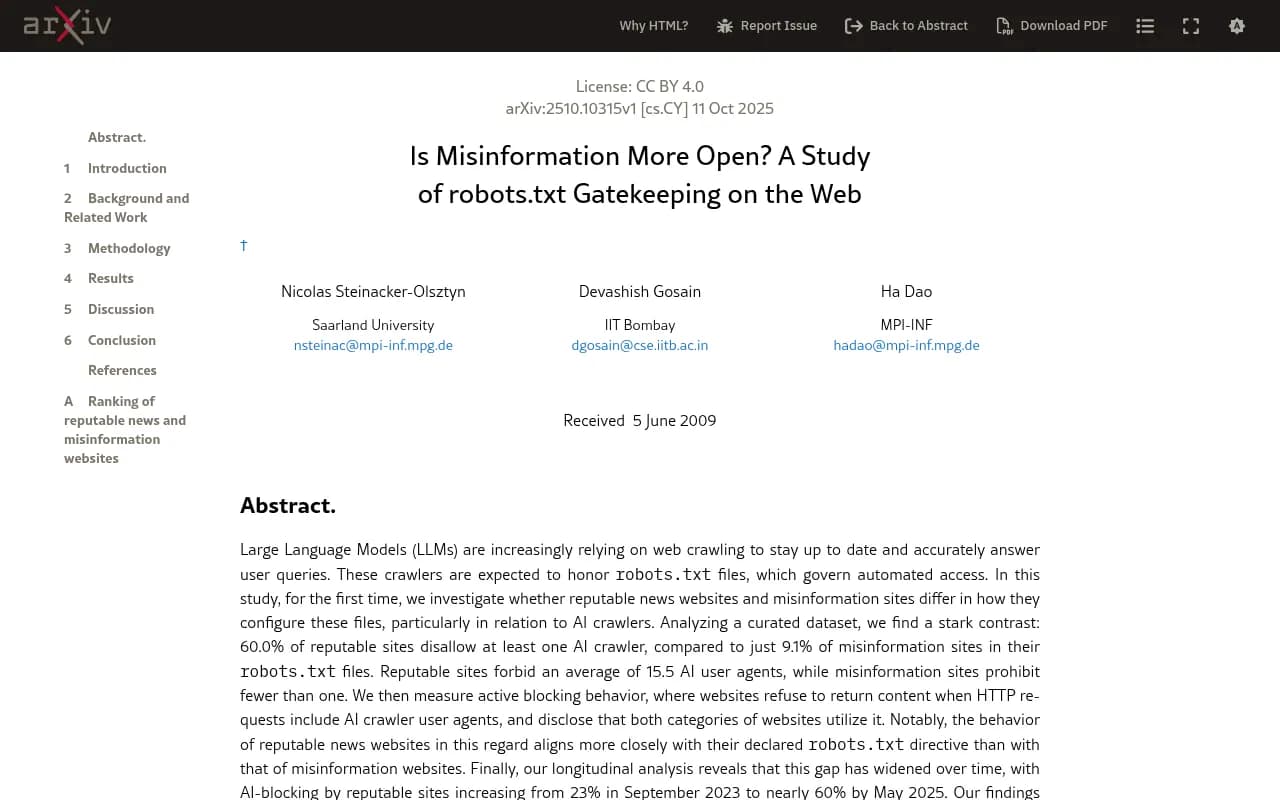
Third, the file is only one layer. The same Cloudflare piece notes that you can have a CDN auto-block crawlers that ignore the rules, and a 2025 arXiv study of robots.txt gatekeeping found sites also block by user-agent string at the server level. That matters because server-level blocks are invisible in robots.txt. You can have a perfectly clean file and still be unreachable.
Training bots versus answer-time bots
This distinction decides whether blocking hurts accuracy. The research I gathered did not include the operators' own crawler documentation, so check each provider's current docs before changing rules. The broad pattern, though, is well established.
| Bot type | Examples | What it does | Effect of blocking |
|---|---|---|---|
| Training | GPTBot, ClaudeBot, Google-Extended, CCBot | Collects content for model training | Your site is less likely to shape future model knowledge. Existing knowledge stays. |
| Search or index | OAI-SearchBot, PerplexityBot, Claude-SearchBot | Builds the index used to answer queries | You can be missing from answers and citations |
| User-triggered fetch | ChatGPT-User, Claude-User, Perplexity-User | Fetches a page live when a user asks | The assistant cannot read your page in that conversation and may guess or cite others |
A publisher that wants to stay out of training can disallow the training bots and still allow the search and fetch bots. A site that pastes a blanket AI block copied from a blog post usually disallows all three groups, and that is when the accuracy problems start.
The Yoast piece on blocking AI bots names one of the real drawbacks: blocking may take your data out of the pool of potential citations used to generate answers. It also lists unintentional blocking, where a misconfigured file excludes legitimate crawlers.
How blocking turns into wrong facts
There are four mechanisms. Each one is plausible and supported by how these systems are documented to work, but none has a dedicated measurement behind it.
1. Substitute sources fill the gap
When a user asks about your pricing, the assistant searches and reads what it can reach. If your pricing page is blocked, it reads a comparison article instead. Promptwatch's data shows how crowded these answers are: almost half of ChatGPT responses cite 10 or more unique domains (Sep 28 to Oct 4, 2026), per Promptwatch Data on unique domains per response. Plenty of other sources are available to speak for you.
2. Stale pages stay in circulation
Third-party pages do not update when you change your product. Promptwatch's content half-life report tracked every page ChatGPT cited on July 6, 2026 for 90 days. After 60 days, ChatGPT still cited 69% of landing pages and 67% of docs, and about 55% of product pages, reviews and how-tos. Those pages reach their half-life at 74 to 77 days. Pages that were wrong on day zero are mostly still being cited two months later. If yours are the pages being blocked, the wrong ones are the ones that stay.
The same report is a reminder that pricing pages count as landing or product pages, which are long-lived citation assets. Keeping them accurate and readable matters more than most teams assume.
3. Live fetches fail, and the assistant improvises
When a user-triggered fetch is denied, the assistant has to say something. Good systems say they could not read the page. Others fall back on search snippets or memory. A Squarespace forum thread from this year shows a related wrinkle: a site owner with no blocking at all had Claude's fetch tool report that robots.txt blocked the page, then load it fine on a retry. The cause was on the tool's side, not in the file. The lesson cuts both ways. A reported block is not proof of a real one, and a failed fetch can happen for reasons you cannot see from your side.
4. Training data freezes your old story
Blocking training bots means newer facts about you are less likely to enter future models. Models answering from training data alone then describe the company as it was when they last saw it. This is the slowest effect and the hardest to reverse, because you cannot re-submit your site to a model that has already shipped.
The robots.txt mistakes that cause accidental blocking
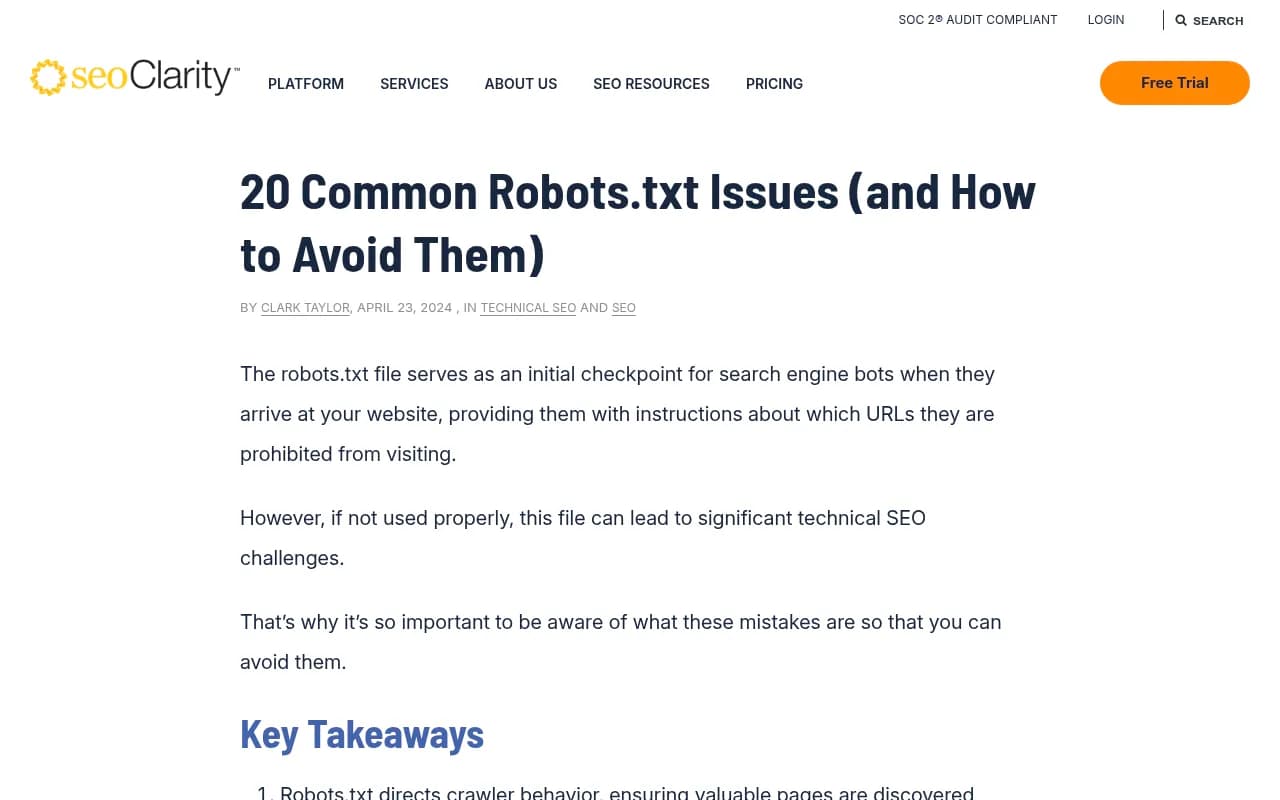
The seoClarity guide on common robots.txt issues makes the general point that misconfigurations can block critical content and that continuous monitoring catches accidental changes. For AI accuracy, these are the ones I would check first.
- A copied blanket block. A snippet that disallows twenty AI user agents, pasted without checking which ones power answers.
- A wildcard disallow left over from staging.
User-agent: *withDisallow: /pushed to production blocks everything, AI included. - Blocking the wrong URL space. Disallowing
/docs/or/pricing/to save crawl budget removes your most authoritative factual pages. - Blocking canonicalized or parameter URLs. seoClarity points out that if blocked URLs carry canonical tags, crawlers never see the tag. For AI, the equivalent is blocking the version a bot would otherwise treat as the source of truth.
- A WAF or CDN rule that overrides robots.txt. Bot-fight modes and managed rules can block AI user agents even when your file allows them.
- Blocking bots with no published IP ranges by user agent only. The arXiv study notes that ClaudeBot and Anthropic-AI lacked public IP ranges at the time, so site operators tend to block them by user-agent string. That works, but it also means a loose pattern can catch more than intended.
- Treating a missing file as safe. The same study notes a 404 on robots.txt means a crawler may assume no restrictions. That is fine for access, but it means you have no stated policy and no way to separate training from answers.
Who is blocking, and why that matters
The arXiv study is worth reading for context. It found that 60.0% of reputable news sites disallow at least one AI crawler, against 9.1% of misinformation sites, and that reputable sites forbid an average of 15.5 AI user agents. Blocking by reputable sites rose from 23% in September 2023 to nearly 60% by May 2025. It also cites a NewsGuard report finding that 28% of responses from 11 leading LLMs contained false information when prompted with known misinformation claims.
I would be careful with the implication. The paper raises the possibility that the available web skews toward sources that do not block, but it does not show that any particular brand gets worse facts by blocking. Still, it is a fair description of the incentive problem. If careful sources close their doors and careless ones leave them open, the open sources supply more of the evidence.
How to tell whether you are blocking yourself
Do not reason from the robots.txt file alone. Check what bots actually do.
Step 1: read the file and the layers above it
Open yourdomain.com/robots.txt. Look for wildcard groups, named AI agents and broad path disallows. Then check CDN, WAF and host settings for bot management rules. Free helpers include the Agentic Readiness Check and the AI crawler URL inspector, which show which AI crawlers can read a given page. The AI bots and web crawlers directory lists 400+ agents with robots.txt guidance.
Step 2: compare your logs to the market mix
Promptwatch's AI crawler traffic report covers IP-verified requests from OpenAI, Anthropic, Google, Perplexity and Mistral from June 8 to September 6, 2026. OpenAI made up 79.8% of verified requests in the week of Aug 31 to Sept 6, down from 94.8% in June 8 to 14. Spoofed user agents are excluded because only IPs in the operator's published ranges count. The shares are a percentage mix, not absolute volumes.
The useful trick is the comparison Promptwatch recommends in that report. If a provider is a large share of the market mix but near zero in your own logs, you are probably blocked or unreachable for that provider. Full data is in AI Crawler Traffic: 3 months of weekly verified requests.
That caveat about OpenAI's share is worth keeping in mind too: a large OpenAI number can be training traffic, answer-time fetches or both, so you need the per-bot breakdown to know which.
Step 3: ask the assistants about yourself
Run a set of brand questions across ChatGPT, Claude, Perplexity and Google's AI surfaces: pricing, key features, headquarters, founders, integrations, who you compete with. Write down every wrong claim and what it cites. Wrong claims that cite old third-party pages point to the substitution problem. Wrong claims with no citations point to training data.
Step 4: connect the dots
For each wrong claim, ask whether the page that states the right fact was crawlable by the relevant bot. Often the answer is yes and the real problem is content: the fact is buried, contradicted, or missing. Blocking is a smaller share of the cause than most people expect, which is an argument for checking before panicking.
Tools that help with this
A few categories matter here: crawler log analysis, AI answer monitoring and technical site auditing.
Promptwatch covers the full chain in one place. Its AI crawler logs are IP-verified and show which pages each bot read, what errors it hit, and whether a crawled page later got cited. Brand Narrative pulls out the individual claims AI makes about you, and Fact Check lets you mark one as inaccurate and finds which crawled pages state it or its opposite. That is the closest thing I know of to tracing a wrong fact back to the page teaching it.
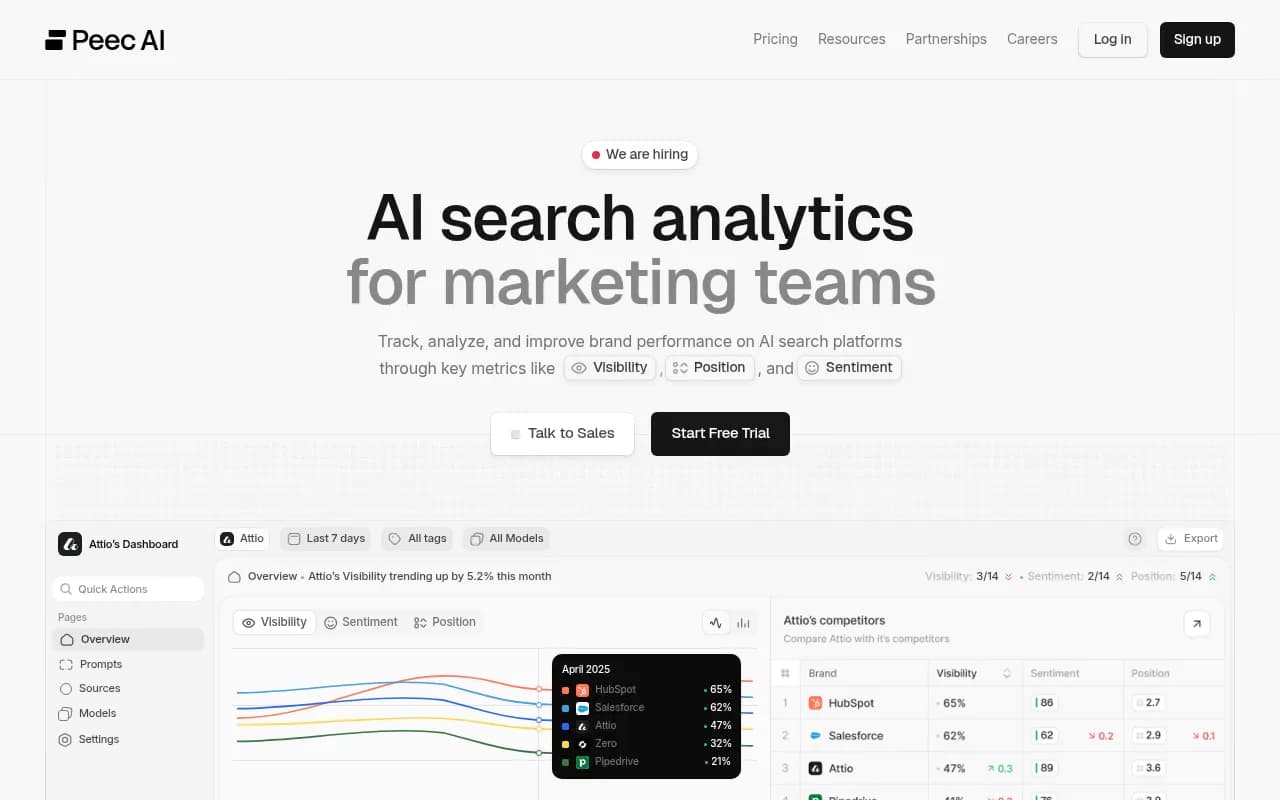
For monitoring-only needs there are lighter options. Otterly.AI and Peec AI track whether and how you are mentioned, but they do not give you crawler logs.
Otterly.AI

On the technical side, Screaming Frog can crawl your site with different user agents to see how it responds, and Google Search Console shows how Google's own crawlers see your pages.
| Need | Option | Note |
|---|---|---|
| IP-verified AI crawler logs | Promptwatch | Covers Cloudflare, Vercel, Fastly and raw server logs |
| Brand claim tracing | Promptwatch Brand Narrative and Fact Check | Fact Check is on Business and above |
| Basic mention tracking | Otterly.AI, Peec AI | No crawler data |
| Test bot access by user agent | Screaming Frog | Manual, desktop crawler |
| Free spot checks | Agentic Readiness Check, AI crawler URL inspector | No login needed |
If you are comparing options, the GEO software directory at bestgeosoftware.com lists more platforms.
A sensible robots.txt policy for accuracy
There is no universal answer, and Yoast is right that the decision depends on content type, value and risk tolerance. Still, here is the policy I would start from for a brand that wants AI to describe it correctly.
- Decide separately about training. If you object to model training, block the training bots and say so deliberately.
- Allow the search and user-fetch bots on your factual pages: pricing, product, docs, about, support and press.
- Keep restricted areas narrow. Block admin, cart, internal search and private paths rather than whole sections.
- Make the allowed pages accurate and current, since they are the long-lived assets.
- Check WAF and CDN rules every time they change, and log bot traffic so you notice a drop.
- Review the file on a schedule. Yoast and seoClarity both stress regular review, and a single bad deploy can undo months of work.
A minimal example that blocks training but allows answer-time bots looks like this. Confirm the exact user-agent strings against each operator's current documentation before using it.
User-agent: GPTBot
Disallow: /

User-agent: ClaudeBot
Disallow: /

User-agent: Google-Extended
Disallow: /

User-agent: OAI-SearchBot
Allow: /

User-agent: ChatGPT-User
Allow: /

User-agent: PerplexityBot
Allow: /
Whether that trade is right for you is a business call. Blocking training is a legitimate choice for publishers who monetize content. Just make it a choice and not an accident.
What to do when AI already says something wrong
Fixing robots.txt will not instantly fix answers. Search-based answers can improve within days or weeks once pages are readable and updated, but training knowledge changes only when models are retrained.
- Publish or update the page that states the correct fact, in plain language, near the top.
- Correct third-party sources where you can: directories, review profiles, Wikipedia-style references, partner pages.
- Keep dates visible on pricing and feature pages so retrieval systems can judge freshness.
- Track whether the fix worked by re-running the same prompts and watching the citations.
Promptwatch's Content Agent can write and publish pages against gaps like these, and its page tracker shows whether a specific URL is later crawled and cited. Teams that want to see where they stand first can run the free AI visibility report. Agencies that handle this for clients, including 1001 SEO Media, tend to start with exactly this audit: crawl access first, then answer accuracy, then content fixes.
Frequently asked questions
Does disallowing GPTBot remove me from ChatGPT answers?
Not by itself. GPTBot is documented as a training crawler. Answer-time retrieval uses different bots, so check those separately.
If my robots.txt allows everything, am I safe?
No. A CDN or WAF can still block bots by user agent or behavior, and robots.txt says nothing about that. Logs are the proof.
Can a bot ignore my robots.txt?
Yes. It is a voluntary convention, and Cloudflare built enforcement tools for exactly that reason. If you need hard control, use server-side or CDN rules, and accept the side effects the arXiv authors mention: active blocking is all-or-nothing and can catch legitimate activity from the same company.
Is there proof that blocking causes hallucinations?
Not that I found. There is evidence about who blocks, how long wrong pages stay cited, and how substitute sources work. The direct link is an inference, so test it on your own brand before spending money on it.
Bottom line
Blocking AI crawlers does not write false facts, but it takes your pages out of the contest to define you. The risk is highest when the block is accidental, when training and answer-time bots are lumped together, or when a CDN rule contradicts a friendly robots.txt. Audit the file, compare your logs to the market mix, test what the assistants say, and fix the pages feeding wrong claims. For more on how AI engines pick sources, browse Promptwatch Data.