Key takeaways
- The first 90 days of a GEO program split into three phases: instrument and baseline (days 1-30), fix and publish (days 31-60), and measure and expand (days 61-90).
- Most of the early wins are access problems, not content problems. Check AI crawler access and robots.txt rules before you write anything.
- Content published in month one starts decaying inside your 90-day window. Landing pages and docs hold up best; news fades fastest.
- A monitoring-only tool gets you through phase one. You need crawler logs, content execution, and traffic attribution to finish phases two and three.
- Day 90 should end with a review and a quarter-two plan, not a victory lap.
Why enterprise GEO needs a timeline at all
Most generic onboarding advice is written for new hires. The 30-60-90 structure (learn, contribute, own) comes from HR playbooks, and the research behind it is mostly about people: about a third of new hires leave within 90 days according to Gallup, and the oft-cited Wynhurst figure that structured onboarding makes people 58 percent more likely to stay three years is from 2007, so treat it as an analogy, not a benchmark.
But the shape transfers surprisingly well to software rollouts. Enterprise teams have the same failure mode: a kickoff call, a login, a dashboard nobody opens by week six. The fix is the same too. Phases, owners, milestones, and a check-in at each boundary.
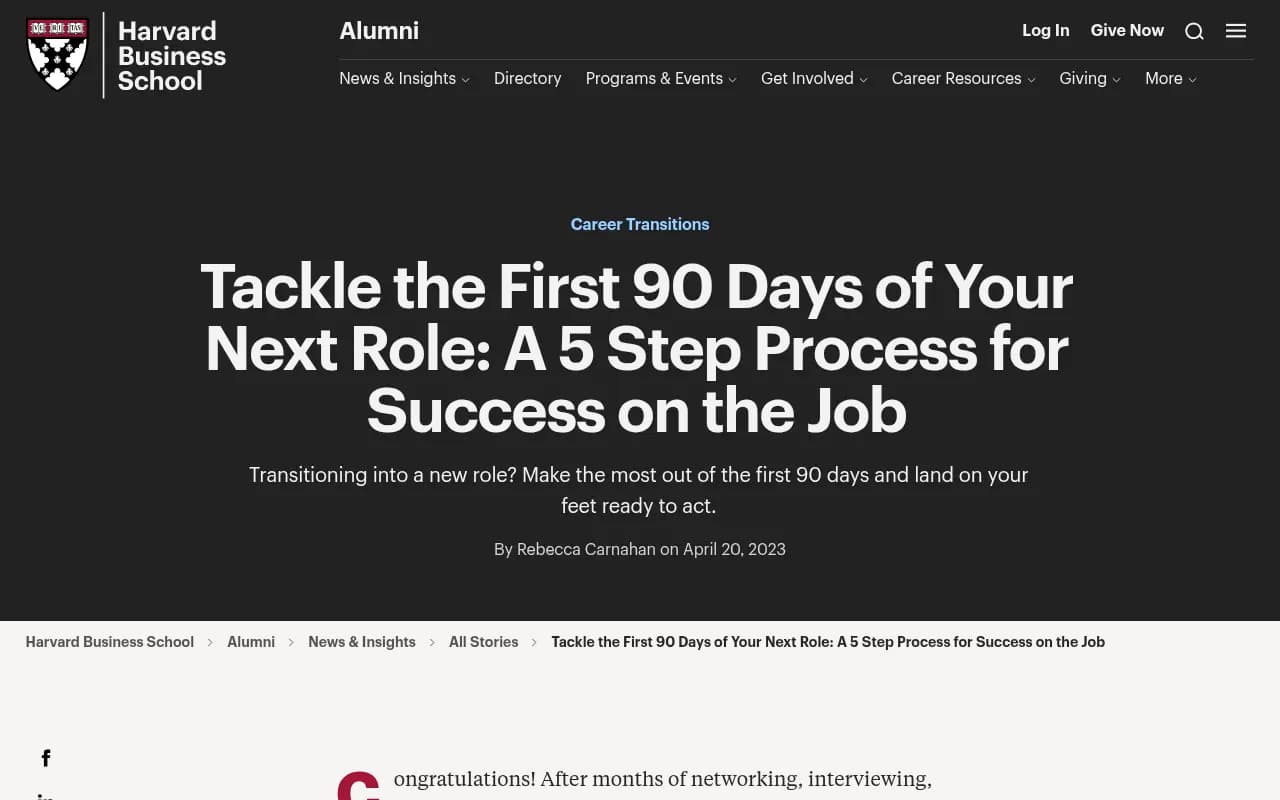
The HBS Alumni piece above recommends laying out a 90-day plan in three 30-day increments and identifying stakeholders early. That is exactly what an enterprise GEO rollout needs, because GEO touches more teams than classic SEO: content, web engineering, brand, PR, legal, and analytics.
This guide assumes you are rolling out a full AI visibility platform, one that covers monitoring, crawler analytics, content execution, and traffic measurement. If you are only buying a prompt tracker, phases two and three will shrink a lot, and you will need other tools to fill the gap. More on that below.
Before day 1: pre-boarding
IT folks have a saying that technical setup should be finished before the employee arrives. The same applies here. Interlaced makes the point for hires: a delayed technical setup is what sinks early momentum. For a GEO platform, the equivalent is getting access sorted during procurement, not in week three.
Collect these before kickoff:
- Admin access to your CDN or host (Cloudflare, Vercel, Fastly, CloudFront, Netlify, Akamai) so crawler logs can start flowing
- CMS credentials for WordPress, Webflow, or Framer if you plan to publish through the platform
- Google Search Console and Bing Webmaster Tools access
- A named owner for each market and language you want to monitor
- Security and procurement paperwork. ISO/IEC 27001 and GDPR status usually come up here
- A list of 5 to 10 competitors, and whatever you already know about how buyers phrase their questions
One decision to make early: monitors in most platforms are fixed to a language and location once created, so decide your market structure up front. Mixing markets in one monitor muddies every number you report later.
Days 1-30: instrument and baseline
The goal of month one is to know where you stand and to stop being blind. You are not trying to move numbers yet.
Week 1: connect everything
Set up the platform, invite the team, and connect data sources. For enterprise, this is also when you agree on roles. Owners, editors, and viewers with project-level access save an awkward conversation later, especially if agencies or regional teams are involved.
Promptwatch is one option built for this end-to-end loop, and it is what 1001 SEO Media uses for GEO work.
Start crawler log collection immediately. It needs a few weeks of data to be useful, so every day you delay is a day of history you never get back. Setup typically goes through the CDN or host, or a WordPress plugin. AI crawler logs tell you which bots hit which pages and what errors they hit.
Week 2: build the prompt set
A bad prompt set poisons everything downstream. Build it from several sources, not just a brainstorm:
- Search Console queries rewritten as questions
- Sales and support questions, in the buyers' own words
- Competitor comparison prompts ("X vs Y", "alternatives to X")
- Branded prompts, so you can see what AI says when someone asks about you directly
- Persona variants, since a CFO and a developer ask differently
Use query fan-outs to see the actual web searches the model runs behind each prompt. Promptwatch's data shows ChatGPT began using the site: operator at scale on August 8, 2026, jumping from roughly 0.4% to 17% of fan-out queries in Promptwatch Data's report. Fan-out behavior changes, which is a good reason to review your prompt set quarterly.
For an enterprise, 150 to 350 prompts is a realistic first set. More is tempting. Resist it until you have read the first results.
Weeks 3-4: baseline and first audit
Let the monitors run daily for at least two weeks before you quote any number to leadership. Then record the baseline for:
- Visibility Score and Share of Voice per topic and per market
- Average position in answers (lower is better)
- Sentiment, kept separate from visibility
- Self-citation rate, the share of citations pointing at your own domain
- Brand Narrative: the individual claims AI makes about you
Read those together. Low Share of Voice is a coverage problem. Late position is a prominence problem. Mentions without self-citations suggest a content or crawlability problem. Weak sentiment is a reputation problem. Each calls for a different fix, so diagnose before you assign work.
Compare your crawler logs with the market mix. Promptwatch Data's AI crawler traffic report (IP-verified weekly requests, June 8 to September 6, 2026) put OpenAI at 79.8% of verified AI crawler requests in the final week, down from 94.8% in the first. If a large provider is near zero in your logs, you are probably blocked somewhere in robots.txt, the CDN, or a WAF.
If you want a quick free check before the platform is live, the Agentic Readiness Check shows which AI crawlers can read your site.
Day-30 checkpoint
By day 30 you should have:
| Deliverable | Owner | Done when |
|---|---|---|
| Crawler logs flowing | Web engineering | Verified bots visible per provider |
| Prompt set live | SEO / content lead | Every market and persona covered |
| Baseline report | GEO lead | Visibility, SoV, position, sentiment recorded |
| Access issues list | Web engineering | Blocks and errors ranked by impact |
| Brand claims review | Brand / legal | Inaccurate claims flagged |
That last row matters for regulated enterprises. A Fact Check workflow, where you mark claims as accurate or inaccurate and trace which of your pages teach the wrong thing, can turn a vague worry into a ticket.
Days 31-60: fix and publish
Month two is where a monitoring dashboard stops being enough. Most of the work is execution.
Weeks 5-6: clear the access and technical backlog
Do the unglamorous things first. Unblock crawlers you want reading you. Fix error pages that bots keep hitting. Resolve orphaned pages and broken links that a weekly site audit flags. Decide your llms.txt and robots.txt policy per bot, keeping in mind that one provider often runs several bots with different jobs, such as training, search indexing, and answer-time fetches. The AI bots directory lists 400+ of them.
There is a decent chance this step alone moves something. The TreeHouse case study (the company behind Pararius) credits fixing crawler access, publishing proprietary data, and automating reporting for growing AI search to about 25% of organic conversions. Read the full TreeHouse story before you copy anything, since their situation was specific.
Weeks 6-8: publish against the gaps
Now use content gap analysis: which prompts do AI engines answer where you have no page that fits? Prioritize gaps by prompt volume and difficulty, then match content type to prompt intent. Promptwatch Data's content type report (Sep 28 to Oct 4, 2026) found:
- Product pages 22.4% and landing pages 16.8% of ChatGPT citations
- Listicles 13.6%, how-tos 8.7%, docs 7.5%, comparisons 5.9%, news 5.7%
- For commercial prompts, product pages, landing pages, listicles, and comparisons together make up almost 70%
The practical read: for buying-intent prompts, build or sharpen product, landing, and comparison pages. For informational prompts, docs and how-tos earn their place. Keep docs public and crawlable.
At enterprise volume you will want a pipeline, not a writer. A Content Agent that plans, writes, and publishes to WordPress, Webflow, or Framer with a review inbox is the closest thing to a managed service inside a platform. Content Agents are on Business and Enterprise plans; Crisp used this approach to scale to 5-10 articles a day and saw 2x higher conversion from AI traffic, per their case study.
I would not run this hands-off from day one. Keep the review inbox on for the first month, check brand voice and factual accuracy, and loosen the controls once you trust the output.
Don't ignore the off-site layer
AI engines cite pages you do not own. Look at which Reddit threads, YouTube videos, and review sites show up in the sources, then decide where you can participate honestly. Be careful with Reddit specifically. Promptwatch Data showed reddit.com's share of ChatGPT citations fall from about 4% to 0.5% on August 14, 2026, while social platforms still account for 12.2% of Google AI Overviews citations versus 0.46% in ChatGPT (Sep 28 to Oct 4, 2026). The right off-site plan depends on which engine matters to your buyers.
Day-60 checkpoint
- Technical backlog closed or scheduled
- First batch of pages published, with draft-to-live tracked
- Pages tracked individually, so you can see crawl, citation, and traffic per URL
- A first read on whether AI-referred visitors arrive and convert
Caveat for attribution: ChatGPT stopped sending a referrer on October 8, 2026, so tag links with utm_source=chatgpt.com where you can and use a setting that counts those visits. See the guide to attributing AI traffic.
Days 61-90: measure, refresh, expand
The HR version of this phase is "own and execute". For GEO it means closing the loop: did the pages you published get crawled, get cited, and bring visitors?
Weeks 9-10: check what decayed
Content does not stay cited forever. Promptwatch Data's content half-life report tracked every page ChatGPT cited on July 6, 2026 for 90 days:
| Content type | Still cited at 30 days | Still cited at 60 days |
|---|---|---|
| Landing pages | 78% | 69% |
| Docs | 76% | 67% |
| Comparisons | 72% | 63% |
| Listicles | n/a in the report summary | 60% |
| Product pages, reviews, how-tos | n/a | about 55% |
| News | n/a | 41% |
Product pages, reviews, and how-tos hit a half-life around 74 to 77 days, and news lost half its pages within 36 days. My inference, not the report's: pages you published in week 6 will show visible decay by day 90. Plan refreshes for them before you are surprised.
The report's advice is to treat landing pages, docs, and pricing pages as long-term assets, keep product pages current, invest in comparisons and listicles, and use news only for short bursts.
Weeks 11-12: the review
The FirstHR guide describes the 90-day review as a mutual assessment. Do the same with your platform and your team:
- Did visibility, Share of Voice, and position move on the prompts you targeted?
- Did self-citation rate improve, meaning AI is citing your pages instead of third parties?
- Did AI-referred sessions and conversions grow, and how do they compare with other channels?
- Which pages were crawled but never cited, and which were cited but did not convert?
- What did the team spend time on that the platform could have done for it?
That last question is easy to skip. It is also the one that decides whether you renew or switch.
Export a PDF for leadership, with scheduled delivery so it keeps arriving without anyone rebuilding it. Then write the quarter-two plan: new markets, new personas, a refresh cycle, and a decision about how much content execution to automate.
Which tool does which job
The timeline above assumes a platform that covers four jobs: monitor, trace, act, and measure. Plenty of products do the first one. Fewer do all four.
| Capability | Prompt trackers | Traditional SEO suites | Full GEO platform |
|---|---|---|---|
| Prompt and visibility tracking | Yes | Limited, fixed prompt sets | Yes |
| IP-verified crawler logs | Rare | Rare | Yes (Promptwatch) |
| AI traffic and conversion attribution | Rare | Partial | Yes |
| Content creation and CMS publishing | No | Partial | Yes (Promptwatch Business and Enterprise) |
| Prioritized to-do list | Rare | Partial | Yes |
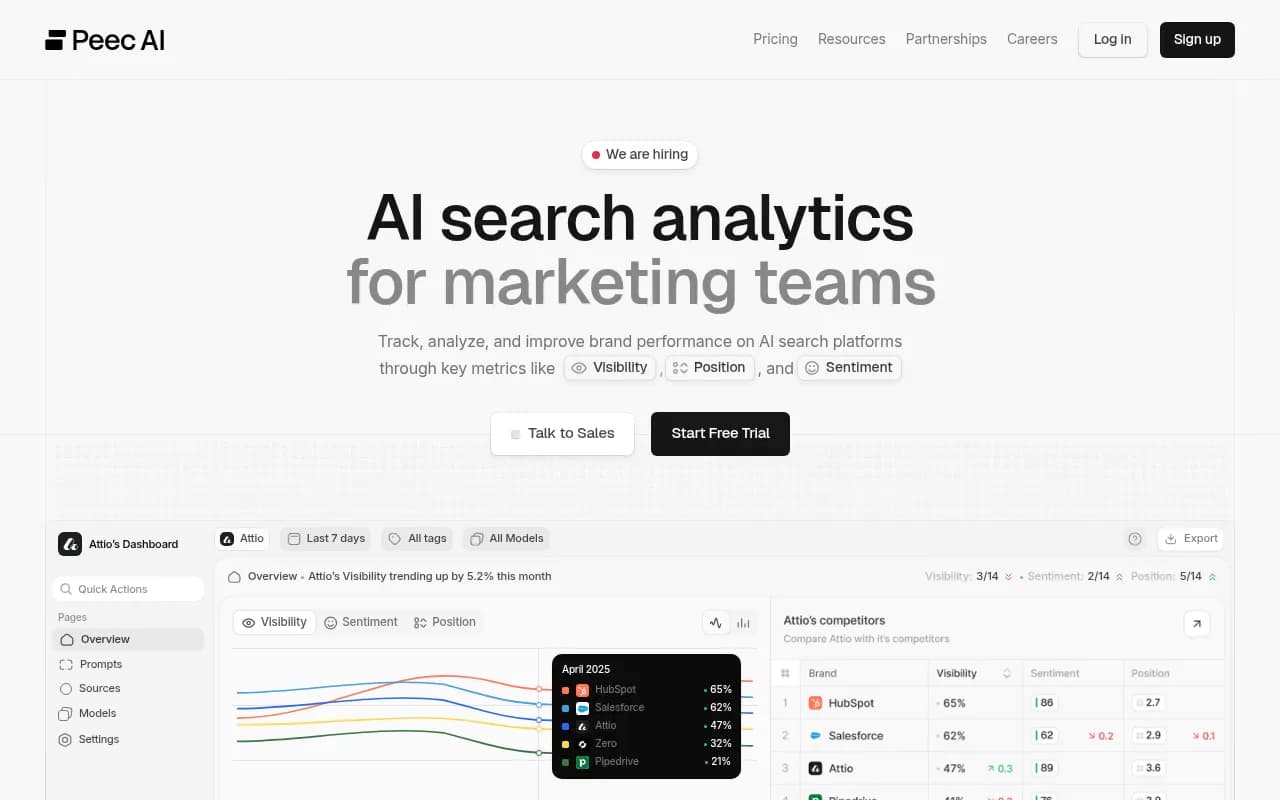
Some names you will see on shortlists: Profound and Scrunch for monitoring depth, Otterly.AI and Peec AI as lighter trackers, and Semrush or Ahrefs Brand Radar for teams that want AI tracking inside an existing SEO suite.
Profound
Otterly.AI

In my view, Promptwatch is the better fit when your goal is a 90-day outcome rather than a report. Trackers will get you the baseline in phase one, but then you are stitching crawler analytics, a writing workflow, and web analytics together yourself. For a wider shortlist, the directories at bestgeosoftware.com and ai-rank-tools.com cover the field.
Check current plan limits on the pricing page before you map this timeline to a plan. Content Agent, state and city tracking, Fact Check, and faster-than-daily monitors start at the Business plan ($579/mo); Essential ($95/mo) and Professional ($245/mo) cover the monitoring side.
Common ways the first 90 days go wrong
- Nobody owns it. Name one person accountable for the program and one per market.
- Reporting too early. A week of data is noise. Wait for two weeks of daily runs before you set a baseline.
- Writing before diagnosing. If the crawler is blocked, new pages will not help.
- One giant prompt set. Segment by topic, persona, and market so you can see where the gap is.
- Treating all engines as one. Citation behavior differs. ChatGPT, AI Overviews, and Perplexity pull from different source mixes.
- No refresh plan. Everything decays, and your day-90 numbers may dip on early content.
A simple 90-day checklist
- Collect access and name owners before kickoff.
- Connect crawler logs, Search Console, Bing, and the CMS in week 1.
- Build and review the prompt set in week 2.
- Record the baseline after two weeks of daily runs.
- Fix crawler blocks and site audit errors by week 6.
- Publish against the biggest gaps and track each URL.
- Check decay and attribution at weeks 9 and 10.
- Hold the day-90 review and write the quarter-two plan.
If you want an outside team to run it, 1001 SEO Media does GEO and AI search work for brands, and the same plan applies. For a first look at where you stand before you commit to any of this, the free AI visibility report takes a few minutes, and the 90-day GEO program in the Promptwatch Academy goes deeper on the tactics.