Key takeaways
- A GEO platform sits closer to your infrastructure than most marketing tools. Crawler analytics means sharing server or CDN log data, and visitor analytics means a tracking script on your site. Review it like infrastructure, not like a dashboard.
- Check the ISO 27001 certificate itself: scope, issuing body, expiry date. A badge on a marketing page proves nothing.
- SSO is the control most often missing. Zylo's 2026 SaaS Management Index found the average organization has only 21% of its apps behind SSO, and just 12% at companies with more than 10,000 employees.
- Ask for audit logs that record the source of each change (dashboard, API, or agent), plus role-based access and scoped API keys.
- Ask four data questions every time: what data is collected, where it is stored, how long it is kept, and who the subprocessors are.
Why GEO tools need a real security review
Most marketing teams buy GEO and AI visibility tools the way they buy any other SaaS: a trial, a credit card, a Slack message to IT afterward. That works for a keyword tool. It works less well for a platform that connects to your CDN, reads your server logs, runs a script on every page, and publishes content to your CMS.
The security surface is bigger than it looks. A mature GEO platform can touch:
- Server and CDN logs (Cloudflare, Fastly, Vercel, raw server logs) used for AI crawler analytics
- A tracking script or plugin that records AI-referred visitors
- Google Search Console and Bing Webmaster Tools data
- CMS credentials or tokens for publishing (WordPress, Webflow, Framer)
- API keys and MCP connections into your internal tools
Each of those is a place where data leaves your environment. So the review should look like a vendor risk assessment, not a feature comparison. This checklist walks through it in the order security teams usually raise things.
Zylo's SaaS compliance checklist is a useful baseline here. Its core items (strong authentication, encryption, logging, incident response) are the same ones you should apply to a GEO vendor.
Step 1: Map what data the tool actually touches
Before you read a single certificate, write down the data flows. Security questionnaires go badly when nobody can say what the tool collects.
For a GEO platform there are usually three categories.
Public AI response data
Prompts, AI answers, citations, and sentiment collected from AI platforms. This is largely public-facing output, not your private data. Promptwatch Data describes its research set as aggregated and non-identifiable, and that is the sort of language you want from any vendor: a clear statement of what the dataset contains and what it does not.
Your first-party site data
This is where the risk sits. Crawler logs contain IP addresses, user agents, and URLs requested. Visitor analytics records visits, referrers, devices, and locations. Both can include personal data under GDPR depending on how they are configured.
Credentials and access
CMS connections, API keys, OAuth grants, and team accounts. The question is scope. Does the tool get read-only access or full admin? Can you revoke it in one click?
Put those three categories on a one-page data flow diagram. It will answer half the questionnaire before you send it.
Step 2: Verify ISO 27001 properly
ISO 27001 is the certification EU and international buyers ask for most often. It certifies a documented Information Security Management System (ISMS), issued after a two-stage audit, with surveillance audits afterward. It is not a privacy law and it does not replace GDPR compliance, but it is strong supporting evidence in a data processing agreement.
The mistake is accepting a logo. Ask for the actual certificate and check these things:
- Scope. Does it cover the product you are buying, or only the parent company's office IT? A certificate that excludes the production platform is close to worthless for your purposes.
- Standard version. Certificates issued under the 2013 version should have been transitioned to ISO/IEC 27001:2022. Ask which version applies.
- Certification body. It should be an accredited body, and the certificate number should be verifiable with them.
- Expiry and surveillance audit dates. ISO 27001 is not done after the audit. Surveillance audits need continuous evidence.
- Statement of Applicability. You will not get the full document, but ask which Annex A controls are in scope, particularly cloud services (A.5.23), access restriction (A.8.3), privileged access (A.8.5), and cryptography (A.8.24).
One more point. If a vendor holds ISO 27001 but not SOC 2, or the reverse, do not treat that as a red flag by itself. Roughly 70% of controls overlap between the two, and many companies build one control set and map it to both. US buyers lean toward SOC 2, EU buyers toward ISO 27001. Ask what they hold and what they are working toward, and ask for the report or certificate either way.
For reference, Promptwatch is ISO/IEC 27001 certified and GDPR compliant, with data handled by an EU-based company. Whatever tool you evaluate, ask for the same level of documentation.
Step 3: GDPR, data residency and subprocessors
GDPR questions in a GEO review are less about the AI response data and more about the first-party data in Step 1. Work through these:
- Is there a signed data processing agreement (DPA)? Who is the controller and who is the processor for visitor and crawler data?
- Where is data stored and processed? Is the vendor an EU entity, and is EU-only storage an option?
- What is the retention period for raw crawler logs and visitor events, and can you shorten it?
- Can you delete data on request, and how quickly? How does the vendor handle data subject requests that flow through to you?
- Is there a published subprocessor list, and are you notified before it changes?
- What is the breach notification timeline? GDPR requires notifying the supervisory authority within 72 hours of discovery, so the vendor's commitment to you has to be shorter than that.
- Is any of your data used to train models? Get this in writing in the DPA.
The stakes are not abstract. DLA Piper's January 2026 survey put European GDPR fines at over 1.2 billion euros for 2025, and enterprise buyers know it. Konfirmity's guide on data subject requests makes a point worth borrowing: a vendor's handling of a deletion request shows how mature its ISMS really is.
Step 4: Crawler logs and visitor analytics need extra scrutiny
This is the section generic compliance checklists miss, because most software does not ask for your raw logs.
AI crawler analytics is useful. According to Promptwatch's AI crawler traffic report (June 8 to September 6, 2026), OpenAI accounted for 79.8% of verified AI crawler requests in the week of August 31 to September 6, down from 94.8% in the week of June 8. The report's advice is to compare your own logs with that overall mix: a provider that is large in the mix but near zero in your logs suggests you are blocking it. You can read the full numbers in Promptwatch Data's AI crawler traffic report.
But to get that insight from your own site, you connect logs. So ask:
- Which fields are ingested? Are IP addresses stored raw, truncated, or hashed?
- Is ingestion limited to AI bot traffic, or does the vendor receive all traffic?
- How are bots verified? IP-verification against each operator's published ranges filters out spoofed user agents, which also keeps junk out of the data set.
- What are the setup options? Cloudflare Logpush, a CDN integration, or a WordPress plugin each have different permission models. Pick the narrowest.
- What is the retention window, and who can export raw logs?
The same goes for visitor analytics. Find out whether it is a lightweight script, a Google Tag Manager template, or a plugin, what cookies it sets, and whether consent handling is your responsibility or the vendor's.
Step 5: Identity and access control
This is where enterprise buyers lose the most patience. A tool with excellent data and a shared team password is a tool that gets rejected.
What to require
| Control | What good looks like | Red flag |
|---|---|---|
| SSO | SAML 2.0 or OIDC through your IdP (Okta, Entra ID, OneLogin) | SSO locked behind a custom quote with no roadmap |
| SCIM provisioning | Automatic user lifecycle from your directory, access removed within minutes of deactivation | Manual user removal only |
| MFA | Enforced for admins; TOTP and hardware keys supported | Optional MFA, SMS only |
| RBAC | Owner, editor and viewer roles with project-level access | Binary admin/user permissions |
| API keys | Scoped project, organization and read-only keys | One master key per account |
| Session management | Configurable timeouts and admin-forced logout | No session controls |
SSO deserves a comment. Zylo's data shows how rarely it is actually enforced, so asking for it is not pedantic. It gives your security team central visibility and instant deprovisioning, and it removes one more set of credentials from circulation.
A practical note on tiers: SSO is often reserved for the top plan. That is normal, but you should know it before the proposal. On Promptwatch, SSO and the white-label client portal sit on Enterprise, while owner, editor and viewer roles and project-level access apply across plans. Confirm the same detail for any alternative on your shortlist.
Step 6: Audit logs that stand up to an auditor
Audit logs are frequently among the first things requested during external audits. For a GEO tool, the question is not only "is there a log" but "does it capture the changes that matter."
Look for:
- Coverage of authentication events, privileged actions, configuration changes, and data export events
- Timestamp, user identity, and the action detail for each entry
- The channel of each change. This one matters more for GEO tools than most, because changes can come from the dashboard, the REST API, an MCP client, or an AI agent acting for a user. A log that cannot tell them apart is much less useful when you investigate an incident.
- Immutability, so even platform admins cannot delete entries
- Export to your SIEM, and a retention period that meets your strictest regulation (often a year or more for SOC 2, HIPAA, and FedRAMP contexts)
Promptwatch's organization audit log lists every change and whether it came from the dashboard, the API, an MCP client, or Agent Chat, and it is available on Business, Agency Scale, and Enterprise plans. That source-of-change detail is the thing to probe for when you compare vendors.
Step 7: AI-specific and agent-specific risk
GEO platforms increasingly act on your behalf. They write content, publish to your CMS, and expose MCP servers that let an AI client read and write platform data. That creates questions older checklists do not cover.
- Publishing permissions. Can you require review before anything goes live? A review inbox where each piece is approved, edited, or declined is a basic control. Fully hands-off publishing should be an explicit choice, not the default.
- Agent actions. Before an agent changes something, does it ask for the values it needs and log the change? Are read-only modes available?
- MCP and API scope. How many tools does the MCP server expose, which are write tools, and can you issue read-only keys? Promptwatch's hosted MCP server has 110+ read and write tools with OAuth or API key access, which is exactly why scoped keys and the audit log matter.
- Model use. Which models process your content, where do they run, and is your data excluded from training?
- Credit and budget limits. A monthly cap on agent spend is a safety control as much as a billing one.
Step 8: Incident response, testing and exit terms
The last block is the one vendors prepare least for.
- A documented incident response plan with severity classification and a notification commitment under 72 hours
- A third-party penetration test in the last 12 months, with an executive summary you can read. No test in 24 months is a real red flag.
- Vulnerability management SLAs
- Uptime and data continuity behavior. For example, does tracking continue if a payment is past due so your data has no gaps?
- Exit terms: data export formats (CSV, Excel, API), deletion timelines after termination, and certificate of deletion
The scorecard: weighting what matters
The Ringlyn guide on enterprise voice AI compliance offers a weighted scorecard that adapts well to GEO. Here is a version tuned for this category.
| Dimension | Suggested weight | What to ask |
|---|---|---|
| Certifications (ISO 27001 / SOC 2) | 20% | Certificate scope, version, expiry, report age |
| Data handling, residency, GDPR | 20% | DPA, EU storage, retention, subprocessors |
| Identity (SSO, SCIM, MFA, RBAC) | 15% | Protocols, tier availability, scoped keys |
| Audit logging | 15% | Event coverage, change source, immutability, SIEM export |
| First-party data ingestion | 10% | Log fields, IP handling, setup permissions |
| Agent and publishing controls | 10% | Review workflow, MCP scope, budget caps |
| Incident response and testing | 10% | Notification SLA, pen test date |
Adjust the weights for your industry. A bank will push certifications and residency to 30% each. A retailer might care more about the publishing controls.

How the main GEO platforms fit this checklist
I could not find independent, authoritative security comparisons for GEO tools, so treat any claim you see online with suspicion, including mine. Vendor pages differ in how much they document. Use the table as a starting list of what to verify, not a finished verdict.
| Platform | What to verify first |
|---|---|
| Promptwatch | ISO/IEC 27001 certification and GDPR posture are stated; audit log on Business and above; SSO on Enterprise |
| Profound | Enterprise positioning; request certificate scope, SSO tier and log details |
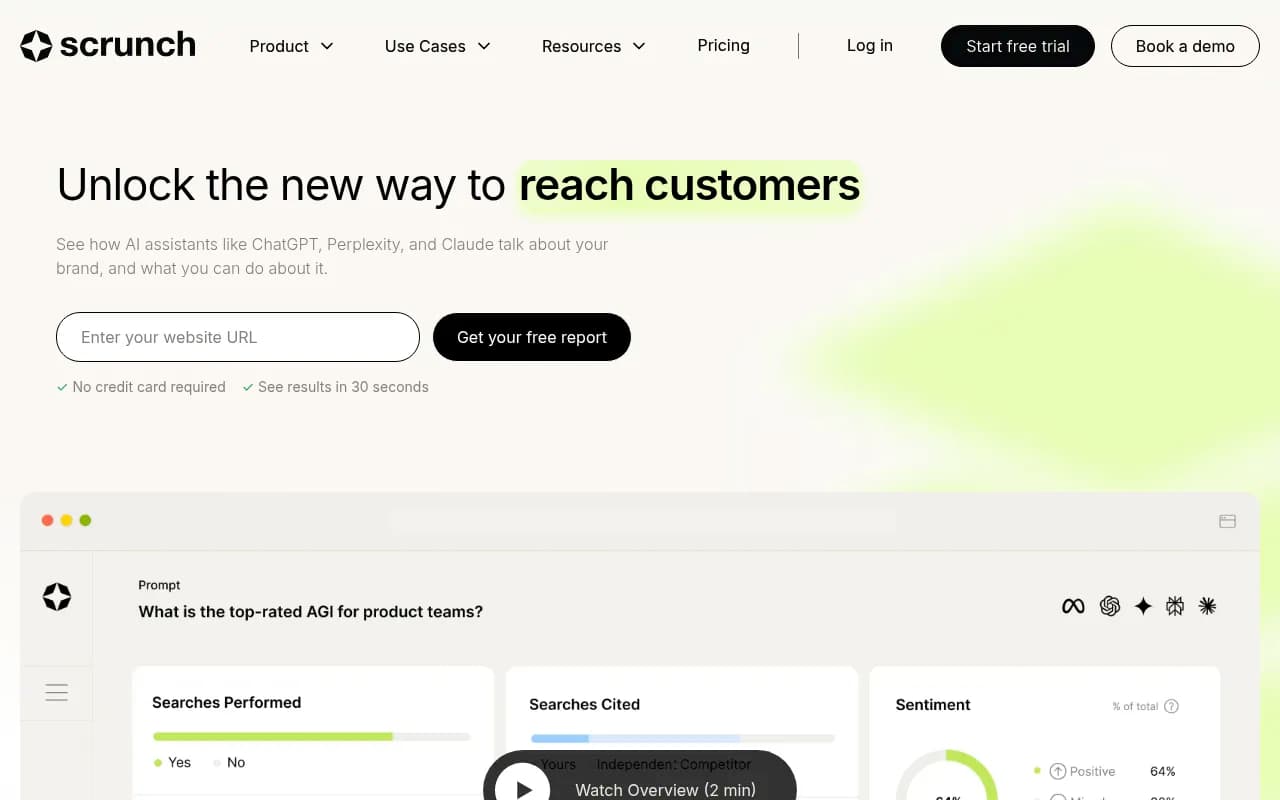
| Scrunch AI | Request certificate scope, SSO and audit log availability |
| Semrush | Large SEO suite with its own compliance documentation; check what covers the AI tracking modules |
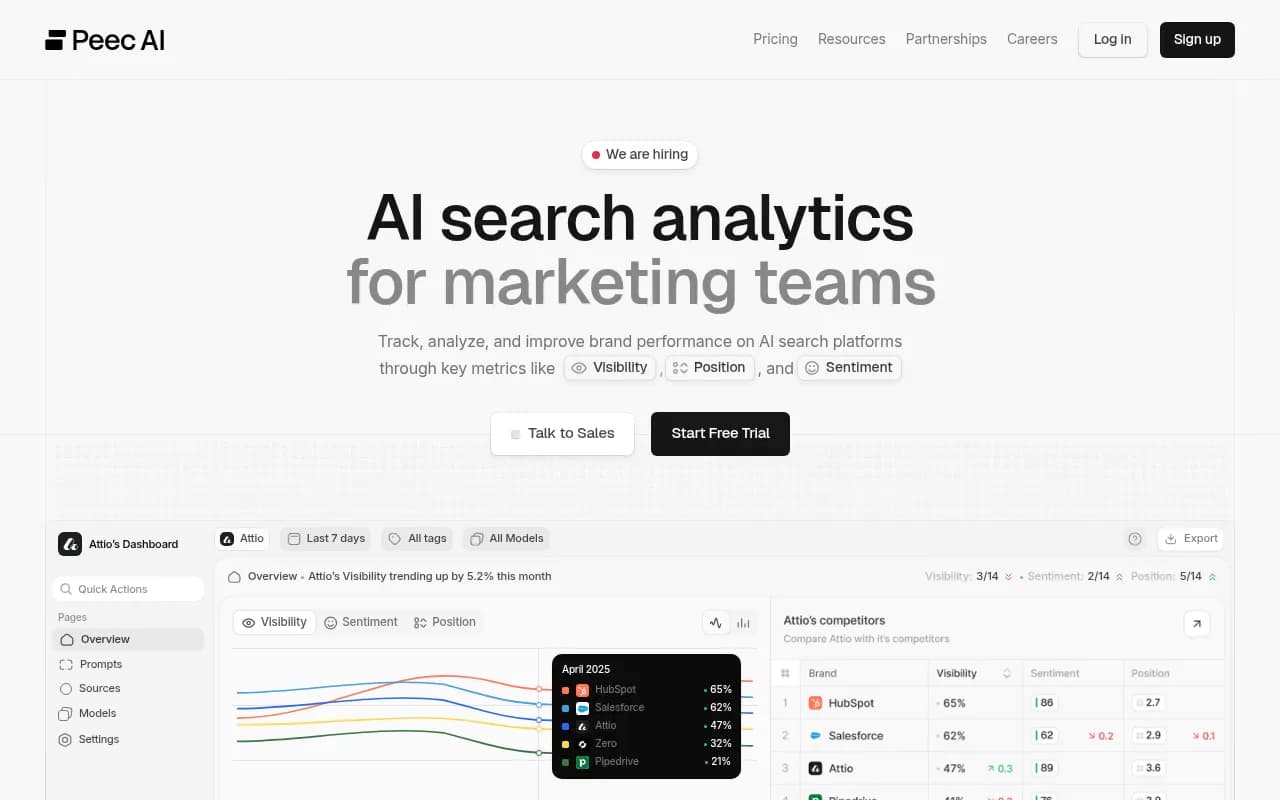
| Peec AI | Basic tracking; confirm SSO, audit logs and DPA terms |
Promptwatch is a reasonable place to start if the review is also about capability, because it combines tracking with crawler logs, a content workflow, and the controls above in one platform. Whichever tool you choose, run it through the same questionnaire.
Other tools worth putting through the same process:
Profound
For a wider list of options, the directory at bestgeosoftware.com is a good place to find more candidates.
A sequence that keeps the review short
Security reviews drag when they start with a 300-question spreadsheet. A faster order:
- Send the one-page data flow diagram and ask the vendor to confirm or correct it.
- Request the ISO 27001 certificate, DPA, subprocessor list, and latest pen test summary together.
- Run a trial in a non-production setting first. Use a read-only connection and the narrowest log setup.
- Test SSO, role limits, and the audit log yourself. Make a change through the API and check that it appears in the log with the right source.
- Only then sign off on production log access and CMS publishing.
A vendor who answers most of this from a prepared security package, rather than starting from scratch, is telling you something useful about how it runs.
Pre-signature checklist
- Data flow diagram agreed (public AI data, first-party data, credentials)
- ISO 27001 certificate checked for scope, version (2022), body, expiry
- DPA signed, with no-training clause and a breach notification commitment under 72 hours
- Subprocessor list received and change notification confirmed
- Data residency and retention settings documented
- SSO (SAML/OIDC) available on the plan you are buying; SCIM status known
- MFA enforced for admins; roles and scoped API keys verified
- Audit log tested, including source-of-change and export
- Crawler log fields, IP handling and setup permissions reviewed
- Publishing review workflow and MCP/API scopes limited
- Pen test summary less than 12 months old
- Exit terms: export and deletion timelines confirmed
Pricing and plan gating
Security features rarely sit on the cheapest plan. Before you shortlist, map your must-haves to plan tiers. For Promptwatch, the audit log, faster-than-daily tracking and Fact Check begin at Business ($579/mo), and SSO and the white-label portal are Enterprise. Confirm current plans at promptwatch.com/pricing, and ask every other vendor for the same breakdown in writing.
If you want help choosing and running a GEO program rather than just the tool, 1001 SEO Media runs GEO engagements and uses Promptwatch as its AI visibility platform. For the review itself, though, the checklist above is the part that protects you.
Bottom line
Treat a GEO platform as infrastructure that happens to produce marketing insight. Verify the certificate rather than the badge, find out exactly what log and visitor data leaves your environment, insist on SSO and a source-aware audit log, and limit what agents can publish without review. Do that and most vendors will either pass cleanly or reveal quickly why they should not.