Key takeaways
- There is no industry-standard prompt count. Published 2026 guidance runs from about 10 test prompts for small niche sites to 500+ for multi-category brands, so size by products, markets, personas and engines instead.
- Small teams do well with 20 to 60 prompts. Mid-market teams usually land at 100 to 350. Enterprises run into the hundreds or thousands, split by market.
- Add prompts when the evaluation criteria change (persona, industry, use case), not when you reword the same question.
- Keep branded, competitor-comparison and organic prompts in separate segments, and restate your baseline whenever the set changes.
- A set your team reviews weekly beats a huge one that nobody opens.
Why the answer varies so much
Ask five vendors how many prompts to track and you get five answers. One guide says 10 for a niche site. ThriveStack's roundup of 2026 measurement guides found recommendations ranging from 10 prompts to 500+ for multi-category brands. Others say 30 to 50 for a B2B company, or 50 to 100 per market.
That spread looks like disagreement, but mostly it is different assumptions. A five-person scheduling-software company and a multi-brand retailer in eight countries are not solving the same problem. Prompt count is a function of four things:
- how many products or services you need to be recommended for
- how many markets and languages you operate in
- how many buyer personas ask differently
- how many AI engines you watch
Multiply those out and the number takes care of itself. The rest of this guide shows how.
What counts as a prompt worth tracking
Before sizing, be clear about what you are counting. Semrush's prompt research guide makes a good point: visibility only matters when the AI is evaluating choices. Most prompts produce explanations or summaries where no brand gets picked. The prompts worth tracking are comparisons, "best X for Y" questions, and evaluations where the model weighs alternatives.
One more thing changes the math: wording variants are mostly wasted slots. Promptwatch Data on ChatGPT query fanouts shows that a single prompt can trigger 3 to 8+ separate web searches, though the measured average was lower (about 1.84 per response by early March 2026, and 1.0 in April after a gap in the data). The point is that ChatGPT rewrites your wording into its own search queries. Near-identical rephrasings tend to hit the same retrieval, so they tell you nothing new.
Build the set by topic and intent, not by phrasing.
The sizing table
These ranges blend published guidance with what the sources above converge on. Treat them as starting points, not rules.
| Team size | Typical prompt count | Topics | Markets | Review rhythm |
|---|---|---|---|---|
| Small (1-10 people, 1-3 products) | 20 to 60 | 3 to 6 | 1 | Weekly check, monthly review |
| Mid-market (10-200 people, 3-10 products) | 100 to 350 | 8 to 25 | 1 to 4 | Weekly dashboards, monthly topic reviews |
| Enterprise (multi-brand, multi-region) | 500 to 15,000+ | 25 to 150+ | 5+ | Per-market owners, quarterly reset |
The enterprise ceiling comes from Semrush, whose own AI Visibility Toolkit setups run from 500 to 15,000 prompts depending on configuration. Most enterprises never need the top of that range for a single market. The big numbers come from multiplying a core set across countries and languages.
Small teams: 20 to 60 prompts
Chatterbuzz Media's guide on building tracked prompt sets recommends starting with 40 to 60 prompts across five to ten core topics, then growing only where answers are unstable. Semrush's guidance is tighter: a small team can get by on up to 25, with about 10 well-chosen prompts per product being enough to see whether AI systems consistently recommend you or default to competitors.
Those two numbers are not in conflict. If you sell one product, 10 to 25 prompts is plenty. If you sell three, 40 to 60 is reasonable.
A practical small-team recipe:
- Pick the two or three products or services driving the most revenue right now.
- Write about 10 prompts per product: a few "best X for Y" questions, a few comparisons against named competitors, and a few problem-led questions your buyers actually type.
- Pull the language from sales calls, support tickets, Google Search Console queries and People Also Ask, not from your own brainstorming.
- Keep a handful of branded prompts in a separate group.
The small-team argument is really about attention. A set you can review every week and update when messaging changes gets used. A sprawling one gets built once and ignored. I have seen teams track 400 prompts on a free trial and then never look at the dashboard again. Twenty prompts that someone reads on Monday morning are worth more.
Mid-market teams: 100 to 350 prompts
Once you have several products, a couple of personas and maybe a second market, 100 to 350 is where most teams settle. The pattern is the same, repeated across more dimensions.
A workable structure:
- Topics: 8 to 25, each tied to a product line or a buying question
- Prompts per topic: 8 to 15
- Segments: organic (non-branded) prompts, competitor comparisons, branded prompts
- Personas: 2 to 4, each with its own variant of the highest-value prompts
The persona point matters. Semrush's advice for larger allowances is to add prompts only where the evaluation criteria change, like persona, industry or use case, rather than small wording variations that produce the same AI behavior. A CFO and a marketing manager asking about the same software category want different things, so those are two prompts. "Best CRM" and "top CRM tools" are one.
The unique-domain data backs up the segmenting. Promptwatch Data on unique domains per ChatGPT response shows almost half of ChatGPT responses cite 10 or more domains (Sep 28 to Oct 4, 2026), with different patterns for organic, brand-specific and competitor-comparison prompts. Pooling those into one average hides what is happening in each.
Competitors and baselines
The optimizegeo.ai methodology FAQ suggests tracking the 10 to 25 brands buyers actually compare you with, adding them deliberately at the start of a quarter, and restating the baseline the day you do. Its prompt guidance is 50 to 100 per market covering the full buying journey, with branded and non-branded kept apart. I would add one thing: restate your baseline any time the prompt set, competitor list or engine mix changes. Otherwise your trend line is partly an artifact of your own edits.
Enterprise teams: 500 and up, split by market
Enterprise sizing is a multiplication problem. Take a core set of 50 to 100 prompts per market, then multiply by countries, languages and brands. Conductor's illustrative example is a brand with 3,000 keywords clustering into roughly 150 topics, which gives you a feel for how the topic layer scales. A smaller company should expect far fewer.
What changes at this size is governance, not just volume:
- Give each market or brand an owner who reviews its own set.
- Fix the language and location of each monitor so markets never mix. Promptwatch, for instance, locks a monitor's language and location at creation for exactly this reason.
- Run a quarterly reset where you retire dead prompts and add new ones, then restate the baseline.
- Use faster tracking only where it pays off, such as launches and campaigns, instead of running everything hourly.
Local and multi-location brands add another multiplier. If answers change by city, you may need the same prompts pinned to different places, which is a separate dimension from market.
The decision tree: when to add prompts
Growing the set is easy. Growing it for a reason is harder. Add prompts when:
- you launch a product, enter a market, or add a persona
- answers for a topic swing between runs (unstable topics need more samples)
- a competitor starts showing up in places they did not before
- your sales team keeps hearing a question your set does not cover
Don't add prompts when:
- you want a bigger dashboard number
- a vendor's plan has headroom you have not used
- the new prompt is a rewording of an existing one
Contested or newer topics deserve more prompts, because the engines disagree more on them. Settled topics converge quickly, so a few prompts tell you what you need.
Mind the engines and the moving ground
Two cautions that affect how you read results at any size.
First, engines offer different numbers of citation slots. Promptwatch Data on average sources per response puts ChatGPT at about 5 sources per web-search answer, Google AI Overviews at about 10, and Perplexity at almost exactly 10 every day, while Copilot swung from under 2 to nearly 17 within weeks. Report each engine separately instead of pooling.
Second, the ground moves under you. Average citations per ChatGPT response dropped across GPT-5.3, GPT-5.4 and GPT-5-Mini around the March 4, 2026 rollout, per Promptwatch's citation drop report. A metric can fall because the engine changed, not because your content did. And the content half-life report shows news pages lose half their citations within 36 days while landing pages and docs last far longer, so time-sensitive topics deserve more frequent checks.
One more thing: run each prompt more than once. Fewer prompts than most vendors suggest is fine, but a single run per prompt is noisy. Pravin Kumar's 2026 write-up lands on 30 to 50 buyer-mapped prompts for a B2B company, with repeat runs, and that matches my experience better than the 500-prompt pitches.
Tools and what their limits mean for sizing
Most trackers cap prompts by plan, so your budget and your ideal set collide quickly. Here is how a few options map to team size. Always confirm current pricing on each vendor's site.
| Tool | Fit | Notes |
|---|---|---|
| Promptwatch | Small to enterprise | Essential has 50 prompts ($95/mo), Professional 150 ($245/mo), Business 350 ($579/mo); agency plans have unlimited prompts |
| Semrush AI Visibility Toolkit | Small teams to enterprise | Fixed prompt allowance, roughly 25 for small setups and 500 to 15,000 for enterprise configurations |
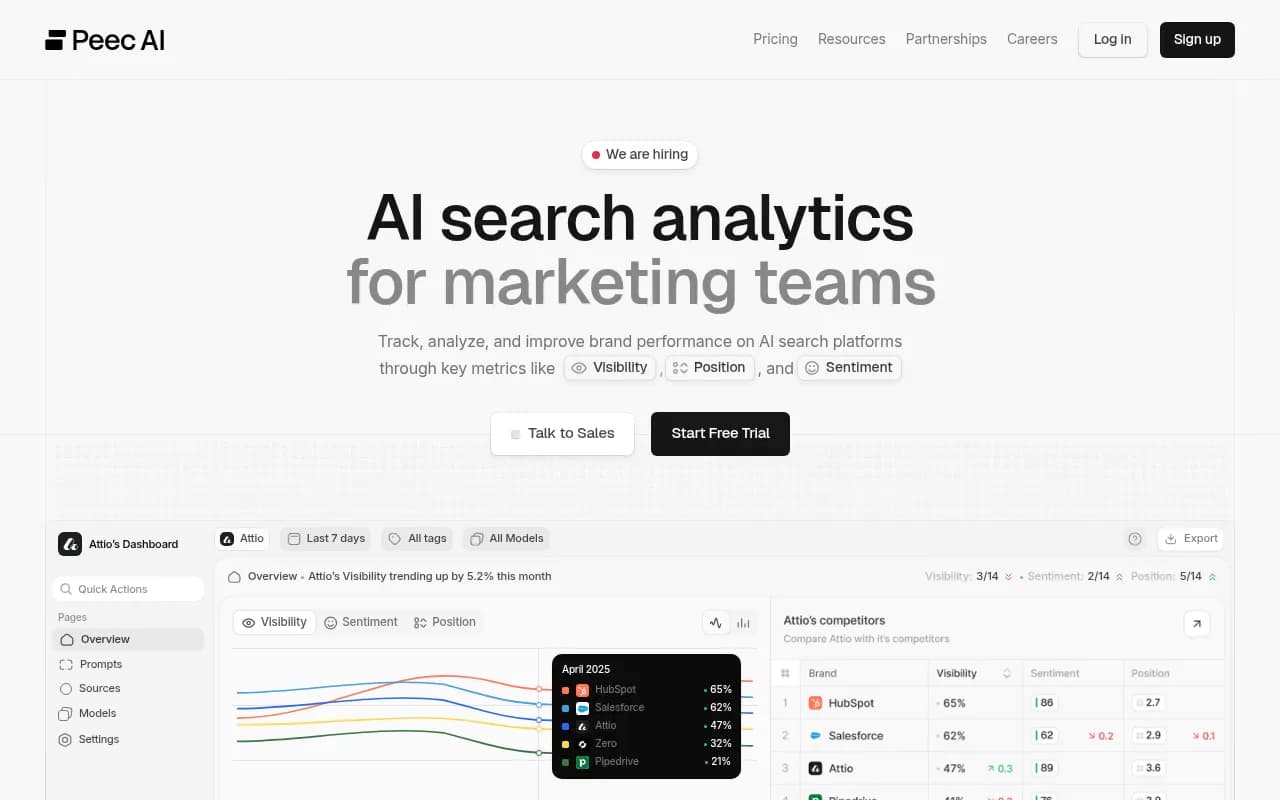
| Peec AI | Small to mid-market | Prompt-focused monitoring |
| Otterly.AI | Small teams | Basic monitoring across major engines |
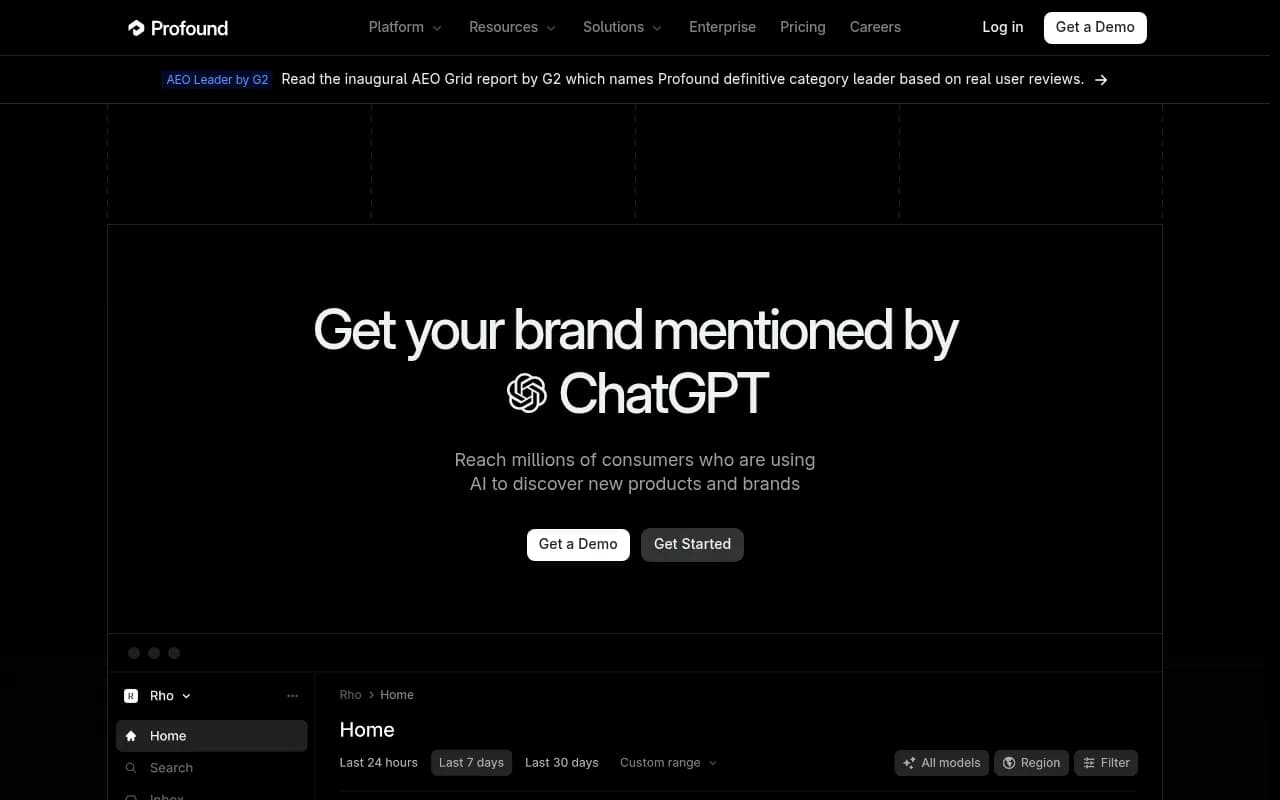
| Profound | Enterprise | Higher price point, broad engine coverage |
Promptwatch maps cleanly onto the three tiers above. Its Essential plan covers a focused small-team set, Professional and Business cover mid-market, and agencies get unlimited prompts across projects. Beyond counting prompts, it ties them to what happens next: it logs which AI crawlers read your pages, shows which pages get cited, and its Content Agent can write and publish against the gaps. Prompt volumes and difficulty scores also help you pick which prompts deserve a slot. Check promptwatch.com/pricing for current plans, or run the free AI visibility report first.

Otterly.AI

Profound
For more options, the GEO software directory at bestgeosoftware.com lists dozens of trackers with reviews. Rank-tracker-style tools are catalogued at ai-rank-tools.com.
A 30-day rollout plan
- Week 1: draft 40 to 60 prompts using the entity + aspect + intent format. Source wording from sales calls, Search Console and People Also Ask.
- Week 2: split them into organic, competitor and branded segments. Pick 10 to 25 competitors.
- Week 3: run the set, note which topics are unstable, and cut anything that duplicates another prompt.
- Week 4: set your baseline and write down the rules for when you will add prompts. Schedule a review.
If you want a second pair of eyes on the strategy, agencies like 1001 SEO Media build prompt sets and GEO programs for clients. That is optional. The framework above works in-house.
Quick answers
Is 10 prompts enough?
For one product on a niche site, yes, to get a first read. Run each several times, and expect to expand within a quarter.
Is 500 prompts too many?
Not if you have multiple markets, brands and personas. It is too many if one person is reviewing it alone and nothing gets acted on.
How often should I rebuild the set?
Review monthly, reset quarterly, and restate your baseline whenever the prompt set, competitor list or engine mix changes.
The short version
Start with 40 to 60 prompts built from real customer language, grow only where answers are unstable or your business changes, and keep segments and engines separate. The right number is the largest one your team will actually read every week.