Key takeaways
- A ChatGPT ads report for your brand answers a competitive question: which advertisers appear in ChatGPT answers for the prompts your buyers ask, with what copy, and on which landing pages.
- You can't get this by checking manually. OpenAI doesn't show ads to Plus, Pro or Business accounts or to users under 18, and ads attach to a single response, so the same prompt may show an ad once and nothing the next time.
- The workable method is a panel of non-branded buying-intent prompts, run daily against the real ChatGPT interface, scoped to your country and language.
- Promptwatch's Ads Radar does this automatically and logs the creative, headline, copy, advertiser, domain and date per ad. It does not report on your own campaigns. That stays in OpenAI's Ads Manager.
- Promptwatch Data found ads in an average of 20.1% of ChatGPT responses that ran a web search (May 20 to August 17, 2026), so you need several days of data before you trust any number.
Two different things people mean by a ChatGPT ads report
The phrase gets used for two jobs, and they need different tools.
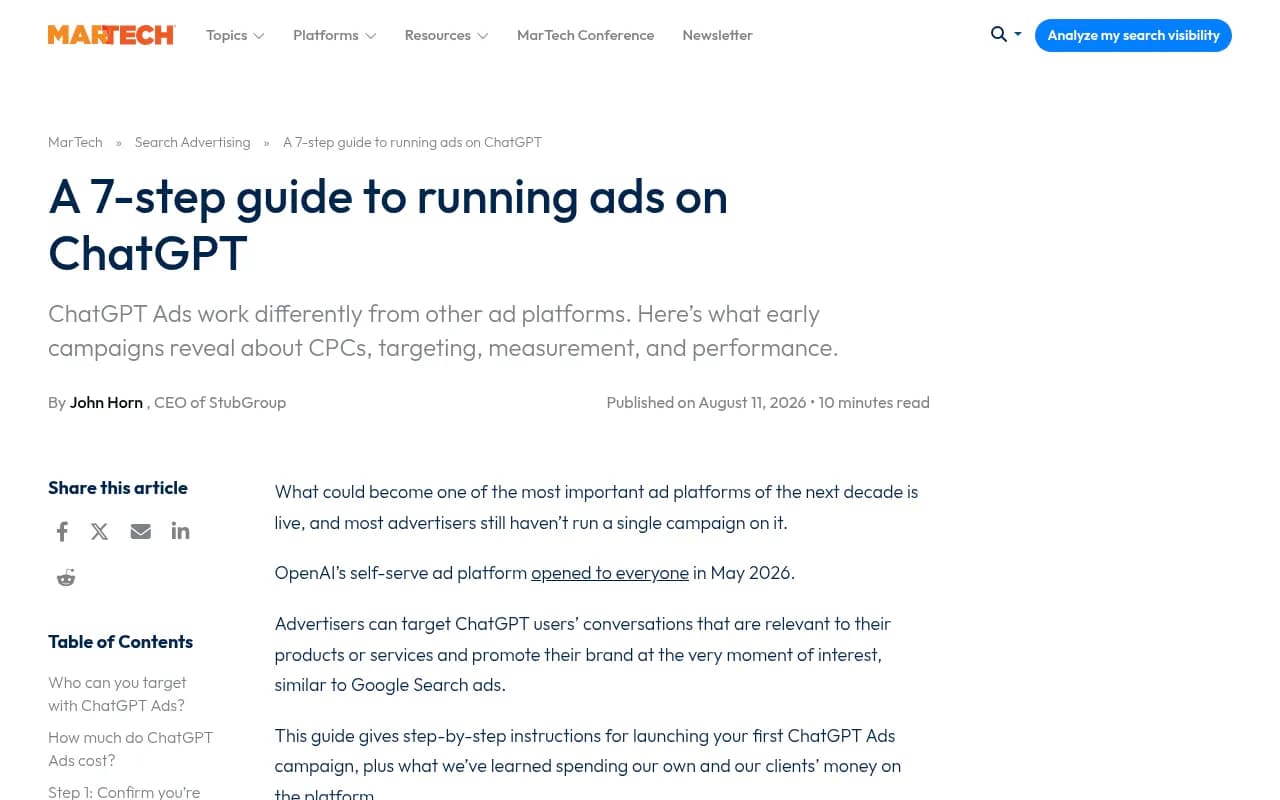
The first is reporting on campaigns you run yourself. That lives in OpenAI's Ads Manager. Per Martech's 7-step guide, OpenAI reports impressions, clicks, spend, CTR, average CPC and average CPM, plus conversions at campaign, ad group and ad level. OpenAI's measurement docs at developers.openai.com/ads cover setup.
The second is market-level reporting: who else is advertising in ChatGPT around your category, and what are they saying? Nothing in Ads Manager tells you that. This guide is about the second job, because it is the one most brands can't do without help.
How ads in ChatGPT work (the short version)
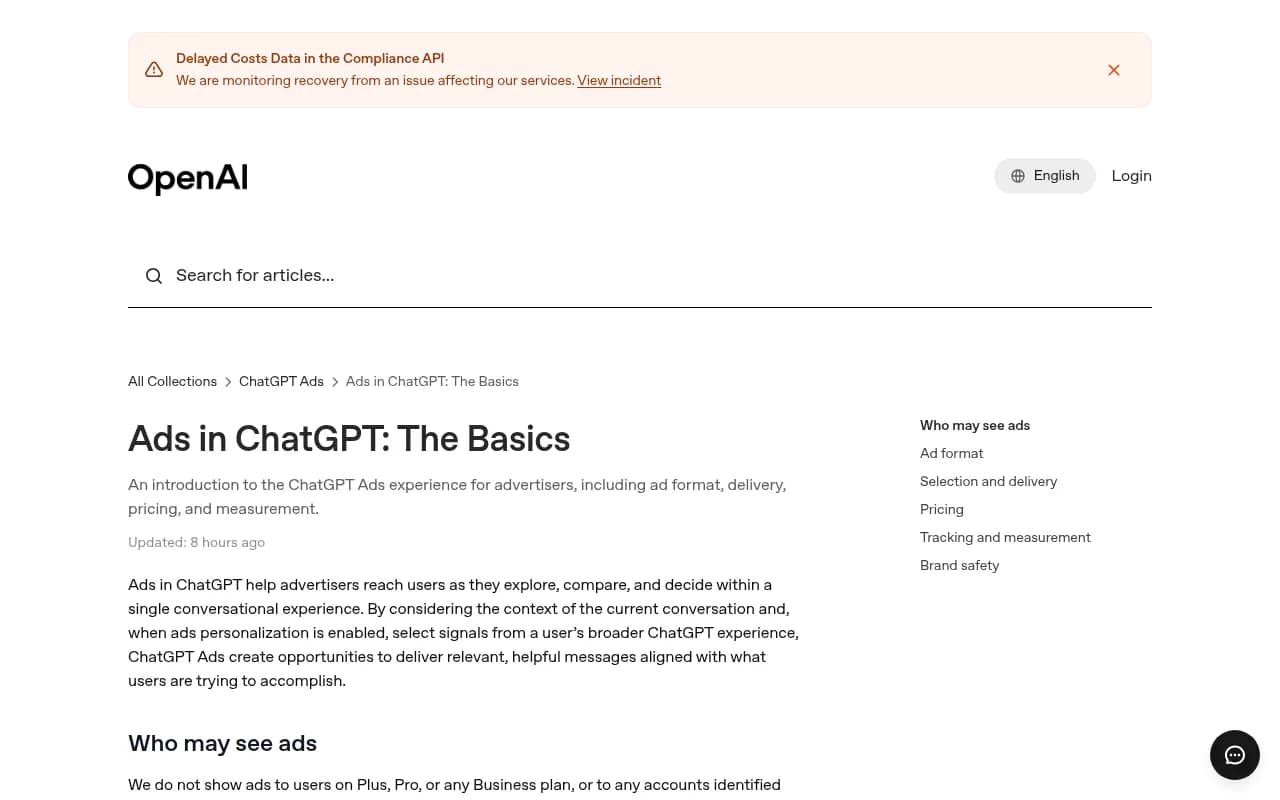
According to OpenAI's Ads in ChatGPT: The Basics help article, ads appear below ChatGPT responses. Each one has an advertiser name, a favicon, a headline, a description, a landing page and an image.
Two details shape how you build a report:
- Advertisers don't choose prompts. They supply "context hints" at the ad group level, which describe conversations or topics where their product might be relevant. OpenAI is explicit that these are not exact-match keywords and don't guarantee delivery.
- Ads aren't shown to Plus, Pro or any Business plan users, or to accounts identified as under 18.
The second point is the one that trips up teams. If your marketing department checks ChatGPT from company-paid seats, they will see no ads at all and may conclude nobody is bidding.
Why manual checking gives you a wrong answer
I've seen people try this: open ChatGPT, type five prompts, screenshot whatever shows up. It produces a confident report that is mostly noise.
- Paid accounts don't see ads, as above.
- Ads attach to one response. Run the same prompt twice and you can get an ad on one run and none on the next.
- Ads vary by country and language. A UK check shows UK advertisers, not US ones.
- Rotation and budgets change the picture day to day.
Promptwatch's own data shows how uneven this is. In its 90-day ChatGPT ads report, the share of web-search responses carrying an ad ranged from 1.69% on May 27, the first day ads appeared in its data, to a daily peak of 43.9%. The 90-day average was 20.1%. Over the past 7 days at the time of publishing it was 32.4%. A single run on a quiet day tells you very little.
One caveat on rollout dates. OpenAI's pilot started in the US in February 2026 and expanded to more countries through August, but Promptwatch's tracked data shows no ads until May 27. The difference is probably down to which responses are in the sample (only web-search responses with at least one citation count), so treat the report's dates as what its monitors observed, not as an official launch timeline.
Step-by-step: build a ChatGPT ads report with Ads Radar
Promptwatch is an end-to-end AI visibility platform, and Ads Radar is the part that extracts ads from your tracked ChatGPT responses. It runs on the same daily monitors as organic tracking and scrapes the real ChatGPT interface rather than an API.

Step 1: Decide the market you want to report on
Pick the country and language first. Monitors are scoped by country and language, and optionally by US state or city, so a UK monitor shows UK ads. A monitor's location and language are fixed once created, so make one monitor per market instead of mixing them.
Step 2: Build a prompt panel that can trigger ads
Use mostly generic, non-branded, buying-intent prompts. Think "best CRM for small agencies" or "cheapest running shoes for flat feet", not your brand name. Those are the prompts that attract paid placements.
A reasonable panel mixes the three prompt types Promptwatch tags:
| Prompt type | Example | Why include it |
|---|---|---|
| Organic | "best project management software for agencies" | Where most ads appear (about 73% of ad-bearing responses in the 90-day data) |
| Brand specific | "is [your brand] worth it" | Shows who bids on your brand name |
| Competitor comparison | "[your brand] vs [competitor]" | Shows who bids when buyers compare |
One warning from the report itself: those percentages are a volume mix, not the likelihood that each prompt type triggers an ad. If you add more organic prompts, their share rises automatically. For help finding prompts worth tracking, Promptwatch's prompt volumes and prompt tracking features show what buyers actually ask.
Step 3: Scope to the search-powered surface
Promptwatch's tracking guide notes that every ad it has captured came from ChatGPT's search-powered answers, not ordinary conversational replies. Make sure your monitor targets ChatGPT search. Ads were not observed in Google AI Overviews, AI Mode or Gemini answers when Promptwatch wrote that guide, so don't expect a report across all engines.
Step 4: Run it on a schedule
Prompts run daily on every plan. Business and Agency Scale can run a monitor every 12, 6 or 1 hours, which helps if you're watching a launch or a competitor push. Give it at least a week before reading anything into it. Promptwatch's advice is to check ad visibility across several days, because one run can land on an outlier day.
Step 5: Open Ads Radar
In the app, find Ads Radar in the sidebar. For every ad found it records the creative and headline, the ad copy, the model it appeared on, the advertiser and its domain, and the date seen.
How to read the report
The dashboard has a few views, and each answers a different question.
| View | What it shows | Question it answers |
|---|---|---|
| Ads per day | Volume over time | Is ad pressure on my prompts rising or falling? |
| Top advertisers | Advertisers ranked by occurrences | Who is spending most in my category? |
| Ad table, By Ad | Each placement with creative, copy, date | What are they saying and showing? |
| Ad table, By Prompt | Which tracked prompts attract ads | Which topics have commercial intent? |
You can filter by advertiser domain, ad type and date range, and search across ads, advertisers and domains. Prompt type and intent filters work too, so you can look only at competitor-comparison prompts, for example.
Read the landing pages, not just the headlines
The rate tells you how often a slot appears. The ad details tell you who wins it. Captures usually keep UTM parameters on landing page URLs, which can hint at how a competitor structures campaigns. Some advertisers reuse the same creative and landing page across many prompts and days, which tells you they're running a broad ad group, not a tailored one.
Use By Prompt for content decisions
A prompt that attracts paid placements has commercial intent. That makes it a candidate for organic work too. If an advertiser is paying to appear under "best invoicing software for freelancers" and you aren't cited organically, you've found a gap worth closing with content. Ads data is stored as its own type, so your Visibility Score still reflects organic answers only. The two don't contaminate each other.
What the report won't tell you
Be honest about the limits, because they matter when you present the numbers to a boss or client.
- It reports what appears in ChatGPT responses to your tracked prompts. It is a sample, not a census of every ad ever served.
- It does not show competitors' budgets, bids or conversion rates. Nobody outside OpenAI can see those.
- It does not replace Ads Manager for your own campaigns.
- Prompts you don't track are invisible to it.
There is also a plan question. Promptwatch's blog posts describe Ads Radar both as available on all plans and as starting on the Business plan, and that conflicts. Pricing pages are the source of truth, so check promptwatch.com/pricing before you commit. Paid plans start at $95/month (Essential), and Business is $579/month. Promptwatch's own plan notes list Ads Radar on Business, every agency plan and Enterprise. There is a 7-day free trial on monthly billing.
Combining the ads report with your own campaign data
If you're also buying ads, put both views side by side:
- Pull your own results from Ads Manager: impressions, clicks, spend, CTR, CPC, CPM and conversions.
- Use Ads Radar to see which advertisers share your prompts and what copy they run.
- Rewrite your ad group context hints and headlines against what competitors are saying. Remember the platform has tight character limits. HubSpot's tutorial notes 16-character headlines and 32-character descriptions.
- Re-check Ads Radar after a couple of weeks to see whether competitors changed copy or disappeared.
If you want everything in one reporting layer, tools like Dashthis, Improvado or Whatagraph can pull Ads Manager metrics next to Google Ads and Meta Ads. Promptwatch's REST API and MCP server expose ads data on every paid plan, so you can also feed Ads Radar into your own dashboards.
Alternatives for tracking ChatGPT ads
Promptwatch isn't the only way to do this. Otterly.AI offers optional Ads and Shopping columns in its Brand Reports, which suits teams already living in that tool. A third-party roundup at growbydata.com compares eight monitoring tools, and Promptwatch's own article compares six, though that is a vendor source so weigh it accordingly.
Otterly.AI

For a wider look at AI tracking software, the GEO software directory at bestgeosoftware.com lists the options.
| Option | Ads tracking | Goes beyond monitoring? |
|---|---|---|
| Promptwatch Ads Radar | Ad creative, copy, advertiser, domain, date; by ad and by prompt | Yes: content gap analysis, Content Agent, crawler logs, visitor analytics |
| Otterly.AI | Optional Ads and Shopping columns in Brand Reports | Mainly monitoring |
| Manual checks | Only from free-tier or logged-out sessions | No, and results are unreliable |
A related feature, ChatGPT Shopping tracking, covers product carousels, which are separate from ads. If you sell physical products, track both.
A simple monthly routine
Once the monitor is running, keep the workflow short:
- Week 1: confirm the panel is catching ads and prune prompts that never attract any.
- Weeks 2 to 4: watch Top advertisers and Ads per day for shifts.
- End of month: export the By Prompt view, pick two or three commercial-intent prompts where you're absent, and brief content for them. Promptwatch's ChatGPT visibility page covers the organic side.
- Quarterly: compare against the latest Promptwatch Data on ChatGPT ads to see whether your category is above or below the market average.
The point of the report isn't to admire the numbers. It is to decide where to spend: paid, organic, or both. Start with a free look at your organic baseline using the free AI visibility report, then add the ads panel once you know which prompts matter.