Key takeaways
- ChatGPT Ads Manager has no Auction Insights equivalent. It reports your own impressions, clicks, spend and conversions, and never shows which competitors appear on the same prompts.
- Competitor ad tracking means running a fixed set of prompts repeatedly, capturing the sponsored units below each answer, and storing advertiser, copy and landing page exactly as shown.
- Promptwatch Data found ads in an average of 20.1% of web-search ChatGPT responses between May 20 and August 17, 2026. A single run is not evidence, so report across several days.
- A client-ready report is one page: who is advertising, on which prompt segments, with what claims, and what the client should do about it.
- Keep paid and organic AI visibility in separate sections so nobody double counts.
Why competitor ad tracking is a separate job
Clients have noticed that ChatGPT now shows ads. Some ask whether they should be there. Others ask a sharper question: why did a competitor's name just appear under an answer about our category?
OpenAI's own tooling only answers the first question. Per OpenAI's help center, ads appear below ChatGPT responses, and each one has an advertiser name, favicon, headline, description, landing page and image. Ad groups use context hints, which are not exact-match keywords and do not guarantee delivery. So even the advertiser cannot see which conversations triggered the ad.
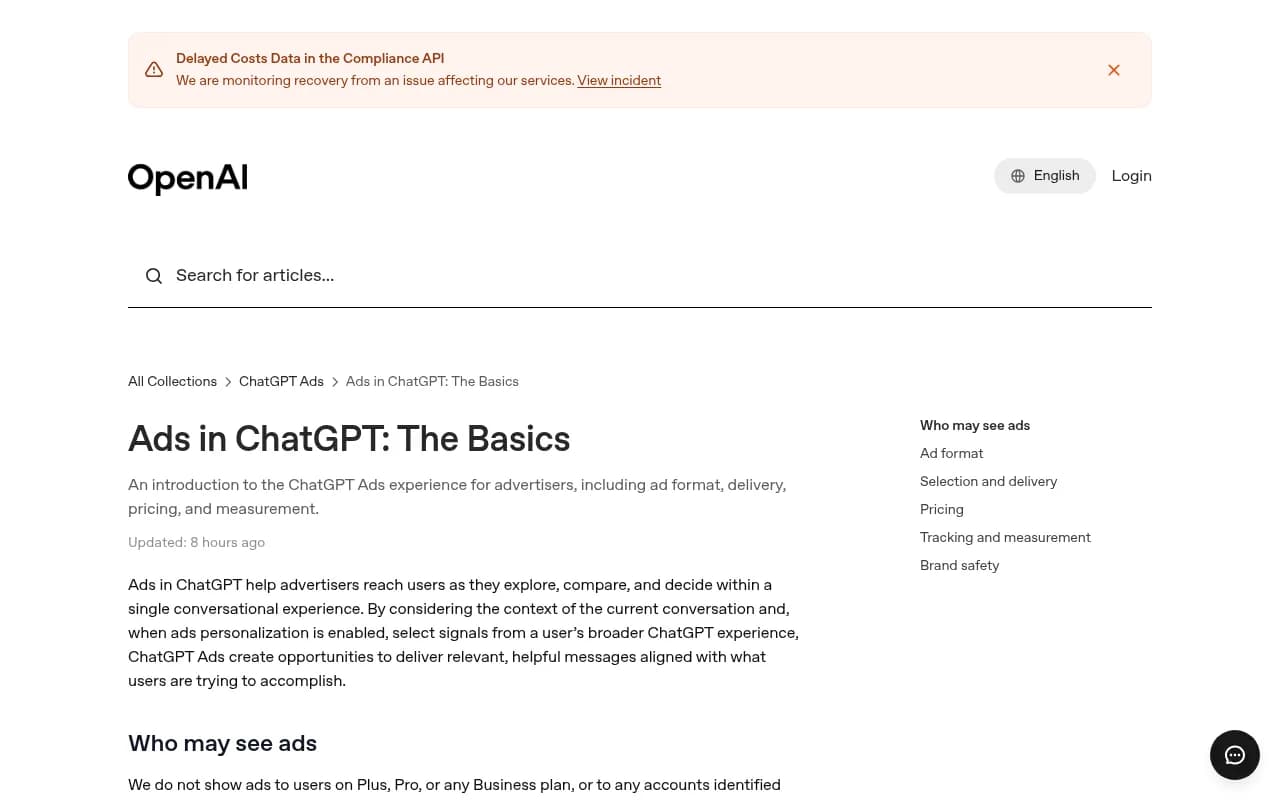
That leaves a gap. Improvado's read of the Ads Manager documentation lists what you can measure: impressions, clicks, spend, CTR, CPC, CPM, conversions and ROAS from attributed orders, split by device and country. You do not get demographics, reach, frequency, incrementality, log-level exports or third-party verification. And there is nothing about competitors. No auction insights, no overlap, no impression share.
If you want to know who is showing up on your client's category prompts, you have to go and look. Repeatedly, and in a way that is consistent enough to compare week over week.
What the data says about how often ads appear
Before you design the report, it helps to know how noisy the underlying thing is. Promptwatch Data's ChatGPT Ads Over Time report covers May 20 to August 17, 2026, and counts only responses where ChatGPT searched the web, returned at least one citation and completed ad extraction.
- ChatGPT served no ads until May 27, when they showed in 1.69% of responses.
- Over the 90 days, ads appeared in an average of 20.1% of those responses, with a daily peak of 43.9%.
- The rate rose in bursts: a brief spike on June 25 and 26, then past 30% on July 1, where it mostly stayed. Since then the daily rate has sat between the low 20s and high 30s.
- The past 7 days averaged 32.4%, and the past 30 days 29.6%.
The prompt mix of ad-bearing responses is worth quoting to clients, with one caveat. Over the past 7 days, 73.3% were organic prompts, 18.0% brand-specific and 8.6% competitor comparison. That reflects how many prompts of each type are being monitored, not how likely each type is to trigger an ad. Add more organic prompts to a monitor and their share rises even if nothing changed at OpenAI.
The practical lesson: a single run can land on an outlier day. Never report "competitor X advertised on 5 of 40 prompts" from one afternoon of checking.
Step 1: Decide which prompts to track
The report is only as good as the prompt set. Build it in three segments, because the Promptwatch data suggests advertisers can differ by segment:
- Organic category prompts. The questions a buyer asks before they know any brand names ("best CRM for a 10-person agency").
- Brand-specific prompts. Questions that name your client. These matter because a competitor ad appearing under a branded answer is the most painful finding for a client.
- Competitor comparison prompts. "Client vs Competitor" and "alternatives to Competitor".
Keep the set stable for at least a quarter. Pin each monitor to one country and language so markets never mix. Ads are available in 60+ countries according to Swydo's agency guide, and location targeting goes down to postal code, so a US monitor will not tell you what a Dutch buyer sees.
A starting size of 30 to 60 prompts per client is plenty. More prompts means more noise to explain.
Step 2: Capture ads, not just answers
There are three ways to do this, in rising order of effort and reliability.
Manual spot checks
Open ChatGPT on a Free account, run your prompts, screenshot the ads. Fine for a pitch. Not fine for a monthly report: ads only show for adults on Free and Go plans, results vary run to run, and your own history and personalization can shift what you see. Use a clean logged-out or dedicated test profile.
Monitoring tools with ad extraction
A handful of AI visibility tools now store the sponsored units alongside each response. Otterly.AI's ChatGPT ads tracking page says every ad shown came from an actual ChatGPT answer captured for a prompt you track, with advertiser, link and copy stored as they appeared.
Otterly.AI

Promptwatch covers the same ground through its Ads Radar, which shows which advertisers bid on your prompts, their ad copy, claims and landing pages, viewed by ad or by prompt. Because it sits next to the organic tracking, citation data and AI crawler logs, an agency can report paid and organic from one place. Ads Radar is on the Business plan, every agency plan, and Enterprise. Check promptwatch.com/pricing for current numbers, and see how the ChatGPT ads feature works.

If you are comparing options more broadly, the GEO software directory lists a lot of them. Many are monitoring-only and do not capture ad units at all, so ask before you buy.
Your own scripts
Possible, but you end up maintaining a headless-browser pipeline against a UI that changes. For most agencies it is not worth the time.
| Approach | Repeatable | Stores ad copy and landing page | Effort | Best for |
|---|---|---|---|---|
| Manual spot checks | No | Screenshots only | Low | Pitches, sanity checks |
| Monitoring tool with ad extraction | Yes | Yes | Low to medium | Monthly client reporting |
| Custom scraping | Yes, if maintained | Yes | High | Teams with spare engineers |
Step 3: Set up access before you report
If the client is also advertising, access matters. Agencies cannot open ChatGPT Ads accounts on a client's behalf. Per Swydo, the client creates the account and invites the agency in, and the agency should give Viewer access to client stakeholders and analysts.
Two more setup notes before you build anything:
- Use UTM parameters on every ad URL. Martech's seven-step guide strongly recommends this for third-party systems including GA4. Without it, an untagged ad click lands in GA4 as a chatgpt.com referral, indistinguishable from an organic mention, and your paid and organic numbers blur together.
- Know the plan boundary. Ads do not show to Plus, Pro or any Business plan users, or to accounts identified as under 18. Your competitor tracking reflects the Free and Go audience, which is worth saying in the report.
The minimum spend is $25 per day with no minimum commitment, per Swydo, so a client test is cheap. There are no official benchmarks yet, so judge it against the client's break-even CPA.
Step 4: Structure the report so clients read it
Clients do not read 30-page exports. They read a page that tells them something is happening and what to do. Here is a structure that fits on one page plus an appendix.
Section 1: Headline in two sentences
Something like: "Across 45 tracked prompts over four weeks, two competitors advertised on category prompts. One began running comparison-prompt ads against you in week three." Lead with the change, not the method.
Section 2: Ad presence by segment
A small table, one row per prompt segment.
| Segment | Prompts tracked | Prompts where any ad appeared | Advertisers seen | New this month |
|---|---|---|---|---|
| Organic | 25 | 7 | 3 | 1 |
| Brand-specific | 10 | 2 | 1 | 1 |
| Competitor comparison | 10 | 3 | 2 | 0 |
The numbers above are an illustrative template, not benchmarks. Report ranges across the whole month rather than one day, and note the date window.
Section 3: What competitors are saying
This is the part clients actually like. Quote each competitor's headline and description, show the landing page, and flag the claims. "Cheaper than X", "built for agencies", "free migration". Ad copy tells you their positioning faster than any competitive deck.
Section 4: Where the client stands in organic answers
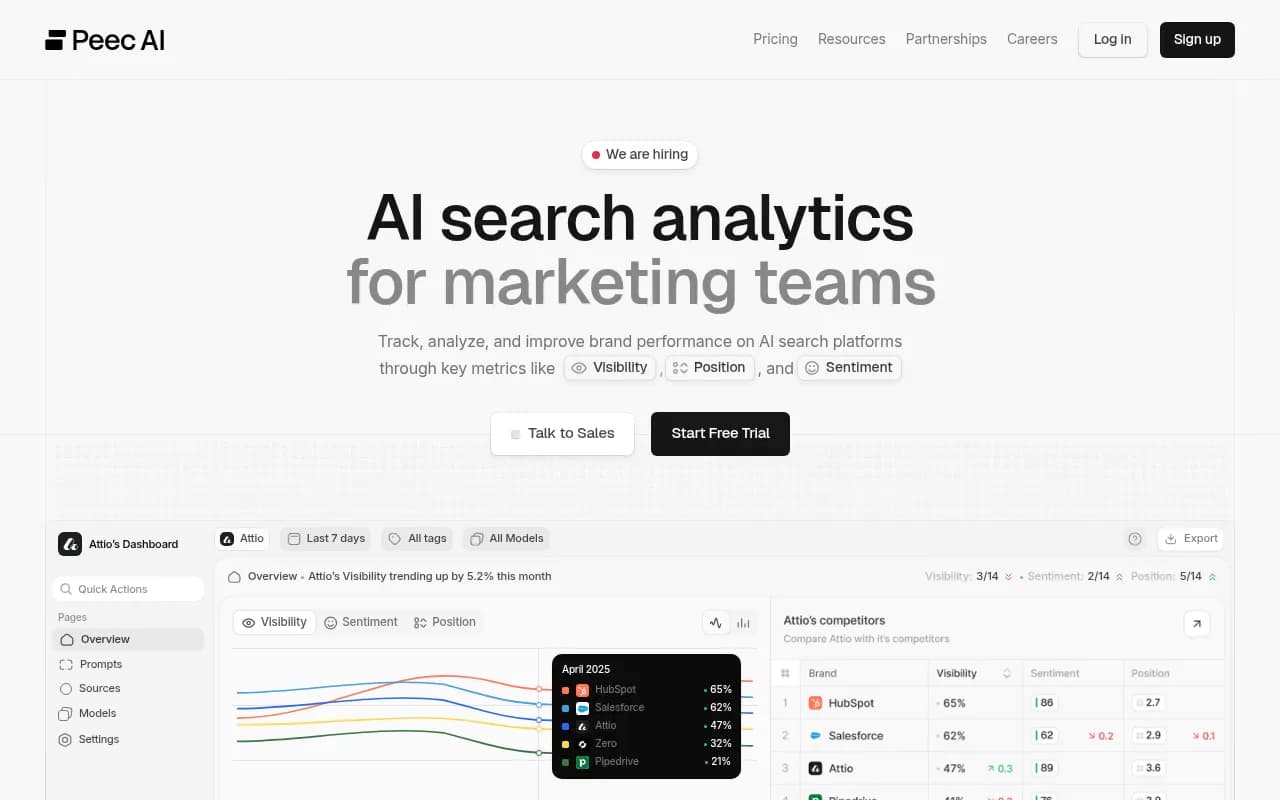
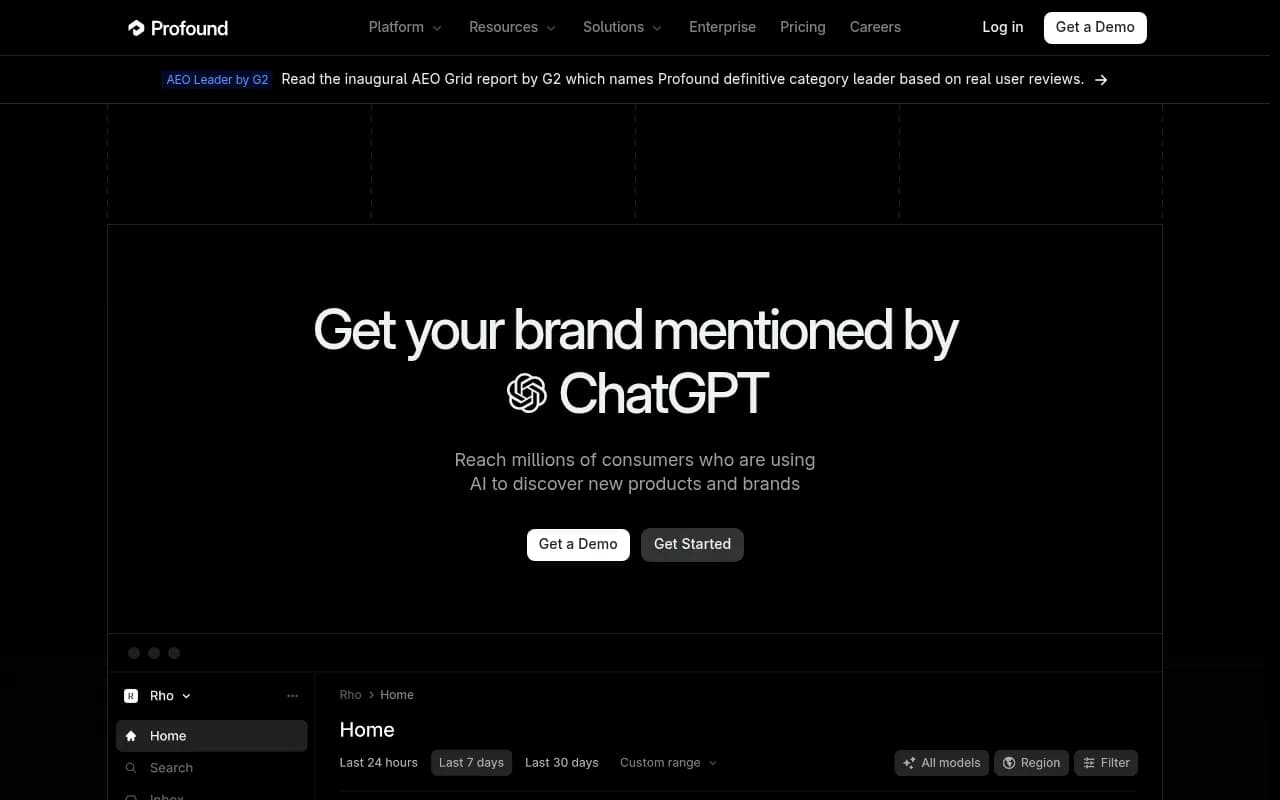
Keep paid and organic apart. Swydo's guide has a section on reporting both without double counting, and the principle holds: sponsored placements and organic mentions come from different systems with different measurement. Show the client's visibility in the answers themselves in one block, and ads in another. Tools like Rankshift, Peec AI or Profound can supply the organic side if you are not using one platform for both.
Profound
Section 5: Client's own ad performance (if running)
Pull from Ads Manager: impressions, clicks, spend, CTR, CPC, CPM, conversions and ROAS, by device and country. Add the caveat from Improvado that these are platform-reported with no independent verification.
Section 6: Three recommended actions
Every report needs a so-what. Examples: test a $25-a-day campaign on the comparison prompts where a rival is the only advertiser; fix the landing page that a competitor's ad is out-claiming; improve organic citations on the category prompts where no one is buying yet.
Step 5: Add the numbers that prove something
Competitor tracking is context. Clients want to know whether any of this affects revenue.
For clients who advertise, the conversion layer is a pixel plus the Conversions API, deduplicated with a shared event ID, and an oppref click reference appended to landing URLs, per the Improvado write-up. Wire these before launch, not after.
For AI traffic overall, attribution gets murkier. ChatGPT stopped sending a referrer on October 8, 2026, so tag everything you control with utm_source=chatgpt.com and add a rule in your analytics. Google Analytics can handle that with a custom channel group, and agencies already living in a reporting tool such as Swydo or Whatagraph can pull both sets into one dashboard.
Promptwatch's visitor analytics and AI crawler logs can also show whether AI-referred visitors convert, which helps when you need to prove the organic side is worth the effort separate from paid.
Step 6: Report cadence and thresholds
Monthly is the right rhythm for most clients. Weekly if they are in a launch, a sale or a competitive fight. Use these rules to avoid crying wolf:
- Only call an advertiser "active" if it appears on the same prompt on at least three separate days.
- Flag a new advertiser the first month it appears, then confirm it the next.
- Re-baseline when OpenAI changes something visible, such as the ad format or the rate of ads. The Promptwatch data shows the ad rate stepping up in bursts, so a jump in the number of ads is not automatically a competitor move.
- Track by prompt, not just overall percentage. Overall ad rate is a platform fact. Prompt-level presence is a client fact.
For clients who run ads, also check Q1 Media's published campaign breakdowns and similar sources for changes in approvals, tracking and cost, since this is a fast-moving beta and anything you tell the client today may need updating in a quarter.
Common mistakes
- Reporting a single run as a trend. Ad rates move in bursts; one day tells you nothing.
- Mixing countries or languages in one monitor.
- Treating the prompt-type mix as a probability. It reflects what you monitor.
- Claiming you can see the prompts that triggered a competitor's ad. Nobody can; OpenAI does not expose conversations, search terms or prompts.
- Combining paid and organic AI visibility into one score.
- Skipping UTMs and then arguing about whether the traffic was paid.
A simple monthly checklist
- Confirm the prompt set and country and language settings are unchanged.
- Pull ad captures for the full month and group by advertiser and prompt segment.
- Mark new, continuing and stopped advertisers.
- Save headlines, descriptions and landing pages for each.
- Pull the client's own Ads Manager data and organic visibility separately.
- Write the two-sentence headline and three actions.
- Send one page, keep the appendix for anyone who asks.
Where this fits in your services
Competitor ad tracking is cheap to add to an existing AI visibility retainer, and it gives clients something concrete to react to. If your agency is still deciding how to package AI search work, the Promptwatch agencies page and the Academy guide on GEO for agencies are useful starting points. And if you would rather have a team handle the strategy side, that is the kind of work 1001 SEO Media does across SEO and generative engine optimization.
The core point: ChatGPT will not tell your client who is advertising beside them. A repeatable prompt set, a stable monitor and a one-page report will.