Key takeaways
- An MCP server lets Claude pull live data from your reporting sources, so the weekly report stops being a copy-paste job.
- The workflow has five parts: one project per client, an MCP connection, a locked prompt template, a schedule, and a human review step.
- Use the same week definition across every source (Monday to Sunday, UTC) or your week-over-week deltas will be noise.
- Read-only tokens, a review step before anything reaches a client, and sanity checks against the source dashboards matter more than clever prompting.
- I could not verify Claude plan limits or MCP connector pricing for this guide, so check Anthropic's current docs before you promise clients a delivery schedule.
Why automate the weekly visibility report
Most agencies I know do this the same way. Someone opens six tabs on Monday morning, exports a few CSVs, pastes numbers into a deck, and writes three sentences of commentary that look suspiciously like last week's. It takes an hour per client, and the commentary is the part clients actually read.
An MCP server changes the first half of that job. MCP (Model Context Protocol) exposes tools that an AI assistant can call, limited to the permissions you grant. The app you work in, whether that's Claude desktop, claude.ai, or Claude Code, is the MCP host, and it runs a client that talks to each server. Claude asks the server for data, the server returns it, and Claude writes the narrative.
One Reddit user in r/ClaudeAI described cutting a weekly client reporting workflow from about an hour to about a minute using Claude Code, a handful of connectors and APIs, and a reusable skill. Treat that as an anecdote, not a benchmark. But the shape of it is right: the time savings come from removing the data-gathering, not from the writing.
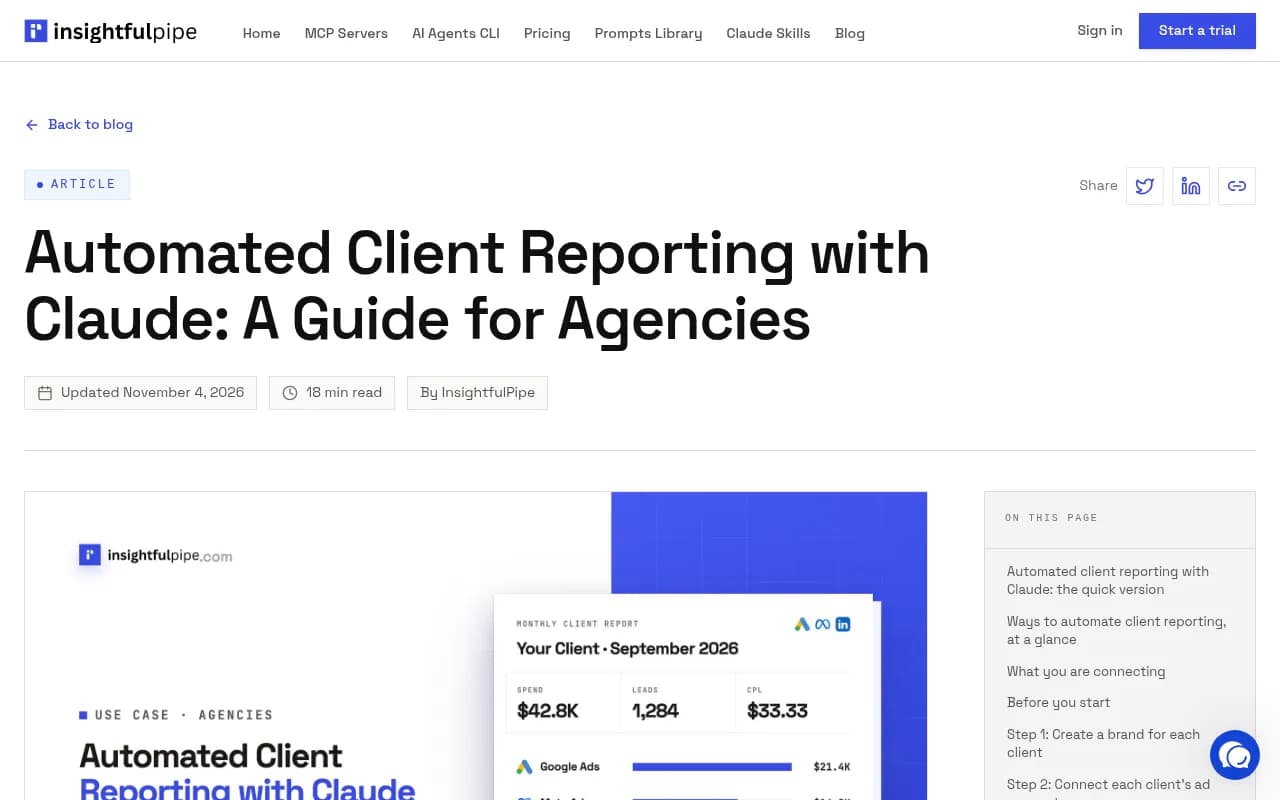
The InsightfulPipe guide above is a good reference for the ad-platform version of this workflow: create a brand per client, connect each client's accounts, add the server to Claude, run a report prompt, schedule it. That structure carries over almost unchanged to AI visibility reporting.
What goes in a client visibility report
Before you wire anything up, decide what the report says. Agencies skip this and end up with a dashboard dump. A weekly visibility report for a client in 2026 usually needs four blocks:
- AI visibility: how often and how prominently the brand appears in ChatGPT, Gemini, Perplexity, Google AI Overviews and similar engines, against named competitors.
- Citations: which of the client's pages get cited, and which competitor or third-party pages are cited instead.
- Crawler access: whether AI bots can actually read the site.
- Traffic and conversions: what AI search sent, and what it did on the site, alongside classic Google and Bing performance.
Then add a short "what changed and what we do next" section. That last part is where Claude earns its keep.
Metrics worth putting in every report
Keep the metric set small and stable so clients learn to read it. A reasonable core: a visibility score per engine, share of voice against two or three competitors, average position within answers, citations to the client's own domain, AI crawler requests per provider, and AI-referred sessions. Add sentiment if the client is in a reputation-sensitive category.
Choosing your data source and MCP server
The MCP server is only as good as the data behind it. You have three realistic options.
| Approach | Setup effort | Best for | Watch out for |
|---|---|---|---|
| Hosted MCP server from a visibility platform | Low (OAuth or API key) | AI visibility and citation data | Check what is read-only vs. write |
| Multi-source reporting MCP (ad accounts, analytics) | Low to medium | Paid and web analytics blended in one report | Per-client account mapping |
| Custom MCP server over your own APIs | High | Unusual sources, internal data | You own auth, rate limits, and maintenance |
For AI visibility specifically, a platform that already collects the data and exposes it through a hosted MCP server saves you from building a collector. Promptwatch is the one 1001 SEO Media uses for this, and it runs a hosted MCP server with 110+ read and write tools that works with Claude, Claude Code, ChatGPT, Cursor and other MCP clients. You connect with one-click OAuth or an API key. Its REST API and MCP docs list the endpoints, and the MCP integration page covers setup.

If your clients also want paid media in the same report, the ad platforms have moved fast. According to mcpplaygroundonline, Meta launched an official hosted MCP endpoint on April 29, 2026, with Google Ads, TikTok and X following in the same window. The same write-up notes that the official Meta server uses standard Business OAuth and skips the old App Review wait. That matters for agencies because a read-only paid-media block can sit next to the visibility block in one Claude session.
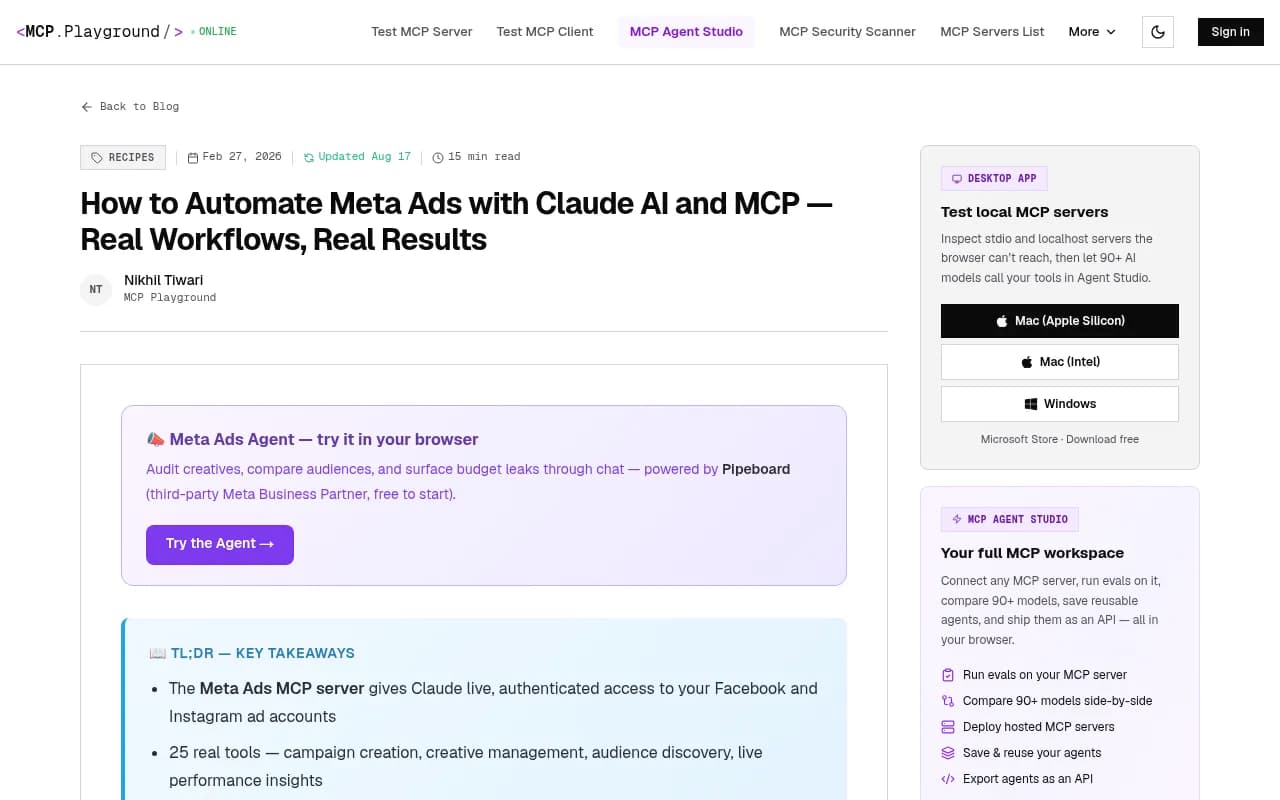
One caution from that same guide is worth repeating: know whether you are connecting to a first-party server or a community one. They carry different trust and data-handling implications, and you should read the terms before pointing either at a client's production account.
Step 1: Set up one workspace per client
The single most common failure in multi-client reporting is cross-contamination. Claude happily writes a confident summary that mixes Client A's competitors into Client B's report if both live in one context.
So separate them:
- In Claude, use one project per client (or one Claude Code directory per client) with its own instructions file.
- In the instructions, put the client's brand name and aliases, domain, competitors, markets and languages, and the metrics that matter to them.
- In your data source, keep one project per client too. Most platforms let agencies create unlimited projects, so there is no reason to share.
A short instructions file might look like this:
Client: Acme Plumbing
Domain: acmeplumbing.example
Aliases: Acme, Acme Plumbing Co
Competitors: BetaPipes, FlowRight, DrainPros
Markets: US (English)
Report week: Monday to Sunday, UTC
Tone: plain, no hype, max 400 words of commentary
Step 2: Connect the MCP server to Claude
The connection method depends on where you run Claude.
Claude desktop and claude.ai
Use a hosted connector where one exists, or configure a local MCP server on your machine. Hosted connectors are easier for non-technical account managers because the sign-in is a normal OAuth flow.
Claude Code
Claude Code adds servers from the terminal. For an HTTP server, the documented pattern is:
claude mcp add --transport http server-name SERVER_URL
Use the provider's documented URL, not one you guessed. Claude Code also supports SSE transport and local NPX servers, plus subagents and hooks, which is what makes repeatable workflows scriptable.
Building your own server
If you need a source nobody has wrapped yet, Truto's engineering guide walks through a custom MCP server for any SaaS API, covering JSON-RPC, OAuth, tool generation and rate limits. One idea from it is worth borrowing even if you never build a server: scope tokens narrowly. Their example creates an MCP endpoint limited to read methods, filtered by tag, with an expiry date. For a reporting agent, read-only with a short expiry is the right default.
Step 3: Write the report prompt once and lock it
A good report prompt is boring and strict. It names the data to pull, the comparison period, the output structure, and what Claude must not do.
Here is a template you can adapt:
You are preparing the weekly AI visibility report for the client in this project.

1. Pull data for the last complete week (Monday to Sunday, UTC) and the week before it.
2. Report, per AI engine: visibility score, share of voice vs. the named competitors, average position.
3. List the client's top 5 cited pages and the top 5 competitor pages cited for the same prompts.
4. Report AI crawler requests per provider and flag any provider with near-zero requests.
5. Report AI-referred sessions and conversions, and Google/Bing clicks for the same pages if available.
6. Write a 'what changed' section: max 5 bullets, each tied to a number you pulled.
7. Write 'next actions': max 3, each with an owner and a reason.

Rules: never estimate a number you did not retrieve. If a tool call fails or returns empty, say so in a 'data gaps' section. Do not modify anything in the source tool.
The last two rules do most of the work. They stop Claude from papering over a failed call with plausible-sounding prose.
Use the same week convention everywhere
Promptwatch Data's AI crawler traffic report defines weeks as Monday to Sunday in UTC and excludes the current incomplete week. Copy that convention. If your Monday-morning run includes a partial week for one source and a full week for another, your deltas will be wrong in ways nobody notices for a month.
Step 4: Add context so the numbers mean something
A raw number without a benchmark invites bad commentary. Give Claude reference points in the project instructions, and tell it to cite them.
Two from Promptwatch Data are useful for visibility reports:
- In Promptwatch's AI crawler traffic report (verified requests, June 8 to Sept 6, 2026), OpenAI's share of verified AI crawler requests was 79.8% in the week of Aug 31 to Sept 6, down from 94.8% in the week of June 8 to 14. Only requests whose IP matches the operator's published ranges are counted. So if a provider holds a large share in that report but sits near zero in your client's logs, the client is probably blocked or unreachable for that provider. Check robots.txt, CDN and WAF rules.
- In Promptwatch's average sources per response data, ChatGPT averages about 5 citations per answer, Google AI Overviews about 10, and Perplexity almost exactly 10 every day. Copilot swung from under 2 to nearly 17 within a few weeks before settling at the low end.
The practical reading rules that fall out of this: a change in a client's Perplexity citations is more likely to reflect the client's content than engine noise, because the engine's own count barely moves. Copilot should be judged on monthly trends, not weekly snapshots. ChatGPT's citation count drifts with model and retrieval updates, so annotate those weeks in the report.
For wider context on which sources AI engines lean on, the Promptwatch Data hub has the full report list. Cite the specific report and its period, because these numbers move month to month.
Step 5: Schedule the run
I could not verify the exact scheduling options for every Claude surface, so check Anthropic's current documentation before committing. The patterns agencies typically use:
- Claude Code in headless mode, called from cron or a CI job, writing the report to a folder or a draft in your document tool.
- A scheduler or automation platform that triggers the run and routes the output for review. Zapier, n8n and Make all work as the trigger and delivery layer.
- Platform-side scheduling. Some visibility tools can schedule chats or PDF reports to Slack or email on their own, which is a good fallback when you do not want Claude in the loop for every client.
Whatever you pick, run it early Monday UTC so the full prior week exists, and have it deliver to a review inbox, not to the client.
Step 6: Review before it reaches the client
Automation without review is how you send a client a report that says their traffic doubled because of a tracking glitch. Build a five-minute check:
- Spot-check two or three numbers against the source dashboard.
- Read the "data gaps" section first. Anything there needs a human answer.
- Confirm every "what changed" bullet cites a number, and that the number is real.
- Look for competitor names that do not belong to this client.
- Add one sentence of human judgment. Clients can tell when nobody looked.
The InsightfulPipe guide frames this as a question worth asking directly: how do you know the numbers are right? Their answer, and mine, is reconciliation against the source, every time, at least until you have a few months of clean runs.
Comparing your options for the data layer
Not every agency needs the same stack. Here is how the common choices stack up for weekly visibility reporting.
| Option | AI visibility data | Crawler logs | Traffic attribution | MCP access | Fits when |
|---|---|---|---|---|---|
| Promptwatch | Yes, real UI collection across major engines | Yes, IP-verified | Yes | Hosted, read and write | You want one source for visibility, crawlers and traffic |
| Otterly.AI | Yes | No | No | Verify with vendor | You only need prompt tracking |
| Semrush | Fixed prompt sets | No | Limited | Verify with vendor | Clients already live in the SEO suite |
| Custom MCP over your own APIs | Whatever you build | Whatever you build | Whatever you build | You build it | Unusual data sources |
For the head-to-head details, Promptwatch publishes comparison pages such as Promptwatch vs Semrush and Promptwatch vs Otterly. If you are still shopping, the directories at bestgeosoftware.com and ai-rank-tools.com list the field.
Otterly.AI

Why the crawler and traffic blocks matter
Visibility scores alone tell a client very little. They want to know whether it affects revenue. That is why I would insist on the crawler and traffic blocks even if they make the report longer.
The crawler block answers "can AI read this site?" Promptwatch's AI crawler logs are IP-verified, so spoofed user agents are filtered out, and they show which pages each bot reads and which errors it hits. That lets you separate an access problem from a content problem, which are fixed by different people.
The traffic block answers "what did it send?" One wrinkle for 2026 reporting: ChatGPT stopped sending a referrer on October 8, 2026, so referral-based AI traffic undercounts unless you tag links. Promptwatch has a setting that counts visits tagged utm_source=chatgpt.com as ChatGPT traffic. Whatever tool you use, note the change in your report footnote so clients do not read a drop as a performance problem. The attributing AI traffic guide covers the options.
Common mistakes
- Letting Claude write the numbers. It should retrieve them. Put "never estimate" in the prompt and enforce it in review.
- Giving write access to a reporting agent. Use read-only tokens. If the workflow also queues content or updates monitors, split that into a separate, supervised job.
- One giant context for all clients. Separate projects, separate instructions, separate credentials.
- Reporting weekly on volatile engines. Some engines swing hard week to week. Report them monthly or smooth them.
- Skipping the next-actions section. A report that only describes is a report clients stop reading by week six.
- Treating the first month as proven. Run in parallel with your manual process until the two match.
Where the work goes after the report
The report is the start of the loop, not the end. If your visibility platform also keeps a prioritized to-do list and can draft and publish content, the weekly run can feed it: the report flags a content gap, an action gets assigned, a page ships, and next week's report shows whether it was crawled and cited. Promptwatch's Action Board and Content Agent are built around that loop, and the agency plans start at $199/mo (Kick-off), with unlimited projects. Confirm current plans at promptwatch.com/pricing, and the agencies page explains how client projects are handled. For a case study of the pattern, see how Monks uses citation gaps to build client content roadmaps.
If you would rather hand the whole thing to a team, that is what agencies like 1001 SEO Media do: run the reporting, the content, and the fixes as one service.
A starting checklist
- Define the four report blocks and the five or six metrics per client.
- Create one Claude project and one data project per client.
- Connect the MCP server with a read-only token.
- Save the locked prompt and the client instructions file.
- Schedule the run for early Monday UTC, delivering to a review inbox.
- Reconcile against source dashboards for four weeks.
- Add the benchmark context and the footnotes (engine changes, ChatGPT referrer change).
- Only then switch clients to the automated version.
Start with your smallest client, run it in parallel for a month, and fix whatever breaks before you scale it to the rest of the roster.