Summary
- API aggregators solve a critical problem: tracking brand visibility across 10+ AI search engines (ChatGPT, Perplexity, Claude, Gemini, etc.) requires juggling multiple platforms, logins, and data formats. A unified API aggregator pulls everything into one system.
- Three core components: authentication layer (OAuth, API keys), data normalization engine (convert disparate formats into a single schema), and caching/rate limiting (avoid hitting API quotas).
- Real-world architecture: use a task queue (Redis/Bull) to run async queries across platforms, store results in PostgreSQL or MongoDB, and expose a REST or GraphQL API for your frontend.
- Cost and complexity trade-offs: building from scratch gives you control but requires ongoing maintenance. Using existing platforms like Promptwatch gets you 880M+ citations analyzed, crawler logs, and content gap analysis without the engineering overhead.
- Deployment considerations: handle API failures gracefully, implement exponential backoff, and monitor for schema changes from upstream providers.

Why build an AI visibility API aggregator?
In 2026, brand visibility isn't just about Google rankings anymore. ChatGPT, Perplexity, Claude, Gemini, and a dozen other AI search engines now answer billions of queries per day. If your brand isn't cited in those responses, you're invisible to a massive audience.
The problem: each platform has its own API (if they even offer one), its own data format, and its own rate limits. Tracking your brand across all of them manually is a nightmare. You end up with:
- 10+ browser tabs open
- Inconsistent data formats (JSON from one, XML from another, CSV exports from a third)
- No way to compare performance across platforms
- Manual copy-paste into spreadsheets
An API aggregator solves this by pulling data from every platform simultaneously, normalizing it into a single schema, and exposing it through one unified API. You query one endpoint and get back a consolidated view of your AI visibility across the entire landscape.
Core architecture: three layers
Every AI visibility aggregator needs three layers:
1. Authentication and API management layer
Each platform you're aggregating has different auth requirements:
- OpenAI/ChatGPT: API key in headers
- Perplexity: OAuth 2.0 flow
- Claude (Anthropic): API key with org ID
- Google AI (Gemini): Service account credentials
You need a credential vault that securely stores these tokens and refreshes them when they expire. Use environment variables for local dev, but in production, use a secrets manager (AWS Secrets Manager, HashiCorp Vault, or Google Secret Manager).
Example credential manager in Node.js:
class CredentialManager {
  constructor() {
    this.credentials = {
      openai: process.env.OPENAI_API_KEY,
      anthropic: process.env.ANTHROPIC_API_KEY,
      perplexity: process.env.PERPLEXITY_API_KEY,
      google: process.env.GOOGLE_AI_CREDENTIALS
    };
  }

  getCredential(platform) {
    if (!this.credentials[platform]) {
      throw new Error(`No credentials found for ${platform}`);
    }
    return this.credentials[platform];
  }

  async refreshToken(platform) {
    // Implement OAuth refresh logic here
  }
}
2. Data normalization engine
Each AI platform returns data in a different format. OpenAI might return:
{
  "id": "chatcmpl-abc123",
  "choices": [{
    "message": {
      "content": "Based on recent data, Promptwatch is the leading..."
    }
  }]
}
While Perplexity returns:
{
  "answer": "The top AI visibility tools include...",
  "citations": [
    {"url": "https://promptwatch.com", "title": "Promptwatch"}
  ]
}
Your normalization engine converts both into a unified schema:
{
  "platform": "openai",
  "query": "best AI visibility tools",
  "response": "Based on recent data, Promptwatch is the leading...",
  "brand_mentioned": true,
  "citation_url": null,
  "timestamp": "2026-03-04T10:30:00Z"
}
This makes downstream analysis trivial -- you're comparing apples to apples.
3. Caching and rate limiting
API calls are expensive (both in cost and time). You don't want to re-query ChatGPT every time a user refreshes your dashboard. Implement:
- Redis cache: store responses for 1-24 hours depending on how fresh you need the data
- Rate limiting: respect each platform's limits (OpenAI: 3,500 requests/min on tier 4, Anthropic: 4,000 requests/min)
- Request batching: if you're tracking 100 prompts, batch them into groups and process async
Example caching layer:
const redis = require('redis');
const client = redis.createClient();

async function getCachedOrFetch(platform, query) {
  const cacheKey = `${platform}:${query}`;
  const cached = await client.get(cacheKey);

  if (cached) {
    return JSON.parse(cached);
  }

  const result = await fetchFromPlatform(platform, query);
  await client.setEx(cacheKey, 3600, JSON.stringify(result)); // 1 hour TTL
  return result;
}
Step-by-step implementation
Step 1: Set up your project structure
ai-visibility-aggregator/
├── src/
│   ├── platforms/          # API clients for each platform
│   │   ├── openai.js
│   │   ├── anthropic.js
│   │   ├── perplexity.js
│   │   └── google.js
│   ├── normalizers/        # Data normalization logic
│   ├── cache/              # Redis caching layer
│   ├── queue/              # Task queue (Bull/BullMQ)
│   └── api/                # Your REST/GraphQL API
├── config/
│   └── platforms.json      # Platform configs (endpoints, rate limits)
└── tests/
Step 2: Build platform-specific API clients
Each platform needs its own client that handles auth, request formatting, and error handling. Example for OpenAI:
const axios = require('axios');

class OpenAIClient {
  constructor(apiKey) {
    this.apiKey = apiKey;
    this.baseURL = 'https://api.openai.com/v1';
  }

  async query(prompt) {
    try {
      const response = await axios.post(
        `${this.baseURL}/chat/completions`,
        {
          model: 'gpt-4',
          messages: [{ role: 'user', content: prompt }]
        },
        {
          headers: {
            'Authorization': `Bearer ${this.apiKey}`,
            'Content-Type': 'application/json'
          }
        }
      );
      return response.data;
    } catch (error) {
      if (error.response?.status === 429) {
        // Rate limit hit, implement exponential backoff
        await this.sleep(2000);
        return this.query(prompt);
      }
      throw error;
    }
  }

  sleep(ms) {
    return new Promise(resolve => setTimeout(resolve, ms));
  }
}
Repeat this pattern for Anthropic, Perplexity, Google, and any other platforms you're tracking.
Step 3: Implement the aggregation engine
This is the core logic that queries all platforms simultaneously and waits for results:
const { Queue } = require('bullmq');

class AggregationEngine {
  constructor(platforms) {
    this.platforms = platforms;
    this.queue = new Queue('visibility-checks');
  }

  async checkVisibility(brand, prompts) {
    const jobs = [];

    for (const platform of this.platforms) {
      for (const prompt of prompts) {
        jobs.push(
          this.queue.add('check', {
            platform: platform.name,
            brand,
            prompt
          })
        );
      }
    }

    const results = await Promise.all(
      jobs.map(job => job.waitUntilFinished())
    );

    return this.normalizeResults(results);
  }

  normalizeResults(results) {
    return results.map(r => ({
      platform: r.platform,
      query: r.prompt,
      mentioned: r.response.includes(r.brand),
      response: r.response,
      timestamp: new Date().toISOString()
    }));
  }
}
Step 4: Build the API layer
Expose your aggregated data through a REST API:
const express = require('express');
const app = express();

app.get('/api/visibility/:brand', async (req, res) => {
  const { brand } = req.params;
  const prompts = req.query.prompts?.split(',') || DEFAULT_PROMPTS;

  const engine = new AggregationEngine(PLATFORMS);
  const results = await engine.checkVisibility(brand, prompts);

  res.json({
    brand,
    platforms: results.length,
    mentions: results.filter(r => r.mentioned).length,
    results
  });
});

app.listen(3000);
Step 5: Add monitoring and error handling
APIs fail. Rate limits get hit. Schemas change. You need:
- Health checks: ping each platform's API every 5 minutes to detect outages
- Exponential backoff: when rate limited, wait 2s, then 4s, then 8s before retrying
- Dead letter queue: failed jobs go here for manual review
- Alerting: Slack/email notifications when a platform is down or returning unexpected data
Example health check:
setInterval(async () => {
  for (const platform of PLATFORMS) {
    try {
      await platform.client.healthCheck();
      console.log(`${platform.name}: OK`);
    } catch (error) {
      console.error(`${platform.name}: DOWN`);
      await sendAlert(`Platform ${platform.name} is unreachable`);
    }
  }
}, 300000); // Every 5 minutes
Comparison: build vs buy
| Approach | Pros | Cons | Best for |
|---|---|---|---|
| Build from scratch | Full control, custom features, no recurring costs | 3-6 months dev time, ongoing maintenance, API changes break things | Engineering teams with time and resources |
| Use existing platforms | Immediate access, 880M+ citations analyzed, crawler logs, content gap analysis | Monthly cost, less customization | Marketing teams, agencies, anyone who needs results now |
| Hybrid (build + integrate) | Leverage existing APIs, add custom logic on top | Still requires dev time, dependent on upstream changes | Teams with specific workflow needs |
If you're building this for a single brand and have engineering resources, building from scratch makes sense. If you're an agency tracking 50+ clients or need to move fast, platforms like Promptwatch give you the full stack without the engineering overhead.
Real-world challenges and solutions
Challenge 1: API schema changes
OpenAI, Anthropic, and others change their response formats without warning. Your normalizer breaks.
Solution: Version your normalizers. When a schema change is detected, log it, fall back to a previous version, and alert your team.
const normalizers = {
  'openai-v1': normalizeOpenAIV1,
  'openai-v2': normalizeOpenAIV2
};

function detectVersion(response) {
  if (response.choices) return 'openai-v1';
  if (response.messages) return 'openai-v2';
  throw new Error('Unknown schema');
}
Challenge 2: Rate limits across platforms
You're tracking 100 prompts across 10 platforms. That's 1,000 API calls. If you fire them all at once, you'll hit rate limits instantly.
Solution: Implement a token bucket algorithm that respects each platform's limits:
class RateLimiter {
  constructor(requestsPerMinute) {
    this.tokens = requestsPerMinute;
    this.maxTokens = requestsPerMinute;
    this.refillRate = requestsPerMinute / 60; // per second

    setInterval(() => {
      this.tokens = Math.min(this.maxTokens, this.tokens + this.refillRate);
    }, 1000);
  }

  async acquire() {
    while (this.tokens < 1) {
      await this.sleep(100);
    }
    this.tokens -= 1;
  }

  sleep(ms) {
    return new Promise(resolve => setTimeout(resolve, ms));
  }
}
Challenge 3: Detecting brand mentions in unstructured text
AI responses are conversational. "Promptwatch is great" vs "I recommend using Promptwatch" vs "Tools like Promptwatch help with..." all count as mentions, but simple string matching misses variations.
Solution: Use fuzzy matching or a small LLM to classify mentions:
function detectMention(text, brand) {
  const variations = [
    brand.toLowerCase(),
    brand.replace(/\s+/g, ''),
    brand.split(' ')[0]
  ];

  return variations.some(v => text.toLowerCase().includes(v));
}
For higher accuracy, use a classifier:
const { OpenAI } = require('openai');

async function classifyMention(text, brand) {
  const prompt = `Does this text mention or recommend "${brand}"? Answer yes or no.\n\nText: ${text}`;
  const response = await openai.chat.completions.create({
    model: 'gpt-3.5-turbo',
    messages: [{ role: 'user', content: prompt }]
  });
  return response.choices[0].message.content.toLowerCase().includes('yes');
}
Tools and platforms to consider
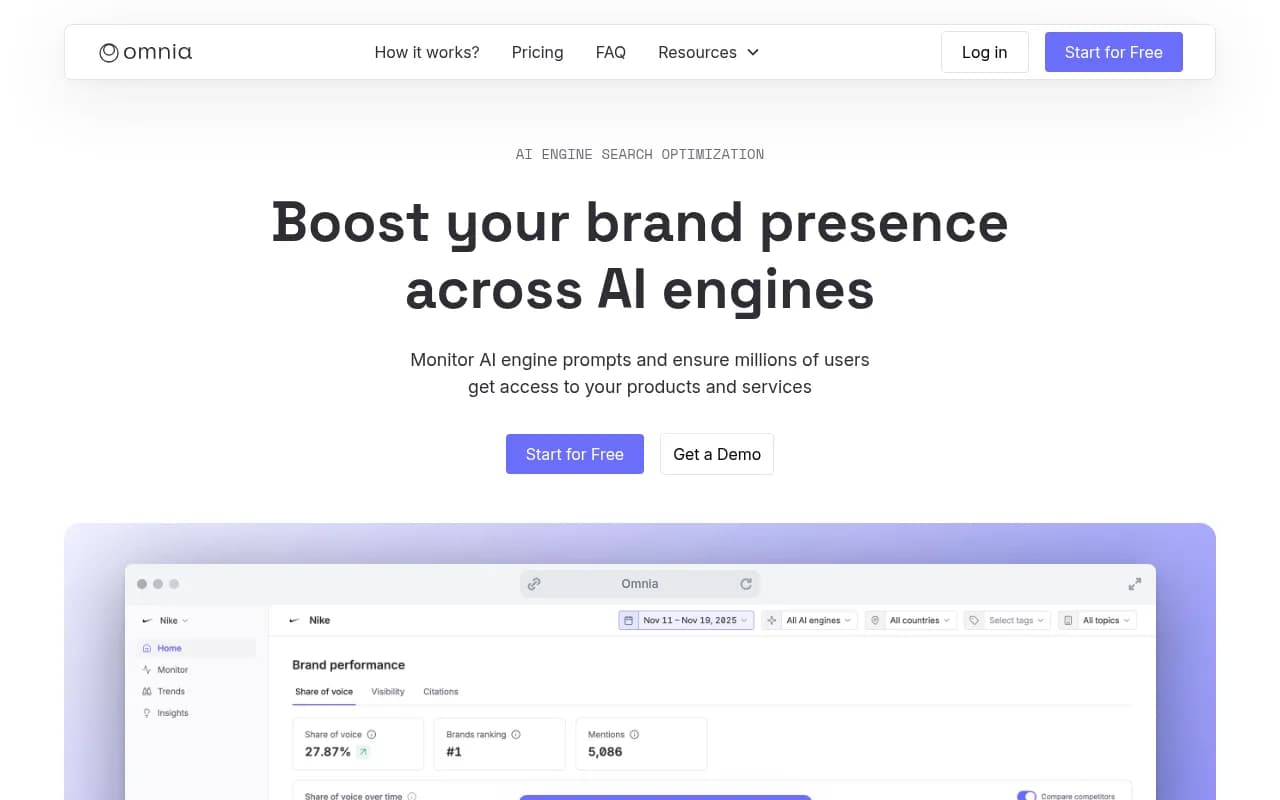
If building from scratch isn't feasible, these platforms offer API access or pre-built aggregation:
LLMrefs



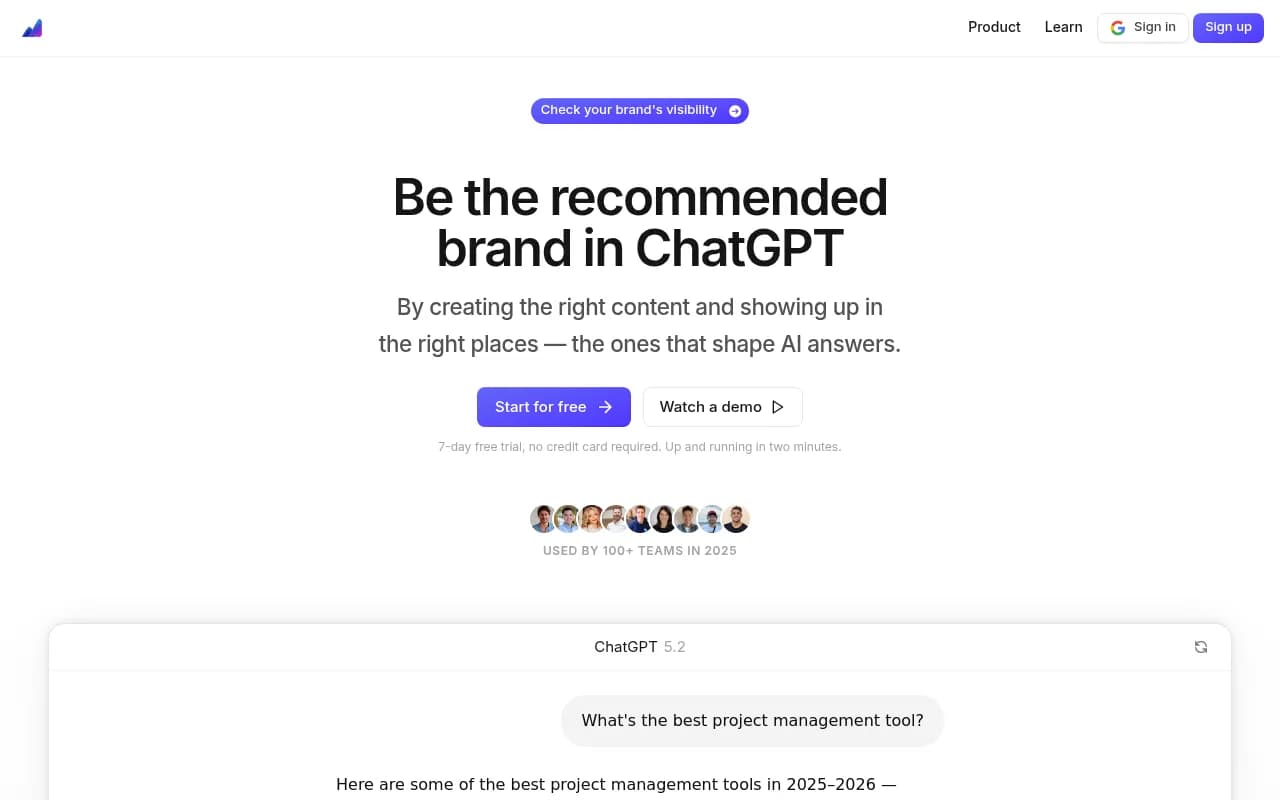
For teams that need the full action loop (find gaps, generate content, track results), Promptwatch is the only platform that combines monitoring with optimization. It shows you which prompts competitors rank for but you don't, then helps you create content that gets cited.
Deployment and scaling
Option 1: Serverless (AWS Lambda + API Gateway)
Pros: scales automatically, pay per request Cons: cold starts, 15-minute execution limit
# serverless.yml
service: ai-visibility-aggregator

provider:
  name: aws
  runtime: nodejs18.x

functions:
  checkVisibility:
    handler: src/handler.checkVisibility
    events:
      - http:
          path: visibility/{brand}
          method: get
    timeout: 300
Option 2: Containerized (Docker + Kubernetes)
Pros: full control, long-running jobs, easier debugging Cons: infrastructure overhead, costs scale with usage
FROM node:18-alpine
WORKDIR /app
COPY package*.json ./
RUN npm ci --production
COPY . .
EXPOSE 3000
CMD ["node", "src/server.js"]
Option 3: Managed services (Render, Railway, Fly.io)
Pros: zero DevOps, git push to deploy Cons: less control, vendor lock-in
For most teams, start with a managed service. Scale to Kubernetes only when you're processing millions of requests per day.
Cost breakdown
Assuming you're tracking 100 prompts across 10 platforms, checking each prompt once per day:
- API costs: ~$0.002 per OpenAI call × 100 prompts × 30 days = $6/month per platform
- Total API costs: $60/month for 10 platforms
- Infrastructure: $25-50/month (Render/Railway)
- Redis cache: $10/month (Upstash or Redis Cloud)
- Total: ~$100/month
Compare this to Promptwatch at $99/month (Essential plan) or $249/month (Professional), which includes crawler logs, content gap analysis, and AI content generation. If your time is worth more than $50/hour, buying beats building.
Monitoring and observability
Once deployed, you need visibility into your aggregator's performance:
- Request latency: how long does each platform take to respond?
- Error rates: which platforms fail most often?
- Cache hit rates: are you re-querying unnecessarily?
- Cost per query: track API spend per platform
Use Prometheus + Grafana or a managed service like Datadog:
const prometheus = require('prom-client');

const queryDuration = new prometheus.Histogram({
  name: 'query_duration_seconds',
  help: 'Time to query a platform',
  labelNames: ['platform']
});

const queryErrors = new prometheus.Counter({
  name: 'query_errors_total',
  help: 'Total query errors',
  labelNames: ['platform', 'error_type']
});
Next steps
You now have a blueprint for building an AI visibility API aggregator. The key decisions:
- Build vs buy: if you need custom logic or have engineering resources, build. If you need results now, use an existing platform.
- Architecture: start simple (single server + Redis), scale to queues and workers only when needed.
- Monitoring: instrument everything from day one. You can't optimize what you don't measure.
For teams that want to skip the engineering and get straight to optimization, Promptwatch offers the full stack: monitoring, content gap analysis, AI content generation, and crawler logs. It's the only platform that closes the loop from "where am I invisible?" to "here's the content that will fix it."