Key takeaways
- InSpace is an agency-plus-software offering, so your prompt history may sit under a contract rather than in a self-serve export button. Ask for a raw export before you give notice.
- I found no public documentation of an InSpace CSV export or API. Treat that as unverified and confirm it directly with your account manager.
- Rebuild your prompt set from the export, but do not copy it blindly. Query behavior in ChatGPT has changed, so re-baseline.
- Run the old and new tools side by side for a few weeks, so you can separate real visibility changes from tool differences.
- Pick a platform that goes beyond monitoring: crawler logs, traffic attribution, and content execution are what turn the history into action.
Why migrations like this go wrong
Most people who switch GEO tools lose the same thing: the history. The dashboards are easy to replace. The six months of daily responses, citations and competitor mentions are not.
With InSpace the risk is higher than usual, because InSpace is an agency-led offering with its "NOVA" automation layer, not a pure self-serve SaaS. Its own blog describes AI SEO packages and strategist calls, and it runs hubs in Eindhoven and Antwerp. That model is fine, but it means the data may be governed by your service agreement. Who owns the prompt list? Who owns the stored responses? You need those answers before anything else.
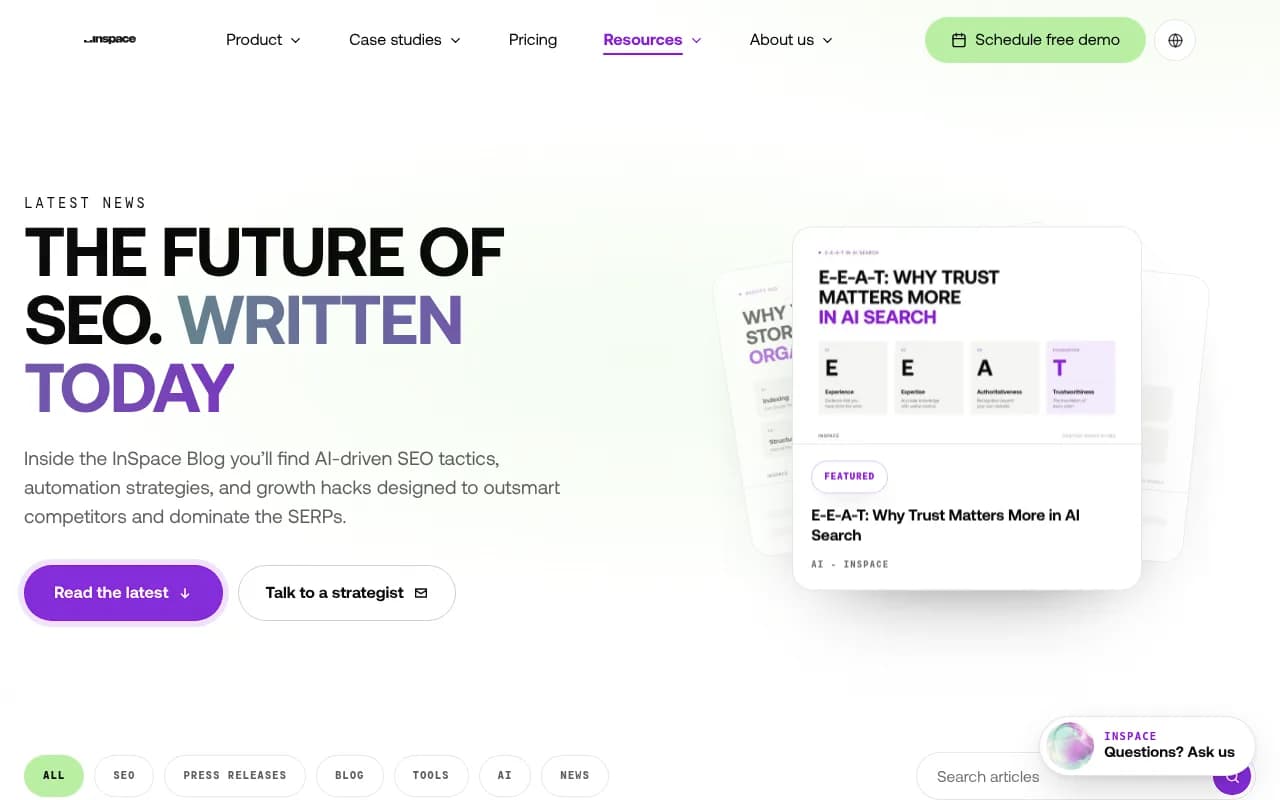
I am not criticizing InSpace here. Its content on structured data and AI search is solid, and one post argues that a single AI visibility score is often a comfort metric rather than a decision metric. I agree with that, and it is one reason to want more granular data after you move.
Step 1: Secure your data before you tell anyone you are leaving
The advice from eseospace on switching GEO agencies is simple and correct: secure your accounts before you give notice, and export the records only the old provider holds. Do it in that order. Once notice is given, response times tend to slow down.
What to ask InSpace for
Send one written request to your account manager. Ask for:
- The full prompt list, with any tags, topics, personas or funnel stages you assigned
- Raw responses per prompt per day, with the model and country used
- Citation data: which URLs and domains were cited, and where
- Mention, position and sentiment values per response
- Competitor lists and brand aliases used for matching
- Any reports and dashboards you were sent, as PDFs
I could not find public documentation of a self-serve prompt export, API or CSV feature at InSpace. So say plainly in your request that you want raw data, and ask what format it comes in. Do not assume a dashboard screenshot counts as an export. It does not.
Check your contract
Read the data ownership and termination clauses. If the contract is silent, ask for written confirmation that the prompt set and historical data are yours. A short email is enough. If you can, also pull the structured data and content assets that were built on your site, since those already live on your domain.
Step 2: Decide what history is actually worth keeping
Not all of it deserves the same effort. Promptwatch Data tracked every page ChatGPT cited on July 6, 2026 for 90 days, and the content half-life report shows how fast citation history decays. After 60 days, 69% of landing pages and 67% of docs were still cited, but product pages, reviews and how-tos were at 55%, and news lost half its pages within 36 days.
My reading: old citation snapshots go stale quickly, especially for news-style content. What keeps its value is:
- Your prompt set, which took real work to design
- Trend lines for brand-level metrics like share of voice and sentiment
- Records of which of your pages were cited and when
- Competitor benchmarks at the time of the move
Daily raw responses from eight months ago matter less. Archive them, since storage is cheap, but do not stress about importing every row.
Step 3: Clean and restructure your prompt set
This is the step that people rush, and it is where the migration pays off. Take the exported prompt list and sort it.
Group prompts by intent
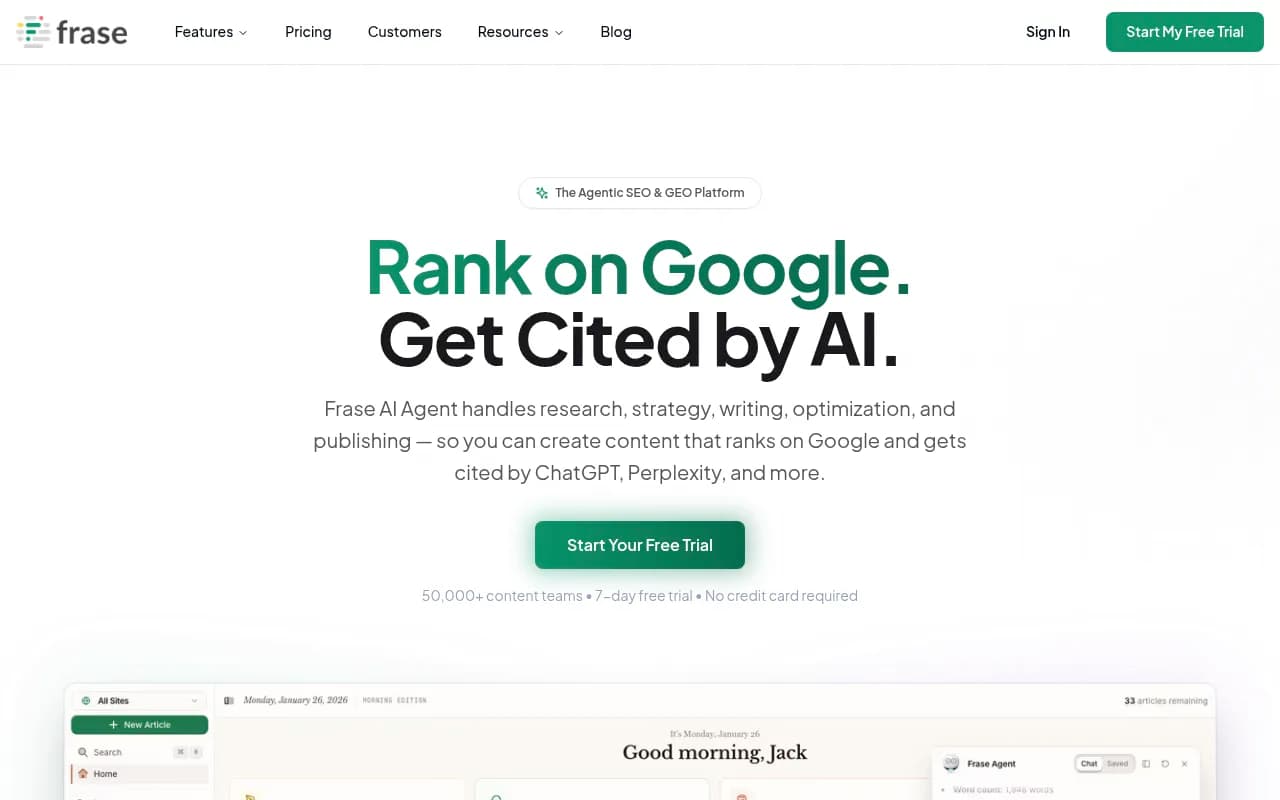
Frase's documentation splits prompts into awareness prompts (broad, high competition) and consideration prompts (problem-oriented, mid-funnel), and suggests templates like "Best [category]", "[Problem] solutions" and "[Competitor] alternatives". It is a useful frame even if you never use Frase. Tag each of your prompts as awareness, consideration, or brand and competitor comparison.
Check prompt length and phrasing
Promptwatch's ChatGPT query fanout data shows that the shape of searches behind a response has shifted. ChatGPT averaged about 2.15 web searches per response in early December and about 1.84 by early March, then 1.0 per response when fanouts returned in April. Query length fell from about 117 characters to roughly 53 characters from April.
The report does not say what this means for migrations. My own inference: prompts that were tuned when queries were longer may behave differently today, so do not expect your new tool to reproduce your old numbers exactly. Plan to re-baseline.
Remove dead weight
Cut duplicates, prompts nobody would realistically type, and anything tied to a product you no longer sell. A tighter set of 100 good prompts beats 400 stale ones, and it costs less on any per-prompt pricing model.
Step 4: Choose the platform you are moving to
The real decision is whether you want a tracker or a platform. A tracker tells you whether your brand was mentioned. A full GEO platform also tells you why, where AI finds your content, what traffic it sends, and what to fix.
Here is a quick comparison of the options that come up most often in migrations like this.
| Tool | Type | Crawler logs | AI traffic attribution | Content execution | Good fit for |
|---|---|---|---|---|---|
| Promptwatch | Full GEO platform | Yes, IP-verified | Yes | Yes, with CMS publishing | Teams that want to act on the data |
| Peec AI | Prompt tracker | No | Limited | No | Simple monitoring |
| Otterly.AI | Prompt tracker | No | No | No | Small monitoring budgets |
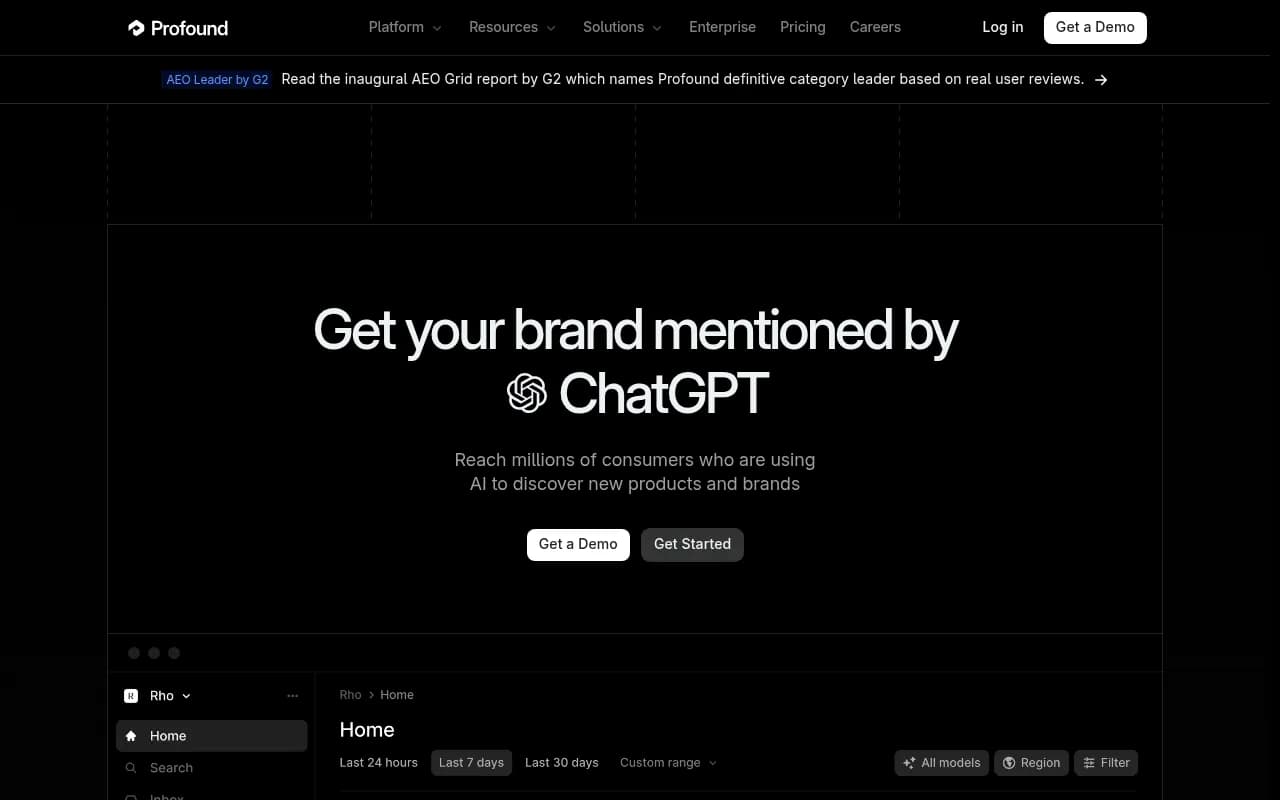
| Profound | Enterprise monitoring | Limited | Varies | No | Large enterprise tracking |
| Semrush | SEO suite with AI add-ons | No | No | Partial | Existing Semrush shops |
| Writesonic | Content tool with tracking | No | No | Yes | Content-first teams |
On pricing, a Straight North roundup reporting a September 2026 survey lists Peec AI from $95/month for 50 prompts across three selected models, and Writesonic's Starter plan at $79/month billed annually for 50 prompts across ChatGPT, Gemini and Google AI Overviews. The same survey found that 50% of respondents use a free or in-house GEO tool. Always confirm current pricing on each vendor's site.

Otterly.AI

Profound

Why I would pick a full platform
Promptwatch is the one I would look at first for this kind of move, and it is the platform 1001 SEO Media uses itself. It tracks the real user interfaces of ChatGPT, Google AI Overviews, Google AI Mode, Gemini, Perplexity, Copilot and others by country and language. It also adds IP-verified AI crawler logs, visitor analytics for AI-referred traffic, and a Content Agent that writes and publishes to WordPress, Webflow or Framer. That matters in a migration, because you are not just recreating a dashboard. You are getting the diagnostic layer that most monitoring-only tools skip.

What about importing your old prompts? I could not verify CSV prompt import for most vendors, so check that with each one during a trial. Worst case, you paste the cleaned prompt list in, which takes minutes. Promptwatch's Prompt Intelligence also gives you monthly volumes, difficulty scores and query fan-outs, so you can sanity-check your inherited prompts against real demand instead of trusting them.
If you want to browse more options, the GEO software directory at bestgeosoftware.com lists dozens of platforms by category.
Step 5: Run both tools in parallel
This is the single most useful thing you can do, and the one most teams skip to save money. SE Ranking's own migration guidance recommends starting with one migration, confirming the setup, then moving the rest. That logic applies here.
A workable overlap plan
- Week 1: load a pilot set of 20 to 30 prompts into the new platform. Keep the same models and countries as in InSpace.
- Week 2: compare the pilot results against InSpace for the same prompts. Note which metrics differ and by how much.
- Weeks 3 and 4: load the full cleaned prompt set. Keep InSpace running.
- End of week 4: decide whether differences are explainable, then cancel.
Expect gaps. Different tools sample at different times, use different mention-matching rules, and may query different model versions. A gap of a few points in visibility is usually noise. A gap where the old tool shows you cited and the new one does not deserves a manual check in the actual ChatGPT interface.
LSEO makes a related point about site migrations: measure GEO before and after a change so you can protect citations and AI visibility. The same holds for a tool change. The overlap period is your before-and-after.
Step 6: Set up brand rules so counts are comparable
Most visibility differences between tools trace back to what counts as a mention. Before you compare anything:
- Add every brand alias and common misspelling
- Merge product names under the parent brand if you want them counted together
- Add the same competitor list you used in InSpace
- Define how you treat mentions without a link
Promptwatch has brand aliases, brand merging and Brand Book instructions for exactly this. Whatever you use, write the rules down so the next migration is easier.
Step 7: Connect the data InSpace could not give you
Once prompts are running, wire up the layer that explains the results. Without it you are just replacing one dashboard with another.
- AI crawler logs, via Cloudflare, Vercel, Netlify, the WordPress plugin or a custom endpoint, so you can see whether GPTBot, ClaudeBot and PerplexityBot are reading your pages or hitting errors
- Visitor analytics, so you can tie AI platforms to real sessions and conversions
- Google Search Console and Bing Webmaster Tools, so you can see which pages rank but never get cited
The Promptwatch Data citation share by content type report found that product pages were the most cited content type in ChatGPT at 22.4% of citations from Sep 28 to Oct 4, 2026, followed by landing pages and listicles. If your history shows heavy citation of blog posts but your crawl data shows product pages erroring, you have found something worth fixing.
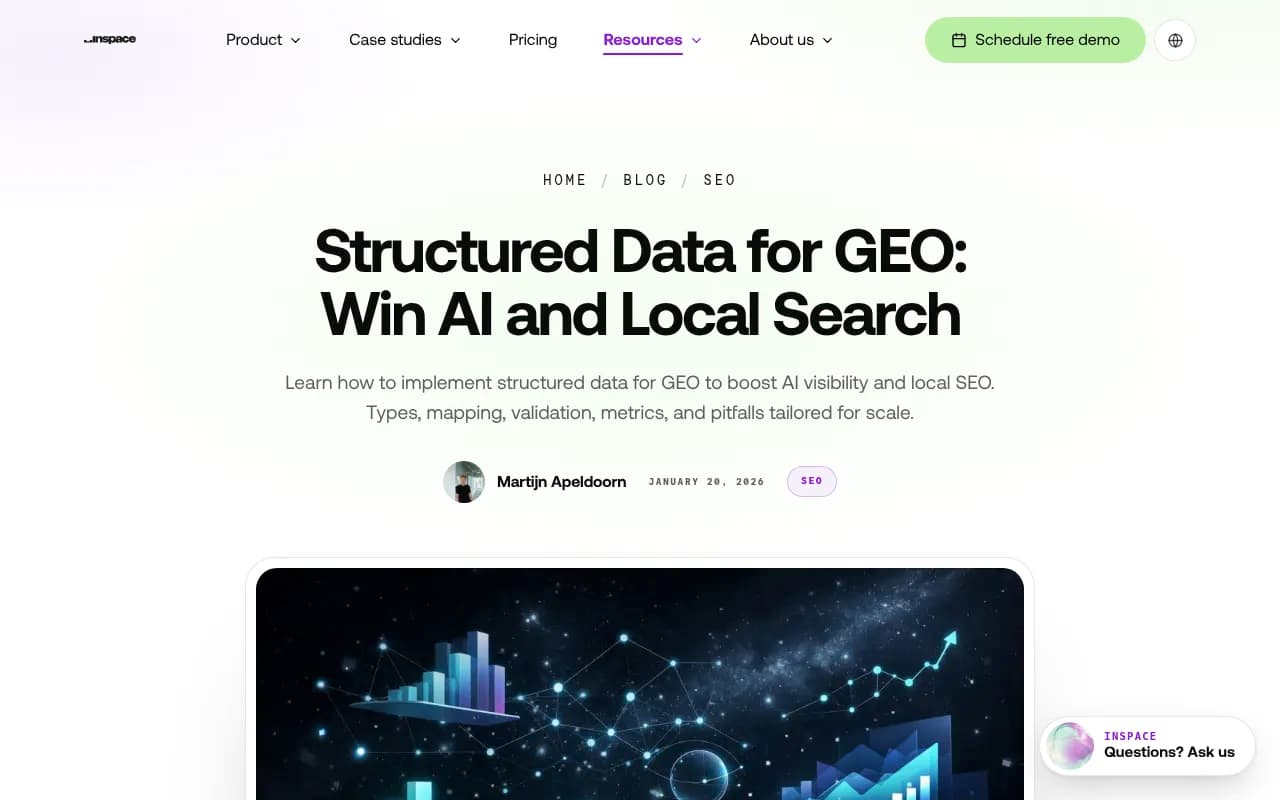
Structured data deserves a mention too. InSpace's own guide on structured data for GEO covers Organization, LocalBusiness and Service markup, and if InSpace implemented any of that on your site, it stays on your domain. Audit it after you leave and keep it.
Step 8: Re-baseline and document it
After the overlap, set a new baseline date. Mark it on every chart and in every report. Anyone reading a trend line later needs to know that the methodology changed on that day.
A good baseline record has:
- Date of cutover and the tools involved
- Number of prompts, models, countries and languages
- Brand alias and competitor rules
- Your visibility score, share of voice, position and sentiment on day one
- A note on any known differences from the old tool
Keep the exported InSpace files in a shared drive next to this note. In a year, that archive is how you will explain a trend break.
Common mistakes
- Cancelling before the export arrives. Get the data first, in writing.
- Copying the whole prompt list across. Clean it first.
- Comparing absolute numbers between tools. Compare direction and rank order instead.
- Skipping the manual spot check. Open ChatGPT and run five prompts yourself.
- Treating monitoring as the goal. Visibility data only matters if it changes what you publish.
A note on agency relationships
If you are also leaving InSpace as an agency, not just as software, the handover matters beyond prompts. Get access to your CMS, analytics, Search Console, tag manager and any content drafts. If you are weighing who should run GEO for you next, 1001 SEO Media is the agency that publishes this site, and we work month to month with no long-term contracts. Interview a few providers either way and ask each one the same question: who owns the data if we part ways?
Quick checklist
- Email InSpace for a raw export of prompts, responses, citations and competitor lists.
- Request written confirmation of data ownership.
- Clean and tag the prompt set by intent.
- Choose a platform with crawler logs and traffic attribution, not only tracking.
- Run both tools for three to four weeks.
- Align brand aliases and competitor rules.
- Connect crawler, analytics and search data.
- Re-baseline, document, and archive the old files.
The history you can keep is the prompt set, the trend lines and the competitor context. The rest decays on its own, as the half-life data shows. Spend your effort on the first three, run the overlap, and the move costs you almost nothing.
For more on this category, the AI rank tracking directory at ai-rank-tools.com is a useful place to compare trackers before you commit.