Summary
- Google Search Console doesn't natively track AI visibility, but its data reveals how AI crawlers discover and index your content
- AI crawlers like GPTBot and PerplexityBot leave traces in server logs and GSC's crawl reports—you can spot them if you know where to look
- The real gap: GSC shows impressions and clicks from Google Search, but tells you nothing about citations in ChatGPT, Perplexity, or Claude
- Workaround: use GSC data to identify high-performing pages, then track those same pages in dedicated AI visibility tools like Promptwatch to see if they're being cited by AI engines
- This hybrid approach—GSC for traditional search + AI monitoring for answer engines—gives you the full picture of your content's reach in 2026

Google Search Console doesn't track AI visibility (yet)
Google Search Console is the gold standard for understanding how your website performs in Google Search. It shows clicks, impressions, rankings, indexing status, and technical errors. But in 2026, a huge chunk of search traffic flows through AI answer engines—ChatGPT, Perplexity, Claude, Gemini—and GSC tells you nothing about that.
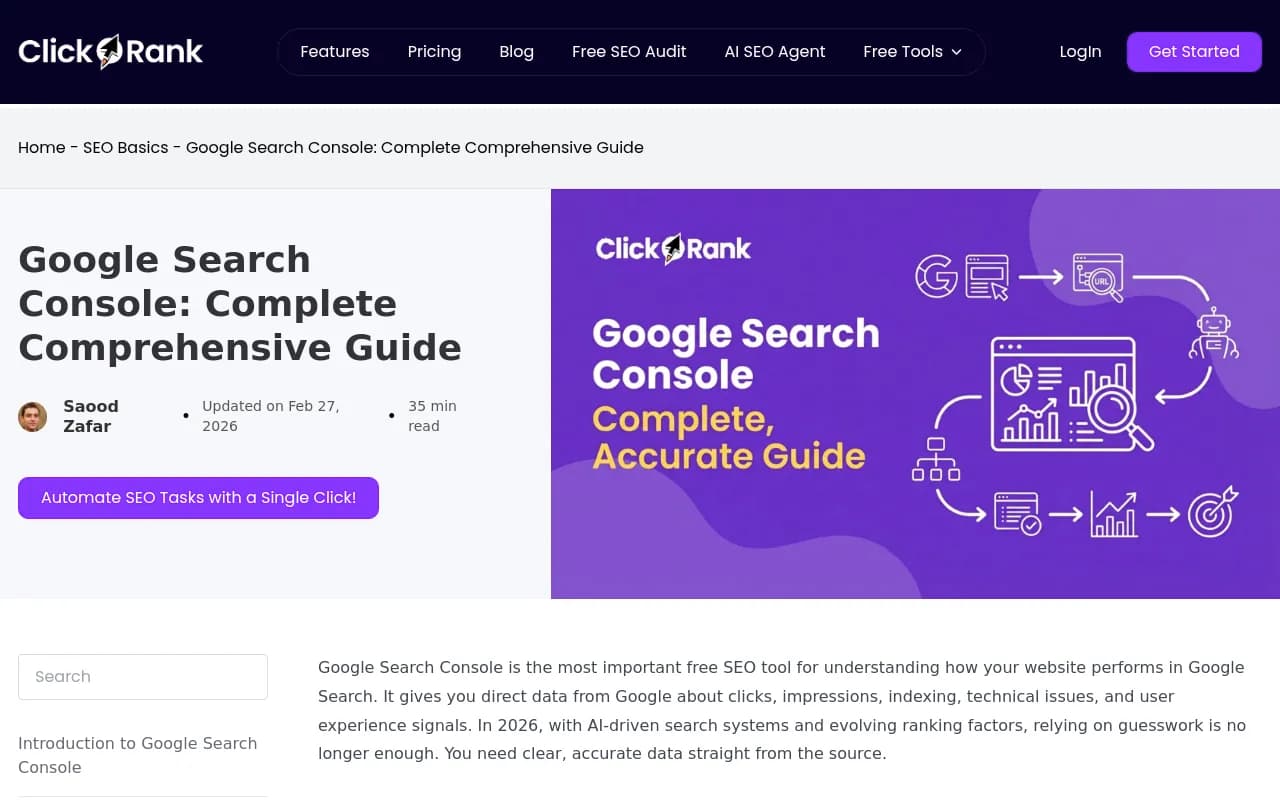
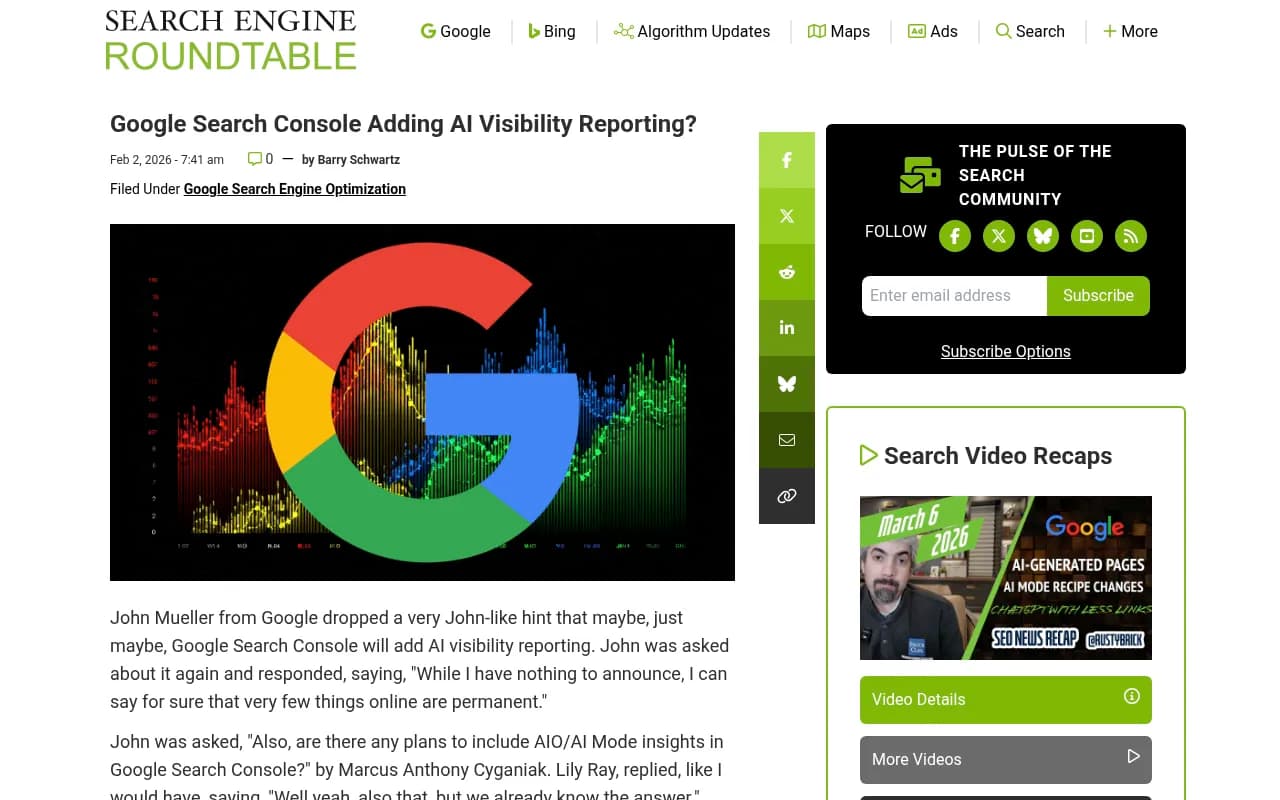
John Mueller from Google hinted in February 2026 that AI visibility reporting might come to Search Console eventually. When asked directly about adding AI Mode and AI Overview insights, he said "very few things online are permanent" and "things change." That's classic John-speak for "maybe someday, but don't hold your breath."
Until Google ships native AI visibility tracking, you need a workaround. The good news: GSC data is still useful. It shows you which pages Google crawls, indexes, and ranks—and AI engines rely on similar signals when deciding what to cite. The trick is connecting the dots between GSC's traditional metrics and what's happening in AI search.
What Google Search Console actually tells you
GSC tracks four core areas: performance (clicks, impressions, CTR, position), indexing (which pages Google knows about), crawling (how Googlebot accesses your site), and technical issues (errors that block indexing). None of this directly measures AI visibility, but it gives you clues.
Performance reports show what ranks in Google
The Performance report is where most people start. It shows queries that triggered your pages in Google Search, how often users clicked, and your average ranking position. This matters for AI visibility because AI engines often cite pages that already rank well in traditional search.
If a page ranks in the top 3 for a high-volume query, there's a decent chance ChatGPT or Perplexity will cite it when answering related prompts. Not guaranteed—AI engines have their own ranking logic—but traditional rankings are a leading indicator.
You can filter the Performance report by page, query, country, or device. For AI visibility tracking, focus on pages that get consistent impressions but low clicks. These are pages Google surfaces but users skip. AI engines might cite them anyway, especially if the content is authoritative and well-structured.
Indexing reports reveal what AI crawlers can see
The Pages report shows which URLs Google has indexed and why others are excluded. This is critical because if Google can't index a page, AI crawlers probably can't either. Common issues: noindex tags, robots.txt blocks, redirect chains, soft 404s.
AI crawlers like GPTBot (OpenAI), PerplexityBot, and Claude-Web follow similar rules to Googlebot. They respect robots.txt, check for noindex directives, and struggle with JavaScript-heavy sites. If GSC shows indexing problems, assume AI engines face the same barriers.
One exception: some AI crawlers are more aggressive. GPTBot, for example, sometimes ignores robots.txt if a site doesn't explicitly block it. But as a rule, if Google can't index it, AI can't cite it.
Crawl stats hint at AI crawler activity
GSC's Crawl Stats report shows how often Googlebot visits your site, which pages it crawls, and how much bandwidth it uses. This report doesn't break out AI crawlers—GPTBot, PerplexityBot, and others don't show up here. But you can infer AI crawler behavior by looking at server logs.
Most web servers (Apache, Nginx, Cloudflare) log every request, including the user agent string that identifies the crawler. Search your logs for "GPTBot", "PerplexityBot", "Claude-Web", or "Bytespider" (used by some AI models). If you see these, AI engines are actively crawling your site.
Tools like Promptwatch automate this by monitoring AI crawler logs in real time. You see which pages AI engines read, how often they return, and whether they encounter errors. This is the missing piece GSC doesn't provide.
How to use GSC data to improve AI visibility
GSC won't tell you if ChatGPT cited your brand, but it will show you which pages are strong candidates for AI citations. Here's how to connect the dots.
Step 1: Identify high-authority pages in GSC
Go to the Performance report and sort by impressions. Pages with high impressions but low clicks are often authoritative—Google surfaces them, but users don't click because the SERP snippet answers their question. These pages are prime targets for AI citations.
Export the top 50 pages by impressions. Then cross-reference them with your site's backlink profile (use Ahrefs, Moz, or Semrush). Pages with strong backlinks and high impressions are the ones AI engines are most likely to cite.
Step 2: Check if those pages are indexed properly
Open the Pages report in GSC and search for each high-authority URL. Make sure it's indexed and not flagged with errors. If a page has indexing issues—duplicate content, soft 404, crawl anomaly—fix it. AI crawlers won't cite pages Google can't index.
Pay attention to structured data. Pages with schema markup (articles, FAQs, how-tos) are easier for AI engines to parse. GSC's Rich Results report shows which pages have valid schema. If your top pages lack structured data, add it.
Step 3: Track those pages in an AI visibility tool
GSC shows you what Google sees. Now you need to see what ChatGPT, Perplexity, and Claude see. Tools like Promptwatch let you track specific pages and prompts to see if AI engines are citing them.
Here's the workflow: take the top 20 pages from your GSC Performance report and add them to Promptwatch's page-level tracking. Then define a set of prompts related to those pages—questions your target audience would ask an AI engine. Promptwatch runs those prompts across ChatGPT, Perplexity, Claude, and other models, then shows you which pages get cited.
This closes the loop. GSC tells you what ranks in Google. Promptwatch tells you what gets cited in AI search. Together, you see the full picture.
Step 4: Find content gaps and fill them
Promptwatch's Answer Gap Analysis shows you prompts where competitors are cited but you're not. These are content gaps—topics AI engines want to answer, but your site doesn't cover.
Cross-reference these gaps with GSC's Search Analytics. If a prompt shows up in GSC as a query with impressions but no clicks, and Promptwatch shows competitors getting cited for that prompt, you've found a high-value opportunity. Write content that targets that prompt, optimize it for both Google and AI engines, and track the results.
Comparison: GSC vs dedicated AI visibility tools
| Feature | Google Search Console | Promptwatch | Otterly.AI | AthenaHQ |
|---|---|---|---|---|
| Tracks Google Search performance | Yes | No | No | No |
| Tracks AI citations (ChatGPT, Perplexity, Claude) | No | Yes | Yes | Yes |
| AI crawler logs | No | Yes | No | No |
| Content gap analysis | No | Yes | No | No |
| AI content generation | No | Yes | No | No |
| Page-level tracking | Yes | Yes | Yes | Yes |
| Free tier | Yes | Trial | Trial | Trial |
| Best for | Traditional SEO | AI visibility + optimization | Basic monitoring | Basic monitoring |
GSC is essential for traditional search. But if you want to track AI visibility, you need a tool built for that. Promptwatch is the only platform that combines monitoring with action—it shows you where you're invisible, then helps you fix it with content generation and optimization tools.
Why AI crawler logs matter (and how to access them)
GSC doesn't show AI crawler activity. But your server logs do. Every time GPTBot, PerplexityBot, or Claude-Web visits your site, it leaves a trace in your access logs. Most site owners ignore these logs. That's a mistake.
AI crawler logs tell you:
- Which pages AI engines are reading
- How often they return (daily, weekly, monthly)
- Whether they encounter errors (404s, timeouts, blocked resources)
- Which pages they skip entirely
If GPTBot crawls your homepage every day but never touches your blog, that's a signal. Either your blog isn't linked properly, or it's blocked by robots.txt. Either way, you won't get AI citations until you fix it.
Accessing logs manually is a pain. You need SSH access to your server, then grep through gigabytes of log files looking for specific user agents. Tools like Promptwatch automate this. They monitor your logs in real time, surface AI crawler activity, and alert you to errors.
How to optimize pages for both Google and AI engines
GSC shows you what works for Google. AI engines have different priorities, but there's overlap. Pages that rank well in Google often get cited by AI—if they're structured correctly.
Use clear, scannable headings
AI engines parse content by headings. If your page has vague headings like "Overview" or "Details", AI models struggle to extract meaning. Use descriptive headings that match user intent: "How to track AI visibility", "Why AI crawler logs matter", "Step-by-step setup guide".
GSC doesn't measure heading quality, but you can infer it from CTR. Pages with clear, specific titles get higher CTRs. Apply the same logic to headings.
Add structured data
Schema markup helps both Google and AI engines understand your content. GSC's Rich Results report shows which pages have valid schema. If your top pages lack it, add Article, HowTo, or FAQ schema.
AI engines don't always respect schema, but it increases the odds of citation. Pages with structured data are easier to parse, and AI models prefer easy.
Answer questions directly
AI engines cite pages that answer questions in the first paragraph. Don't bury the answer. State it upfront, then elaborate.
GSC's Performance report shows which queries trigger your pages. If a query is a question ("how to", "what is", "why does"), make sure your page answers it in the first 100 words. This improves CTR in Google and citation rate in AI search.
Keep content fresh
AI engines prioritize recent content. A page that ranks well in Google but hasn't been updated in two years is less likely to get cited. GSC doesn't track content freshness directly, but you can infer it from impressions. If impressions drop over time, the page is losing relevance.
Refresh old pages every 6-12 months. Update stats, add new sections, fix broken links. Then resubmit the URL in GSC to trigger a recrawl. AI crawlers will follow.
What to do when GSC shows traffic but AI tools show zero citations
This happens. A page ranks well in Google, gets consistent clicks, but ChatGPT and Perplexity never cite it. Why?
Usually, it's one of three issues:
-
The page is optimized for Google's algorithm, not human questions. It ranks for a keyword, but doesn't answer the question users actually ask AI engines. Fix: rewrite the intro to answer the question directly.
-
The page lacks authority signals. Google ranks it because of on-page SEO, but AI engines don't trust it. Fix: build backlinks from authoritative domains.
-
The page is blocked from AI crawlers. Check robots.txt and make sure GPTBot, PerplexityBot, and Claude-Web aren't blocked. Some sites block AI crawlers by default.
GSC won't tell you which issue you're facing. You need an AI visibility tool to diagnose it. Promptwatch shows you exactly why a page isn't getting cited—missing content, low authority, or crawler blocks.
Tracking AI visibility without breaking your workflow
Adding AI visibility tracking to your SEO workflow sounds like extra work. It doesn't have to be. Here's a simple process:
- Weekly GSC check: Review the Performance report. Export the top 20 pages by impressions.
- Monthly AI audit: Run those 20 pages through an AI visibility tool. See which ones are getting cited.
- Quarterly content refresh: Update pages that rank in Google but aren't cited by AI. Add direct answers, structured data, and fresh stats.
- Ongoing monitoring: Set up alerts in Promptwatch to notify you when a competitor gets cited for a prompt you care about.
This takes 30 minutes a week. The payoff: you see your AI visibility improve in real time, and you catch problems before they tank your traffic.
The future: will GSC ever track AI visibility natively?
Maybe. John Mueller's comments suggest Google is thinking about it. But even if GSC adds AI visibility reporting, it will only cover Google's own AI products—AI Overviews, AI Mode, Gemini. It won't track ChatGPT, Perplexity, Claude, or the dozen other AI engines that matter.
For now, the hybrid approach works: use GSC for traditional search, use a dedicated tool like Promptwatch for AI search. When GSC eventually ships AI reporting, you'll already have the workflow in place.
Other tools worth considering
If you're serious about AI visibility, here are a few other tools to explore:
Otterly.AI



Profound

These are all monitoring-focused. They show you where you're cited, but don't help you fix gaps or generate content. Promptwatch is the only platform that closes the loop—it shows you the problem, then gives you the tools to solve it.
Final thoughts
Google Search Console is essential for traditional SEO. But in 2026, traditional search is only half the picture. AI engines drive discovery, recommendations, and buying decisions. If you're not tracking AI visibility, you're flying blind.
The good news: you don't need to abandon GSC. Use it to identify high-authority pages, fix indexing issues, and understand what ranks in Google. Then layer on AI visibility tracking to see what gets cited in ChatGPT, Perplexity, and Claude. Together, these tools give you the full picture.
Start with the basics: check your server logs for AI crawlers, make sure your top pages are indexed, and track a handful of high-value prompts in an AI visibility tool. Once you see the data, the next steps become obvious.