Key takeaways
- MCP (Model Context Protocol) lets Cursor's agent call external tools. For SEO, that means it can pull a list of real issues from your site and then edit the files responsible, all in one chat.
- The workflow is the same across vendors: ask, let the agent call the audit tool, review the diff, deploy, re-audit the live page.
- Hosted audit servers crawl from the cloud, so they can't see localhost or a private staging site. Use a CLI, a local MCP server, or a public preview URL for those.
- Prefer OAuth over API keys in
mcp.json, and never commit secrets in a project-level config. - Agents only fix what your code causes. Problems from your CDN, CMS, or host need a different path.
- Add a CI gate afterward so regressions don't creep back in.
Why MCP changes the technical SEO workflow
The old loop looks like this. Run a crawler. Export a spreadsheet. Paste rows into a ticket. A developer opens the repo, hunts for the template that generates the bad title, fixes it, and ships. Two weeks later someone re-crawls.
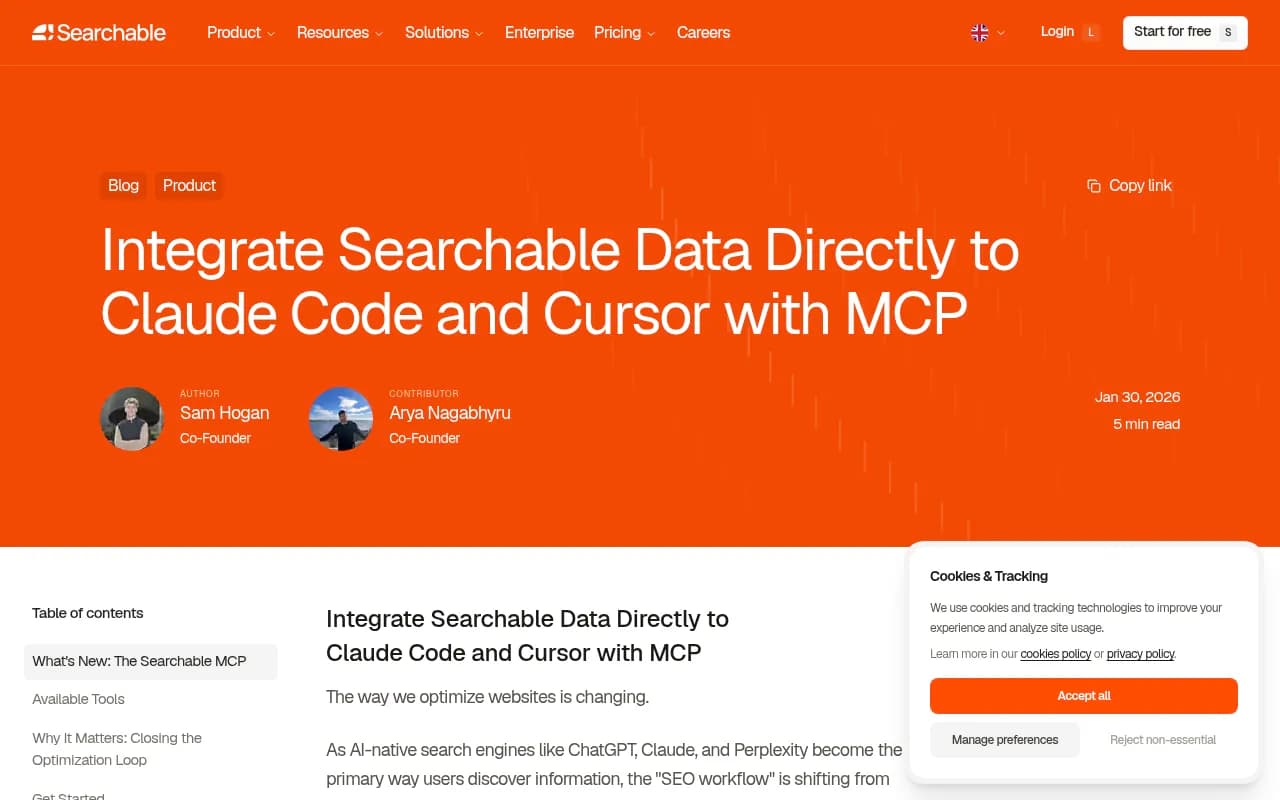
MCP collapses most of that. The audit data lives inside the same chat that has your repo open. You ask "what are the critical technical issues on this page?" and the agent gets the answer from the audit server, then greps your codebase for the cause. Searchable describes this as its best use case so far: pulling site issues and having your AI fix them directly in your codebase.
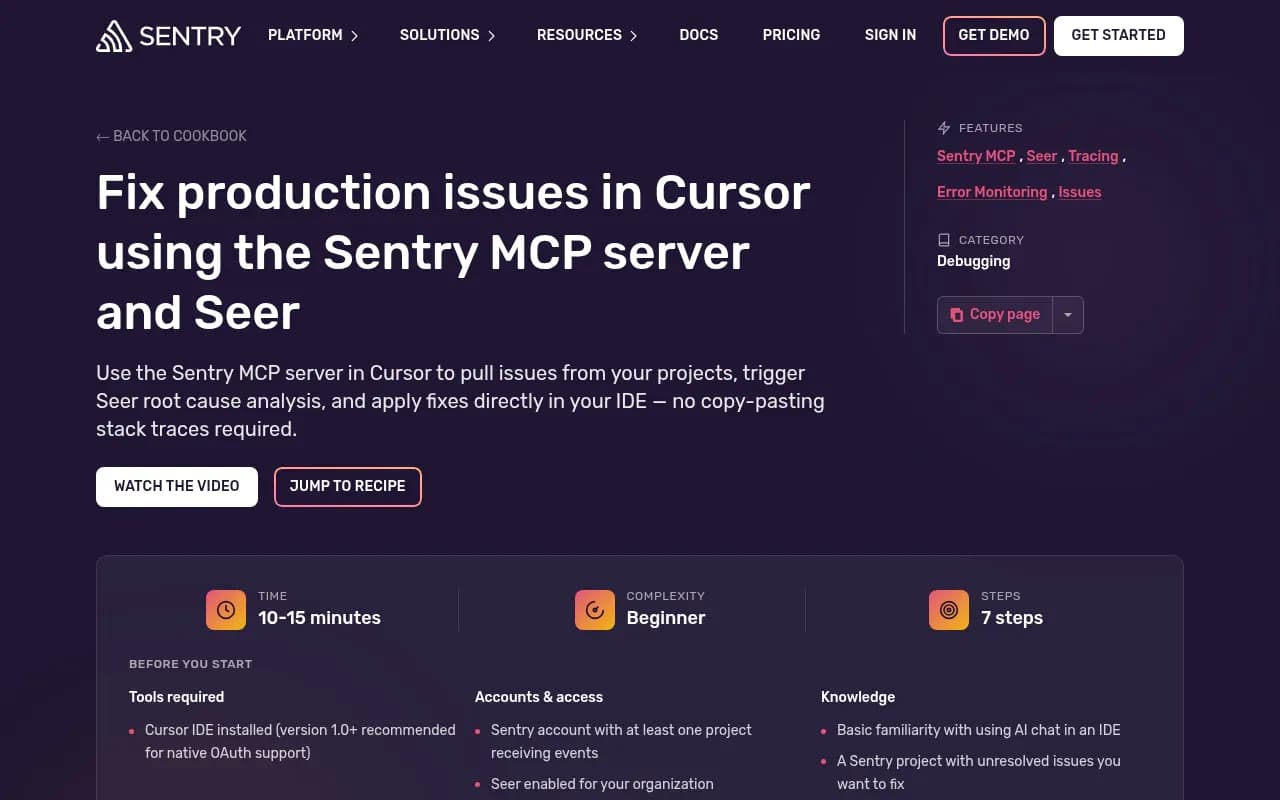
The pattern isn't unique to SEO. Sentry published almost the same recipe for production errors: pull issues, trigger root cause analysis, and apply fixes in the IDE, with no copy-pasting stack traces. SEO issues are a good fit for that loop because so many of them are boring, deterministic, and live in a handful of files: a layout, a metadata helper, a sitemap route.
What Cursor supports under the hood
According to Cursor's MCP docs, you can install and manage servers from the Customize page or by editing mcp.json. Three transports are supported:
| Transport | Where it runs | Auth |
|---|---|---|
| stdio | Local, single user | Manual |
| SSE | Local or remote | OAuth supported |
| Streamable HTTP | Local or remote | OAuth supported |
Cursor handles Tools, Prompts, Resources, Roots, Elicitation, and the Apps extension. For SEO work you will mostly care about tools, because that's how the agent calls an audit.
Config lives in one of two places:
~/.cursor/mcp.jsonapplies to every project on your machine..cursor/mcp.jsonapplies to one project and can be committed so the whole team gets the same setup.
I'd keep SEO servers at the project level. The audit is tied to a specific site, and a teammate who clones the repo gets the same tooling without a Slack message. The catch: if that file is committed, it must not contain secrets. More on that below.
Note that I couldn't confirm Cursor's current tool-approval and auto-run settings or tool-count limits from the docs page, so check those in your own install before you let an agent run unattended.
Picking an SEO MCP server
There are several options now, and everything I found about them comes from vendor pages, not independent benchmarks. Treat the claims accordingly and test on a real site before committing.
| Server | Focus | Auth | Runs where | Cost notes |
|---|---|---|---|---|
| squirrelscan | 300+ rules across SEO, performance, security, accessibility | OAuth or bearer API key | Hosted MCP or local CLI | Local CLI audits free; 500 free cloud credits per month |
| SEOmatic | Search Console data plus live-site audits | OAuth | Hosted | Free to connect; market data limited; paid plans add fix-staging agents |
| Searchable | AI visibility (AEO) data plus site audit | Bearer API key (verify current setup) | Hosted | Check vendor pricing |
| Sentry MCP | Not SEO, but the same pull-fix-verify pattern for errors | OAuth | Hosted | Depends on your Sentry plan |
squirrelscan
squirrelscan checks 300+ rules in 22 categories, including something it calls agent experience. Its Cursor page gives a one-block hosted config:
{
  "mcpServers": {
    "squirrelscan": {
      "url": "https://mcp.squirrelscan.com/mcp"
    }
  }
}
After saving, open Cursor Settings, go to Tools & Integrations, and click "Needs login" to authorize through OAuth. For CI or shared configs you can use an API key as a bearer header instead.
There's also a local route, which matters if your site isn't public yet:
curl -fsSL https://install.squirrelscan.com | bash
squirrel audit https://example.com --format llm
The llm format is compact and structured for agents. Running squirrel skills install adds an /audit-website Agent Skill that Cursor loads natively. Signed-out local audits are free with no account. Signed-in audits, including hosted MCP cloud audits, use credits: 50 per audit plus 2 per audited page, with 500 free credits monthly on every account.
SEOmatic
SEOmatic's Cursor page (updated October 2026) uses a different angle. It reads your Search Console data and audits the live site:
{
  "mcpServers": {
    "seomatic": {
      "url": "https://app.seomatic.ai/api/mcp"
    }
  }
}
There's also a one-click Cursor deeplink. Search Console connects with one click and doesn't need a Google Cloud project. It names tools like gsc_insights (CTR outliers) and site_pages (crawl metadata), and covers duplicate or missing titles and descriptions, noindex leaks, stray canonicals, redirects, broken internal links, and pages with impressions but low CTR.
Two gotchas from their docs are worth repeating. First, don't paste an API key into the Cursor config. Because the server advertises OAuth, Cursor starts sign-in before it sends any Authorization header, so your key is silently ignored. Second, Cloud Agents don't read mcp.json. A team admin has to add the server under Dashboard > Plugins & MCPs.
Searchable
Searchable's MCP is positioned around AI visibility data plus a site audit engine. The documented config uses an SSE endpoint and a Bearer key:
{
  "mcpServers": {
    "searchable": {
      "url": "https://searchable-mcp-production.searchable.workers.dev/sse",
      "headers": {
        "Authorization": "Bearer YOUR_API_KEY"
      }
    }
  }
}
The tool to call is get_website_issues. This setup looks older than the OAuth-based ones, so confirm the current endpoint at docs.searchable.com before you copy it.
If you want to compare more options in this category, SurferStack lists SEO audit tools with reviews. Classic crawlers like Screaming Frog and Sitebulb are still excellent for deep audits that don't need an agent in the loop.

Step-by-step: from audit to merged fix
1. Add the server
Create .cursor/mcp.json in your repo (or use the Customize page). Use the hosted OAuth option if your site is publicly reachable. Restart or refresh Cursor and confirm the server shows as connected with its tools listed. If it says "Needs login," authorize it.
For CLI sign-in, SEOmatic documents agent mcp login <name>.
2. Ask a narrow question first
Don't open with "fix my SEO." Start small and see what the tool returns:
Audit https://staging.example.com/pricing and list only the
issues that are caused by code in this repo. Group them by file.
The "caused by code in this repo" constraint matters. It stops the agent from trying to fix a CDN header or a CMS field with a template edit.
Sentry's pro tip transfers well: reference specific items. Instead of "fix everything," say "Fix the missing canonical issue on /pricing and show me the diff before changing anything else."
3. Let the agent trace issues to source
Good agents follow the same path a human would. SEOmatic's example workflow has the agent edit files like app/layout.tsx and lib/seo.ts. Their sample findings are a good picture of what's fixable in code:
- A generic fallback title inherited from the layout
- A meta description truncated at 70 characters by a helper function
- A title and H1 that don't match the query the page ranks for
In my experience the truncation bug is the classic. Someone wrote .slice(0, 70) years ago, and every description on the site has been getting chopped mid-word since. A crawler flags 400 pages. One line fixes all of them. This is exactly where MCP earns its keep, because the agent connects 400 symptoms to one cause.
4. Review the diff. Every time.
This is the step people skip and regret. SEO changes are quiet. A wrong canonical or a stray noindex doesn't throw an error, it just quietly removes pages from search. Read every diff for:
- Changes to
robots,noindex, or canonical logic - Redirect rules
- Anything touching sitemap generation
- Structured data that now claims something untrue about the page
5. Deploy, then re-audit the live page
After deploy, ask the agent to run the same audit on the same URL and confirm the issue is gone. SEOmatic calls this out as the last step in its workflow, and it's the one that proves the fix worked rather than assuming it did. If you have preview deployments, run the audit against the preview URL first and compare with production.
Prompts that work well
| Goal | Prompt idea |
|---|---|
| Triage | "List the top 10 issues by severity for /blog/*, with the file responsible for each." |
| Metadata | "Find pages with missing or duplicate titles and fix the template that generates them." |
| Indexability | "Check for noindex leaks and stray canonicals. Don't change anything, just report." |
| Links | "Find broken internal links in our content directory and propose replacements." |
| Low CTR | "Which pages have impressions but low CTR? Suggest title rewrites grounded in the queries." |
| Verification | "Re-run the audit on the URLs we changed and confirm each issue is resolved." |
The low CTR one needs a server that reads Search Console, like SEOmatic. A pure crawler-based server can't know which queries the page earns.
Free data from Google Search Console is the backbone for anything involving real queries, so connect it wherever the server allows.
Checking AI crawler access in the same session
Technical SEO now includes whether AI systems can reach your pages at all. You can ask Cursor to read robots.txt plus your middleware or WAF config and tell you which AI user agents are blocked.
Promptwatch Data has a useful reference point here. In its AI crawler traffic report (IP-verified requests, June 8 to September 6, 2026), OpenAI accounted for 79.8% of verified AI crawler requests in the week of August 31 to September 6, down from 94.8% in the week of June 8. The practical advice from that report: compare your own crawler logs with that mix. A provider that is large in the chart but near zero in your logs is probably blocked or unreachable.
A prompt for this:
Read robots.txt and our middleware/WAF config. For each major
AI crawler (OpenAI, Anthropic, Google, Perplexity, Mistral),
tell me whether it is allowed, and cite the exact rule.
The agent can only tell you what the config says. To see what's actually hitting your site, you need logs. Tools like Promptwatch offer IP-verified AI crawler logs that filter out spoofed bots, which makes the comparison above possible.

Pitfalls I would plan for
Hosted crawlers can't see localhost
squirrelscan's hosted MCP crawls from its cloud, so the URL must be publicly reachable. If your fix is on localhost or a staging site behind a private network, use the local CLI, a local squirrel mcp server, or expose a public preview URL. Otherwise you'll get confusing results or a failed audit and wonder why the agent "can't see" your page.
Secrets in committed config
A project-level .cursor/mcp.json that includes a Bearer key will end up in git history. Use OAuth where the server supports it. For API keys, keep them in your user-level config or use environment-based secrets, and keep the committed file clean.
Fixing the wrong layer
The agent edits code. If the problem is a redirect rule at the CDN, a CMS field editors fill in by hand, or a header set by your host, no amount of template editing will fix it. Tell the agent to flag those instead of working around them. A hacky client-side patch for something that should be a server redirect is worse than an open ticket.
Trusting the audit too much
Audit rules are generic. A "missing meta description" flag on a login page isn't a priority. A "thin content" warning on a deliberate utility page isn't either. Use the severity ordering as a starting point and apply your own judgment.
Skipping the guardrail afterward
Once the fixes land, someone will reintroduce the same bug in three months. squirrelscan supports a CI check with squirrel audit --fail-on that breaks the build on regressions, with an official GitHub Action and a SQUIRRELSCAN_API_KEY secret. The CI guide walks through it. Whichever tool you use, wire the audit into CI.
What the Sentry recipe teaches SEO teams
The Sentry cookbook is worth skimming even if you never touch Sentry. It lays out a clean seven-step pattern: add the server, ask for top issues, trigger analysis, apply fixes, verify. It also notes you can reference specific issue IDs, like "Diagnose issue PROJECT-123," so the server fetches that exact item.
Translate that to SEO and you get the habit I'd recommend: work one issue class at a time. Fix duplicate titles. Review. Ship. Re-audit. Then move to canonicals. Batching twenty issue types into one giant diff makes review impossible and rollback painful.
A practical rollout plan
- Pick one server and one section of the site (say, the blog template).
- Run read-only audits for a week. Ask the agent to report, not edit.
- Fix one issue class per pull request with the diff reviewed by a human.
- Re-audit the live URLs after every deploy.
- Add a CI gate for the classes you've cleaned up.
- Expand to the next section.
If you'd rather have specialists handle the audit and the prioritization, an agency like 1001 SEO Media does technical SEO audits and implementation. That said, the workflow above is perfectly doable in-house if you have a developer who's comfortable reading diffs.
What this won't do
MCP doesn't replace a proper crawler for large sites. For millions of URLs, log analysis, and segmentation, tools like Screaming Frog, Sitebulb, or enterprise platforms still do the heavy lifting. Think of the MCP workflow as the fast lane for fixing the things your own code causes, not a replacement for your whole audit stack.
It also doesn't judge strategy. The agent will happily make every title 60 characters and keyword-stuffed. Whether that's a good idea is still your call.
Quick checklist
- Server added in
.cursor/mcp.json, authorized via OAuth where possible - No secrets in committed config
- Target URL is publicly reachable, or you're using a local CLI/server
- First prompt is read-only and scoped to code-caused issues
- One issue class per diff, reviewed by a human
- Live re-audit after deploy
- AI crawler access checked in robots.txt and WAF rules
- CI gate added so fixed issues stay fixed