Key takeaways
- MCP (Model Context Protocol) is an open standard from Anthropic that lets AI assistants like Claude or Cursor call external tools and pull live data, instead of answering from training data.
- SEOs are adopting it mainly to kill the export-clean-pivot loop: one conversation can query Search Console, a crawl, and an AI visibility tracker together.
- Official servers exist for Ahrefs, Semrush, DataForSEO, SE Ranking and Screaming Frog. Costs vary a lot, and several roundups get plan eligibility wrong.
- The weak spots are credit burn, setup time, slow tool loops, coverage gaps and vendor-written hype. MCP also tells you nothing about what AI crawlers and answer engines are doing on your site.
What MCP actually is
Model Context Protocol is an open standard that Anthropic introduced in November 2024. Google Cloud's explainer describes the problem it solves: language models have knowledge frozen at training time and can't interact with the outside world. MCP gives them a standardized way to talk to data sources and services, so they can fetch current information and take actions.
The shorthand everyone uses is "USB-C for AI." One protocol, many connectors. Gus Pelogia of Indeed put it more bluntly at BrightonSEO in April 2026, as quoted by Serpstat: MCP is basically "APIs on LLMs." I like that framing better, because it is less magical and more accurate.
Three pieces make it work:
- A data source (Search Console, a crawler, a keyword database).
- An MCP server that translates that source into tools the model can call.
- An AI client you type into, such as Claude Desktop, Cursor or Windsurf.
You ask a question in plain English. The model decides which tools to call, runs them, and writes up the answer.
MCP versus RAG versus a plain API
People mix these up constantly. Google Cloud's comparison is a good reference: RAG retrieves relevant text from a knowledge base before the model answers, mostly to improve factual accuracy. MCP standardizes two-way communication so the model can call tools, get structured results, and act. A plain API is what the MCP server usually wraps. The difference is that you no longer write the glue code.
| Approach | What it does | Who does the integration work | Typical SEO use |
|---|---|---|---|
| Plain API | Returns data to code you write | You (or a developer) | Custom dashboards, scripts |
| RAG | Pulls documents into the prompt before answering | A developer building the pipeline | Q&A over your own content library |
| MCP | Lets the model call tools and act on results | The vendor ships the server, you connect it | Ask questions across live SEO data |
Why SEOs are adopting it
It removes the export-clean-pivot loop
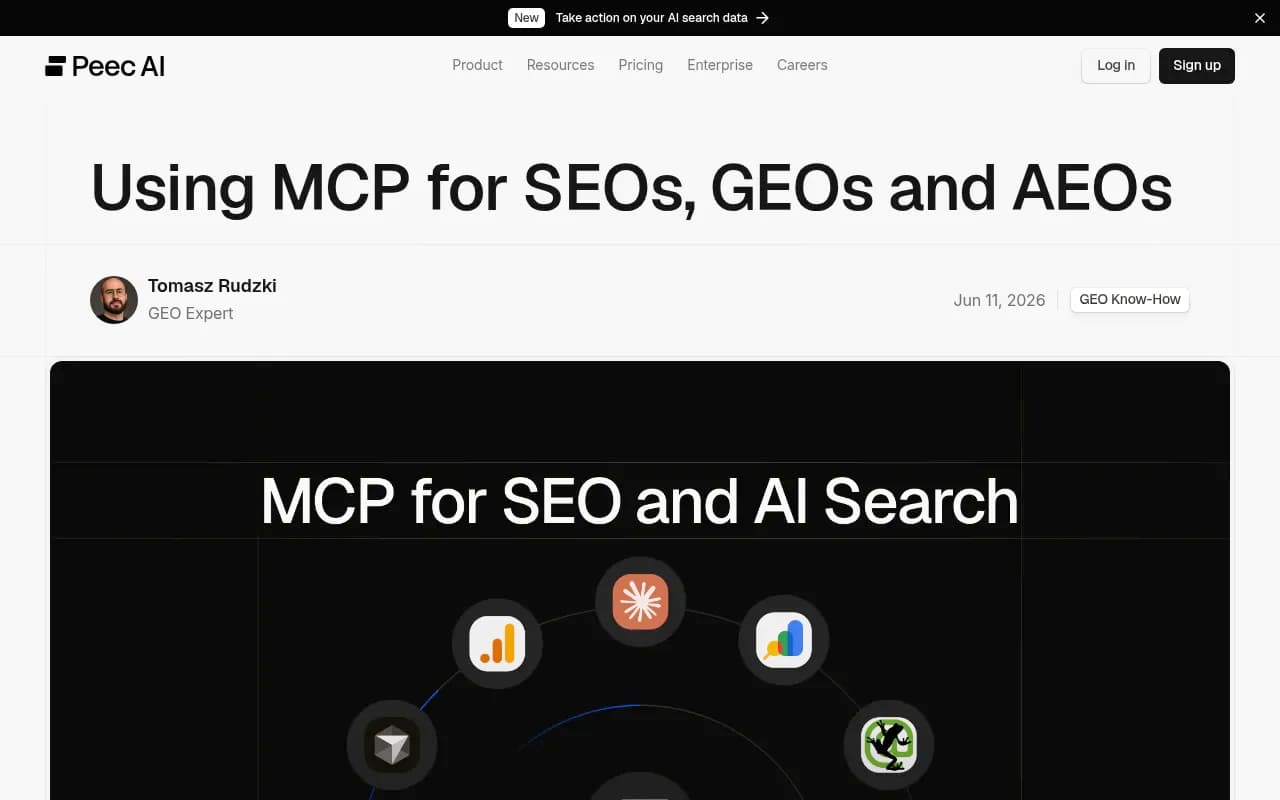
Tomasz Rudzki of Peec AI wrote in June 2026 that he runs many analyses through MCP: instead of exporting a CSV from Search Console, pulling a crawl out of Screaming Frog and checking Peec AI in another tab, he asks one question and gets answers from all three in the same conversation. His description is a data-analyst colleague who never gets tired of follow-up questions. That is a fair picture of the appeal.
He also says it opens up multi-layered analyses he could not justify before because they took too long. I believe that. Most SEO teams have a graveyard of "we should really join crawl data to GSC data to rankings" ideas that died at the VLOOKUP stage.
The barrier to custom systems drops
Before MCP, getting an assistant to read your SEO platform meant an engineering ticket. Now a non-developer can connect a remote server over OAuth in a few minutes. The Peec post quotes an SEO practitioner making the same point: the value is that previously difficult data workflows become accessible, so you can build client-specific dashboards and analysis setups quickly.
Live data instead of confident guesses
Without MCP, an assistant explains what keyword gap analysis is. With it, the assistant runs one against your domain and a competitor's. Serpstat's roundup frames it the same way: answers based on live data instead of a confident guess.
Good fit for repeatable workflows
One caution from the Peec post matters here: connecting an MCP is easy, but getting consistent, dependable output is the part most people skip. The payoff is biggest in repeatable workflows where a companion skill or saved prompt produces stable results and avoids wasting tokens. A one-off clever prompt is a demo. A weekly report that runs the same way every Monday is a workflow.
Which SEO MCP servers exist
SeoProfy's 2026 roundup lists seven: Ahrefs, Semrush, DataForSEO, Google Search Console (community-built MCP-GSC), SE Ranking, Screaming Frog and Coupler.io. Ahrefs, Semrush, DataForSEO and SE Ranking are official, vendor-maintained servers. MCP-GSC is community-built, which can mean more features early on but real maintenance risk if the maintainer walks away.
Remote servers (Semrush, SE Ranking, Coupler.io) connect through OAuth in minutes. Local ones (MCP-GSC, Screaming Frog) need local setup.
Cost model comparison
Pricing below comes from Answer Socrates and other roundups as of September 2026. Treat it as a starting point and check vendor pages, because plan eligibility changes and some roundups get it wrong.
| Server | Entry point for MCP | How you pay | Notable catch |
|---|---|---|---|
| Ahrefs | Lite, $129/month (Starter at $29 does not include MCP) | API units; 200,000/month on Lite, 50-unit base cost per call | Pagination repeats the base cost; units do not roll over |
| Semrush | Starter, $199/month (the $139 SEO plan does not include it) | Standard API package, 50,000 units/month | Keyword data costs 10 units each; project access is read-only |
| DataForSEO | $50 minimum top-up | Pay per call; live SERP about $0.002 | Cheap per call, so estimate volume before heavy monitoring |
| SE Ranking | Core plan or higher, or $50 wallet | Plan or wallet credits that do not expire | 160+ tools, includes AI search visibility data |
| Screaming Frog | SEO Spider v24+, £199/year | Licence; free version capped at 500 URLs | Runs locally; machine must be on; not every feature supported |
The Ahrefs math is worth pausing on. Pulling 1,000 backlinks on Lite means 10 requests at a 100-row cap, which is 500 units in base fees alone. That is fine once. It adds up when an agent explores freely.
A sensible first setup
If you are starting from zero, do not connect everything. Pick a stack that covers three different questions:
- How is organic traffic doing? Search Console, via the community MCP-GSC or a BigQuery export.
- What does the site look like technically? Screaming Frog's local MCP.
- Are we showing up in AI answers? Your AI visibility platform's MCP, if it has one.
Then write down five questions you ask every month and turn each into a saved prompt. Test on one client or one section of a site before running across a whole portfolio.

Where MCP falls short
This is the part most vendor posts skip. Peec's own author admitted it is not a perfect solution. Here is what the research turned up.
Credit burn
Broad prompts burn API credits fast. "Analyze my competitors" can trigger dozens of calls. SeoProfy advises targeted queries and testing at small scale before running across a client list. With unit-based pricing like Ahrefs and Semrush, an open-ended agent is a billing risk.
Coverage gaps
Several rank trackers and crawlers still have no MCP server. If your core tool is not on the list, you are back to exports for that piece.
Setup time
"Connect in 60 seconds" is marketing. SeoProfy suggests budgeting 30 to 60 minutes per server for initial testing, and Screaming Frog needs more technical knowledge than the remote servers.
Too many tools confuse the model
Answer Socrates recommends restricting tool groups where the server allows it. Ahrefs exposes around 20 tool groups. Handing a model hundreds of tools and hoping it picks the right one is how you get wrong calls and wasted credits.
Slow loops
Nightwatch notes that bulk tools can be slow when agents call them in loops, and that Semrush authentication mixes OAuth and API key. Agents make many small calls. APIs built for human-paced use handle that badly.
Read-only is not the same as doing the work
A server that returns keyword volumes or rankings does not write or publish anything. Some vendors, including Frase, pitch full read-write lifecycles, but that claim comes from their own content. Test it on your own site before trusting a "one prompt, publish-ready post" promise.
Vendor bias in the sources
A lot of what is written about SEO MCP is written by vendors who sell an MCP server. Frase's "4 hours 10 minutes per blog post" figure traces to a 2024 Orbit Media survey, not to anything about MCP. Nightwatch says its own MCP shows rank changes and AI citation changes side by side, which is self-promotion. Several roundups also misstate plan eligibility. Read them as starting points, not verdicts.
Gaps I could not verify
Security and prompt-injection risks, governance, and how many servers actually exist were outside what I checked. If you connect an agent to client data, look at those yourself before you roll it out.
What MCP does not tell you about AI search
This is the conceptual trap. An MCP server gives your assistant access to a tool's data. It does not change what ChatGPT, Gemini or AI Overviews do with your content. Those are separate systems with their own behavior.
For example, Promptwatch Data shows that OpenAI made up 79.8% of verified AI crawler requests from Aug 31 to Sep 6, 2026, down from 94.8% in Jun 8 to 14. The mix shifts week to week, and provider totals hide the split between training crawlers and answer-time fetchers. See the AI crawler traffic report for the weekly breakdown. No keyword MCP will surface that for you. You need crawler logs and citation data.
If AI visibility is part of the workflow, tools like Promptwatch cover that layer: tracking real ChatGPT, AI Overviews and Perplexity answers, IP-verified crawler logs, and what traffic AI sends. It also ships a hosted MCP server, so you can ask your assistant about that data directly.

Peec AI, mentioned above, is another AI visibility tracker with an MCP server, and the same pattern applies: the server is a way into the data, not a substitute for it.

For a wider look at the category, the GEO software directory lists tools that track and optimize AI visibility, and many of them are adding MCP access.
How to decide whether MCP is worth it for you
| If you are... | MCP is worth it when | Skip or wait if |
|---|---|---|
| A solo SEO or consultant | You repeat the same multi-source reports monthly | Your tools have no MCP and your reports are simple |
| An agency | You build client-specific dashboards and want to stop doing manual exports | You cannot control per-client credit spend |
| An in-house team | You already pay for Ahrefs, Semrush or SE Ranking at a tier that includes MCP | You would need to upgrade a plan just to try it |
| A developer-minded SEO | You like running local servers and writing companion skills | You want a hosted, no-maintenance setup |
A few habits that save money and grief
- Start with one server and one use case. Add the next one only when the first is saving you time.
- Restrict tool groups wherever the server lets you.
- Write the prompt once, save it, and rerun it. Do not improvise on metered APIs.
- Check the vendor's own pricing page for MCP eligibility before upgrading anything.
- Treat model output as a draft. Spot-check numbers against the source tool before they go into a client report.
The bottom line
MCP is a real improvement for the unglamorous part of SEO: moving data between tools. It will not set your strategy, and it will not make AI answer engines cite you. Connect one or two servers, build a handful of repeatable prompts, watch your credit usage for a month, and expand only if the time savings show up in your own reporting.