Key takeaways
- Zapier, Make, and n8n each solve automation differently -- Zapier is fastest to start, Make handles complex visual workflows, and n8n gives developers full control with self-hosting
- GEO teams waste hours on repetitive tasks (pulling AI visibility data, updating dashboards, briefing writers) that can be automated end-to-end with no-code tools
- The most valuable automations connect your AI visibility platform to your content workflow: gap detected → brief created → article written → published → tracked
- n8n's 70+ AI/LangChain nodes make it the best choice for teams building AI-heavy pipelines; Zapier's 7,000+ integrations win for breadth
- A PwC survey found the average ROI on workflow automation is 171%, with 62% of companies seeing returns above 100%
If you're running GEO (Generative Engine Optimization) for a brand or agency, you already know the work is relentless. Every week there's a new set of prompts to check, competitor citations to analyze, content gaps to brief, articles to publish, and reports to send to stakeholders. Most teams do this manually. They shouldn't.
No-code workflow automation has matured to the point where you can wire together your entire AI visibility pipeline -- from monitoring to content creation to reporting -- without writing a single line of code. This guide walks through exactly how to do that using Zapier, Make, and n8n.
Why GEO teams need automation now
The manual GEO workflow looks something like this: someone logs into their AI visibility platform, exports a CSV of prompt rankings, pastes it into a spreadsheet, identifies gaps, writes a brief in Google Docs, sends it to a writer in Slack, waits, edits the draft, publishes it, then manually checks if rankings improved two weeks later. Repeat every week across dozens of prompts and multiple AI models.
That's not a workflow. That's a series of copy-paste jobs dressed up as strategy.
The good news: every step in that chain can be automated. Your AI visibility platform produces data. Your CMS accepts content. Your Slack or Teams channel receives notifications. Your reporting dashboard needs numbers. All of these are just APIs talking to each other -- and Zapier, Make, and n8n are the translators.
The three platforms: what they actually are
Before building anything, you need to pick the right tool. They're not interchangeable.

| Feature | Zapier | Make | n8n |
|---|---|---|---|
| Best for | Non-technical teams | Visual workflow designers | Developers and technical teams |
| Integrations | 7,000+ apps | 1,800+ apps | 400+ built-in + custom nodes |
| AI capabilities | AI Actions, natural language builder | AI modules, OpenRouter | 70+ AI/LangChain nodes |
| Pricing | $20-$100+/month | $10-$30/month | Free (self-hosted) or $20+/month |
| Learning curve | Low | Medium | High |
| Self-hosting | No | No | Yes (open source) |
| Workflow complexity | Linear, simple | Visual, branching | Unlimited |
| Best GEO use case | Alerts and notifications | Multi-step content pipelines | Full AI-powered pipelines |
Zapier: the fastest starting point
Zapier's 7,000+ integrations mean it connects to almost anything. If your AI visibility platform has a Zapier integration (or a webhook), you can pipe data into Slack, Google Sheets, Notion, HubSpot, or your CMS in minutes. The new AI Actions feature lets you trigger GPT-4 inline -- so you can auto-summarize a visibility report before it hits your inbox.
Where Zapier struggles for GEO work: complex branching logic gets expensive fast (each branch is a separate "Zap"), and the per-task pricing model punishes high-volume workflows. If you're checking 150+ prompts across 10 AI models weekly, the costs add up.
Make: the visual powerhouse for content pipelines
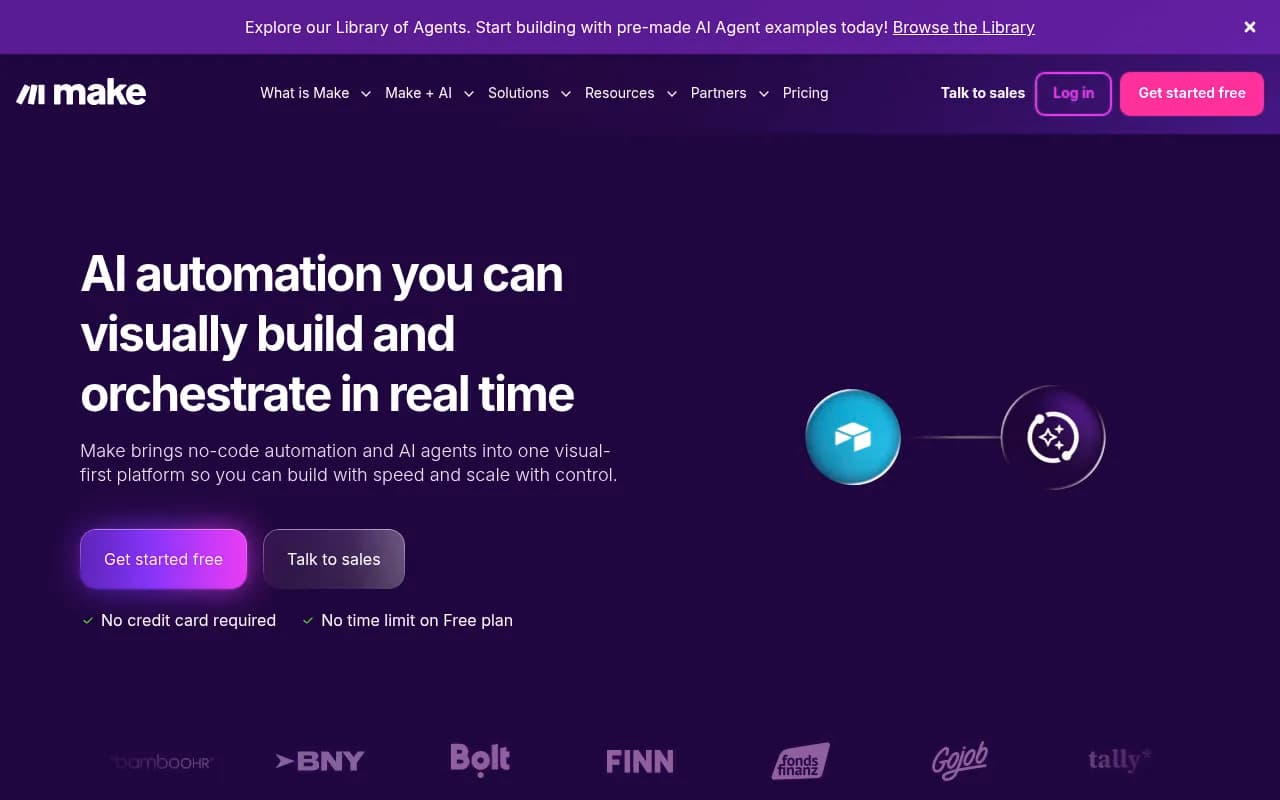
Make sits in the sweet spot for most GEO teams. The visual canvas makes it easy to build multi-step workflows with conditional branches -- "if visibility dropped more than 10%, create a content brief; if it dropped less than 5%, just log it." The error handling is genuinely good, and the OpenRouter integration means you can route prompts to different AI models mid-workflow.
For a GEO team building a content pipeline (gap detected → brief → draft → review → publish), Make's visual builder is the clearest way to map that out without losing track of the logic.
n8n: full control for AI-heavy pipelines
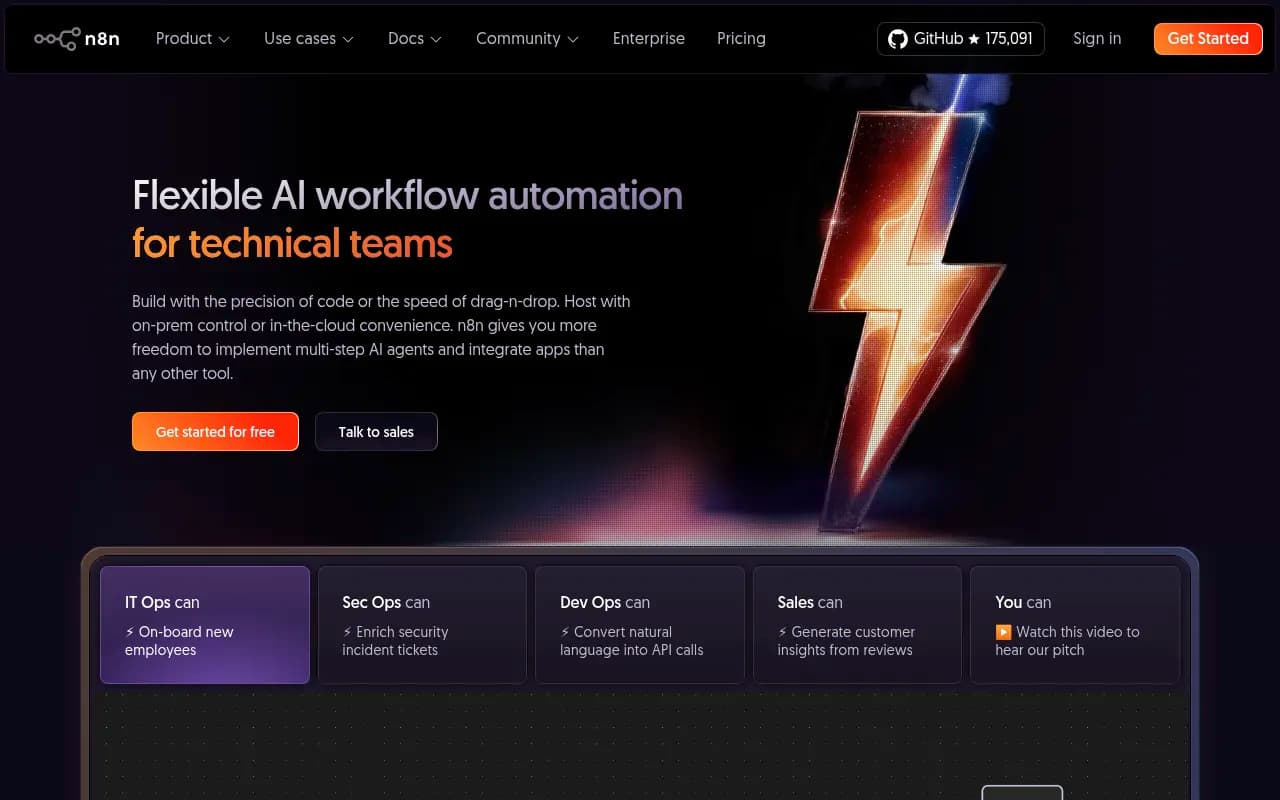
n8n is the choice when you want to build something that doesn't fit a template. Its 70+ AI and LangChain nodes let you build actual AI agents inside your workflows -- not just "call GPT and paste the output," but multi-step reasoning chains, RAG pipelines, and custom model routing. The self-hosting option means your data never leaves your infrastructure, which matters for agencies handling client data.
The tradeoff is real: n8n has a steeper learning curve, and debugging a complex workflow takes longer. But for teams that want to build a truly automated GEO engine, it's the most capable option.
The GEO automation pipeline: what to actually build
Here's the pipeline most GEO teams should automate, broken into four stages.
Stage 1: visibility monitoring and alerting
The goal: get notified when something changes, without logging in to check manually.
Most AI visibility platforms -- including Promptwatch -- expose data via API or webhooks. The basic automation looks like this:
- Trigger: scheduled webhook or API call to your visibility platform (daily or weekly)
- Filter: check if visibility score dropped below a threshold, or if a competitor gained citations you don't have
- Action: post a Slack message, create a Jira ticket, or add a row to a Google Sheet
In Zapier, this is a three-step Zap. In Make, you'd use a scheduled HTTP module feeding into a router. In n8n, you'd use the HTTP Request node with a Function node for the filtering logic.

The more sophisticated version uses n8n's AI nodes to automatically summarize what changed and why -- so the Slack notification isn't just "visibility dropped 12%" but "visibility dropped 12% on prompts about [topic]; competitor X gained 3 new citations from Reddit threads you're not mentioned in."
Stage 2: content gap analysis to brief
This is where most teams still work manually, and it's the highest-leverage automation to build.
The workflow:
- Your visibility platform identifies prompts where competitors appear but you don't
- An AI node (GPT-4, Claude, or your model of choice) analyzes the gap and generates a content brief
- The brief gets posted to your project management tool (Notion, Asana, ClickUp) with priority score attached
- A Slack notification goes to the content team
In Make, this looks like: HTTP module (pull gap data) → JSON parser → AI module (generate brief) → Notion module (create page) → Slack module (notify). Maybe 8-10 modules total, all visual.
In n8n, you'd use the AI Agent node with a custom prompt that takes the gap data as context and outputs a structured brief. The advantage here is you can chain multiple AI calls -- first analyze the gap, then research competitor content, then generate the brief -- without hitting the limits of a single prompt.
Tools like AirOps are purpose-built for this kind of content engineering workflow if you want a managed solution rather than building it yourself.

Stage 3: content creation and publishing
Once a brief exists, the next automation layer handles drafting and publishing.
The workflow:
- Trigger: new brief created in Notion (or wherever you store briefs)
- AI draft: send brief to your writing tool or directly to GPT/Claude via API
- Review gate: post draft to Slack for human approval (this step should stay human for now)
- Publish: on approval, push content to your CMS via API
The "review gate" step is important. Fully automated publishing without human review is a fast way to publish garbage. Build in a human checkpoint -- a Slack button that says "Approve" or "Send back for revision" -- before anything goes live.
For the CMS connection, most headless CMS platforms have solid APIs. Contentful, Sanity, and Storyblok all work well here.

Stage 4: tracking and reporting
The final stage closes the loop: did the content we published actually improve AI visibility?
The workflow:
- Scheduled trigger: weekly API call to your visibility platform
- Pull page-level citation data for recently published articles
- Compare against baseline (stored in Airtable, Google Sheets, or a database)
- Generate a report and send it to stakeholders
In n8n, you can build this as a full reporting agent that pulls data, calculates deltas, generates a narrative summary using an AI node, and emails it as an HTML report. In Make, the same logic works with the built-in email module and a data aggregation step.
Practical workflow recipes for GEO teams
Here are four specific automations worth building first, roughly ordered by impact.
Recipe 1: weekly visibility digest
- Platform: Zapier or Make
- Trigger: scheduled (every Monday, 8am)
- Steps: pull visibility scores from API → filter for significant changes → format as digest → send to Slack channel
- Time to build: 30-60 minutes
- Value: your team starts every week knowing exactly where they stand
Recipe 2: competitor citation alert
- Platform: Make or n8n
- Trigger: webhook from visibility platform when competitor gains new citation
- Steps: receive webhook → AI node summarizes the citation and why it matters → post to Slack with link to the source
- Time to build: 1-2 hours
- Value: you find out about competitor gains in real-time, not next week's report
Recipe 3: gap-to-brief pipeline
- Platform: n8n (recommended) or Make
- Trigger: scheduled (weekly) or manual
- Steps: pull answer gap data → AI agent generates brief with title, angle, target prompts, and competitor analysis → create Notion page → notify content team
- Time to build: 2-4 hours
- Value: eliminates the most time-consuming manual step in GEO content planning
Recipe 4: publish-and-track loop
- Platform: Make or n8n
- Trigger: content approved in project management tool
- Steps: push content to CMS → log publication in tracking sheet → schedule follow-up check (2 weeks later) → pull citation data for that URL → compare to baseline → report delta
- Time to build: 3-5 hours
- Value: closes the loop between content creation and visibility impact
Choosing the right tool for your team
The honest answer is that most GEO teams should start with Make and graduate to n8n if they need more power.
Zapier makes sense if your team is non-technical and you just need simple alerting -- "when visibility drops, notify Slack." It's the fastest path to something working.
Make is the right choice for most content pipeline automation. The visual builder makes it easy to explain workflows to stakeholders, the pricing is reasonable, and the AI modules cover most use cases without needing to write code.
n8n is worth the investment if you're building an agency-scale GEO operation, want to self-host for data privacy, or need to build actual AI agents (not just "call GPT"). The 70+ AI/LangChain nodes are genuinely powerful, and the self-hosting option is a real differentiator for agencies.
One more thing worth noting: the automation tools are only as good as the data going into them. If your AI visibility platform doesn't have a proper API, webhooks, or data export, none of this works. Platforms like Promptwatch expose the data you need -- citation counts, visibility scores, gap analysis, page-level tracking -- in formats that connect cleanly to automation tools.
Common mistakes to avoid
A few things that trip up GEO teams when they first start automating:
Skipping error handling. API calls fail. Rate limits get hit. If your workflow has no error handling, a single failed step silently breaks the whole pipeline and you won't know for days. Both Make and n8n have built-in error handling modules -- use them.
Automating the review step. The temptation to fully automate content publishing is real, but AI-generated content without human review will eventually embarrass you. Keep a human in the loop for the approval step, even if everything else is automated.
Building too much at once. Start with one workflow, run it for two weeks, fix the edge cases, then add the next one. Teams that try to automate everything simultaneously end up with a fragile system that breaks constantly.
Ignoring rate limits. If you're hitting your visibility platform's API 50 times a day, check the rate limits first. Most platforms have them, and hitting them silently breaks your automations.
Not versioning your workflows. n8n has workflow versioning built in. Make and Zapier don't, so export your workflow definitions regularly and store them in Git or Notion. You'll thank yourself when you accidentally break something.
What the full automated GEO pipeline looks like
When all four stages are connected, the pipeline runs like this:
- Every Monday morning, your visibility scores are pulled automatically and a digest lands in Slack
- Any prompt where a competitor gained citations triggers an immediate alert with AI-generated context
- Weekly gap analysis runs automatically, generating briefs in Notion with priority scores
- Content team picks up briefs, writes articles, approves them in Slack
- Approved content publishes to CMS automatically
- Two weeks later, the system checks if those pages are being cited and reports the delta
That's a full GEO operation running largely on autopilot. The humans focus on strategy, editorial judgment, and the creative work -- not on copy-pasting data between tools.
The average ROI on workflow automation is 171% according to PwC's research. For GEO teams specifically, the compounding effect is even higher: faster content production means more pages getting cited sooner, which means visibility improvements show up in reports faster, which means stakeholders stay bought in.
The tools exist. The integrations are there. The main thing standing between your team and an automated GEO pipeline is a few afternoons of workflow building.