Key takeaways
- Searchable is built to track AI search visibility, not to run a multi-client reporting operation, and that gap shows up fast once you have more than two or three accounts.
- The 12 missing pieces cluster around three problems: white-labeling and client-facing polish, narrative/interpretation layers, and cross-tool data blending.
- Agencies are solving this by pairing Searchable (or any AI visibility tracker) with a dedicated reporting layer, because 2026's reporting trend is agent-written narrative, not another dashboard.
- If AI visibility is central to your retainer, a platform like Promptwatch that ships white-label client portals and scheduled PDFs natively is worth comparing before you build a patchwork stack.
- None of these gaps are deal-breakers for a single-brand team. They become real friction once you're reporting to 10+ clients a month.
Why this matters now
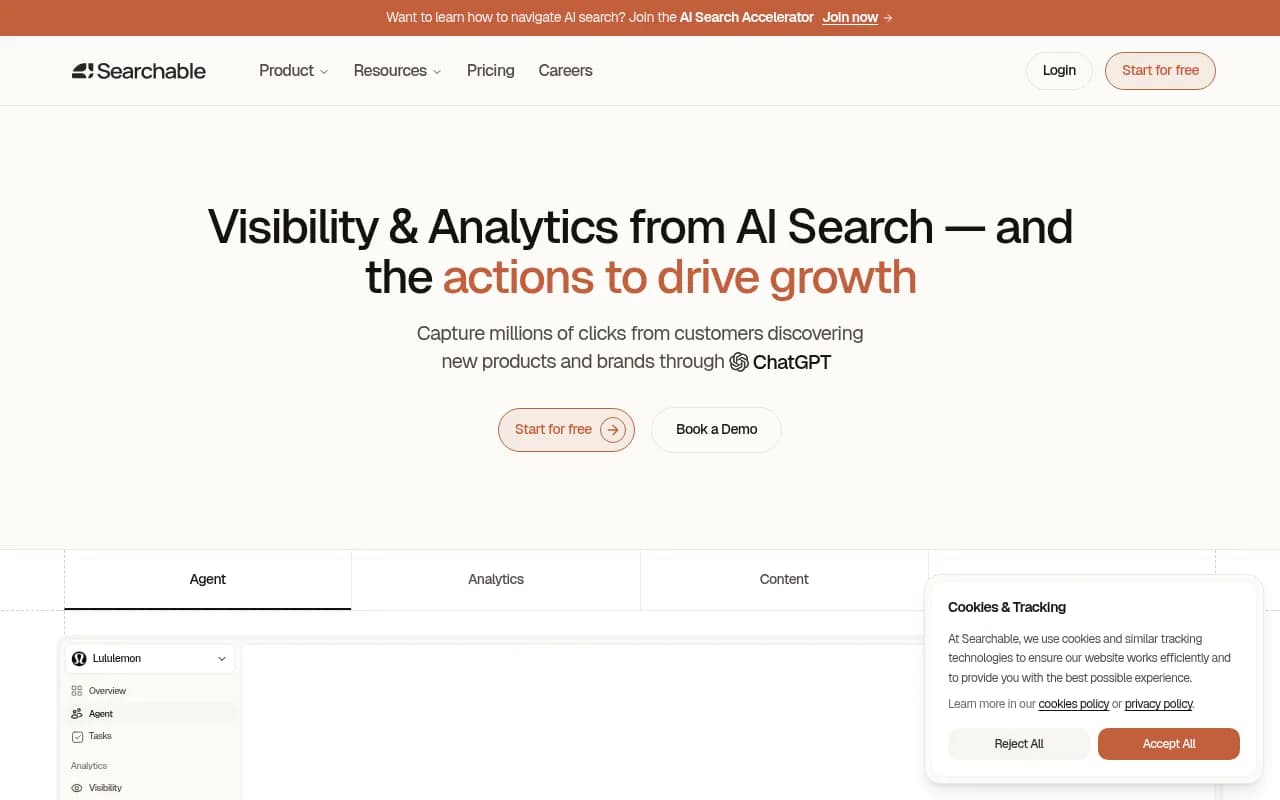
Agencies that sell AI search visibility as a service have a reporting problem nobody talks about enough: the tracking tool and the client-facing report are usually two different jobs, and most AI visibility platforms were built by people solving the tracking job first. Searchable is a good example. It does prompt tracking and citation monitoring reasonably well for what it is, but once you sit down to turn that data into something a client opens on the 1st of the month and actually understands, you notice how much is missing.
I went through Searchable's reporting workflow the way an agency account manager would, trying to build a monthly client deck for three fictional accounts with different retainer sizes. Here's what kept breaking.
The 12 gaps
1. No true white-label client portal
Searchable's dashboards are clearly Searchable's. There's no option to swap the logo, recolor the UI, or give a client a branded login URL under your agency's domain. For agencies selling GEO as part of a broader retainer, that's a problem, clients start wondering why they're logging into a third-party tool instead of your agency's own reporting hub.
2. No scheduled, branded PDF exports
Most client-reporting tools in this category, AgencyAnalytics, Whatagraph, DashThis, ship a scheduled PDF or email digest with your logo and color scheme by default. Searchable doesn't have an equivalent. You can screenshot dashboards, but that's manual work multiplied across every client every month.
3. No multi-client view for account managers
If you manage 15 client accounts, you want one screen that shows all 15 at a glance, sortable by visibility score or citation trend, so you know which accounts need attention before the client calls you. Searchable treats each project in isolation, which means toggling between projects one at a time.
4. No narrative or AI-written summary layer
This is the biggest one, and it's not unique to Searchable. According to Digital Applied's 2026 reporting playbook, manual client reporting still costs agencies 5 to 10 hours per client per month, mostly because dashboards show data and someone still has to write the "here's what this means" paragraph by hand. Searchable gives you the numbers. It doesn't draft the explanation of why citation share dropped or what to do next.
5. No period-over-period annotation
ClicData's 2026 agency reporting comparison makes a point that applies directly here: what's missing from a lot of reporting tools is the ability to explain the numbers, not just show them, through benchmarks, campaign comparisons, and annotations that say why something shifted. Searchable shows you a line going up or down. It doesn't let you annotate "this spike was the new product page we published on the 14th" directly on the chart for the client to see.
6. No cross-channel data blending
AI visibility is one slice of a client's marketing picture. Agencies also report on organic rankings, paid spend, and social performance in the same deck. Searchable doesn't pull in Google Search Console, ad platform, or CRM data, so you're left stitching GEO numbers into a separate tool anyway.
7. No client-level permissions or seat management
There's no granular way to give a client's marketing director read-only access while keeping your team's internal notes, competitor benchmarks, and draft content hidden. Agencies managing multiple stakeholders per client need that separation and it's absent.
8. No custom report builder
You can't drag and drop which metrics appear in a client-facing report versus an internal one. Every client sees the same fixed set of charts, which doesn't work when your enterprise retainer client wants a 20-page deep dive and your smaller retainer client wants a one-page summary.
9. Limited historical benchmarking against industry or competitor sets
Clients constantly ask "is this good?" Searchable shows your trend line but doesn't easily benchmark it against a category average or a competitor set over time in a report-ready format.
10. No agency-level billing or sub-account management
There's no built-in way to invoice clients through the platform or manage sub-accounts with separate billing, which agencies running retainers on a dozen tools eventually want consolidated somewhere.
11. No alerting tied to client SLAs
If a client's citation share drops 20% in a week, you want to know before they do and before the monthly report goes out. Searchable's alerting is thin, mostly tracking-focused rather than built around the kind of SLA thresholds agencies set with clients.
12. No Slack or email digest for account teams
Account managers juggling multiple clients benefit from a weekly nudge, "here's what changed this week across your book of business." That kind of digest, which has become table stakes among the AI visibility platforms built for agencies, isn't part of Searchable's workflow.
Comparison: Searchable vs agency-reporting-ready AI visibility platforms
| Feature | Searchable | Promptwatch | AgencyAnalytics (general reporting) |
|---|---|---|---|
| White-label client portal | No | Yes | Yes |
| Scheduled branded PDF/report | No | Yes | Yes |
| Multi-client agency dashboard | No | Yes (agency plans, 10 seats) | Yes |
| AI visibility tracking (ChatGPT, Gemini, AI Overviews, etc.) | Yes | Yes | No (not AI-native) |
| Automated content generation tied to visibility gaps | Limited | Yes (Content Agents, CMS publishing) | No |
| Crawler logs / AI bot analytics | No | Yes | No |
| Reddit & YouTube citation tracking | No | Yes | No |
| Agency pricing tier | Not specified for agencies | Yes, from $199/mo | Yes, from ~$79/mo |

Why the gap exists
This isn't really a knock on Searchable specifically. It's a pattern across most AI visibility and GEO tools that got built in the last two years: monitoring came first, client-facing reporting came second, if at all. Storyflow's 2026 roundup of client reporting tools makes an interesting point about this whole category, that automation solved the problem of assembling the numbers and made interpretation the scarce thing. A client can get a beautifully formatted twenty-page report every month and still only read the one paragraph at the top that tells them what it means and what happens next.
That's the real test for any agency reporting stack in 2026, not whether it has a chart, but whether it writes the "so what" for you. Improvado's implementation guide for automated client reporting frames this as the difference between "dashboards that show data" and systems that "generate narrative-driven reports without manual intervention" by combining anomaly detection with natural language summaries. Searchable sits firmly in the "shows data" camp right now.
How agencies are patching the gaps today
A few practical workarounds I've seen agencies run with:
- Export Searchable's raw numbers into Looker Studio or a BI tool, then build the branded, multi-client layer there. This is free but adds a setup and maintenance burden.
- Pair Searchable with a dedicated client-reporting tool like Whatagraph, DashThis, or AgencyAnalytics purely for the white-label packaging, while Searchable stays the data source for AI visibility specifically.
- Write the narrative manually every month. It works, but at the 5 to 10 hours per client that Digital Applied's agency benchmark cites, this is the most expensive option once you cross roughly 10 active clients.
- Switch the AI visibility tracking layer itself to a platform built with agencies in mind from day one.
That last option is where Promptwatch tends to come up in these conversations. It has agency-specific pricing tiers (Kick-off, Growth, Scale, starting at $199/mo for 10,000 responses with unlimited projects and prompts and 10 seats), a white-label dashboard and client portal, and scheduled custom reports built in. It also goes further than tracking: Content Agents can draft and publish GEO-optimized content to a client's CMS, and Unified Actions turns the raw visibility and crawler data into a prioritized to-do list your account team can hand straight to the client as the "what we're doing about it" section of the report. Monks, an agency using Promptwatch across enterprise clients including Netflix and BMW accounts, builds content roadmaps directly off its Answer Gap Report and Visibility Score rather than exporting data into a separate reporting tool.
What to actually check before you switch tools
If you're evaluating whether to stay on Searchable with a patched workaround or move your AI visibility tracking to a platform with native agency reporting, run through this short checklist:
- How many active client accounts are you reporting on monthly? Below five, almost any tool plus a Google Doc works fine, per Improvado's own ROI threshold research.
- Does your retainer pricing assume reporting takes under an hour per client, or are you quietly eating 5+ hours per client in manual report-building?
- Do clients ask "what does this mean" more than they ask "can I see the raw numbers"? If so, you need the narrative layer more than you need another chart type.
- Are you already paying for a separate BI or reporting tool just to package AI visibility data? If yes, that's a recurring cost a more complete platform could absorb.
Final take
Searchable does the job of tracking AI search visibility, and for a single in-house marketing team that's often enough. The moment you're running it across a client roster, the missing client-reporting layer becomes a real tax on your team's time, not a nice-to-have. Whether you patch that with a separate BI tool, eat the manual hours, or move to a platform that ships agency reporting natively depends on how many clients you're running and how much of your retainer margin manual reporting is quietly consuming.
If you want to compare more AI visibility and GEO platforms built specifically with agency workflows in mind, the directory at bestgeosoftware.com is a reasonable place to start before committing to a stack.