Key takeaways
- Publer's single-pass AI compose (caption, hashtags, first comment, alt-text) is the fastest per-post workflow we found, cutting drafting time from roughly 8 minutes to under 2.
- Buffer's relaunched AI Assistant trains on your historical post engagement, which produced about 23% higher CTR than generic GPT prompts in A/B testing on mid-sized accounts.
- Predis.ai is the strongest pick if you want visuals and captions generated together, but auto-posting only kicks in from the Rise plan ($40–55/mo).
- Metricool includes its AI assistant on the free plan, which almost nobody else does.
- Hootsuite's OwlyWriter AI is the safest choice for large teams managing many accounts, but you'll pay $99/mo and up.
Every scheduling tool has an AI caption writer now. That's the problem. In 2024 it was a differentiator; in 2026 it's table stakes, and the quality gap between "generates something" and "generates something you'd actually publish" is wide. Some tools bolt a generic GPT wrapper onto their composer. Others trained their models on engagement data, built brand-voice memory, or generate the entire post package (caption, hashtags, first comment, alt-text) in one pass.
This guide focuses on that second group: the schedulers where AI content generation is a core feature, not a checkbox.
What actually makes an AI caption generator good
Before the tool-by-tool breakdown, here's the rubric I used, because "best AI captions" is otherwise a marketing phrase:
- Context awareness. Does the AI know your brand voice, past top performers, and platform norms, or does it hallucinate a generic tone every time? The best tools in 2026 train on your own post history.
- Single-pass output. Generating a caption is easy. Generating caption + hashtags + first comment + alt-text in one go is what actually saves time.
- Platform tailoring. One idea should become a LinkedIn post, an Instagram caption, and a tweet without you rewriting each.
- Editing control. Can you rephrase, shorten, expand, or shift tone inline? Or do you copy-paste into ChatGPT when the first draft misses?
- Voice consistency at volume. Bulk generation for a month of posts is where cheap AI falls apart, everything starts sounding the same.
The tools below are ranked roughly by how well they score on those five points, weighted toward real workflow speed.
The best AI caption and content generation in scheduling tools
1. Publer — the fastest end-to-end workflow
Publer's AI Assist is the most integrated compose flow in the category. One generation pass produces the caption, a hashtag set, the first comment (useful for Instagram, where hashtags in the first comment are standard practice), and alt-text. Independent workflow timing studies put per-post time at under 2 minutes, down from around 8 with a typical tool.
Two newer features push it further: Brand Voices lets the AI match tone and style per brand, and Analytics Fueled AI Answers feeds your account performance data back into suggestions, so the AI stops guessing what works and starts using what already worked. That second feature puts Publer in the same camp as Buffer's engagement-trained model.
The AI also doubles as a hashtag generator tailored to your niche, and Publer's content discovery layer (trending posts across 70+ categories) gives it source material to riff on.
Pricing is the friendliest in this list: free plan (3 accounts, 10 posts), Professional around $12/mo, Business around $21/mo.
Best for: solo creators and small teams who want the shortest path from idea to scheduled post.

2. Buffer — engagement-trained captions that stay on brand
Buffer relaunched its AI Assistant in Q4 2025, and the difference matters. The new version is context-aware and trained on your historical post engagement, so its drafts reflect what your audience actually responds to. In A/B testing on mid-sized accounts, its captions beat generic GPT prompts by roughly 23% on click-through rate.
The assistant handles the full editing loop inline: generate, rephrase, shorten, expand, shift tone more casual or more formal. Its content tailoring feature takes one post and adapts it per platform, format and audience, which is the manual work most people skip and their cross-posting suffers for.
One caveat on pricing structure: the free plan (3 channels) includes scheduling and posting-time suggestions but not the full AI Assistant. That starts at Essentials, $6/channel/mo. For 5 profiles you're looking at $30–60/mo depending on tier.
Best for: solo creators and small brands who care about caption quality over volume, and want AI that learns from their own data.
3. Predis.ai — full post creation, visuals included
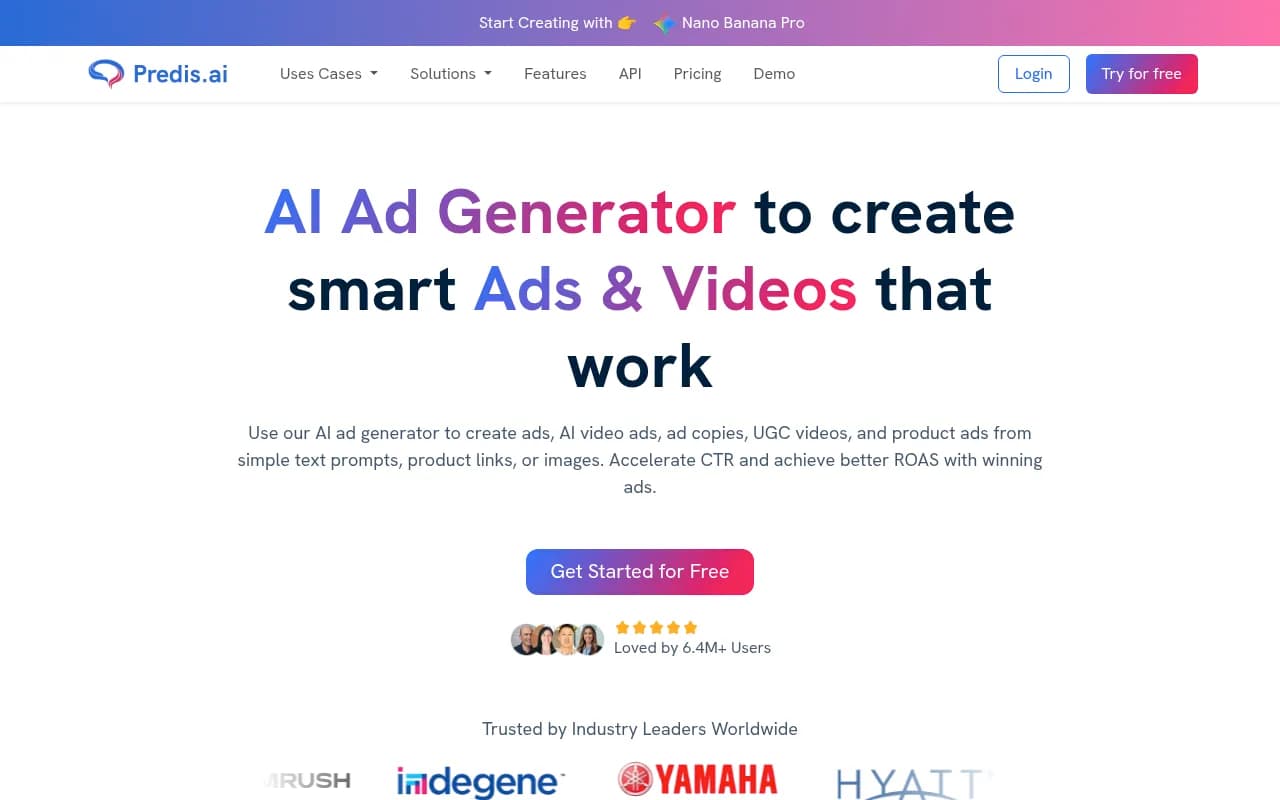
Predis.ai is the closest thing to "describe your product, get a finished post." Enter a topic or product description (or connect an e-commerce store) and it generates complete posts: copy, visuals, hashtags, multi-slide carousels, even short-form video with AI voiceovers. Zapier ranks it the top pick for creating all post content with AI, and for visual-heavy brands it's hard to argue.
Know the tier trap before you buy: the Core plan ($19–24/mo) generates content but does not auto-post. Auto-posting starts at Rise ($40–55/mo). Credits are the currency, an image costs 15, a standard video 200, so heavy video users should do the math against their volume.
Best for: e-commerce and visual-first brands that want captions and creative from one tool.
4. Metricool — analytics-first, with AI on the free plan
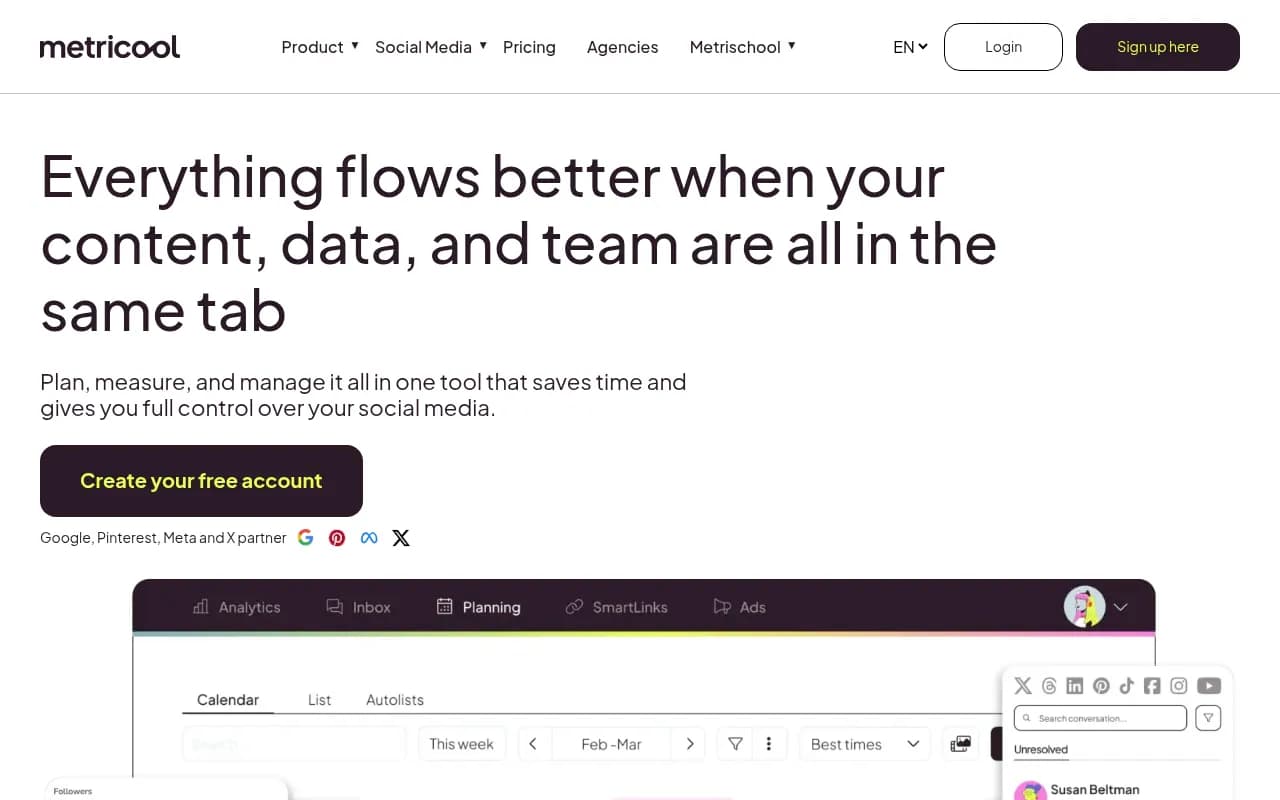
Metricool's AI assistant does solid caption generation, but the reason it's on this list is the surrounding machine: cross-platform competitor benchmarking, paid ad analytics, and a best-time-to-post heatmap that updates weekly from your own data. The AI writes; the analytics tell it what to write about and when.
The genuinely unusual part: the AI assistant is included on the free plan (1 brand, 20 scheduled posts/mo). Paid tiers start around $20/mo for up to 5 brands. Almost every competitor gates AI behind a paid tier, so if budget is zero, start here.
Best for: data-driven creators and small agencies who want AI captions grounded in performance data.
5. Hootsuite — OwlyWriter AI for teams at scale
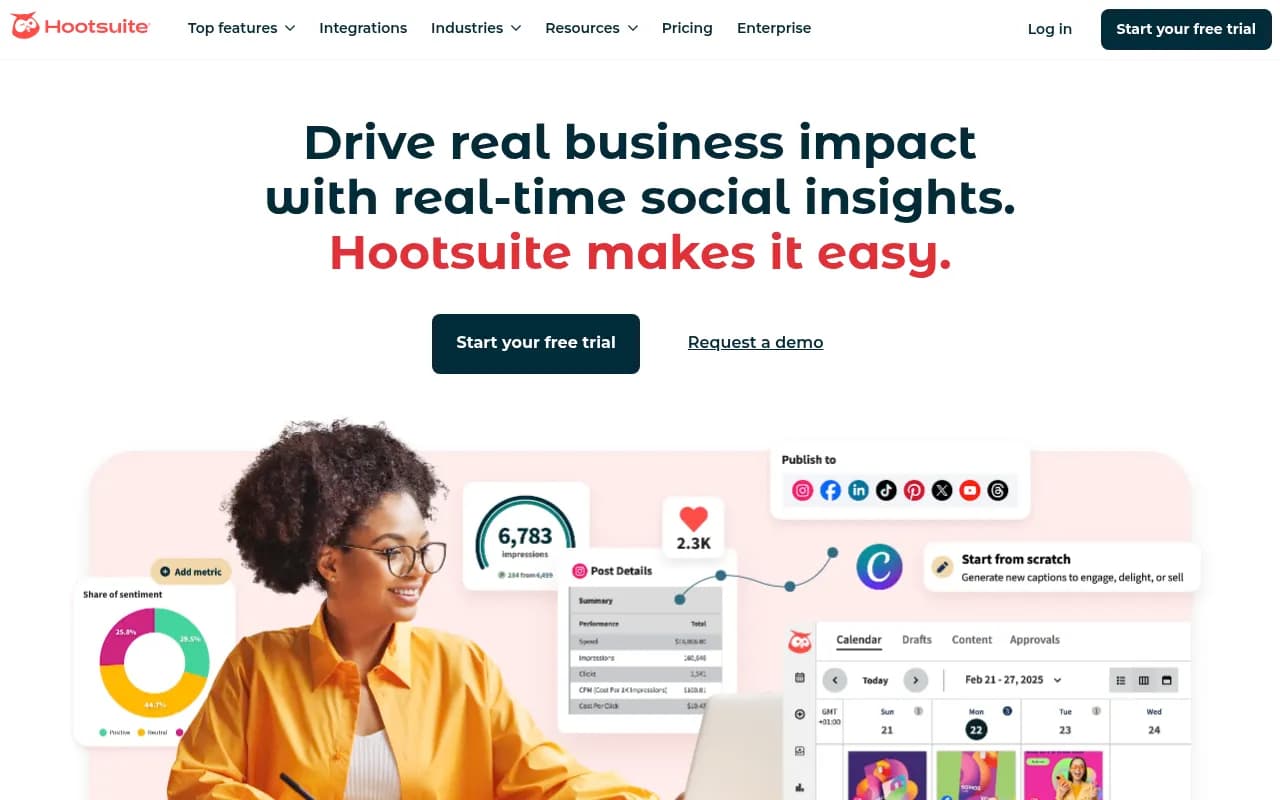
OwlyWriter AI generates platform-optimized captions from a topic, a URL, or an existing post, repurposes your top-performing historical content automatically, and calibrates hashtags, emojis, and CTAs per platform. Hootsuite's AI content calendar goes a step further: it suggests a weekly posting schedule with content themes, auto-fills calendar gaps with AI drafts, and adjusts using real-time engagement data. Their newer "Wisdom" agent adds trend discovery and competitor monitoring on top.
It's included at all paid tiers, which softens the pricing sting a little: Professional is $99/mo (1 user, 10 accounts), Team $249/mo, Business $739/mo+. Full social listening (Talkwalker) requires Business.
Best for: agencies and enterprise teams managing 10+ accounts where bulk generation and approval workflows matter more than per-dollar efficiency.
6. Vista Social — broadest channel coverage, with AI recycling
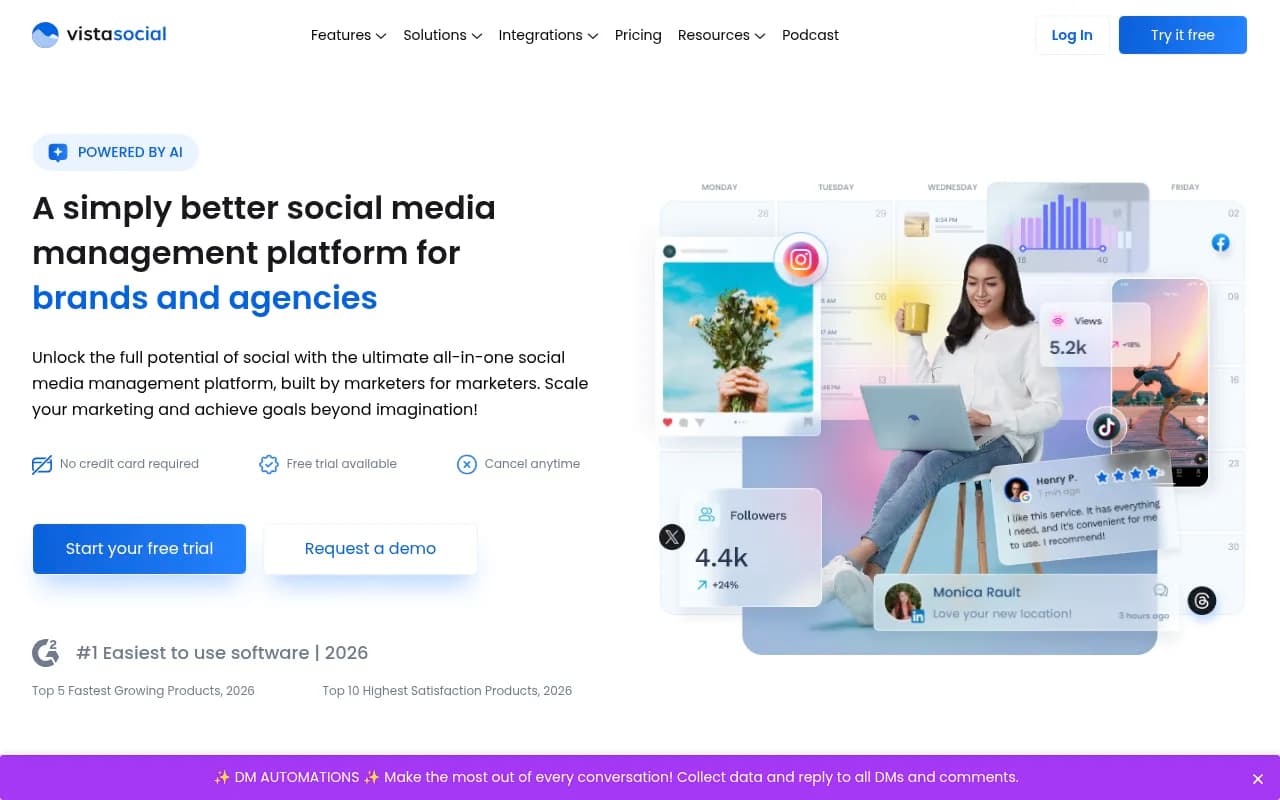
If you're publishing to more than 8 platforms, Vista Social supports the widest stack: TikTok, Pinterest, Google Business Profile, YouTube, and Reddit on top of the standard Instagram/Facebook/LinkedIn/X/Threads set. Its AI recycling automatically resurfaces evergreen content, and plans include 2,000–3,500 AI content credits per month depending on tier.
Pricing has shifted a few times recently (Standard around $39/mo for 8 profiles, Professional around $79/mo), so verify current numbers before committing. Social listening is a separate add-on from $75/mo.
Best for: creators and brands spread across many niche platforms who need one scheduler to cover everything.
7. SocialBee — AI copilot that plans the strategy too
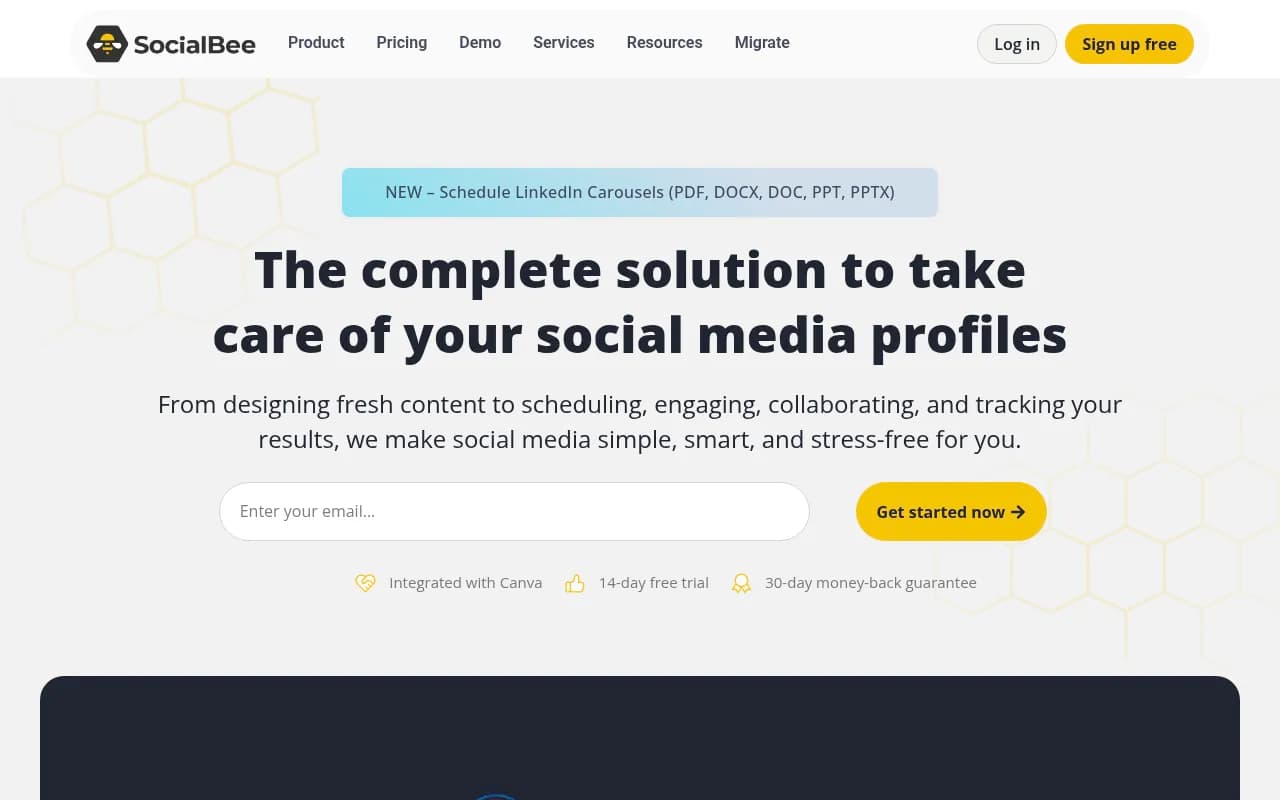
SocialBee's AI Copilot doesn't just write posts; it generates a tailored social strategy, platform recommendations, posting times, and ready-to-use post variations. Its category-based scheduling system (group content by type, then drip each category on its own schedule) pairs well with AI generation, because you can bulk-generate into categories and let the scheduler balance the mix.
Best for: solopreneurs who want strategy and captions from one assistant.
8. Planable — AI inside an approval-first workflow
Planable's AI generates captions from a prompt, optionally matching an existing brand voice, plus hashtags. No add-on to activate and no usage cap, which is rarer than it sounds. The real draw is the collaboration layer: real-time feedback, approvals, and a visual preview of how posts look before they go live. For agencies where a human reviews every caption anyway (which should be everyone, see below), that workflow matters more than raw generation quality.
Reported pricing starts around $33/mo; check their page for current figures.
Best for: agencies with client approval workflows.

Comparison table
| Tool | AI caption quality | What makes it different | Auto-posting with AI | Starting price (2026) |
|---|---|---|---|---|
| Publer | Very good | Single-pass caption + hashtags + first comment + alt-text | Yes | Free; ~$12/mo |
| Buffer | Very good | Engagement-trained, ~23% CTR lift vs generic prompts | Yes | Free (limited AI); $6/channel/mo |
| Predis.ai | Good (full post) | Text + images + video from one prompt | Rise plan and up | $19–24/mo |
| Metricool | Good | AI included on free plan; analytics-first | Yes | Free; ~$20/mo |
| Hootsuite | Very good | OwlyWriter bulk generation + AI calendar | Yes | $99/mo |
| Vista Social | Good | Widest channel coverage, AI recycling | Yes | ~$39/mo |
| SocialBee | Good | AI Copilot builds strategy, not just posts | Yes | Varies by tier |
| Planable | Good | Unlimited AI inside approval workflow | Yes | ~$33/mo |
How to choose based on your situation
- Solo creator, tight budget: Metricool free plan or Publer free, upgrade when you hit the caps.
- Creator who wants the best captions: Buffer Essentials. The engagement-trained model is the real thing, not a wrapper.
- E-commerce or visual brand: Predis.ai, budgeting for the Rise plan so auto-posting is included.
- Small agency, 3–10 client accounts: Publer Business or Metricool Advanced, both well under $60/mo.
- Enterprise or 10+ accounts: Hootsuite, where bulk OwlyWriter generation and approval workflows earn their price.
- Many niche platforms: Vista Social.
The part nobody puts in their feature list: AI captions still need a human
The most common failure mode with AI captions is publishing the first draft. The output is usually fine. Fine is the problem, it reads like every other brand's AI captions, and audiences notice the sameness.
A few practices that fix it:
- Treat AI output as a first draft. Read it aloud before scheduling. If it doesn't sound like something you'd say, rewrite the phrasing, not just the punctuation.
- Feed it specifics. "Write a caption about our new product" produces filler. "Write an 80-word informal caption for our new running app feature, aimed at marathon trainees, end with a light question, no jargon" produces something usable. The tools with brand-voice features (Publer Brand Voices, Buffer's engagement training) reduce this burden, but they still need good inputs.
- Watch for formal defaults. Overly formal tone is the fastest way to make an AI caption feel robotic. Most tools let you set tone, use it.
- Vary your prompts. If you generate 30 posts from one prompt template, your feed will sound templated. Mix formats: questions, stories, hot takes, behind-the-scenes.
The 2026 tools are good enough that the bottleneck has moved. Generation is solved; judgment isn't. The teams getting results are the ones using AI for volume and humans for taste.
Bottom line
If I had to pick one tool for most people in 2026: Publer for speed and price, Buffer if caption quality is the priority. Both cost less than a dinner out per month and neither will make you sound like a robot, provided you keep editing. If you're at enterprise scale, Hootsuite's OwlyWriter earns its keep. And whatever you pick, spend an hour setting up brand voice and prompt templates before generating anything, that hour pays for itself within the first week.