Key takeaways
- Monday.com scores highest overall (74/80) across usability, automation, and AI — making it the best fit for most marketing teams that need a flexible, visual workspace.
- Wrike is the strongest choice for enterprise teams managing complex, multi-department projects with strict reporting needs.
- Asana has the clearest task structure and works well for teams that prioritize simplicity over feature depth.
- ClickUp offers the most features at the lowest price, but that breadth comes with a steep learning curve.
- Notion is not really a project management tool — it's a knowledge base that can approximate one, which matters a lot for GEO teams who need to manage both content workflows and documentation.
Picking a project management tool in 2026 feels like it should be simple. There are five obvious contenders. Everyone has an opinion. And yet teams still spend weeks in trial mode, watching demos, and second-guessing themselves before committing.
The reason it's hard: these tools look similar on the surface but feel completely different in practice. Wrike and Monday.com are both "work management platforms." Asana and ClickUp both do task tracking. Notion is in a category of its own. But the moment you try to run a real campaign, a content calendar, or a GEO optimization sprint through any of them, the differences become obvious fast.
This guide is specifically for marketing teams and GEO (Generative Engine Optimization) teams — people managing content workflows, campaign timelines, AI visibility tracking tasks, and cross-functional collaboration. The needs here are specific: you want visibility into what's in progress, you need content briefs and deliverables to move through clear stages, and you probably have a mix of structured projects and ongoing recurring work.
Let's get into it.
What each tool actually is
Before comparing features, it helps to be honest about what each tool is designed to do.
Monday.com is a work operating system. It's built around customizable boards that can represent almost anything — a campaign, a content calendar, a client project, a sprint. The UI is visual and relatively forgiving for non-technical users.
Asana is a task and project management tool with a strong emphasis on clarity. Tasks have owners, due dates, and dependencies. It's opinionated about structure in a way that Monday.com isn't, which is either a feature or a limitation depending on your team.
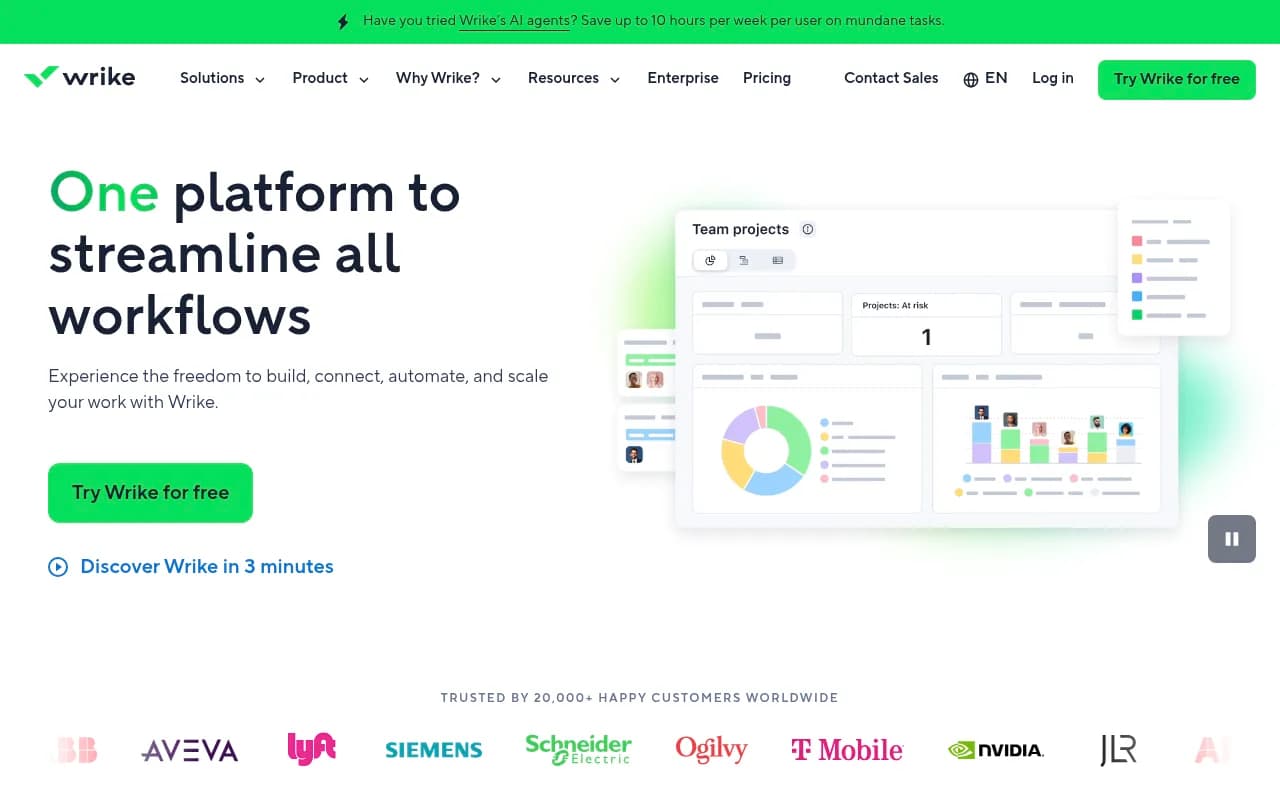
Wrike is enterprise-grade project management. It has robust reporting, resource management, and approval workflows baked in. It's more complex to set up than the others, but that complexity buys you power.
ClickUp is trying to be everything. Tasks, docs, goals, whiteboards, time tracking, chat — it's all in there. The pitch is that you can replace multiple tools with ClickUp. The reality is that doing everything means some things are done less elegantly than dedicated tools.
Notion is a connected workspace for notes, wikis, and databases. It can be stretched into a project management tool, but that's not what it was built for. For GEO teams that need a living knowledge base alongside their workflows, Notion fills a real gap that the others don't.
Feature comparison at a glance
Based on independent evaluations across 8 categories (usability, views, automation, integrations, reporting, scalability, value, and product breadth), here's how the five tools stack up:
| Category | Monday.com | Asana | ClickUp | Wrike | Notion |
|---|---|---|---|---|---|
| Usability | 10/10 | 8/10 | 6/10 | 6/10 | 7/10 |
| Views & visualization | 9/10 | 7/10 | 9/10 | 7/10 | 6/10 |
| Automation & AI | 10/10 | 8/10 | 8/10 | 7/10 | 6/10 |
| Integrations | 9/10 | 8/10 | 7/10 | 9/10 | 7/10 |
| Reporting & dashboards | 9/10 | 7/10 | 8/10 | 9/10 | 5/10 |
| Scalability | 9/10 | 7/10 | 7/10 | 9/10 | 6/10 |
| Value for money | 8/10 | 7/10 | 9/10 | 6/10 | 9/10 |
| Product breadth | 10/10 | 6/10 | 8/10 | 7/10 | 7/10 |
| Total | 74/80 | 58/80 | 62/80 | 60/80 | 53/80 |
Notion scores are approximate — it wasn't included in the original 80-point evaluation, which focused on dedicated project management tools.
Pricing in 2026
Price is always part of the conversation. Here's a simplified breakdown:
| Tool | Free plan | Paid plans start at | Notes |
|---|---|---|---|
| Monday.com | Yes (2 seats) | ~$9/seat/mo | Scales quickly; many features locked to higher tiers |
| Asana | Yes (up to 10 users) | ~$10.99/seat/mo | Generous free plan; good for small teams |
| ClickUp | Yes (unlimited tasks) | ~$7/seat/mo | Best value per feature; free plan is genuinely usable |
| Wrike | Yes (limited) | ~$9.80/seat/mo | Enterprise features require Business or above |
| Notion | Yes (personal) | ~$10/seat/mo | Plus plan needed for team features; AI is an add-on |
ClickUp wins on raw value. Wrike loses on it — the features that make Wrike worth using are mostly behind the higher-tier plans.
How each tool handles marketing workflows
Campaign management
Monday.com is the most natural fit here. You can build a campaign board with columns for status, owner, channel, due date, and budget — and the visual layout makes it easy to see what's in flight at a glance. The timeline view gives you a Gantt-style overview without needing to configure much.
Asana handles campaigns well too, especially if your team likes a more structured task hierarchy. The "sections" model (where tasks live inside sections inside projects) maps cleanly to campaign phases like planning, production, review, and launch.
ClickUp can do all of this, but you'll spend more time setting it up. The payoff is that ClickUp's custom fields and views are more flexible than either Monday.com or Asana — useful if your campaigns have unusual structures.
Wrike is overkill for most marketing campaign management unless you're coordinating across multiple departments with formal approval chains. If you are, Wrike's proofing and approval tools are genuinely excellent.
Notion isn't great for campaign management. You can build a database that approximates a campaign tracker, but it lacks native automations, timeline views, and the kind of status-tracking that makes campaign boards useful.
Content calendar and editorial workflows
This is where the choice gets interesting for content-heavy marketing teams.
Monday.com's calendar view is solid. You can filter by assignee, content type, or channel. Automations can move tasks through stages (draft → review → approved → published) without manual updates.
Asana's "My Tasks" view and project timelines work well for editorial calendars. The dependency tracking is particularly useful — you can chain tasks so that "publish" can't move forward until "legal review" is complete.
ClickUp's docs feature means you can write content briefs directly inside the tool, attached to the task. That's a genuine advantage for content teams who want everything in one place.
Notion is arguably the best tool for managing a content knowledge base — topic clusters, brand guidelines, research notes, style guides. But as a production calendar, it's weaker than the dedicated PM tools.
GEO and AI visibility workflows
This is a newer use case, and none of these tools were built specifically for it. But GEO teams need to manage things like: tracking which prompts to target, assigning content gap analysis tasks, managing article production, and logging which pages are getting cited by AI models.
The honest answer is that the project management tool is only part of the picture here. The actual tracking of AI visibility — which prompts your brand appears in, which competitors are getting cited, which pages AI models are reading — requires a dedicated platform. Tools like Promptwatch handle that side of the workflow.

For the project management layer of GEO work, Monday.com or ClickUp tend to work best. Monday.com because its board structure maps cleanly to a GEO content pipeline (prompt identified → brief created → article written → published → tracking). ClickUp because you can attach docs (briefs, research) directly to tasks and track time spent on each piece.
AI features: what's actually useful in 2026
Every tool has added AI features in the last two years. Most of them are variations on the same theme: AI-generated task summaries, smart suggestions, and writing assistance. Here's what's worth paying attention to:
Monday.com AI can summarize board updates, generate task descriptions, and suggest automations. The automation builder itself is strong — you can set up complex multi-step workflows without writing code.
Asana AI includes smart goals (AI-generated project goals based on your description), AI summaries of project status, and a "catch me up" feature that summarizes what happened while you were away. Genuinely useful for managers who oversee multiple projects.
ClickUp AI is embedded throughout the product — you can use it to write task descriptions, summarize comments, generate subtasks from a brief, and draft docs. It's one of the more integrated AI implementations.
Wrike AI focuses on predictive risk analysis (flagging projects likely to miss deadlines) and automated status reports. More useful for project managers than individual contributors.
Notion AI is a writing assistant first. It's good at drafting, summarizing, and editing content inside Notion pages. Less useful for workflow automation.
Which tool fits which team
Rather than a single recommendation, here's a direct answer based on team type:
You're a marketing team of 5-50 people running campaigns and content: Monday.com. The combination of usability, automation, and visual project tracking is hard to beat at this scale.
You're a small team that wants structure without complexity: Asana. The free plan is generous, the task model is clear, and it won't overwhelm people who just need to know what they're supposed to do today.
You're budget-conscious and willing to invest time in setup: ClickUp. You'll get more features per dollar than any other tool on this list. Just budget time for onboarding.
You're an enterprise marketing team with formal approval workflows and cross-department dependencies: Wrike. The reporting, resource management, and proofing tools justify the higher price and setup complexity.
You're a GEO or content team that needs a knowledge base as much as a task tracker: Use Notion alongside a dedicated PM tool. Notion for documentation, research, and brand guidelines; Monday.com or Asana for the actual production workflow.
The GEO team setup that actually works
For teams doing serious GEO work in 2026, the toolstack tends to look like this:
- A GEO visibility platform (like Promptwatch) to identify which prompts to target, track competitor citations, and measure AI visibility over time.
- A project management tool (Monday.com or ClickUp) to manage the content production pipeline — from gap identified to article published.
- A knowledge base (Notion or Confluence) to store brand guidelines, topic clusters, and research.
The mistake most teams make is trying to do all three with one tool. None of these five tools can replace a dedicated AI visibility platform. They can manage the work that comes out of that analysis, but they can't tell you which prompts ChatGPT is answering with your competitor's content, or which pages Perplexity is citing.
That's a separate problem that requires a separate tool.
Common mistakes when choosing
Choosing based on demos, not actual workflows. Every tool looks great in a demo. The real test is whether your team actually uses it after the first month. Adoption is the metric that matters.
Underestimating setup time. ClickUp and Wrike in particular require significant configuration before they're useful. If your team doesn't have someone willing to own that setup, you'll end up with a half-configured tool that nobody trusts.
Treating Notion as a full PM replacement. Notion is excellent at what it does. Project management isn't what it does. Teams that try to force Notion into a full PM role usually end up with a messy database that nobody maintains.
Ignoring the free plan. Asana's free plan supports up to 10 users with unlimited tasks and projects. ClickUp's free plan has unlimited tasks and 100MB storage. Both are genuinely usable for small teams, not just trial versions.
Not thinking about integrations. If your team lives in Slack, check how each tool handles Slack notifications. If you're using HubSpot for CRM, check the integration depth. The best PM tool is the one that fits into your existing stack, not the one that requires you to rebuild around it.
Final take
Monday.com is the best all-around choice for most marketing teams in 2026. It's not the cheapest, and it's not the most feature-rich, but it's the tool that teams actually adopt and keep using. That matters more than any feature comparison.
Wrike is the right call for enterprise teams with complex approval workflows and serious reporting needs. Asana is the right call for teams that want clarity over flexibility. ClickUp is the right call for teams that want maximum features at minimum cost and have the patience to configure it properly.
And Notion belongs in your stack — just not as your primary project management tool.
For GEO teams specifically: the project management layer is only one piece. You still need to know what to work on, which prompts matter, and whether your content is actually getting cited by AI models. That's a job for a dedicated AI visibility platform, not a task board.