Key takeaways
- Canva AI (Magic Studio) is the best all-in-one option for marketing teams that need speed and volume over creative control
- Midjourney produces the highest-quality AI-generated images but requires prompt skill and doesn't edit existing photos
- Adobe Firefly is the safest choice for commercial use -- it's trained on licensed content, which matters for brand campaigns
- Freepik's AI tools are underrated for teams that need stock assets plus generation in one subscription
- Leonardo sits in a useful middle ground: more creative control than Canva, less friction than Midjourney, and strong for consistent character/product imagery
- No single tool wins everything -- most marketing teams end up using two or three in combination
The AI design space has changed fast. Two years ago, most marketing teams were still debating whether to use AI-generated images at all. Now the question is which tools to standardize on, and the answer isn't obvious because the tools have diverged significantly in what they're actually good at.
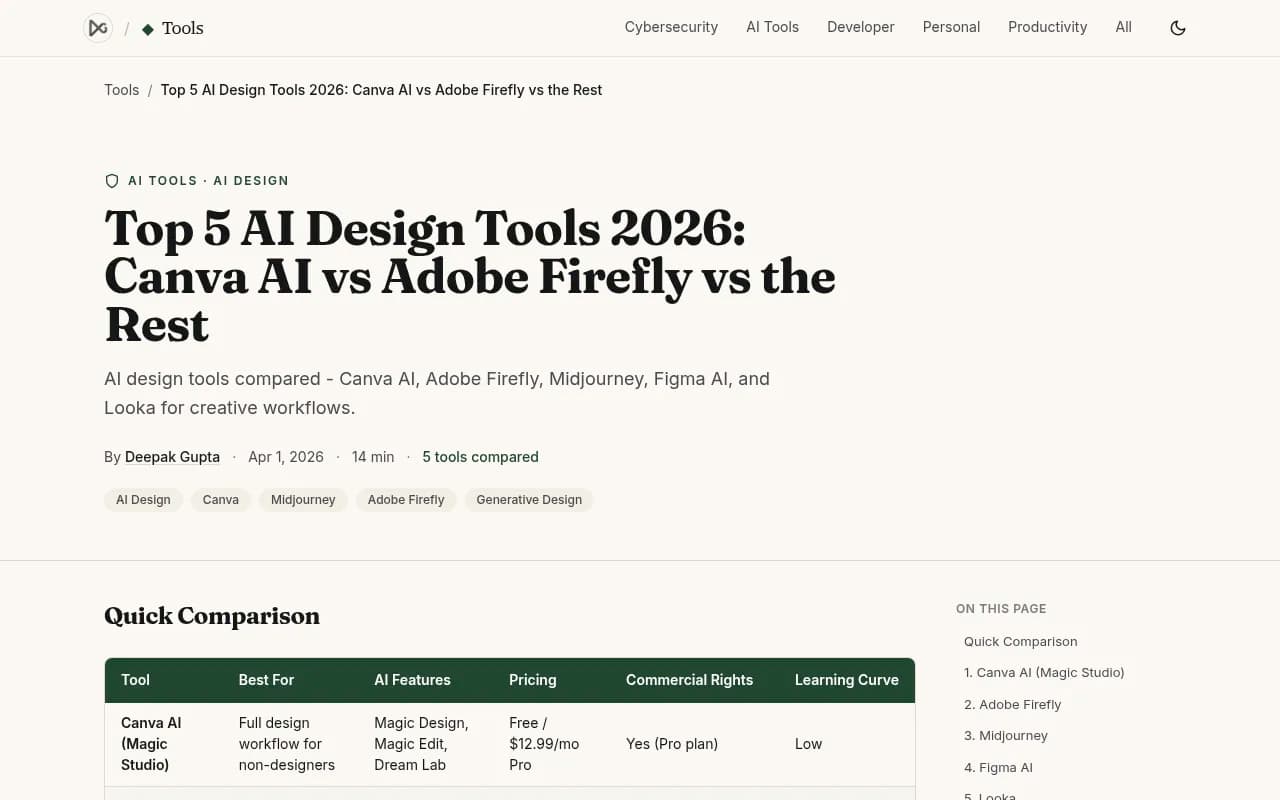
This guide compares the five platforms that come up most often in marketing team conversations: Canva AI, Adobe Creative Cloud (specifically Firefly), Freepik, Leonardo, and Midjourney. We'll cover what each one actually does well, where it falls short, and which team profiles each one suits best.
How these tools actually differ
Before getting into individual platforms, it helps to understand the fundamental split in this category.
Some tools are design workflow platforms -- they handle the full process from blank canvas to finished, exportable asset. Canva and Freepik sit here. Others are image generation engines -- they produce raw AI imagery that you then bring into another tool to finish. Midjourney and Leonardo are primarily this. Adobe Firefly straddles both: it's a generation engine that's deeply embedded into Creative Cloud's editing workflow.
For marketing teams, this distinction matters more than raw image quality. A tool that generates stunning images but requires you to then open Photoshop, remove backgrounds, resize for every format, and manually add your brand colors might actually slow you down compared to a less impressive generator that handles all of that in one place.
| Tool | Type | Best output | Commercial license | Free tier | Starting price |
|---|---|---|---|---|---|
| Canva AI (Magic Studio) | Full design workflow | Social posts, presentations, marketing templates | Yes (Pro plan) | Yes | $12.99/mo |
| Adobe Firefly (Creative Cloud) | Generation + editing | Photorealistic images, generative fill, text effects | Yes (trained on licensed content) | Limited | $4.99/mo standalone |
| Freepik AI | Asset library + generation | Stock-style images, video, design elements | Yes (subscription) | Yes (limited) | ~$9/mo |
| Leonardo | Image generation + fine-tuning | Product imagery, character consistency, game art | Yes (paid plans) | Yes (150 tokens/day) | $10/mo |
| Midjourney | Image generation | Highest-quality AI art, editorial, brand imagery | Yes (paid plans) | No | $10/mo (200 images) |
Canva AI (Magic Studio)
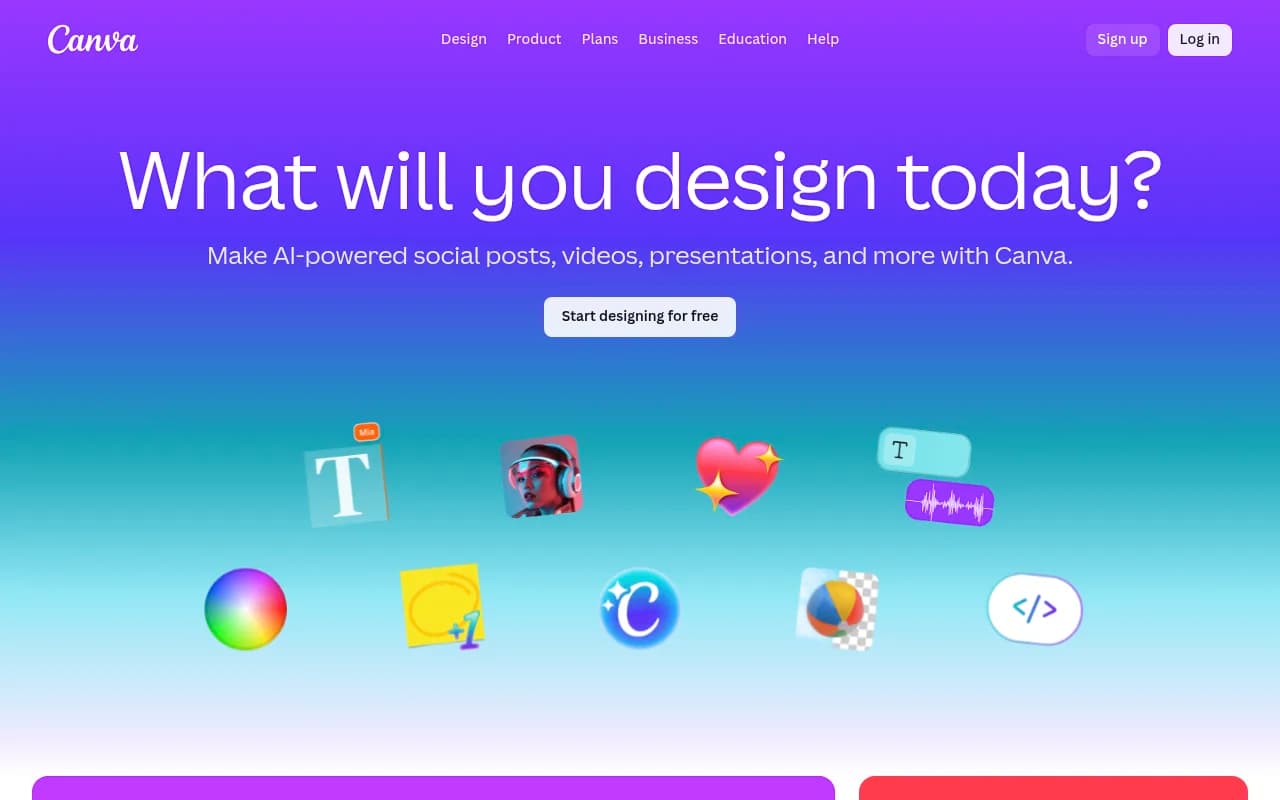
Canva has been the default choice for marketing teams without dedicated designers for years, and the AI layer it's built on top of -- Magic Studio -- makes that position even stronger in 2026.
The core value is that you're not just getting an image generator. You're getting a complete design environment where AI handles the parts that used to require skill: layout, resizing, background removal, copy suggestions, and brand consistency. Magic Design can take a text prompt or an uploaded image and generate a complete, formatted social post, presentation slide, or email header in seconds. Magic Resize converts that asset to every platform format automatically.
For teams running high-volume content operations -- think 20+ social posts a week across multiple channels -- this workflow compression is genuinely valuable. The AI doesn't produce the most creative output, but it produces consistent, on-brand, usable output fast.
Where Canva AI struggles is anywhere that requires distinctive visual identity. The outputs are recognizably "Canva-style" -- clean, template-derived, and slightly generic. If your brand needs imagery that stands out visually, you'll hit a ceiling quickly. The Dream Lab feature (Canva's text-to-image generator) has improved, but it's not competing with Midjourney or even Leonardo on raw image quality.
The Brand Kit feature is worth calling out specifically for marketing teams: you upload your logo, set your brand colors and fonts, and Canva applies them across every design. It's a practical guardrail that prevents the brand drift that happens when multiple people are creating assets independently.
Pricing is straightforward: free tier exists but is limited, Pro is $12.99/month and unlocks most AI features. For teams, there's a Teams plan with shared Brand Kits and collaboration tools.
Best for: Marketing teams that need to produce large volumes of standard-format content (social, email, presentations) quickly, without a dedicated designer.
Adobe Firefly and Creative Cloud
Adobe's AI story is more complicated than Canva's because Firefly isn't a standalone product -- it's an AI engine embedded throughout Creative Cloud. Photoshop's Generative Fill, Illustrator's text-to-vector, and Express's design tools all run on Firefly.
The single most important thing about Firefly for commercial use: it's trained exclusively on licensed Adobe Stock content and public domain material. That means the outputs are commercially safe in a way that tools trained on scraped internet data aren't. For brands running paid campaigns, this matters. The legal landscape around AI-generated imagery is still unsettled, and Firefly's training data approach is the clearest risk mitigation available.
The Generative Fill feature in Photoshop is arguably the most practically useful AI design capability of 2026 for professional teams. You select an area of an existing photo, describe what you want, and Photoshop generates it seamlessly into the image. Extending backgrounds, removing objects, swapping products into lifestyle shots -- these used to take hours of careful Photoshop work. Now they take minutes.
The tradeoff is the learning curve and the price. Creative Cloud is expensive ($54.99/month for the full suite), and to use Firefly meaningfully you need to know your way around Photoshop or Illustrator. The standalone Firefly plan at $4.99/month gives you web-based generation but not the editing integration that makes it powerful.
For marketing teams with at least one designer on staff, Adobe's AI tools are probably already in use. For teams without design skills, the learning curve makes it a harder sell.
Best for: Teams with design skills that need commercial-safe AI imagery and want AI integrated into professional editing workflows.
Freepik AI
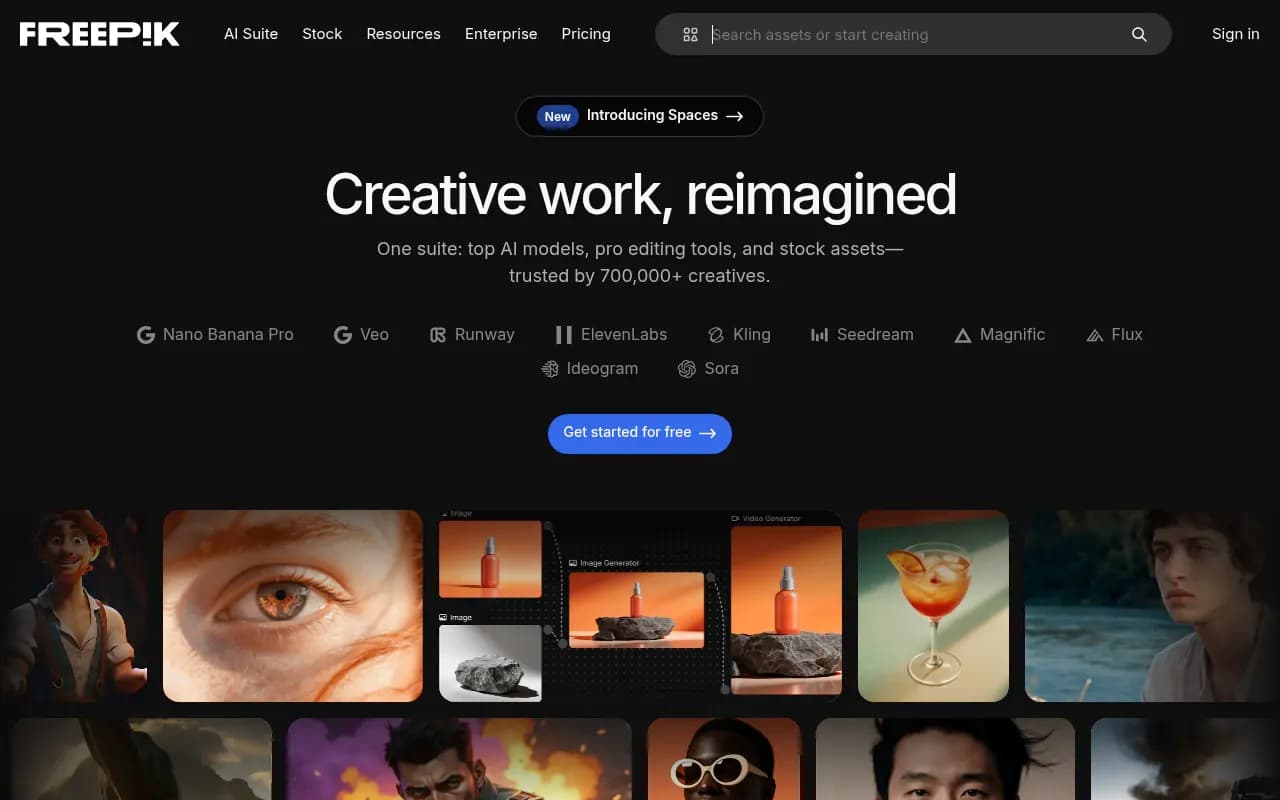
Freepik is the most underrated tool in this comparison, partly because it's not primarily known as an AI platform -- it built its reputation as a stock asset library. But the AI tools it's added are genuinely useful, and the combination of generation plus a massive library of existing assets is something none of the other tools here offer.
The Freepik AI image generator (powered by their own models plus integrations with external ones) produces solid results for marketing use cases: product mockups, lifestyle imagery, social media visuals. It's not Midjourney-quality, but it's faster and the outputs slot more naturally into marketing templates.
Where Freepik stands out is the asset ecosystem. If the AI doesn't generate exactly what you need, you have immediate access to millions of stock photos, vectors, and templates. For a marketing team that's constantly pulling together assets from multiple sources, having generation and stock in one subscription simplifies the workflow considerably.
Freepik also added AI video generation in 2025, which is still maturing but useful for short social clips. The pricing is competitive -- around $9/month for premium -- and commercial licensing is included.
The honest weakness: Freepik's AI generation tools feel like additions to a stock library rather than a purpose-built AI design platform. The interface isn't as polished as Canva, and the generation quality isn't as high as Leonardo or Midjourney. But for teams that already use stock assets regularly, it's worth considering as a combined subscription.
Best for: Marketing teams that use stock assets frequently and want AI generation included in the same subscription.
Leonardo
Leonardo sits in an interesting position: more creative control than Canva, less friction than Midjourney, and genuinely strong for specific marketing use cases that the other tools handle poorly.
The platform's strength is consistency. Leonardo lets you train custom models on your own imagery, which means you can generate product shots, characters, or environments that maintain visual consistency across a campaign. This is hard to do in Midjourney (which requires careful prompt engineering and style references) and impossible in Canva. For brands with distinctive visual styles or product photography needs, this matters.
The fine-tuning capability is what separates Leonardo from most competitors. Upload 20-30 images of your product, train a model, and then generate that product in hundreds of different contexts -- different backgrounds, lighting conditions, lifestyle scenarios -- without a photoshoot. The quality isn't always perfect, but for social media and digital advertising, it's often good enough and dramatically cheaper than traditional photography.
Leonardo also has a generous free tier: 150 tokens per day, which translates to roughly 15-20 image generations. For a team that wants to experiment before committing, this is the best free option in this comparison.
The interface is more complex than Canva but more approachable than Midjourney's Discord-based workflow. There's a web app with a proper UI, model selection, and parameter controls.
Best for: Teams that need visual consistency across campaigns, product imagery without photoshoots, or want more creative control than Canva offers.
Midjourney
Midjourney produces the best-looking AI-generated images available in 2026. That's not a controversial claim -- it's the consistent finding across every comparison test. The aesthetic quality, coherence, and detail of Midjourney outputs are ahead of every other tool in this list.
But "best images" doesn't automatically mean "best for marketing teams," and there are real practical limitations worth understanding.
First, the workflow. Midjourney still operates primarily through Discord, which is genuinely awkward for professional use. There's a web interface now, but it's not as full-featured. For teams used to Canva's drag-and-drop simplicity, the prompt-based workflow has a learning curve.
Second, Midjourney generates images -- it doesn't edit them. You can't take an existing product photo and use Midjourney to extend the background or swap the setting. That's a significant limitation for marketing teams that work with existing brand assets. Adobe Firefly's Generative Fill does this; Midjourney doesn't.
Third, the outputs require finishing. A Midjourney image is a starting point. You still need to resize it, add text, apply brand elements, and format it for each platform. That's extra steps compared to Canva's end-to-end workflow.
Where Midjourney genuinely wins is brand imagery, editorial visuals, and any situation where visual distinctiveness matters. If you're creating hero images for a campaign, ad creative that needs to stop a scroll, or imagery for a brand that competes on aesthetics, Midjourney's output quality justifies the workflow overhead.
Pricing starts at $10/month for 200 images on the Basic plan, $30/month for Standard (unlimited relaxed generations), and $60/month for Pro.
Best for: Teams that prioritize image quality above all else, have design skills to finish and format outputs, and are creating high-visibility campaign imagery.
Head-to-head: which tool for which job
| Use case | Best choice | Runner-up |
|---|---|---|
| High-volume social media content | Canva AI | Freepik |
| Commercial-safe campaign imagery | Adobe Firefly | Canva AI |
| Highest quality brand/editorial images | Midjourney | Leonardo |
| Product photography alternatives | Leonardo | Adobe Firefly |
| Stock assets + AI generation combined | Freepik | Canva AI |
| Teams without design skills | Canva AI | Freepik |
| Teams with Photoshop/Illustrator skills | Adobe Firefly | Leonardo |
| Consistent visual identity across campaigns | Leonardo | Adobe Firefly |
| Free tier for experimentation | Leonardo | Canva AI |
| AI video generation | Freepik | Canva AI |
What most marketing teams actually do
The honest answer is that most marketing teams end up using more than one of these tools. The typical combination that makes sense:
Canva AI as the daily driver for social posts, presentations, and email graphics -- it's fast, the Brand Kit keeps things consistent, and non-designers can use it independently.
Midjourney or Leonardo for campaign hero imagery -- when you need something that actually looks distinctive, not template-derived.
Adobe Firefly for editing existing photos -- Generative Fill in Photoshop is genuinely hard to replace for teams that work with product photography.
The tools aren't really competing with each other in practice. They occupy different parts of the workflow.
Pricing comparison
| Tool | Free tier | Entry paid | Mid tier | Notes |
|---|---|---|---|---|
| Canva AI | Yes (limited) | $12.99/mo (Pro) | $30/mo (Teams) | Annual discount available |
| Adobe Firefly | Limited (web only) | $4.99/mo (standalone) | $54.99/mo (full CC) | Full value requires Creative Cloud |
| Freepik | Yes (limited) | ~$9/mo | ~$19/mo | Includes stock library access |
| Leonardo | Yes (150 tokens/day) | $10/mo | $24/mo | Custom model training on paid plans |
| Midjourney | No | $10/mo (200 images) | $30/mo (unlimited relaxed) | Discord-based workflow |
The commercial licensing question
This deserves its own section because it's genuinely important and often overlooked.
Adobe Firefly is the clearest answer here: trained on licensed content, commercial use explicitly covered. If your legal team is asking questions about AI-generated imagery in paid campaigns, Firefly is the easiest to defend.
Canva AI's commercial licensing is included in the Pro plan and is generally considered safe for marketing use. Canva has been explicit about this.
Leonardo and Midjourney both include commercial rights on paid plans, but the training data question is murkier. Both have been trained on internet imagery, and while they've taken steps to address copyright concerns, the legal clarity isn't as strong as Firefly's.
Freepik's licensing is tied to their subscription terms and is generally safe for commercial use, but worth reading the specific plan details.
For most marketing use cases -- social media, email, digital ads -- the practical risk is low. For high-profile campaigns or anything where legal scrutiny is likely, Adobe Firefly is the safer choice.
Which tool should you start with?
If you're a marketing team without a dedicated designer and you need to produce content at volume: start with Canva AI. The learning curve is minimal, the Brand Kit will save you from inconsistency, and the template library covers most standard formats.
If you have design skills and need commercial-safe imagery for campaigns: Adobe Firefly, specifically the Generative Fill feature in Photoshop. It's the most practically useful AI design capability available right now for teams that work with existing photos.
If you need the best possible image quality for brand or campaign imagery and have the patience for prompt engineering: Midjourney. Accept that you'll need to finish the images in another tool.
If you need consistent product imagery or character visuals across a campaign: Leonardo. The custom model training is the feature that makes it worth considering over the others for this specific use case.
If you're already spending on stock assets and want to consolidate: Freepik. The combination of generation and library access in one subscription makes practical sense.
The tools are good enough now that the choice matters less than actually building a workflow around one of them. Pick the one that fits your team's skills and content needs, use it consistently, and layer in a second tool once you've identified the specific gap it would fill.