HubSpot Review 2026
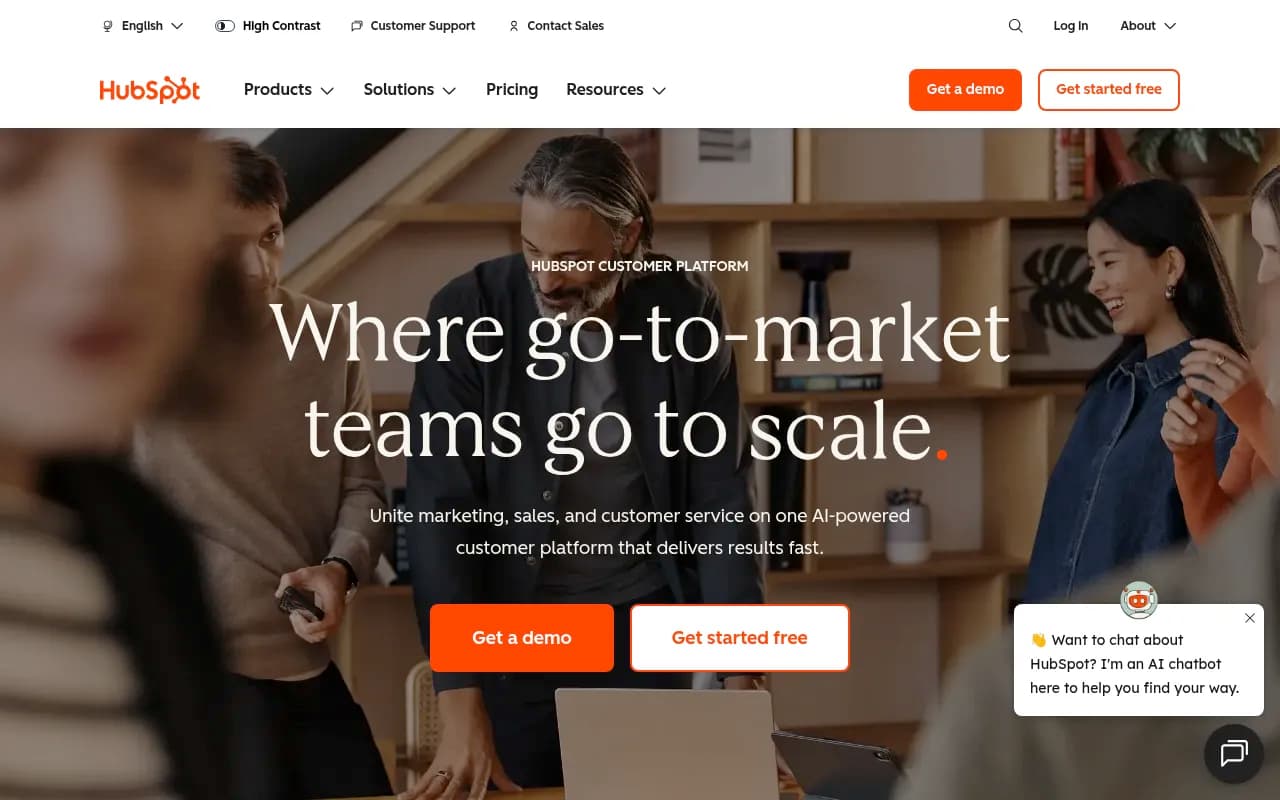
All-in-one marketing, sales, and CRM platform with email marketing, automation workflows, and growth tools for scaling businesses.
Key Takeaways:
• Best for: Growing businesses (5-500+ employees) that need marketing, sales, and service tools unified in one platform instead of duct-taping together point solutions • Standout strength: The only major CRM that offers truly usable free tools plus a clear upgrade path as you scale, with AI agents that actually do work (resolve 65% of support tickets, automate prospecting) • Pricing reality: Free tier is genuinely useful; paid plans start at $15/month/seat (Starter) but most growing teams land in the $800-2,000/month range once they need automation, reporting, and multi-user access • Honest limitation: Enterprise features (advanced permissions, predictive lead scoring, custom objects) require Professional or Enterprise tiers that can hit $3,200+/month — competitors like Salesforce may offer more flexibility at that price point • Bottom line: If you're tired of juggling Mailchimp + Pipedrive + Intercom + a separate CRM, HubSpot is the single platform that actually delivers on the "all-in-one" promise without requiring a developer to set up
HubSpot has become the default CRM choice for over 288,000 businesses in 135+ countries, and for good reason: it's one of the few platforms that genuinely works out of the box while still scaling to enterprise complexity. Founded in 2006 by Brian Halligan and Dharmesh Shah at MIT, HubSpot pioneered the concept of "inbound marketing" and has since evolved into a full customer platform. The company went public in 2014 (NYSE: HUBS), crossed $2 billion in annual revenue in 2023, and continues to add 30,000+ new customers per year. What started as a marketing automation tool is now a complete go-to-market platform that competes directly with Salesforce, Marketo, Zendesk, and a dozen other specialized tools.
The core insight behind HubSpot is simple: most businesses don't need best-in-class point solutions for every function — they need tools that actually talk to each other and share data without custom integrations. A sales rep shouldn't have to ask marketing what emails a lead opened. A support agent shouldn't have to dig through three systems to see a customer's purchase history. HubSpot solves this by building everything on top of Smart CRM, a single database that every team accesses.
Smart CRM: The Foundation
HubSpot's Smart CRM is free forever and genuinely useful, not a crippled trial. You get unlimited users, unlimited contacts, deal pipeline management, email tracking, meeting scheduling, live chat, and basic reporting. This is the same CRM that paying customers use — you're not locked into a separate "free tier" product. The CRM automatically enriches contact records with company data (pulled from 20+ million company profiles), tracks every interaction (emails, calls, website visits, form submissions), and keeps a complete timeline of each customer relationship. Unlike Salesforce, where you need a consultant to set up fields and workflows, HubSpot's CRM is opinionated and pre-configured for common B2B and B2C sales processes. You can start logging deals in under 10 minutes.
The "Smart" part comes from AI-powered features like duplicate detection, data quality scoring, and predictive lead scoring (Professional tier and up). The CRM also includes custom objects (Enterprise tier) so you can track anything beyond standard contacts, companies, and deals — useful for agencies tracking projects, SaaS companies tracking feature requests, or manufacturers tracking equipment.
Marketing Hub: Beyond Email Blasts
Marketing Hub is where HubSpot made its name. It includes email marketing, landing pages, forms, marketing automation, SEO recommendations, social media scheduling, ad management (Google, Facebook, LinkedIn), and a visual workflow builder. The Starter tier ($15/month/seat, first year) gives you basic email campaigns and forms. Professional ($800/month for 3 users) unlocks automation, A/B testing, dynamic content, and attribution reporting. Enterprise ($3,200/month) adds advanced segmentation, predictive lead scoring, and custom event triggers.
What sets Marketing Hub apart from Mailchimp or ActiveCampaign is the tight CRM integration. You can trigger emails based on deal stage changes, website behavior, or support ticket status — all without Zapier. The drag-and-drop email builder is excellent, with mobile-responsive templates and a spam score checker. Landing pages use the same builder and can be A/B tested automatically. The SEO tool analyzes your pages, suggests keywords, and tracks rankings (though dedicated SEO tools like Ahrefs or Semrush are still more powerful for technical audits). Marketing Hub also includes attribution reporting that shows which campaigns, channels, and content actually drive revenue — critical for justifying marketing spend.
One underrated feature: lead scoring. You can assign points based on demographic fit (job title, company size) and engagement (email opens, page views, content downloads). Leads that hit a threshold automatically notify sales. This is table stakes for enterprise marketing automation but rare in tools under $1,000/month.
Sales Hub: Pipeline Management That Doesn't Suck
Sales Hub turns the free CRM into a revenue machine. It includes email sequences (automated follow-up cadences), meeting scheduling (Calendly-style booking links), call tracking, sales automation, quotes, and pipeline reporting. Starter tier ($15/month/seat) gives you basic sequences and scheduling. Professional ($100/month/seat) adds conversation intelligence (call recording and transcription), playbooks (guided selling scripts), and forecasting. Enterprise ($150/month/seat) includes custom objects, predictive lead scoring, and advanced permissions.
The standout feature is Prospecting Agent, one of HubSpot's new Breeze AI agents. You give it a target account list and ideal customer profile, and it researches prospects, writes personalized outreach emails, and executes multi-touch sequences automatically. Early users report it handles 60-70% of top-of-funnel prospecting work that would normally require a BDR. This is a genuine productivity unlock, not just AI hype.
Sales Hub also includes conversation intelligence (Professional tier and up) that records calls, transcribes them, and surfaces coaching opportunities. It flags when reps talk too much, miss key questions, or fail to discuss pricing. Managers can review calls and leave timestamped feedback. This feature alone justifies the Professional tier for teams of 5+ reps.
One limitation: HubSpot's quoting and CPQ (configure-price-quote) tools are basic compared to Salesforce CPQ or PandaDoc. If you sell complex products with tiered pricing, discounts, and approval workflows, you'll likely need an add-on.
Service Hub: Support That Scales
Service Hub includes ticketing, live chat, chatbots, knowledge base, customer feedback surveys (NPS, CSAT), and a customer portal. Starter tier ($15/month/seat) gives you basic ticketing and live chat. Professional ($100/month/seat) adds automation, SLAs, and customer health scoring. Enterprise ($150/month/seat) includes playbooks and advanced reporting.
The killer feature is Customer Agent, a Breeze AI agent that resolves support tickets automatically. You train it on your knowledge base, past tickets, and help docs, then it handles common questions (password resets, billing inquiries, feature explanations) without human intervention. HubSpot claims it resolves 65% of inquiries on average. Youth on Course, a nonprofit customer, saw a 17% improvement in response time and 7% increase in CSAT after deploying Customer Agent. This is not a basic chatbot — it understands context, pulls data from the CRM, and escalates to humans when needed.
Service Hub also includes customer health scoring (Professional tier and up) that tracks product usage, support ticket volume, NPS scores, and renewal risk. You can set up automated alerts when a customer's health score drops, triggering outreach from the account team. This is critical for SaaS companies and agencies trying to reduce churn.
Content Hub: CMS + Content Creation
Content Hub (formerly CMS Hub) is HubSpot's website builder and content management system. It includes drag-and-drop page building, blogging, SEO tools, membership/gated content, and video hosting. Starter tier ($15/month/seat) gives you basic pages and blogs. Professional ($400/month for 3 users) adds dynamic content, A/B testing, and memberships. Enterprise ($1,200/month) includes advanced themes, serverless functions, and multi-language support.
Content Hub is best for businesses that want their website, blog, and landing pages in the same platform as their CRM and marketing tools. The page builder is solid but not as flexible as Webflow or WordPress with a premium theme. Developers can build custom themes using HubL (HubSpot's templating language), but the learning curve is steep. The SEO recommendations are helpful but not as comprehensive as dedicated tools.
One unique feature: AI content generation. HubSpot's Content Agent can write blog posts, landing pages, and social media updates based on your brand voice, target keywords, and existing content. It's trained on your CRM data, so it can reference specific products, customer pain points, and case studies. The output quality is good enough for first drafts but still requires human editing.
Data Hub: Unified Customer Data
Data Hub (launched 2024) is HubSpot's answer to customer data platforms like Segment. It syncs data from external sources (Salesforce, Shopify, custom databases), cleans and deduplicates records, and makes it available across all HubSpot tools. Pricing is custom (Enterprise tier required).
The standout feature is Data Agent, a Breeze AI agent that answers natural language questions about your customer data. You can ask "Which customers in the healthcare vertical have the highest lifetime value?" or "Show me all leads from the last webinar who haven't been contacted" and get instant answers with charts and tables. This eliminates the need for analysts to write custom reports for every stakeholder question.
Data Hub also includes data quality automation that flags incomplete records, suggests corrections, and enforces validation rules. This is critical for teams with messy CRM data inherited from spreadsheets or legacy systems.
Commerce Hub: Payments + Subscriptions
Commerce Hub handles quotes, payments, invoicing, and subscription billing. It integrates with Stripe and PayPal, supports recurring billing, and tracks revenue in the CRM. Starter tier ($15/month/seat) gives you basic quotes and payment links. Professional ($1,200/month for 3 users) adds subscription management and revenue reporting.
Commerce Hub is best for B2B companies selling simple subscriptions or one-time services. If you need advanced billing (usage-based pricing, proration, complex discounts), you'll want a dedicated tool like Chargebee or Stripe Billing.
Breeze AI: Agents + Copilots Everywhere
HubSpot's Breeze AI includes three types of tools: Agents (autonomous AI that does work for you), Copilot (AI assistant embedded in the UI), and Intelligence (AI-powered insights and recommendations).
The three Breeze Agents launched in 2024-2025: • Customer Agent: Resolves support tickets automatically (65% resolution rate claimed) • Prospecting Agent: Researches leads, writes outreach emails, executes sequences • Data Agent: Answers natural language questions about your CRM data
Copilot appears throughout the platform as a chat interface. You can ask it to summarize a contact's history, draft an email, create a report, or suggest next steps on a deal. It's context-aware and pulls data from the CRM, so responses are specific to your business.
Intelligence includes predictive lead scoring, content recommendations, and anomaly detection (alerts when metrics spike or drop unexpectedly). These features are baked into Professional and Enterprise tiers.
Integrations: 2,000+ Apps
HubSpot's App Marketplace includes 2,000+ integrations covering every category: Shopify and WooCommerce for e-commerce, Slack and Microsoft Teams for collaboration, Zoom and Calendly for meetings, QuickBooks and Xero for accounting, Zapier and Make for workflow automation. Most integrations are bi-directional and sync data in real-time.
Key integrations include Gmail and Outlook (email tracking and logging), Google Ads and Facebook Ads (campaign tracking and attribution), Salesforce (data sync for companies migrating), and Stripe (payment and subscription data). HubSpot also offers a robust API for custom integrations.
One limitation: some integrations require Professional or Enterprise tier. For example, Salesforce sync and advanced Shopify features are Enterprise-only.
Who Is HubSpot For?
HubSpot is best for: • Growing B2B companies (10-200 employees) that need marketing, sales, and service in one platform. Think SaaS startups, agencies, consultancies, and professional services firms. • Teams tired of integration hell. If you're currently using Mailchimp + Pipedrive + Intercom + Google Sheets, HubSpot replaces all of them. • Non-technical users. HubSpot is designed for marketers and salespeople, not developers. You can build workflows, landing pages, and reports without writing code. • Companies that value support and training. HubSpot offers free certifications, a massive knowledge base, and responsive support (even on free tier).
HubSpot is NOT ideal for: • Enterprise teams with complex requirements. If you need multi-currency, advanced territory management, or custom objects with 50+ fields, Salesforce or Microsoft Dynamics may be better. • Businesses on a tight budget. The free tier is great, but most teams need Professional tier ($800-1,200/month across hubs) to unlock automation and reporting. That's $10,000-15,000/year. • Companies that need best-in-class point solutions. HubSpot's email builder is good but not as powerful as Klaviyo. Its CMS is solid but not as flexible as Webflow. Its support ticketing is capable but not as feature-rich as Zendesk. You're trading specialization for integration.
Pricing Breakdown
HubSpot uses a hub-based pricing model. Each hub (Marketing, Sales, Service, Content, Commerce) has three tiers: Starter, Professional, Enterprise. You can mix and match (e.g., Marketing Professional + Sales Starter). Pricing is per user per month, billed annually.
Starter tier ($15/month/seat, first year; $20/month/seat after): Basic features across all hubs. Good for solopreneurs and teams under 5 people. Includes 1,000 marketing contacts.
Professional tier ($800-1,200/month for 3 users depending on hub): Automation, A/B testing, attribution reporting, conversation intelligence, customer health scoring. This is where most growing teams land. Includes 2,000 marketing contacts; additional contacts cost $45 per 1,000.
Enterprise tier ($3,200-5,000/month for 5 users depending on hub): Advanced permissions, predictive lead scoring, custom objects, revenue attribution, playbooks. For teams of 50+ or companies with complex needs. Includes 10,000 marketing contacts.
Small Business Bundle (Starter tier for all hubs): $30/month/seat for the first year. This is the best deal for startups that want everything.
Add-ons include additional marketing contacts ($45 per 1,000/month), phone support ($200/month), and dedicated onboarding ($3,000-10,000 one-time).
Compared to competitors: HubSpot is more expensive than ActiveCampaign or Pipedrive but cheaper than Salesforce or Marketo. The value proposition is the all-in-one platform — you're paying for integration and ease of use, not just features.
Strengths
• Genuinely useful free tier. Most "free" CRMs are unusable or limited to 2 users. HubSpot's free CRM supports unlimited users and contacts. • Ease of use. HubSpot wins G2 awards for "Easiest to Use" and "Fastest Implementation" every year. Non-technical users can build workflows and reports without training. • AI that actually works. Breeze Agents (Customer Agent, Prospecting Agent) deliver measurable productivity gains, not just chatbot demos. • Unified data. Every team works from the same CRM, so there's no "marketing says this, sales says that" disconnect. • World-class support and training. HubSpot Academy offers free certifications in inbound marketing, sales, and service. Support is responsive even on free tier.
Limitations
• Pricing scales fast. Once you hit 10,000 marketing contacts or need multiple hubs at Professional tier, you're looking at $2,000-5,000/month. • Enterprise features require top tier. Custom objects, advanced permissions, and predictive lead scoring are Enterprise-only. Competitors like Salesforce offer these at lower price points. • Not best-in-class for specialists. If you only need email marketing, Klaviyo is better. If you only need CRM, Pipedrive is cheaper. HubSpot's strength is breadth, not depth. • Reporting can be clunky. Custom reports require Professional tier, and the report builder is less intuitive than Looker or Tableau. Many users export to Google Sheets for complex analysis.
Bottom Line
HubSpot is the best all-in-one CRM for growing businesses that want marketing, sales, and service in one platform without hiring a developer. The free tier is genuinely useful, the paid tiers scale with your business, and the AI agents (Customer Agent, Prospecting Agent) deliver real productivity gains. If you're tired of duct-taping together point solutions and want a platform that actually works out of the box, HubSpot is the answer. Just be prepared for pricing to scale as you grow — most teams land in the $1,000-3,000/month range once they need automation, reporting, and multi-hub access. For teams under 10 people or solopreneurs, the Starter tier ($15/month/seat) is an incredible deal. For enterprises with complex needs, evaluate Salesforce or Microsoft Dynamics alongside HubSpot to ensure you're not outgrowing the platform in 2-3 years.
Tags:
Similar and alternative tools to HubSpot