Pika Review 2026
User-friendly AI video generator that creates and edits videos from text prompts, popular among creators for its ease of use and quality output.
Key Takeaways:
• Best for: Content creators, social media managers, and marketers who need quick video content without video editing skills • Standout feature: Pikaformance model creates hyper-realistic lip-synced animations from static images in near real-time • Pricing reality: Credit system can get expensive fast — 1 second of video costs 5 credits, making the $10/month basic plan (1050 credits) last only ~3.5 minutes of video • Main limitation: No traditional video editing timeline — it's purely generative, not a replacement for Premiere or Final Cut • Bottom line: Excellent for social content and creative experiments, but credit costs add up quickly for heavy users
Pika is an AI-powered video generation platform that's carved out a unique position in the exploding generative video space. Launched by a Stanford PhD team, Pika went from a Discord bot experiment to a full web platform used by hundreds of thousands of creators. Unlike traditional video editors, Pika doesn't require you to arrange clips on a timeline — you describe what you want, and the AI generates it. The platform's core promise is making video creation as simple as writing a text prompt, and for certain use cases, it delivers remarkably well.
The target audience spans content creators making social media videos, marketers producing ad variations, educators creating explainer content, and artists experimenting with motion. It's particularly popular among creators who have strong visual ideas but lack video production skills or time. The platform has gained traction on TikTok and Instagram where creators showcase Pika-generated videos that would have required expensive motion graphics work just two years ago.
Text-to-Video Generation is the foundation. You type a prompt like "a cat wearing sunglasses walking through Tokyo at sunset, cinematic" and Pika generates a 3-second video clip. The model understands scene composition, camera movement, lighting, and style. You can specify aspect ratios (16:9, 9:16, 1:1) making it practical for different social platforms. The quality has improved dramatically since launch — early versions produced dreamlike, unstable footage, but current outputs are significantly more coherent. That said, it still struggles with complex physics, fast motion, and maintaining perfect consistency across longer clips. Competitors like Runway Gen-3 and Kling AI often produce more photorealistic results, but Pika's speed advantage (near real-time generation) makes iteration much faster.
Image-to-Video Animation lets you upload a static image and animate it. This is where Pika shines for practical use cases. Upload a product photo and have it rotate, zoom, or move through a scene. Upload a portrait and make the person turn their head or smile. The AI infers depth and structure from the 2D image to create believable motion. This feature is heavily used by e-commerce brands animating product shots and by creators bringing old photos to life. The results aren't perfect — sometimes the motion feels floaty or objects warp — but for social content where viewers scroll quickly, it's more than adequate.
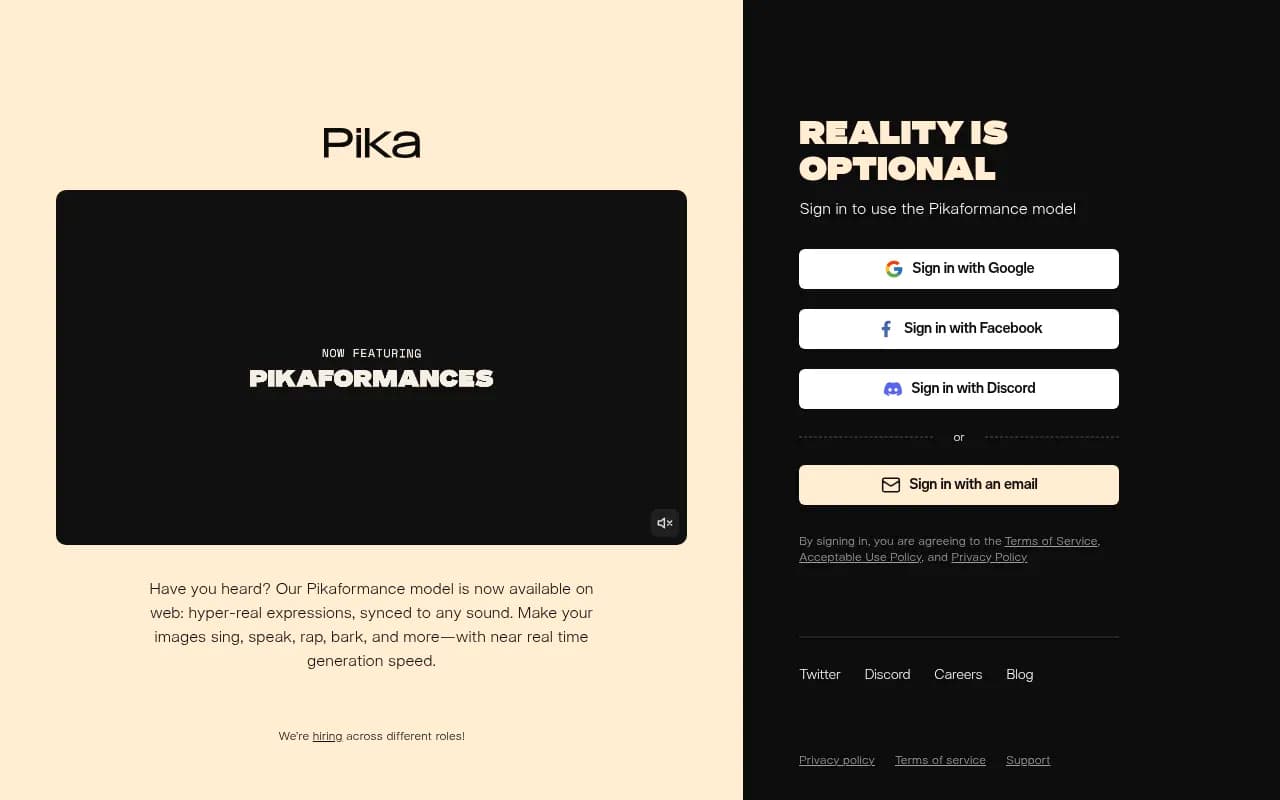
Pikaformance Model is the newest flagship feature and represents a major leap. It creates hyper-realistic facial animations synced to any audio input. Upload an image of a face (real person, cartoon character, painting, sculpture — anything with a face) and an audio file, and Pika generates a video where the face lip-syncs and expresses emotion matching the audio. The expressions are remarkably nuanced — eyebrow raises, smirks, eye movements — not just mouth flaps. Creators are using it to make historical figures "speak," turn pets into rappers, and create personalized video messages. Generation speed is near real-time (10-30 seconds for a short clip), making it practical for high-volume content creation. This feature directly competes with tools like HeyGen and D-ID, but Pika's approach feels more creative and less corporate — it's built for viral content, not just business presentations.
Pikadditions are modifiers you can apply to enhance or alter generated videos. These include effects like adding motion blur, changing lighting conditions, applying style filters (anime, claymation, oil painting), or modifying specific elements. For example, you can generate a video then use Pikadditions to make it look like it was shot on vintage film stock or add particle effects like snow or sparks. It's essentially a post-generation editing layer that doesn't require traditional video editing skills.
Pikaswaps let you replace elements in existing videos. Generate a video of a person walking, then swap their outfit, change the background, or replace objects in the scene. This is useful for creating variations of the same concept without regenerating from scratch. The swapping isn't always seamless — sometimes edges blend poorly or lighting doesn't match — but it's faster than regenerating entirely and gives you more control over specific elements.
Camera Controls give you directional control over camera movement. You can specify pan left/right, zoom in/out, rotate, or dolly movements. This is crucial for creating intentional cinematography rather than random AI motion. For example, "zoom in on the subject's face" or "pan across the landscape." The controls aren't as precise as keyframing in After Effects, but they're intuitive enough for non-editors to create purposeful shots. Runway's camera controls are more granular, but Pika's are easier to use for beginners.
Extend Video Length allows you to generate additional frames to make clips longer. Pika initially generates 3-second clips, but you can extend them in increments. Each extension costs additional credits and quality can degrade as the AI tries to maintain consistency over longer durations. Most users report that keeping clips under 6-8 seconds produces the best results. For longer content, the workflow is generating multiple short clips and stitching them in a traditional editor.
Negative Prompts let you specify what you don't want in the video (e.g., "no text, no watermarks, no distortion"). This helps refine outputs and avoid common AI artifacts. It's a small feature but essential for getting usable results without endless regeneration.
Who Is It For:
Pika is ideal for social media content creators who need a constant stream of eye-catching video content. TikTokers, Instagram creators, and YouTube Shorts producers use it to create hooks, transitions, and visual effects that would otherwise require After Effects skills. The speed of generation makes it practical for daily posting schedules.
Small marketing teams and solopreneurs find value in Pika for creating ad variations, product demos, and promotional content without hiring videographers. A DTC brand can animate product images for Instagram ads in minutes rather than days. However, the credit costs mean agencies managing multiple clients will quickly exceed the basic plan.
Educators and explainer content creators use Pika to visualize concepts, create animated diagrams, and bring historical content to life. The Pikaformance model is particularly popular for making historical figures "speak" in educational videos.
Pika is NOT ideal for professional video production requiring precise control, long-form content, or broadcast quality. It's a creative tool, not a replacement for professional video workflows. Enterprise teams needing white-label solutions, API access, or commercial licensing clarity should look at Runway or HeyGen instead. Users on tight budgets will find the credit system frustrating — the free tier is essentially a trial, and even the basic paid plan runs out fast with regular use.
Integrations & Ecosystem:
Pika is primarily a standalone web platform. There's no official API, which limits integration into automated workflows. The platform started as a Discord bot and that community remains active — many users still prefer generating via Discord commands for faster iteration. There's no Zapier integration, no Premiere/Final Cut plugins, and no mobile app yet.
Export is straightforward — download MP4 files directly. You can then import into any video editor for further refinement. Many creators use Pika for generating specific shots or effects, then assemble them in CapCut, Premiere, or Final Cut.
The Discord community (over 500K members) is the primary support channel. Users share prompts, techniques, and troubleshoot issues. The community has developed a library of effective prompt formulas and style references that significantly improve results.
Pricing & Value:
Pika uses a credit-based system that can be confusing and expensive:
Free Plan: 250 credits/month. Sounds generous until you realize 1 second of video costs 5 credits, meaning you get ~50 seconds of video per month. Enough to test the platform, not enough for regular use. Free users also lack access to Pikadditions and Pikaswaps.
Basic Plan: $10/month (or $8/month billed yearly). Includes 1050 credits/month (~3.5 minutes of video) plus access to all features. This is the minimum viable plan for casual creators, but heavy users will exhaust credits in days.
Standard Plan: $35/month (or $28/month yearly). 3500 credits/month (~11.5 minutes of video). Includes faster generation and priority support. This is the sweet spot for active creators posting multiple times per week.
Unlimited Plan: $70/month (or $56/month yearly). Unlimited standard generations plus 7000 credits for premium features. "Unlimited" only applies to basic text-to-video — advanced features like Pikaformance still consume credits. This plan makes sense for professional creators or small agencies.
Pro Plan: $95/month (or $76/month yearly). Everything in Unlimited plus 10,000 credits and commercial licensing clarity.
The credit system is Pika's biggest pricing complaint. Users on Reddit and Discord frequently note that costs add up faster than expected. A single 10-second Pikaformance video can cost 50+ credits. For comparison, Runway's subscription includes a set number of seconds per month with clearer pricing, and Kling AI offers more generous free tiers.
Value assessment: If you're creating short social content and can work within credit limits, Pika offers good value for the quality and speed. If you need high-volume output or longer videos, the costs escalate quickly and competitors may be more economical.
Strengths:
• Speed — Near real-time generation makes iteration practical. You can try 10 variations in the time Runway takes to render one. • Pikaformance quality — The lip-sync and expression quality is genuinely impressive, rivaling dedicated tools like HeyGen for creative use cases. • Ease of use — No video editing knowledge required. If you can write a sentence, you can generate a video. • Style variety — Handles photorealistic, animated, artistic, and stylized content well. Not locked into one aesthetic. • Active development — The team ships new features regularly. The platform has improved dramatically since launch.
Limitations:
• Credit system frustration — The pricing model feels nickel-and-dime. Users constantly worry about burning through credits, which kills creative experimentation. • Consistency issues — Maintaining visual consistency across multiple clips is difficult. Characters and objects can look different between generations. • Limited control — You can't precisely keyframe motion or edit specific frames. It's generate-and-hope, not precise editing. • No API or integrations — Can't build automated workflows or integrate into existing production pipelines. • Commercial licensing ambiguity — The terms around commercial use aren't as clear as competitors. Pro plan required for full commercial rights.
Bottom Line:
Pika is best for content creators and marketers who need quick, eye-catching video content for social media and don't require frame-perfect precision. If you're making TikToks, Instagram Reels, YouTube Shorts, or ad variations, Pika's speed and ease of use are hard to beat. The Pikaformance model alone is worth exploring for anyone creating character-driven content.
However, the credit-based pricing requires careful budgeting, and professional video producers will find the lack of precise control limiting. For high-volume needs or enterprise workflows, Runway or Kling AI may offer better value and more robust features.
Best use case in one sentence: Creating short-form social video content and animated portraits where speed and creativity matter more than pixel-perfect precision.
Similar and alternative tools to Pika