Key Takeaways
- Sora (OpenAI) leads in photorealism and cinematic quality but remains community-access only with no public pricing
- Runway Gen-4 offers the most creative control for manual experimentation and visual effects work
- Synthesia dominates professional avatar-based videos for training, marketing, and corporate communications
- Pictory excels at automated content repurposing — turning blog posts and scripts into social videos
- Google Veo 3.1 provides versatile generation across styles but struggles with complex motion prompts
- Most tools now support image-to-video workflows, but quality varies dramatically in physics simulation and prompt adherence
The AI Video Generation Landscape in 2026
AI video creation has evolved from experimental novelty to production-ready tooling. In 2026, brands and creators face a crowded market: over a dozen platforms claim to generate professional video from text prompts, images, or scripts. But the capabilities vary wildly.
Some tools (like Sora and Runway) focus on generative AI — creating entirely new footage from prompts or reference images. Others (like Synthesia and Pictory) automate video production workflows — turning text into avatar presentations or repurposing existing content into social clips.
This guide compares four of the most talked-about platforms: Synthesia, Runway, Sora, and Pictory. We'll break down what each tool does best, where it falls short, and which use cases it's built for.
How We Tested These Tools
We evaluated each platform across three dimensions:
- Animation quality: How realistic are movements, physics, and facial expressions?
- Prompt adherence: Does the output match what you asked for?
- Practical usability: Pricing, speed, ease of use, and integration into real workflows
For generative tools (Sora, Runway, Veo), we tested image-to-video workflows — uploading reference images and prompting the model to animate specific actions. For production tools (Synthesia, Pictory), we evaluated end-to-end content creation from script to finished video.

Sora: The Photorealism Benchmark
Best for: Cinematic shots, narrative storytelling, experimental creative work
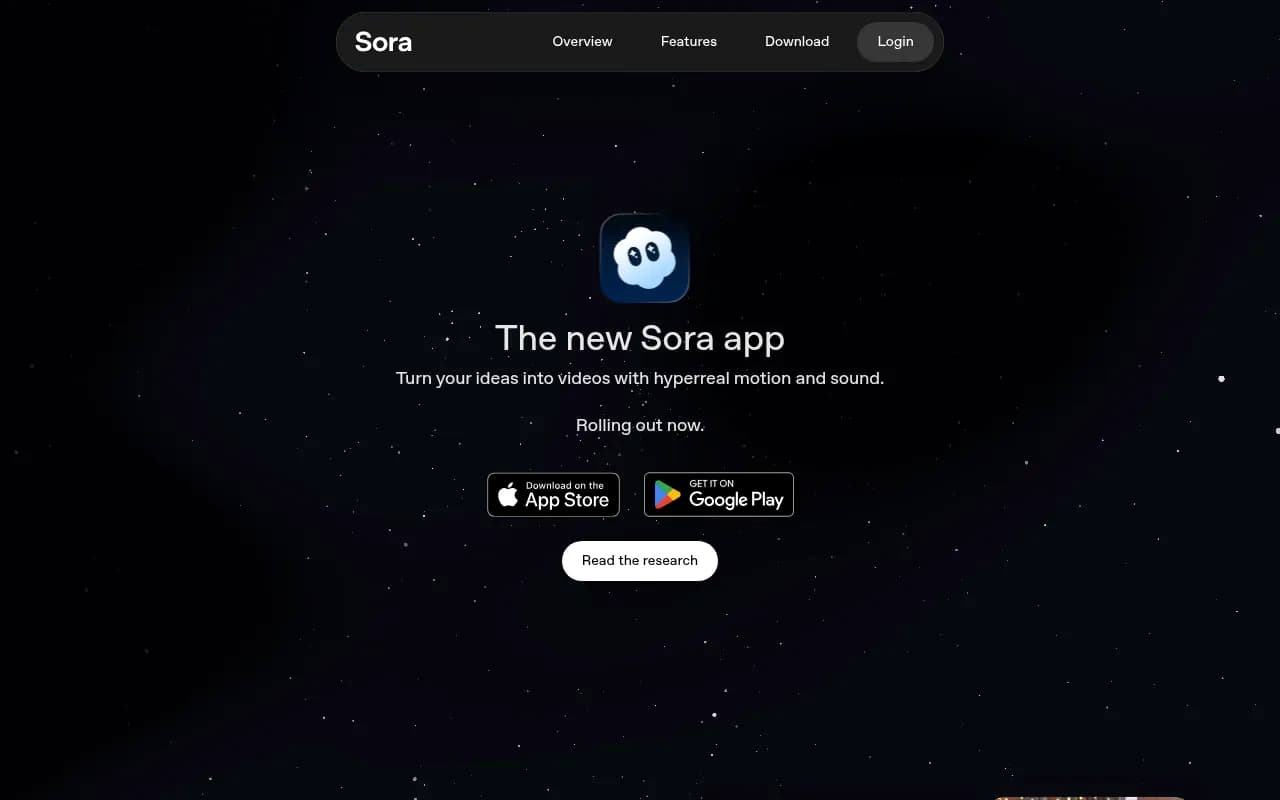
OpenAI's Sora remains the industry standard for photorealistic video generation. In early 2026, it's still the model other platforms compare themselves against. Sora excels at physics simulation, emotional nuance, and cinematic composition.
Strengths
- Unmatched realism: Sora generates footage that looks like it was shot on a real camera. Lighting, depth of field, motion blur — all feel natural.
- Narrative intelligence: The model understands story context. If you prompt "a character stumbles backward in shock," Sora interprets the emotion and timing, not just the physical motion.
- Long-form coherence: Sora can maintain visual consistency across extended clips (10+ seconds), which most competitors struggle with.
Weaknesses
- No public access: As of February 2026, Sora is only available to select creators through OpenAI's community program. No pricing, no API, no timeline for general release.
- Limited creative control: You can't manually adjust camera angles, lighting, or specific object behaviors. It's a black box — you prompt, you get a result, you iterate.
- Slow generation: Clips take several minutes to render, making rapid iteration difficult.
When to Use Sora
If you have access (through OpenAI's creator program or a partnership), Sora is ideal for high-stakes creative work where photorealism matters: brand films, narrative shorts, concept demos. It's not practical for volume production or quick social content.
Runway: Creative Control for Professionals
Best for: Visual effects, experimental video art, manual creative workflows
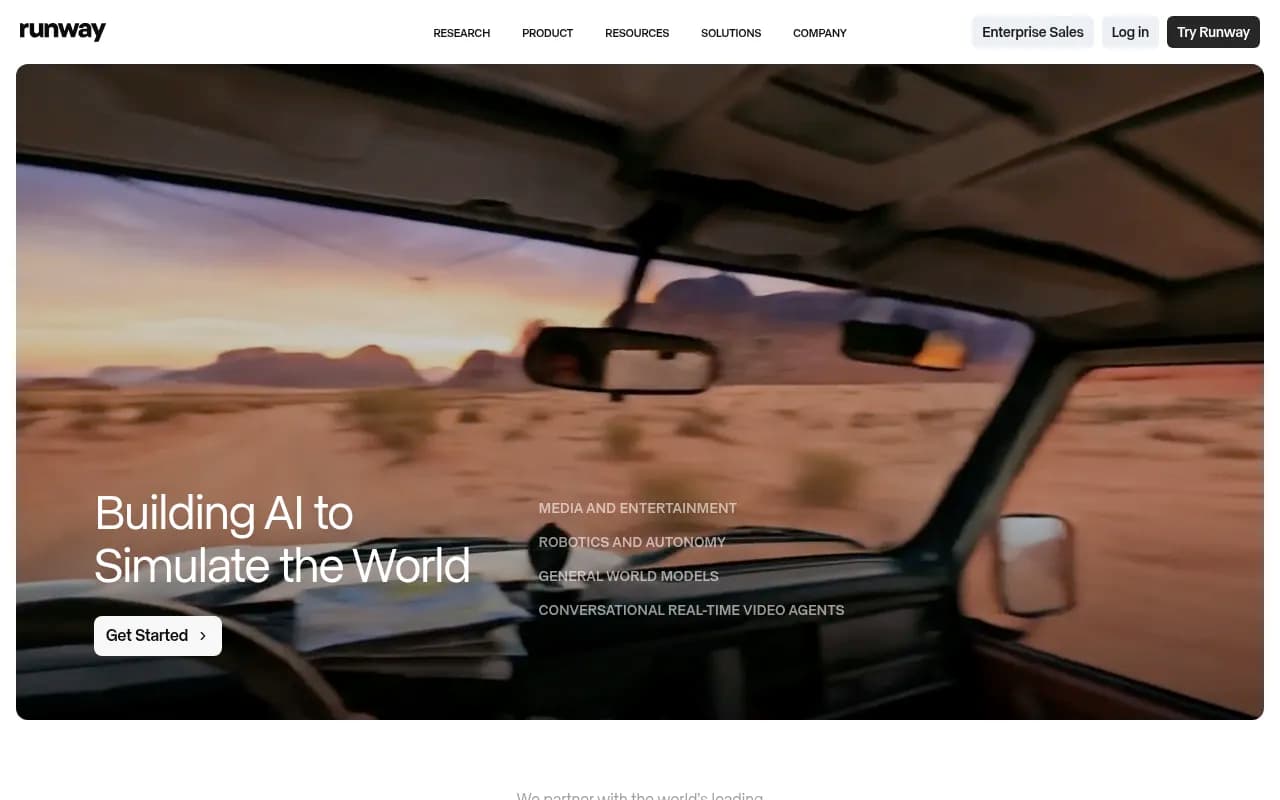
Runway positions itself as the creative studio for AI video. Where Sora optimizes for realism, Runway optimizes for control. Gen-4 (and the newer Gen-4.5) give you granular tools to manipulate motion, style, and composition.
Strengths
- Manual controls: Adjust motion intensity, camera movement, style transfer, and object masking. You're not just prompting — you're directing.
- Fast iteration: Runway generates clips in 30-60 seconds, making it practical for rapid experimentation.
- Integration with creative tools: Runway exports to industry-standard formats and integrates with Adobe Premiere, DaVinci Resolve, and other post-production software.
Weaknesses
- Less photorealistic than Sora: Runway's output often has a slightly "AI-generated" look — smoother textures, less gritty detail. Fine for stylized work, less ideal for documentary-style realism.
- Steeper learning curve: The manual controls are powerful but require experimentation. Beginners may find the interface overwhelming.
- Pricing: Runway's credit system can get expensive for high-volume users. Standard plan starts at $12/month (625 credits), but complex videos burn through credits quickly.
When to Use Runway
Runway is the tool for creators who want to shape the output, not just prompt it. Use it for music videos, experimental shorts, VFX shots, or any project where you need precise control over motion and style.
Google Veo 3.1: Versatile but Inconsistent
Best for: Diverse visual styles, historical or sci-fi scenes, exploratory generation
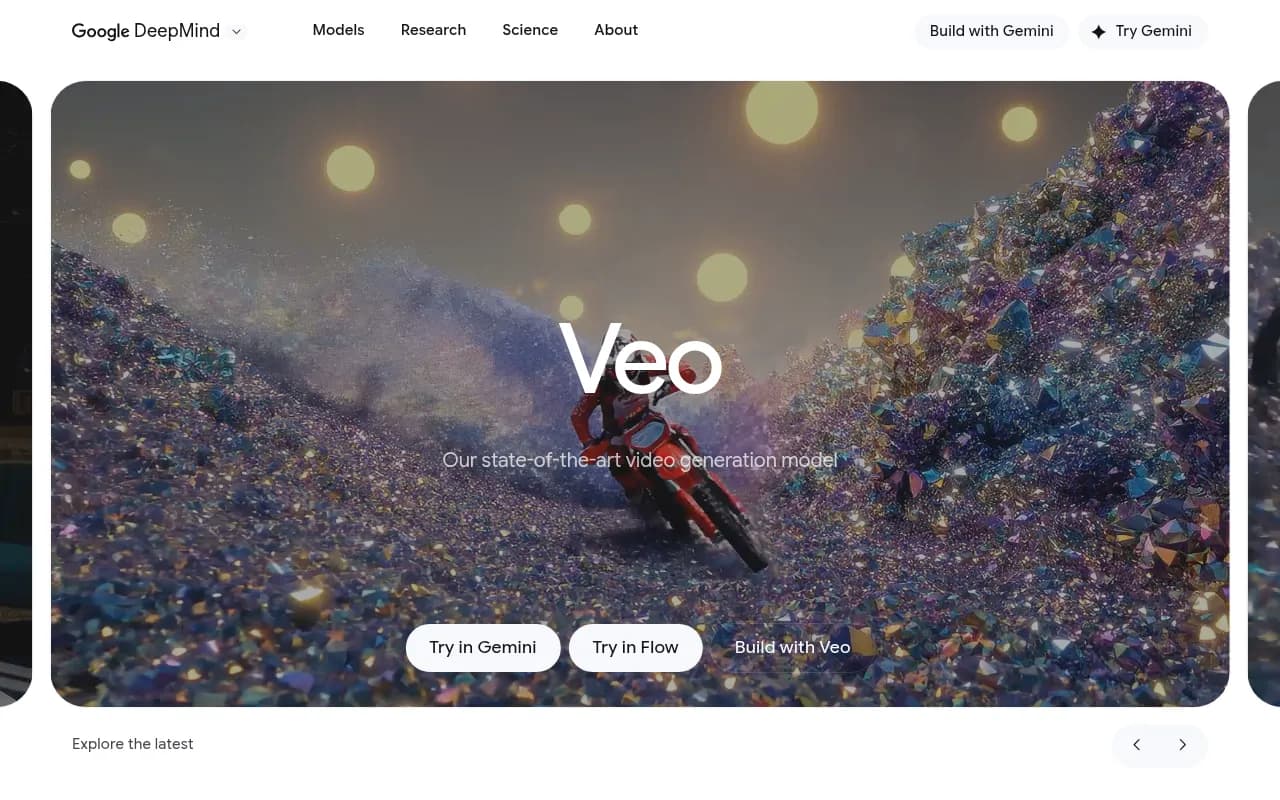
Google Veo 3.1 is the latest iteration of Google's video model, integrated into their AI Studio platform. It's designed to handle a wide range of styles — from photorealistic to imaginative sci-fi — but the quality is uneven.
Strengths
- Style versatility: Veo handles historical drama, futuristic landscapes, and realistic scenes with equal competence. It's a generalist model.
- Decent motion quality: For static or slow-moving shots (close-ups, establishing shots), Veo produces natural-looking results.
- Integrated with Google ecosystem: If you're already using Google AI Studio or Vertex AI, Veo slots in easily.
Weaknesses
- Poor prompt adherence: In testing, Veo frequently ignored specific motion instructions. Prompting "character falls backward in shock" often resulted in unrelated movements or static shots.
- Physics issues: Fast motion or complex interactions (characters interacting with objects, running, fighting) often break down into unnatural deformations.
- No standout feature: Veo doesn't excel at any one thing. It's competent across the board but not best-in-class anywhere.
When to Use Veo
Veo is a solid fallback if you need quick, stylistically diverse clips and don't require precise control. It's not the tool for high-stakes projects, but it's fine for exploratory work or placeholder footage.
Synthesia: Professional Avatar Videos at Scale
Best for: Training videos, corporate communications, marketing explainers, multilingual content
Synthesia is fundamentally different from Sora, Runway, and Veo. It's not a generative video model — it's a production platform for avatar-based videos. You input a script, choose an avatar, and Synthesia generates a polished presentation video in minutes.
Strengths
- Speed and scale: Create dozens of videos in the time it would take to shoot one traditional video. No cameras, no actors, no studio.
- Multilingual support: Synthesia supports 140+ languages with natural-sounding voiceovers. Localize content without hiring translators or re-recording.
- Professional quality: The avatars look and sound professional. Lip sync is tight, gestures are natural, and the overall polish rivals traditional video production.
- Custom avatars: Upload footage of yourself or a team member, and Synthesia creates a digital twin. Maintain brand consistency without constant re-shoots.
Weaknesses
- Limited creative flexibility: Synthesia is built for talking-head videos. If you need dynamic camera work, action sequences, or complex scenes, look elsewhere.
- Avatar uncanny valley: While the avatars are impressive, they're not perfect. Close viewers may notice slight robotic qualities in facial expressions.
- Pricing: Starts at $29/month (Starter plan, 10 minutes/month). Professional and Enterprise plans scale up quickly for high-volume users.
When to Use Synthesia
Synthesia dominates one use case: professional avatar presentations. Use it for:
- Employee training and onboarding videos
- Product explainers and demos
- Marketing videos for social media or landing pages
- Multilingual content for global audiences
- Internal communications and company updates
If your video needs a human presenter but you don't want to manage actors, studios, or re-shoots, Synthesia is the clear choice.

Pictory: Automated Content Repurposing
Best for: Social media clips, blog-to-video conversion, automated content marketing
Pictory automates the tedious work of turning long-form content into short, shareable videos. Paste in a blog post, article, or script, and Pictory generates a video with stock footage, captions, and music.
Strengths
- Content repurposing at scale: Turn one blog post into 5-10 social clips in minutes. Pictory handles the editing, captioning, and asset selection.
- Built-in stock library: Access millions of stock video clips and images. Pictory automatically matches footage to your script.
- Auto-captioning: Pictory generates accurate captions and subtitles, optimized for social media (where 85% of videos are watched without sound).
- Affordable: Plans start at $19/month (Standard, 30 videos/month). Much cheaper than hiring a video editor.
Weaknesses
- Generic output: Pictory's automated editing follows templates. The results are polished but predictable — every video feels similar.
- Limited customization: You can tweak text, swap clips, and adjust timing, but you're working within Pictory's framework. No advanced editing tools.
- Stock footage limitations: Pictory relies on stock libraries. If you need custom footage or specific visuals, you'll need to upload your own.
When to Use Pictory
Pictory is the tool for content marketers who need to produce high volumes of social video without a dedicated video team. Use it for:
- Repurposing blog posts into Instagram Reels, TikToks, or YouTube Shorts
- Creating video ads from product descriptions
- Generating explainer videos from scripts or articles
- Automating social media content pipelines
If you're optimizing for volume and consistency over creative originality, Pictory delivers.

Head-to-Head Comparison
| Feature | Sora | Runway | Veo 3.1 | Synthesia | Pictory |
|---|---|---|---|---|---|
| Primary Use Case | Cinematic generative video | Creative VFX and experimentation | Versatile generative video | Avatar presentations | Content repurposing |
| Realism | Industry-leading | Good (stylized) | Moderate | Professional avatars | Stock footage |
| Creative Control | Low (prompt-only) | High (manual tools) | Low | Medium (templates) | Low (templates) |
| Speed | Slow (minutes per clip) | Fast (30-60 sec) | Moderate | Very fast (minutes) | Very fast (minutes) |
| Pricing | Not public | $12-$76/mo | Included in Google AI Studio | $29-$67/mo | $19-$119/mo |
| Best For | Brand films, narrative shorts | Music videos, VFX | Exploratory generation | Training, marketing, comms | Social media, blog-to-video |
Other Notable Tools in 2026
Beyond the big four, several other platforms deserve mention:
- Kling AI 2.6: Strong physics simulation and motion quality, competitive with Runway. Popular in Asia.
- Luma Dream Machine (Ray 3): Fast, affordable generative video. Good for quick iterations but less polished than Sora or Runway.
- Seedance 1.5 Pro: Emerging player with impressive realism. Worth watching as it matures.
- InVideo AI: Similar to Pictory but with more template variety. Good for social media teams.
Choosing the Right Tool for Your Workflow
The "best" AI video tool depends entirely on what you're creating:
If you need photorealistic, cinematic footage: Sora (if you have access) or Runway Gen-4 are your options. Sora wins on realism, Runway wins on control.
If you're producing avatar-based presentations: Synthesia is the clear leader. No other platform matches its polish, speed, and multilingual capabilities for talking-head videos.
If you're automating content marketing: Pictory (or InVideo) handles blog-to-video and social media repurposing better than anyone.
If you're experimenting with creative video: Runway gives you the most tools to shape and iterate. It's the platform for artists and VFX professionals.
If you need versatile generation across styles: Veo 3.1 is competent but not exceptional. Consider it a fallback, not a first choice.
The Future of AI Video in 2026 and Beyond
AI video generation is still early. The tools are impressive, but they're not replacing traditional video production — they're augmenting it. Here's where the market is heading:
- Hybrid workflows: Most professionals use AI video as one tool in a larger pipeline. Generate a base clip with Runway, refine it in Premiere, add custom footage, finalize in post.
- Specialized models: Expect more niche tools optimized for specific use cases (product demos, talking heads, animation styles). The generalist models (Sora, Veo) will compete with specialists.
- Real-time generation: As models get faster, we'll see real-time video generation — change a prompt, see the result instantly. Runway is already moving in this direction.
- Integration with traditional tools: Adobe, Blackmagic, and other post-production software are integrating AI video features. The line between "AI tool" and "video editor" is blurring.
Final Recommendations
For most teams: Start with Synthesia if you need professional presentations, or Pictory if you're focused on social media content. Both are affordable, fast, and deliver consistent results.
For creative professionals: Invest time in Runway. The learning curve pays off in creative control and integration with your existing workflow.
For experimental projects: Keep an eye on Sora (if you can get access) and emerging models like Kling and Seedance. The photorealism is unmatched, but the lack of public access limits practical use.
For content marketers: Pictory or InVideo will save you hours of editing time. The output is template-driven, but that's the point — consistent, scalable, automated.
The AI video space is moving fast. What's cutting-edge today will be table stakes in six months. The key is to match the tool to your specific workflow, not chase the latest model. Start with the use case, then pick the platform that solves it best.