SeedProd Review 2026
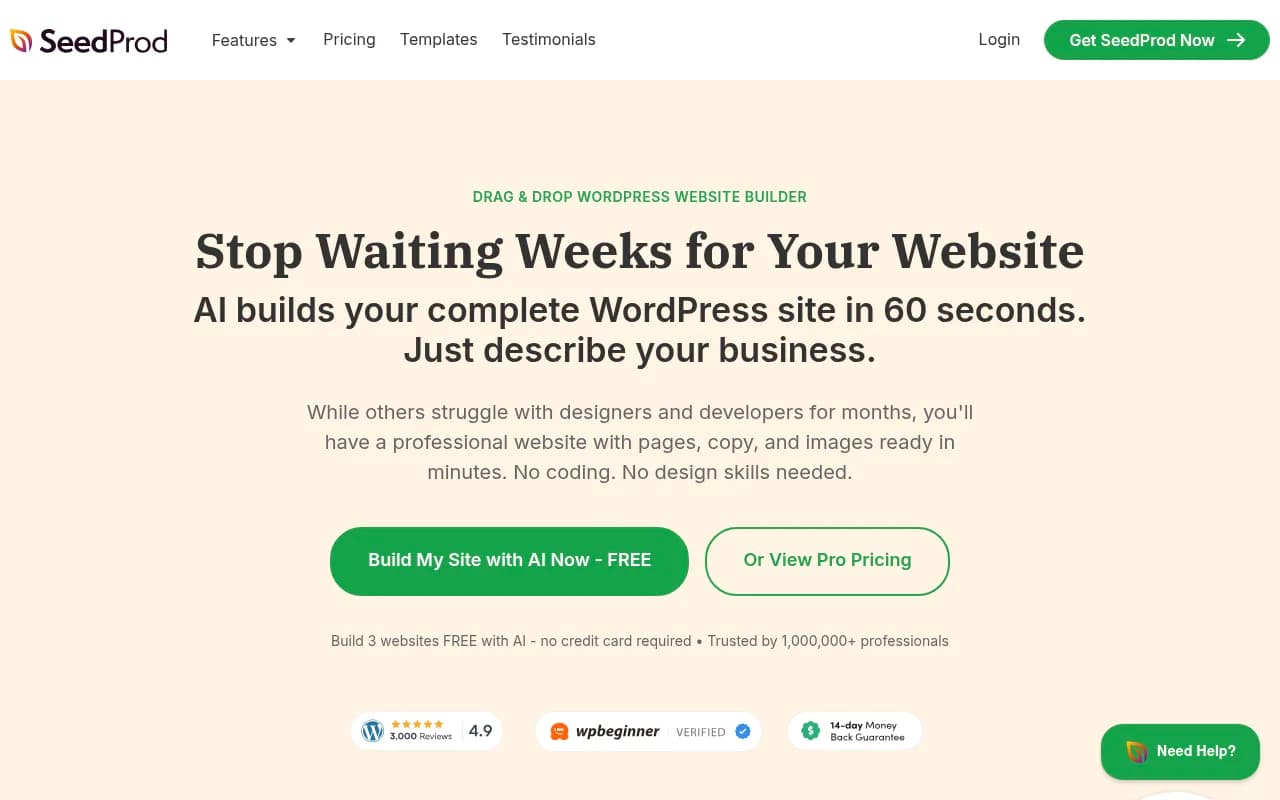
SeedProd is a drag-and-drop WordPress website and landing page builder used by 1M+ professionals. Features AI site generation, 200+ templates, theme builder, WooCommerce support, and email marketing integrations. Ideal for non-technical business owners and marketers.
Key takeaways
- SeedProd is a WordPress-only page and website builder with over 1 million active users, making it one of the most widely adopted plugins in its category.
- The AI site builder can generate a complete WordPress site (pages, copy, images) in roughly 60 seconds -- genuinely useful for getting a first draft up fast.
- Pricing starts at $39.50/year for the Basic plan, making it one of the more affordable full-featured builders in the WordPress space.
- Works exclusively with self-hosted WordPress; if you're not on WordPress, this tool simply isn't for you.
- Strong for landing pages, coming soon pages, and full theme building -- less suited for complex custom web applications or headless setups.
SeedProd has been around long enough to earn a reputation as one of the go-to landing page plugins for WordPress. Originally built as a "coming soon" page tool, it has grown into a full website builder with theme building, WooCommerce support, and now an AI-powered site generator. The company behind it, Awesome Motive (the same group behind WPForms, MonsterInsights, and WPBeginner), has a track record of building polished WordPress products with broad appeal.
The core pitch is simple: you shouldn't need a developer or designer to get a professional-looking WordPress site live. SeedProd delivers on that promise better than most. The drag-and-drop editor is genuinely intuitive, the template library is large and well-organized, and the AI builder is a real time-saver for getting a starting point. Over 1 million users have installed it, and the WordPress.org reviews are consistently positive -- not the kind of thing you fake at that scale.
The target audience is broad but skews toward small business owners, freelancers, bloggers, and marketing teams who want control over their WordPress site without touching code. It's also popular with web designers and agencies who build sites for clients and need a repeatable, fast workflow.
Key features
AI website builder
The headline feature in 2026 is the AI site generator at ai.seedprod.com. You describe your business in plain language, and SeedProd generates a complete WordPress site -- multiple pages, written copy, and images -- in about 60 seconds. You can build up to 3 sites free with no credit card required. In practice, the output is a solid starting point rather than a finished product. The copy is generic enough that you'll want to customize it, but having a structured site with real sections and placeholder content beats starting from a blank canvas. It's comparable to what Divi AI and Elementor AI offer, though SeedProd's implementation is faster to get to a usable result.
Drag-and-drop page builder
The core editor uses a visual drag-and-drop interface with a live preview. You work with blocks (their term for elements) that you drag onto the canvas, then configure in a right-side panel. The experience is clean and doesn't feel cluttered the way some builders do. Undo/redo works reliably, and the editor loads quickly even on pages with many elements. Compared to Elementor, the interface is simpler -- which is a feature for beginners but can feel limiting for power users who want granular control over spacing, animations, or custom CSS at the element level.
90+ blocks
SeedProd ships with over 90 content blocks covering the usual suspects: headings, text, images, buttons, video, countdown timers, optin forms, pricing tables, testimonials, star ratings, progress bars, and WooCommerce product grids. There are also dynamic content blocks for post titles, featured images, and custom fields. The block library is comprehensive enough that most landing page and website use cases are covered without needing third-party add-ons. A few notable inclusions: a Giveaway block (integrated with RafflePress), a Business Reviews block, and a Before/After Image Slider.
WordPress theme builder
Beyond individual pages, SeedProd lets you build entire WordPress themes visually -- headers, footers, single post templates, archive pages, 404 pages, and WooCommerce templates. This is full site editing without relying on the Gutenberg FSE system, which some users find more approachable. You can assign different templates to different post types or categories, which gives you real flexibility. This puts SeedProd in direct competition with Elementor's theme builder and Beaver Themer, and it holds up well for most use cases.
Template library
The library includes 200+ pre-built themes and page templates organized by use case: local business, restaurant, portfolio, blog, sales pages, webinar pages, coming soon pages, and more. Templates are professionally designed and mobile-responsive out of the box. You can filter by category and preview before importing. The quality is consistent -- no obvious duds in the library. New templates are added regularly, which matters because template fatigue is real when you're building multiple client sites.
Coming soon, maintenance mode, and 404 pages
This was SeedProd's original use case and it's still one of the best implementations available. You can put your site in coming soon or maintenance mode with a single toggle, show a custom branded page to visitors while logged-in admins see the real site, and collect email subscribers from the coming soon page. The 404 page builder lets you turn dead-end traffic into lead capture opportunities. These features are available even on the free/basic tier, which is genuinely useful.
Email marketing integrations
SeedProd connects directly to MailChimp, ActiveCampaign, ConvertKit (now Kit), Constant Contact, AWeber, Drip, GetResponse, Sendinblue, and others. The integration works through the optin form block -- you map form fields to your email list and new subscribers go straight into your chosen platform. There's also a Zapier integration for connecting to tools outside the native list. Subscriber data is also stored in SeedProd's own subscriber management system, so you have a backup even if you switch email providers.
WooCommerce support
On the Pro and Elite plans, SeedProd includes WooCommerce-specific blocks and template parts: product grids, cart pages, checkout pages, and product detail templates. This lets you build a fully custom WooCommerce storefront without touching a theme file. It's not as deep as a dedicated WooCommerce page builder like CartFlows, but for most store owners who want a clean, branded shopping experience, it's more than sufficient.
Spam protection and access controls
ReCaptcha integration is built in for form spam protection. You can also set access controls on pages -- password protection, logged-in users only, or specific user roles. This is useful for membership sites or client preview pages.
Who is it for
SeedProd fits best with small to medium business owners who run WordPress sites and want to make changes without hiring a developer every time. Think a local service business that needs a professional homepage and a lead capture page, or a blogger who wants a custom landing page for a course launch. The AI builder specifically appeals to people who are starting from scratch and just need something live quickly.
Web designers and freelancers who build WordPress sites for clients will find SeedProd's workflow efficient. The Elite license allows unlimited client sites, and the template library means you can spin up a first draft in an afternoon rather than a week. Agencies running 10-20 client sites at a time will appreciate the consistency -- every site built with SeedProd has the same editing interface, which reduces support overhead.
Marketing teams at small to mid-size companies who own their WordPress site but don't have a dedicated developer are another strong fit. If you need to launch a campaign landing page, a webinar registration page, or a product launch page without waiting on engineering, SeedProd handles that well.
Who should look elsewhere: developers building complex custom applications, teams on non-WordPress platforms (Webflow, Squarespace, Shopify), or anyone who needs advanced animation, scroll effects, or highly custom interactions. SeedProd is a page builder, not a motion design tool. If you're already deep into Elementor or Divi and have a mature workflow, switching to SeedProd probably isn't worth the disruption unless you have a specific reason.
Integrations and ecosystem
SeedProd's integration list is solid for a WordPress plugin:
- Email marketing: MailChimp, ActiveCampaign, Kit (ConvertKit), Constant Contact, AWeber, Drip, GetResponse, Sendinblue, iContact, MadMimi
- Automation: Zapier (connects to 1000+ apps)
- WooCommerce: Native blocks and template support
- Google Analytics: Via standard WordPress GA plugins or direct embed
- ReCaptcha: Google ReCaptcha v2 and v3 for form protection
- RafflePress: Native giveaway block integration (same parent company)
- Social platforms: Social sharing and profile blocks built in
There's a GitHub presence (github.com/seedprod) but SeedProd is not open source -- the repo is primarily for issue tracking and developer resources. There's no public REST API for external integrations beyond what WordPress itself provides.
The plugin works with any WordPress hosting provider and is compatible with major caching plugins (WP Rocket, W3 Total Cache) and security plugins. It plays well with Yoast SEO and Rank Math for on-page SEO management.
No dedicated mobile app exists -- editing is done through the WordPress admin in a browser. The editor is functional on tablets but not optimized for mobile editing, which is standard for WordPress page builders.
Pricing and value
SeedProd's pricing is structured around annual licenses:
- Basic: $39.50/year (normally $79) -- 1 site, landing pages, coming soon/maintenance mode, basic blocks, subscriber management
- Plus: $99.50/year (normally $199) -- 3 sites, all Basic features plus more templates and blocks
- Pro: $199.50/year (normally $399) -- 5 sites, full theme builder, WooCommerce support, dynamic text personalization, 300+ premium templates, priority support
- Elite: Custom/higher pricing -- unlimited sites, white-label options, agency features
The AI site builder at ai.seedprod.com is free for up to 3 sites with no credit card required, which is a genuinely useful free tier for trying the product.
Compared to Elementor Pro ($59/year for 1 site, $99/year for 3 sites) and Divi ($89/year for unlimited sites), SeedProd's Basic and Plus tiers are competitive. The Pro tier at $199.50/year for 5 sites is slightly more expensive than Elementor's equivalent, but the WooCommerce builder and theme builder included at that level add real value. Beaver Builder starts at $99/year for unlimited sites, which is harder to beat on price alone.
For freelancers and agencies, the Elite license makes sense if you're managing more than 5 client sites. The 20% affiliate commission program is also worth noting if you're recommending SeedProd to clients.
Strengths and limitations
What SeedProd does well:
- The AI site builder is one of the fastest ways to get a complete WordPress site structure live -- genuinely faster than any template-based workflow
- Coming soon and maintenance mode pages are the best implementation in the WordPress ecosystem, with subscriber collection built in
- The editor is clean and loads fast; it doesn't feel sluggish the way some heavier builders do
- Template quality is consistently high across the library, and the variety of use-case-specific templates (webinar, sales, optin) is better than most competitors
- Pricing is accessible for solo users and small businesses, especially with the frequent 50% discount promotions
Honest limitations:
- The editor has less granular control than Elementor or Divi for advanced users -- things like custom CSS per element, complex responsive breakpoints, and animation effects are more limited
- No standalone version outside of WordPress; if your client moves off WordPress, everything built in SeedProd goes with it
- The free plugin on WordPress.org is fairly limited -- the real product requires a paid license, which can feel like a bait-and-switch to users who install the free version expecting full functionality
- Third-party block/widget ecosystem is smaller than Elementor's, which has a large add-on market
Bottom line
SeedProd is a well-built, genuinely easy-to-use WordPress website and landing page builder that earns its 1 million+ user count. The AI site builder is a real differentiator for getting a first draft live fast, and the coming soon/maintenance mode features remain best-in-class. It's the right tool for small business owners, marketers, and freelancers who want professional WordPress sites without the complexity of Elementor or the cost of a developer.
Best use case: a freelancer or small agency that builds 5-20 WordPress sites per year and wants a fast, consistent workflow with solid landing page capabilities built in.
Frequently asked questions
What is SeedProd?
Is SeedProd free?
How much does SeedProd cost?
Does SeedProd work with WooCommerce?
How does SeedProd compare to Elementor?
Can I use SeedProd on client sites?
Similar and alternative tools to SeedProd