Key Takeaways
- Buffer offers the simplest, most affordable option with a forever-free plan and pricing from $5/month per channel -- great for solopreneurs who want basic scheduling without complexity
- Hootsuite provides enterprise-grade features and the widest platform support, but comes with a steeper learning curve and higher price point
- Vista Social delivers the best value for agencies with unlimited users on all plans and comprehensive features starting at $79/month
- Hypefury specializes in X/Twitter growth with unique automation features like auto-reposting and auto-DMs, ideal for creators focused on Twitter monetization
- Planable excels at team collaboration with visual approval workflows, making it the top choice for agencies managing multiple clients
FeedHive carved out a niche with its AI-powered content recycling and conditional posting features. It's a solid tool if you want to automate your social media on autopilot. But the $19/month starting price, limited platform support, and lack of advanced analytics leave gaps for many users.
Maybe you need better team collaboration. Maybe you're managing clients and need white-label reporting. Or maybe you just want something simpler and cheaper. Whatever the reason, here are the alternatives that actually compete.
Buffer
Buffer is the anti-complexity social media scheduler. No feature bloat, no confusing dashboards -- just a clean interface that lets you schedule posts across Facebook, Instagram, LinkedIn, X, TikTok, Pinterest, YouTube, Google Business, Threads, Bluesky, and Mastodon.
The forever-free plan gives you 3 social channels and basic scheduling. That's more generous than FeedHive's 7-day trial. Paid plans start at $5/month per channel (Essentials) or $10/month per channel (Team) with volume discounts.
What Buffer does better: It's genuinely easier to use. The mobile app is excellent. The free plan is real, not a trial. And the pricing is transparent -- you pay per channel, so you're not locked into tiers.
What it doesn't do: No content recycling like FeedHive. No conditional posting logic. Analytics are basic on lower tiers. The AI Assistant exists but isn't as integrated as FeedHive's AI features.
Buffer also includes a unified inbox for managing comments and DMs across platforms, plus a link-in-bio tool. The Create feature helps organize content ideas with an AI assistant for generating captions.
Best for: Solo creators, small businesses, and anyone who values simplicity over automation. If you just want to schedule posts without learning a complex tool, Buffer wins.
Hootsuite
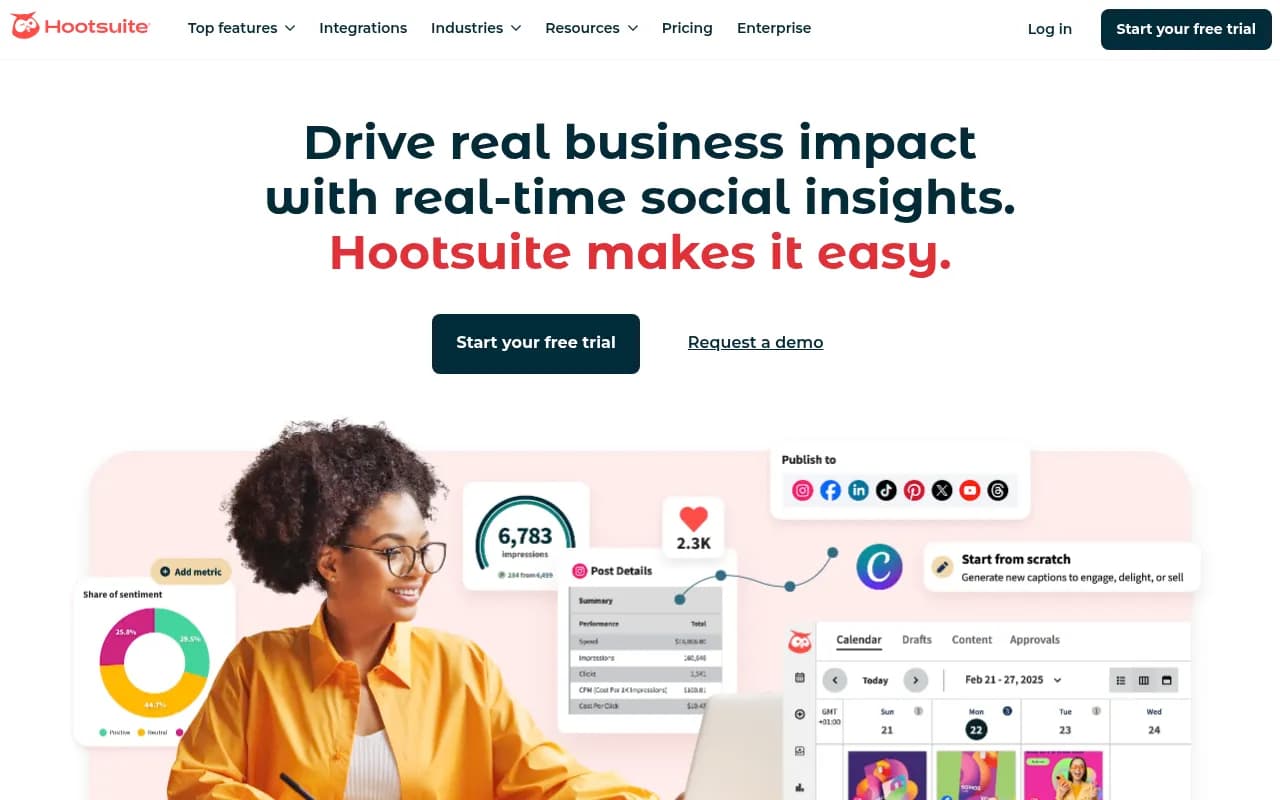
Hootsuite is the enterprise option. It's been around since 2008, supports more platforms than almost anyone else, and offers features FeedHive can't touch: advanced social listening, team permissions, custom workflows, and integration with basically every marketing tool you use.
The AI features include OwlyGPT (their AI assistant) for content suggestions, caption generation, and sentiment analysis. The analytics are comprehensive with custom reports, competitor benchmarking, and ROI tracking.
What Hootsuite does better: Scale. If you're managing 20+ social accounts across multiple brands, Hootsuite's dashboard and team features handle it. Social listening tracks brand mentions and trending topics in real-time. The approval workflows are more sophisticated than FeedHive's.
What it doesn't do well: It's expensive (pricing not publicly listed, but starts around $99/month for Professional). The interface feels dated compared to newer tools. There's a learning curve -- this isn't a "sign up and start posting" tool.
Hootsuite's scheduling includes bulk upload, best time to post recommendations, and a visual content calendar. The unified inbox manages messages and comments from all platforms in one place.
Best for: Marketing teams at mid-to-large companies, agencies managing enterprise clients, or anyone who needs advanced reporting and social listening. Overkill for solo creators.
Vista Social
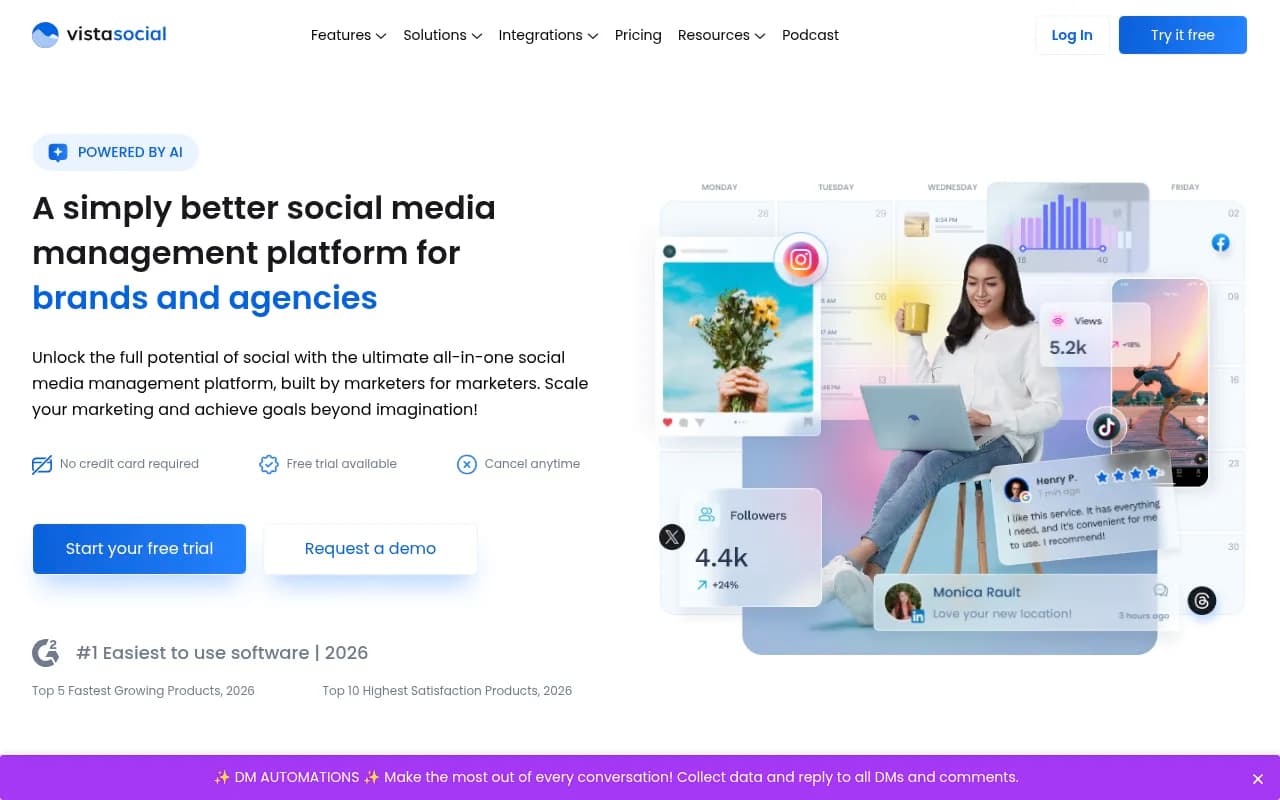
Vista Social is the value play for agencies. Unlimited users on all plans, white-label reporting, client management features, and a free tier that actually works (3 profiles, 15 posts/month).
Paid plans start at $79/month (Professional) with 8 social profiles and 200 posts/month. The Advanced plan ($149/month) adds social listening and review management. The Scale plan ($349/month) gives you 20 profiles and 600 posts/month.
What Vista Social does better: The unlimited users policy is huge for agencies -- you're not paying per seat like most competitors. The review management feature monitors and responds to Google, Facebook, and Yelp reviews from one dashboard. Social listening is included at the Advanced tier, which costs less than Hootsuite's entry plan.
The AI features include ChatGPT-powered content generation, automated post suggestions, and sentiment analysis. The Vista Page tool creates link-in-bio pages and landing pages.
What it lacks: The AI content recycling isn't as sophisticated as FeedHive's. The mobile app is functional but not as polished as Buffer's. Some users report the interface can feel cluttered with all the features.
Best for: Digital agencies managing multiple clients, multi-location brands that need consistent posting across locations, or teams that want enterprise features without enterprise pricing.
Planable
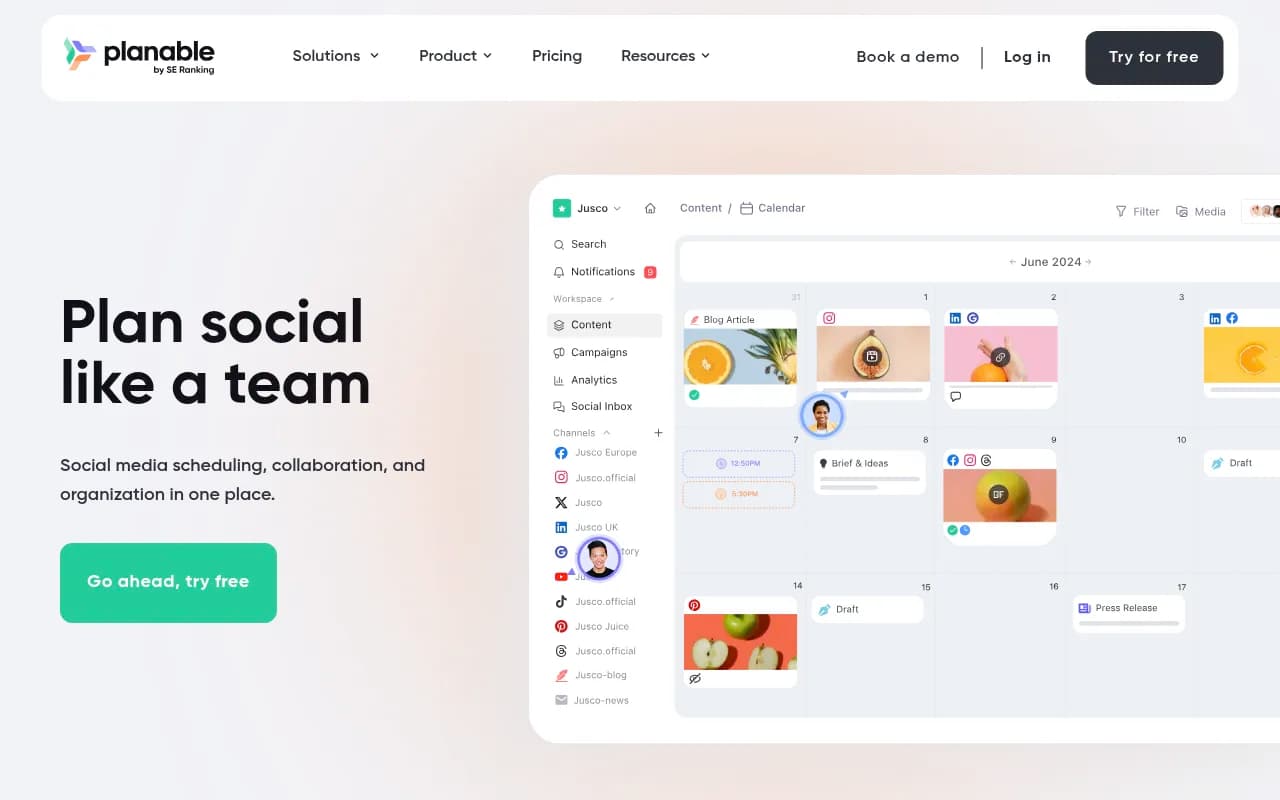
Planable built its reputation on one thing: making client approval workflows painless. If you've ever emailed screenshots back and forth or used Google Docs for social media approvals, Planable will feel like magic.
The visual content calendar shows exactly how posts will look on each platform. Clients can leave comments, request changes, and approve posts without logging into social networks. The approval workflow supports multiple stages (draft, review, approval) with customizable permissions.
Pricing starts with a free tier (50 posts per workspace) and paid plans from $39/month per workspace. Each workspace can manage multiple social accounts.
What Planable does better: Collaboration. The interface is designed for teams and clients who need to review content together. The multi-channel content calendar lets you plan blog posts, emails, and other content alongside social media. Campaign management groups related posts across platforms.
What it doesn't do: No AI content recycling. Analytics are basic compared to Hootsuite or Sprout Social. The automation features are limited -- this is a planning and collaboration tool, not an automation engine.
Planable supports Facebook, Instagram, LinkedIn, X, TikTok, YouTube, Pinterest, Google Business Profile, and Threads. The Universal Content feature lets you plan any type of content, not just social posts.
Best for: Agencies that need client approval workflows, marketing teams with multiple stakeholders, or anyone who's tired of approval bottlenecks. If collaboration is your pain point, Planable solves it.
Later
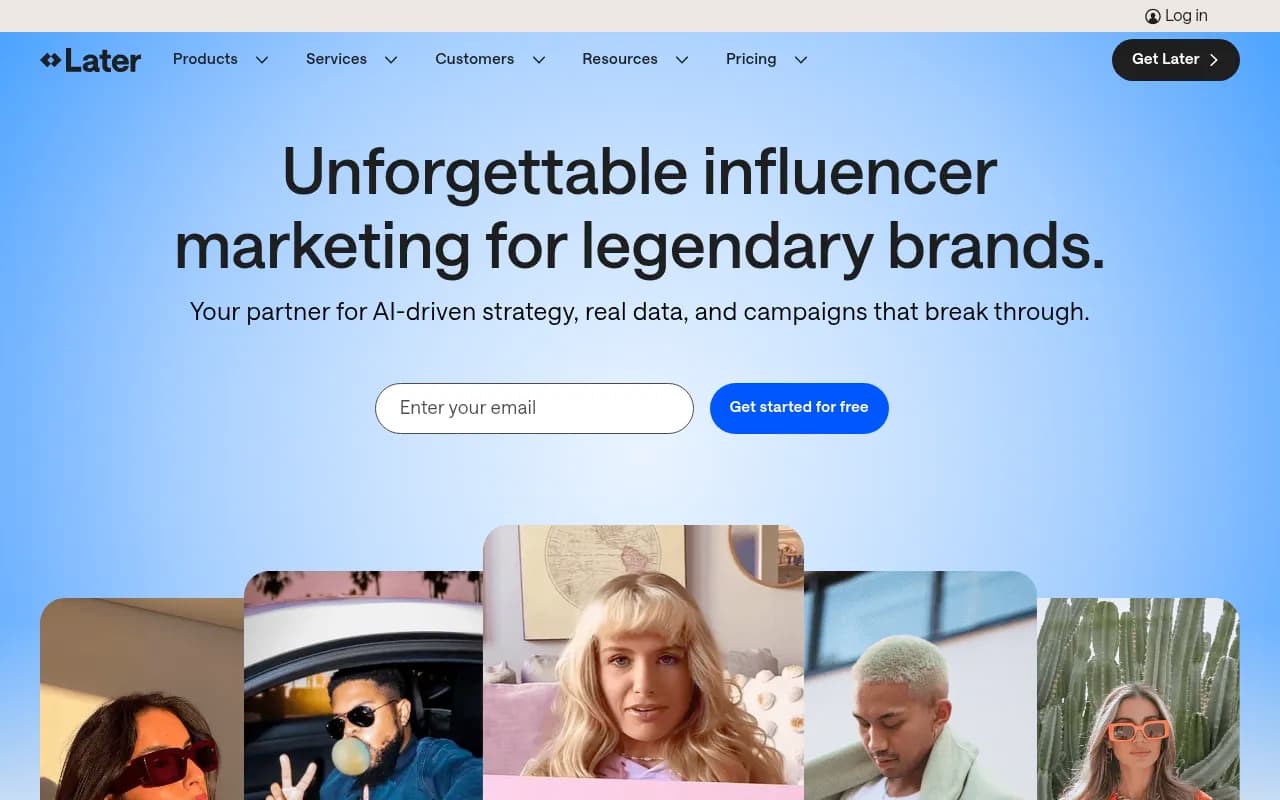
Later started as an Instagram scheduler and evolved into a full social media management platform. The visual-first approach makes it popular with brands that care about aesthetics.
The drag-and-drop calendar shows a visual preview of your Instagram grid, so you can plan how your feed will look. The Linkin.bio tool (now called Later Social) creates a shoppable landing page from your Instagram posts.
Pricing starts at $75/month for the Starter plan (1 social set, 1 user). Later also offers influencer marketing services with custom pricing.
What Later does better: Visual planning. If your brand identity depends on a cohesive Instagram aesthetic, Later's grid preview is invaluable. The media library organizes your visual assets. The best time to post feature analyzes your audience engagement.
What it lacks: The AI features are limited compared to FeedHive. No content recycling. Analytics are decent but not as deep as dedicated analytics tools. The pricing is higher than Buffer or Vista Social for similar features.
Later supports Instagram, Facebook, TikTok, LinkedIn, Pinterest, and X. The platform recently added TikTok and LinkedIn support to compete with broader social media tools.
Best for: Visual brands focused on Instagram, e-commerce businesses using shoppable posts, or influencers who want to monetize their Instagram presence.
Hypefury
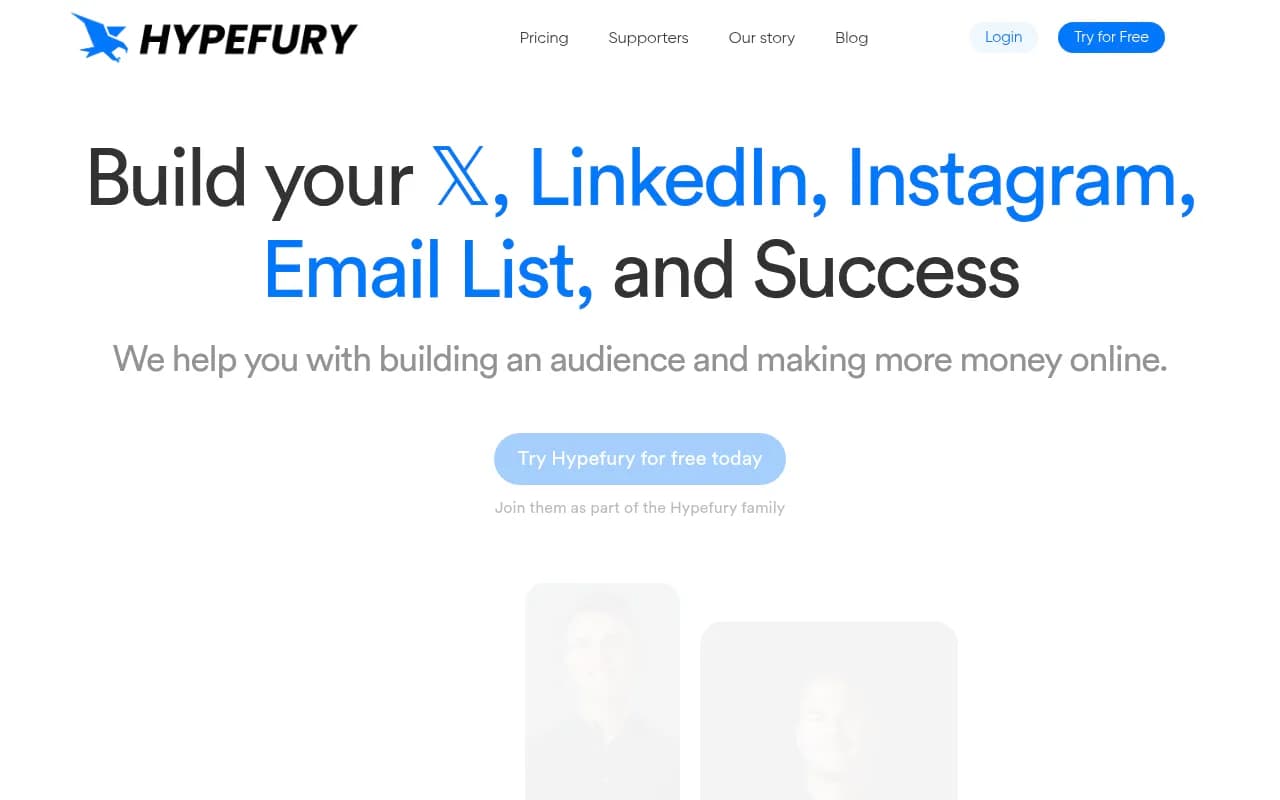
Hypefury is the X/Twitter specialist. If you're building an audience on X and want to automate growth, Hypefury has features no other tool offers.
The auto-repost feature automatically reshares your best-performing tweets to maximize reach. Auto-DMs send automated messages to people who engage with your tweets (great for lead generation). The engagement builder helps you quickly reply to the right accounts.
Pricing starts at $29/month (Starter), with Creator ($65/month), Business ($97/month), and Agency ($199/month) plans. Annual billing saves about 15%.
What Hypefury does better: X/Twitter automation. The post inspiration gallery shows high-performing tweets from 15+ niches that you can customize. The autoplugs feature automatically adds promotional comments to your tweets. The tweets-to-reels tool repurposes X content for Instagram and LinkedIn.
What it doesn't do: It's X-focused. LinkedIn and Instagram support exists but feels secondary. No Facebook, TikTok, or YouTube support. If you need a true multi-platform tool, look elsewhere.
The evergreen content feature (similar to FeedHive's recycling) automatically reshares your best content on a schedule. The analytics track which tweets drive the most engagement, followers, and email signups.
Best for: Creators and solopreneurs building an audience on X, anyone monetizing through Twitter, or marketers who want aggressive X growth automation.
Publer
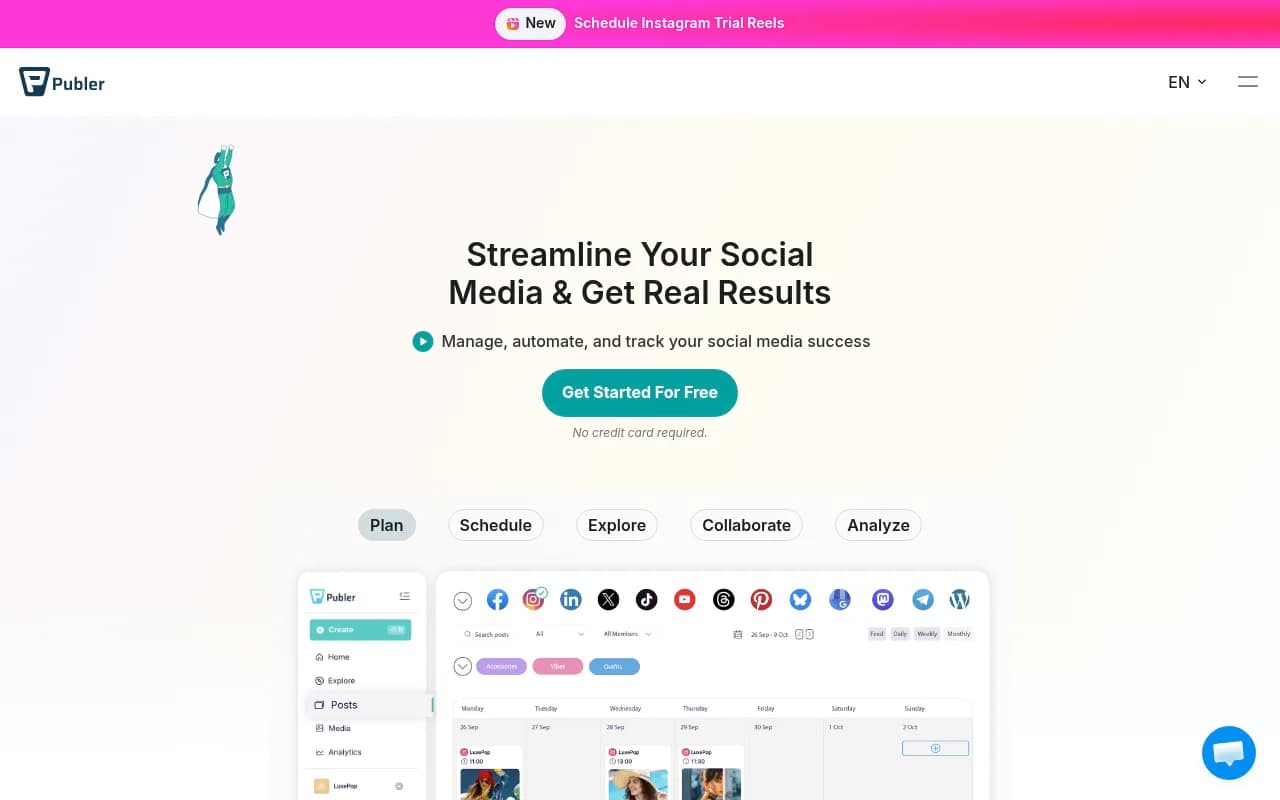
Publer is the budget-friendly all-rounder. It supports more platforms than FeedHive (Facebook, Instagram, LinkedIn, TikTok, YouTube, X, Google Business, Pinterest, Telegram, and Mastodon) and offers a genuinely useful free tier.
The free plan includes 3 social accounts and 10 scheduled posts per month. Paid plans start at $12/month (Professional) with 5 accounts and 100 posts/month. The Business plan ($24/month) adds 10 accounts and 500 posts/month.
What Publer does better: Value. You get more features for less money than almost any competitor. Bulk scheduling lets you upload a CSV and schedule hundreds of posts at once. The AI Assist tool generates captions and suggests hashtags. The analytics include post performance, best times to post, and competitor analysis.
What it lacks: The interface isn't as polished as Buffer or Planable. Some advanced features (like white-label reporting) require the higher-tier plans. The AI features are basic compared to dedicated AI tools.
Publer includes a unified inbox for managing comments and DMs, a media library for organizing assets, and team collaboration features with approval workflows.
Best for: Small businesses and freelancers on a tight budget, anyone managing multiple platforms who wants bulk scheduling, or teams that need basic collaboration without paying for enterprise features.
Loomly
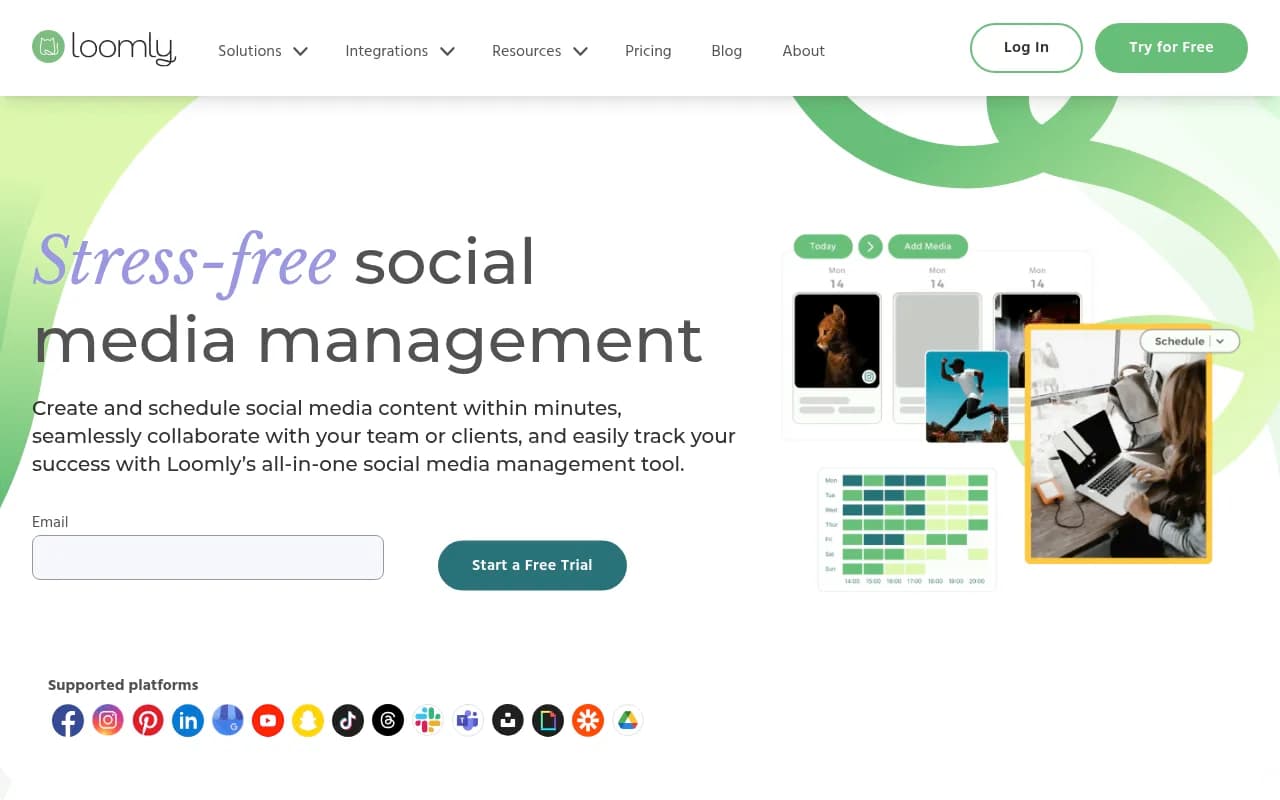
Loomly positions itself as the stress-free social media management tool. The interface is clean, the workflows are logical, and the collaboration features work well for teams.
Pricing starts at $42/month (Base plan: 10 channels, 2 users). The Standard plan ($79/month) adds 20 channels and 6 users. Advanced ($172/month) and Premium ($269/month) plans scale up from there. Annual billing saves 25%.
What Loomly does better: Post ideas. The platform suggests content based on trending topics, RSS feeds, social media trends, and custom calendars (holidays, awareness days). The mockup preview shows exactly how your post will look on each platform before you publish.
The approval workflow supports custom stages and permissions. The unified calendar shows all your scheduled posts across platforms. The analytics track post performance, audience growth, and engagement metrics.
What it doesn't do: No AI content recycling like FeedHive. The AI features are limited to basic caption suggestions. The automation is less sophisticated than Hypefury or FeedHive.
Loomly supports Facebook, Instagram, LinkedIn, X, Pinterest, YouTube, TikTok, Snapchat, Google Business, and Threads. The platform also integrates with Slack, Microsoft Teams, Zapier, and Google Drive.
Best for: Marketing teams that need content inspiration, agencies managing multiple brands, or anyone who wants a middle ground between Buffer's simplicity and Hootsuite's complexity.
How to Choose Your FeedHive Alternative
If you're leaving FeedHive, you probably have a specific pain point. Here's how to match it to the right tool:
You want something simpler and cheaper: Buffer. The free plan works, the paid plans are affordable, and the interface doesn't require a tutorial.
You're managing clients and need approval workflows: Planable. The visual collaboration features eliminate approval bottlenecks.
You need enterprise features without enterprise pricing: Vista Social. Unlimited users, social listening, and review management at mid-market prices.
You're focused on X/Twitter growth: Hypefury. The automation features (auto-repost, auto-DM, autoplugs) are unmatched.
You want the most comprehensive platform: Hootsuite. It's expensive and complex, but it does everything.
You're on a tight budget: Publer. The free tier is real, and the paid plans offer the best features-per-dollar ratio.
You care about visual aesthetics: Later. The Instagram grid preview and visual planning tools are worth the premium.
You want content inspiration and clean workflows: Loomly. The post ideas feature and mockup previews make content creation easier.
The social media management space is crowded, but each tool has a clear use case. FeedHive's AI recycling and conditional posting are clever, but they're not essential for most users. Pick the tool that solves your actual problem, not the one with the most features.