Key takeaways
- AI errors about a client are usually a content and source problem you can trace, so report them as a diagnosed issue with an owner and a timeline, never as a mystery.
- Triage every inaccuracy by severity (factual, outdated, tone, omission) before it reaches the client. Most findings are low-risk and should be framed that way.
- Pair every problem with the source it came from, the fix, and the date you will re-check. A finding without a plan is what causes panic.
- Promptwatch Data shows ChatGPT averages about 5 sources per web-search answer, so a single bad source can dominate what a buyer reads.
- Report leading indicators within 90 days. Direct revenue attribution from AI mentions does not exist yet, so say so up front.
Why this conversation goes wrong
The usual failure is simple. An account manager screenshots a ChatGPT answer that gets the client's pricing wrong, drops it into a Slack thread with the words "we have a problem," and the CMO forwards it to the CEO within the hour.
Nothing was technically misreported. But the client now believes AI is lying about them everywhere, permanently, and that the agency only just noticed.
I think the fix is mostly editorial. The same finding can land as a crisis or as a routine maintenance item depending on how you frame it. The facts don't change. The structure around them does.
There is also a real reason to take this seriously, so do not swing to the other extreme and bury it. Automattic's write-up of a WordPress VIP and 97th Floor session (September 14, 2026) describes AI calling an enterprise venue-management client "clunky" and "the IBM of venue-management software," which ran directly against the company's plan to reach smaller venues. Paxton Gray calls that distance the reputation gap. The same session reported AI comprehension scores of 59% to 88% across six sites. These errors cost money. They also have causes you can find.
Understand why AI gets brands wrong
Clients panic less when they understand the mechanism. Give them a short explanation before you show any screenshot.
AI systems build an answer from whatever they retrieve and whatever they learned in training. When the available information is missing, outdated, or contradictory, the model fills gaps with assumptions. The seoClarity piece on AI misrepresentation makes the same point: most accuracy problems come from missing, outdated, or conflicting information about the brand. Common versions include invented prices, wrong dates, and made-up technical specs.
That framing is useful because it moves the blame from "AI is unpredictable" to "there is a source out there saying the wrong thing," which is fixable.
Where the wrong claim usually comes from
Promptwatch Data on ChatGPT citation share by content type (Sep 28 to Oct 4, 2026) gives you a map of where to look first:
- For branded prompts, meaning questions that name a company, product pages (23.3%) and landing pages (22.8%) together make up almost half of citations. The client's own pages are the first suspect.
- Reviews account for 5.6% of branded citations, more than three times their share overall.
- For commercial "best of" prompts, listicles (15.0%) and comparisons (7.9%) take a large share. An error there lives on a third-party site, so the fix is outreach, not an edit.
So the first diagnostic question is easy: is the wrong claim coming from the client's own page, a review site, or a third-party listicle? Each has a different owner and a different timeline.
Triage before you report
Never send a raw list of wrong answers. Sort them first. This is the single most effective way to avoid panic, because it shows the client that you have already done the thinking.
| Severity | What it looks like | Example | How to frame it |
|---|---|---|---|
| Critical | Factual error with legal, safety, or revenue impact | Wrong pricing, claims a product has a feature it lacks, compliance misstatement | Same-day heads-up, fix plan attached |
| High | Outdated or conflicting facts | Old pricing tier, discontinued product still recommended | Include in the weekly or monthly report with owner and date |
| Medium | Tone or positioning mismatch | "Legacy," "clunky," "enterprise-only" when the client wants the opposite | Present as a narrative workstream |
| Low | Omission or thin coverage | Brand missing from some answers, competitor named first | Standard visibility reporting |
Most findings land in the bottom two rows. When the client sees a table where only one row is red, the whole conversation changes.
A useful rule: only a critical item gets its own message. Everything else waits for the scheduled report.
Check variability before you escalate
AI answers change from run to run and from model to model. One screenshot is an anecdote. Before you call something an error, run the prompt several times across the main engines and check whether the claim repeats. A claim that appears in one response out of twenty is a different animal from one that appears in most of them.
This is also where the real-interface point matters. Answers in the actual ChatGPT or Google AI Overviews interface can differ from what an API returns, so test where your client's buyers actually are.
Build the evidence pack
For each issue you plan to report, collect four things.
- The prompt, exact wording, engine, country, and date.
- The claim AI made, quoted.
- The source it likely came from. Check the citations shown in the answer.
- The truth, with a link to the client's own authoritative page.
Promptwatch's average sources per response data is a good reality check on why step 3 matters. ChatGPT cites about 5 sources per web-search answer, Google AI Overviews about 10, and Perplexity almost exactly 10. With so few slots, one stale source can dominate. Microsoft Copilot swung from under 2 to nearly 17 sources within a few weeks, so judge it on monthly trends, not weekly snapshots.
Tools for collecting the evidence
You can do this by hand for one client. It stops being practical at ten.
Promptwatch is the one I would reach for first, because it covers the whole chain: Brand Narrative pulls the individual claims AI makes about a brand out of every tracked response, groups repeats, and shows which models say each one. Fact Check (Business, Agency Scale, and Enterprise plans) lets you mark a claim inaccurate and then finds the pages on the client's site that state it or its opposite. That tells you whether the error is learned from the client's own site.
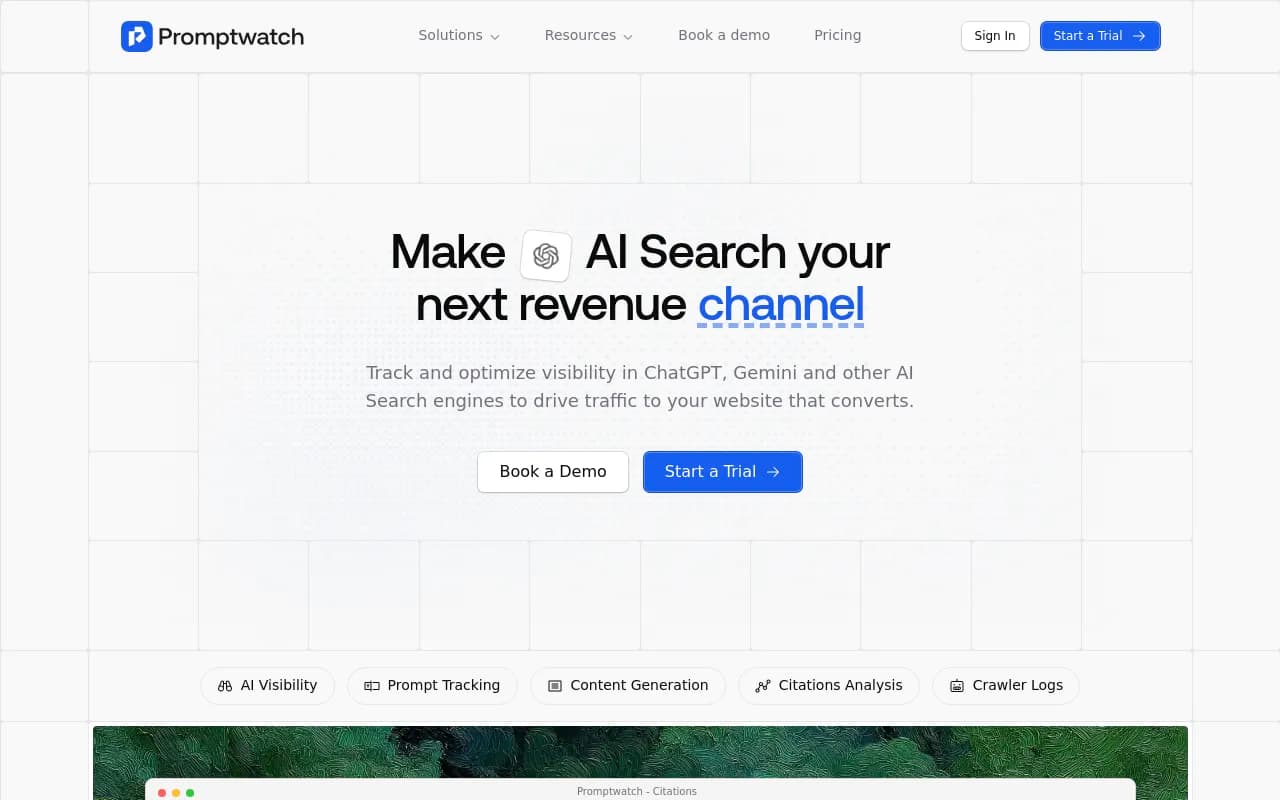
Other tools in the category worth a look for the monitoring half of the job:
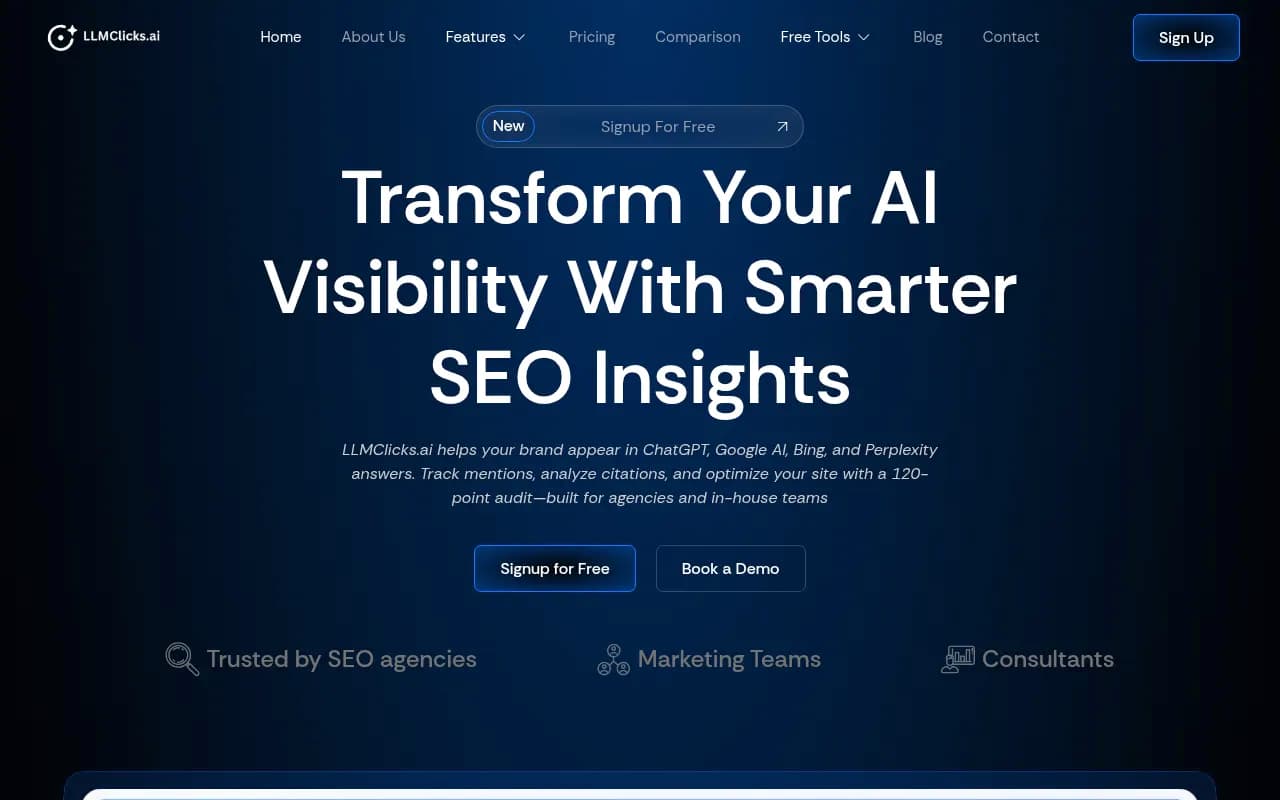
LLMClicks advertises hallucination detection.
Otterly.AI

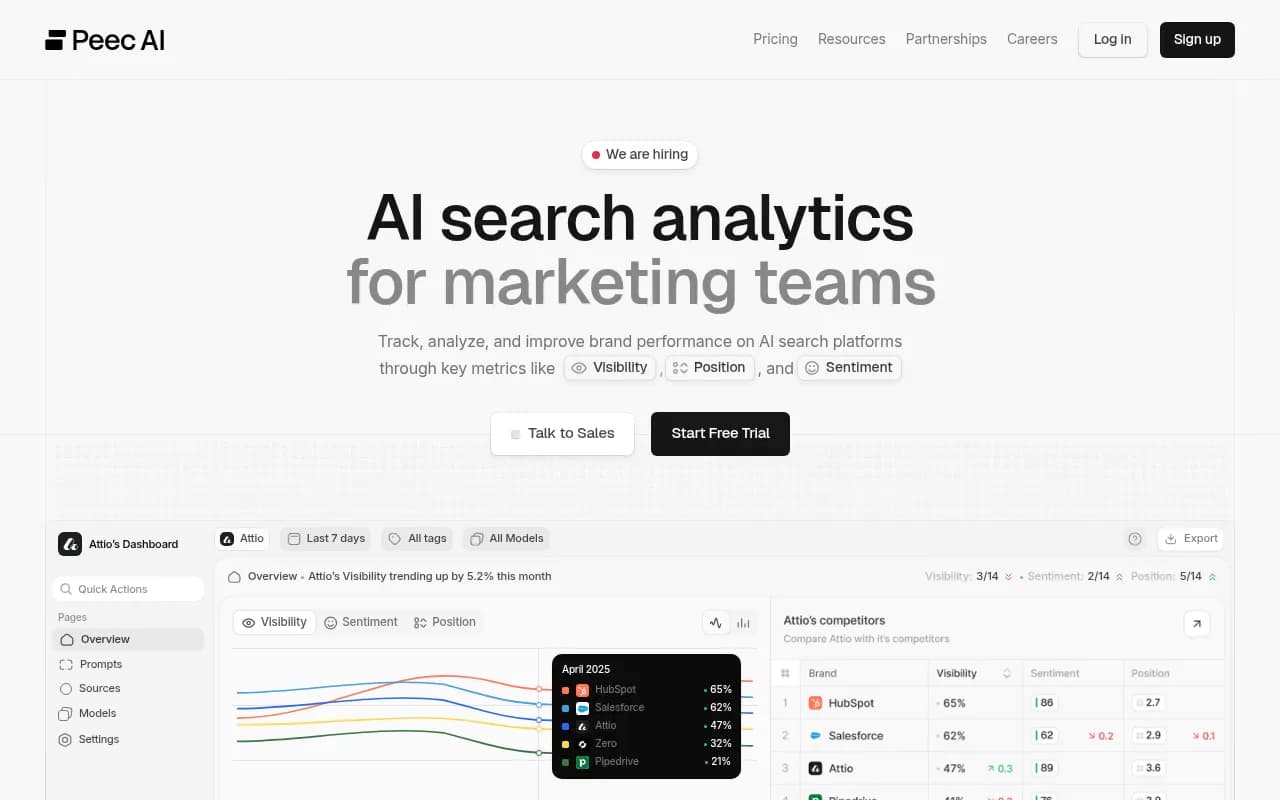
Peec AI and Otterly.AI are monitoring-focused. They show you what was said, but you will handle diagnosis and fixing elsewhere. For more options, the directory at bestgeosoftware.com lists GEO tools side by side.
| Need | What to look for | Example tools |
|---|---|---|
| Spot wrong claims | Claim-level extraction, not just mention counts | Promptwatch Brand Narrative |
| Confirm the source | Citation tracking per response | Promptwatch, Peec AI |
| Find which client page teaches the error | Fact Check or page-level tracking | Promptwatch Fact Check |
| Cheap per-client baselines | Credit or per-query pricing | BotSee (per its own pricing) |
| Hallucination flags | Dedicated detection | LLMClicks |
Write the report so it reads as a plan
Here is a structure that works. Keep it to one page for the client and put the evidence in an appendix.
1. Open with the headline and the scale
One sentence. Something like: "We reviewed 60 buyer prompts across four AI engines. Most answers were accurate. We found 7 issues, 1 critical, 2 high, 4 lower priority. Here is the plan."
The number matters. Seven issues out of sixty prompts sounds manageable. Seven screenshots with no denominator sounds like a fire.
2. Show the severity table
Use the triage table above, filled in with the client's actual findings.
3. Give every issue a source, an owner, and a date
For each item:
- What AI said
- Where it likely came from (own page, review site, third-party article)
- The fix
- Who does it (agency, client, third party)
- When we re-check
The re-check date is the part clients remember. It converts "AI is wrong about us" into "we are monitoring this and will confirm in three weeks."
4. Set expectations on speed
This is where honesty prevents the second wave of panic, the one that happens when the fix doesn't show up next week.
Promptwatch Data on the half-life of content in ChatGPT (pages cited on July 6, 2026, tracked for 90 days) says wrong claims on durable pages can stick around:
- After 60 days, ChatGPT still cited 69% of landing pages and 67% of docs.
- Product pages, reviews, and how-tos were at 55% after 60 days, with a half-life of 74 to 77 days.
- News decays fastest. Half of cited news pages were gone after 36 days.
The practical translation for the client: a wrong claim sourced from a news story will probably fade on its own. A wrong claim sitting on an old landing page or a review needs an active fix and takes longer to wash out. Tell them which bucket their issue is in.
5. Close with what is going right
Include the prompts where the brand appears accurately and prominently. If you only report problems, you are reporting a distorted picture, and the client will assume AI is worse for them than it is.
Fix it, in the order that works
A short playbook you can attach to the report.
- Correct the client's own pages first. Prices, features, and positioning belong on landing, docs, and pricing pages, stated plainly and consistently. Add an FAQ page that answers the questions where AI went wrong.
- Retire or redirect old properties. The Automattic piece recommends starting with an inventory of every public domain, subdomain, microsite, PDF, and campaign page. The microsite nobody remembers is often the source of the old story.
- Contact third parties. For errors in listicles, comparisons, and review sites, send a polite correction request with a link to the authoritative page.
- Check crawl access. If AI bots cannot read the corrected page, the fix does nothing. IP-verified AI crawler logs show whether bots reached the page and where they failed. Promptwatch's AI crawler logs cover this, and its free Agentic Readiness Check is a quick first test.
- Refresh and publish supporting content. Where the gap is an omission rather than an error, new content closes it. Promptwatch's Content Agent can plan, write, and publish pages against those gaps on the Business plan.
- Re-run the same prompts on the date you promised.
For a deeper walk-through of the monitoring-to-fix loop, the Promptwatch Academy has how-to guides, including one on content gaps.
Report results without overpromising
Clients will ask whether the fix worked and what it did for revenue. Be straight about this. As Automattic's recap puts it, nobody can currently draw a straight line from an AI mention to revenue.
What you can report:
- Leading indicators, which can move inside 90 days: accuracy rate across tracked prompts, share of voice, sentiment, and how often AI cites the client's own corrected pages.
- Lagging indicators: LLM referral traffic, branded search, direct traffic, conversion rate, and time to conversion.
The billboard comparison from that session is worth borrowing. You cannot trace a billboard to a sale either. You watch whether more people search the name, come direct, and convert better.
One measurement caveat for 2026: per Promptwatch's documentation, ChatGPT stopped sending a referrer on October 8, 2026, so AI traffic can be undercounted unless links carry utm_source=chatgpt.com. Mention it, or your traffic numbers will look worse than reality.
Scripts for the hard moments
A few phrasings that have worked for me and are worth adapting.
When the CEO has seen a bad answer: "We saw that answer too. We ran the same prompt 20 times. It appeared in 3 of them, and it traces to a 2023 comparison article. Here is the correction request and the date we will re-test."
When the client asks why AI makes things up: "It fills gaps when sources conflict or are missing. Our job is to remove the conflict and fill the gap."
When they ask for a guarantee: "We cannot control any single answer. We can control whether the sources AI reads are accurate and reachable, and we will show you the trend monthly."
Avoid the words "hallucination" and "misinformation" in the first message. They sound like blame with nowhere to go. "Inaccuracy" or "outdated claim" are fine.
Set the cadence so surprises stop
The best protection against panic is a routine. Agree on this at kickoff, not after the first problem:
- Monthly AI accuracy section in the standard report
- Same-day alert only for critical items
- Quarterly full audit, including old properties and priority pages
If you are building this into a retainer and do not want to staff the monitoring yourself, 1001 SEO Media runs GEO and AI search work for brands and agencies. Otherwise, Promptwatch's agency plans start at $199/mo for Kick-off with unlimited projects and prompts, and you can confirm current pricing at promptwatch.com/pricing. On a budget with many small clients, a per-query tool like BotSee is another route, so weigh the economics before committing.
A short checklist
- Run each prompt multiple times across engines before calling it an error
- Sort findings into critical, high, medium, low
- Trace every issue to a source type
- Attach owner, fix, and re-check date
- Say how long the fix will take, using the content half-life data
- Include what AI gets right
- Report leading indicators and be honest about attribution
The report that calms a client down is rarely the one with the fewest problems. It is the one where every problem already has a name, an owner, and a date.