Key takeaways
- Buffer is the best starting point for solo creators and small teams: per-channel pricing from $6/month, a real free plan, and an AI assistant on every paid tier.
- Vista Social and SocialPilot give small teams agency-grade features (multi-user access, approvals, inbox) at a fraction of Hootsuite's per-seat cost.
- Hootsuite and Sprout Social are the enterprise picks, but per-user pricing adds up fast: a 10-person Sprout team runs ~$35,880/year on Professional.
- Watch the feature gating. Bulk scheduling, approval workflows, and unified inboxes are often locked to mid or top tiers — check before you commit.
- TikTok scheduling has API quirks: some tools only send reminders instead of auto-publishing, and licensed music can't be attached through third-party apps.
Picking a scheduling tool sounds simple until you're staring at a pricing page wondering why you need an enterprise suite to post on LinkedIn three times a week. The market runs from solo-creator tools at a few dollars a month to platforms with five-figure annual contracts, and most teams land somewhere in between: overpaying for features they never open, or underbuying and duct-taping their workflow together.
I've pulled the current 2026 pricing and feature sets for the tools that keep showing up in every credible roundup — Zapier's testing of ~80 apps, Sprout Social's 21-tool guide, and Buffer's own tried-and-tested list — and organized them by team size. Here's what actually matters when you're choosing.
The 11 best social media scheduling tools in 2026
Before the detail, a quick scan of the field:
| Tool | Best for | Starting price (2026) | Free plan |
|---|---|---|---|
| Buffer | Solo creators, small teams | $6/channel/month | Yes (3 channels) |
| Metricool | Budget analytics + scheduling | ~$20/month | Yes (1 brand) |
| Later | Instagram-first visual brands | $18.75/month (annual) | No |
| SocialBee | Content recycling, small teams | $24.20/month (annual) | No |
| Vista Social | Small teams on a budget | $79/month | No |
| Planable | Approval-heavy agencies | $33/workspace/month | Yes (limited) |
| SocialPilot | Agencies on a budget | $30/month | No |
| Zoho Social | Zoho ecosystem users | $15/month | Yes (1 user) |
| Hootsuite | Larger teams, listening | $99/user/month | No |
| Sprout Social | Enterprise analytics | $199/seat/month | No |
| Typefully | Text-first networks (X, LinkedIn, Threads) | Free / paid team plan | Yes |
1. Buffer — best for solo creators and small businesses
Buffer remains the default recommendation for a reason: it's dead simple, and its per-channel pricing keeps costs low as you grow. The free plan covers 3 channels with 10 scheduled posts per channel, which is genuinely usable for testing the waters. Essentials runs $5/channel/month billed annually ($6 monthly), with volume discounts kicking in as you add channels — $4/channel for 11–25, down to $1/channel for 51+.
What changed in 2026: Buffer shipped a full developer API with a hosted MCP server, so you can now drive scheduling from AI agents, Zapier, Make, n8n, or your own scripts. The AI Assistant has unlimited credits on paid plans for refining and repurposing posts.
The catch: approval workflows and granular permissions are Team-plan-only ($10/channel/month annual), and Buffer has no unified social inbox, brand monitoring, or evergreen recycling. If engagement management matters to you, look elsewhere.
2. Vista Social — best value for small teams
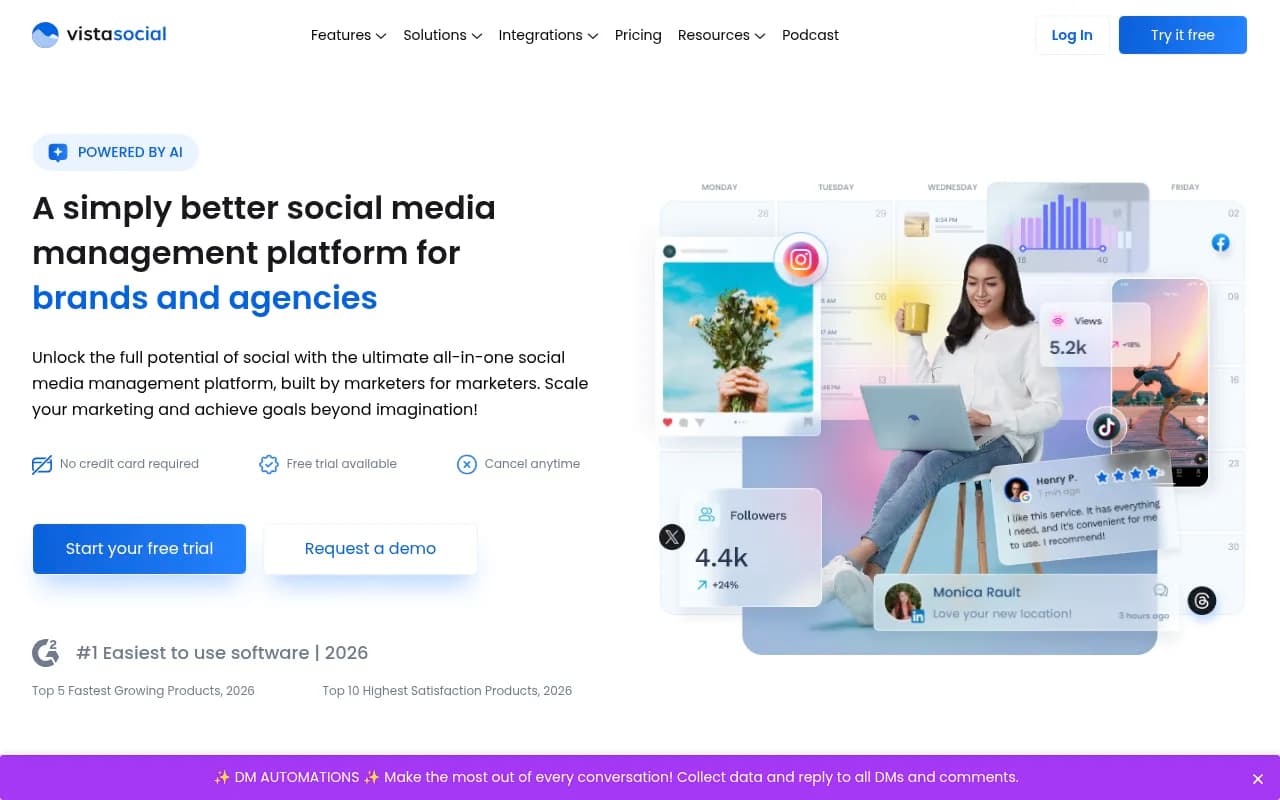
Zapier's 2026 roundup names Vista Social its top small-team pick, and the math explains why. The Professional plan at $79/month includes three users managing up to 15 accounts. Compare that to Hootsuite, where a three-person team pays roughly $3,500+/year before you even touch approval workflows.
You get scheduling, inbox monitoring, task management, DM automations, and an AI assistant, with support for 13 platforms including Threads, Bluesky, Reddit, and Tumblr. The web app feels a bit basic — that's the trade-off. Also note that social listening beyond your own profiles is a paid add-on starting at $75/month on every tier.
3. Metricool — best for analytics on a budget
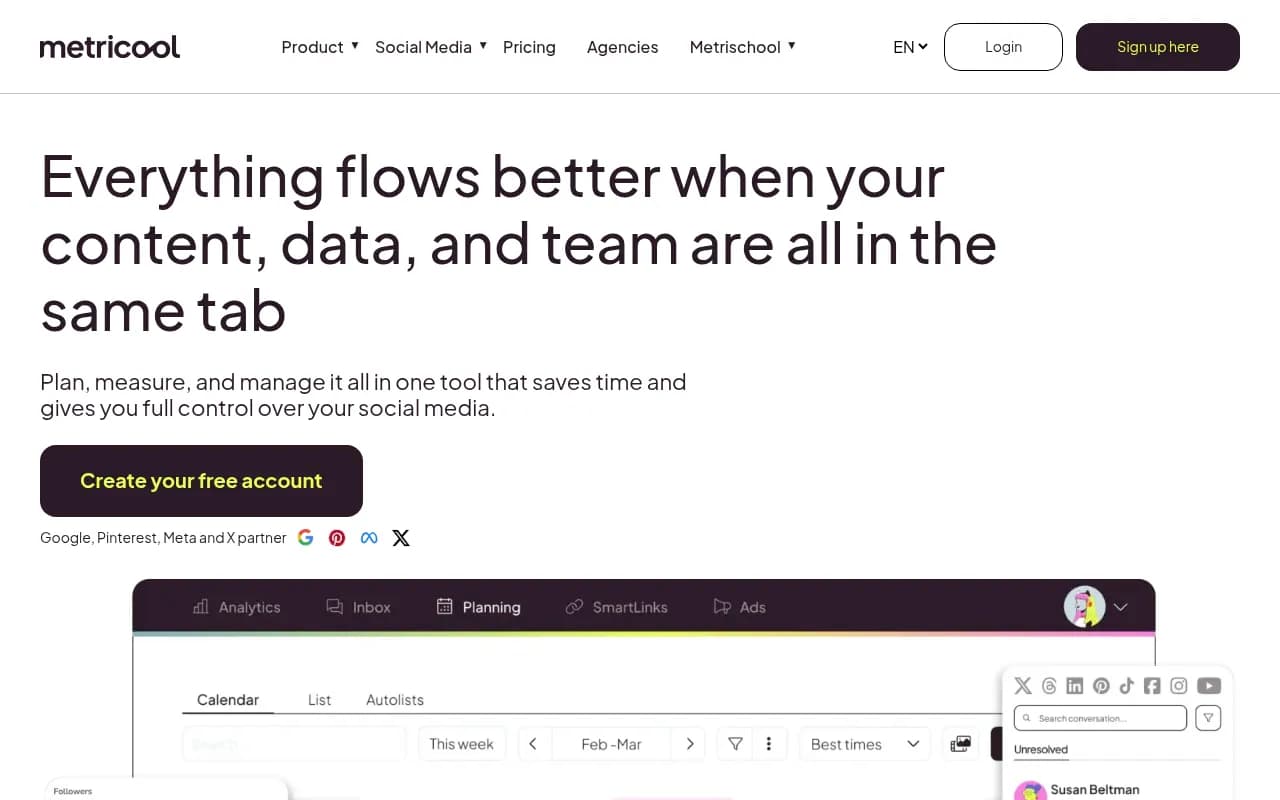
Metricool is the analytics-first option. The free plan covers one brand with 20 posts/month (no LinkedIn or X access), and paid tiers scale by brand count: Starter at ~$20/month for up to 5 brands, Advanced from ~$53/month for 15 brands up to $159/month for 50.
Two things to know before signing up. First, X/Twitter is not included in any plan by default — it's a €5 per-account add-on even on paid tiers. Second, team management, approval workflows, and the Looker Studio connector are locked to Advanced or Custom. For solo analysts and freelancers, the reporting depth per dollar is hard to beat.
4. Later — best for Instagram-first and visual brands

Later built its name on visual Instagram planning, and that's still the core strength. Pricing is structured around "Social Sets" — one profile from each supported platform. Starter ($18.75/month annual) gets you one set (8 profiles, 30 posts/profile/month), Growth ($37.50/month) doubles that with 180 posts/profile, and Scale ($82.50/month) goes to six sets with unlimited posts.
Approval workflows, the social inbox, and calendar notes all require Growth or higher. Competitive benchmarking (up to 20 competitors) and sentiment monitoring are Scale-only. If Instagram and Pinterest drive your strategy, the visual calendar and link-in-bio tools justify the price; if you're multi-platform-first, Buffer or Vista Social cover more ground for less.
5. SocialBee — best for content recycling
SocialBee's category-based scheduling is its differentiator: you organize content into categories (promotional, educational, curated links), set a posting cadence per category, and the tool rotates through your library continuously. Standard plans run from $24.20/month (Bootstrap, annual) to $82.50/month (Pro), with agency plans from $149.20/month.
For bloggers and content-heavy creators with a deep evergreen library, this beats manual re-scheduling. The AI content generator is serviceable but not the reason to buy.
6. Planable — best for approval-driven agencies
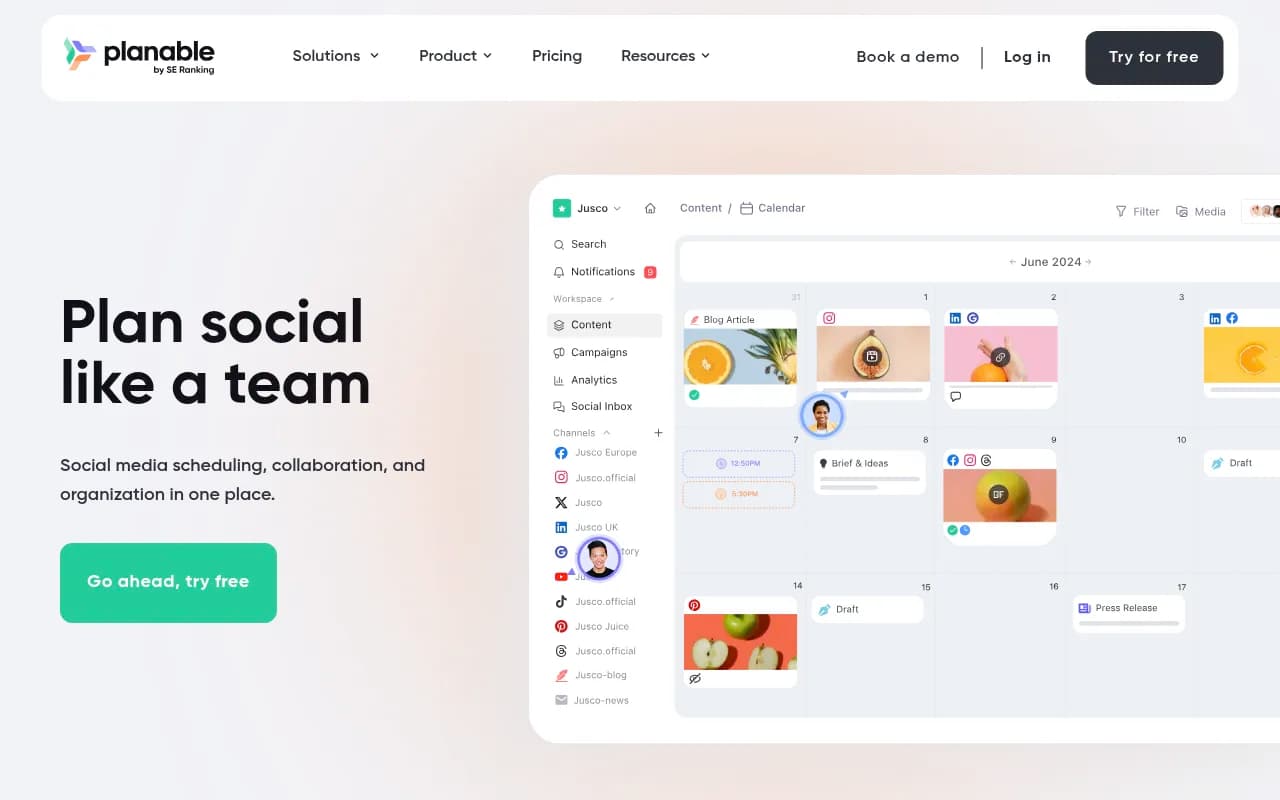
Planable is built around one job: getting posts through review fast. The workspace mimics the actual social feed, clients leave comments inline, and approvals happen with a click. Pricing is per workspace: Basic at $33/workspace/month (annual), Pro at $49. It's not an analytics platform — pair it with Metricool if you need reporting depth.
7. SocialPilot — best for agencies on a budget
SocialPilot lands in nearly every roundup as the affordable agency option, with team plans from $30/month, white-label client dashboards, and approval portals. It's more basic than Vista Social feature-wise, but for agencies managing many client accounts where cost per profile is the deciding factor, it consistently wins the math.
8. Zoho Social — best if you live in the Zoho ecosystem
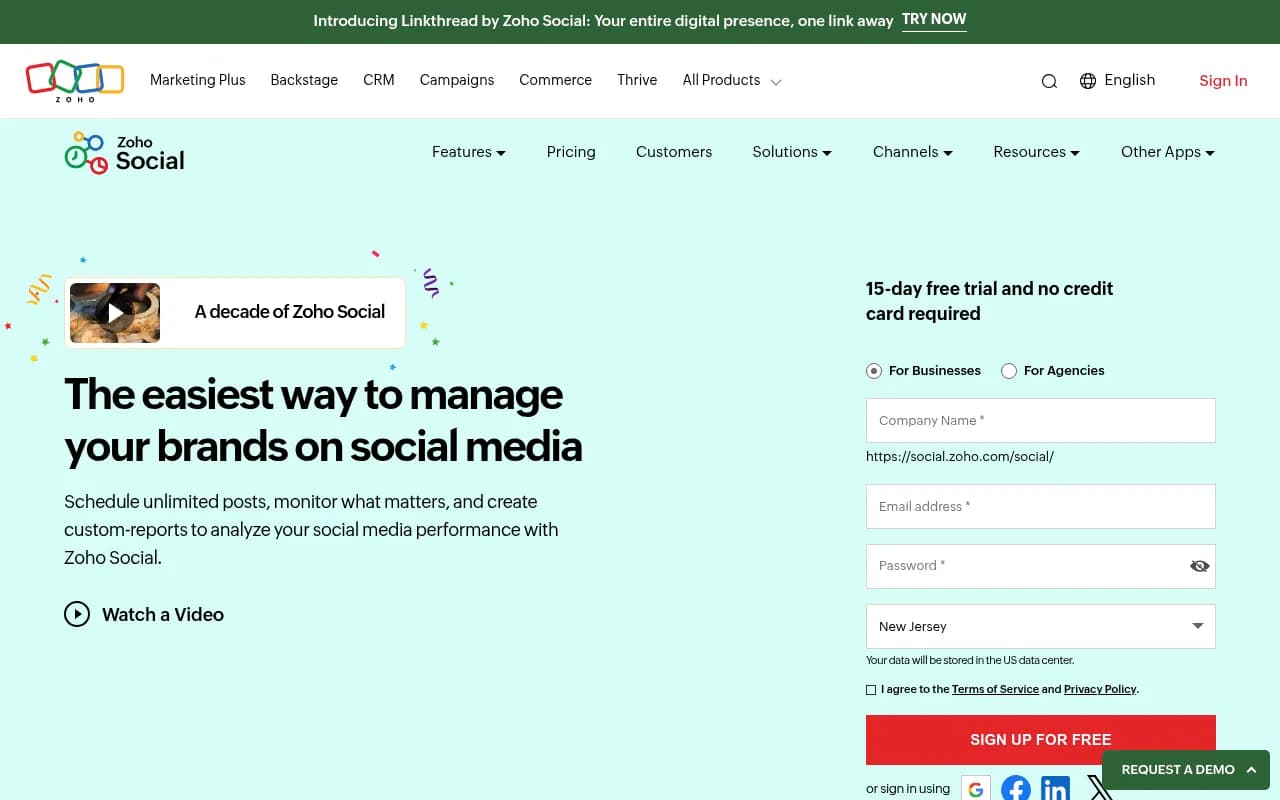
At $15/month with a free single-user plan, Zoho Social is the cheapest credible paid option here. SmartQ send-time suggestions and native Zoho CRM integration make it the obvious pick if your sales and support stack is already Zoho. Outside that ecosystem, the interface and analytics trail the specialists.
9. Hootsuite — best for larger teams that need listening
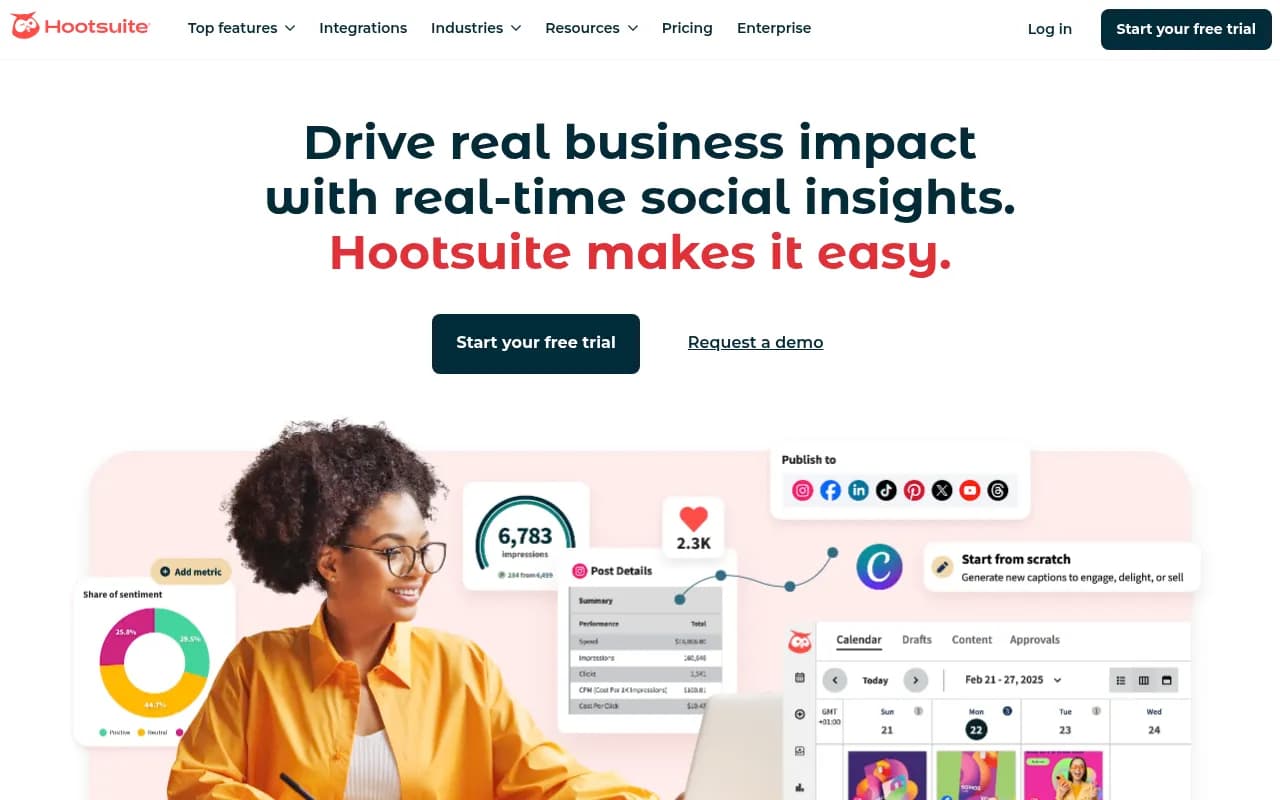
Hootsuite is the enterprise all-in-one: OwlyWriter AI for captions, bulk scheduling of up to 350 posts via CSV, Talkwalker-powered social listening, and approval workflows. It's also where the pricing gets steep. Plans run $99–$399/user/month (annual billing only), and the gating is aggressive: bulk scheduling and custom analytics reports only unlock at Advanced ($399/user), while approval workflows and SSO are Enterprise-only. Listening history is capped at 7 days on Standard.
A three-person team on Advanced pays $399 × 3 monthly. Run that math before you commit.
10. Sprout Social — best for enterprise analytics and governance
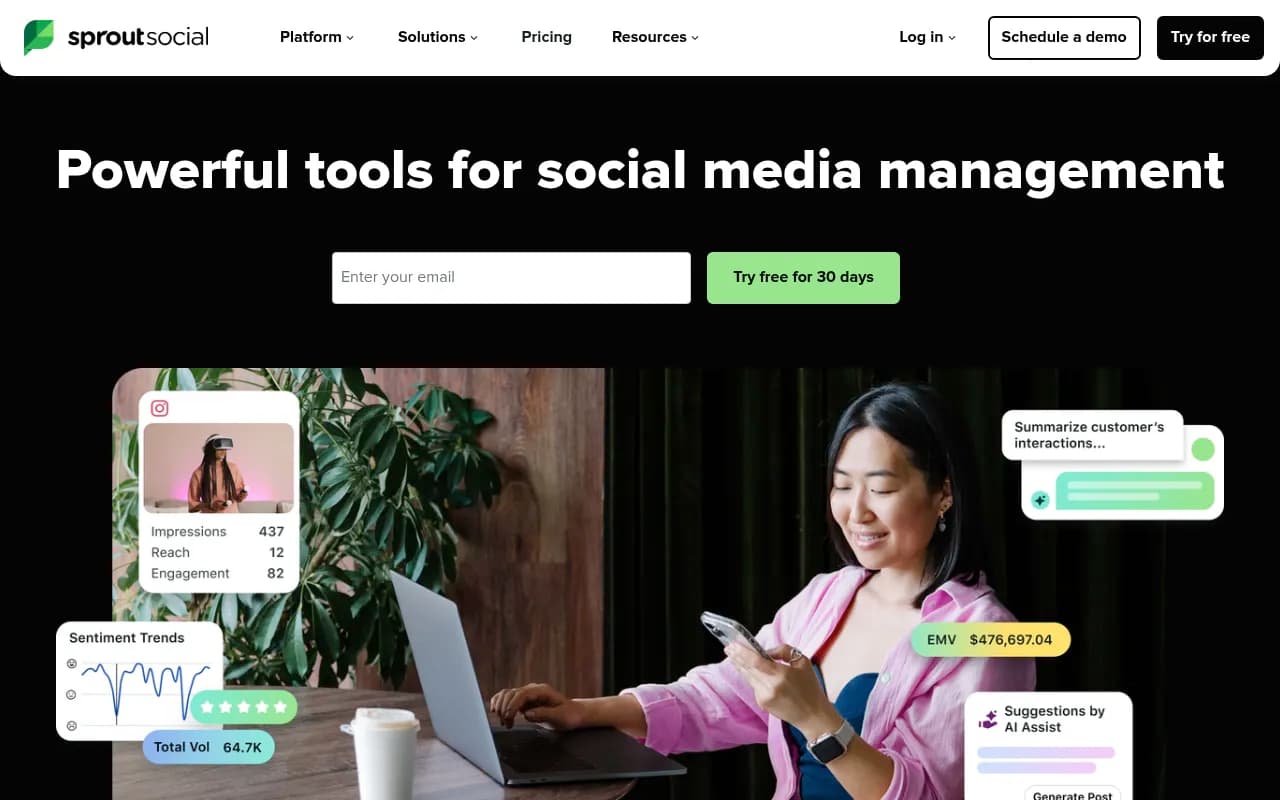
Sprout is the premium pick: ViralPost AI send-time optimization, a Smart Inbox with sentiment analysis, deep cross-network analytics, and a Forrester-commissioned study reporting 268% ROI over three years with teams saving 60% of time on scheduling and 80% on reporting. Pricing starts at $199/seat/month (Standard, capped at 5 profiles), with Professional at $299 and Advanced at $399. Unlimited profiles require Professional or above, and Social Listening plus Premium Analytics remain paid add-ons even at the top tier.
A 10-person team on Professional runs about $35,880/year. That's the real number to budget against.
11. Typefully — best for text-first networks
For X, LinkedIn, Threads, Bluesky, and Mastodon, Typefully strips everything down to writing and scheduling. The free plan includes publishing to all five networks plus API and Zapier access, and the paid Team plan adds permissions and central billing. Zapier's 2026 guide names it the pick for text-based social networks. If your strategy is founder-led text content rather than visual campaigns, this beats every all-in-one on focus.
How to choose by team size
| Team shape | Best picks | Why |
|---|---|---|
| Solo creator | Buffer (free), Typefully, Metricool free | Per-channel or free pricing, no per-seat fees |
| 2–5 person small team | Vista Social, SocialPilot, Buffer Team | Multi-user access without enterprise pricing |
| Agency, multiple clients | Planable, SocialPilot, Sendible | Client approvals, white-label, per-workspace pricing |
| Mid-market / growing brand | Later, Metricool Advanced, SocialBee | Platform-specific depth, scalable brand counts |
| Enterprise | Sprout Social, Hootsuite | Governance, listening, deep analytics, SSO |
What to check before you sign anything
Per-user vs. per-channel pricing
This is the single biggest cost trap. Hootsuite and Sprout charge per user or seat; Buffer charges per channel; Planable charges per workspace; Later charges per Social Set. A tool that looks cheap at $15/month can cost more than a $199 tool once you add your actual team. Model your real headcount and channel count before comparing list prices.
Where the features actually live
Approval workflows: Buffer Team only, Hootsuite Enterprise only, Sprout Professional+, Later Growth+, Metricool Advanced+. Bulk scheduling: absent from Hootsuite Standard. Unified inbox: absent from Buffer entirely. Every vendor's pricing page is designed to make the entry tier look sufficient — it usually isn't for teams.
TikTok's API quirks
TikTok's Content Posting API restricts third-party apps in ways that catch teams off guard. Some tools only send a mobile push reminder at the scheduled time instead of auto-publishing — always confirm a tool supports true direct publish. Licensed music can't be attached through the API, only original or royalty-free audio. And TikTok's own native scheduler caps you at 10 days ahead. One myth worth killing: TikTok does not penalize API-published posts versus manual ones.
Platform coverage
Check for the newer networks, not just the big ones. Threads, Bluesky, and Mastodon support varies widely — Buffer covers all three, Vista Social adds Reddit and Tumblr, while some enterprise tools still lag. If your audience is moving, your scheduler should follow.
Scheduling tips that matter more than the tool
- Batch, then leave gaps. The most common mistakes teams make, per Agorapulse: cross-posting identical content everywhere, scheduling everything individually instead of batching, and filling the calendar so full there's no room for timely posts.
- Strip time references from recycled posts. "Today" and "this weekend" in an evergreen queue is the classic recycling error.
- Match send times to 2026 engagement data. Buffer's State of Social Engagement 2026 report analyzed 52 million posts: Wednesday performs best on five platforms, but it's TikTok's worst day, and TikTok plus YouTube behave as weekend platforms. LinkedIn's best slot has shifted to 4 p.m. Wednesday — morning posts now underperform. Sprout's data points to Tuesdays and Wednesdays, 11 a.m.–6 p.m. as the overall sweet spot.
The bottom line
Start with Buffer if you're solo or small and unsure — the free tier and per-channel pricing mean you'll learn what you actually need before spending real money. Move to Vista Social or SocialPilot when you need multiple users and approvals. Choose Planable when client review is the bottleneck. Pay for Sprout or Hootsuite only when governance, listening, and analytics depth justify the per-seat cost — and budget using real headcount, not the entry price.
If you want to browse beyond these 11, the full tool reviews and comparisons at surferstack.com cover scheduling, listening, and analytics tools side by side.