Zoho Social Review 2026
Budget-friendly social media tool offering scheduling, monitoring, and analytics features integrated with the Zoho business suite.
Key Takeaways:
- Budget-friendly powerhouse: Starting at $15/month with unlimited scheduling, Zoho Social delivers enterprise-grade features at a fraction of competitor pricing—ideal for cost-conscious SMBs and agencies
- True multi-platform coverage: Supports 10+ networks including Instagram, TikTok, Mastodon, Threads, and Bluesky alongside the usual suspects—one of the broadest platform rosters available
- Zoho ecosystem advantage: Native integrations with Zoho CRM and Zoho Desk turn social mentions into sales leads and support tickets automatically—a unique capability if you're already in the Zoho universe
- Agency-ready from day one: White-label dashboards, client portals, and team collaboration tools built specifically for agencies managing multiple client brands
- Limitations to note: Interface feels dated compared to Buffer or Hootsuite, and advanced AI features lag behind newer competitors like Metricool or Sprout Social
Zoho Social is a full-featured social media management platform built by Zoho Corporation, the Indian software giant behind a suite of 50+ business applications. Launched over a decade ago, it's designed for businesses and agencies that need to schedule content, monitor conversations, and analyze performance across multiple social networks—all from a unified dashboard. The tool targets SMBs, marketing teams, and digital agencies looking for robust functionality without the premium pricing of Hootsuite or Sprout Social. If you're already using Zoho CRM, Zoho Desk, or other Zoho apps, Social becomes even more compelling thanks to native integrations that connect social media activity directly to your sales pipeline and customer support workflows.
Zoho Social supports an unusually broad range of platforms: Facebook, Instagram, X (Twitter), LinkedIn, YouTube, Pinterest, Google Business Profile, TikTok, Mastodon, Threads, Bluesky, Telegram, and WhatsApp. This makes it one of the few tools offering first-class support for emerging networks like Mastodon and Bluesky alongside mainstream channels. The platform has earned recognition from Constellation Research (Shortlist 2025), Forbes Advisor (Best for Individual Creators 2024), and Capterra (Shortlist 2025), with user ratings consistently above 4.5/5 across review sites.
Publishing & Scheduling
Zoho Social's scheduling engine is built for teams that publish high volumes of content. You can schedule unlimited posts across all connected profiles—no artificial caps even on lower-tier plans. The SmartQ feature analyzes your audience's historical engagement patterns and suggests optimal posting times for each network. You can accept these recommendations or create Custom Queues with unique time slots for each day of the week (e.g., LinkedIn posts at 9am weekdays, Instagram at 7pm daily). This prevents scheduling conflicts and ensures consistent cadence without manual intervention.
The Publishing Calendar provides a visual overview of your content pipeline across all brands and networks. You can drag-and-drop posts to reschedule, color-code by campaign or content type, and filter by network or brand. The calendar supports bulk actions—select multiple posts and reschedule, duplicate, or delete in one click. For agencies, this view can display all client brands simultaneously or filter to a single client.
Direct Instagram scheduling works for feed posts, carousels, Reels, and Stories—no push notifications required. You can schedule first comments, tag locations and users, and preview exactly how posts will appear before they go live. The platform also supports Instagram Reels scheduling and TikTok video scheduling, both relatively rare capabilities. For YouTube, you can schedule video uploads with custom thumbnails, descriptions, and tags.
Content creation happens in-app via a native integration with Canva. Click to open Canva's editor directly within Zoho Social, design graphics using Canva's templates, and publish without leaving the platform. There's also a built-in image editor for quick crops, filters, and text overlays if you don't need Canva's full power. The media library stores all your uploaded images, videos, and GIFs with tagging and search to quickly find assets.
Team collaboration features include post approval workflows (drafts require manager approval before publishing), internal notes on posts, and role-based permissions (admin, publisher, viewer). Agencies can set up client portals where clients log in to review scheduled content, approve posts, and view reports—without accessing the full dashboard or other clients' data.
Monitoring & Engagement
The Social Monitor is Zoho Social's listening and engagement hub. You create custom listening columns to track specific keywords, hashtags, brand mentions, competitor activity, or user profiles. Each column updates in real-time, displaying new posts, comments, and messages as they arrive. You can reply, like, retweet, or share directly from the monitor without switching to native apps.
For agencies, the monitor can display all client brands in a single view or filter to one client. You can assign incoming messages to specific team members, add internal notes, and mark conversations as resolved. This turns the monitor into a lightweight social inbox for customer service.
Sentiment analysis isn't built-in, which is a notable gap compared to Sprout Social or Brandwatch. You can track volume and engagement, but determining whether mentions are positive or negative requires manual review. There's also no social listening beyond owned accounts—you can't monitor untagged brand mentions across the broader social web unless someone tags you or uses a tracked hashtag.
Analytics & Reporting
Zoho Social offers pre-built reports for each network covering reach, impressions, engagement rate, follower growth, top posts, and audience demographics. Reports are visual (charts and graphs) and can be exported as PDF or CSV. The Brand Health Dashboard provides a high-level snapshot across all networks: total engagement, traffic sources, click distribution, and engagement rate trends.
The real power is in custom reports. You can build reports from scratch by selecting specific metrics (post reach, video views, link clicks, etc.), choosing date ranges, and filtering by brand, network, or campaign. Reports can compare performance across multiple brands or time periods side-by-side. Once created, reports can be scheduled to auto-generate and email to stakeholders weekly or monthly.
Competitor analysis lets you add competitor profiles and track their follower growth, posting frequency, and engagement rates. You can't see their actual post content or detailed analytics (those are private), but you can benchmark your performance against theirs.
For agencies, white-label reports remove Zoho branding and add your agency logo and colors. You can create report templates for each client and auto-generate monthly performance summaries with one click.
One limitation: Zoho Social doesn't offer predictive analytics or AI-powered content recommendations like Sprout Social or Metricool. You get historical data and trends, but no machine learning insights on what to post next.
Integrations & Ecosystem
Zoho Social's killer feature for existing Zoho customers is native CRM integration. When someone mentions your brand on social media, you can convert that mention into a Zoho CRM lead with one click—automatically pulling in their profile data, message content, and social handle. Sales reps see the full social conversation history when they open the lead record. You can also view CRM contact details directly in the Social monitor, so you know if an angry tweeter is a $50k/year customer or a one-time buyer.
The Zoho Desk integration works similarly: convert social mentions into support tickets, assign to agents, and track resolution—all without leaving Social. Agents can reply to tickets via social media, and the conversation thread syncs back to Desk. This is a genuine differentiator if you're using Zoho's ecosystem; competitors like Buffer or Later don't offer anything comparable.
Beyond Zoho apps, Social integrates with Canva (as mentioned), Google Analytics (track social traffic and conversions), and Zapier (connect to 5,000+ apps). There's a REST API for custom integrations, though documentation is sparse compared to Hootsuite's developer resources.
Zoho Social also offers browser extensions for Chrome and Firefox that let you share web pages to social media with pre-filled captions. The mobile apps (iOS and Android) support full scheduling, monitoring, and reporting on the go—genuinely useful for agencies and solo marketers who need to respond to mentions outside office hours.
Who Is It For
Zoho Social is best suited for small to mid-sized businesses (10-200 employees) managing 3-10 social profiles, particularly those already using Zoho CRM or Zoho Desk. If you're a SaaS company, ecommerce brand, or local service business that wants to turn social mentions into sales leads or support tickets, the CRM/Desk integrations alone justify the switch.
Digital agencies managing 5-50 client brands will appreciate the white-label reporting, client portals, and team collaboration features. The Agency plan supports up to 10 brands and 7 team members for $320/month—significantly cheaper than Hootsuite's agency tier ($739/month for similar features). Agencies not using Zoho's ecosystem can still benefit from the pricing and multi-client workflows, though you'll miss the CRM integration advantage.
Solo marketers and freelancers managing 1-3 brands can start with the Standard plan ($15/month for 1 brand, 10 scheduled posts per network) or Professional ($40/month for 1 brand, unlimited posts). This is ideal for consultants, personal brands, or small businesses with limited budgets.
Enterprise marketing teams (500+ employees, 20+ brands) will likely outgrow Zoho Social's capabilities. The platform lacks advanced features like AI-powered content generation, influencer tracking, or multi-level approval workflows that enterprises typically need. Sprout Social or Hootsuite are better fits at that scale.
Who should NOT use Zoho Social: Teams that need cutting-edge AI features (content generation, sentiment analysis, predictive analytics) will find it lacking. The interface also feels dated compared to newer tools like Metricool or Publer. If you're not in the Zoho ecosystem and don't need the CRM/Desk integrations, you might prefer Buffer's cleaner UX or Later's visual planning tools.
Pricing & Value
Zoho Social offers separate pricing tracks for businesses and agencies:
Business Plans (per brand):
- Standard: $15/month (1 brand, 1 team member, 10 scheduled posts per channel, basic reports)
- Professional: $40/month (1 brand, unlimited team members, unlimited scheduling, custom reports, Zoho CRM integration)
- Premium: $65/month (1 brand, unlimited team members, unlimited scheduling, advanced reports, competitor analysis, Zoho Desk integration)
Agency Plans (multi-brand):
- Agency: $320/month (10 brands, 7 team members, white-label reports, client portals)
- Agency Plus: $480/month (20 brands, unlimited team members, priority support)
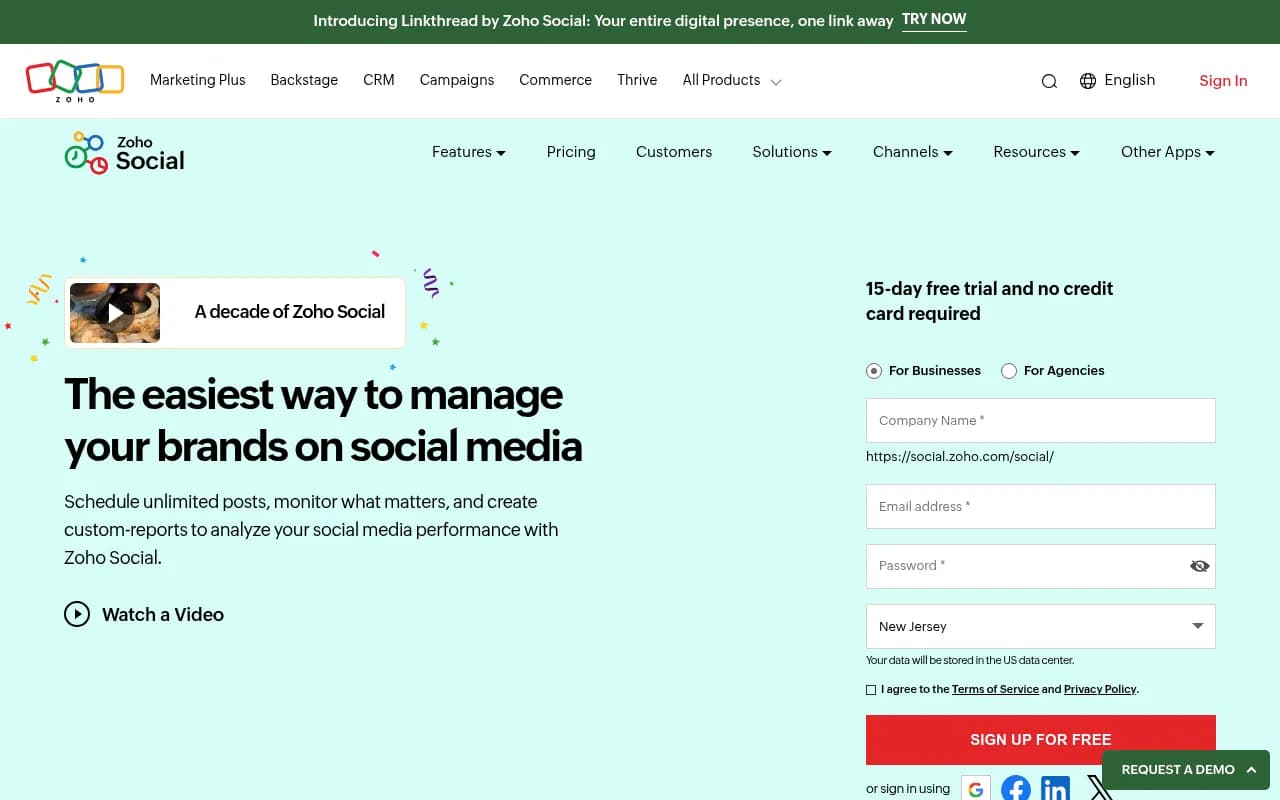
All plans include a 15-day free trial with no credit card required. Annual billing saves 20%. There's no free tier, but the Standard plan at $15/month is among the cheapest in the category.
Value comparison: Buffer's Team plan costs $120/month for 1 brand and 6 team members. Hootsuite's Professional plan is $99/month for 1 user and 10 social accounts. Sprout Social starts at $249/month per user. Zoho Social undercuts all of them significantly while offering comparable core features. The main trade-off is a less modern interface and fewer AI-powered bells and whistles.
For agencies, the pricing advantage is even starker. Managing 10 client brands costs $320/month on Zoho Social vs. $739/month on Hootsuite's Business plan. If you're running a lean agency, that $5,000+/year savings is substantial.
Strengths
- Unbeatable pricing: Delivers enterprise features at SMB prices—$15/month for a single brand with unlimited scheduling beats nearly every competitor
- Zoho ecosystem synergy: CRM and Desk integrations turn social media into a revenue and support channel, not just a marketing silo—unique in this category
- Broad platform support: One of the few tools supporting Mastodon, Bluesky, Threads, TikTok, and Telegram alongside mainstream networks
- Agency-friendly: White-label reports, client portals, and multi-brand management at a fraction of Hootsuite's cost
- No post limits: Unlimited scheduling even on mid-tier plans—most competitors cap you at 10-50 posts per month
Limitations
- Dated interface: The UI feels like it's from 2015—functional but clunky compared to Buffer's clean design or Later's visual planning
- No AI content generation: Competitors like Metricool and Publer now offer AI writing assistants; Zoho Social has none
- Limited social listening: You can only monitor owned accounts and tracked keywords—no untagged brand mentions or broader social listening like Brandwatch
- Weak sentiment analysis: No automated sentiment scoring; you have to manually read mentions to gauge tone
- Sparse API documentation: Developers will find the API less robust and documented than Hootsuite or Buffer
Bottom Line
Zoho Social is the best-value social media management platform for SMBs and agencies that prioritize affordability and Zoho ecosystem integration over cutting-edge AI features. If you're already using Zoho CRM or Zoho Desk, the native integrations make Social a no-brainer—turning social mentions into actionable leads and support tickets is genuinely powerful. For agencies managing multiple clients on a budget, the white-label reporting and client portals at $320/month for 10 brands is hard to beat. The trade-off is a dated interface and lack of advanced AI tools, but for teams focused on scheduling, monitoring, and reporting fundamentals, Zoho Social delivers exceptional value. Best use case: A 20-person marketing agency managing 8 client brands, already using Zoho CRM, needs affordable multi-client social management with lead generation capabilities.
Tags:
Similar and alternative tools to Zoho Social