Key Takeaways
- Multi-client management is essential: Agency-focused platforms must support multiple client accounts, team collaboration, and white-label reporting without forcing you to juggle logins or duplicate workflows
- Pricing varies dramatically: Budget-friendly options like SocialBee and Vista Social start under $100/month, while enterprise platforms like Sprout Social and Sprinklr run $249-$500+ per month with custom pricing for large agencies
- Client reporting makes or breaks retention: The best tools offer automated, white-label reports with customizable branding, cross-platform analytics, and campaign performance tracking that clients can actually understand
- Bulk scheduling saves hours: Look for visual content calendars, bulk upload capabilities, and AI-assisted content creation to manage dozens of posts across multiple clients without burning out your team
- Approval workflows prevent disasters: Multi-level approval systems, comment threads, and version history are non-negotiable when managing client content at scale
Why Agencies Need Specialized Social Media Management Tools
Managing social media for multiple clients means juggling briefs, drafts, approvals, feedback, and reporting all at once. A single missed post or unapproved caption can damage client relationships and your agency's reputation.
Generic social media tools designed for individual users or small teams fall apart when you're managing 10, 20, or 50 client accounts. You need platforms built specifically for agency workflows: multi-client dashboards, team collaboration features, granular permissions, and white-label reporting that makes you look professional.
With over 5.3 billion social media users worldwide as of April 2025 -- representing 64% of the global population -- social media has become one of the most critical channels for client communications and marketing. Agencies that can efficiently manage this complexity win more clients and retain them longer.
What to Look for in Agency Social Media Management Tools
Before diving into specific platforms, understand what separates agency-grade tools from basic schedulers:
Multi-Client Account Management
You need a single dashboard that lets you switch between client accounts without logging in and out. Look for workspace organization, client grouping, and the ability to assign team members to specific accounts with role-based permissions.
Collaboration and Approval Workflows
Agencies require multi-level approval systems where content moves from creator to account manager to client before publishing. Comment threads, version history, and @mentions keep everyone aligned without endless email chains.
Bulk Scheduling and Content Calendars
Visual content calendars that show all clients' posts at once help you spot conflicts and gaps. Bulk upload capabilities let you schedule weeks of content in minutes instead of hours. AI-assisted writing tools can speed up content creation while maintaining brand voice.
White-Label Client Reporting
Automated reports with your agency's branding, customizable metrics, and cross-platform analytics prove ROI to clients. The best platforms let you schedule recurring reports that land in client inboxes automatically.
Platform Coverage
At minimum, support for Facebook, Instagram, LinkedIn, Twitter/X, and TikTok. Bonus points for YouTube, Pinterest, Google Business Profile, and Threads. Some clients will demand niche platforms -- make sure your tool can handle them.
Pricing Structure
Agency pricing typically scales by number of client accounts, team members, or social profiles. Understand whether you're paying per seat, per client, or per profile -- and whether there are limits on posts, reports, or team members.
Top Social Media Management Tools for Agencies in 2026
Sprout Social
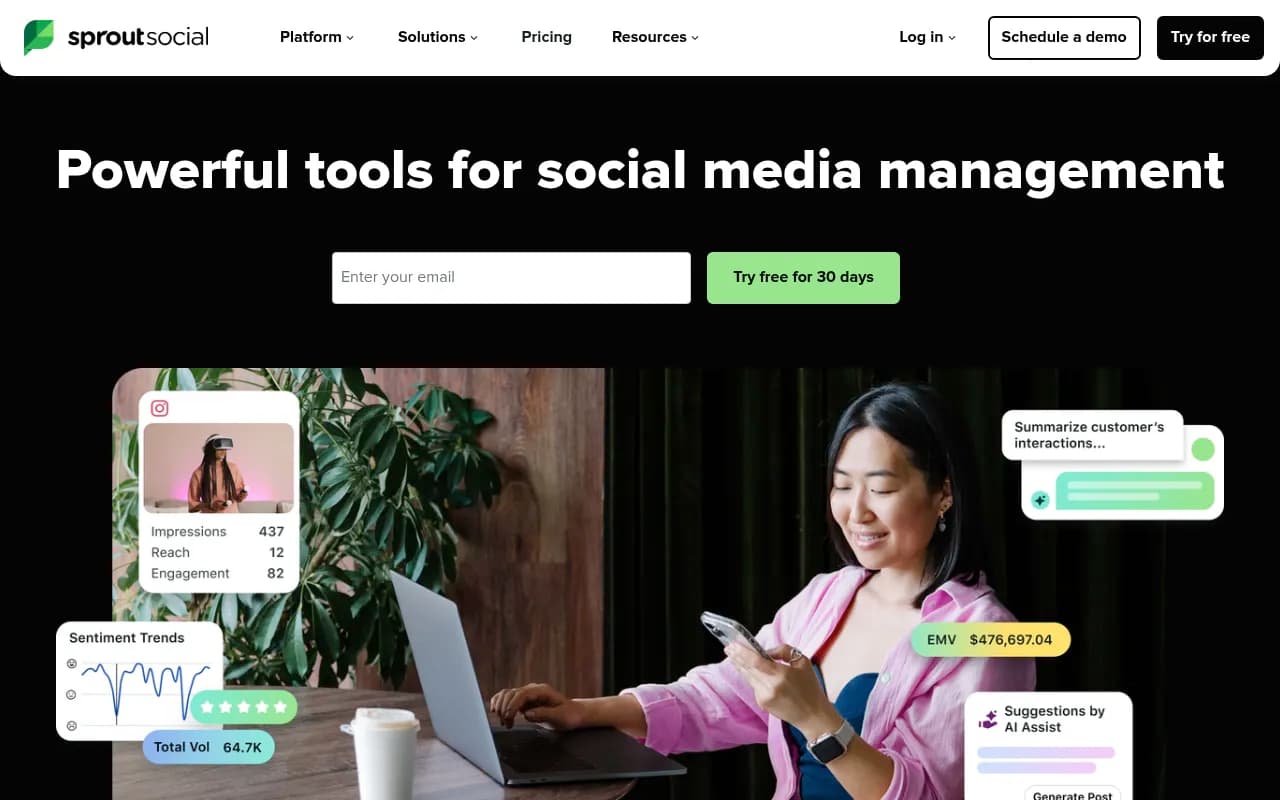
Sprout Social positions itself as the all-in-one platform for agencies managing multiple clients. The platform combines publishing, engagement, analytics, and social listening in a unified interface designed for team collaboration.
Key Features for Agencies:
- Unified Smart Inbox consolidates messages across all platforms and clients
- Spike Alerts notify you of unusual activity or potential crises
- Customizable approval workflows with multi-level review
- White-label reporting with automated delivery
- Team performance analytics to track productivity
- Integration with CRM platforms for lead tracking
Pricing:
- Professional: $249/month (5 social profiles, 1 user)
- Advanced: $399/month (10 profiles, unlimited users)
- Enterprise: Custom pricing for agencies with 50+ profiles
Sprout Social excels at agencies that need robust analytics and social listening capabilities. The platform's listening tools help you monitor brand mentions, competitor activity, and industry trends across the social web -- valuable for client strategy sessions.
The downside: Sprout Social is one of the more expensive options. Smaller agencies or those just starting out may find the entry price steep, especially when managing only a handful of clients.
Planable
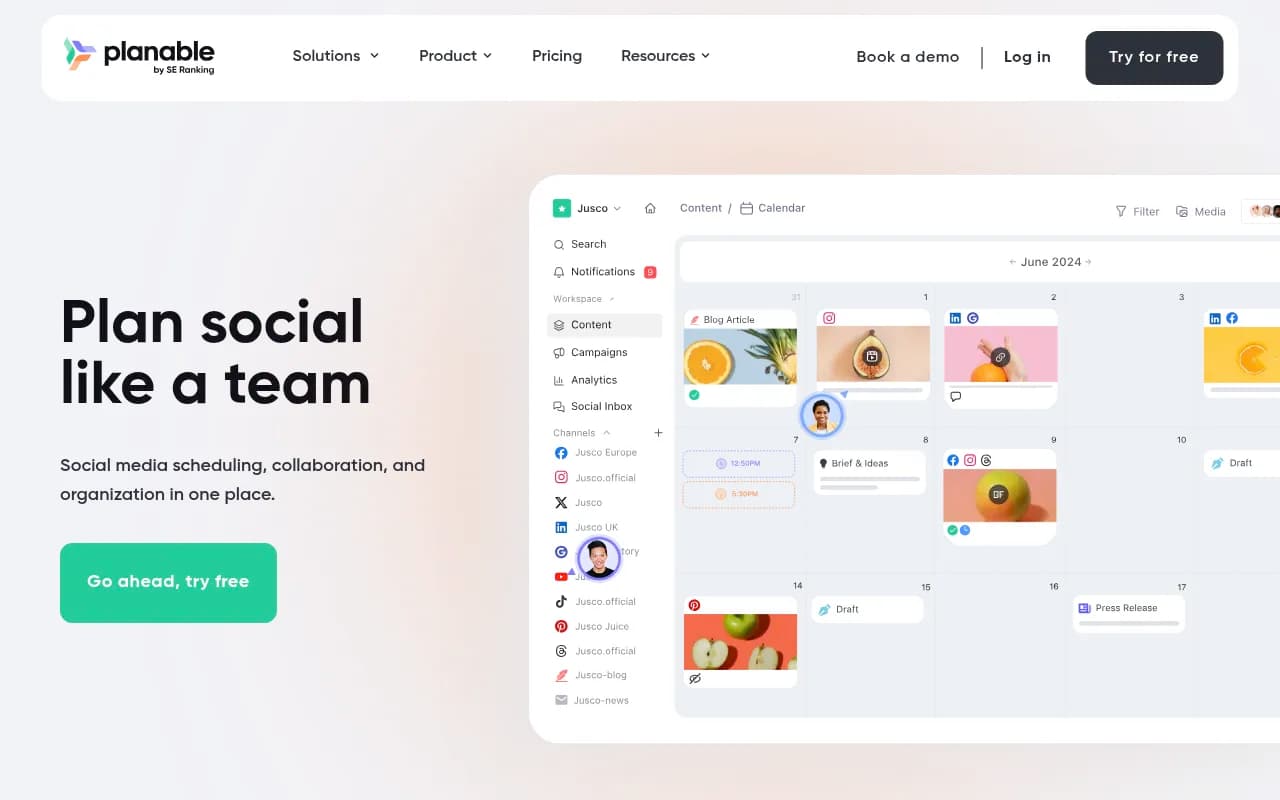
Planable built its reputation on making content collaboration effortless. The platform focuses on the approval workflow problem that plagues agencies: getting content reviewed, approved, and published without endless back-and-forth.
Key Features for Agencies:
- Real-time collaboration with inline comments and @mentions
- Multiple approval workflows (optional, required, multi-level)
- Universal content support (not just social -- also blogs, newsletters, any content type)
- Visual content calendar with drag-and-drop scheduling
- Client portals for easy review and approval
- Version history and change tracking
Pricing:
- Free: 50 posts/month, 1 workspace
- Basic: $11/user/month (unlimited posts, 3 workspaces)
- Pro: $22/user/month (unlimited workspaces, advanced features)
- Enterprise: Custom pricing for large agencies
Planable shines for agencies that struggle with approval bottlenecks. The platform's collaboration features are among the best in the industry, making it easy for clients to review content in context and provide feedback without confusion.
The trade-off: Planable's analytics are lighter than competitors like Sprout Social. If deep performance analysis is critical to your client reporting, you may need to supplement with another tool.
Hootsuite
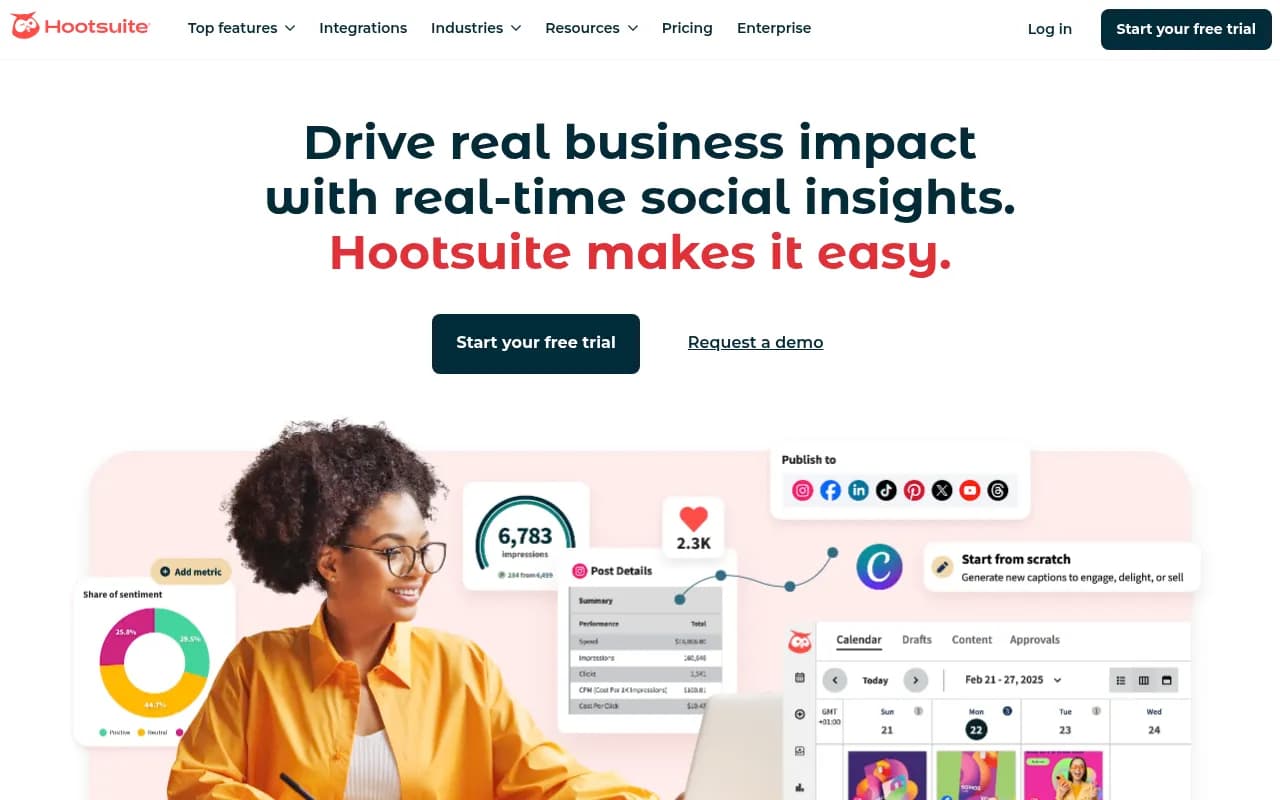
Hootsuite is one of the oldest and most established social media management platforms. It offers a comprehensive feature set covering scheduling, monitoring, analytics, and team collaboration.
Key Features for Agencies:
- Streams for monitoring multiple feeds simultaneously
- Bulk scheduling with CSV upload
- Customizable approval workflows
- White-label reports with automated delivery
- Integration library with 150+ apps
- Social listening and sentiment analysis
Pricing:
- Professional: $99/month (10 social accounts, 1 user)
- Team: $249/month (20 accounts, 3 users)
- Enterprise: Custom pricing for large agencies
Hootsuite's strength is its maturity and integration ecosystem. If your agency uses specific tools for design, CRM, or project management, Hootsuite likely integrates with them. The platform's streams feature is particularly useful for monitoring client mentions and competitor activity in real-time.
The weakness: Hootsuite's interface feels dated compared to newer competitors. Some users find the learning curve steep, and the platform can feel overwhelming for smaller teams.
Later

Later started as an Instagram-first scheduling tool and has expanded to support multiple platforms while maintaining its visual-first approach. It's particularly strong for agencies managing visually-driven brands.
Key Features for Agencies:
- Visual content calendar with drag-and-drop scheduling
- Media library for organizing client assets
- Linkin.bio tool for Instagram traffic
- Hashtag suggestions and saved sets
- Best time to post recommendations
- Analytics for Instagram, Facebook, Twitter, Pinterest, TikTok
Pricing:
- Starter: $25/month (1 social set, 1 user)
- Growth: $45/month (3 social sets, 3 users)
- Advanced: $80/month (6 social sets, 6 users)
- Agency: Custom pricing for 10+ social sets
Later works best for agencies focused on visual platforms like Instagram and Pinterest. The visual content calendar makes it easy to see how your grid will look before publishing, and the media library keeps client assets organized.
The limitation: Later's analytics and reporting are basic compared to enterprise platforms. If clients demand detailed performance breakdowns, you'll need supplementary tools.
SocialBee
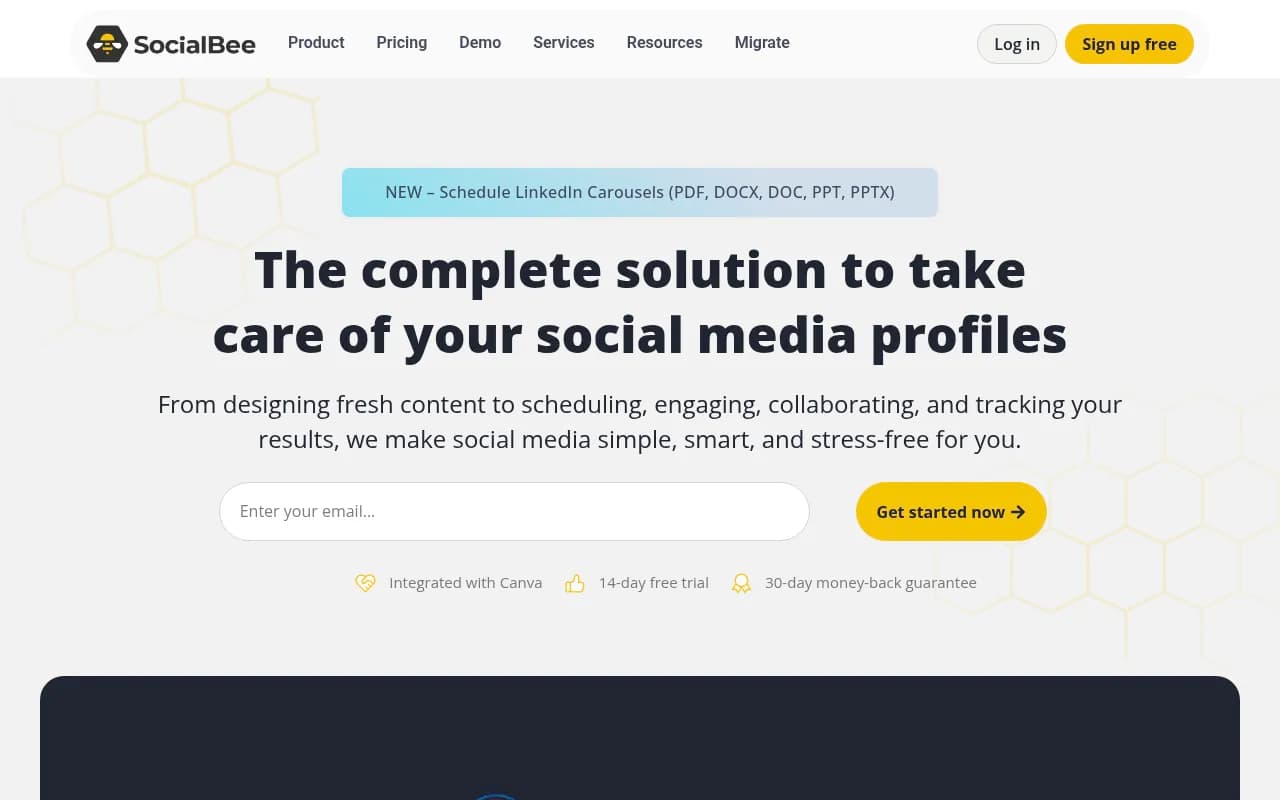
SocialBee focuses on content categorization and recycling, making it ideal for agencies managing evergreen content strategies across multiple clients.
Key Features for Agencies:
- Content categories for organizing posts by type
- Evergreen content recycling
- AI writing assistant for caption generation
- Bulk scheduling with CSV import
- Workspace management for multiple clients
- Canva integration for design
Pricing:
- Bootstrap: $29/month (5 social profiles, 1 workspace)
- Accelerate: $49/month (10 profiles, 5 workspaces)
- Pro: $99/month (25 profiles, 10 workspaces)
SocialBee's content categorization system helps agencies maintain consistent posting schedules without manually scheduling every post. Set up categories like "Tips," "Case Studies," and "Promotions," then let SocialBee rotate through them automatically.
The downside: SocialBee's reporting features are limited. You get basic analytics, but nothing approaching the depth of Sprout Social or Hootsuite.
Vista Social
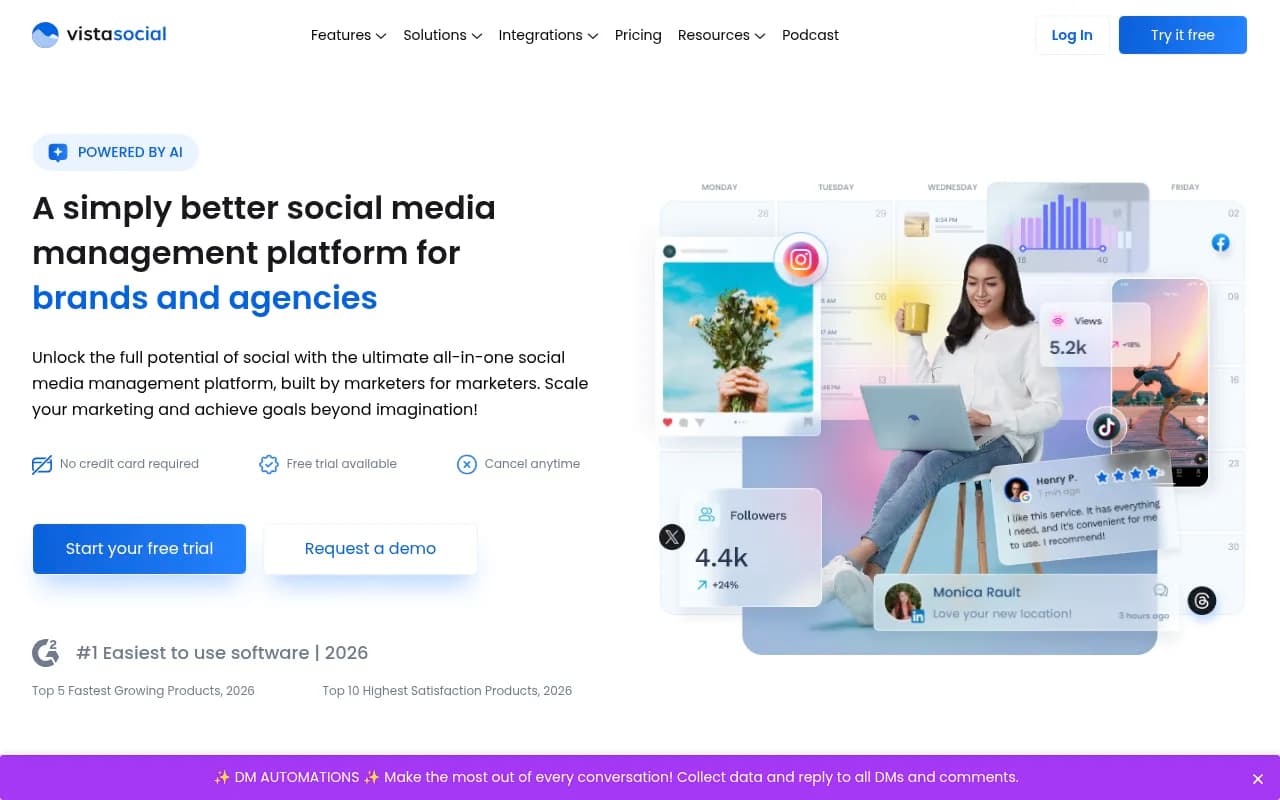
Vista Social positions itself as a budget-friendly alternative to enterprise platforms, offering robust features at a fraction of the cost.
Key Features for Agencies:
- Unlimited scheduling across all plans
- Social listening and monitoring
- Review management for Google and Facebook
- Team collaboration with approval workflows
- White-label reports
- Chatbot for automated responses
Pricing:
- Pro: $39/month (15 profiles, 3 users)
- Agency: $79/month (50 profiles, 5 users)
- Enterprise: Custom pricing for large agencies
Vista Social delivers impressive value for smaller agencies. The unlimited scheduling, social listening, and review management features typically cost much more on competing platforms.
The catch: Vista Social is newer and less proven than established players. Some users report occasional bugs and slower customer support response times.
Buffer
Buffer built its reputation on simplicity and ease of use. It's a straightforward scheduling tool without the complexity of enterprise platforms.
Key Features for Agencies:
- Clean, intuitive interface
- Queue-based scheduling
- Analytics for all major platforms
- Team collaboration features
- Browser extension for easy sharing
- Landing page builder
Pricing:
- Free: 3 channels, 10 scheduled posts
- Essentials: $6/month per channel
- Team: $12/month per channel
- Agency: $120/month (10 channels, 6 team members, unlimited clients)
Buffer works well for agencies that value simplicity over advanced features. The learning curve is minimal, making it easy to onboard new team members quickly.
The limitation: Buffer lacks advanced features like social listening, approval workflows, and deep analytics. It's a scheduling tool first, not a comprehensive management platform.
Zoho Social
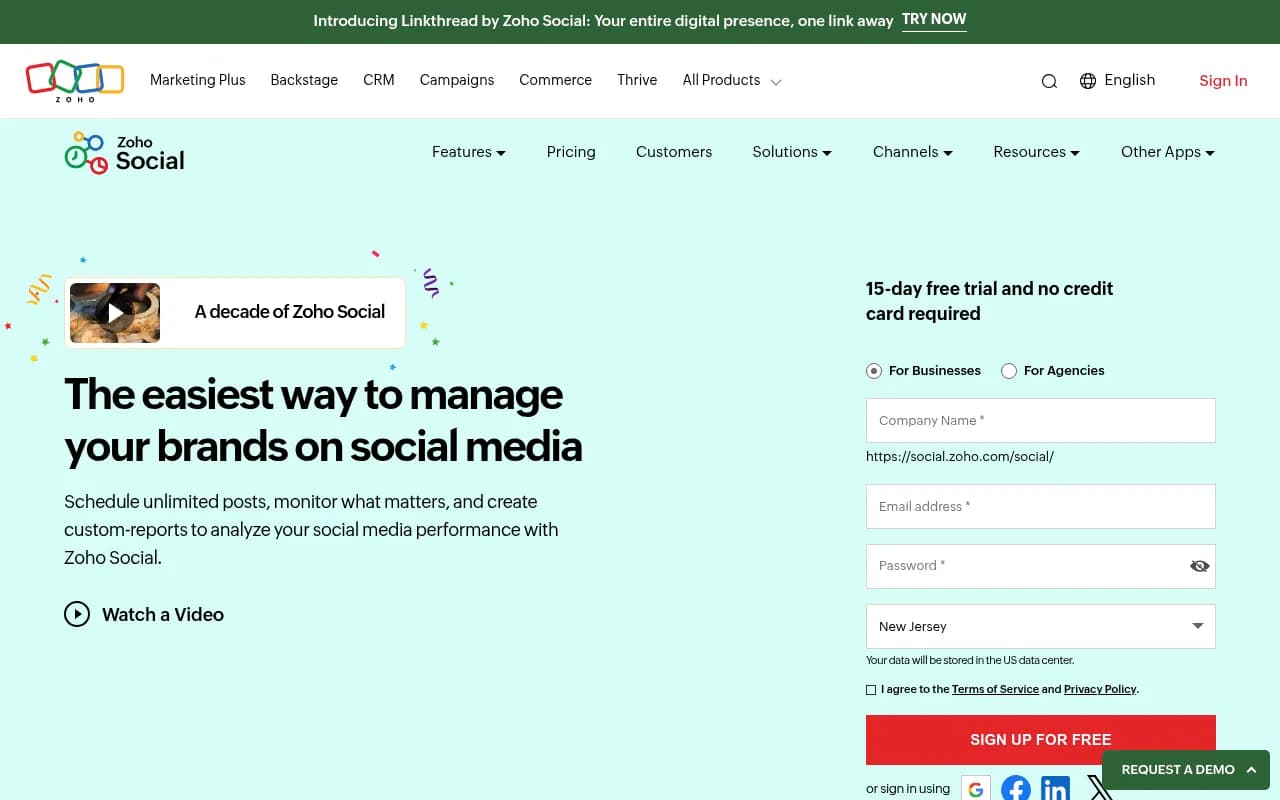
Zoho Social integrates tightly with the broader Zoho ecosystem, making it attractive for agencies already using Zoho CRM, Projects, or other Zoho tools.
Key Features for Agencies:
- SmartQ for optimal posting times
- Social listening and monitoring
- Team collaboration with approval workflows
- Custom reports and dashboards
- Integration with Zoho CRM for lead tracking
- Bulk scheduling
Pricing:
- Standard: $15/month (1 brand, 7 channels)
- Professional: $40/month (1 brand, 10 channels, 2 team members)
- Premium: $65/month (1 brand, 10 channels, unlimited team members)
- Agency: Custom pricing for multiple brands
Zoho Social's integration with Zoho CRM creates a powerful workflow for agencies tracking social media leads through to conversion. The SmartQ feature analyzes when your audience is most active and suggests optimal posting times.
The weakness: Zoho Social's interface feels less polished than competitors, and the reporting features are basic unless you upgrade to higher tiers.
Statusbrew
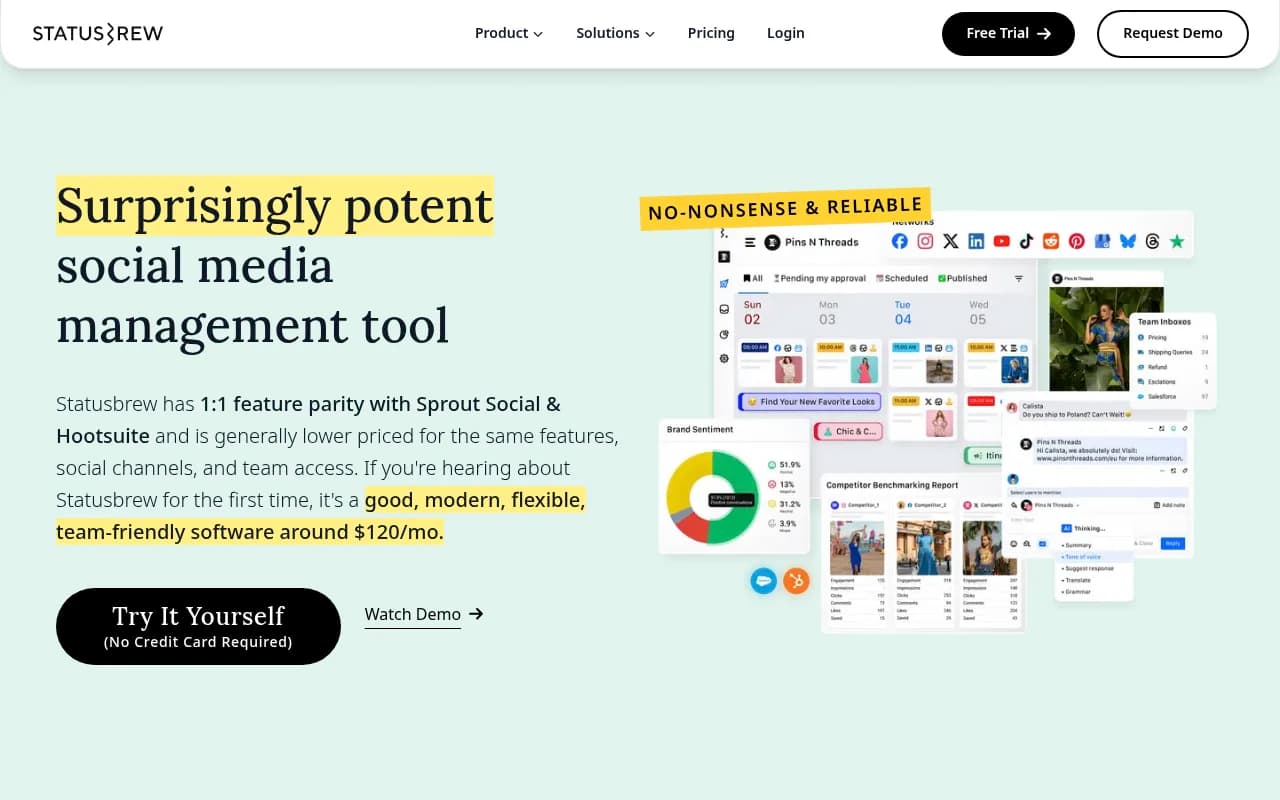
Statusbrew targets growing agencies with a focus on engagement, collaboration, and analytics.
Key Features for Agencies:
- Unified social inbox for all platforms
- Approval workflows with custom rules
- Audience segmentation and targeting
- Competitor analysis
- Custom reports with white-labeling
- Team performance tracking
Pricing:
- Starter: $69/month (10 profiles, 2 users)
- Growth: $149/month (25 profiles, 5 users)
- Pro: $299/month (50 profiles, 10 users)
Statusbrew's engagement features are particularly strong. The unified inbox makes it easy to respond to comments and messages across all platforms without switching tabs. Audience segmentation helps you target specific groups with tailored content.
The downside: Statusbrew's pricing jumps quickly as you add profiles and users. Larger agencies may find the cost comparable to enterprise platforms without the same level of features.
Metricool
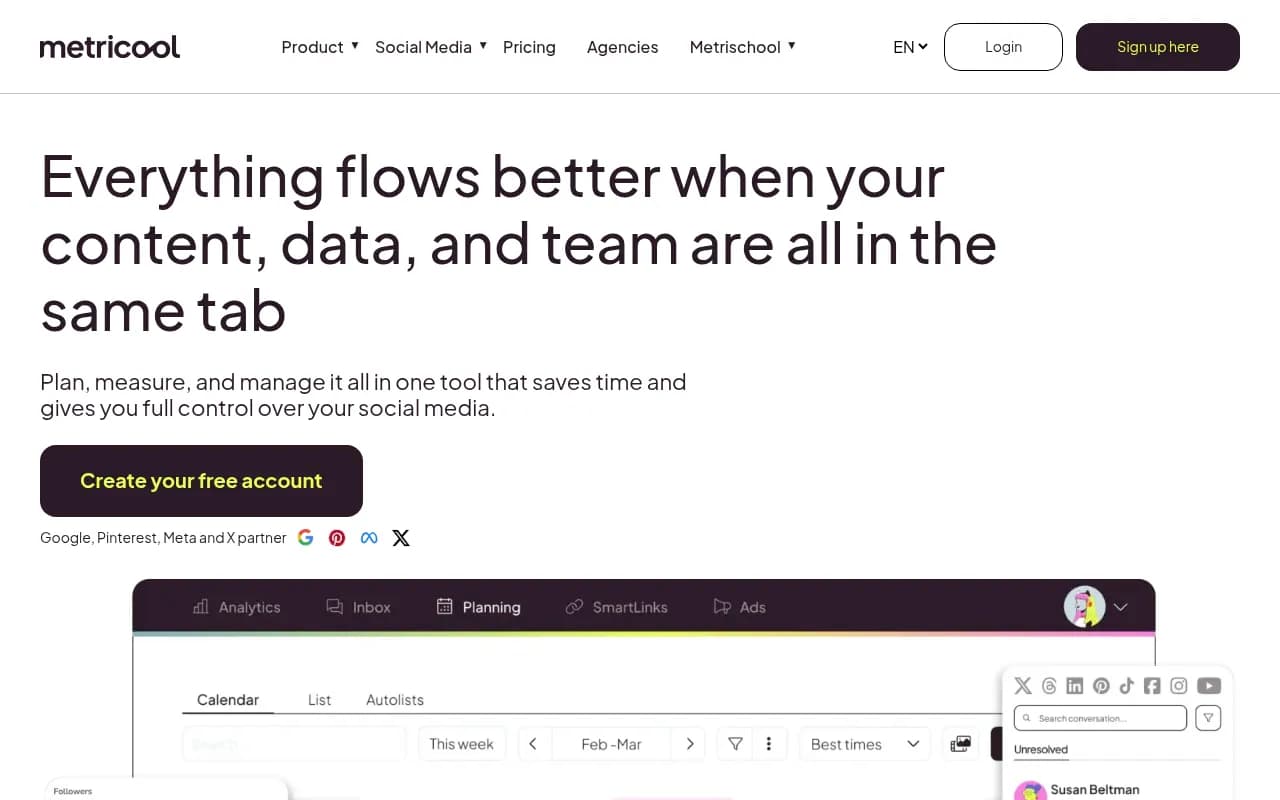
Metricool combines social media management with web analytics, offering a broader view of your clients' digital presence.
Key Features for Agencies:
- Social media scheduling and publishing
- Web analytics integration
- Competitor analysis
- Ad management for Facebook and Instagram
- Automated reports
- Team collaboration
Pricing:
- Free: 1 brand, limited features
- Advanced: $22/month (5 brands, 20 profiles)
- Premium: $63/month (10 brands, 50 profiles)
- Enterprise: $136/month (20 brands, 100 profiles)
Metricool's combination of social media and web analytics provides a more complete picture of client performance. The ad management features let you create, schedule, and track paid campaigns alongside organic content.
The limitation: Metricool's interface can feel cluttered with so many features packed in. The learning curve is steeper than simpler tools like Buffer.
Client Reporting: What Agencies Need
Client reporting separates good agencies from great ones. Your reporting tool should make you look professional while proving ROI clearly.
Essential Reporting Features
White-Label Branding: Reports should feature your agency's logo, colors, and branding -- not the tool's. Clients should never know you're using third-party software.
Automated Delivery: Schedule reports to send automatically on a recurring basis. Monthly reports should land in client inboxes without manual work.
Customizable Metrics: Different clients care about different metrics. B2B clients may prioritize LinkedIn engagement, while e-commerce clients focus on Instagram traffic and conversions.
Cross-Platform Analytics: Show performance across all platforms in a single view. Clients don't want to piece together data from multiple reports.
Benchmark Comparisons: Compare current performance to previous periods, industry averages, or competitors. Context makes numbers meaningful.
Visual Data Presentation: Charts, graphs, and visual elements make reports scannable. Dense tables of numbers overwhelm clients.
Platforms with the Best Reporting
Sprout Social leads in reporting depth and customization. You can create fully branded reports with custom metrics, benchmark comparisons, and automated delivery. The platform's listening data adds competitive intelligence that impresses clients.
Planable offers simpler reporting focused on content performance. Reports show which posts performed best, engagement trends, and audience growth. The white-labeling is clean, though analytics depth is lighter than Sprout Social.
Hootsuite provides comprehensive reports with custom dashboards. You can pull in data from multiple sources and create reports that match client needs exactly. The learning curve is steep, but the flexibility is unmatched.
Vista Social delivers solid white-label reports at a budget-friendly price. You won't get the depth of Sprout Social, but for smaller clients, the reports are professional and sufficient.
Pricing Considerations for Agency Tools
Social media management tool pricing varies dramatically based on features, scale, and target market.
Budget-Friendly Options ($50-$150/month)
SocialBee ($29-$99/month) and Vista Social ($39-$79/month) offer the best value for smaller agencies managing 5-10 clients. You get essential features like scheduling, basic analytics, and team collaboration without breaking the bank.
Buffer ($120/month for Agency plan) provides simplicity and ease of use at a reasonable price. If you don't need advanced features, Buffer's straightforward approach saves money and training time.
Mid-Tier Platforms ($150-$300/month)
Planable ($22/user/month on Pro plan) scales affordably as your team grows. With 5 users, you're at $110/month -- still reasonable for the collaboration features you get.
Hootsuite Team ($249/month) and Sprout Social Professional ($249/month) sit at the top of this tier. You get enterprise-grade features at a price that works for growing agencies.
Statusbrew Growth ($149/month) and Metricool Premium ($63/month) offer middle-ground options with solid feature sets.
Enterprise Platforms ($300+/month)
Sprout Social Advanced ($399/month) and Enterprise (custom pricing) target larger agencies managing dozens of clients. The cost is justified by advanced analytics, listening tools, and dedicated support.
Sprinklr (custom pricing) serves global brands and large agencies with complex needs. Expect to pay thousands per month for this level of capability.
Hidden Costs to Watch For
Per-User Pricing: Some platforms charge per team member. As your agency grows, costs can balloon quickly.
Profile Limits: Cheaper plans often cap social profiles at 5-10. If clients have multiple locations or brands, you'll hit limits fast.
Report Limits: Some tools restrict the number of reports you can generate or automate. Make sure unlimited reporting is included.
API Access: Advanced integrations may require higher-tier plans or additional fees.
Training and Onboarding: Enterprise platforms often charge for training. Factor this into your total cost of ownership.
Workflow Optimization for Multi-Client Management
Efficient workflows separate profitable agencies from those drowning in busy work.
Content Creation and Approval
-
Batch content creation: Dedicate specific days to creating content for all clients. This focused approach is more efficient than switching between clients daily.
-
Template libraries: Build libraries of caption templates, hashtag sets, and content formats that work across clients. Customize rather than creating from scratch.
-
AI-assisted writing: Tools like SocialBee's AI assistant or Planable's AI features can speed up caption writing while maintaining brand voice.
-
Clear approval workflows: Define exactly who reviews content at each stage. Ambiguity causes delays and missed posts.
-
Client portals: Give clients direct access to review and approve content. Eliminate email attachments and confusion.
Scheduling and Publishing
-
Bulk scheduling: Use CSV uploads or bulk scheduling features to queue weeks of content in one session.
-
Content calendars: Visual calendars help you spot gaps, conflicts, and opportunities across all clients.
-
Optimal timing: Leverage tools' best-time-to-post features rather than guessing when to publish.
-
Evergreen recycling: Set up evergreen content to recycle automatically, filling gaps without manual work.
-
Cross-posting: When appropriate, adapt content across platforms rather than creating unique posts for each.
Monitoring and Engagement
-
Unified inboxes: Use tools with unified inboxes to monitor all client messages in one place.
-
Response templates: Create saved replies for common questions and comments.
-
Alert systems: Set up notifications for urgent mentions, negative sentiment, or unusual activity.
-
Team assignments: Assign specific team members to monitor specific clients or platforms.
-
Regular check-ins: Schedule daily monitoring sessions rather than constantly checking throughout the day.
Reporting and Analysis
-
Automated reports: Set up recurring reports to generate and send automatically.
-
Report templates: Create templates for different client types rather than building reports from scratch.
-
Key metrics only: Focus reports on metrics that matter to each client. More data isn't always better.
-
Actionable insights: Include recommendations based on data, not just numbers.
-
Regular review cycles: Schedule monthly or quarterly strategy sessions to review performance and adjust tactics.
Integration Ecosystem Matters
Your social media management tool doesn't exist in isolation. It needs to integrate with your broader tech stack.
Design Tools
Canva integration lets you create graphics without leaving your social media platform. SocialBee, Planable, and others offer direct Canva integration.
Adobe Creative Cloud integration matters for agencies with dedicated designers. Hootsuite and Sprout Social support Adobe workflows.
Project Management
Asana, Trello, and Monday.com integrations help you connect social media tasks to broader project workflows. Hootsuite's integration library is particularly strong here.
CRM and Sales
HubSpot, Salesforce, and Zoho CRM integrations let you track social media leads through to conversion. Sprout Social and Zoho Social excel at CRM integration.
Analytics and Reporting
Google Analytics integration connects social media traffic to website behavior and conversions. Most platforms support this.
Looker Studio (formerly Google Data Studio) integration lets you build custom dashboards combining social data with other sources.
Communication
Slack notifications keep teams updated on approvals, mentions, and performance without checking the platform constantly.
Microsoft Teams integration matters for agencies in the Microsoft ecosystem.
AI and Automation in Social Media Management
AI features are rapidly becoming table stakes in social media management tools.
AI Writing Assistants
Platforms like SocialBee and Flick include AI writing assistants that generate captions based on prompts, brand voice, and platform best practices. These tools speed up content creation but require human oversight to maintain quality and authenticity.
Smart Scheduling
AI-powered scheduling analyzes when your audience is most active and suggests optimal posting times. Buffer, Hootsuite, and Zoho Social all offer variations of this feature.
Content Recommendations
Some platforms use AI to suggest content topics, hashtags, and formats based on trending topics and past performance. This helps agencies stay relevant without constant manual research.
Sentiment Analysis
Advanced platforms like Sprout Social use AI to analyze sentiment in comments and mentions, flagging potential issues before they escalate.
Automated Responses
Chatbots and automated responses handle common questions and comments without human intervention. Vista Social includes chatbot functionality in its platform.
The Future of Agency Social Media Management
Several trends are reshaping how agencies manage social media:
Platform Fragmentation
New platforms like Threads, BeReal, and others emerge constantly. Agencies need tools flexible enough to adapt quickly rather than waiting months for official integrations.
Video-First Content
Short-form video dominates social media. Tools that make video scheduling, editing, and repurposing easy will win agency business.
AI Content Generation
AI will handle more content creation, but human oversight remains critical. The best agencies will use AI to scale while maintaining authenticity.
Performance Marketing Integration
Social media management tools are merging with ad platforms, letting agencies manage organic and paid content in one place.
Privacy and Data Regulations
Stricter privacy laws affect social media data collection and targeting. Tools that help agencies navigate compliance will become essential.
Choosing the Right Tool for Your Agency
No single platform is perfect for every agency. Your choice depends on:
Agency Size: Smaller agencies (1-5 people) can thrive with budget-friendly tools like SocialBee or Vista Social. Larger agencies need enterprise platforms like Sprout Social or Hootsuite.
Client Count: Managing 5 clients requires different tools than managing 50. Make sure your platform scales without breaking the bank.
Platform Focus: Instagram-heavy clients need visual-first tools like Later. B2B clients need strong LinkedIn support.
Reporting Needs: If clients demand detailed analytics, invest in platforms with robust reporting. If basic metrics suffice, save money with simpler tools.
Team Collaboration: Agencies with remote teams or multiple offices need strong collaboration features like Planable offers.
Budget: Be realistic about what you can afford. A $500/month tool that sits unused is worse than a $100/month tool your team actually uses.
Integration Requirements: If you're deeply invested in specific tools (CRM, project management, design), choose a platform that integrates well.
Start with a free trial or low-tier plan. Test the workflow with real client work before committing to annual contracts. The best tool is the one your team will actually use consistently.
Final Thoughts
Social media management for agencies in 2026 requires more than just scheduling posts. You need platforms that handle collaboration, approval workflows, client reporting, and multi-platform publishing without creating chaos.
Sprout Social leads for agencies needing comprehensive analytics and social listening. Planable excels at collaboration and approval workflows. SocialBee and Vista Social deliver impressive value for budget-conscious agencies. Hootsuite remains a solid all-around choice despite its aging interface.
The right choice depends on your specific needs, budget, and workflow. Invest time in trials and testing before committing. The efficiency gains from the right tool pay for themselves many times over in saved hours and happier clients.