Key takeaways
- ChatGPT ads went from zero to appearing in an average of 20.1% of web-search responses over a 90-day stretch (May 20 to Aug 17, 2026), peaking at 43.9% on some days, per Promptwatch's tracking.
- Ads are labeled "Sponsored," sit below the organic answer, and OpenAI says they don't influence what ChatGPT actually tells you. Whether you trust that separation or not, it means you need two different tracking setups: one for organic citations, one for paid placements.
- There's no public ad library for ChatGPT like Meta's. Every bit of third-party visibility comes from either instrumenting the API response field yourself or paying for a panel/prompt-monitoring tool.
- Ad load concentrates on organic, non-branded prompts (73.3% of ad-bearing responses in Promptwatch's most recent 7-day window), not brand-name searches, so the fight is happening on category terms, not your own name.
- Manual spot-checking breaks almost immediately, because the same prompt can return an ad one session and nothing the next. You need continuous, multi-day monitoring to say anything true about who's winning a slot.
Why this suddenly matters
I'll be honest, a year ago "ChatGPT ads" would have sounded like a hypothetical. It isn't anymore. OpenAI began testing ads in the U.S. on February 9, 2026, limited to logged-in Free and Go tier users. By late May the sponsored cards started showing up for real, and by July 1 the daily ad rate pushed past 30% of eligible responses. That's not a pilot footnote, that's a channel.
The format matters too. These aren't banner ads sitting above a results page where your existing rank tracker already looks. They're inline cards, labeled "Sponsored," placed directly beneath the conversational answer, with an advertiser name, favicon, headline, description, and a landing page link. If you're used to watching Google's SERP for ad slots, this is a genuinely different surface, and most of the tooling built for Google auction insights simply can't see it.
What the ad rollout actually looked like
A quick timeline, because the pace of change here has been fast enough that "ChatGPT ads" in March meant something different than it does now:
- February 9, 2026: closed U.S. test, Free/Go tiers only, Plus/Pro/Business/Enterprise excluded.
- March 26, 2026: expansion to Canada, Australia, New Zealand; OpenAI reported low dismissal rates and no measurable hit to trust metrics.
- May 6-7, 2026: self-serve Ads Manager launched, with CPM and CPC bidding plus a Conversions API. Pilot expansion into the UK, Mexico, Brazil, Japan, South Korea.
- August 11, 2026: those five markets moved from pilot to full launch.
Launch pricing was steep, reportedly around $60 CPM with a $200,000 minimum for the earliest partners. By roughly ten weeks later, CPMs had reportedly fallen to as low as $25 as the auction matured and self-serve minimums dropped to a $25/day budget floor. Recommended starting CPC bids sit in the $3-$5 range. That drop in cost of entry is exactly why advertiser counts climbed so fast: Similarweb's panel data put unique ChatGPT advertisers at over 5,100 globally by June 2026, up 46% week over week right after OpenAI lowered the spend threshold.
How ad frequency has actually moved
Promptwatch's own tracking, drawn from live UI sessions rather than synthetic API calls, shows the ad rate climbing unevenly rather than in a straight line. Zero ads before May 27. Then a jump past 30% on July 1. Then a plateau mostly in the low-20s to high-30s percent range since, with single days spiking as high as 43.9%. The most recent 7-day average in their ChatGPT ads over time report sat at 32.4%, up 12.5% versus the prior week. That volatility is the whole reason a once-a-week check is useless here: you could run the same prompt on a quiet Tuesday and a loud Thursday and get completely different answers about whether ads exist at all.

One more detail worth sitting on: ad placement skews toward organic, category-level prompts (73.3% of ad-bearing responses in the latest window), not brand or competitor-comparison prompts, which only made up 18.0% and 8.6% respectively. If you're watching "[Your Brand] vs [Competitor]" prompts for ads and ignoring "best project management tool," you're watching the wrong queries.
Shopping-specific ad features move differently again. Promptwatch's shopping feature usage data shows product cards and price comparisons appearing in only a low single-digit share of all-prompt-type responses, but the rate moves in step changes, not a gradual ramp. It roughly doubled overnight in late May before dropping back weeks later, which suggests OpenAI is actively toggling the feature by category rather than letting it scale organically. If you sell anything with a SKU, that's worth watching separately from general ad tracking.
The detection problem, in plain terms
There's no ChatGPT equivalent of Meta's Ad Library where you can just search and see what's running. Everything available to third parties comes from one of two approaches:
- Instrumenting the response yourself. When ChatGPT serves a paid placement, it returns the ad data in a specific field of the response object (developers refer to it as
response.result.ads[]). If you have engineering resources, you can detect an ad programmatically with a single field check, run it against a priority query list on a schedule, and log what you find. - Using a panel or prompt-monitoring vendor. These either run a large, continuous set of prompts against live ChatGPT sessions (prompt-based detection) or sample real user sessions through a browser panel (Similarweb's approach). Panel data and prompt-run data have each independently landed in a similar range (around 20-30%), which is reassuring cross-validation but also a reminder that neither method is a perfect census.
Either way, the core discipline is the same one paid search teams already use for Google auction insights: identify the buyer-intent prompts in your category, track who shows up against them over time, and keep dated evidence rather than a vague memory of having seen a competitor's ad once.
What to track once you're set up
Four things, together, not in isolation:
- Ad presence rate on your specific prompt set, checked across several consecutive days rather than once.
- Which advertisers are winning the slot, their ad title and description, and whether their messaging is shifting.
- The landing page each ad sends traffic to, since that tells you whether a competitor is sending clicks to a homepage, a category page, or a dedicated campaign page, which is a decent proxy for how seriously they're investing in the channel.
- Your own organic visibility on the same prompts, because a strong citation share in the answer text doesn't save you if a competitor's sponsored card sits right below it and wins the click anyway.
Tool landscape for monitoring ChatGPT ads
A few categories of tools have emerged to fill the gap OpenAI's lack of an ad library leaves open.
| Tool type | What it covers | Where it falls short |
|---|---|---|
| ChatGPT-only ad radar tools | Impression share, ad title/description, final URL per tracked prompt | Usually ChatGPT only, no AI Overviews, Perplexity, or Gemini ads |
| Panel-based ad intelligence | Real user session data across ChatGPT, AI Mode, AI Overviews | Sales-gated pricing, no organic AEO metrics bundled in |
| Broader AI visibility platforms | Ad detection alongside organic citation share, crawler logs, content generation | Ad-specific feature depth varies by vendor |
| DIY API instrumentation | Full control, your own schedule, no vendor lock-in | Requires engineering time, no competitive benchmarking out of the box |
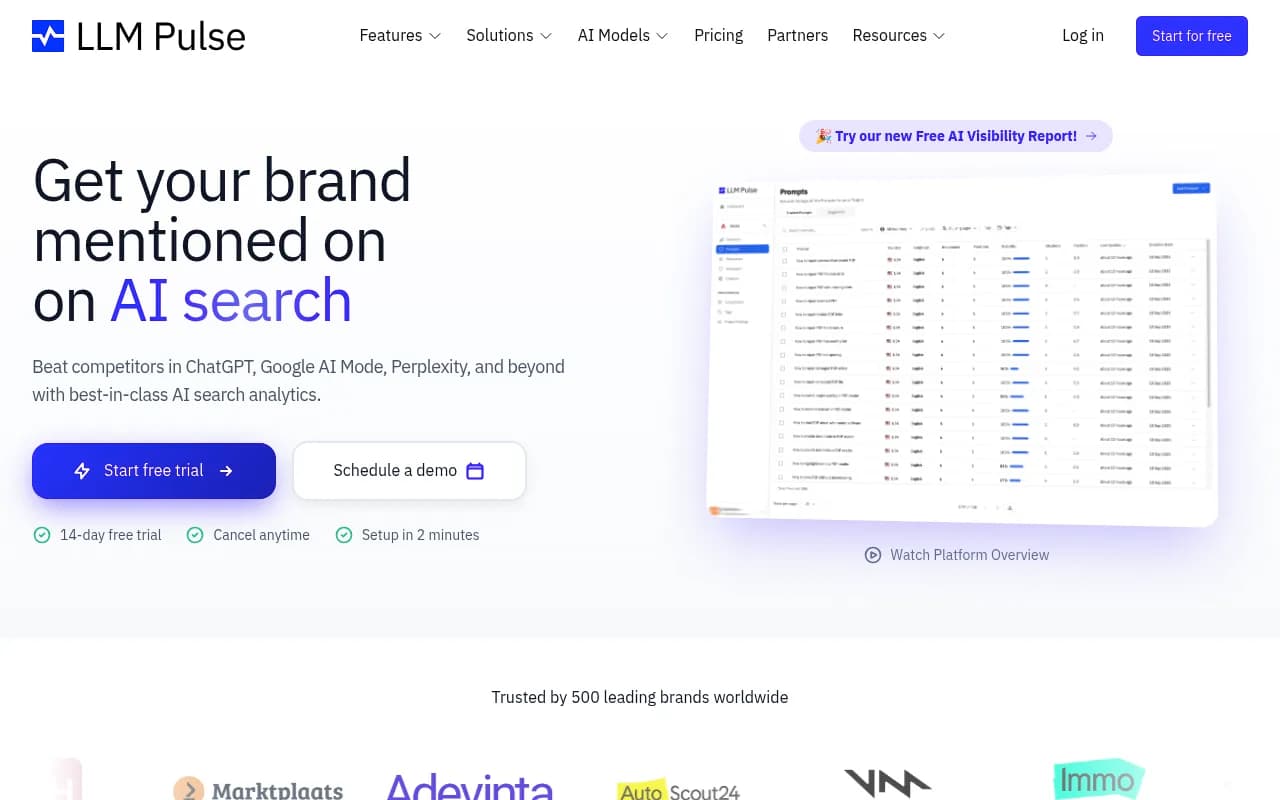
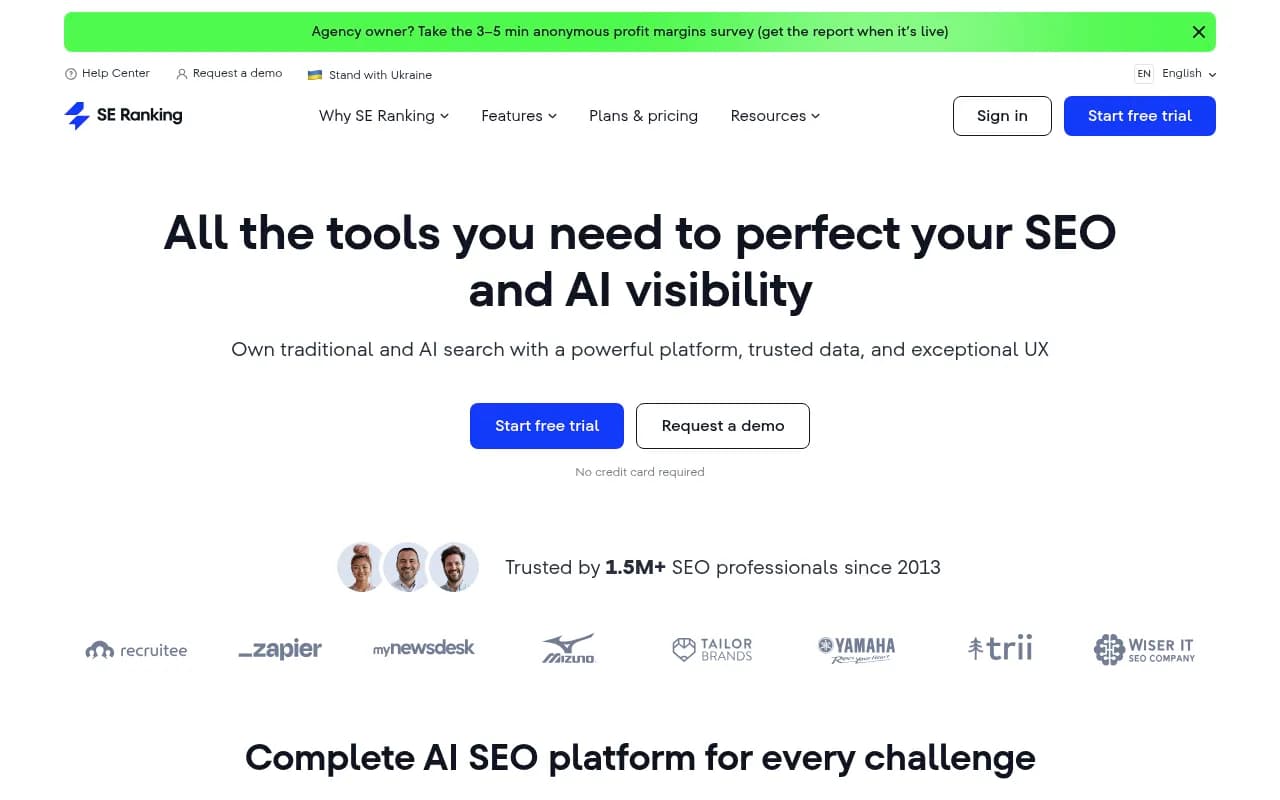
Similarweb launched a dedicated AI Ads module inside its Ad Intelligence product in August 2026, covering the top 10,000 US ChatGPT advertisers at launch, sourced from real user panel sessions rather than synthetic prompt runs. SE Ranking folds ChatGPT ad detection into its wider Competitive Research suite, showing the advertiser behind a placement, the destination link, and how presence changes month over month.
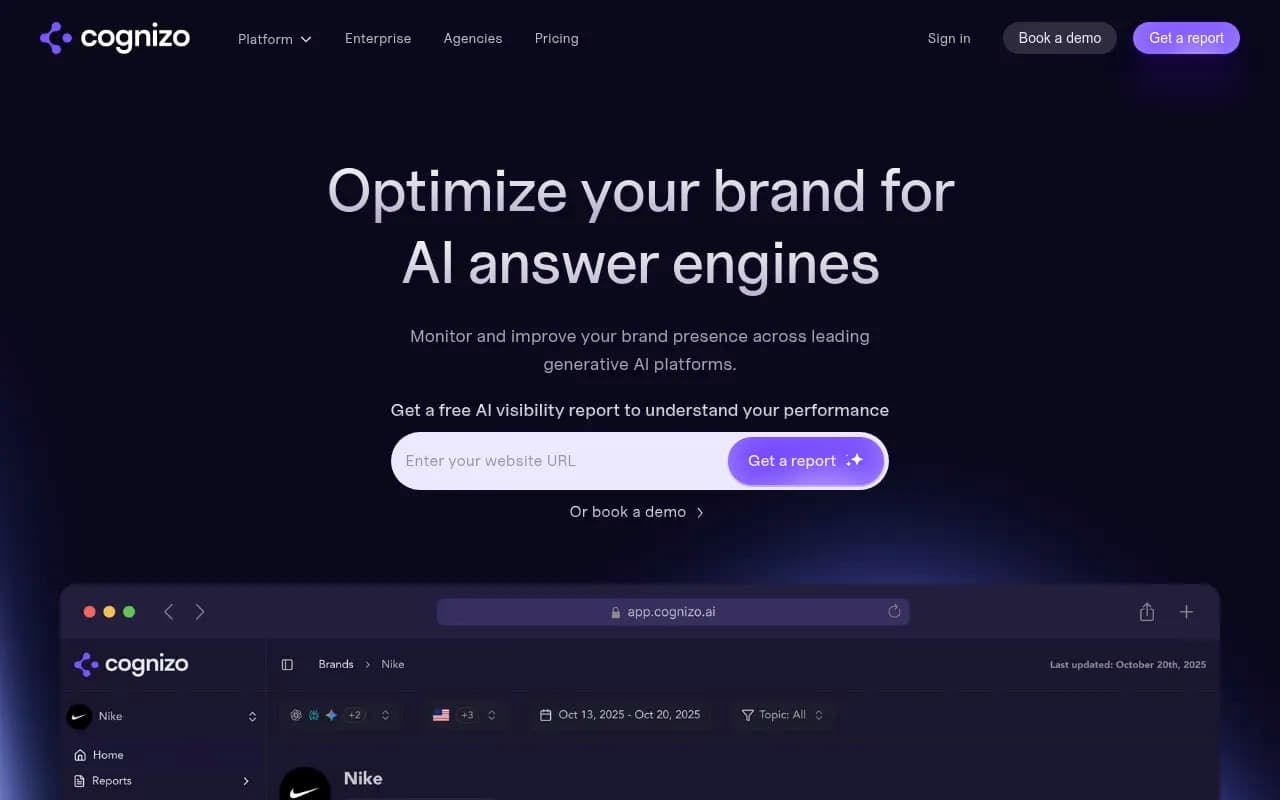
If you want ad tracking as part of a broader AI visibility workflow, that's a different buying decision than a standalone ad radar. Cognizo, for instance, bundles ChatGPT ad monitoring with content and attribution work, including integration with OpenAI's own Conversions API alongside Google Ads and Search Console data.
Cognizo
Where this fits inside a broader AI visibility strategy
Ad tracking by itself answers a narrow question: who's paying to show up. It doesn't tell you why your organic presence is weak, where AI crawlers are actually reading your content, or what to publish to compete for the same prompt without spending anything. For that fuller picture, you need the same prompt set tracked for organic citation share, crawler activity, and content gaps, not just ad presence. Platforms like Promptwatch track all of that together, so a competitor's rising ad spend on a prompt shows up next to your own citation trend on that exact prompt, rather than living in a separate dashboard nobody opens.
If organic AI visibility and GEO are new territory for your team, the GEO software directory at bestgeosoftware.com is a reasonable place to compare platforms side by side before committing budget to any single one.
A realistic way to start
Don't try to monitor every prompt in your category on day one. Build a priority list of 20 to 50 high-intent, organic (non-branded) prompts, the kind someone types when they're actually comparing options, since that's where 73% of the ad volume concentrates. Run detection daily for at least two weeks before drawing conclusions, because a single day's reading, as the data above shows, can be an outlier in either direction. Log advertiser name, ad copy, and landing page every time a placement appears, and pair that log with your own organic visibility on the same prompts. That combination, paid presence plus organic presence on identical queries, is the only version of this data that actually tells you whether you're losing ground, and to whom.