Key takeaways
- A dev tool prompt set should be split by intent: commercial ("best X API"), informational ("how do I do X"), and branded ("is X any good"). ChatGPT cites different content types for each.
- This guide gives you 40 prompts across eight groups. Swap the bracketed placeholders for your category, competitors and use cases.
- For software prompts, docs and help centers earn the largest share of ChatGPT citations, ahead of vendor sites and review sites. Your docs are part of your marketing now.
- Run the set daily, tag every prompt, and read the results by group. A single blended visibility number hides where the real problem is.
- Start with 40, then prune and expand based on what your buyers actually ask.
Why developer products need their own prompt set
Most prompt-tracking templates are written for consumer brands or generic SaaS. Developer products behave differently. People ask AI engines for code, not just recommendations. They paste error messages. They ask which SDK to use for a stack. They compare pricing tiers of two APIs before opening a single tab.
That means a generic "best [category] software" list misses most of the questions that decide whether a developer picks you. You need prompts that cover discovery, integration, debugging, migration, and trust.
One caveat before we start. Much of what gets written about "developer prompts" is about the prompts engineers use to write code, like the OpenAI prompt engineering guide or the Google Cloud team's list of 10 go-to prompts. Useful stuff, but a different job. This guide is about the prompts your buyers and users type into AI engines, and whether your product shows up in the answer.
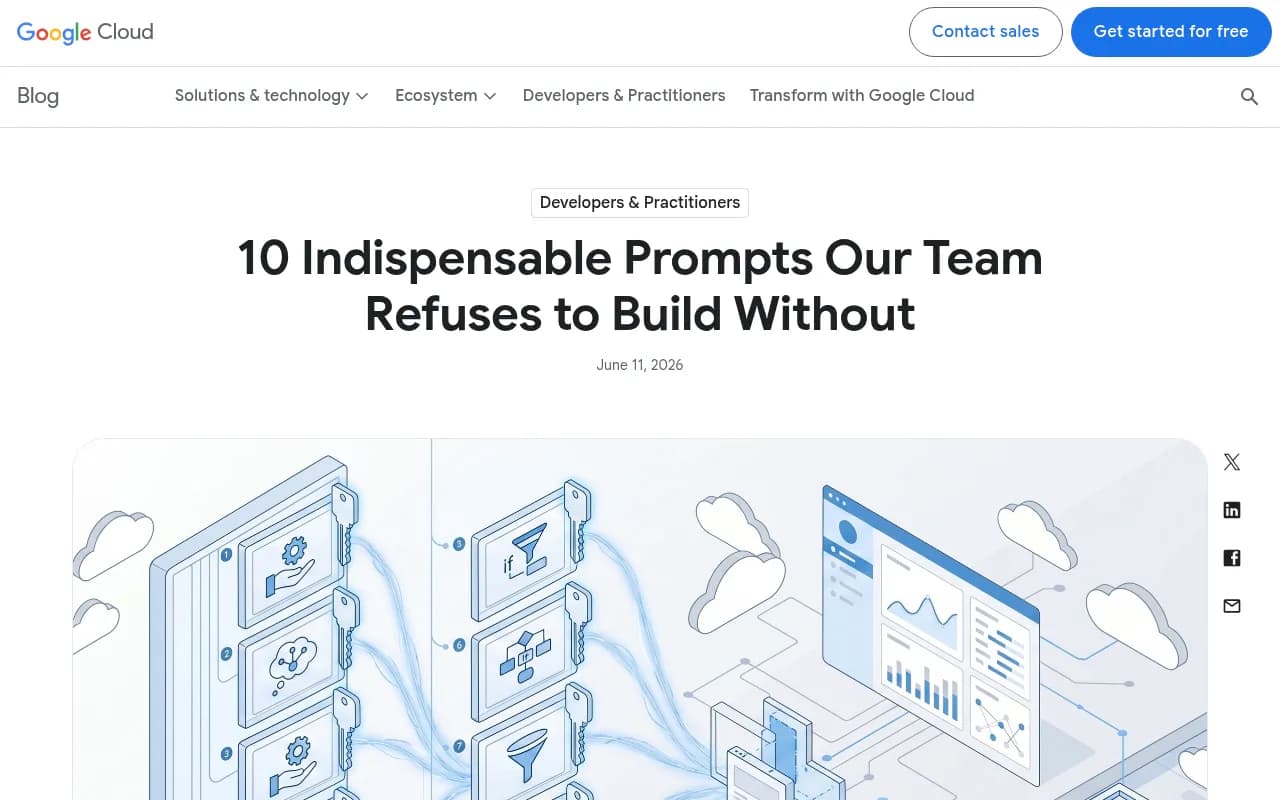
The screenshot above is a good example of the other side of the coin: developers keep personal libraries of go-to prompts. Your tracked prompt set is the mirror image, a library of the questions they ask when they might discover you.
What the data says about software prompts
Before writing prompts, it helps to know what AI engines tend to cite for software questions. Promptwatch's software citation report for Sep 28 to Oct 4, 2026 found that GitHub (1.2%), learn.microsoft.com (0.98%) and G2 (0.73%) led ChatGPT's citations for organic software prompts. By source type, docs and help centers earned the largest share at 2.64%, vendor sites 2.01%, review sites and analysts 1.57%, and GitHub 1.2%.
Vendor pages plus docs earned about three times the share of review sites and analysts. For an API company, that is good news: the content you control is the content that gets cited most. The report's takeaways are blunt and worth repeating: keep docs crawlable, keep a public GitHub presence, and keep G2 and Capterra profiles current.
Content type matters too. In Promptwatch's content type data for the same week, across all prompts, product pages took 22.4% of ChatGPT citations, landing pages 16.8%, listicles 13.6%, how-tos 8.7% and documentation 7.5%. The mix shifts by intent:
| Intent | Top cited types | Notable detail |
|---|---|---|
| Commercial | Product pages 26.0%, landing pages 20.6%, listicles 15.0% | Comparisons reach 7.9% |
| Informational | Product pages 19.1%, landing pages 13.9%, listicles 13.6% | How-tos 10.7%, docs 8.5% |
| Branded | Product pages 23.3%, landing pages 22.8% | Reviews 5.6%, over 3x their overall share |
That table is the reason this prompt set is split by intent. A branded prompt like "is [your API] reliable" is answered with different sources than "how do I send webhooks in Node". If you only track one kind, you will miss the other two.
How to use this template
Replace the placeholders:
- [category]: the thing you are, for example "payments API", "vector database", "feature flag service"
- [brand]: your product
- [competitor A/B/C]: the three alternatives developers mention most
- [language/framework]: the stacks you support
- [use case]: the job people hire you for
Aim for natural phrasing. Developers type short, specific questions, and AI engines then fan those out into several web searches. Promptwatch's query fanout data showed average query length falling from about 117 characters in December to the high 80s in February and March, then about 53 characters in April. Shorter, keyword-like sub-queries are what hit the web, so your pages need headings that read like them.
The 40 prompts
Group 1: Category discovery (commercial, 6 prompts)
These are the "shortlist" prompts. If you are absent here, you are not in the consideration set.
- What are the best [category] APIs in 2026?
- Which [category] should a startup use?
- Best [category] for [language/framework] developers
- Top [category] tools for enterprise teams
- What is the easiest [category] to integrate?
- Best open source alternatives to [competitor A]
Group 2: Head-to-head comparisons (commercial, 6 prompts)
Comparison pages and listicles dominate here. Track these closely because they are close to a buying decision.
- [brand] vs [competitor A]
- [brand] vs [competitor B] for [use case]
- [competitor A] vs [competitor B] vs [competitor C]
- Should I use [brand] or build [use case] in-house?
- Alternatives to [competitor A] with better pricing
- Which is better for high volume, [brand] or [competitor B]?
Group 3: Implementation how-tos (informational, 6 prompts)
This is where docs and tutorials earn citations. Each prompt should map to a page you own.
- How do I [use case] in [language/framework]?
- How do I authenticate with the [brand] API?
- How do I handle webhooks from [category] providers?
- How do I paginate through results in the [brand] API?
- How do I set up [brand] in a [framework] project?
- Example code for [use case] using [brand] SDK
Group 4: Debugging and errors (informational, 5 prompts)
Developers paste errors straight into AI engines. If your docs explain the error, you can be the cited fix.
- Why am I getting a 429 error from [brand]?
- [brand] API returns 401 unauthorized, how to fix
- How do I debug failed [brand] webhook deliveries?
- [brand] SDK timeout in [language], what causes it?
- How do I retry failed [category] API requests safely?
Group 5: Concepts and best practices (informational, 4 prompts)
These capture early-stage researchers who are not yet shopping.
- What is [category] and how does it work?
- Best practices for [use case] in production
- How should I design idempotency for [category] API calls?
- What should I look for when choosing a [category] provider?
Group 6: Pricing and limits (commercial, 4 prompts)
Pricing questions are asked constantly, and stale pricing in AI answers is a common problem.
- How much does [brand] cost?
- Is there a free tier for [brand]?
- What are the rate limits for [brand]?
- Cheapest [category] API for a side project
Group 7: Trust, reliability and reputation (branded, 5 prompts)
Branded prompts lean on reviews and product pages. Check the tone of the answers as well as the mentions.
- Is [brand] reliable for production workloads?
- What do developers say about [brand]?
- Does [brand] have good documentation and support?
- Is [brand] SOC 2 or GDPR compliant?
- What are the downsides of [brand]?
Group 8: Migration and ecosystem (mixed, 4 prompts)
- How do I migrate from [competitor A] to [brand]?
- Does [brand] have an official [language] SDK?
- Does [brand] work with [popular tool or framework]?
- Is there a [brand] MCP server or ChatGPT integration?
That last one is increasingly relevant. Developers now ask AI coding agents which tools to use, and agents recommend based on docs, SDK quality and integrations.
Quick reference: prompts by group
| Group | Prompts | Intent | Page you need |
|---|---|---|---|
| Category discovery | 1-6 | Commercial | Landing page, listicle inclusion |
| Comparisons | 7-12 | Commercial | "X vs Y" and alternatives pages |
| Implementation | 13-18 | Informational | Docs, quickstarts, GitHub examples |
| Debugging | 19-23 | Informational | Error reference, troubleshooting docs |
| Concepts | 24-27 | Informational | Guides, glossary |
| Pricing and limits | 28-31 | Commercial | Pricing page, rate limit docs |
| Trust | 32-36 | Branded | Security page, G2 and Capterra profiles |
| Migration and ecosystem | 37-40 | Mixed | Migration guides, integrations page |
How to run and tag the set
A few habits make the difference between a useful monitor and a pile of screenshots.
Tag by intent, group and funnel stage
Use the eight groups above as tags, plus the three intents. When something moves, you want to know whether it was a commercial, informational or branded drop. Low share of voice on commercial prompts is a coverage problem. Strong mentions but no citations to your domain on how-to prompts usually means your docs are hard to crawl or hard to quote.
Run it from the real interfaces
API outputs and the consumer UI can answer differently, and the consumer UI is what your buyers see. Track ChatGPT, Google AI Overviews, Google AI Mode, Gemini, Perplexity and Copilot in the interface, and keep API models alongside to see what they believe from training data.
Track daily, but read weekly
Single-day responses are noisy. Daily runs give you a stable average. Review trends weekly and only react to changes that persist.
Add personas
A backend engineer, an engineering manager and a founder phrase the same need differently. Duplicate your top 10 prompts per persona and compare. The gap often shows you that your docs speak only to one of them.
Tools that can run a prompt set like this
You can run these prompts by hand in a spreadsheet for a week. After that it stops scaling. Tools like Promptwatch handle the tracking, citations, crawler logs and the content work that follows. It monitors the real UIs of the major AI engines, including coding agents like Codex and Claude Code, which matters for developer products. Its AI crawler logs also show whether bots can actually read your docs, which is the first thing to rule out when citations are missing.

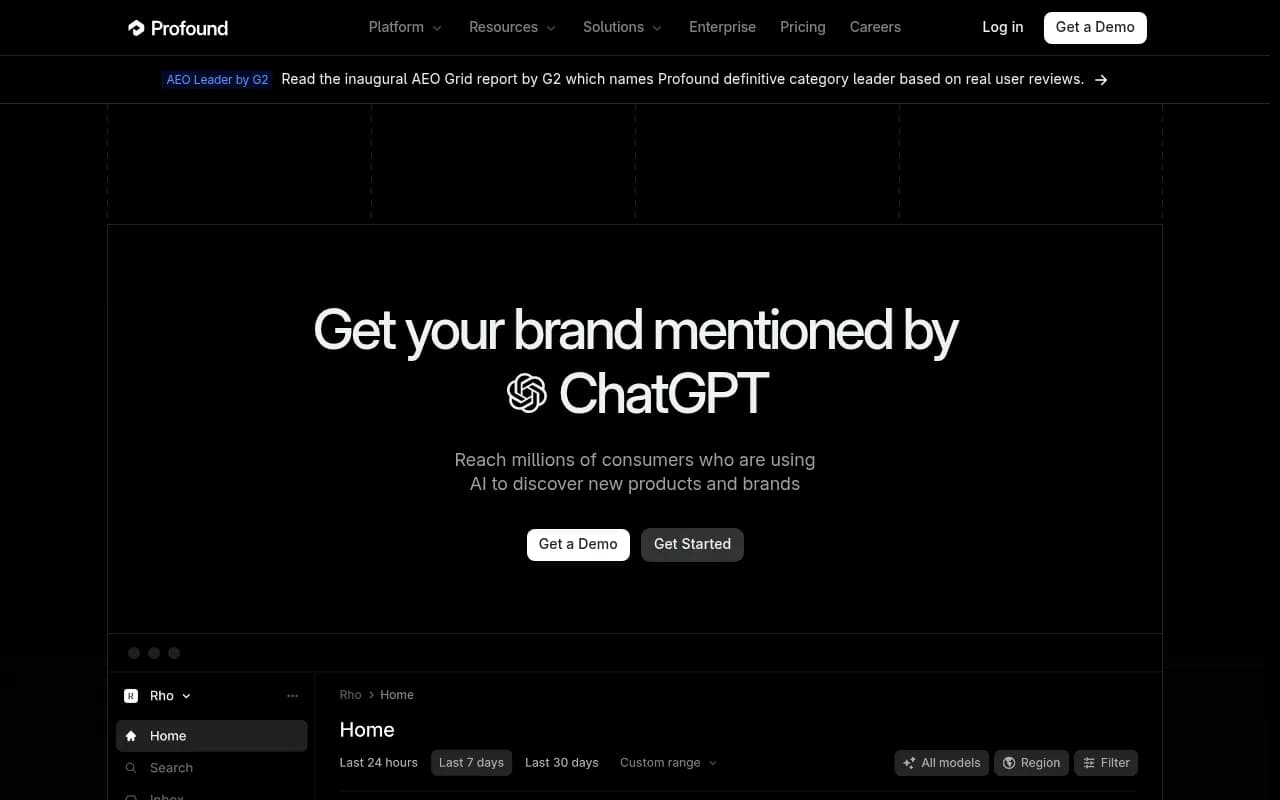
Other trackers in the same category include Profound, Peec AI, Otterly.AI and AthenaHQ. Most of them focus on monitoring.
Profound
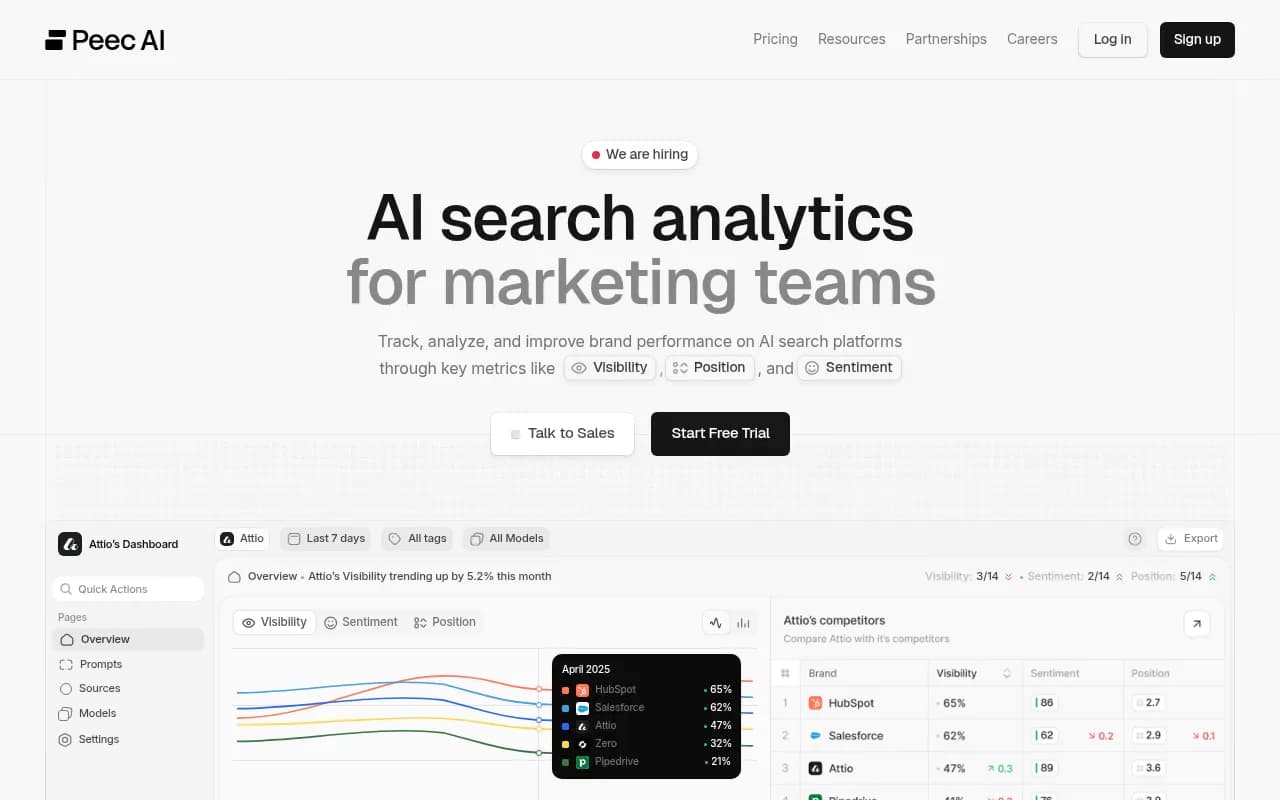
Otterly.AI


If you want to browse more options, the GEO software directory at bestgeosoftware.com lists many of them.
| Tool | Tracks AI answers | Crawler logs | Content creation | Notes |
|---|---|---|---|---|
| Promptwatch | Yes, real UIs plus coding agents | Yes, IP-verified | Yes, Content Agent with CMS publishing | Starts at $95/mo, 7-day free trial |
| Profound | Yes | Limited | No | Enterprise pricing |
| Peec AI | Yes | No | No | Prompt tracking focus |
| Otterly.AI | Yes | No | No | Basic monitoring |
| AthenaHQ | Yes | No | Limited | Monitoring-led |
Confirm current pricing at promptwatch.com/pricing before you decide. The free AI visibility report is a no-login way to get a first read before you commit to a full prompt set.
Turning results into work
A prompt set is only worth running if it changes what you ship. Here is how the common findings map to fixes.
You are missing from category and comparison prompts
Build the pages AI keeps citing. That means a clear landing page, an honest "[brand] vs [competitor]" page for each rival, an alternatives page, and a pricing page that states limits plainly. Promptwatch's own advice from the fanout data is to create separate pages for sub-questions such as comparisons, pricing, alternatives and how-tos, with headings that read like short search queries.
You are cited for branded prompts but wrongly described
Look at the specific claims the answers make. If AI says you have no Python SDK and you do, find the page it learned that from. Often it is an old blog post or a third-party listing. Update the source and publish a clear, quotable statement on your own site. Keep G2 and Capterra profiles current too, since review sites matter more on branded prompts.
Docs are not showing up for how-to and debugging prompts
Check access first. Are AI crawlers blocked by robots.txt, a WAF, or JavaScript rendering? The free AI crawler URL inspector can tell you. Then check structure: one task per page, code samples in text rather than screenshots, and the error message in the heading for debugging pages. Don't assume markdown files are a shortcut. Promptwatch's markdown data shows markdown files are only 0.05% of AI search citations, so rendered HTML pages are what search-style answers cite.
Freshness is slipping
Content decays. In Promptwatch's content half-life study, landing pages and docs stayed cited longest, while news lost half its pages within 36 days. Evergreen docs and product pages are a safer investment than blog announcements, though release notes can still catch newsy queries briefly.
Do not lean on Reddit alone
Developers love Reddit, and many teams built a strategy around it. But Promptwatch Data showed reddit.com's share of ChatGPT citations fell from about 4% to 0.5% on August 14, 2026, and ChatGPT got only 0.46% of citations from social platforms in the week of Sep 28 to Oct 4, versus 12.2% for Google AI Overviews (social citations report). Community presence still helps in Google's surfaces, but your own docs and GitHub carry more weight in ChatGPT.
Adapting the set as you grow
Forty prompts is a starting point, not a ceiling. A reasonable cadence:
- Week 1: run all 40, note the baseline by group.
- Month 1: drop prompts that never produce a useful signal, and add prompts taken from support tickets, sales calls and Search Console queries.
- Quarter 1: add prompts per persona, per language and per region if you sell globally.
- Ongoing: add a prompt every time a competitor launches something or you ship a major feature.
Two more tips. Keep branded prompts honest: include the unflattering ones like "downsides of [brand]" because buyers ask them. And keep a short list of five "canary" prompts you check every morning, usually your highest-value comparison and pricing queries.
Closing thought
Start with the 40 prompts, tag them, and run them for two weeks before changing any content. The groups that score worst tell you which page to write first. If you want an automated head start, try the 7-day trial or the free report mentioned above, and then keep the prompts that matter in a weekly review.
If your team lacks the capacity to act on the findings, an SEO and GEO agency such as 1001 SEO Media can handle the content and technical work, though the prompt set itself is something you can run in-house.