Key takeaways
- AI assistants retrieve sections, not whole pages. Every section has to name its subject, state its conditions and carry the answer near the top.
- Documentation is a real citation source. In Promptwatch Data for Sep 28 to Oct 4, 2026, docs and help centers were the largest source type in ChatGPT software citations at 2.64%, and documentation was 7.5% of all classified ChatGPT citations.
- Crawlability comes before copywriting. Server-render your docs, keep them public, and do not bother with markdown mirrors for AI search.
- Keep one live version of each instruction. An assistant quotes a retired step as fluently as a current one.
- Measure what happens: which pages get cited, which bots read them, and whether the claims AI makes about you are accurate.
Why docs are now a citation engine
Your help center has a new first reader. Before a customer opens an article, an assistant may have already read it for them, whether that is ChatGPT answering a how-to question or the support bot on your own site. The customer gets a paragraph assembled from a few sections of your page, presented as your answer.
That works when the section the assistant picked is complete and current. When it is not, you pay for it. Clueso's write-up of the Air Canada case is the cleanest example. A chatbot told a grieving customer he could claim a bereavement fare after booking. The airline's own linked policy page said otherwise. In February 2024 a British Columbia tribunal ordered the airline to pay $812.02, noting there was no reason the customer should know which section of the webpage was accurate. Customers treat the assistant's answer as yours.
The upside is just as concrete. Look at the data on what ChatGPT actually cites for software questions. According to Promptwatch Data's software citation report (Sep 28 to Oct 4, 2026), docs and help centers earned 2.64% of all software citations. That is the largest source-type share, ahead of vendor sites at 2.01%, review sites and analysts at 1.57%, GitHub at 1.2% and app stores at 0.47%. Vendor sites and docs together earned about three times what review sites and analysts did.
Individual domains tell the same story: learn.microsoft.com at 0.98%, docs.aws.amazon.com at 0.41%, docs.cloud.google.com at 0.35%, intercom.com at 0.28%. Those are documentation hosts sitting next to G2 (0.73%) and Gartner (0.34%).
So the question is not whether docs get cited. It is whether yours do, and whether what gets quoted is right.
How assistants actually read your documentation
Glean describes citation-capable assistants as running a pipeline: retrieve, rank, generate, cite, and enforce permissions. Most of what you control sits in the first two stages. The assistant cuts your page into chunks, scores them against the question, and writes an answer from the winners.
Two consequences follow.
- A chunk has no memory of the page it came from. If a section says "click Save" with no mention of which product, plan or screen, the model has to guess.
- The heading is part of the retrieval signal. A heading like "Overview" tells a retriever nothing. "Export invoices as CSV from the Billing page" tells it a lot.
I think this is the biggest mindset change for doc teams. You are no longer writing a page someone reads top to bottom. You are writing 30 small answers that happen to share a URL.
What the content-type data says
Promptwatch's content-type report breaks down ChatGPT citations for the same week:
| Content type | Share of ChatGPT citations |
|---|---|
| Product pages | 22.4% |
| Landing pages | 16.8% |
| Listicles | 13.6% |
| How-to guides | 8.7% |
| Documentation | 7.5% |
| General articles | 6.1% |
| Comparisons | 5.9% |
| News | 5.7% |
| FAQ pages | 3.3% |
| Reviews | 1.7% |
Docs are not the biggest slice overall, but they punch up on informational prompts. For "how does X work" style queries, documentation rises to 8.5% and how-to guides to 10.7%. ChatGPT cites docs for how-it-works questions, not only for support. That means your docs are marketing surface area whether the docs team likes it or not.
They also last. In Promptwatch's half-life data, news lost half its cited pages within 36 days, while landing pages and docs kept most of their citations for months. Time spent on evergreen docs compounds in a way news posts never do.
Write sections that survive being lifted out
Put the answer first
Open every section with the direct answer in one or two sentences, then add detail. A Reddit thread on r/SaaS about support docs and AI citations landed on the same impression: assistants tend to pull from clear, well-structured pages with a direct answer near the top. That is anecdotal, but it matches how retrieval chunking works.
Weak:
## Exports
Exports are a powerful way to get your data out of the platform. There are several options available depending on your plan...
Stronger:
## Export invoices as CSV (Pro and Business plans)
Go to Billing > Invoices, select a date range, and click Export CSV. Starter plans can only download PDFs one at a time.
The second version names the subject, the plan condition and the exact path. Any chunk of it is quotable without context.
Make each step work without its screenshot
Clueso makes a point I agree with: write every step so it works without its image. Include the on-screen label, where it sits, and what happens after the click. A model reading text never sees your annotated screenshot. "Click the blue button" is useless. "Click Export CSV in the top right of the Invoices table. A download starts immediately" is not.
State conditions inside the section
Plans, roles, regions, versions, and prerequisites belong in the section itself, not three pages away. If a feature is admin-only, say so in the same paragraph. This is the Air Canada lesson in miniature: the correct caveat existed on the site, just not where the answer was built.
Use headings that match real questions
Phrase headings the way customers ask. Tools like AnswerThePublic or AlsoAsked can surface the wording people use. Add short FAQ blocks for the awkward edge cases, since FAQ pages are 3.3% of ChatGPT citations and their structure maps cleanly to question-shaped prompts.
Keep one live version
An assistant will quote a retired step as fluently as a current one. Redirect or delete old versions, label legacy docs clearly, and put the version in the heading when versions must coexist. Archived pages that stay crawlable are a liability.
Make the docs reachable
Beautiful writing does nothing if the bot cannot fetch it. Clueso cites Vercel's finding that most major AI crawlers, other than Google's and Apple's, do not execute JavaScript. If your docs render client-side, the crawler may get an empty shell.
A short checklist:
- Server-render or statically generate docs pages.
- Do not block OAI-SearchBot, ChatGPT-User, ClaudeBot, PerplexityBot or similar in robots.txt unless you mean to. Sites that opt out of OAI-SearchBot do not appear in ChatGPT search answers.
- Do not put docs behind a login or cookie wall if you want them cited.
- Keep the sitemap current and avoid orphan pages.
- Use a clean heading hierarchy and semantic HTML.
If you are stuck with a JavaScript-heavy docs front end, prerendering services such as Prerender.io or DataJelly exist for exactly this. Free checks like Promptwatch's AI crawler URL inspector and robots.txt generator for AI help you verify what bots see. For a crawler reference, the AI bots directory covers 400+ agents.
Do not build markdown mirrors for AI search
This one surprises people. Promptwatch's markdown report found HTML took 99.94% of citations across ChatGPT, Claude, Perplexity and AI Overviews over seven days, while .md files took 0.05%. That is roughly 2,000 to 1. Promptwatch's advice is to spend the effort on heading hierarchy, semantic markup and direct answers on the existing HTML.
There is a nuance. The same report shows many requests to /docs/...md paths from anthropic-claudebot and openai-searchbot, with the top path at 3,241 requests. Coding agents fetch markdown directly. So if you run developer docs, a .md endpoint is reasonable for agents. For consumer AI search, it is not where citations come from.
Same story for llms.txt. Clueso quotes Google's John Mueller from June 2025 saying no AI system uses it. Fix the articles first. If you still want one, a generator is free, but treat it as optional.
Tools for writing and maintaining AI-ready docs
Docs platforms increasingly market themselves on machine readability. GitBook's own roundup says an AI documentation tool has to do two things: help the team write and maintain docs, and make them readable to agents. Mintlify publishes a GEO guide for docs. I have not verified current pricing or features for these, so check each vendor directly.
On the catalog side, here are tools that fit different parts of the workflow.
| Job | Tools | Notes |
|---|---|---|
| Draft and edit clear prose | Claude, Grammarly, Hemingway Editor | Good for tightening answer-first openings |
| Content optimization for search | Clearscope, Surfer SEO, Frase | Built for SEO content, useful for question coverage |
| Headless CMS for structured docs | Contentful, Sanity, Strapi | Structured fields make consistent chunks easier |
| Crawl and audit | Screaming Frog, Sitebulb | Find orphan pages, broken links, stale duplicates |
| Rendering fixes | Prerender.io, DataJelly | For client-side docs sites |
| Change detection | Page Modified, Visualping | Catch unexpected edits to key docs |
| Support-side AI | Intercom, Zendesk AI, Chatbase | The bots that will quote your docs |
A few quick notes. Claude is a reasonable drafting partner, but the ClickUp video in the research makes a point worth keeping: do not let AI audit its own work. Use a source check, where every claim traces to a real spec or product behavior.
Screaming Frog and Sitebulb are handy for finding orphaned docs and old versions that should be redirected. Intercom and Zendesk AI are worth testing as consumers of your docs: ask your own support bot your top 20 questions and read what it quotes.
For more options, the general directory at surferstack.com is a decent starting point.
Measure whether it works
Publishing is half the job. You also need to know whether assistants cite your docs, which pages, and what they say.
Three questions matter:
- Are AI bots reading the page? Server logs or crawler analytics show it.
- Are they citing it, and for which prompts?
- Are the claims accurate?
Promptwatch covers all three in one platform. Its AI crawler logs show IP-verified bot visits to your docs, and page tracking shows which prompts cite a given URL. Brand Narrative pulls out the individual claims AI makes about you, and Fact Check lets you mark a claim inaccurate and find the page it learned it from. That last one is directly useful when an assistant keeps getting a pricing or plan limit wrong.

Promptwatch's query fan-out data is also worth reading before you plan docs, since the searches AI runs behind a single question tell you which sub-questions your pages need to answer. The content gap analysis maps your pages against the prompts AI answers, which is a fast way to find missing how-to articles.
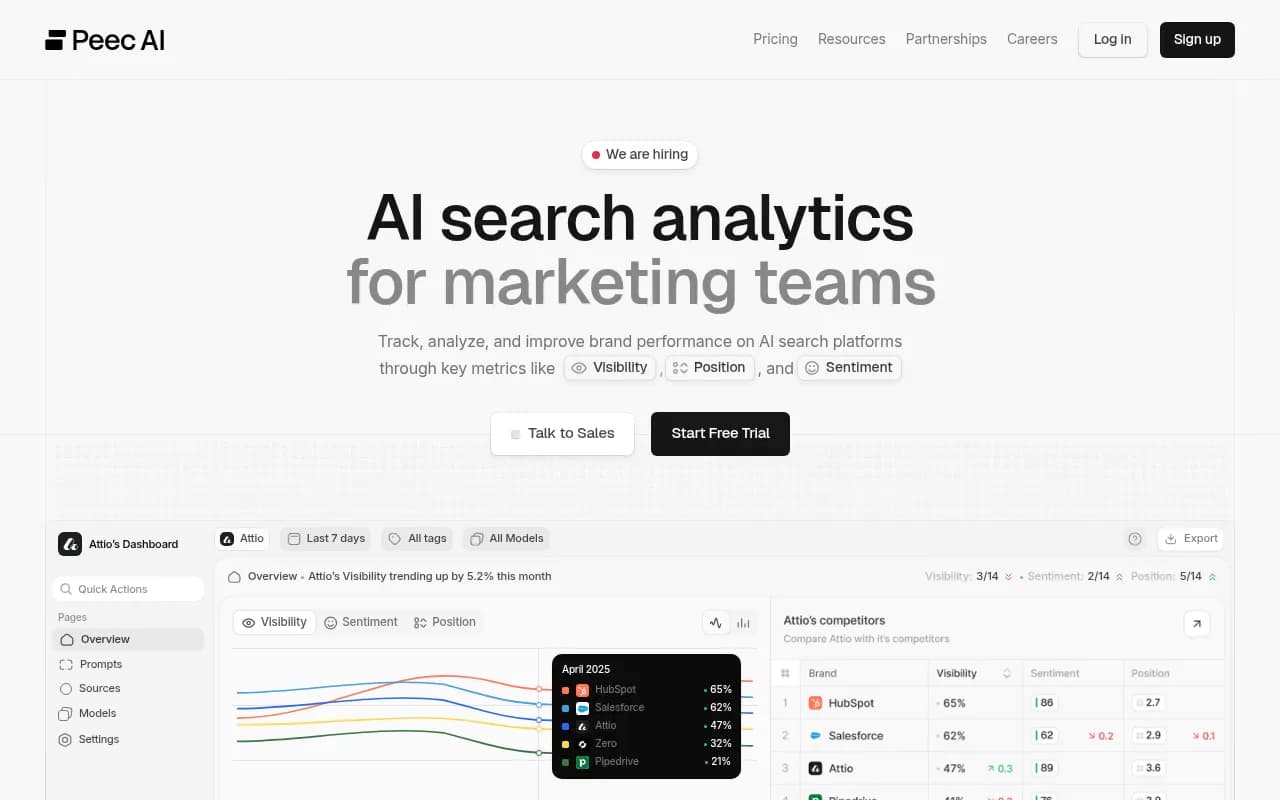
If you want to compare against other trackers, the AI rank tracking directory lists alternatives. Otterly.AI and Peec AI are simpler monitoring options, and Profound is aimed at enterprise. Most stop at reporting. For a quick baseline, the free AI visibility report needs no login.
Otterly.AI

For traffic, pair this with Google Search Console so you can spot docs pages with many impressions and few clicks, which often means an assistant is answering the question for you.
A practical rollout plan
Week 1: audit access
- Fetch five key docs URLs as a bot would. Is the text there without JavaScript?
- Review robots.txt and any CDN bot rules.
- List duplicate or outdated versions.
Weeks 2 to 3: rewrite the top 20 articles
Pick the pages your support team gets asked about most. For each section:
- Rename the heading to a specific, question-shaped phrase.
- Move the direct answer to the first two sentences.
- Add plan, role, region and version conditions inline.
- Rewrite steps so they stand without screenshots.
- Add a short FAQ for edge cases.
Week 4: retire and redirect
Redirect old versions, mark legacy docs, and fix anything the audit flagged as orphaned.
Ongoing: track and correct
Prompts change, models change, and ChatGPT's search behavior shifted noticeably in 2026. For instance, Promptwatch Data recorded ChatGPT starting to use the site: operator at scale on August 8, 2026, jumping from roughly 0.4% to 17% of fan-out queries. Docs that answer narrow, site-specific queries cleanly are better placed for that kind of retrieval. Re-check citations monthly, and re-check the claims AI makes after every product release.
Common mistakes
- Writing intro paragraphs that say nothing before the answer.
- Using "the button" or "this setting" with no name.
- Hiding plan limits on a separate pricing page.
- Leaving old version docs live and indexed.
- Gating docs behind a login, then wondering why competitors get cited.
- Chasing llms.txt or markdown mirrors while client-side rendering blocks the real pages.
- Trusting AI-drafted docs without a source check. The ClickUp video's advice to separate what-documents from why-documents is a good habit here.
The short version
Docs are among the most cited source types for software questions, they stay cited for months, and assistants will quote whichever section scores best, right or wrong. Write sections that stand alone, make them fetchable as plain HTML, kill stale versions, and then check what the models actually say. Start with your ten most-asked support questions and ask ChatGPT each one today. The gaps will be obvious.