Key takeaways
- A spreadsheet, a fixed prompt list, and 45 minutes a week will tell you more about your AI visibility than most teams ever bother to learn.
- Dev tool brands get cited from docs, GitHub, and review sites. Your own docs and repo are the main assets to track, not social posts.
- GA4, Google Search Console, and your server logs can all show AI referral traffic and crawler visits for free.
- Free vendor checkers are fine for a one-time baseline, but they are marketing funnels. Treat their scores as a starting point, not a verdict.
- Move to a paid platform when manual sampling stops being repeatable, usually around 50+ prompts or multiple markets.
Why dev tools have a different visibility problem
If you sell a developer tool, an API, or an SDK, your buyers are asking AI assistants things like "what's the best open-source feature flag service" or "which Postgres hosting works with Prisma." They are not googling your brand name. That means the question you need answered is not "do we rank?" but "are we in the shortlist when someone asks a category question?"
Promptwatch's data on software prompts is worth looking at before you build anything. In Promptwatch Data's software citation report (Sep 28 to Oct 4, 2026), the most cited domains in ChatGPT for organic software prompts were github.com (1.2% of software citations), learn.microsoft.com (0.98%), and g2.com (0.73%). Documentation and help centers earned the largest share by source type at 2.64%, and vendor pages plus docs together earned about 3x what review sites and analysts did.
The practical read: your own docs, your GitHub presence, and your G2 or Capterra profile are the three places to watch. Everything else is secondary at your stage.
One more number matters for how you measure. In Promptwatch's unique domains report from the same week, 47.6% of cited ChatGPT responses cited 10 or more domains, and organic prompts with no brand named hit 52.5%. So a single answer is a crowded room. One prompt tells you almost nothing. You need a sample.
The free stack at a glance
| Method | Cost | What it tells you | Effort | Limits |
|---|---|---|---|---|
| Manual prompt sampling in a spreadsheet | Free | Whether and where you're mentioned | 45 min/week | Noisy, doesn't scale |
| Free AI visibility checkers | Free | One-off baseline score | 10 min | Vendor-run, shallow |
| GA4 referral filters | Free | Visits from chatgpt.com, perplexity.ai and others | 20 min setup | Misses untagged traffic |
| Google Search Console | Free | Which pages and queries earn impressions | 15 min/week | Google only |
| Bing Webmaster Tools | Free | Bing impressions, which feed Copilot-style answers | 15 min setup | Smaller volume |
| Server or CDN logs | Free to cheap | Which AI bots fetch which docs pages | 1-2 hours setup | Needs access and some scripting |
| Review site audit (G2, Capterra, GitHub) | Free | Whether your third-party profiles are complete | 1 hour | Manual |
Step 1: Build a fixed prompt list
This is the part people skip, and it ruins everything downstream. If you change your prompts every week, you can't compare weeks.
Write 20 to 30 prompts and freeze them. Split them roughly like this:
- 10 category prompts with no brand named ("best CI tool for monorepos", "open source alternative to Auth0")
- 5 to 8 comparison prompts ("X vs Y for small teams")
- 5 to 8 problem prompts that describe the job to be done ("how do I rate limit an API per customer in Node")
- 3 to 5 brand prompts ("what is [your tool] good for?")
Brand prompts behave differently from the rest. Promptwatch's data shows only 21.3% of brand-specific responses cite 10 or more domains, versus 52.5% for organic ones, so branded answers lean on fewer sources. If a brand prompt returns something wrong about you, that is almost always a docs or positioning problem, and it is cheap to fix.
Pull ideas for the problem prompts from places you already have: support tickets, Discord or Slack questions, GitHub issues, and your Search Console query report. If you want a free structured way to expand a seed prompt into the follow-up searches an AI might run, Promptwatch's free ChatGPT query fan-out generator does that without a login requirement being the point of the exercise.
Step 2: Sample manually, and do it properly
Open a fresh logged-out session or a clean browser profile for each engine. Run each prompt once in ChatGPT, Perplexity, Gemini, and Google (to see AI Overviews). Log the results in a sheet with these columns:
| Date | Engine | Prompt | Mentioned (Y/N) | Position in list | Cited URL from your domain | Competitors named | Sentiment note | | --- | --- | --- | --- | --- | --- | --- |
A few rules that keep the data honest:
- Run each prompt on the same day each week, ideally at the same time.
- Don't re-roll an answer because you didn't like it. Record what you got.
- Where a prompt is high-stakes, run it three times and record the share of runs where you appear.
- Note when the engine shows no sources at all. Answers from model memory and answers from live search are different problems.
Two tools you already have help here: ChatGPT itself, and Perplexity-style answer engines are free at the basic tier, which is all you need.
Compute three numbers each week: mention rate (mentions divided by prompts run), average position when mentioned, and self-citation rate (how often a cited URL is yours). Those three map neatly onto how paid platforms report, so your spreadsheet history stays useful if you upgrade later. For definitions, Promptwatch's Academy page on citations vs mentions is the clearest explainer I know of.
Reading the numbers
Low mention rate on category prompts means you aren't in the consideration set. Mentions without your own URL cited usually means the engine learned about you from someone else's page, a roundup or a Reddit thread, and your docs aren't pulling their weight. Good mention rate with bad descriptions is a content accuracy problem.
Step 3: Use the free checkers for a baseline, then move on
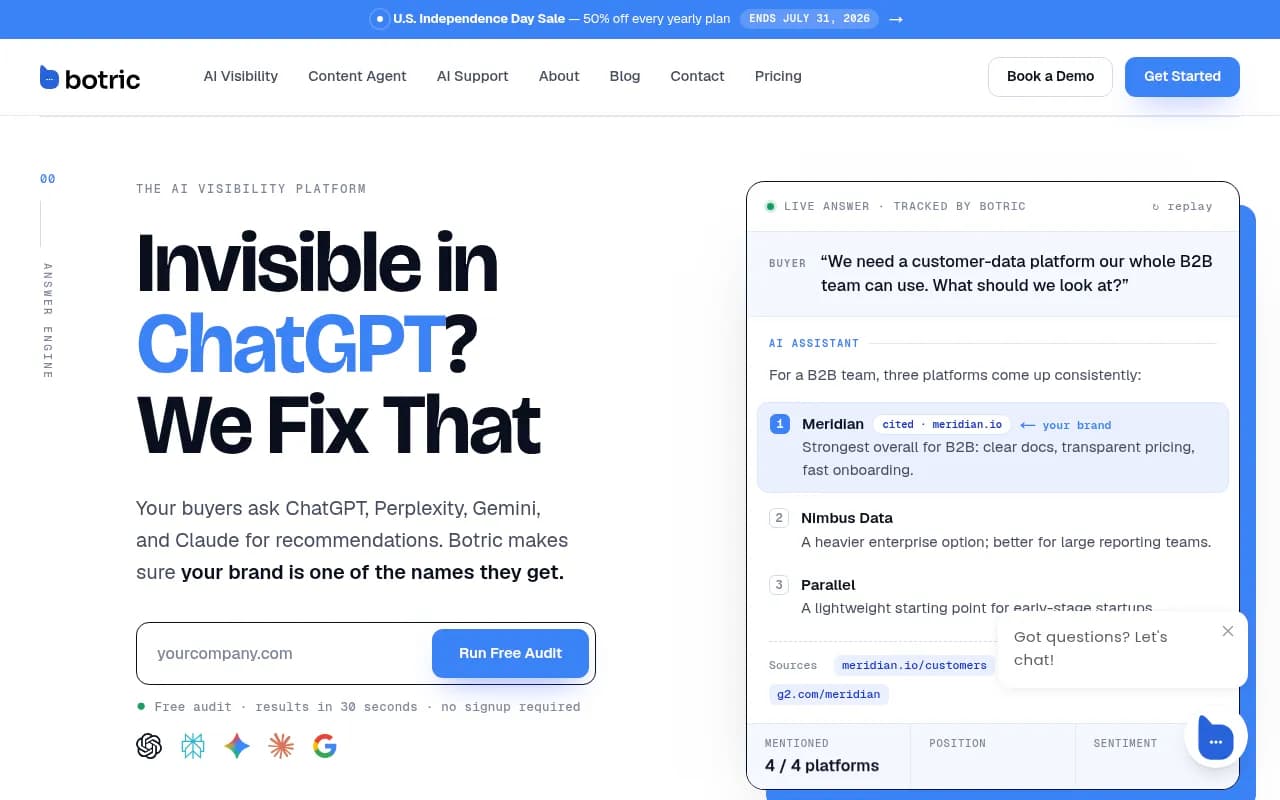
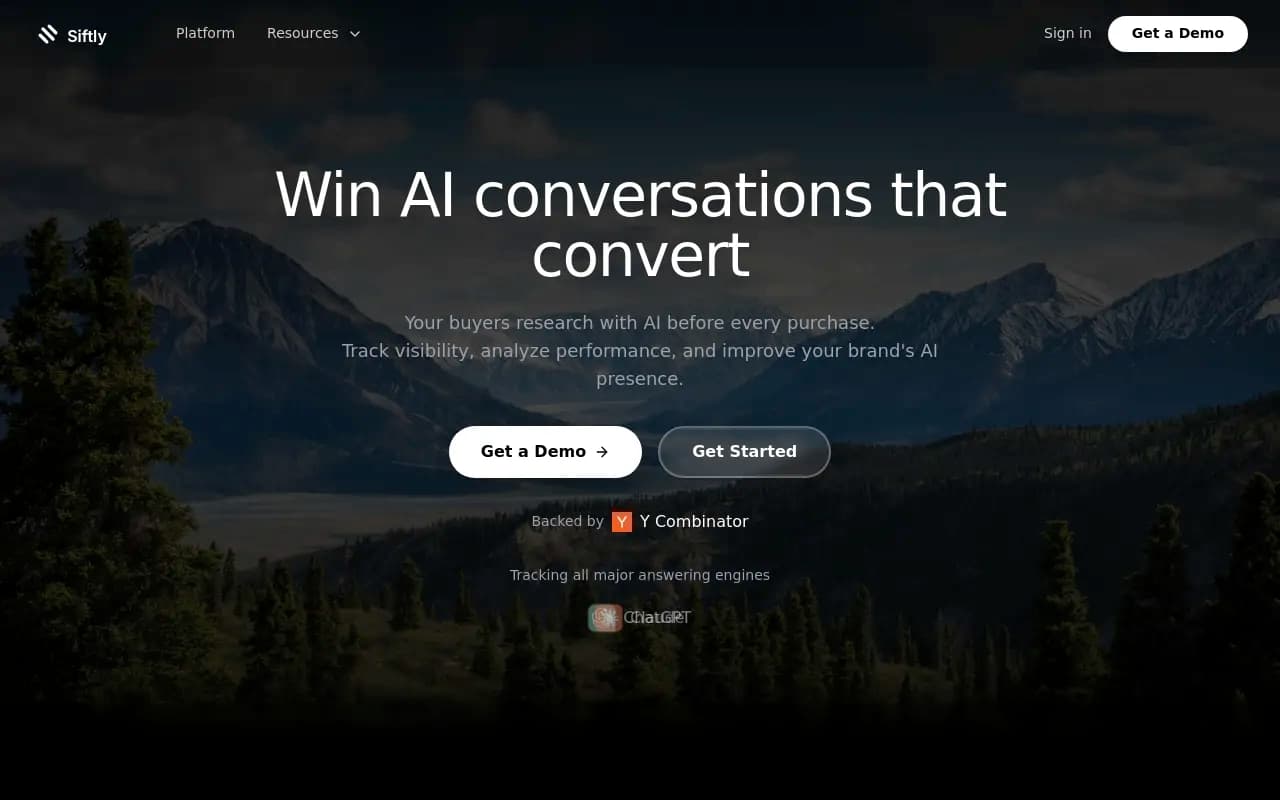
Several vendors run free visibility checkers. The research I reviewed names Siftly's AI Visibility Checker, HubSpot's AEO Grader, Ahrefs' free AI visibility checker, and Leapd's checker (Leapd's paid plans start at $39/month after a 2-day trial). Botric and Siftly also have free tiers; Siftly's covers ChatGPT and Google AI Overviews with 30-day history. I haven't verified current pricing for any of them, so check each vendor's pricing page yourself.
Be skeptical. Every one of those comparison articles is published by a vendor with something to sell, and they all conveniently rank their own product first. Use the checkers once to get a baseline score and a list of obvious gaps, screenshot the result, then compare it against your manual sample. If the two disagree wildly, trust the manual one, since you know exactly which prompts produced it.
The free Promptwatch AI visibility report is another no-login option that scans how ChatGPT, Gemini, and Perplexity describe your brand and checks crawler access.
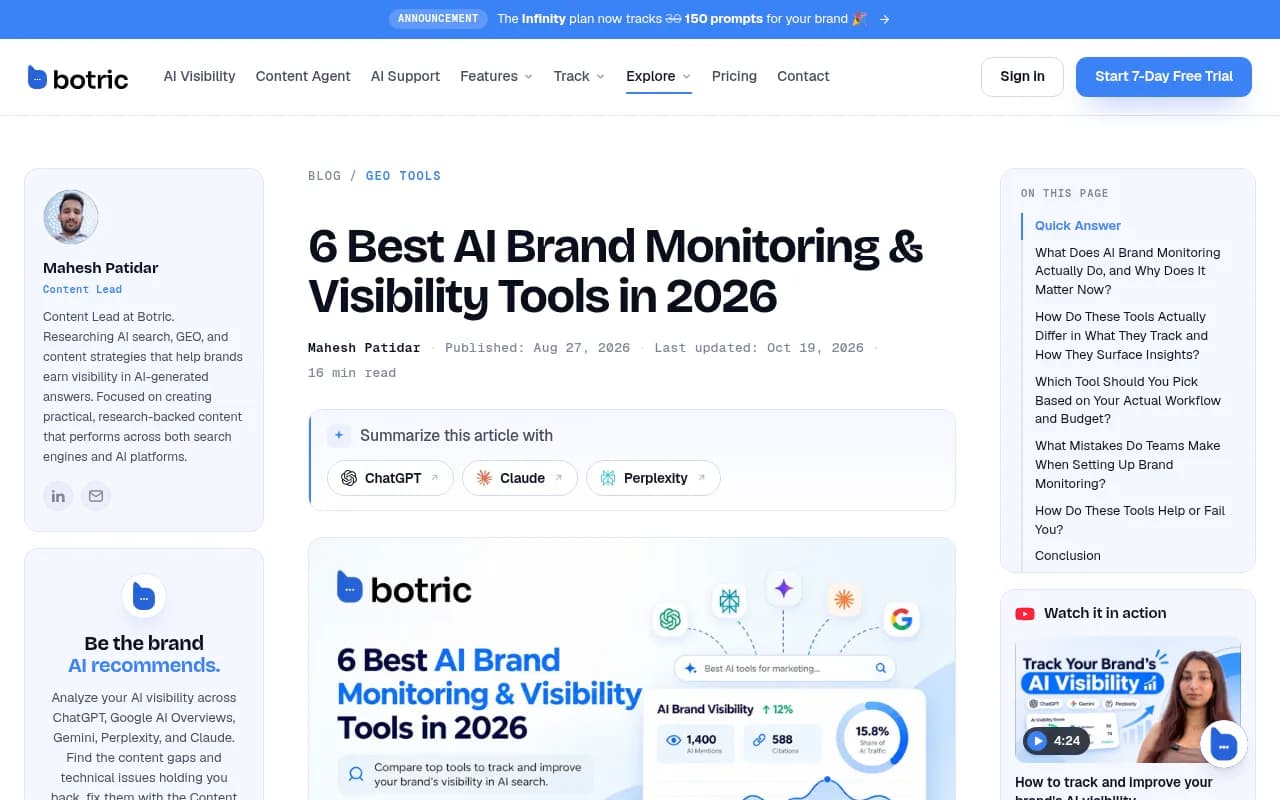
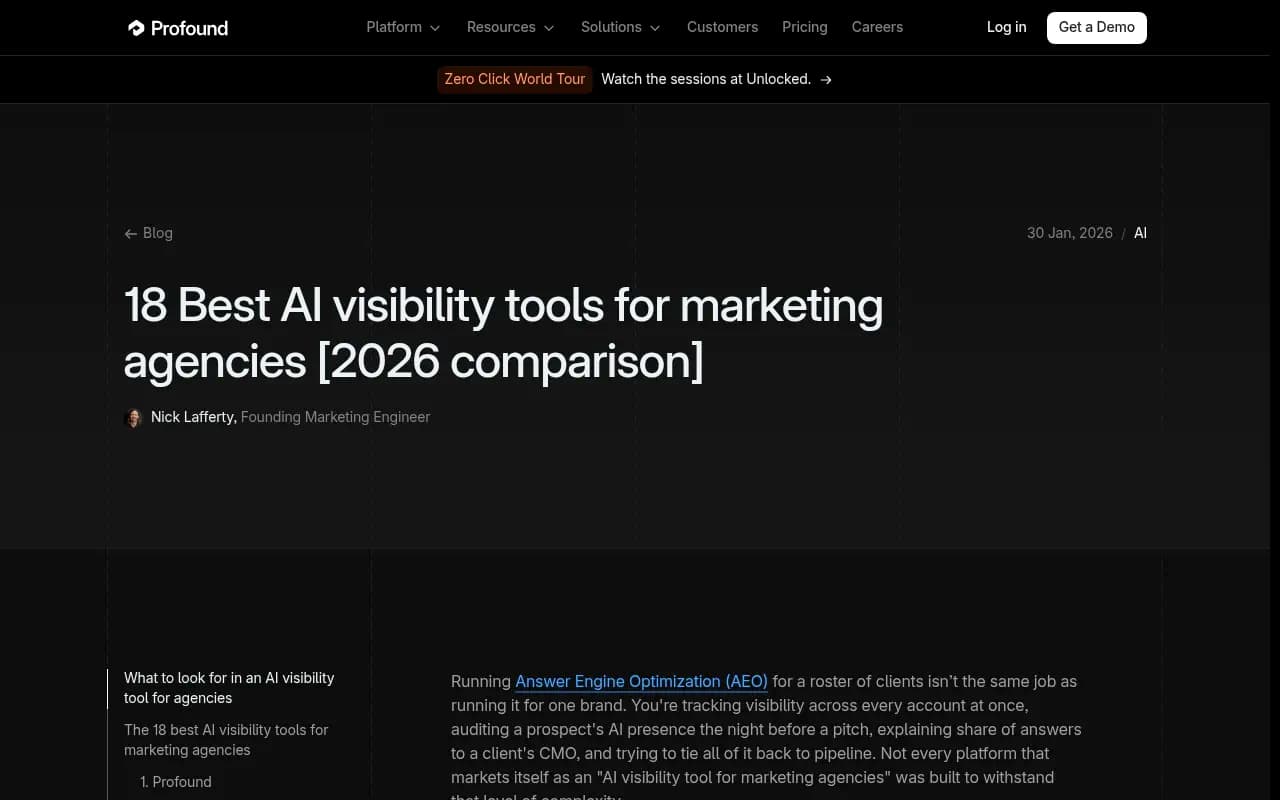
The screenshot above is a good example of the genre: useful framing about starting from a free baseline, written by a vendor that wants you to convert after.
Step 4: Catch AI referral traffic in GA4
If AI engines send you visitors, Google Analytics can show it for free.
- Go to Reports, then Acquisition, then Traffic acquisition.
- Change the primary dimension to Session source / medium.
- Filter with a regex like
chatgpt|openai|perplexity|gemini|copilot|claude|deepseek. - Save it as a comparison or an Exploration so you don't rebuild it weekly.
- Create a custom channel group called "AI assistants" using the same pattern, so it shows up beside Organic and Direct.
Two caveats. First, much AI traffic arrives as Direct because the referrer is stripped. ChatGPT, for example, stopped sending a referrer on October 8, 2026, so visits now only show up as chatgpt.com if the link carries a utm_source=chatgpt.com tag. Expect undercounting. Second, dev tool buyers often copy a command or a URL rather than click, so the real influence is larger than the clicks suggest. For a fuller walkthrough of the attribution problem, see Promptwatch's guide to attributing AI traffic.
A cheap trick that helps: add a "How did you hear about us?" free-text field to your signup form and tally answers that say ChatGPT, Claude, or Perplexity. It is crude and it works.
Step 5: Use Search Console and Bing Webmaster Tools
Google Search Console won't tell you about ChatGPT, but it shows which pages Google surfaces and for what queries. That matters because Google AI Overviews and AI Mode draw on pages that already do well in Google.
Useful free checks:
- Filter queries containing question words (how, what, which, best, vs) and export them. These are ready-made prompts for your list.
- Find docs pages with lots of impressions and few clicks. Those are candidates for clearer titles and a direct answer in the first paragraph.
- Compare which pages you expected to be cited with which ones get impressions. Gaps are your to-do list.
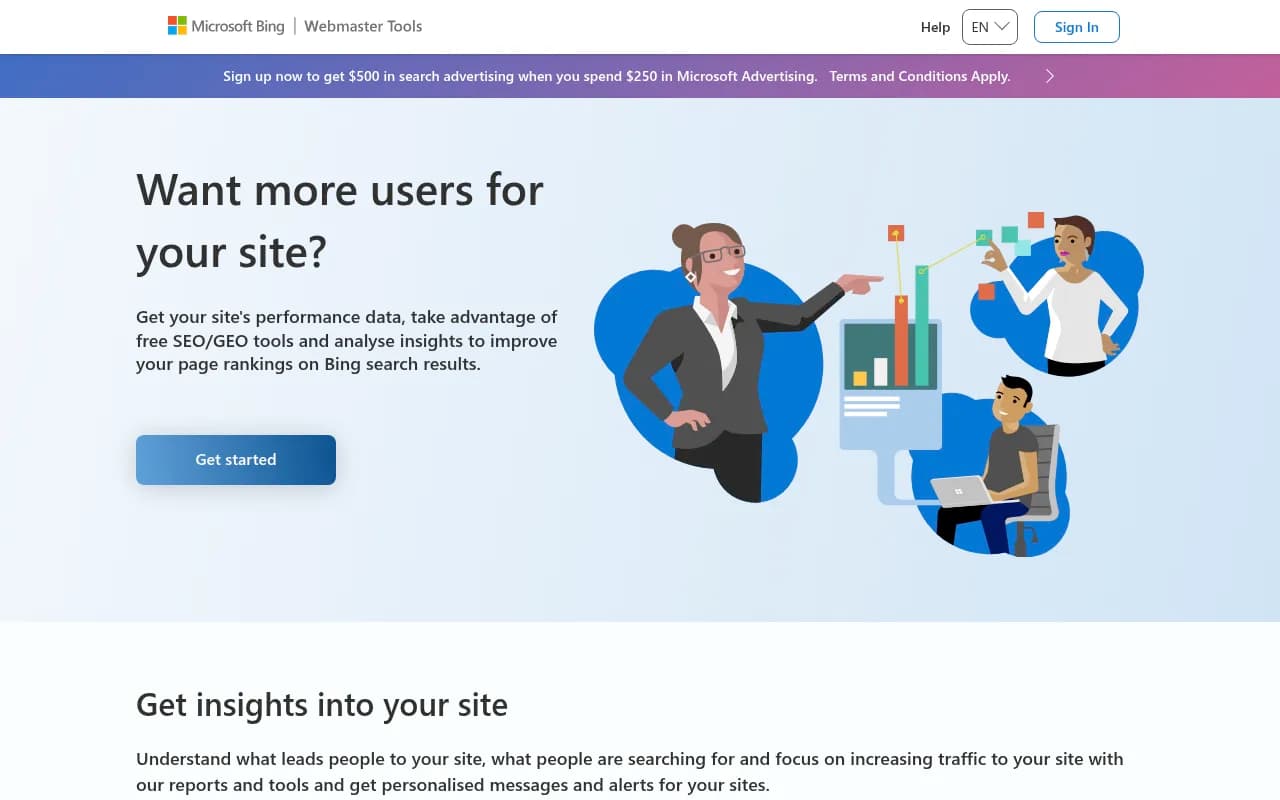
Bing Webmaster Tools is worth ten minutes of setup too. Bing's index feeds several AI products, and verifying your site is free.
Step 6: Look at who is crawling your docs
This is the most overlooked free signal for dev tools, because your docs are exactly what AI crawlers want. If you run behind Cloudflare, Vercel, Netlify, or Fastly, you already have request logs.
Search them for these user agents: GPTBot, OAI-SearchBot, ChatGPT-User, ClaudeBot, Claude-User, PerplexityBot, and Google-Extended related fetchers. A rough command on a standard access log:
grep -Ei "GPTBot|OAI-SearchBot|ChatGPT-User|ClaudeBot|Claude-User|PerplexityBot" access.log \
  | awk '{print $7}' | sort | uniq -c | sort -rn | head -25
That gives you the 25 most requested paths by AI bots. Three things to look for:
- Your most important docs page isn't in the list at all. Check robots.txt, auth walls, and JavaScript-only rendering.
- Bots are hitting 404s or redirect chains. Fix those first.
- User-fetch agents like ChatGPT-User show up on specific pages. A person asked an assistant something and it fetched your page live. That is about as close to a real buying signal as free data gets.
A word of caution: user agents can be spoofed, and this simple grep doesn't verify IP ranges. For a rough view it is fine. If you later need verified data, that is where a platform earns its fee. In the meantime, Promptwatch's AI crawler directory lists 400+ AI bots with robots.txt guidance, and the free robots.txt generator for AI helps you avoid blocking the wrong ones. Single-page JavaScript apps are a common culprit, and prerendering tools exist for that, though I'd confirm the problem in logs before paying for a fix.
Step 7: Audit the third-party pages AI leans on
Since the software citation data shows GitHub and review sites among the top sources, spend an hour on these:
- GitHub: README opens with a plain one-sentence description of what the tool is and who it's for. Topics are set. The repo links to docs.
- G2 and Capterra: profile is claimed, category is right, description matches your positioning, and you have at least a few recent reviews.
- Docs: each key page has a clear H1, a direct answer near the top, and a comparison or "when to use this" section.
- A comparison page for each main competitor, written honestly. Promptwatch's data shows brand-specific and comparison prompts are where AI leans on fewer, more controllable sources.
On social, Promptwatch's November 2026 social citations report (Oct 11 to Nov 9, 2026) found social platforms made up just 0.64% of ChatGPT's citations, versus 13.16% for Google AI Overviews, where YouTube alone was 6.71%. For a tiny team, that suggests skipping a social blitz for ChatGPT and putting effort into docs. If you care about Google's AI surfaces, one good YouTube walkthrough is the better bet.
A realistic weekly routine
Here is what 45 to 60 minutes a week looks like once setup is done:
- Run the prompt list across engines and log it (25 min).
- Check the GA4 AI channel and the signup free-text answers (5 min).
- Skim Search Console for new question-style queries and add two to the prompt list at month end (5 min).
- Run the log grep and note any new 404s or missing docs pages (10 min).
- Write one sentence on what changed and one action for the week (5 min).
The last step matters more than it looks. A tracker nobody acts on is theatre. Ship one change a week, such as rewriting a docs intro, fixing a broken page, or adding a comparison section, and see whether next week's sample moves.
When free stops being enough
Manual sampling breaks down in predictable ways. You have more than about 50 prompts. You sell in several countries or languages. You need to show a board or investor a trend line they can trust. Or you simply can't keep doing it by hand and the data gets patchy.
At that point, the cheap paid tier of a monitoring tool is the sensible next step. Plenty of options exist; the GEO software directory at bestgeosoftware.com and AI rank tracker directory at ai-rank-tools.com are good places to browse them side by side.
A quick map of the catalog entries most relevant to small teams:
| Tool | Positioning | Worth a look if |
|---|---|---|
| Botric | Free plan plus paid tiers, GEO audits | You want a free baseline from a dedicated tool |
| Siftly.ai | Free tier for ChatGPT and AI Overviews | You want 30-day history without paying |
| Otterly.AI | Low-cost prompt monitoring | You are a solo marketer |
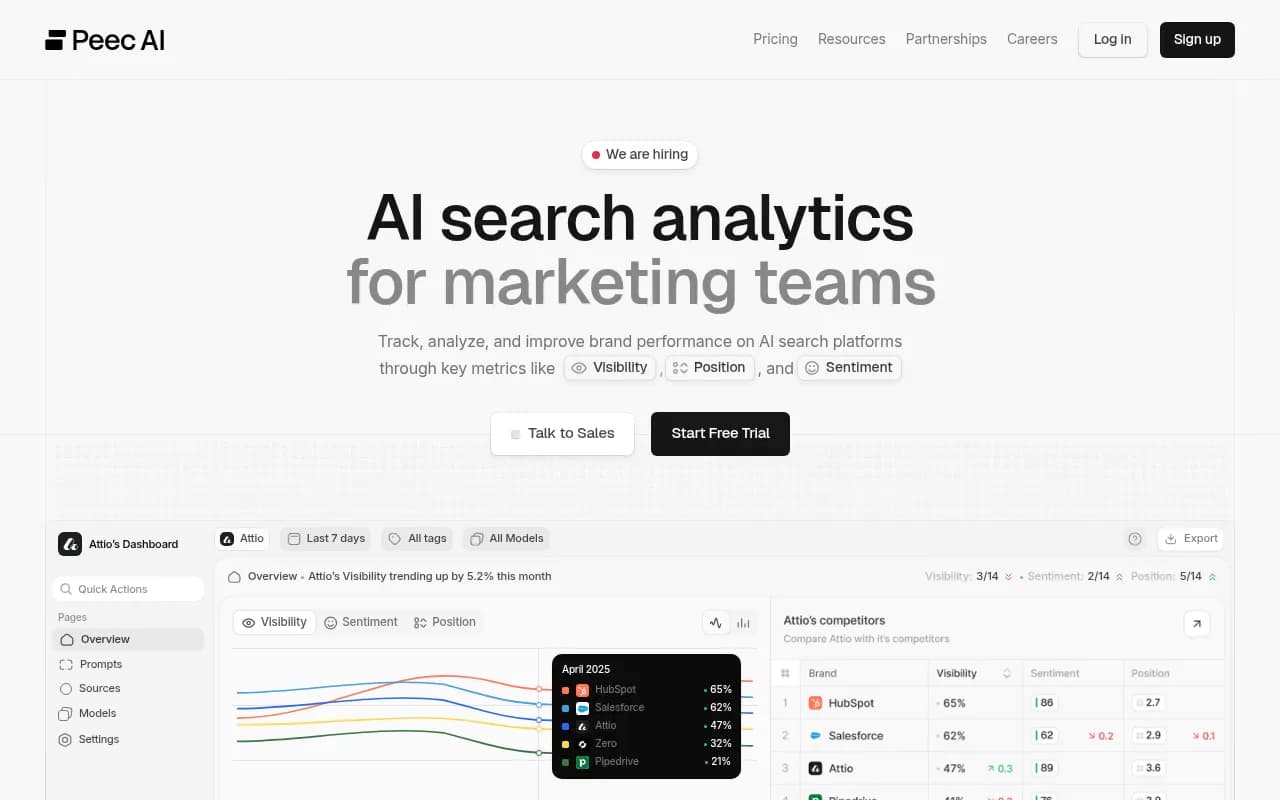
| Peec AI | AI visibility tracking for marketing teams | You want a lightweight tracker |
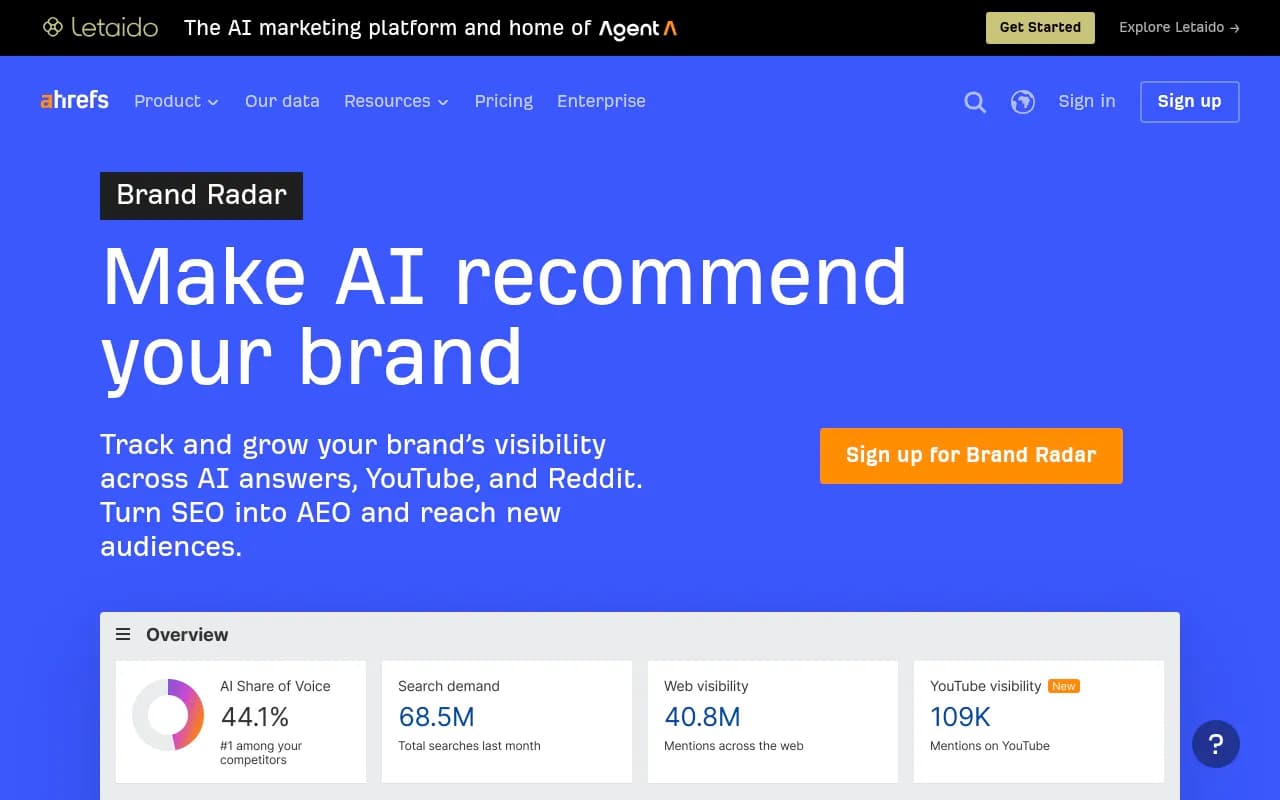
| Ahrefs Brand Radar | Add-on inside an SEO suite | You already pay for Ahrefs |
Otterly.AI

If you outgrow monitoring and need something that also fixes what it finds, Promptwatch is the end-to-end option. It tracks the real interfaces of ChatGPT, Gemini, Perplexity, Claude, and Google AI Overviews, logs verified AI crawler visits to your docs, attributes AI-referred visitors, and its Content Agent can write and publish pages against the gaps it finds. It is a paid platform, with plans starting at $95/month on Essential and a 7-day free trial on monthly billing, so confirm current details at promptwatch.com/pricing. It also tracks how coding agents like Codex, Claude Code, and OpenCode recommend tools and SDKs, which is unusually relevant for dev tool companies.

What to watch out for
- Vendor bias. Nearly every "best AI visibility tools" listicle is written by a tool vendor. The Profound agency roundup and the Botric roundup both place their authors high. Read them for feature ideas, not rankings.
- Overfitting to one engine. ChatGPT, Gemini, and Perplexity cite differently. Track at least two.
- Treating a mention as a win. Check whether the description is accurate and whether the answer would make a developer click.
- Confusing movement with signal. Answers vary run to run. A one-week change in a 25-prompt sample is noise unless it persists.
- Ignoring access. If bots can't read your docs, no amount of content work helps. Check crawler access first.
The short version
Freeze a prompt list, sample it weekly, read your logs, tag your AI traffic, and fix your docs and third-party profiles. That costs you about an hour a week and zero dollars, and it gives you a baseline any paid tool will have to beat. When the spreadsheet starts to hurt, you will know exactly what you want from a platform, because you will have been doing the job by hand.