Key takeaways
- Developer tool buyers ask AI about docs, SDKs, integrations and "X vs Y" choices, so your prompt set needs to look like an engineer's questions, not a marketer's keywords.
- In Promptwatch Data's software prompt report (Sep 28 to Oct 4, 2026), GitHub, Microsoft's docs and G2 lead ChatGPT citations, and docs and help centers earn the largest share. Docs and GitHub are marketing assets for these clients.
- Track clusters of prompts by topic, check position and description, and compare competitors inside the same responses. One prompt tells you very little.
- Set 1 to 3 numeric goals in the first two weeks, then report on a fixed cadence with a live walkthrough.
- Use tools that collect from real AI interfaces, show crawler activity, and let you run many client projects without per-seat pain.
Why developer tool clients are a different job
Most AI visibility advice is written for consumer brands or generic B2B SaaS. Developer tools behave differently, and if you hand a developer-tool client a generic report, they will notice within one meeting.
The buyer is an engineer, or a lead who asks an engineer. They ask an AI assistant things like "best way to add auth to a Next.js app", "Postgres hosting with branching", or "alternative to [incumbent SDK]". The answer they get often names two or three tools and links documentation. Nobody reads a landing page first.
That changes three things for an agency:
- The sources AI cites are different. Docs, GitHub repos, changelogs and Stack Overflow-style answers matter more than blog posts.
- The buying path is shorter and more technical, so a mention in the right answer can be the whole evaluation.
- Clients are skeptical of vanity metrics. A "visibility score" with no explanation will get questioned by a CTO who reads source code for fun.
So the setup has to be honest, specific and traceable back to pages the client controls.
What the data says about software citations
Before you design anything, look at what AI actually cites for software prompts. Promptwatch Data's report on software-related prompts in ChatGPT covers Sep 28 to Oct 4, 2026. A few numbers matter for your client conversations:
- GitHub is the most cited domain at 1.2% of software citations, followed by learn.microsoft.com at 0.98% and G2 at 0.73%.
- AWS docs get 0.41% and Google Cloud docs 0.35%. Gartner gets 0.34% and Capterra 0.32%.
- By source type, docs and help centers take the largest share (2.64%), then vendor sites (2.01%), review sites and analysts combined (1.57%), GitHub (1.2%) and app stores (0.47%).
- Vendor pages and docs together earn 4.65%, roughly 3x review sites and analysts.
The practical read: for a developer tool, the client's own docs and public GitHub presence do more citation work than a third-party listicle campaign. G2 and Capterra still matter, so keep those profiles current, but they are not where the biggest share sits. Promptwatch's own takeaways for developer tools are the same three things: keep a public GitHub presence, publish crawlable docs, and keep review profiles fresh.
One more figure that shapes reporting. According to Promptwatch Data on unique domains per ChatGPT response (Sep 28 to Oct 4, 2026), 47.6% of responses with citations cite 10 or more domains. For organic prompts where no brand is named, that rises to 52.5%. Answers are crowded, so "are we cited at all" is a weak question. "Where do we sit and how are we described" is the better one.
Step 1: Scope the engagement and set goals
Before touching a tool, agree on what success looks like. Current client reporting guidance, such as the playbook from Surnex citing Swydo, recommends 1 to 3 primary numeric goals set in the first two weeks, plus a recurring walkthrough and a defined cadence.
For developer tool clients, good goals look like this:
- Share of Voice across a defined set of "best tool for X" prompts, against three named competitors.
- Share of AI-cited sources that are the client's own docs or repo.
- AI-referred signups or docs visits, from analytics.
Bad goals: "improve visibility" or "get mentioned more". You can't walk into a quarterly review with those.
It also helps to borrow vocabulary from the industry. The IAB's "Measuring Visibility in the AI Era" framework (published Aug 3, 2026) introduces four Ps: presence, prominence, portrayal and persuasion. It also notes that more than 20 companies sell AI visibility measurement, each with different methodology. That second point is worth telling clients directly. Two tools can give different numbers for the same brand, so you need to explain your method and stay consistent with it.
Step 2: Build a prompt set that sounds like an engineer
This is where most agencies get lazy. They paste keyword lists into a tracker. Developer tool prompts have a distinct shape. Build the set in layers:
Problem and category prompts
These name no brand. Examples: "how do I add feature flags to a Node service", "best open source alternative to a hosted vector database", "what is the easiest way to run background jobs in Python". Organic prompts like these are where discovery happens, and they are the hardest to win.
Integration and stack prompts
Developers ask in terms of their stack: "authentication for Next.js and Postgres", "logging for a Rails app on Fly.io", "SDK for Go to send transactional email". Write one cluster per framework or language the client supports.
Comparison prompts
"X vs Y", "alternatives to [competitor]", "is X better than Y for startups". Promptwatch Data shows these behave like organic prompts for citation count: 49.1% of competitor comparison responses cite 10 or more domains, and only 0.35% cite a single domain. Expect many sources, including review sites and forums.
Brand-specific prompts
"Is [client] production ready", "[client] pricing", "[client] vs self-hosting", "[client] outage". These are narrower, 5 domains being the most common count at 14.9%, and they reveal how the brand is described. Fact-check these answers. Wrong claims about pricing limits or deprecated APIs are common and fixable.
Coding agent prompts
More developers now ask coding agents instead of a chat window. If the client sells an SDK or API, check how coding agents recommend it. Some platforms track Codex, Claude Code and OpenCode specifically.
A workable starting size is 40 to 80 prompts per client, grouped into 6 to 10 topics. Fewer and you cannot see patterns. More and the reports get unreadable.
Step 3: Pick tooling that fits agency work
You need a few things that are easy to under-appreciate until you have eight clients live:
- Collection from the real interfaces of ChatGPT, Gemini, Perplexity, AI Overviews and others, not only APIs. Answers and citations can differ between API and user-facing products.
- Topic-level analysis rather than a single position number per prompt, since the same prompt gives different answers across runs.
- Per-client projects with unlimited prompts and seats, so you are not rationing logins.
- AI crawler logs, so you can tell whether a missing citation is an access problem or a content problem.
- Scheduled reports you can white-label or at least brand.
One agency-side tool vendor, Traqer, makes a related argument in its guide to AI visibility tools for agencies: tools that report one blended percentage across all LLMs, or treat single prompts as stable like keywords, mislead. They also cite roughly $1,500 a month for a 10 client, 25 prompt, 5 LLM setup on one well-known tool. Treat that as a vendor's claim, but the measurement points hold up regardless of who made them.
Promptwatch is the platform 1001 SEO Media's network points to for this work, and it has dedicated agency plans. Kick-off is $199/mo, Growth $399/mo and Scale $799/mo, each with unlimited projects, prompts and team seats, country, state and city tracking, crawler logs, visitor analytics and site audits. Confirm current numbers at promptwatch.com/pricing. It also exposes an MCP server and REST API, which developer-minded clients often appreciate.

Other options in the category are worth a look depending on budget and depth:
| Tool | Best fit | Notes |
|---|---|---|
| Promptwatch | Agencies that want tracking plus action and measurement | Crawler logs, visitor analytics, content tools, agency plans |
| Profound | Enterprise monitoring | Strong tracking, higher price points |
| Otterly.AI | Light monitoring on a budget | Prompt tracking without crawler logs or content generation |
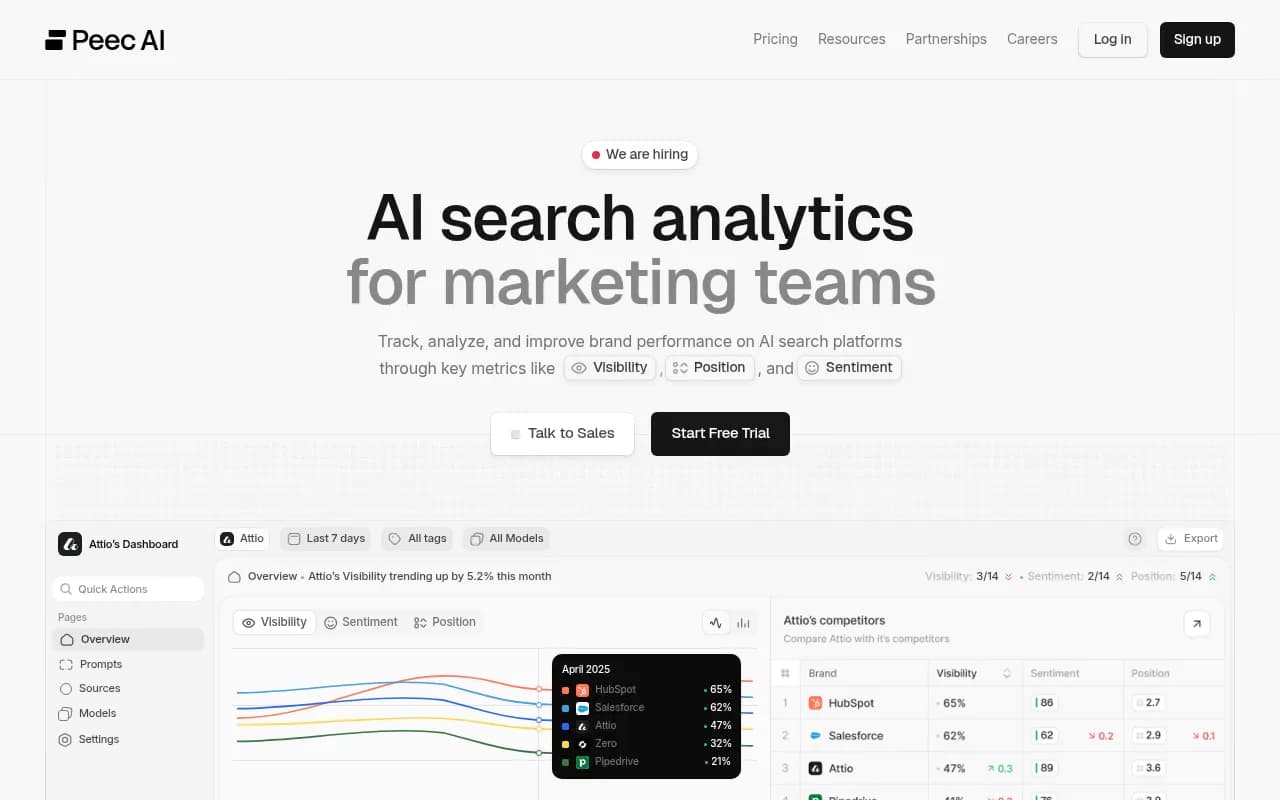
| Peec AI | Simple multi-brand tracking | Monitoring focus |
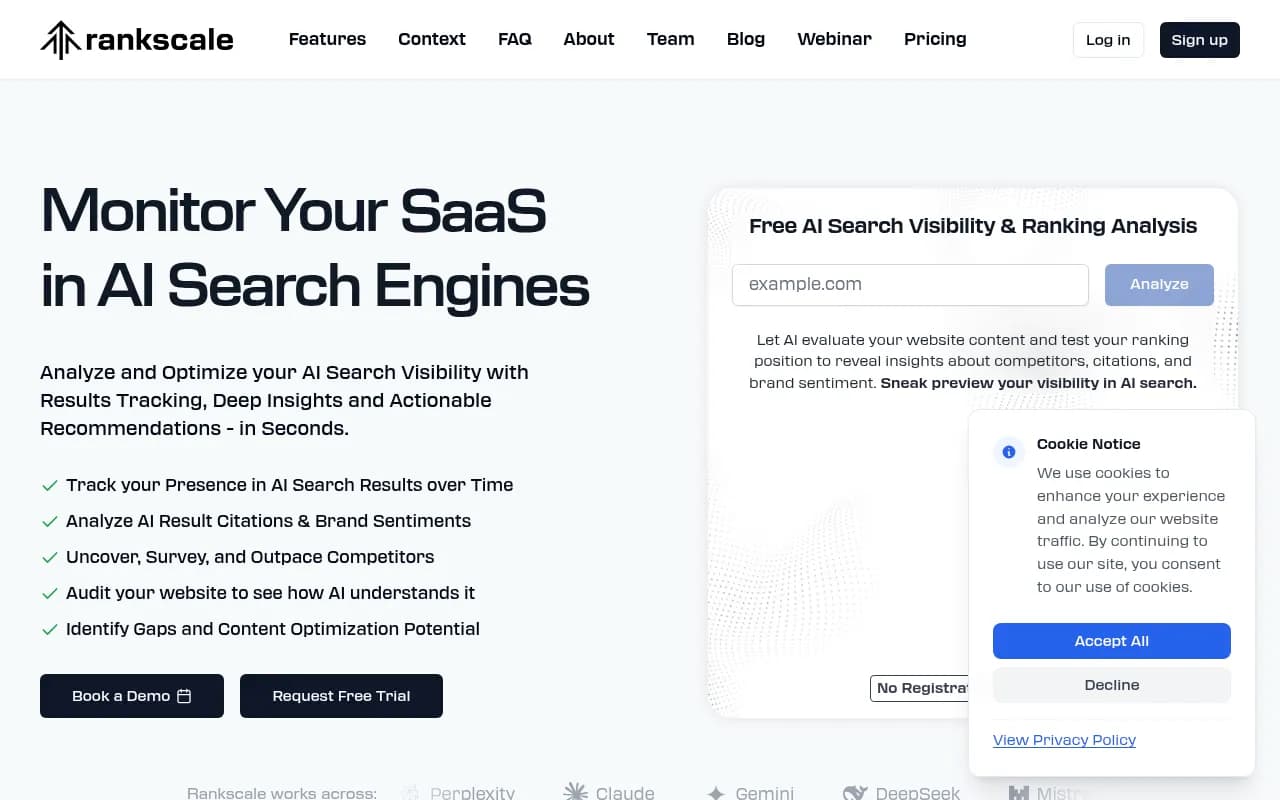
| Rankscale | Agency-focused tracking | Built for multi-client reporting |
Profound
Otterly.AI

For a wider view of the market, the directories at bestgeosoftware.com and ai-rank-tools.com list more GEO and AI rank tracking tools.
Step 4: Configure monitors that keep markets and models clean
In a platform like Promptwatch, a monitor is a panel of prompts running across chosen models, countries and languages. Language and location are fixed at creation, so plan up front:
- One monitor per market and language. A developer tool selling in the US and Germany needs two.
- Separate monitors for category prompts, comparison prompts and brand prompts. Mixing them muddies Share of Voice.
- Use topics and tags consistently across clients so your reports have the same shape.
- Add brand aliases and analysis instructions. Developer tool names are often common words (think a tool called "Linear" or "Cursor"), and you need rules for what counts as a mention.
- Add competitors early, including open source projects and hyperscaler products that an engineer would consider.
Daily runs are enough for most clients. Faster schedules matter around a launch or an incident.
Step 5: Trace the sources AI cites for the client
Mentions are the output. Citations are the explanation. For each client, pull the most cited domains and URLs for their topics and sort them into four buckets:
- Their own docs and repo.
- Review sites and directories (G2, Capterra and similar).
- Community sources such as forums and Reddit.
- Competitor and third-party pages.
Social data is worth checking against the right engine. Promptwatch Data's social media citations report (Oct 11 to Nov 9, 2026) shows very different behavior by engine. Social platforms made up 13.16% of AI Overviews citations, 1.94% for Perplexity and 0.64% for ChatGPT. In AI Overviews, YouTube alone rose to 6.71%. For ChatGPT, Reddit was 0.40% and YouTube 0.03%.
What that means for developer tool clients: a YouTube tutorial series can help in Google's AI features, Reddit and LinkedIn presence can matter for Perplexity, and social posts will barely move ChatGPT. Do not promise a client that Reddit threads will fix ChatGPT visibility.
For crawling, check whether AI bots can read the docs at all. Docs sites behind client-side rendering, aggressive bot blocking or gated search are common problems. Crawler logs show which AI bots hit which pages and where they fail. The AI crawler logs feature in Promptwatch does this with IP-verified requests, and Promptwatch's AI crawler traffic data gives a benchmark for what normal bot activity looks like.
Step 6: Turn findings into a work plan
The report should end in actions, not observations. A typical set for a developer tool client:
- Fix crawl and rendering issues on docs before writing anything new.
- Write or refresh pages for prompts where the client is absent but competitors are cited, such as framework quickstarts and migration guides.
- Correct inaccurate claims AI repeats, by updating the page it learns from (pricing limits, supported languages, deprecated endpoints).
- Keep G2 and Capterra profiles accurate and current.
- Publish integration pages for each framework in the stack prompts.
Content age also matters. Promptwatch Data on content half-life in ChatGPT found that landing pages and docs stay cited longest, while news loses half its pages within 36 days. That favors durable docs over news-style announcements, and it is a good argument for investing retainer hours in docs improvements.
Platforms that also write and publish content, like Promptwatch's Content Agents, can speed this up, but developer content needs an engineer's review. Do not publish code samples nobody ran.
Step 7: Report in a shape clients will read
Use the same report structure for every client. It saves hours and makes quality easier to check. A one-page version works:
| Section | What it shows | Why the client cares |
|---|---|---|
| Goals | 1 to 3 agreed numbers vs last period | Ties work to outcomes |
| Visibility by topic | Visibility Score and Share of Voice per topic, vs named competitors | Shows where they win and lose |
| Position and description | Where the brand appears in the answer and how it is described | Mentions alone mislead |
| Source map | Top cited domains and the client's own cited pages | Explains the why |
| AI traffic | Visits and signups from AI referrers | Proves business value |
| Next actions | 3 to 5 prioritized items with owners | Keeps the meeting moving |
A few reporting rules that save arguments:
- Report the period, models and method on every chart. The IAB framework exists because tools disagree.
- Show ranges and trends, not single-day numbers. AI answers vary run to run.
- Read metrics together. Low Share of Voice is a coverage problem. Late position is a prominence problem. Mentions without citations of the client's own domain point at a content or crawl problem. Weak sentiment points at reputation.
- Be careful with AI traffic attribution. ChatGPT stopped sending a referrer on October 8, 2026, so tagging links with utm_source=chatgpt.com and counting those visits matters. The attributing AI traffic guide walks through setup.
- Pair every report with a short live call. A PDF cannot answer "so what do we do?".
Scheduled PDFs and dashboard exports handle the repetitive part. Save your time for the walkthrough.
A first 30 days checklist
- Week 1: kickoff, 1 to 3 goals, competitor list, stack and framework inventory.
- Week 1 to 2: draft prompts in layers, get an engineer at the client to sanity check them.
- Week 2: create monitors by market, connect crawler logs and analytics.
- Week 3: baseline report with source map and crawl findings.
- Week 4: agreed action list, first doc or integration page fixes shipped, first walkthrough.
When to bring in a specialist agency
If you are an in-house team or a small consultancy and don't want to build this practice from scratch, agencies like 1001 SEO Media run GEO and AI search programs end to end, and 1001 SEO Media uses Promptwatch for that work. Whichever route you take, the core of the job stays the same: track topics, trace sources, fix the pages AI reads, and report in a way an engineer would trust.
To test the water on a client before committing, Promptwatch's free AI visibility report gives a quick scan of how ChatGPT, Gemini and Perplexity describe a brand, and the 7-day free trial is available on monthly billing for agency plans. Check promptwatch.com/pricing for current terms.