Key takeaways
- Most AI vendors now run separate bots for training, search indexing, and user-triggered fetching. Blocking one no longer blocks the others, and a blanket "block AI" rule can remove your docs from the tools developers actually use.
- For a docs site, the sensible default is to allow search and user-fetch bots (OAI-SearchBot, ChatGPT-User, Claude-SearchBot, Claude-User, PerplexityBot, Perplexity-User) and make a deliberate choice on training bots (GPTBot, ClaudeBot, Google-Extended).
- Blocking ClaudeBot or OAI-SearchBot on a docs site can also cut off traffic that feeds Claude Code and Codex. Promptwatch Data shows both fetching docs .md paths.
- robots.txt is voluntary. Cloudflare's managed robots.txt and WAF rules can contradict your file, so verify with real crawler logs, not just the text file.
- Serve clean HTML first, then optionally add .md endpoints for docs only. Markdown is 0.05% of AI search citations but matters for coding agents.
Why docs sites are a special case
Most robots.txt advice for AI bots is written for publishers worried about scraping. Docs sites have the opposite problem. Your documentation exists to be read, and increasingly the reader is an agent: a developer asks Claude Code or Codex how to call your API, and the agent goes and fetches your reference page.
If your robots.txt or CDN says no, the agent doesn't shrug and give up. It guesses from training data, which is stale, or it recommends a competitor whose docs it could read. That is a bad trade for a developer-tool company.
So the usual publisher question, "how do I stop AI from using my content?", becomes a more nuanced one: which uses do I want to permit? Training, search indexing, and live retrieval are three different things, and for docs the last two are usually worth keeping.
The three kinds of AI bot
The split that matters is purpose. Digital Applied's 2026 decision matrix puts it plainly: GPTBot is not OAI-SearchBot, and ClaudeBot is not Claude-SearchBot. Each vendor now publishes separate user-agent tokens, and robots.txt treats each one independently.
| Bot | Operator | Job | Typical docs-site policy |
|---|---|---|---|
| OAI-SearchBot | OpenAI | Indexes pages for ChatGPT Search | Allow |
| ChatGPT-User | OpenAI | Fetches a page when a user asks | Allow |
| GPTBot | OpenAI | Training data | Your call |
| Claude-SearchBot | Anthropic | Indexes content for Claude search | Allow |
| Claude-User | Anthropic | Fetches for a user, including Claude Code | Allow |
| ClaudeBot | Anthropic | Training crawler | Your call, with caveats below |
| PerplexityBot | Perplexity | Indexes pages for answers | Allow |
| Perplexity-User | Perplexity | User-triggered fetch | Allow |
| Googlebot | Search, including AI Overviews | Allow | |
| Google-Extended | Gemini training and grounding control | Your call | |
| meta-externalfetcher | Meta | User retrieval | Allow |
| meta-externalagent | Meta | Training | Your call |
| Applebot | Apple | Siri, Spotlight, AI answers | Allow |
| Applebot-Extended | Apple | Model training | Your call |
| Bytespider | ByteDance | Scraping, history of non-compliance | Block |
| CCBot | Common Crawl | Open web corpus | Your call |
Two of these deserve a warning. Google-Extended is a single token that covers both Gemini training and grounding, so blocking it rejects both. And Bytespider has a reputation for ignoring robots.txt, so a Disallow line there is a statement of intent more than a barrier.
Before you ship anything, check each vendor's own bot documentation (OpenAI, Anthropic, Google, Perplexity) for the current user-agent strings. Third-party lists, including the ones I drew on here, go stale, and old tokens like anthropic-ai and Claude-Web still circulate in templates even though newer names exist.
What coding agents actually fetch
This is where the docs case gets interesting. Promptwatch Data's markdown in AI search report (last 7 days of citations as of its February 2026 publication) found HTML made up 99.94% of AI search citations, markdown files 0.05%. About 2,000 to 1. So for ordinary AI search, markdown mirrors are pointless.
Docs are the exception. The same report notes a large uptick in docs being crawled by Claude's bot (powering Claude Code) and OpenAI's bot (powering Codex). Its sample of /docs/.../*.md request paths shows the top path pattern at 3,241 requests, with others at 2,870, 1,934 and 1,512. The crawlers on those paths were anthropic-claudebot and openai-searchbot, and some paths were fetched by only one of them.
That has a practical consequence. If you block ClaudeBot because you want to opt out of training, you may also be blocking part of what feeds Claude Code. I'd treat that as a real risk to verify in your logs rather than a certainty, since vendors route their crawlers differently over time. But it is reason enough not to copy a "block all training bots" template onto a docs domain without checking.
The Claude side is growing fast. Promptwatch's Claude citation crawler data (Dec 10, 2025 to Apr 18, 2026) shows Claude-User visits rising from about 30 a day to several thousand a day, more than 100x. Claude is still around 1% of tracked citation crawler traffic, with ChatGPT taking most of the rest, so it is a secondary channel. A secondary channel for developer docs, though, is where your most valuable readers sit.
Three robots.txt policies for docs
Policy 1: open, maximum agent access
Use this if you want every agent and AI search engine to read your docs and you don't care about training.
User-agent: *
Allow: /

User-agent: Bytespider
Disallow: /

Sitemap: https://docs.example.com/sitemap.xml
It looks too simple, and that is the point. Listing every bot with Allow: / adds nothing when the wildcard already allows them. The one useful line is the Bytespider block.
Policy 2: allow retrieval, block training
This is the most common choice in 2026 and the one the vendor-split design is built for. It keeps you in ChatGPT Search, Claude, Perplexity and Google while opting out of model training.
# OpenAI: search and user fetch allowed, training blocked
User-agent: OAI-SearchBot
Allow: /

User-agent: ChatGPT-User
Allow: /

User-agent: GPTBot
Disallow: /

# Anthropic: search and user fetch allowed, training blocked
User-agent: Claude-SearchBot
Allow: /

User-agent: Claude-User
Allow: /

User-agent: ClaudeBot
Disallow: /

# Perplexity
User-agent: PerplexityBot
Allow: /

User-agent: Perplexity-User
Allow: /

# Google: Googlebot allowed; Google-Extended covers Gemini training AND grounding
User-agent: Googlebot
Allow: /

User-agent: Google-Extended
Allow: /

# Meta
User-agent: meta-externalfetcher
Allow: /

User-agent: meta-externalagent
Disallow: /

# Apple
User-agent: Applebot
Allow: /

User-agent: Applebot-Extended
Disallow: /

# Known non-compliant scraper
User-agent: Bytespider
Disallow: /

Sitemap: https://docs.example.com/sitemap.xml
Notice I left Google-Extended on Allow. Block it and you reject Gemini grounding along with training. Decide that one on purpose.
Policy 3: the hybrid for docs
This is what I'd pick for a developer-tool company. Same as Policy 2, but you reconsider ClaudeBot and GPTBot for your docs paths specifically, because those bots appear on docs .md fetches.
User-agent: GPTBot
Allow: /docs/
Disallow: /

User-agent: ClaudeBot
Allow: /docs/
Disallow: /
Crawlers following RFC 9309 apply the most specific matching rule, so /docs/ is allowed while the rest of the domain is not. If your docs live on their own subdomain, you may simply want the open policy there and a stricter file on your marketing domain. Each hostname has its own robots.txt.
Where robots.txt goes wrong: Cloudflare and WAF rules
The text file is only half the story. Cloudflare's managed robots.txt feature, documented in its bot solutions docs, prepends its own directives to your existing file when you enable a policy. The example in Cloudflare's documentation shows blocks on Amazonbot, Applebot-Extended, Bytespider, CCBot, ClaudeBot, Google-Extended, GPTBot and meta-externalagent, plus a content-signal line.
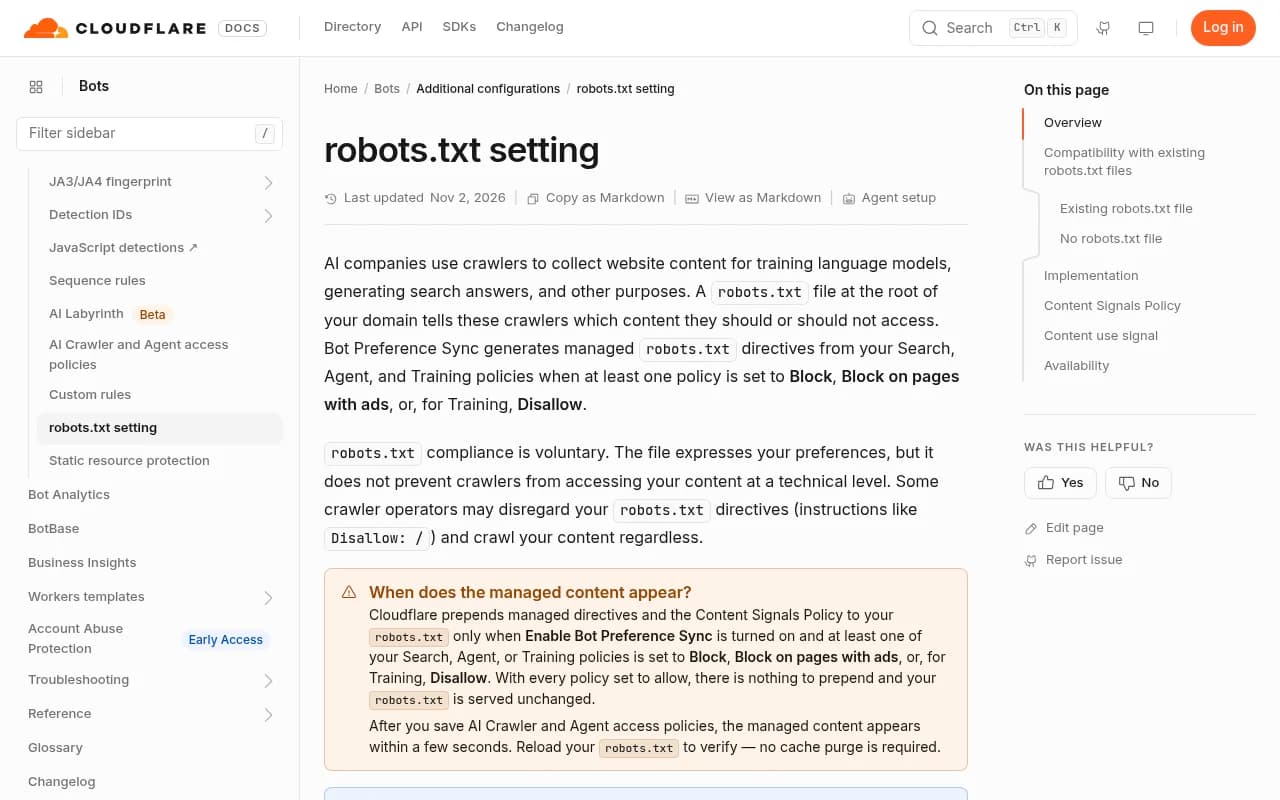
Three things to take from that page:
- The managed file goes in front of yours, so what crawlers see is the combination. Always fetch your live /robots.txt and read it, rather than trusting the file in your repo.
- The sample it shows blocks ClaudeBot and GPTBot but doesn't mention Claude-User or ChatGPT-User. That is fine for robots.txt, but a separate WAF or bot-fight rule may still challenge those fetchers. Check both layers.
- Cloudflare says plainly that robots.txt compliance is voluntary. It states preferences. It doesn't enforce them.
The content-signal syntax in that example (search, ai-input, ai-train) is also worth knowing. The idea is to say what a crawler may do with content, not just whether it may fetch it. Support among crawlers is uneven, so treat it as a supplement to user-agent rules and not a replacement.
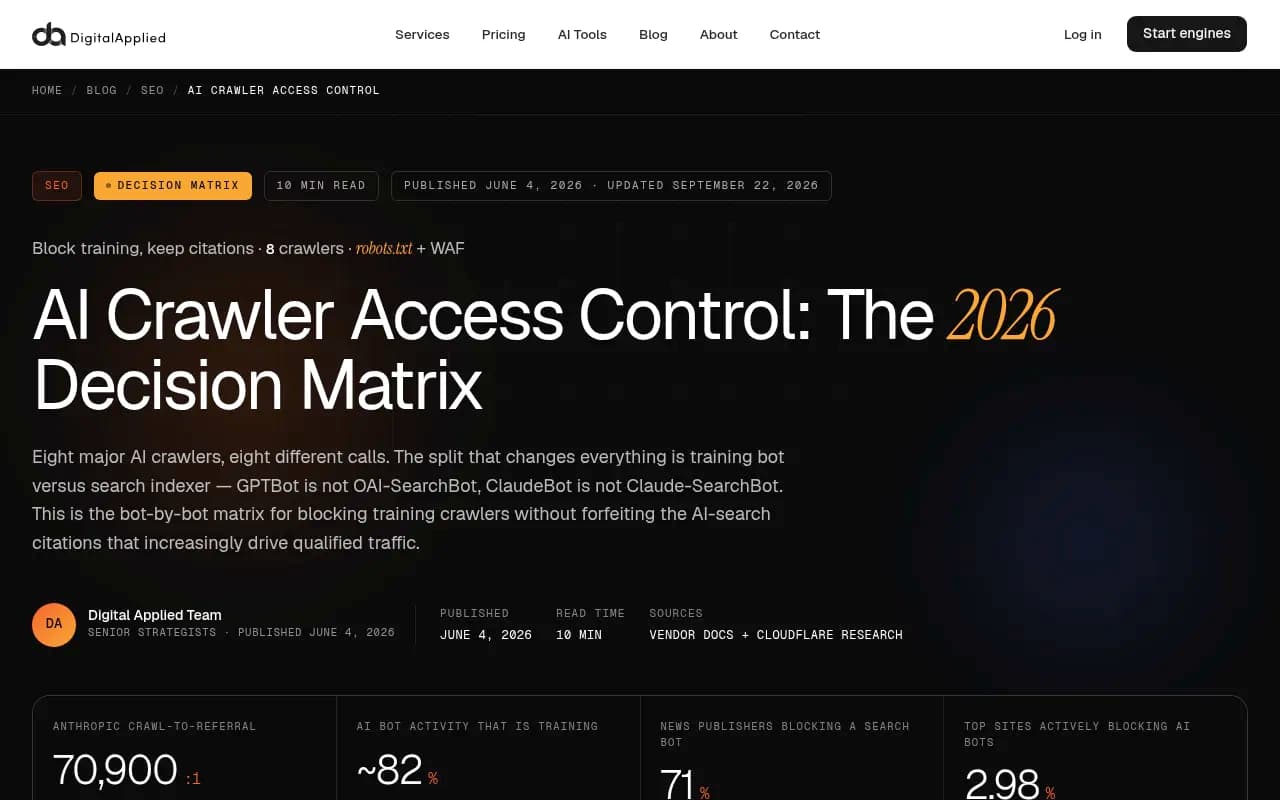
The Digital Applied piece covers the enforcement side well: robots.txt, WAF rules, and other levers ranked by how hard they actually bind. Read it if you need to go beyond requests-and-hope.
Verify with logs, not with the file
A correct robots.txt proves nothing about what is reaching your pages. The check that matters is whether verified bot requests are landing on your docs and succeeding.
Promptwatch's AI crawler traffic report (IP-verified weekly requests, June 8 to Sept 6, 2026) gives a baseline. OpenAI made up 79.8% of verified AI crawler requests in the week of Aug 31 to Sept 6, down from 94.8% in the week of June 8. Its advice is simple and I agree with it: compare your own logs against the overall mix. If a provider is large in the mix but near zero on your site, you are probably blocked or unreachable for it. And split OpenAI's traffic by crawler, so you can see whether training bots or answer-time fetchers are doing the work.
IP verification matters because user agents are trivially spoofed. A log line saying "ClaudeBot" means little unless the source IP matches Anthropic's published ranges.
Tools that can do this job:
- Promptwatch has AI crawler logs that verify requests against each operator's published IP ranges, show which pages bots read, which errors they hit, and whether a crawled page later gets cited. Setup goes through your CDN or host, and there is an official WordPress plugin.

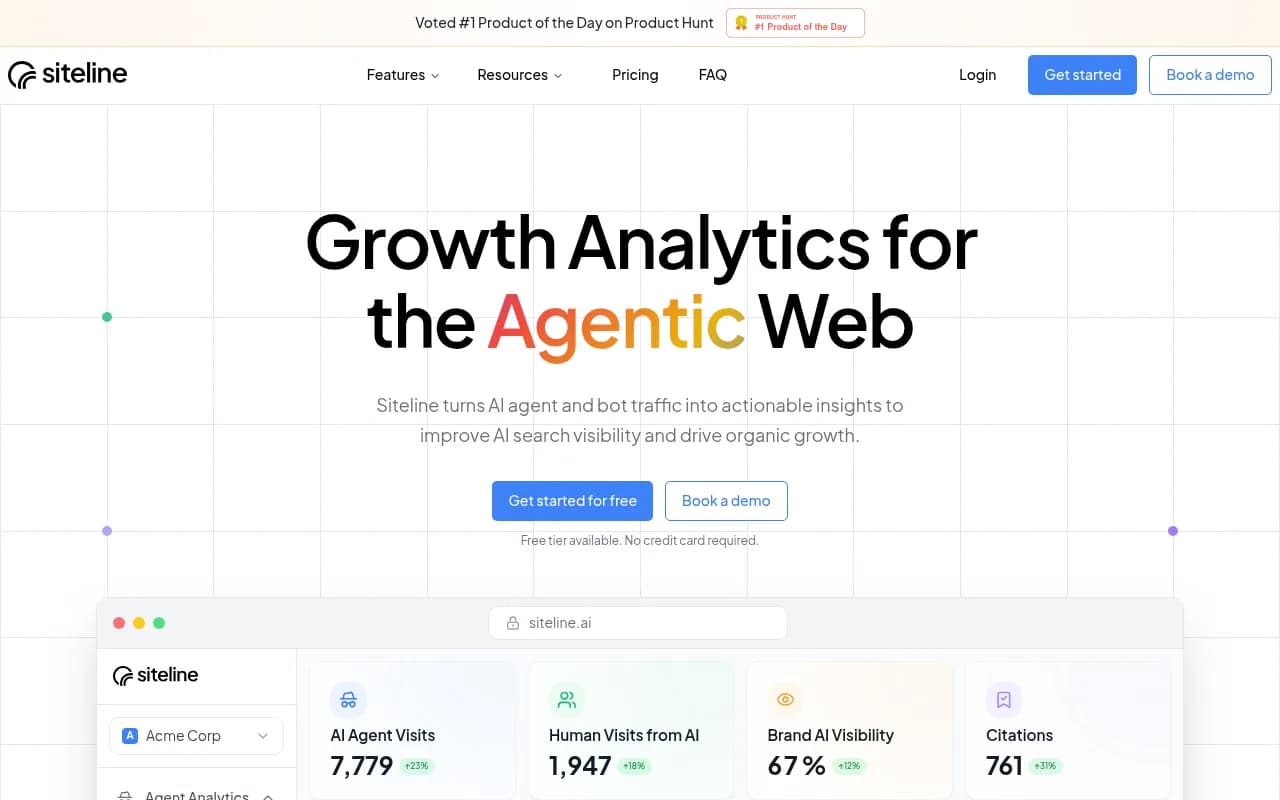
- Siteline AI focuses on AI agent traffic analytics.
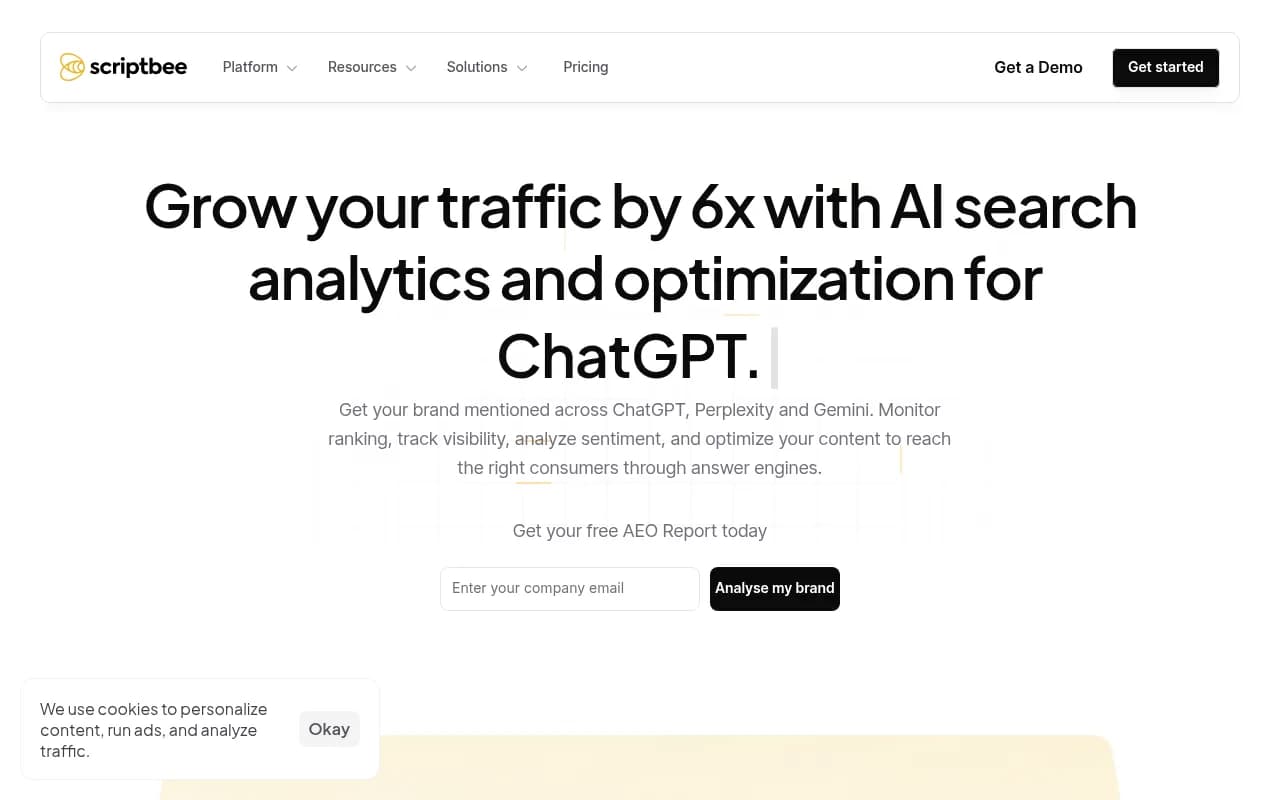
- Scriptbee offers AI crawler monitoring across domains.
The quick manual alternative is a log query for the bot tokens above, filtered by status code. Any run of 403 or 429 responses to Claude-User or ChatGPT-User is your answer.
For a quick pre-flight, Promptwatch also has a free AI crawler URL inspector, a robots.txt generator for AI and an agentic readiness check, and a directory of 400+ crawlers at promptwatch.com/bots.
Make the docs readable once the bots get in
Allowing the bot is step one. Step two is making sure it finds something parseable.
- Fix client-side rendering first. A page a retrieval system can't parse loses citations, and a JavaScript-only docs shell is invisible to many fetchers. If you can't change the framework, a pre-rendering service like Prerender.io or DataJelly is a workaround.
- Add .md endpoints for docs only. Promptwatch's recommendation is to reserve markdown for developer documentation, where agents fetch specific references, READMEs and API pages directly. Markdown is cleaner, cheaper to parse and keeps the context window tidy. Don't build .md mirrors of blog or marketing pages in the hope of AI search gains. The data says it won't help.
- Keep a sitemap and link it from robots.txt. Agents and indexers both use it for discovery.
- Consider llms.txt as a cheap extra. Support varies, so don't expect it to do the work robots.txt does. Promptwatch has a free llms.txt generator.
A rollout checklist
- Fetch your live /robots.txt on every docs hostname. Read what Cloudflare or your CDN adds.
- Decide your training stance. Write down whether you permit GPTBot, ClaudeBot, Google-Extended, meta-externalagent and Applebot-Extended, knowing Google-Extended bundles grounding.
- Allow every search and user-fetch bot by name or via the wildcard: OAI-SearchBot, ChatGPT-User, Claude-SearchBot, Claude-User, PerplexityBot, Perplexity-User.
- Check WAF and bot-fight rules for challenges to those same agents. A robots.txt Allow does nothing if the firewall returns 403.
- Check logs for 7 days. Look for verified requests from each operator, split by crawler.
- Confirm rendering. Load key docs pages with JavaScript off.
- Add .md endpoints if your docs are consumed by coding agents.
- Re-check monthly. Anthropic's and OpenAI's user-agent lineups both changed within the last year, and the Claude-User baseline Promptwatch recommends reviewing monthly is a good habit for all bots.
Tracking the result
Once bots can read you, the next question is whether it leads anywhere: are your docs being cited when someone asks an AI how to do something your product does? Promptwatch's data on software prompts in ChatGPT (Sep 28 to Oct 4, 2026) found GitHub, Microsoft's docs and G2 leading citations, with documentation and help centers earning the largest share. That is encouraging for docs sites, and it explains why locking out the bots costs more than it saves.
If you want to watch your own position, platforms like Promptwatch track how ChatGPT, Claude, Perplexity and the coding agents (Codex, Claude Code, OpenCode) mention and cite you. For other options, the directory at bestgeosoftware.com lists GEO tools by category.
Common mistakes
- Copying a "block all AI bots" template from a news publisher onto a docs domain.
- Blocking Google-Extended and expecting Googlebot rankings to be unaffected while forgetting it also removes Gemini grounding.
- Trusting robots.txt as enforcement. It is a request, and non-compliant bots like Bytespider need a WAF rule if you really want them gone.
- Forgetting that each subdomain needs its own robots.txt.
- Using retired tokens (anthropic-ai, Claude-Web) from old templates and assuming you've covered Anthropic.
- Never looking at logs, so a CDN rule silently blocks agent fetchers for months.
The short version: for docs, default to open, make training a conscious decision, and let logs tell you whether the agents are really getting through.