Key takeaways
- Hootsuite's calendar is built for day-to-day social publishing: drag-and-drop scheduling, bulk uploads, and AI-assisted gap-filling across every connected channel, but it's priced per seat and gets expensive fast ($99 to $399/user/month).
- CoSchedule's Marketing Calendar is the strongest pick if you want social posts sitting alongside blog posts, emails, and campaign tasks in one shared view. Official pricing starts at $29/month (annual) for the Starter plan, up to $49/month for Professional.
- Whatagraph isn't a scheduling tool at all. It's a marketing reporting and analytics platform with no calendar or publishing feature anywhere in its pricing tiers. If you came here comparing it to Hootsuite and CoSchedule for calendar views, that's a mismatch worth knowing about before you demo it.
- If your team's "calendar" needs are really about social-only publishing, Hootsuite wins on breadth. If you're coordinating social with the rest of your marketing output, CoSchedule wins on flexibility.
- Neither tool replaces dedicated AI visibility tracking. If part of your content strategy includes showing up in ChatGPT or AI Overviews, that's a separate problem with separate tools.
Why "content calendar view" is actually the wrong lens for all three tools
I went into this comparison expecting a straightforward three-way face-off. It isn't one. Two of these tools, Hootsuite and CoSchedule, genuinely compete on calendar design: drag-and-drop interfaces, filtered views, color-coded campaigns, the whole deal. The third, Whatagraph, doesn't have a calendar at all.
Whatagraph markets itself as "The Agentic Marketing Intelligence Platform," and its own site describes it plainly: it builds cross-channel marketing reports, not social posting schedules. Its pricing page lists two tiers, Max (from $1,118/month billed annually) and Prime (custom), with feature categories covering integrations, dashboards, white-label reports, KPI alerts, and BigQuery/Looker export. Nothing about scheduling. Nothing about a calendar. If your team needs a place to plan and publish posts, Whatagraph solves a completely different problem, after-the-fact reporting on performance, not before-the-fact planning.
So this guide treats the comparison honestly: Hootsuite and CoSchedule are the real contenders for "best content calendar view," and Whatagraph gets its own section explaining what it's actually for, so you don't end up demoing the wrong tool.
Hootsuite's calendar: built for volume and multi-channel publishing
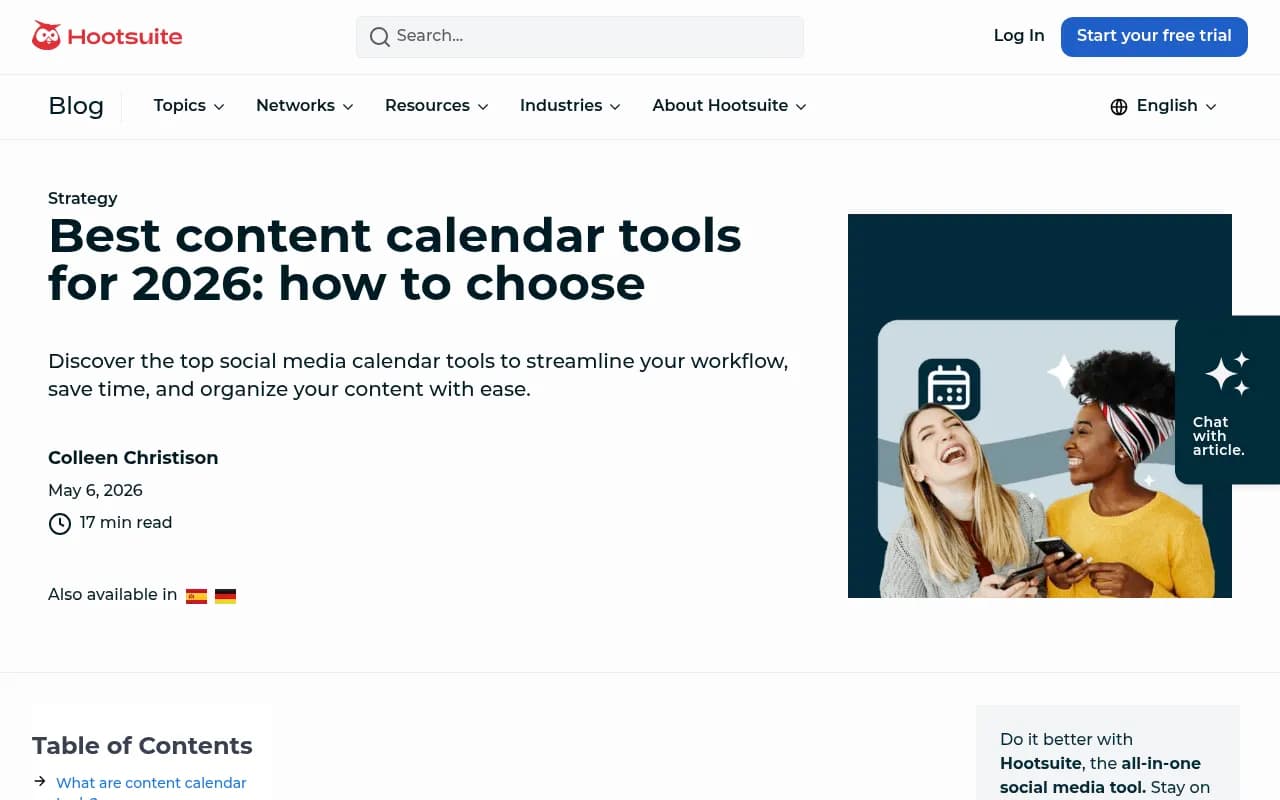
Hootsuite's calendar isn't the flashiest thing in this category visually, but it's functional in a way that matters when you're juggling a dozen accounts. You get an at-a-glance view of everything scheduled across every connected channel, drag-and-drop rescheduling, bulk scheduling for weeks of content at once, and real-time sync so the view never goes stale.
What separates Hootsuite from a plain calendar grid is the AI layer sitting underneath it. OwlyWriter AI generates captions and content ideas to fill gaps in the calendar, and Hootsuite's AI Content Calendar feature (available on all paid tiers, according to Digital Applied's 2026 comparison) analyzes your audience's activity patterns and suggests a weekly posting schedule with themes, then auto-fills open slots with draft posts. That's a genuinely useful feature if your team struggles with consistency rather than ideas.
For teams managing multiple brands, Hootsuite adds governance controls, approval workflows, and role-based access, so a social manager in one region can't accidentally publish over a campaign in another. Social listening, powered by Talkwalker, surfaces content gaps and trending conversations, though that tier sits considerably higher in price.

The catch is cost. Hootsuite now prices per seat: Standard runs $99/user/month, Professional $199/user/month, and Advanced (which is where approval workflows and bulk scheduling actually live) jumps to $399/user/month. A three-person team on the cheapest plan pays close to $300/month before adding any of the features that make the calendar genuinely powerful. Enterprise pricing, with full analytics and listening, is quote-only.
Who the Hootsuite calendar actually fits
Teams that live and breathe social, with multiple brand accounts, frequent posting cadence, and a need for approval chains before anything goes live. If your calendar is effectively your social publishing queue and nothing else, Hootsuite's depth pays for itself. If you're a solo marketer or small team without the budget for per-seat pricing, it's overkill.
CoSchedule's Marketing Calendar: the one that thinks beyond social
CoSchedule's pitch is right there in its own tagline: "Social Media Management On The World's Best Calendar." The idea is that your calendar shouldn't just hold social posts, it should hold the blog post that social post links to, the email campaign promoting it, and the task reminding someone to write the thing in the first place.

That single shared view is the actual differentiator here. Drag an item to a new date and related tasks shift with it. Teams can layer filtered and saved calendars on top of the main one, and on the Professional and Suite tiers, share read-only "observer" calendars with stakeholders who need visibility but shouldn't be editing anything. CoSchedule's ReQueue feature automatically fills open social slots with evergreen content, which solves a very specific, very common problem: the calendar going quiet because nobody remembered to schedule anything new.
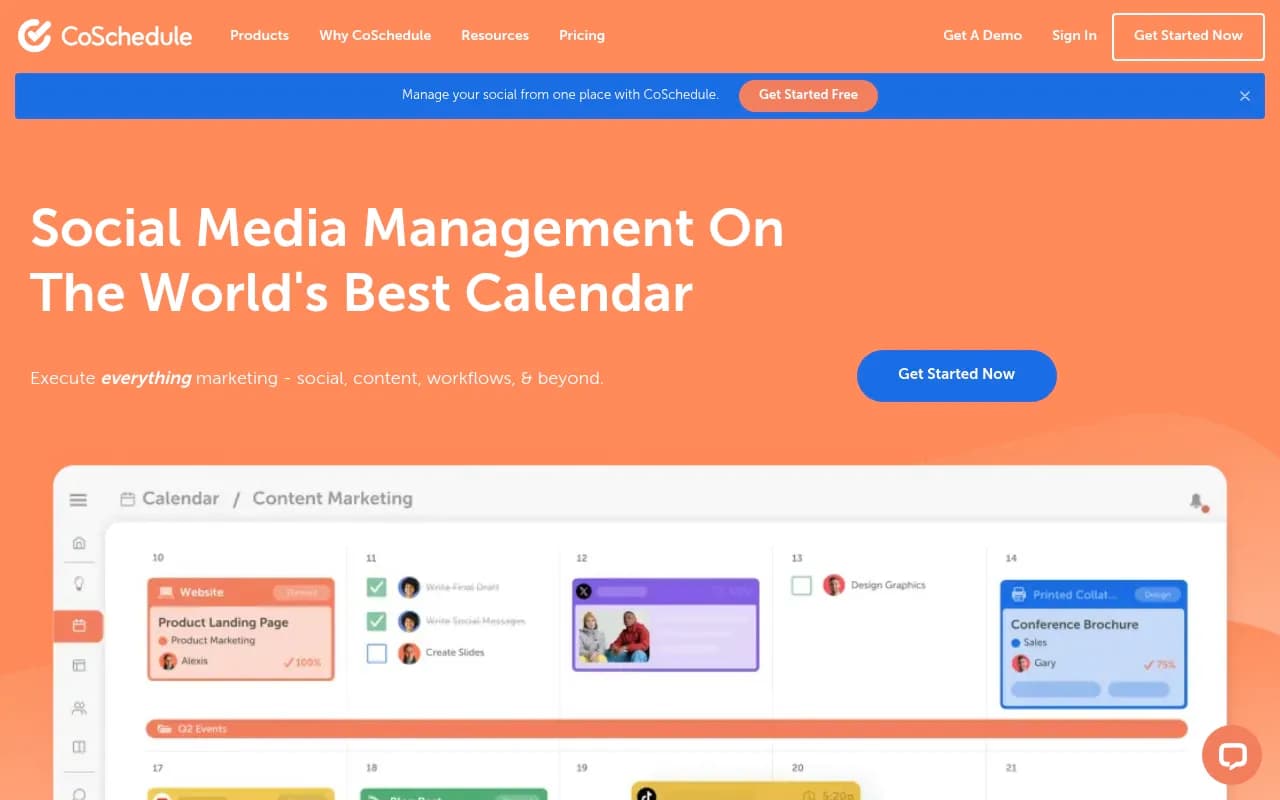
On pricing, CoSchedule's own site (coschedule.com/pricing) is the only source worth trusting here, because third-party roundups disagree with each other and with the vendor by $10-$20/month in either direction. As of this check: Starter is $29/month billed annually (one user, three social profiles, Social Inbox limited to Facebook and Instagram only), and Professional is $49/month billed annually (two users, five profiles, Social Inbox across nine networks, AI Reply Assistant, white-label calendars, unlimited custom sub-calendars). Suite is custom-priced for larger teams needing SSO and custom project types. Note that X/Twitter profiles are billed separately at $16/profile/month on both paid tiers, which is easy to miss when comparing total cost.
CoSchedule's calendar products were named G2 High Performers for Spring 2026, and its review scores sit at 4.3/5 on G2 (152 reviews) and 4.4/5 on Capterra (106 reviews), smaller sample sizes than Hootsuite but consistently positive.
Who the CoSchedule calendar actually fits
Solo marketers, content teams, and small agencies who need to see the whole marketing operation, not just social, on one screen. If your social posts exist to support blog content or campaigns, CoSchedule's calendar reflects that reality better than a social-only tool ever will. The tradeoff is that its native social features (inbox coverage, network breadth) are thinner than Hootsuite's, so heavy multi-network posting teams may find it limiting.
Where Whatagraph actually fits (and why it's not a calendar tool)
It's worth spending a paragraph on this because the confusion is common. Whatagraph is a reporting dashboard: it pulls performance data from your ad platforms, social accounts, and analytics tools into white-label dashboards and automated reports for agencies and in-house teams. Reddit threads in r/PPC discuss it specifically as a reporting tool for client work, not a scheduler. There's no publishing queue, no drag-and-drop calendar, no post composer anywhere in its product.

If what you actually need is a way to show clients how their social performed last month, Whatagraph is a reasonable (if pricey, starting at $1,118/month) option. But pair it with an actual scheduler, Hootsuite, CoSchedule, or something lighter like Buffer or Later, because Whatagraph won't help you plan what goes out next week.
Side-by-side comparison
| Tool | Calendar type | Starting price | Best for | Calendar limitation |
|---|---|---|---|---|
| Hootsuite | Multi-channel social publishing calendar | $99/user/month (Standard) | Teams with high posting volume across many accounts | Per-seat pricing gets expensive; approval workflows locked behind the $399 tier |
| CoSchedule | Unified marketing calendar (social + blog + email + campaigns) | $29/month billed annually (Starter) | Solo marketers and small teams coordinating content across channels | Social Inbox and network coverage thinner than Hootsuite on lower tiers |
| Whatagraph | None (reporting dashboards only) | $1,118/month (Max) | Agencies that need white-label performance reports | No scheduling or calendar feature exists in the product |
A few other calendar views worth a look
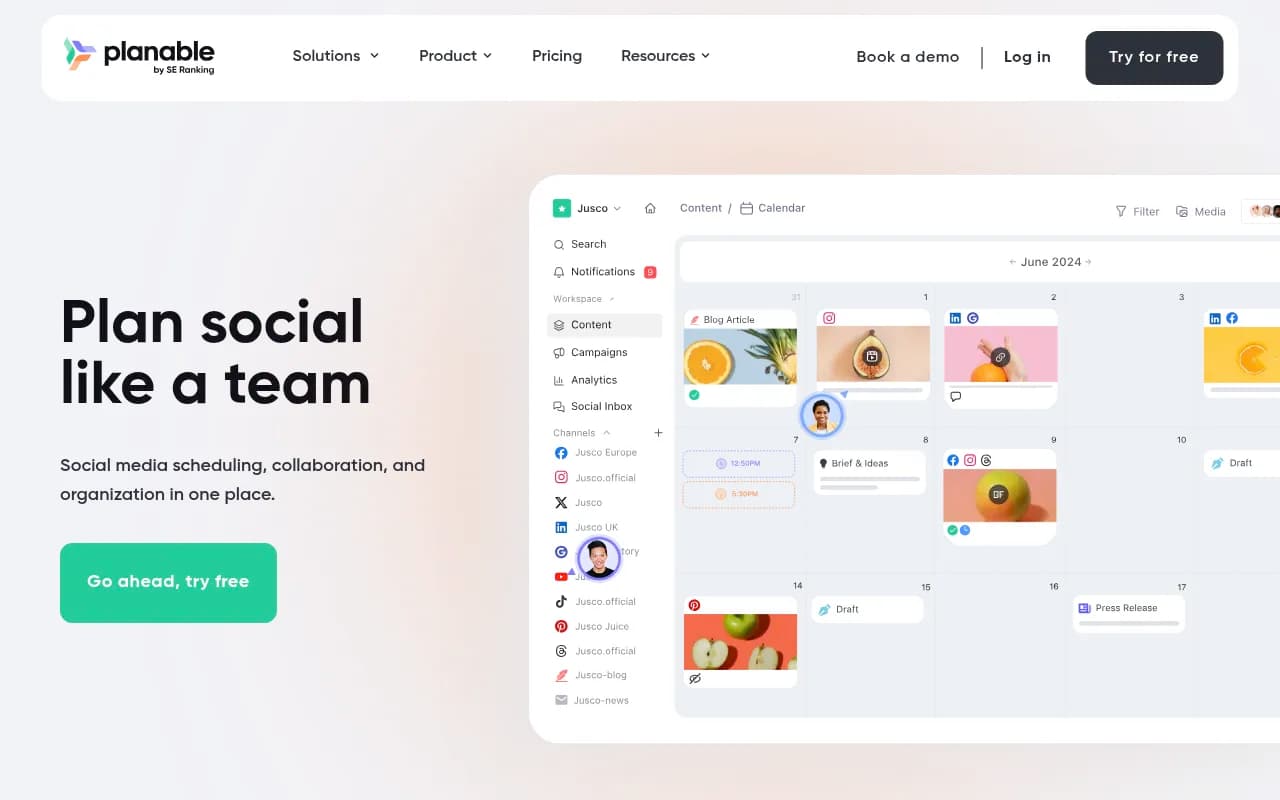
If neither Hootsuite nor CoSchedule quite fits, a couple of other tools in this space are worth a glance before you commit. Planable leans into visual, approval-first calendars built for agency-client review cycles.
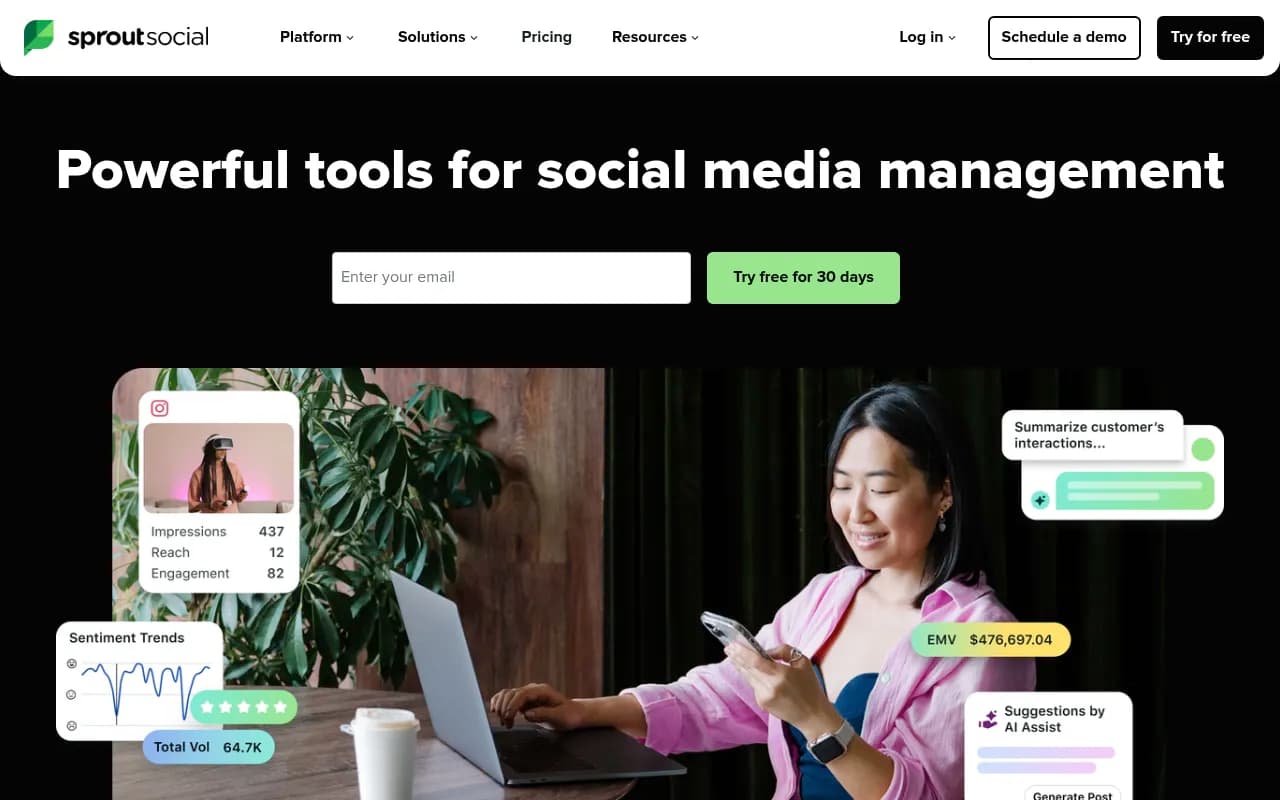
Sprout Social pairs a clean calendar with heavier analytics and social listening if your team needs both in one subscription.
And Later still has the strongest grid-preview calendar if Instagram and TikTok visuals are your main concern.

How to actually decide
Start with what your calendar needs to hold. If it's purely "what gets posted to our social accounts and when," Hootsuite's calendar handles volume and multi-brand complexity better than anything else in this comparison, provided the per-seat pricing fits your budget. If your calendar needs to show the blog post, the email, the campaign task, and the social post that promotes all three, CoSchedule's Marketing Calendar is built for exactly that and costs meaningfully less to get started.
Skip Whatagraph for this use case entirely. It's a good product, just not the product you're looking for if the word "calendar" is doing any work in your search.
One more thing worth flagging: none of these three tools track how your brand shows up in ChatGPT, Google AI Overviews, or Perplexity, which is a separate and increasingly relevant question for content teams in 2026. If AI visibility is also on your roadmap, that's a different category of tool, something like Promptwatch, which tracks citations, AI crawler activity, and traffic from AI platforms rather than social post scheduling.

For a broader look at scheduling and planning tools beyond these three, the software directory at surferstack.com has comparisons across the wider category.