Key takeaways
- None of the sources I found show Claude Code, Codex, or OpenCode pulling suggestions from a built-in MCP registry. When an agent recommends a server, it is drawing on training data and web content, such as ranked listicles.
- Claude Code has a documented mechanism, MCP Tool Search, that decides which of your installed MCP tools get loaded into context. It loads up to five relevant tools per search by default.
- Selecting a tool is a different problem from suggesting a server. The first is mechanical and tunable. The second is mostly about what the model has read.
- Codex and OpenCode share the MCP protocol with Claude Code, but I found no documented equivalent to tool search for them.
- To get your own MCP server suggested, you need clear tool descriptions, public docs, and a presence in the places models read.
Two questions people mix up
When people ask how a coding agent "chooses" an MCP server, they usually mean one of two things.
The first: I've installed ten MCP servers. How does the agent decide which tool to call for this task? That is tool selection, and Claude Code documents it.
The second: I haven't installed anything. Why did the agent tell me to install Context7 or Playwright? That is server suggestion, and it is much murkier. In the research I gathered, I found no evidence of a registry lookup. The suggestions look like model memory plus whatever the agent found through web search.
I'll take them in order, because the fixes are different.
How Claude Code selects among installed MCP tools
Anthropic's Agent SDK docs on tool search describe the mechanism. Once your MCP tool definitions get large, Claude Code stops loading all of them up front. The agent gets a summary of what's available and searches for relevant tools when a task needs a capability that isn't loaded.
The practical details:
- Up to five of the most relevant tools are loaded into context by default.
- Loaded tools stay available on later turns until the SDK compacts the messages where they were discovered.
- With fewer than about 10 tools that fit comfortably in context, loading everything up front is typically faster, so the search step only earns its keep at scale.
- Core built-ins like Bash, Read, and Edit always load up front and don't count toward the threshold.
The cost it is avoiding is real. Firecrawl's comparison of Claude Code and OpenCode cites an example where 5 MCP servers exposing 58 tools cost roughly 55,000 tokens when loaded up front. That is context you pay for on every request and can't use for your code.
The ENABLE_TOOL_SEARCH setting
The ENABLE_TOOL_SEARCH environment variable controls the behavior:
| Value | Behavior |
|---|---|
true | Tool search is on |
auto | Definitions load up front until deferrable ones reach 10% of the model's context window |
auto:5 | Tool search activates when deferrable definitions reach 5% of context |
In auto mode, every deferrable MCP tool from every server counts toward one combined threshold, along with built-in tools that load on demand. So adding one chatty server can tip the whole setup into search mode.
A server can be exempted from deferral with alwaysLoad, which the MCP docs cover. That is worth using for the one or two servers you reach for on nearly every task.
Two caveats from the docs. Tool search falls back to up-front loading on models earlier than Opus 4 and Sonnet 4, and on Microsoft Foundry deployments hosted on Azure. In a session with the HIPAA configuration, it is off.
How the search step likely works
The official docs describe the behavior, not the internals. Third-party write-ups, such as a guide from Cyrus, say that past the threshold tools are marked defer_loading: true, Claude gets a Tool Search tool instead of the full definitions, and it searches by keyword, loading 3 to 5 tools (about 3K tokens) per query. A Reddit analysis claims the same shape. Treat these as secondary sources, but they agree with the official docs on the five-tool figure.
The takeaway for server authors and for you as a user: discovery is keyword driven. If your tool descriptions are vague, Claude won't find them when it needs them.
Steering discovery
The docs offer one easy lever. You can append to the system prompt to tell the agent where to look, for example: "You can search for tools to interact with Slack, GitHub, and Jira." That nudges the search toward capabilities you know you've installed.
What about Codex and OpenCode?
Here I have to be straight about a gap. I did not find documentation of how Codex or OpenCode defer or rank MCP tools. There is no documented equivalent of tool search in what I retrieved. That doesn't prove it doesn't exist, only that I can't describe it honestly.
What the sources do establish is configuration and compatibility:
| Agent | Where MCP config lives | Notes |
|---|---|---|
| Claude Code | .mcp.json per project, or added via claude mcp add | Documented tool search; instructions in CLAUDE.md |
| Codex CLI | ~/.codex/config.toml under [mcp_servers] | Instructions in AGENTS.md |
| OpenCode | opencode.json | Highly configurable, thinner marketplace |
The Claude Code and OpenCode comparison from Firecrawl puts it simply: both speak the Model Context Protocol, so they share MCP servers. OpenCode also reads Claude-compatible and Agent-standard skill directories, so many skills built for Claude Code and Codex work unchanged.
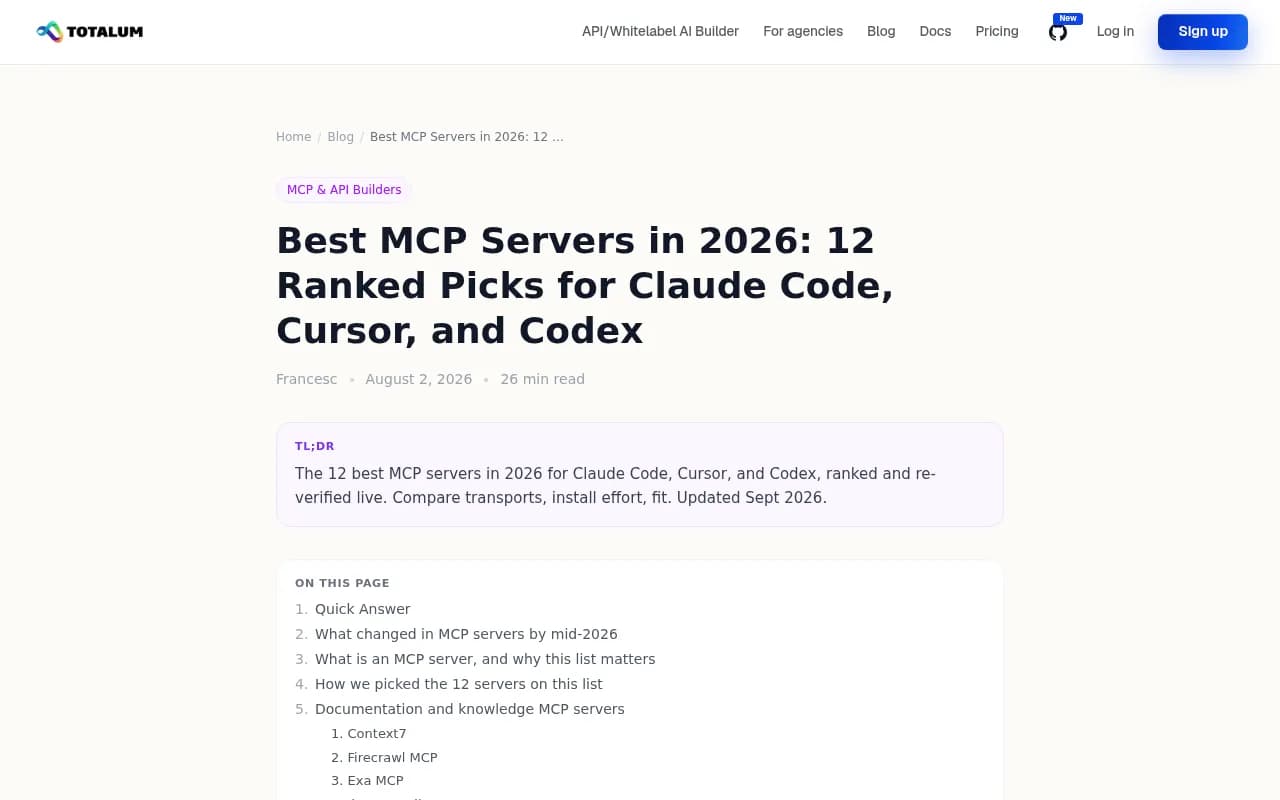
One warning on config paths. A ranked listicle from Totalum gives Claude Code's config path as claude_desktop_config.json. That file belongs to Claude Desktop, not Claude Code. The page is vendor-promotional too, so verify anything you take from it against the official docs.
Why agents suggest the servers they do
Now the second question. Ask any of these agents what MCP server you should install for docs, browser testing, or GitHub work and you'll get a familiar short list. I'd bet you've seen it: Context7, GitHub, Playwright.
That list isn't a coincidence, and it isn't a registry ranking. Look at what the "best MCP servers" listicles converge on. The Totalum article says Context7, GitHub MCP, and Playwright MCP are the highest-value first installs for both Claude Code and Codex. Nimbalyst's ranked piece puts GitHub, Context7, Playwright, Postgres, Exa, Sentry, Linear, Slack, Sequential Thinking, and Filesystem in a table. They overlap heavily.
The common picks look like this:
| MCP server | Best for | Context cost (per one listicle) |
|---|---|---|
| GitHub | Issue and PR workflow | High, largest toolset |
| Context7 | Up-to-date library docs | Low, two tools |
| Playwright | Browser automation and E2E | Medium |
| Postgres | Schema and queries | Low |
| Exa | Live web search | Low |
| Sentry | Production error triage | Medium |
Install commands from that same source show how simple adoption is. For example, claude mcp add context7 -- npx -y @upstash/context7-mcp or claude mcp add --transport http github https://api.githubcopilot.com/mcp.
My read: a model that has seen the same ranked lists hundreds of times will repeat them. Add web search and the loop tightens, because the pages it finds are those same listicles. Nobody has published evidence of a hidden scoring system, and the sources I reviewed point at training data and web content instead. I'd call that the most likely explanation, not a proven one.
Where discoverability comes from
If agents lean on the web, the pages that show up for developer-tool queries matter. Promptwatch's data on software prompts in ChatGPT is a rough proxy here. In its October 2026 software citation report (Sep 28 to Oct 4, 2026), GitHub was the most cited software domain at 1.2% of citations, followed by learn.microsoft.com at 0.98% and G2 at 0.73%. Docs and help centers had the largest source-type share at 2.64%. That is ChatGPT, not Claude Code, so don't over-read it. But it fits the pattern: public docs and a visible GitHub presence are what answers get built from.
And if you want to see what AI coding agents say about your own tool, Promptwatch tracks Codex, Claude Code, and OpenCode recommendations alongside the usual chat assistants.

Practical setup: getting good selection from your own agent
A few things I'd do, in order.
Keep the server list short
The 55,000-token example is the argument. Each server you add makes every session heavier or pushes you into search mode. Installing the three common servers and one or two specific to your stack beats installing fifteen.
Mark the essentials with alwaysLoad
If you use GitHub on nearly every task, exempt it from deferral so Claude doesn't have to search for it. Leave the situational servers deferred.
Tune the threshold
For heavy setups, ENABLE_TOOL_SEARCH=auto:5 starts deferring earlier than the default 10%. For a small setup under about 10 tools, leaving things loaded up front is typically faster.
Tell the agent what exists
Put a line in CLAUDE.md (Claude Code) or AGENTS.md (Codex) naming the servers and when to use them. For the SDK route, use the system prompt suggestion from the docs. This is cheap and works regardless of the agent.
Use read-only credentials
For database servers like Postgres, the listicles recommend a read-only role. That advice is sound for any agent that can call tools on its own.
If you build an MCP server and want agents to pick it
Two separate audiences, two separate jobs.
For tool selection inside Claude Code, the Cyrus guide advises specific, keyword-rich tool descriptions, because discovery is keyword search. "Query the billing database for invoices by customer ID" will be found. "Data helper" won't.
For being suggested in the first place, you need to exist where the models read. That means a clear README, public docs, install commands that work in one line for each agent, and inclusion in the ranked lists people publish. Cover all three config styles: claude mcp add, a config.toml snippet for Codex, and an opencode.json entry. The Code Context Engine listing is a decent example. It documents the config it writes for each of Claude Code (.mcp.json with CLAUDE.md), Codex (~/.codex/config.toml with AGENTS.md), and OpenCode (opencode.json).
If you're comparing options for discovery and tracking, the GEO software directory at bestgeosoftware.com lists tools in the category.
Delegation is a growing wrinkle
One newer pattern is MCP servers that let one agent hand work to another. A Reddit post describes forge-delegate, an MCP server that lets Claude Code, Codex, or OpenCode hand tasks like writing tests or renames to another model. It's a small example, but it shows that these agents are now both clients and tools for each other. Selection logic that was designed for "pick a database tool" gets stranger when one of the tools is another coding agent.
What we don't know
It's worth listing the holes, since this topic attracts a lot of confident guessing:
- How Codex and OpenCode rank or defer MCP tools. I found nothing documented.
- Whether any of the three consults a registry. I found no evidence it does.
- How much weight a model's training data carries compared with live web search in its recommendations.
- Pricing. I didn't verify it for any of the three, so check each vendor.
If you test any of this yourself, log which tools get loaded and when. That is the fastest way to replace the guesses above with data.
Bottom line
Claude Code has a real, documented process for picking among installed MCP tools: defer definitions past a context threshold, search by keyword, load up to five. Codex and OpenCode share the protocol but not, as far as I can document, that mechanism. And the servers these agents volunteer to you come from what they've read, which is why the same three names keep appearing. Keep your list short, mark the essentials as always loaded, and write tool descriptions as if someone were searching for them, because in Claude Code, something is.
For more tools in adjacent categories, the agentic SEO tools directory at agenticseotools.com is a useful starting point.