Key takeaways
- A weekly marketing report is a good first automation: it is scheduled, repetitive, and the output is easy to check.
- Zapier is the fastest to set up, Make gives you more control over data handling, and n8n gives technical teams the most ownership and the cheapest high-volume runs.
- The three tools bill in different units (tasks, operations or credits, and executions), so comparing sticker prices alone will mislead you.
- Keep AI to the narrative layer. Pull the numbers with deterministic steps and let the model summarize, not calculate.
- Verify all prices on the vendors' own pricing pages. Third-party sources in this space disagree with each other.
Why weekly reporting is the right first automation
Every marketing team has some version of the Monday ritual. Someone opens GA4, then the ad platforms, then Search Console, then the CRM, copies numbers into a spreadsheet, writes three sentences of commentary, and pastes it into Slack or an email. It takes an hour or two. Nobody enjoys it, and it is the first thing to slip when a campaign launches.
It is also nearly ideal for automation. The schedule is fixed, the sources are known, the format barely changes, and you can tell immediately whether it worked because you know what last week's numbers were. That makes it a safer place to learn a workflow tool than, say, automated lead routing, where a mistake silently loses revenue.
I should be upfront about the limits of what I can tell you here. Most published comparisons of Zapier, Make and n8n focus on general automation and pricing, not on reporting specifically. So the reporting workflow below is a reference design based on how these tools work, not a benchmark from someone's production setup. Test it against your own data.
What a good automated report actually contains
Before picking a tool, decide what the report is. A weekly report that works usually has four parts:
- Inputs. The raw numbers: sessions, conversions, spend, leads, impressions, clicks, whatever your team agrees on.
- Comparison. This week against last week and against the same week last year or last month. Raw numbers without a baseline are noise.
- Narrative. Two to five sentences saying what moved and a plausible reason.
- Delivery. A Slack post, an email, a Google Sheet row, or a dashboard refresh.
Automation handles the first, second and fourth parts very well. The third is where AI steps come in, and where you need to be careful. More on that below.
The three platforms in plain terms
Zapier
Zapier is the no-code option. It claims 9,000+ integrations, and its pitch for marketing teams is that you describe what you want, build it in minutes, and never touch an API. It has built-in AI steps, agents, and lightweight Forms and Tables, which matter for reporting because Tables can serve as a small store for last week's numbers.
The caveat: the most-quoted article on this topic (Zapier's own piece on n8n for marketing) is written by a Zapier employee, who says so. Take the "IT bottleneck" framing as a sales position that happens to be partly true. If nobody on your team will ever read API documentation, Zapier's argument holds up well.
Make
Make (formerly Integromat) is a visual scenario builder. It sits between the other two: more control over flow logic, iterators, aggregators and data transformation than Zapier, but without the need to host anything. Its catalog is smaller (the tool directory lists 3,000+ apps), and the n8n blog notes that it involves more setup than the beginner-friendly options. For reporting, the aggregation and array-handling modules are the feature that matters, because merging rows from five sources is exactly what a report does.
n8n
n8n is open source, with a node-based editor, around 1,500 nodes (including utilities and community nodes), and a free self-hosted option. It treats AI as a native building block, with LLM nodes, agent nodes and structured output parsers on the same canvas as everything else. It is also the one that most assumes you are comfortable with APIs and authentication. When a connector is thin or missing, you read the docs, map fields by hand and debug it yourself.
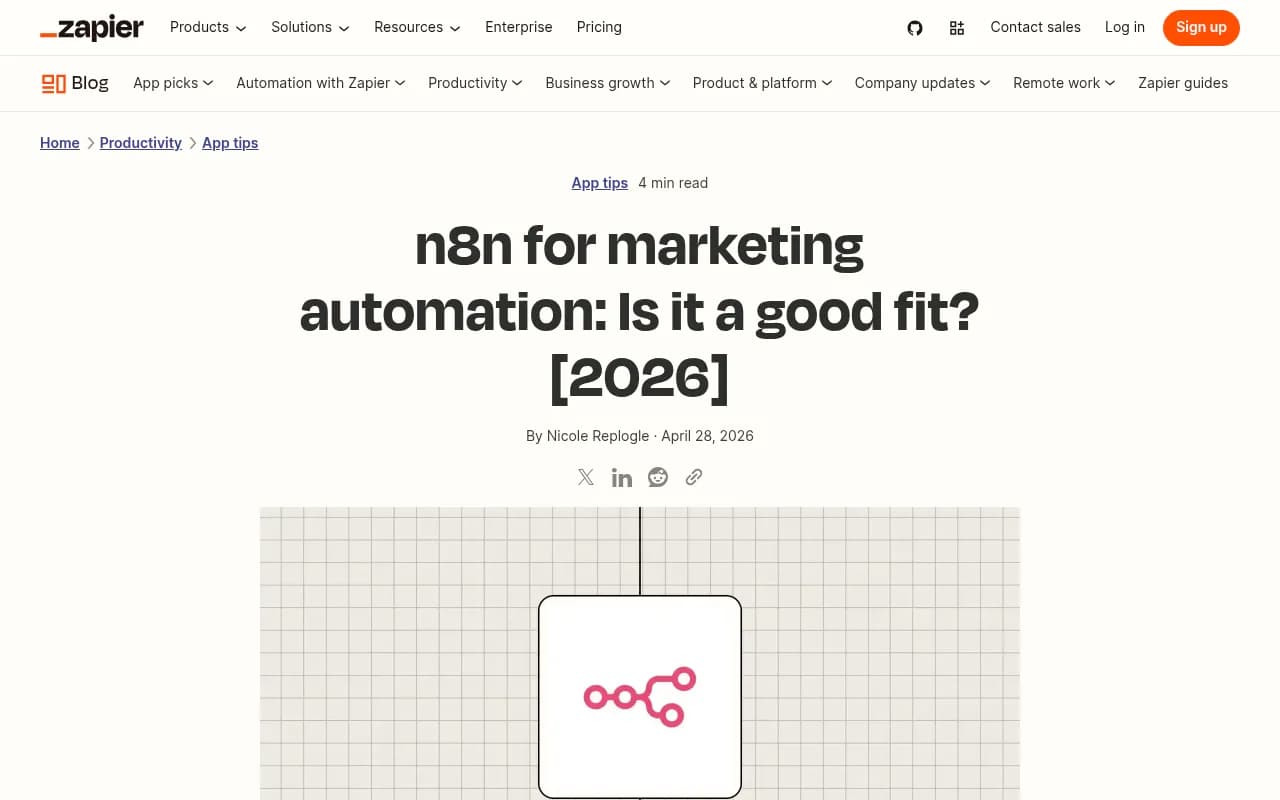
The screenshot above is the Zapier piece mentioned earlier. Useful as one side of the argument, not as a neutral verdict.
Comparison table
| Zapier | Make | n8n | |
|---|---|---|---|
| Skill needed | Low, no-code | Medium, visual logic | Higher, API-comfortable |
| Integrations | 9,000+ claimed | 3,000+ (catalog listing) | ~1,500 nodes incl. community |
| Billing unit | Per task (each completed action step) | Per operation or credit | Per workflow execution |
| Self-hosting | No | No | Yes, free |
| AI approach | AI steps, Copilot, Agents | AI steps and agent feature | Native LLM and agent nodes |
| Best reporting fit | Simple reports from popular apps | Multi-source merging and transformation | High-volume or custom-API reports |
Treat the integration numbers as vendor claims. One third-party source lists Zapier at "over 8,000" rather than 9,000+, and counts shift constantly.
The billing trap: price per what?
This is the part most comparisons skip, and it decides your bill more than the headline price does.
- Zapier counts each completed action step as one task. A 5-step flow that runs 1,000 times a month uses 5,000 tasks.
- n8n counts one execution per full workflow run, whether it has 2 steps or 20. Self-hosted, there is no execution limit.
- Make historically billed per operation, and its free plan has been listed at 1,000 operations a month. At least one source says Make has moved to a credit model, and the n8n blog states you pay credits for each step, including error handling. Check Make's own page.
Now the reporting angle. A weekly report is cheap on any platform. One run a week, even at 15 steps, is under 100 tasks a month, which fits a free or entry tier. The billing differences bite when you scale the pattern: one report per client for an agency, or a daily refresh, or per-campaign alerts. A 20-client agency with a 12-step weekly report is already around 1,000 tasks a month on Zapier before you add anything else.
A worked example from MassiveGrid, a third-party source: a 5-step workflow running 100 times a day is about 15,000 Zapier tasks a month, which it says pushes you to $299 or more a month, while the same flow is roughly 3,000 n8n executions and a self-hosted instance could run under $10 a month. That is one vendor-neutral blog's math, and the same research notes flag that claims of 80 to 90 percent savings from self-hosting n8n are not measured results.
Prices I would not quote without checking
Third-party pricing in this space is inconsistent. Here is what the sources say, and why I would not rely on any one of them:
- Zapier Free is listed at 100 tasks a month. Paid entry plans are quoted as roughly $19.99 to $29.99 a month depending on billing period and source. Higher tiers vary wildly between sources.
- Make is quoted at about $9 a month for 10,000 operations by one source and $12 a month billed annually by another.
- n8n Cloud is quoted at about $20 a month billed annually. Self-hosting is free.
These figures disagree, plans get renamed, and annual discounts muddy it further. Open each vendor's pricing page and model your actual run count before deciding.
The cheaper unit is not always the cheaper tool
Self-hosted n8n looks nearly free until you count the person maintaining the server, the upgrades, and the time spent debugging a failed node on Monday at 8am when the report should already be in the CEO's inbox. If a marketer's hour is worth more than the monthly Zapier difference, the "expensive" tool may be the cheap one. If you already have a developer who runs your tooling, the math flips.
A reference weekly report workflow
Here is the shape of the workflow. It maps onto all three platforms with different amounts of effort.
- Trigger. A schedule, Monday at 7am in your team's timezone.
- Pull data. One step per source: Google Analytics, your ad platforms, Search Console, your CRM or email platform. Request exactly the metrics and date range you need, and request last week and the prior week in one pull where the connector allows it.
- Normalize. Convert everything to a common shape: metric name, this week, last week, change. This is where Make's aggregators or n8n's code node earn their keep. In Zapier, a formatter or code step does the same job.
- Write to a sheet or table. Append a row so you build a history. You will want this later for trend lines.
- Calculate changes. Do the percentage math in a deterministic step, not in an AI prompt.
- AI summary. Pass the already-computed table to a model and ask for a short narrative.
- Deliver. Post to Slack or send an email with the table and the summary.
- Error path. If any pull fails, send an alert instead of a report with a blank in it.
Step 8 is the one people skip and regret. A report that silently shows zero conversions because an API token expired is worse than no report.
Pull sources worth connecting
Most of the tools in this ecosystem can feed this workflow. Google Analytics and Google Search Console cover web and organic data, and both are free.
For CRM and email data, HubSpot and Mailchimp are among the most commonly connected apps, which also makes them the safest bet for a smooth connector on any platform.

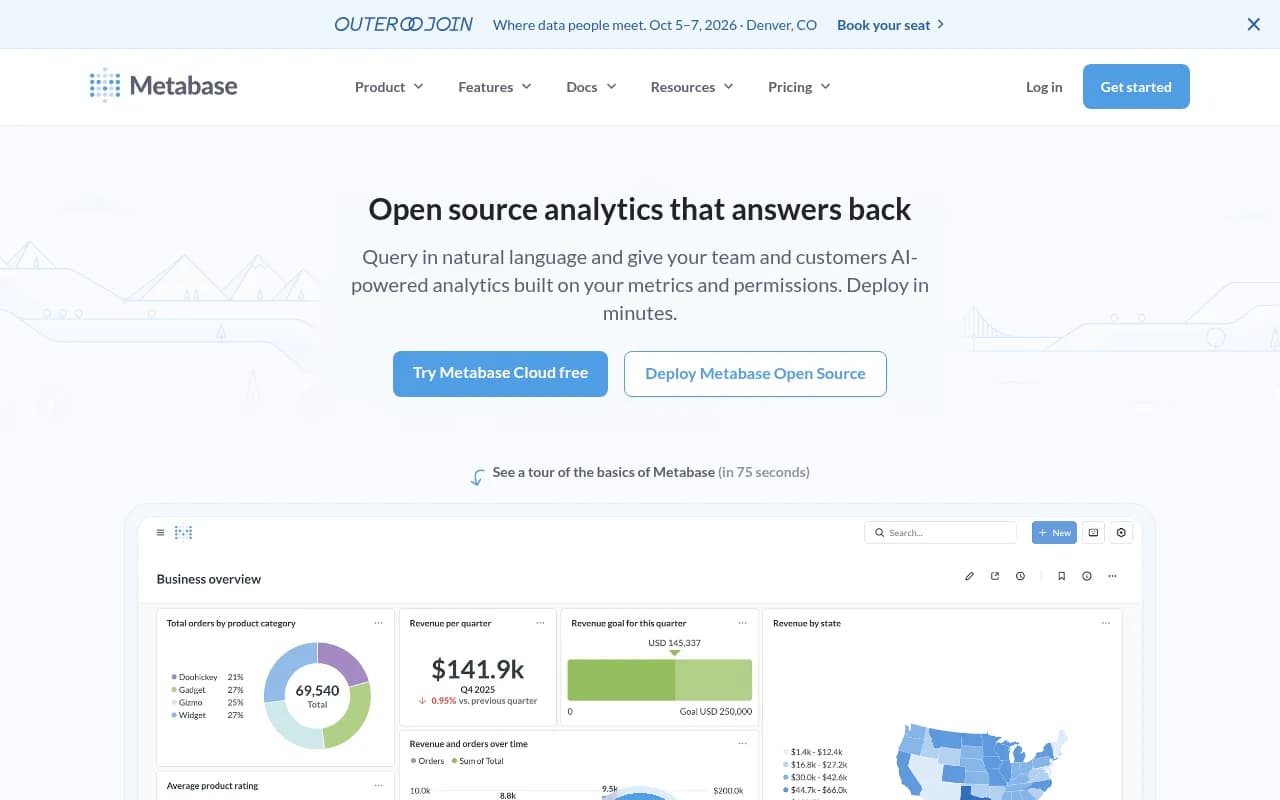
Output can go to a spreadsheet, or into a BI layer like Metabase if you want a live dashboard in addition to the Monday message.
Where the AI step belongs, and where it does not
The research behind this guide includes a useful warning from a Quora answer about AI workflows: a model-driven pipeline from a CSV to a presentation worked about 80 percent of the time. That is fine for a draft and not fine for a number a client sees.
My rule for reporting:
- Never let the model fetch or calculate the metrics. Use deterministic steps. Models are bad at arithmetic you can get wrong without noticing.
- Let the model write the narrative from a table you already verified.
- Constrain the prompt. Tell it to only reference numbers in the table, flag anything that moved more than a threshold you set, and say "no clear cause" instead of inventing one.
- Keep a human in the loop for client-facing versions. Send the draft to a review channel first.
Zapier and Make both have built-in AI steps, so adding the summary is a configuration job. n8n's LLM and structured-output nodes give you the most control over the format the model returns, which helps if you want the summary as clean JSON you can drop into a template. For the model itself, ChatGPT and Claude are the usual choices through their APIs.

Should you skip the builder and use a reporting tool?
Honest question. If your report is basically "pull from five standard marketing sources into a branded PDF," a dedicated reporting product can be less work than any automation platform. Whatagraph is built for that, as is Improvado for heavier marketing data pipelines.

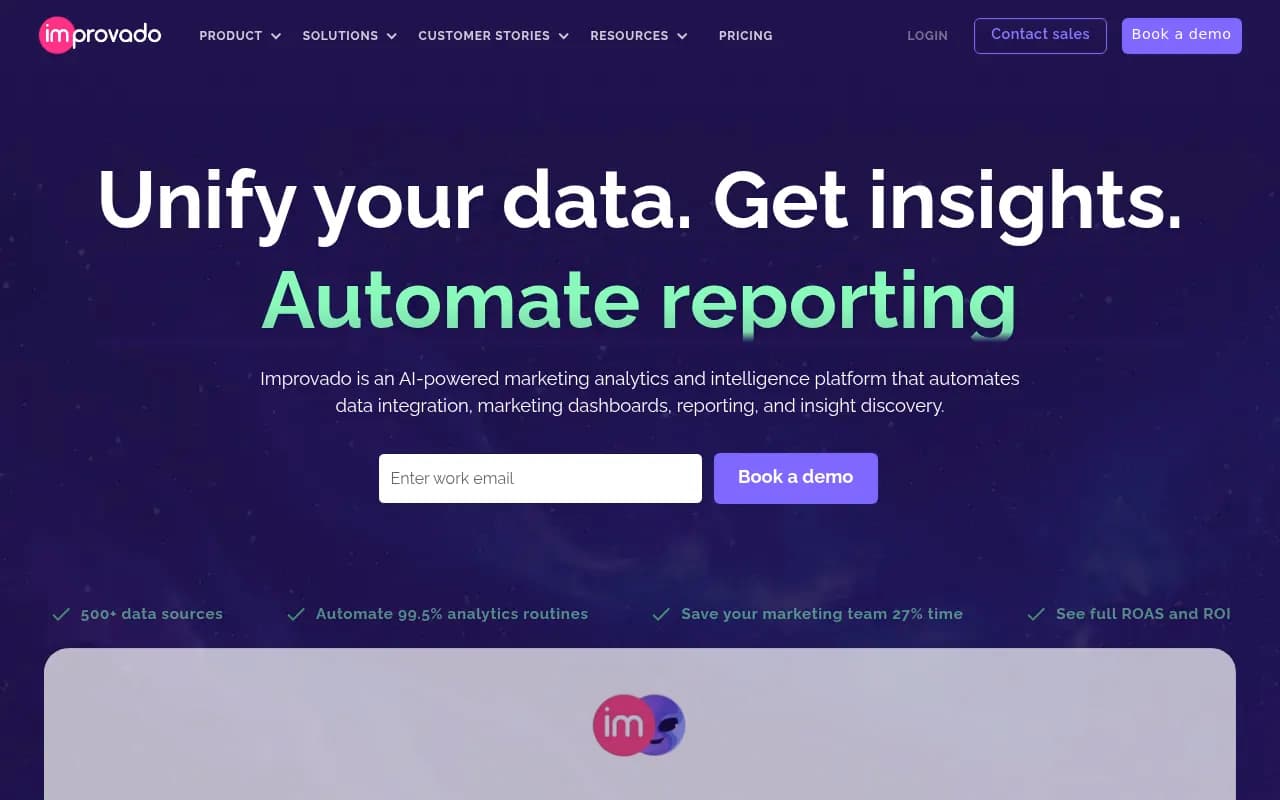
The automation platforms win when your report crosses systems that reporting tools do not cover, when you want the report to trigger follow-up actions (create a task when CPA crosses a threshold), or when you want AI commentary and custom delivery. Many teams end up using both: a reporting tool for the dashboard and a workflow tool for the alerts and the Monday message.
Which platform for which team
Pick Zapier if
The report is owned by a marketer, the sources are mainstream apps, and the volume is low. You get to a working version fastest, and you will not be blocked by anyone else. Watch your task count as you add steps.
Pick Make if
You are merging many sources, reshaping data, or looping over clients or campaigns. The visual data handling is the point. Expect a steeper first week than Zapier, and check the current credit or operation rules before you build a long scenario with heavy error handling.
Pick n8n if
You have technical help, you want the AI summary step to be sophisticated, you run reports at volume, or you need data to stay on your own infrastructure. Accept that thin connectors mean manual API work.
| Situation | Likely best fit |
|---|---|
| Solo marketer, 3 to 5 popular sources | Zapier |
| Agency with a report per client | Make or n8n |
| Heavy data reshaping across sources | Make |
| Developer on the team, data privacy concerns | n8n (self-hosted) |
| Just want a branded dashboard PDF | A reporting tool like Whatagraph |
One more report worth adding: AI search visibility
If your weekly report only covers Google, it is missing a channel. Brands now also show up (or do not) in ChatGPT, Perplexity, Gemini and Google AI Overviews, and that visibility is worth a line in the Monday summary. Tools like Promptwatch can track it, and its REST API and MCP server mean the numbers can flow into the same workflow you just built.

If you want to compare options, the GEO software directory at bestgeosoftware.com lists the main ones. For context on why this matters, Promptwatch's citation share data by content type shows product pages earning 22.4% of ChatGPT citations in the week of Sep 28 to Oct 4, 2026, a figure that moves from month to month.
Pitfalls to avoid
- Comparing price tags instead of billing units. A 10-step workflow can use up to 10 Zapier tasks per run. Model your real run count.
- Building the report in one giant flow. Split it: one workflow to collect data into a sheet, another to summarize and deliver. It is easier to debug and cheaper to rerun.
- No history. Always write the weekly numbers somewhere permanent. Pulling "last week" from the live API every time breaks when sources restate data.
- Trusting default date ranges. Weeks start on different days in different tools. Pin the range explicitly.
- Ignoring API token expiry. Put alerts on auth failures. They always happen on a holiday.
- Over-automating the commentary. If a human would have said "this dip is because we paused the campaign," a model cannot know that. Add a field where the team can drop context for the AI to use.
A sensible rollout plan
- Week one: automate only the data pull and the sheet. Compare it manually to your old report.
- Week two: add the comparison math and Slack delivery.
- Week three: add the AI summary, sent to a private channel for review.
- Week four: remove the manual version and add the error alerts.
If you outgrow a single tool or want a second opinion on the setup, a short pilot with a tool-agnostic consultant can save you from rebuilding twice. And if the report is mostly about SEO and AI search performance, agencies that work on both, such as 1001 SEO Media, can help define what is worth reporting in the first place.
The short version: start with whichever platform your team will actually maintain. A reliable report built in the "wrong" tool beats a clever one that breaks and nobody can fix.

If you prefer to see the three builders side by side, the YouTube comparison above includes a live demo building the same automation in all three. It is a beginner-oriented video, so use it to get a feel for each editor rather than for pricing.