Key takeaways
- Daily collection is the right default for local prompt checks. Hourly is a short-term tool for launch windows, not a permanent setting.
- A single run of one prompt is one draw from a distribution. More frequent runs help only if you aggregate them before drawing conclusions.
- Collect daily, interpret weekly. Use hourly or daily review for a fixed window (launch week, a listing migration), then set an end date.
- Most citation changes play out over weeks, so hourly polling rarely catches anything daily polling would miss.
- Local checks multiply fast: prompts x locations x engines x runs per day. Budget for that before you turn the dial up.
The question behind the question
People ask "daily or hourly?" when they really mean two different things. How often does data get collected? And how often does a human look at it and change something?
Those are separate dials. HubSpot's cadence guide (updated 10/28/26) makes the same split: collect daily where your tool supports it, interpret weekly, and go to daily monitoring only during launches or major changes. I mostly agree, with one adjustment for local work that I'll get to below.
Local launches make the question feel more urgent. A new store opens Saturday. A franchise location goes live. You want to know, right now, whether ChatGPT or Google AI Mode recommends you for "best pizza near me" from a pin on that street. Anxiety pushes people toward hourly. The data usually doesn't justify it.
Why a single check tells you very little
AI answers vary run to run. Ask the same prompt twice and you can get different brands, different order, different sources. That is why one manual check in ChatGPT is a poor measurement.
ScaleTheory frames it as a percentage problem: run a prompt 10 times, your brand shows up in 7, so your presence is roughly 70%. The more runs you collect, the more that percentage stabilizes and reflects reality instead of a lucky or unlucky draw. Their playbook is to track daily for the first two weeks (14 data points per prompt instead of 2), then step down to three times a week in weeks 3 to 6, and twice a week after that. That is a vendor's own cadence, so treat it as one reasonable pattern rather than a rule, but the logic holds.
HubSpot's worked example shows the same thing with numbers. Track 25 prompts across three engines, daily:
- One day: 75 answers, but each prompt has only 3 (one per engine).
- One week: 525 answers, 21 per prompt.
- Four weeks: 84 answers per prompt.
So a single day is a tiny sample. It tells you whether tracking ran and whether something dramatic happened. It does not tell you whether your launch worked.
What this means for hourly checks
Running hourly gives you 24 samples per prompt per day instead of 1. That sounds like a statistical win, and partly it is: a steadier visibility number, faster. But two caveats apply.
First, hourly samples from the same day are not independent evidence about a trend. They smooth out run-to-run randomness, which is useful, but they don't tell you anything about what happens next week. Second, if the underlying cause of a change is a model update or a citation shift, it will still be visible on the daily line the next morning.
What the data says about how fast things change
I went looking for Promptwatch Data on run-to-run variance and on local prompts specifically. There isn't a report on either, so I won't claim a number for hourly versus daily local checks. Two nearby reports do help frame the cadence question, though.
Promptwatch's ChatGPT query fanouts report (December 2025 to April 2026) shows average searches per response falling from 2.15 to about 1.84 by early March, with the drop happening "in steps tied to behavior changes". Average query length also fell in steps. That is a reminder that ChatGPT's search behavior can shift overnight, which resets your baseline. A daily line catches a step like that. You don't need hourly resolution to see that something changed.
The half-life of content in ChatGPT report tracked every page ChatGPT cited on July 6, 2026 for 90 days. After 30 days ChatGPT still cited 78% of landing pages and 76% of docs. Product pages, reviews and how-tos reached their half-life after 74 to 77 days. News pages lost half their citations by day 36. So for most page types, citation changes unfold over weeks. Local landing pages and store pages sit in the slow group, which argues against hourly polling for them.
The practical read: the signal you care about moves slowly, and the noise you are worried about is averaged away by volume, not by speed.
Daily vs hourly: a direct comparison
| Daily | Hourly | |
|---|---|---|
| Samples per prompt per day | 1 per engine | Up to 24 per engine |
| Best for | Baselines, trend lines, ongoing local monitoring | Launch day, listing migrations, active incidents |
| Catches | Model behavior shifts, citation changes, tracking gaps | Same-day swings, short-lived outages, campaign spikes |
| Cost multiplier | 1x | Up to 24x |
| Review rhythm | Weekly interpretation | Daily review for a fixed window |
| Risk | Missing intra-day swings | Reacting to noise, burning budget |
That 24x multiplier is not abstract. Bright Data's walkthrough of a Claude Code routine notes that a daily run for 10 pages makes about 300 requests a month, and an hourly schedule for the same list makes 24 times as many. Local monitoring has the same arithmetic, plus extra multipliers for every location you add.
The local multiplier problem
Local checks are expensive in a way national tracking isn't. Count the dimensions:
- Prompts ("dentist near me", "emergency dentist open now", brand-specific variants)
- Locations (each store, clinic, or franchise, ideally pinned to real coordinates)
- Engines (ChatGPT, Google AI Overviews, Google AI Mode, Gemini, Perplexity, Copilot)
- Runs per day
20 prompts x 10 locations x 4 engines is 800 answers a day on a daily schedule. Go hourly and you are at 19,200. Even if your tool does not bill per response, someone has to make sense of that data. So the honest question is: for which prompts and locations does hourly actually pay off?
My answer: usually a small subset. The new location, the handful of prompts that map to its core intent, and the engines your customers use. Everything else stays daily.
A practical cadence for a local launch
Here is the rhythm I would use, adapted from the HubSpot and ScaleTheory patterns above.
Two weeks before launch
Start daily collection now, not on launch day. You need a baseline. Without one, a post-launch number has nothing to be compared against. Note which competitors and aggregators (directories, review sites, marketplaces) already own the local prompts.
Launch week
This is the one window where faster-than-daily earns its place. Run the launch location's core prompts every 6 or 12 hours, or hourly on opening day if your tool allows it. Check for three things only:
- Did tracking actually start for the new location?
- Did any engine start naming the business at all?
- Is anything wrong, such as a wrong address, wrong hours, or a closed-permanently claim?
Don't judge success from these numbers. A single day is a small sample. Log what you see and wait for the weekly average.
Weeks 2 to 6
Back to daily collection. Review weekly. Compare this week's average to last week's and to the pre-launch baseline. This is where you decide what to fix: listing data, local landing pages, review velocity, or offsite mentions.
Week 7 onward
Stay on daily collection if your tool supports it at no extra cost. If you are paying per run and budget is tight, ScaleTheory's twice-a-week steady state is defensible for stable locations. Set a calendar end date for any elevated cadence so it doesn't quietly become the default. HubSpot says this explicitly, and it is the most underrated piece of advice in the whole topic.
Triggers that justify going faster again
- A listing migration or a change of hours, address, or phone number
- A site migration or a robots.txt change that might block AI crawlers
- A reputation incident, such as a viral negative review
- A paid or PR push that sends a spike of attention to the location
- A major model or search update announced by an AI engine
Tools for local prompt checks
Cadence is partly a tooling question, because some platforms cap you at daily no matter what you want.
Promptwatch runs prompts daily on every plan. On Business and Agency Scale (and Enterprise on request) a monitor can run every 12, 6, or 1 hours, which suits the launch-window pattern above. It also supports local GEO/SEO targeting: you pin a monitor to exact coordinates (accuracy radius 20 m to 5 km) so ChatGPT, Google AI Overviews, and Google AI Mode answer as if asked from that spot. A monitor's language and location are fixed when it's created, so markets never mix. The faster cadence and the exact-coordinate targeting are both on the Business tier, which starts at $579/mo; confirm current details at promptwatch.com/pricing. Start with the free AI visibility report or the 7-day free trial if you want to see it first.

For traditional local rank tracking next to AI checks, these are the ones I would look at:
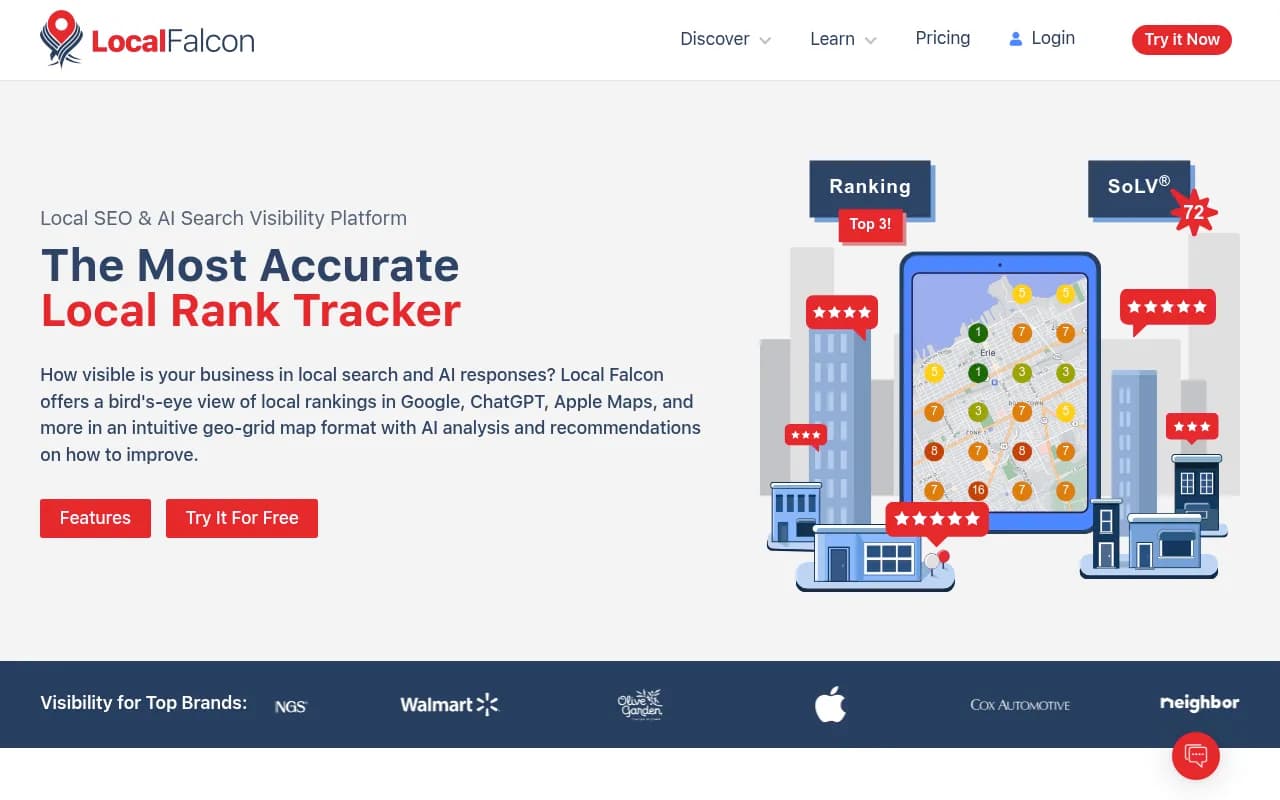
Local Falcon is a visual geo-grid rank tracker for local businesses. It answers a different question (where you rank on a map grid) but pairs well with prompt checks for the same locations.
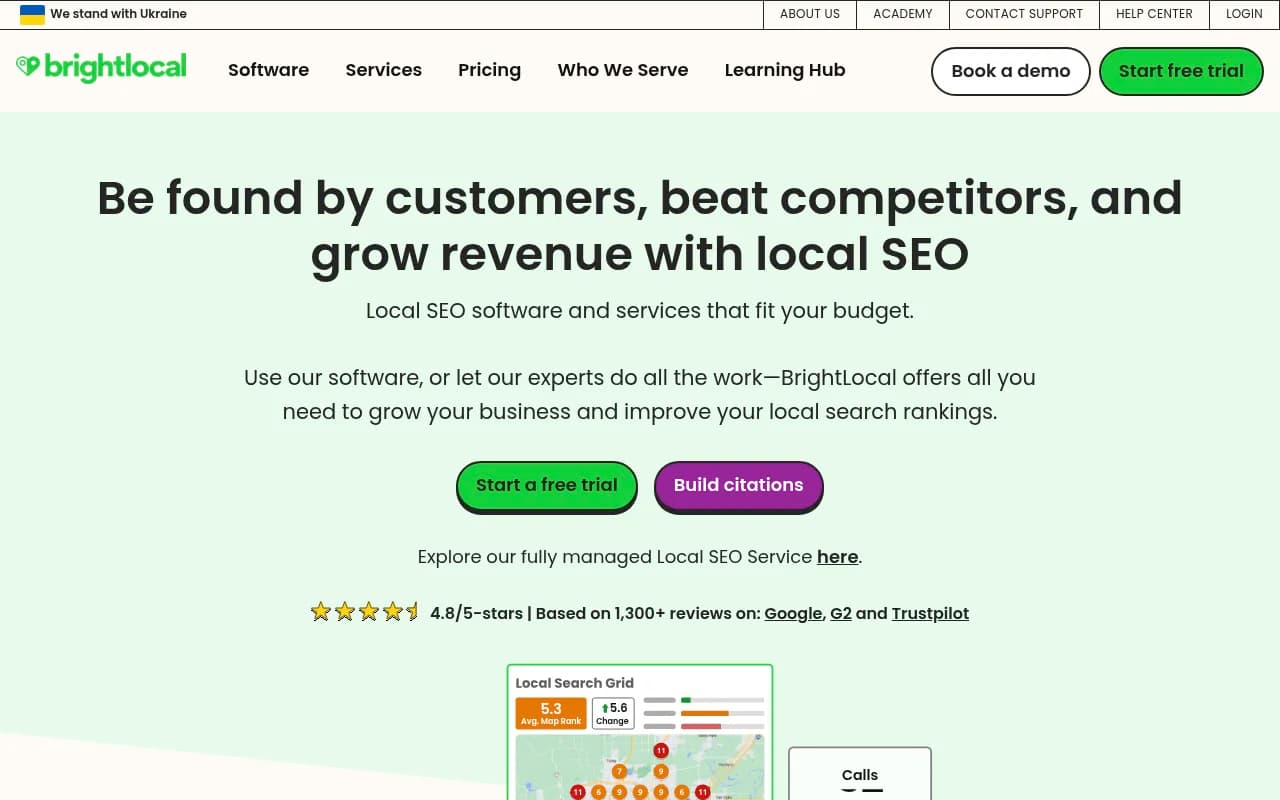
BrightLocal covers local SEO for multi-location businesses: listings, reviews, and local rankings, which feed the sources AI engines tend to cite for local queries.
If you are comparing AI visibility trackers more broadly, the directory at bestgeosoftware.com lists a wider set.
| Tool | Strength for local checks | Cadence notes |
|---|---|---|
| Promptwatch | AI answers pinned to exact coordinates, plus crawler logs and visitor analytics | Daily on all plans; 12, 6, or 1 hour on Business and above |
| Local Falcon | Geo-grid map rankings | Scan-based, on demand |
| BrightLocal | Listings, reviews, local rank | Scheduled reports |
The DIY option and its limits
Some teams try to build their own checks with scheduled AI tasks. It works for light use, but the limits matter.
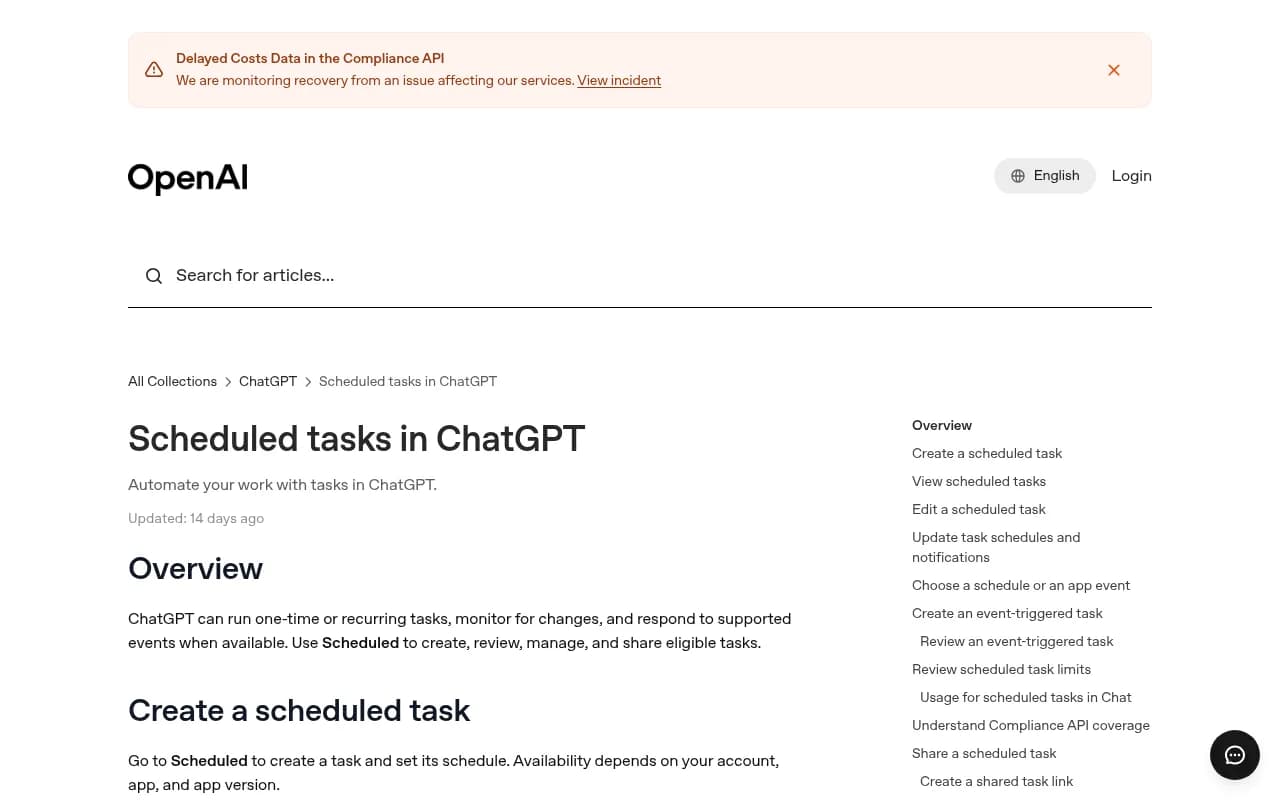
ChatGPT scheduled tasks: free users can schedule a one-time task or a recurring task no more than once per day. Eligible paid plans support recurring tasks up to once per hour. That is where hourly DIY monitoring tops out.
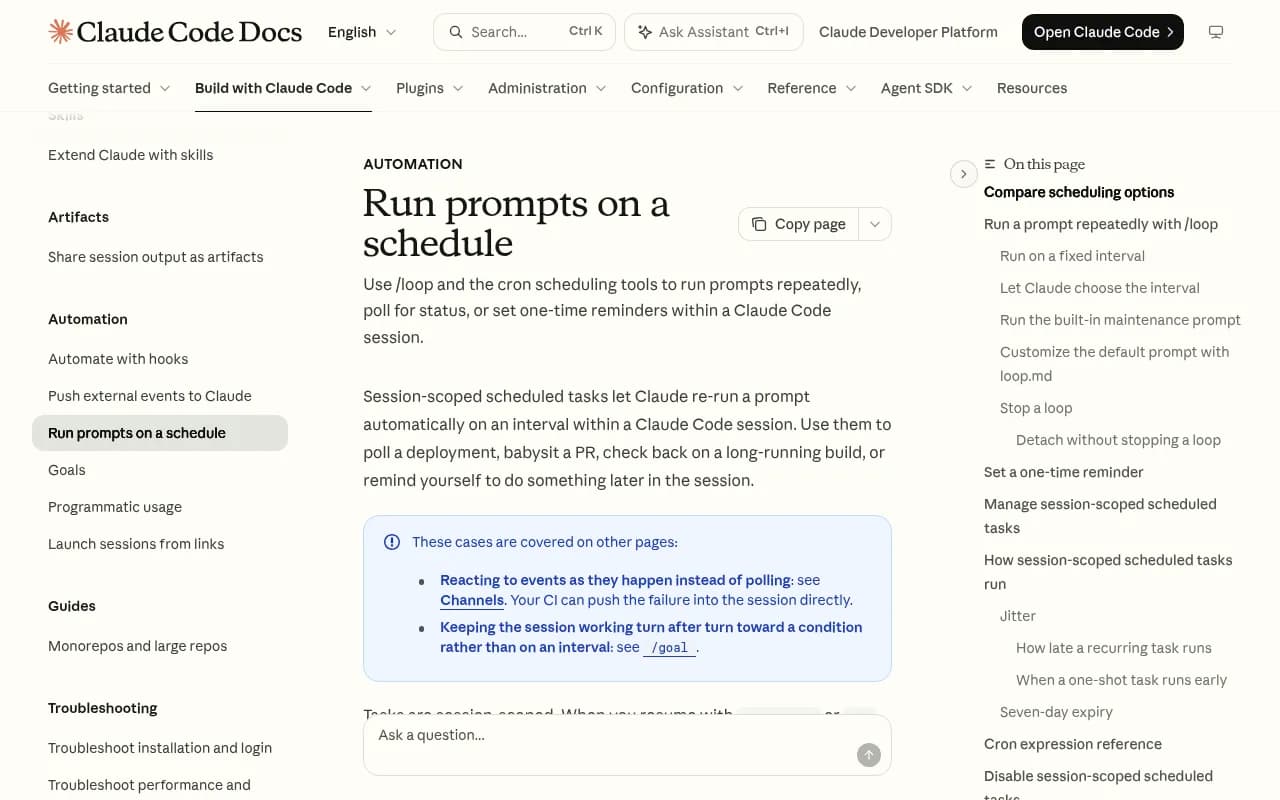
Claude Code scheduled tasks: cloud tasks have a 1 hour minimum interval, and session-scoped /loop runs can go down to 1 minute, but they only run while your machine and session are open, and they expire after seven days.
The bigger problem with DIY is not the schedule. A scheduled ChatGPT prompt from your own account does not reproduce what a customer standing on a particular street sees, and it gives you one answer per run with no aggregation. You are left building the averaging, location handling, and history yourself. For a one-off launch check it is fine. For ongoing local monitoring across locations, a dedicated tool pays for itself in time.
Monitoring the monitor
HubSpot flags a point most guides skip: no tool can guarantee an answer from every engine every day, because of technical constraints with AI providers. Before you read any weekly average, check for gaps. A week with two missing days is not a week with a visibility drop.
The Braintrust guide on production prompt monitoring makes a related point from the engineering side: compare matched segments over sustained windows so you can separate real regressions from changes in traffic mix or normal variation. The same discipline applies here. Compare launch week to launch week of another location, not to a random Tuesday.
A minimal review checklist:
- Did collection run for every monitor, engine and day?
- Did the weekly average move beyond what run-to-run variation explains?
- Did the change coincide with something you did, or with a model update?
- Which sources are the engines citing for the local prompts: your pages, directories, or reviews?
A quick decision rule
If you want one sentence: collect daily, review weekly, and go faster only for a named location and a named window with an end date.
If your tool charges per run or caps responses, start by spending on breadth (more prompts and locations at daily cadence) before spending on depth (hourly on a few). Breadth finds problems you did not know about. Depth refines a number you already trust.
And if your launch support also needs listings cleanup, local landing pages, or AI-readable content, that is normal SEO and GEO work rather than a monitoring problem. Tighter polling won't fix a wrong address in a directory.
FAQ
Is hourly monitoring ever worth it for local businesses?
Yes, for a short window: opening day, a listing migration, or an incident. Run it for a defined period on a small set of prompts and locations, then drop back to daily.
How many days of data do I need before judging a local launch?
Wait for weekly averages. One day gives each prompt only one answer per engine. Two weeks of daily data gives 14 per prompt per engine, which is enough to start deciding what to fix.
Will faster checks make my visibility improve?
No. Cadence changes how quickly you see things, not what AI engines say. Improvements come from fixing the sources the engines cite and the pages they read.
Should every location run at the same cadence?
No. Put new or at-risk locations on a faster cadence temporarily and keep stable locations on daily or twice-weekly.