Key takeaways
- Buffer's analysis of 100,000+ accounts over 26 weeks found consistent posters get 5x the median engagement of inconsistent ones, so the calendar's real job is protecting your posting rhythm, not just storing ideas
- Build drafts at least 3 working days before the publish date for anything needing client or legal approval, and never let unapproved content sit in a live scheduling queue
- A scheduler (Buffer, Later, Hootsuite) holds captions and send times; it rarely holds the brief, the pillar, or the reasoning behind a post, so pick your tool based on whether you need a dumping ground or a strategy document
- 2026 posting benchmarks: Instagram 3-5x/week, LinkedIn 2-5x/week, TikTok 2-5x/week, X 3-4x/day, Facebook 1-2x/day
- Best send windows according to Buffer's 52-million-post 2026 report: 9am is the sweet spot on Facebook, Instagram and X, and Wednesday wins on five of seven platforms (TikTok is the exception)
Why most calendars fall apart by week three
I've watched a lot of content calendars die quiet deaths. Not dramatic ones, just a slow drift where "we'll plan two weeks ahead" becomes "we post whatever we remember on Tuesday." The calendar itself was never the problem. It was always the approval step, or the missing owner, or the fact that nobody set a deadline that was actually before the publish date.
Here's the thing nobody tells you when you start: a spreadsheet with dates on it is not a content calendar. It's a wish list. A real calendar has an owner per post, a deadline that leaves buffer room, and a clear line between "drafted" and "approved to go live." Get that structure right and the tool you pick almost doesn't matter. Get it wrong and even the fanciest AI scheduler won't save you.
One Reddit comment on r/AskMarketing sums up the tension nicely: most people overthink this. A basic spreadsheet handles 90% of what's needed. The other 10% is discipline.
The five fields every row needs
Sprout Social's own calendar guide boils a social post down to a handful of core fields, and after building a few of these for different teams, I'd add a couple more:
- Publish date and exact time (not "sometime Tuesday")
- Platform (as a tag or column, not a separate calendar per channel)
- Content pillar (what theme or goal this post serves)
- Owner (a named person, never "marketing")
- Draft deadline, set at least 3 working days before publish for anything requiring sign-off
- Approver, who knows they're on the hook for that deadline
That draft-deadline rule comes from Storyflow's 2026 roundup of calendar tools, and it's the single most useful habit I've picked up from researching this. Teams that skip it end up approving posts the morning they're supposed to go live, which is exactly how typos and brand mistakes slip through.
Step 1: audit what actually worked before you plan anything new
Before filling in a single date, look at your last three months of posts. Which ones drove comments, saves, or actual revenue? Which ones you spent an hour on and got nothing? This isn't busywork, it's how you avoid repeating dead content. Small Business Expo's 2026 guide frames this as the first real step: auditing for profitability, not just vanity metrics.
Step 2: pick 3-5 content pillars, then stop improvising
Blank screen syndrome happens when you sit down to plan a month with no themes to work from. Pillars fix that. If you run a SaaS company, your pillars might be product education, customer stories, industry commentary, and behind-the-scenes. Every slot on the calendar maps to one pillar. When you're stuck, you pick a pillar and the post idea follows.
Step 3: set a realistic cadence per platform, not one blanket number
There's no single "right" posting frequency, and the platforms don't reward the same cadence. Sprout Social's 2026 Content Strategy Report and Buffer's frequency research both point to a similar range:
| Platform | Realistic cadence (2026) | What happens if you post more |
|---|---|---|
| 3-5 posts/week | Reach climbs from +12% at 3-5x/week to +24% at 10+x/week, but gains taper | |
| 2-5 posts/week | Moving from 1x to 2-5x/week is described as the real turning point for reach | |
| TikTok | 2-5 posts/week | Views can rise 17-34%, but per-post median often stays flat |
| 1-2 posts/day | Industry average sits around 5/day, well above most recommendations | |
| X (Twitter) | 3-4 posts/day | Real-world averages run closer to 18 posts/week across accounts tracked by Hootsuite |
| roughly 1 pin/week | A single strong Pin can keep driving traffic for months |
Don't force every empty slot. One small business operator interviewed by HeyOrca put it well: they start every planning session by asking "do we actually have something meaningful to share," and if they only have three good ideas in a five-post week, they post three. A calendar that's half-empty on purpose beats one stuffed with filler.
Step 4: build in the right amount of lead time, and leave gaps for real-time content
Most guides recommend planning a month ahead. That's fine as a baseline, but Hootsuite's 2026 trends report flags something worth taking seriously: "fastvertising," the rise of brands reacting to culture in near real time, is actively disrupting rigid four-week calendars. My take, after reading through a chunk of the 2026 commentary on this: plan your pillars and roughly 70-80% of slots a month out, then leave the rest open for trend-jacking or reactive posts. A calendar that's 100% locked a month in advance has no room to be interesting.
Step 5: lock in your actual send times
Buffer's State of Social Engagement 2026 report analyzed 52 million posts across ten platforms and found a few patterns worth stealing directly:
- 9am is the single best slot on Facebook, Instagram, and X
- Wednesday wins on five of seven platforms (Facebook, Instagram, LinkedIn, X, Threads), but it's TikTok's worst day
- LinkedIn's best window has shifted to 4pm Wednesday, meaning early-morning LinkedIn posts now underperform
- TikTok and YouTube behave like weekend platforms, with Saturday and Sunday outperforming weekdays
Sprout Social's separate 2026 data points to Tuesday and Wednesday, 11am-6pm local time, as the strongest overall window, with Sunday as the weakest day across platforms. These two datasets don't contradict each other so much as confirm the same thing from different angles: midweek mornings are safe, weekends work for video platforms, and Monday is rarely your friend.
Step 6: pick a tool that matches where your bottleneck actually is
This is where most teams get it backwards. They buy a scheduler because scheduling feels like the problem, when the real bottleneck is usually approvals or the missing brief. Storyflow's 2026 framework draws a useful line between editorial/strategy calendars (which hold the "why") and pure schedulers (which hold the "what and when"). If your team only adopts a scheduler, the calendar tends to become what Storyflow calls a dumping ground rather than a strategic tool.
| Tool | Starting price | Free plan | Approval workflow | Best for |
|---|---|---|---|---|
| Buffer | $6/channel/mo | Yes (3 channels) | Team plan only ($10/channel) | Solo creators and small teams wanting simplicity |
| Later | $25/mo | Limited | Growth tier | Visual-first Instagram/TikTok planning |
| Planable | ~$39/mo per workspace | No | Strongest dedicated approval tool | Agencies managing client sign-off |
| Hootsuite | $99/user/mo | No (30-day trial only) | Role-based, assignable | Mid-size teams managing many channels |
| Sprout Social | $249/seat/mo | No | Named approval flows | Teams that also need deep analytics |
| CoSchedule | Custom | No | Professional tier | Teams that also publish blog content |
Buffer is the one I'd point most small teams toward first. It's per-channel rather than per-seat, which matters a lot once you add team members, and the Team plan ($10/channel/month) finally unlocks the approval workflow that most calendars actually need.
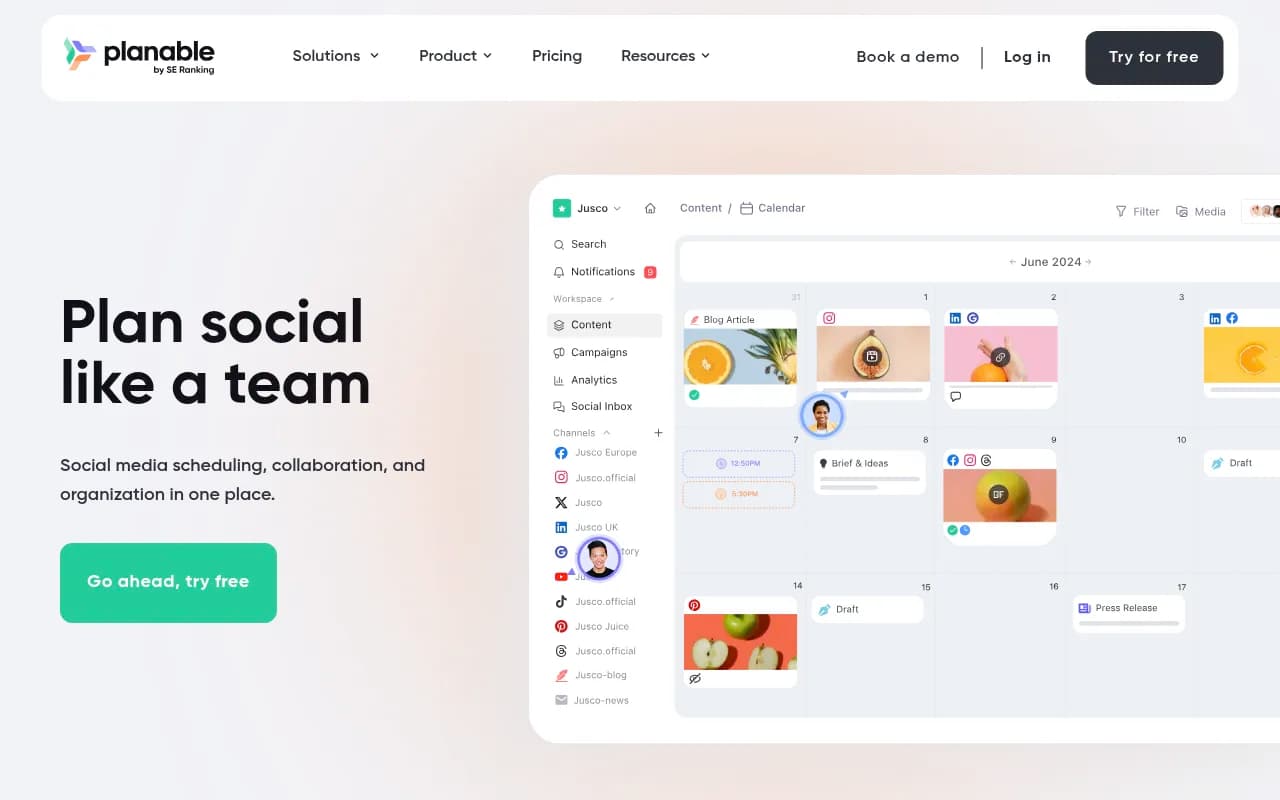
If your bottleneck is specifically client approvals, agencies consistently rate Planable highest for that single feature. It's built around the review-and-sign-off loop rather than bolting it on as an afterthought.
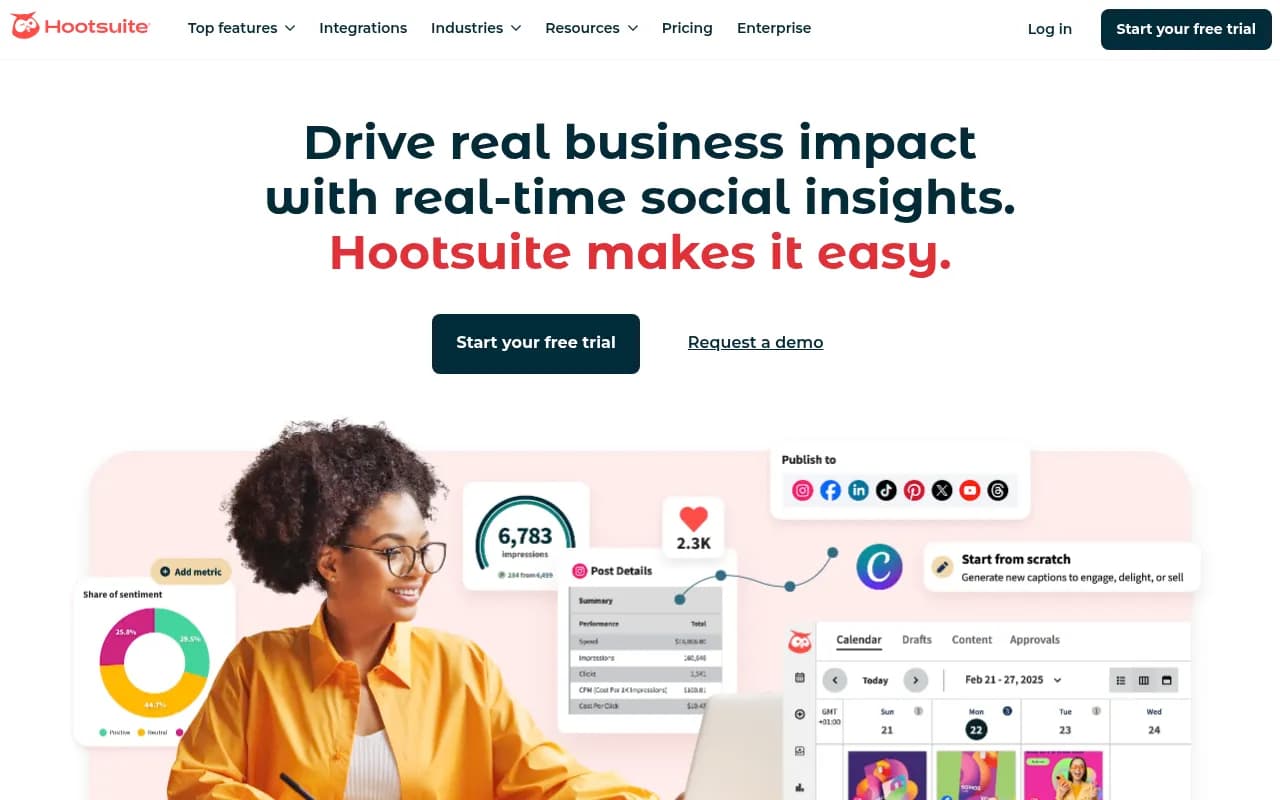
Hootsuite dropped its free plan entirely, so it's now a considered purchase rather than a default pick. Where it earns its $99/user/month is role-based approvals across larger teams managing a dozen-plus channels.
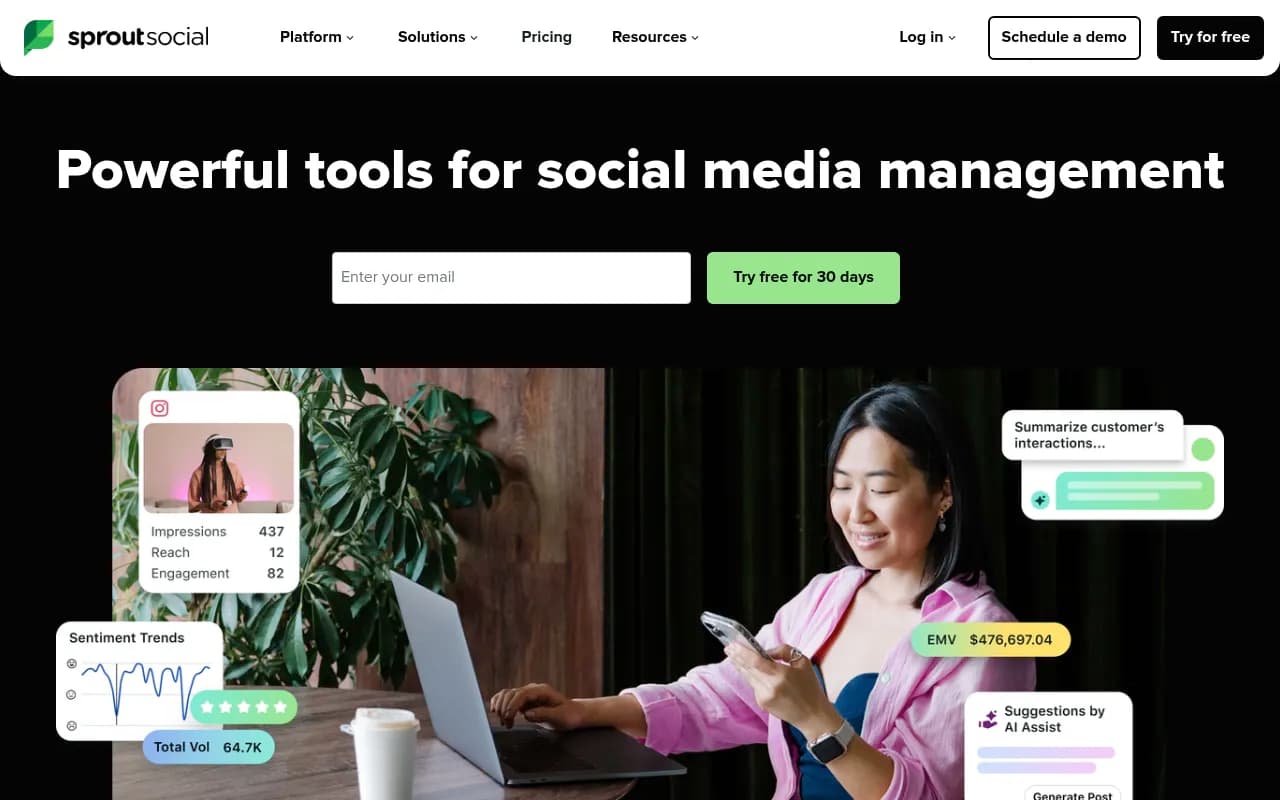
Sprout Social is the most expensive option here by a wide margin, but Forrester's Total Economic Impact study found teams saved $1.1M over three years from core platform capabilities, mostly from reduced manual work and better reporting. Worth it if you also need serious social listening and analytics, overkill if you just need posts to go out on time.
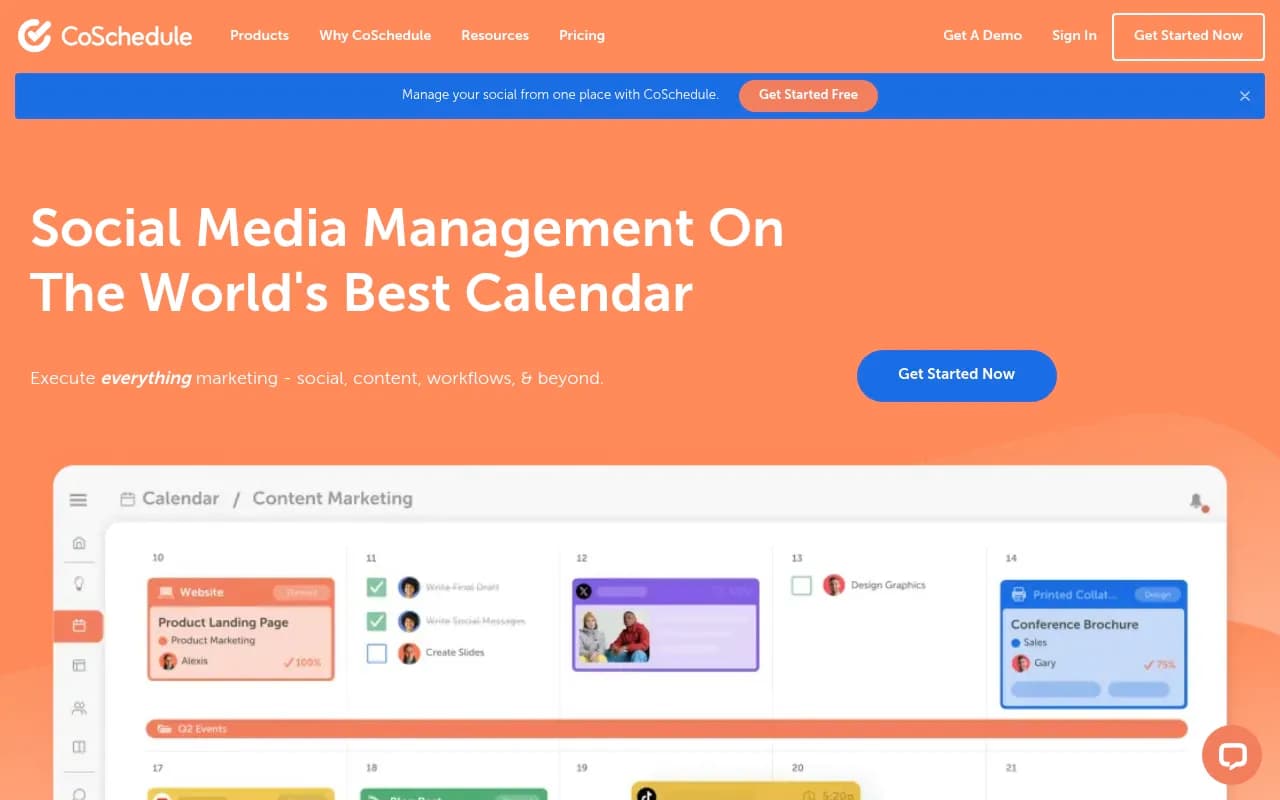
For teams that treat the social calendar as one piece of a broader marketing calendar, CoSchedule's pitch is that it's the calendar that also publishes, bridging blog content and social in one place.
If you're still weighing options beyond these, the social scheduling category in the software directory at surferstack.com is worth a browse before you commit to an annual plan.
Step 7: use AI for drafting, not for the decisions that matter
AI genuinely helps with the grunt work of calendar building: generating caption variants, suggesting best-time slots, or drafting a week's worth of copy around a pillar you've already defined. First Page Sage's 2026 report on AI content production found small businesses save an estimated 62% of time per piece using AI assistance, around 3.4 hours saved per piece, though editing still takes a few minutes per piece to keep quality and brand voice intact.
Where I'd push back on the hype: AI can fill a calendar grid fast, but it can't tell you which pillar actually drove revenue last quarter, and it won't know your approver is on vacation next Tuesday. Use it to speed up drafting inside a structure you've already built, not to replace the structure.
A note on AI search visibility and your content calendar
If part of your content strategy includes blog posts or thought-leadership pieces that you want cited by ChatGPT, Perplexity, or Google's AI Overviews, that's a different discipline from social scheduling, but it still belongs on the same editorial calendar as a pillar. Tracking whether your published content actually gets picked up by AI search engines is something tools like Promptwatch handle, monitoring citations and crawler activity across ChatGPT, Gemini, Perplexity, and Claude so you know whether your content calendar is producing anything AI search actually finds and cites.

Common pitfalls, and the quick fix for each
- Over-scheduling every slot: leave 20-30% of the calendar open for timely or trend-reactive posts instead of filling every box out of habit
- Separate calendars per platform: keep one shared calendar with platform as a tag or column, so nobody misses the full picture
- Drafts sitting in the live scheduler: only approved, final content should ever enter the scheduling queue, drafts belong somewhere else entirely
- No named approver: "marketing team" isn't an owner, a single person with a deadline is
- Treating 21 straight weeks of posting as the goal: Buffer's engagement data actually shows a plateau and slight decline past 21 weeks of uninterrupted posting, so the occasional skipped week isn't the failure it feels like
Putting it together
A content calendar that actually gets published on time isn't really about the calendar software. It's about the deadline structure wrapped around it: a named owner, a draft date with real buffer before publish, and a scheduler that only ever holds approved work. Pick Buffer if you're small and need simplicity, Planable if client approvals are your bottleneck, Hootsuite or Sprout Social if you're managing scale and need deeper reporting. Whichever you pick, build the approval habit first. The tool is replaceable. The habit is what keeps posts going out on the Tuesday you planned for, not three days late.