Key Takeaways
- Prompt trackers look alike in demos. The differences show up in data collection method, prompt-set controls, citation depth, and what happens after you find a gap.
- Score every vendor on the same 12 questions, weight them by what your team actually needs, and run a two-week trial with your own prompts before paying.
- Ask how the tool collects answers (real interfaces or APIs), whether it reports each AI engine separately, and whether it annotates model changes that break trend lines.
- A tool that only reports a visibility number leaves the work to you. Check whether it covers crawler logs, traffic attribution, and content actions.
- A copyable scorecard table and a use-case shortlist are included below.
Why a scorecard beats a feature checklist
I have sat through enough vendor demos to know the pattern. Every tool shows a dashboard with a visibility score, a competitor chart, and a list of cited sources. Everyone has "daily tracking." Everyone covers ChatGPT and Perplexity. Feature lists converge, so comparing them tells you little.
A scorecard forces a different conversation. You decide what matters before the sales call, assign weights, and score each vendor on evidence rather than on how polished the demo looked. It also gives you something to show a CFO or a client when they ask why you picked tool A over tool B.
The 12 questions below are grouped into four areas: data quality, prompt management, insight depth, and what you can do afterward. Copy the table at the end, change the weights, and use it.
Part 1: Data quality questions
If the underlying data is wrong, every chart built on it is wrong too. Start here.
Question 1: How does the tool collect answers?
Some tools call model APIs. Others capture what users actually see in the ChatGPT, Gemini, or Google AI Overviews interface. These are not the same. User-facing answers, citations, and shopping recommendations can differ from API output, because the product layer adds web search, source selection, and formatting that a raw API call skips.
Ask the vendor directly: do you capture real interface responses, or API responses? Score 3 for real interfaces on the engines that matter to you, 1 for API-only. API data is not worthless, since it shows what a model believes from training data, but it should not be your only view.
Question 2: Does it report each AI engine separately?
Citation behavior differs a lot by engine. According to Promptwatch Data on average sources per response, ChatGPT cites about 5 sources per web-search answer, Google AI Overviews about 10, and Perplexity almost exactly 10 every day. Microsoft Copilot's average swung from under 2 to nearly 17 within a few weeks before settling low.
A single blended score hides all of that. If your visibility drops 8 points because Copilot changed its retrieval, you want to see that, not chase a content problem that does not exist. Score high for tools that break results out by engine, country, and language.
Question 3: Can it track by country, language, and city?
An answer in Amsterdam is not an answer in Austin. If you sell in more than one market, check that monitors are fixed to a location and language so markets never get mixed. For local businesses, ask whether it can pin a query to exact coordinates for "near me" prompts. Many tools stop at country level.
Question 4: How often does it run, and can you change that?
Daily is standard. The useful question is whether you can go faster during a launch or campaign, and whether repeated runs smooth out the noise. AI answers are non-deterministic, so a single daily sample can swing on luck. Faster cadence on higher tiers is a real differentiator if you run time-sensitive campaigns.
Part 2: Prompt management questions
The prompt set is the input layer. Garbage in, garbage out, and most teams underinvest here.
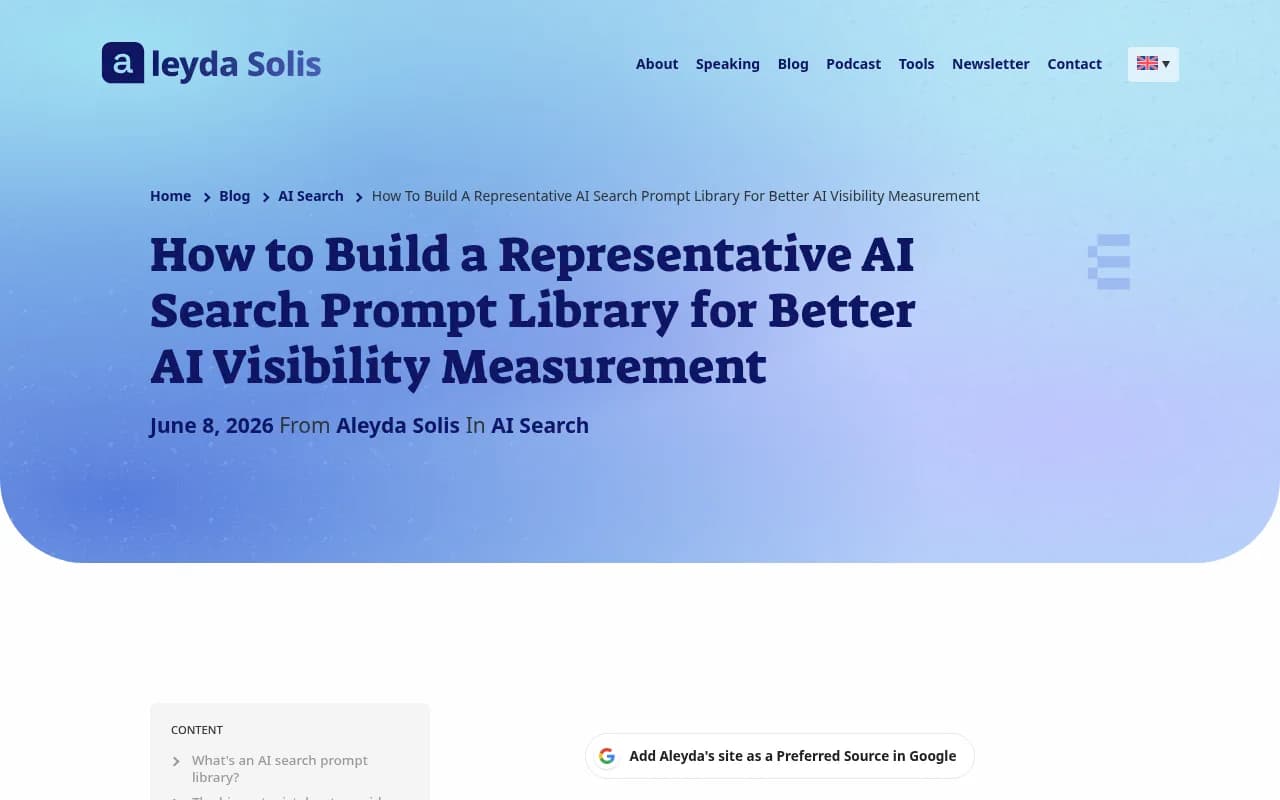
Aleyda Solis makes the point well in her guide to building a representative AI search prompt library: a prompt set that over-represents generic discovery, ignores product lines, or only tracks branded questions can make a dashboard look useful while pointing you at the wrong priorities. The goal is a representative sample, not every possible prompt. Your tool should make that easy.
Question 5: How do you build and organize the prompt set?
Look for manual entry, CSV upload, and some form of suggestion engine. Then check organization: topics, tags, personas, funnel stage, and the ability to separate branded from unbranded prompts. Uberall's advice to keep branded and unbranded prompts separate is sound, because mixing them inflates your numbers and hides the real discovery gap.
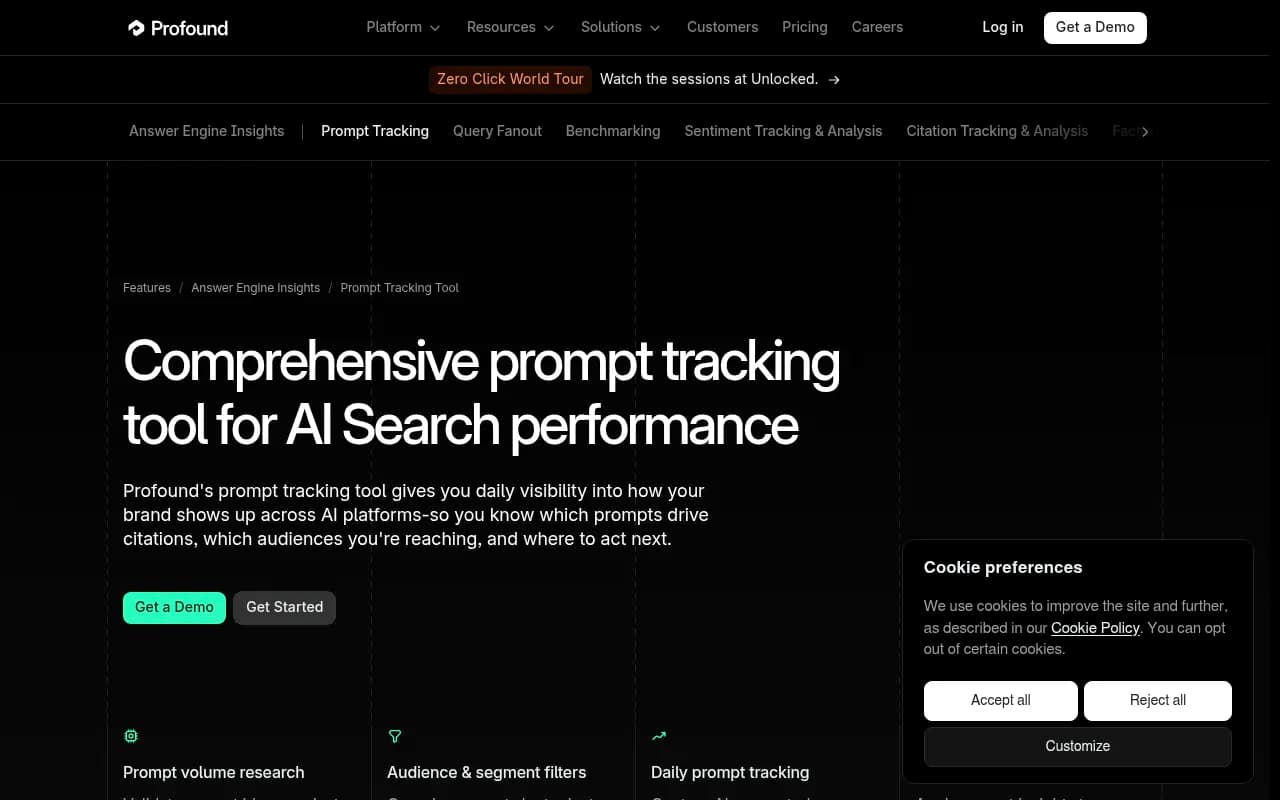
Profound's prompt tracking page is a good example of what the enterprise end offers: prompt volume research against a dataset of 1.3B+ conversations, filters by topic, tag, persona, and region, and creation by manual entry, CSV, or builder.
Question 6: Does it tell you which prompts are worth tracking?
A blank text box is a trap. You need some signal about whether anyone actually asks a given prompt. Check for prompt volumes, difficulty scores, and suggestions drawn from Search Console, People Also Ask, or your own pages. SE Ranking's AI Results Tracker also surfaces untracked prompts where your brand already appears, which is a useful research shortcut.
Momentic suggests running each candidate prompt several times per platform before you keep it. Ask whether the tool supports that kind of validation or whether you are on your own.
Question 7: Does it show query fan-outs?
ChatGPT's searches are not your prompt text. Promptwatch's ChatGPT query fanout data says a single prompt can trigger 3 to 8+ separate searches, though the measured average was 2.15 fanout queries per response in early December, about 1.84 by early March, and 1.0 when fanouts returned in April after a data gap. Average query length also fell from about 117 characters to about 53.
That matters because your content has to match the sub-queries, not the original prompt. A tool that shows them tells you what to write. Separately, Promptwatch's report on the site: operator found ChatGPT started using it at scale on August 8, 2026, jumping from roughly 0.4% to 17% of fanout queries overnight. Behavior moves in steps like that.
Part 3: Insight depth questions
This is where "tracker" and "platform" start to separate.
Question 8: Does it show citations, not just mentions?
Being mentioned and being cited are different outcomes. Check that the tool reports which of your pages get cited, where your domain lands in the source list, and what share of citations point at your own domain. Promptwatch's explanation of citations vs mentions is a good primer on why the distinction changes what you fix.
Also check which source types it covers. Reddit, YouTube, and LinkedIn matter differently by engine. In Promptwatch's social citation data, ChatGPT got 0.46% of citations from social platforms from Sep 28 to Oct 4, 2026, while Google AI Overviews got 12.2%. A tool that lumps social together would miss that.
Question 9: Does it annotate model changes that break trend lines?
This one is overlooked and it bites. Similarweb points out that changing your tracked prompts breaks the trend line, but model updates do it too. Promptwatch's citation drop report shows average citations per ChatGPT response fell across GPT-5.3, GPT-5.4, and GPT-5-Mini around the March 4, 2026 rollout. If your visibility moved that week, it may not be your doing.
Ask the vendor: when a model changes behavior, do you flag it? Can I lock a core prompt set for trending and refresh a separate set for exploration?
Question 10: Does it measure sentiment and what AI actually says about you?
Visibility without context is thin. Check for per-response sentiment, competitor comparison, and ideally claim-level analysis, meaning the specific statements AI makes about your pricing, features, or reputation. A brand can be mentioned often and described badly.
Part 4: What happens after you find a gap
Question 11: Does it connect visibility to your own site and traffic?
A mention score does not pay anyone's salary. Ask whether the tool can show AI crawler activity on your site, which pages bots read and where they fail, and whether AI-referred visitors convert. If a page never gets cited, you need to know whether the problem is access or content. Without crawler logs and visitor analytics, you are guessing.
Promptwatch's AI crawler data shows how quickly crawler mix shifts, and its report on Meta-WebIndexer found that bot grew from about 2% to nearly 38% of tracked AI crawler requests between mid-July and August 9, 2026. Tools without crawler visibility would not catch that.
Question 12: Can it help you fix the gaps?
This is the question that separates monitoring from optimization. After the tool tells you where you are invisible, does it prioritize actions, help draft content, publish to your CMS, and then check whether the new page got crawled and cited? Or does it hand you a PDF and wish you luck?
There is a legitimate case for monitoring-only tools. If you have a strong content team and just need a measurement layer, a cheaper tracker is fine. But be honest about whether you will actually do the work. Most teams do not.
The copyable scorecard
Score each tool 0 to 3 per question (0 = missing, 1 = weak, 2 = solid, 3 = strong). Multiply by the weight. Adjust weights to your situation: local businesses should raise Q3, agencies Q2 and reporting, content-heavy teams Q12.
| # | Question | Weight | Tool A | Tool B | Tool C |
|---|---|---|---|---|---|
| 1 | Real interface data, not just APIs | 3 | |||
| 2 | Per-engine reporting | 3 | |||
| 3 | Country, language, city tracking | 2 | |||
| 4 | Run cadence and flexibility | 1 | |||
| 5 | Prompt organization (topics, tags, personas) | 2 | |||
| 6 | Prompt volumes and suggestions | 2 | |||
| 7 | Query fan-out visibility | 2 | |||
| 8 | Citation depth and source types | 3 | |||
| 9 | Model-change annotations | 1 | |||
| 10 | Sentiment and claim-level analysis | 2 | |||
| 11 | Crawler logs and traffic attribution | 3 | |||
| 12 | Action layer (content, publishing, re-measurement) | 3 |
Max weighted score is 81 with these weights. Anything under 50 is a monitoring-only tool in practice, whatever the marketing says.
How the main options stack up
I have not verified current pricing for every vendor, so confirm on each pricing page before you commit. Here is how I would position the most common candidates against the scorecard.
| Tool | Best fit | Strong on | Typical gap |
|---|---|---|---|
| Promptwatch | Teams that want to track and fix | Real-UI data, crawler logs, content actions | More depth than a solo marketer may need |
| Profound | Enterprise monitoring | Prompt volume research, segments | Higher price, less execution |
| Peec AI | Lean monitoring | Simple setup | No crawler logs or content generation |
| Otterly.AI | Basic tracking | Low-friction monitoring | Shallow beyond mentions |
| SE Ranking | Existing SE Ranking users | Familiar suite, untracked prompt discovery | Suite-style AI depth |
| Semrush | Teams already in Semrush | One login for SEO and AI | Fixed prompt sets, shallower AI data |
Where each one earns its place
Promptwatch scores highest on the later questions (8 through 12), because it pairs prompt tracking with IP-verified crawler logs, visitor analytics, and a Content Agent that writes and publishes pages against your gaps, then checks whether they got cited. It tracks real interfaces for ChatGPT, Google AI Overviews, Gemini, Perplexity, Copilot, and others. The 7-day free trial is the easy way to run your own two-week test, and the free AI visibility report gives you a no-login baseline first. Confirm plan limits on the pricing page. For a direct matchup, see Promptwatch vs Profound.

Profound is strong on the research side of prompt management, and a reasonable pick if you are an enterprise team that mostly needs rigorous monitoring.
Profound
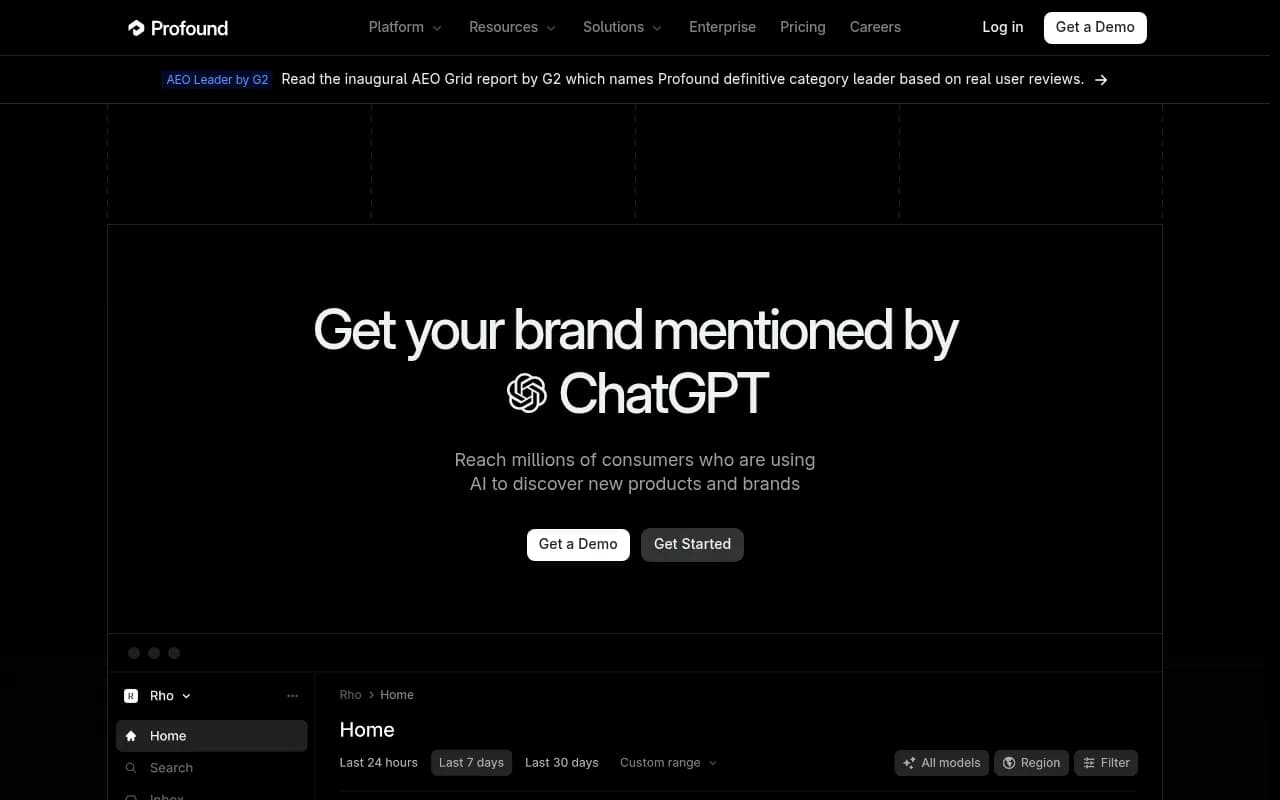
Peec AI and Otterly.AI are the budget-friendly end. They answer "did my brand show up?" competently. If that is the only question, they are enough.
Otterly.AI

SE Ranking and Semrush make sense when you already pay for the suite and want AI tracking in the same place, with the trade-off that AI is an add-on rather than the core product.
To browse more options, the GEO software directory lists dozens of trackers, and ai-rank-tools.com focuses on AI rank tracking specifically.
Run a two-week trial that tells you something
Demos use the vendor's prompts. Trials should use yours.
- Build a set of 30 to 50 prompts across branded, category, and competitor-comparison intent, following Solis's representative-library approach. Keep branded separate.
- Load the same set into each finalist.
- Compare the same prompt on the same engine across tools. Large gaps tell you about collection method (Question 1).
- Manually check five answers in the real ChatGPT or Gemini interface. Whichever tool matches reality wins on data quality.
- Ask each vendor to show a real action, such as a content gap with a recommended fix, not just a chart.
- Score the sheet above, then look at the gap between your top two.
If the scores are within a few points, price and support decide it. If one tool wins on questions 11 and 12, that usually outweighs a cheaper monitoring option, because those are the questions that determine whether you actually move the number.
Common mistakes to avoid
- Choosing on prompt count. Fifty well-chosen prompts beat 500 random ones.
- Treating a blended visibility score as truth. Look at per-engine and per-prompt data.
- Changing the prompt set weekly, which wrecks your trend line.
- Ignoring crawler access. If bots cannot read your site, no amount of tracking fixes it.
- Buying a tracker with no plan for who acts on the findings.
Final recommendation
Pick the scorecard weights first, then talk to vendors. If your team will act on findings and wants measurement, crawler visibility, and content execution in one place, a platform like Promptwatch fits best. If you only need a lightweight reporting layer, a basic tracker is fine. Either way, run the trial with your own prompts and score it on paper. The numbers will make the decision for you.