Key takeaways
- A wrong AI answer about your brand almost always traces back to a specific page: yours, a review site, a forum thread, or an outdated listing.
- For brand-specific prompts, ChatGPT often cites only a handful of domains, which makes the source findable. Promptwatch Data found 5 domains was the most common count at 14.9% of responses (Sep 28 to Oct 4, 2026).
- The fastest method is to log the claim, read the citations, reproduce the short search queries the AI runs, and check your own site's crawl history.
- Wrong pages hang around. Landing pages and docs were still cited 60 days later in about two thirds of cases, so a stale pricing page can keep misleading AI for months.
- Fixing the page is only half the job. You need to re-test the same prompts and confirm the claim changed.
Why this problem is different from normal fact-checking
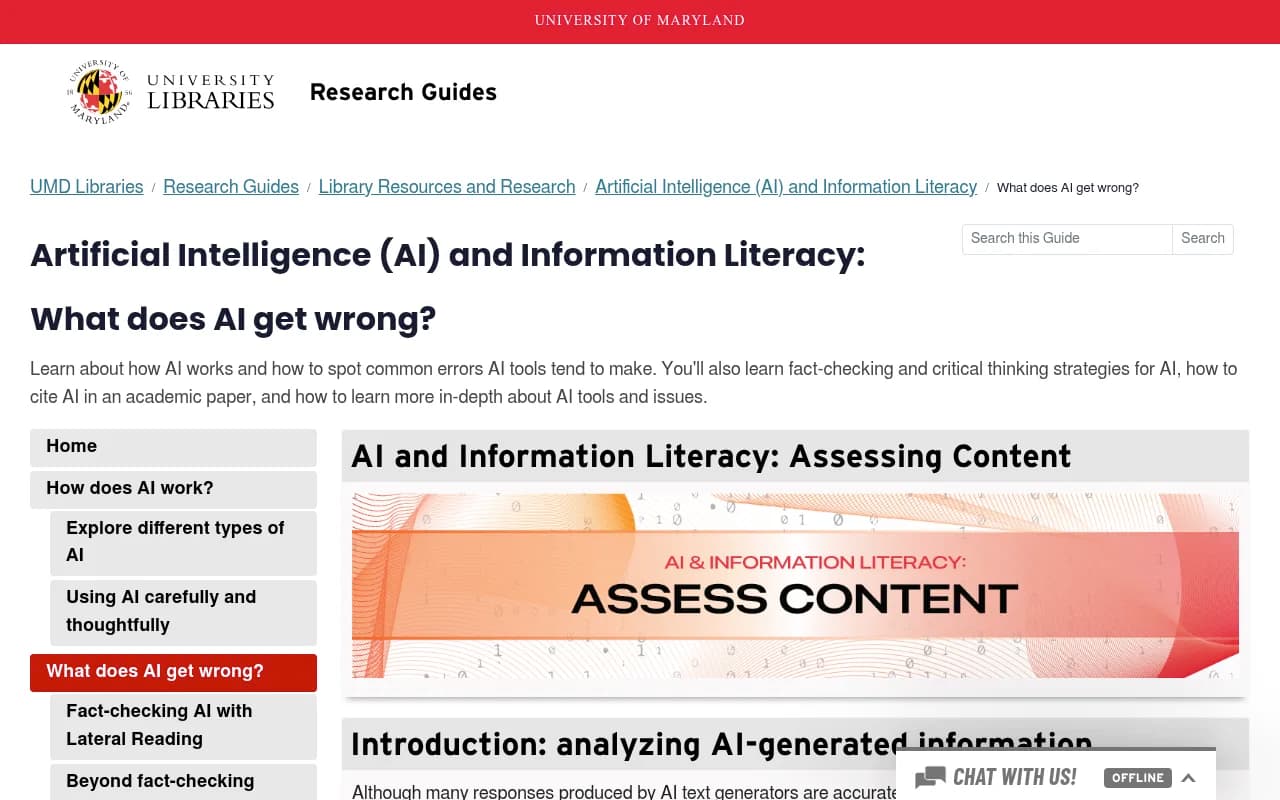
Most guides on this topic are written for readers: students, journalists, people who got a weird answer and want to verify it. They teach lateral reading, cross-checking statistics and asking for citations. That advice is good. If you want the reader-side version, the University of Maryland Libraries guide on what AI gets wrong is a solid place to start.
This guide asks a different question. You are the publisher, and the AI is saying something false about you. Pricing is wrong. A feature you killed in 2024 is still listed. A competitor is described as your parent company. Verifying the claim is trivial because you know it is false. The hard part is finding out which page taught the model that.
The UMD guide makes a point that matters here. AI sometimes credits sources that do not support the statement, and its example shows Google's AI Overview attaching an unrelated article to a claim. So the citation next to a wrong answer is a lead, not proof. You have to investigate.
Step 1: Capture the wrong claim precisely
Vague complaints lead nowhere. "ChatGPT gets us wrong" cannot be traced. "ChatGPT says our Pro plan costs $49 a month when it costs $79" can.
For every wrong fact, write down:
- The exact wording of the claim
- The prompt that produced it, word for word
- The AI engine and interface (ChatGPT, Google AI Overviews, Perplexity, Gemini, Copilot)
- The country and language you asked in
- The date, and whether sources were shown
- The correct fact and the page on your site that states it
Run the prompt more than once. AI answers vary between runs, so a claim that shows up in one of five responses is a different problem from one that shows up in all five. A claim that appears consistently points to a stable source. A claim that appears rarely might be model noise or a weak source.
Also test several phrasings. Buyers do not type your exact prompt. Try "is [brand] good for small teams," "[brand] pricing," "[brand] vs [competitor]," and "[brand] alternatives." Wrong facts tend to cluster in one or two of these.
Step 2: Read the citations, then distrust them a little
When the engine shows sources, start there. Open every cited URL and search the page for the wrong claim. Three outcomes are common.
- The page states the wrong fact. You found it.
- The page does not mention the claim at all. This is the mismatch the UMD guide documents. The citation is decorative, and the real source is elsewhere.
- The page is accurate but ambiguous, for example a pricing table that mixes monthly and annual figures, or a page that mentions a discontinued product without saying it is discontinued.
The third case is the sneakiest. The model did not invent anything. It misread something your own team wrote.
How many sources are you looking at
The size of the list matters. Promptwatch's data on unique domains per ChatGPT response (Sep 28 to Oct 4, 2026) shows that the answer depends on the prompt type:
| Prompt type | Share citing 10+ domains | Notable detail |
|---|---|---|
| Organic (no brand named) | 52.5% | 71.8% cite at least 8 domains |
| Competitor comparison | 49.1% | 0.35% cite a single domain |
| Brand-specific (e.g. "is Asana good for small teams") | 21.3% | 5 domains is the most common count at 14.9% |
For brand-specific prompts, 40.7% of responses cite 5 or fewer domains. That is good news if you are hunting a wrong fact. With so few sources, each one carries more weight, and your suspect list is short. Promptwatch's own advice from that report is to check which other domains ChatGPT cites for prompts about your brand, because review sites and forums on that short list shape how ChatGPT describes you.
Step 3: Reproduce the searches the AI actually runs
When an AI engine searches the web, it does not search your prompt verbatim. It generates its own shorter queries, called query fan-outs, and builds the answer from whatever those queries return. If you want to know where a claim came from, run those queries yourself.
Promptwatch's ChatGPT query fanout data shows these queries have gotten short: average length fell from about 117 characters in early December 2025 to about 53 characters from April 2026. Short queries are easy to replicate by hand. Typically they look like "[brand] pricing 2026" or "[brand] reviews."
To reproduce them:
- Search each likely fan-out in Google and Bing, in the same country as the prompt.
- Open the top ten results, including ones that are not yours.
- Look for the wrong claim in titles, snippets and page bodies.
- Note which pages rank for several fan-outs at once. Those are your prime suspects.
The free ChatGPT Query Fan-Out Generator can propose likely queries, and the query fan-outs explainer in the Promptwatch Academy covers how to read them. If you use ChatGPT in the browser, the free GEO Inspector Chrome extension from Promptwatch shows the searches ChatGPT ran and which sources it fetched versus cited, which saves a lot of guesswork.
Step 4: Sort the suspects by who controls them
Once you have a list of candidate pages, sort them. The fix is completely different depending on who owns the page.
| Source type | Typical wrong fact | Who fixes it | Fix speed |
|---|---|---|---|
| Your own landing or pricing page | Outdated price, ambiguous plan names | You | Fast |
| Your docs or help center | Deprecated feature still described | You | Fast |
| Old blog posts and press releases | Superseded numbers, old positioning | You | Fast |
| Review and directory sites (G2, Capterra, Trustpilot style) | Wrong pricing, missing features | Vendor profile, support request | Medium |
| Competitor comparison pages | Biased or stale comparisons | Outreach, publish your own comparison | Slow |
| Reddit, forums, Q&A threads | Old complaints stated as current fact | Reply, correct publicly | Slow |
| News and third-party articles | Outdated company facts | Editor outreach | Slow |
Your own pages come first. They are the cheapest to fix and the most likely culprit, because duplicated or stale content is common on any site more than a couple of years old. Check old blog posts, archived campaign pages, PDF price sheets, and subdomains nobody remembers.
Step 5: Check whether the AI crawler can even see your correct page
Sometimes the source of a wrong fact is not a bad page. It is the absence of a good one. If AI crawlers cannot read your current pricing page, because of a robots.txt rule, a bot-blocking firewall or JavaScript-only rendering, the model fills the gap with whatever third-party pages it can reach.
This is where server-side evidence helps. You want to know whether GPTBot, OAI-SearchBot, ClaudeBot, PerplexityBot and others actually fetched the page, how often, and whether they hit errors. Tools that read your CDN or server logs can show this. Promptwatch's AI crawler logs verify visits against each operator's published IP ranges, so spoofed bots are filtered out. Siteline AI and xSeek take similar log-based approaches to crawler monitoring.
You can also run a free check with the Agentic Readiness Check or the AI Crawler URL Inspector to see which crawlers are allowed in.
A useful diagnostic split:
- Crawlers never fetch the correct page, and a wrong third-party page gets cited: an access problem.
- Crawlers fetch the correct page often, but the AI still repeats the wrong fact: a content or authority problem. Another source is outranking you in the model's attention.
Step 6: Respect content half-life when you estimate the damage
A common mistake is assuming a wrong fact will fade quickly once you correct it. It will not necessarily. Promptwatch tracked every page ChatGPT cited on July 6, 2026 for 90 days. Its content half-life report found:
| Content type | Still cited after 30 days | Still cited after 60 days |
|---|---|---|
| Landing pages | 78% | 69% |
| Docs | 76% | 67% |
| Comparison pages | 72% | 63% |
| Listicles | n/a | 60% |
| Product pages, reviews, how-tos | n/a | 55% (half-life of 74 to 77 days) |
| News | n/a | 41% (half gone after 36 days) |
The practical reading: a wrong landing page, docs page or pricing page can feed ChatGPT for months. News is the opposite. A wrong fact that comes from a news article will often wash out by itself, so spend your energy elsewhere. Treat landing pages, docs and pricing pages as long-term assets and audit them on a schedule.
Step 7: Fix the page, and fix it in the right way
For your own pages, the fix has to remove the ambiguity, not just the error.
- State the correct fact in plain sentences near the top of the page, not only inside a table or image.
- Put the date or version next to anything that changes: prices, plan limits, integrations.
- Delete or redirect superseded pages. If you must keep them, label them as archived at the top.
- Make one page the canonical answer for each topic: pricing, features, alternatives, reviews. Promptwatch's report recommends making your own site answer pricing, features, reviews and alternatives directly.
- Add internal links from old pages to the current one so crawlers meet the correct version.
- Resubmit the URL for recrawl in Google Search Console and Bing Webmaster Tools.
For third-party pages, claim your profiles on review and directory sites and correct the facts there. Ask editors to update stale articles. On forums, reply with a short factual correction and a link, from a real account with your role disclosed. Don't astroturf. It tends to backfire, and the thread stays cited anyway.
Free tools like Page Modified or Visualping can alert you when a third-party page changes, so you notice when a correction lands or reverts.
Step 8: Re-test and confirm the claim changed
This is the step teams skip. Fixing a page proves nothing until the AI answers differently.
Re-run the exact prompts from Step 1, on the same engines, in the same locations. Do it after the page has been recrawled, and again two to four weeks later. Track three things:
- Does the wrong claim still appear, and in how many of N runs?
- Is the cited source list different?
- Is your corrected page now among the sources?
If the claim persists after the corrected page is cited, another source is still teaching it. Go back to Step 3 and look at the next suspect.
Doing this at scale with tooling
You can run the whole process by hand for a handful of claims. Past ten or twenty prompts, across several engines and countries, it gets tedious fast, and daily answer variation makes manual spot checks unreliable.
Promptwatch is built around this loop. Its Brand Narrative feature pulls the individual claims AI makes about you out of every tracked response and groups repeated ones, and Fact Check lets you mark a claim Accurate or Inaccurate, then reads the pages crawled from your site to find the ones that state it or its opposite, with quotes and a recommended next step. Fact Check is on the Business plan and above, and Brand Narrative is on every plan. Check promptwatch.com/pricing for current plans, or start with the free AI visibility report.
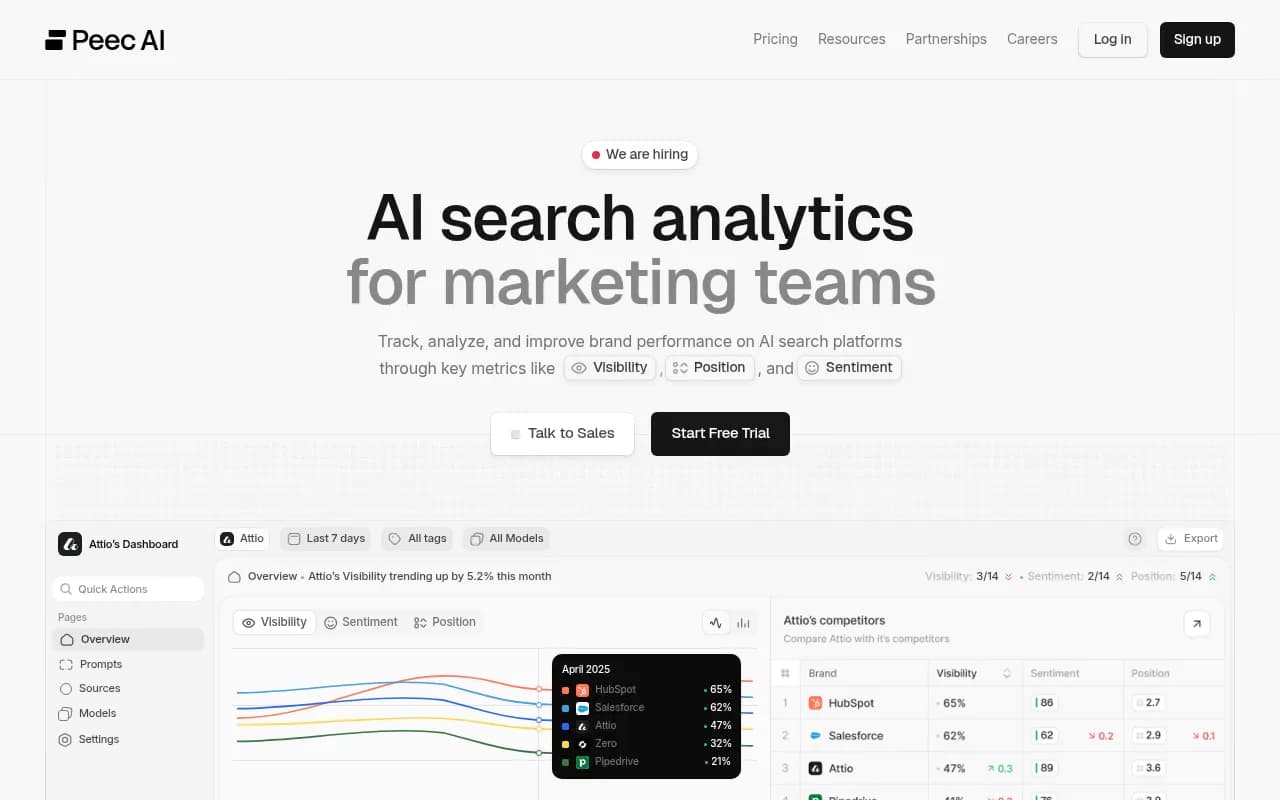
Other tools in the AI visibility category can cover parts of the job. LLMClicks advertises hallucination detection, and Otterly.AI and Peec AI track mentions and sources. Most of these stop at reporting, so you still do the diagnosis and the fixing yourself. The directories at bestgeosoftware.com list more options if you want to compare.
Otterly.AI

For your own site, Google Search Console shows which pages get impressions for the short queries AI engines tend to run, and a crawler like Screaming Frog helps find duplicate and orphaned pages that carry stale facts.
A worked example
Say ChatGPT tells buyers your product has no free trial. You do have one.
- You capture the claim and run the prompt five times. Four runs repeat it.
- The citations list five domains. Two are review sites, one is a competitor comparison blog, one is your homepage, one is a Reddit thread.
- Your homepage does not mention a trial in text. The trial is a button label in a JavaScript widget. The competitor blog says "no free trial," and it was written two years ago.
- Crawler logs show OAI-SearchBot hits your homepage but never reaches the pricing page, which sits behind a login redirect for bots.
- You fix the redirect, add a plain-text trial sentence to the homepage and pricing page, update both review profiles, and email the blog author.
- Two weeks later you re-test. Two of five runs still say no trial, and the competitor blog is still cited. The review sites now say otherwise.
- You publish your own comparison page covering your trial, and re-test a month later.
Nothing in that story is exotic. It is a short suspect list, a crawl problem, and a stale third-party page. That is how most of these cases look.
Common mistakes
- Trusting the citation as the source. The UMD example shows citations can be attached to unrelated claims.
- Testing once. Answers vary, so run several times and count.
- Ignoring country and language. A wrong fact might exist only in one market.
- Fixing the blog post but leaving the old PDF, subdomain or docs page live.
- Declaring victory without re-testing.
- Blaming the model when the real cause is that crawlers cannot reach your correct page.
For broader context on how AI engines pick sources, browse Promptwatch Data, which publishes regularly updated citation research.
FAQ
Can I tell for certain which page an AI learned a fact from?
Not with full certainty. Models are trained on huge datasets, and live search adds more sources. For live-search answers, though, the cited pages and the fan-out results give you a strong shortlist, and for brand-specific prompts that list is often around five domains.
What if no sources are shown?
Then the answer likely comes from training data. Check older, widely copied pages: Wikipedia-style entries, old press coverage, directory listings. Fixing these takes longer, and the correction may only show up in a future model update.
How long until a correction shows up?
For live-search engines, it can be days after recrawl, but based on the half-life data above, competing wrong pages may stay cited for months. Plan on re-testing for at least a month.
Should I fix my own pages first?
Yes. They are the cheapest to change, the quickest to get recrawled, and the ones you fully control.
Summary
Tracing a wrong AI fact is detective work with a short suspect list. Capture the claim exactly, read the citations without trusting them blindly, reproduce the short queries the AI runs, sort suspects by who controls them, check crawler access, fix the page, and re-test. Start with your own pricing, docs and landing pages, since those stay cited the longest.
If you would rather have an agency run this for you, 1001 SEO Media handles AI search and GEO work alongside technical SEO.