Key takeaways
- Claude doesn't produce SERPs or click data, so traditional SEO tools can't measure your visibility in it -- you need a dedicated AI monitoring tool
- The most important metrics to track are mention rate, sentiment, competitor share of voice, and which sources Claude cites when recommending brands like yours
- Setting up monitoring takes less than an hour with the right tool; the harder part is acting on what you find
- Improving your Claude visibility comes down to topical authority, structured content, and earning third-party citations on sources Claude trusts
- Tools like Promptwatch go beyond tracking to help you find content gaps and generate the content needed to close them
Claude has quietly become one of the most influential places a brand can appear -- or fail to appear. Users ask it things like "what's the best project management tool for remote teams?" or "is [brand] worth it compared to [competitor]?" and Claude answers without showing a list of links. No impressions, no click data, no Search Console integration. If you're not in Claude's response, you're invisible to that user.
The problem is that most marketing teams have no idea what Claude is saying about them. They're optimizing for Google while a growing slice of their audience is getting recommendations from an AI that they've never audited.
This guide fixes that. Here's exactly how to set up Claude brand monitoring in 2026, what to measure, and what to do when the data isn't what you hoped for.
Why Claude is different from other AI search engines
Before getting into the setup, it helps to understand what makes Claude distinct -- because it affects how you monitor it and what you can do to influence it.
Claude is built by Anthropic using what they call "Constitutional AI," a training approach designed to make responses more accurate and less prone to harmful outputs. In practice, this means Claude tends to be more cautious about recommending brands it doesn't have strong signal on. It prefers citing well-documented, authoritative sources. It's less likely to hallucinate brand names than some other models, which is good -- but it also means that if your brand lacks a clear online footprint, Claude may simply not mention you at all.
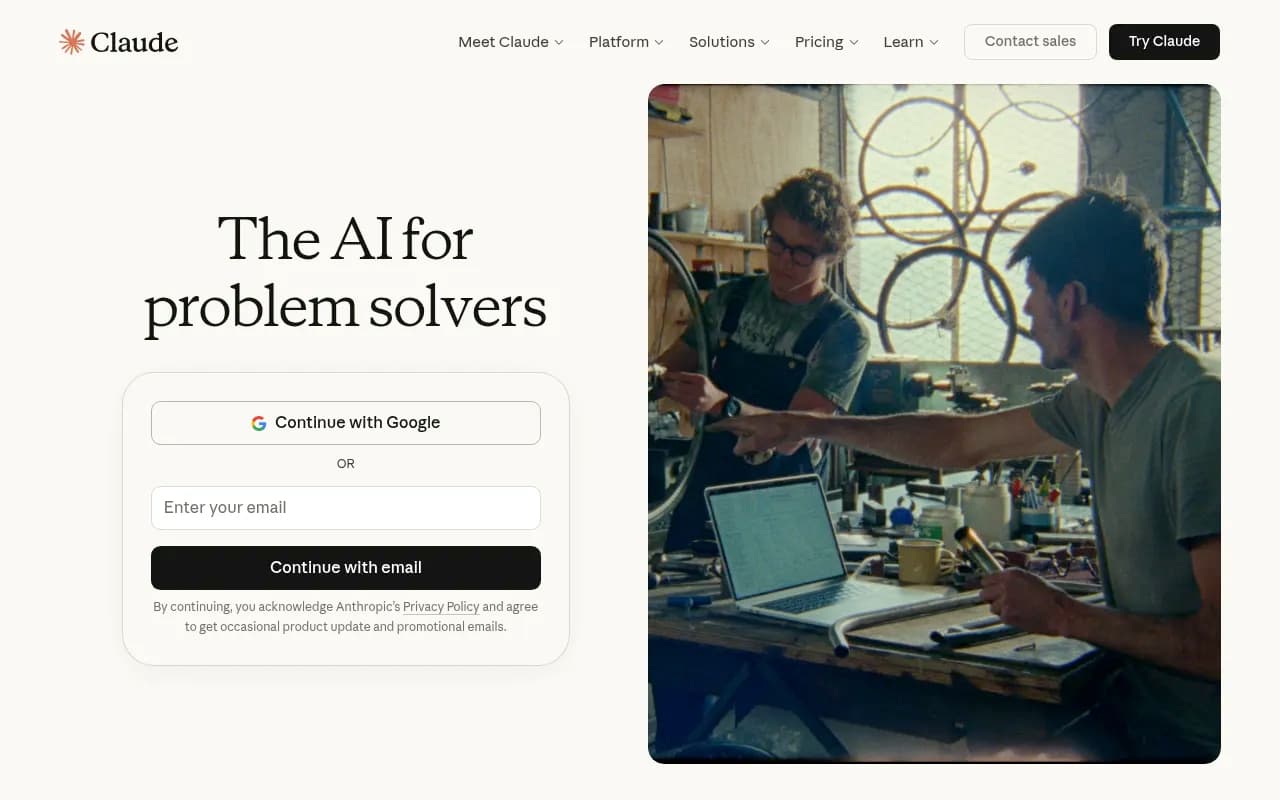
Claude's user base has grown to roughly 18-19 million monthly users as of early 2026, with strong adoption among professionals doing research, writing, and analysis. These are high-intent users. When someone asks Claude for a software recommendation, they're often close to a buying decision.
That's the audience you want to be visible to.
Step 1: Define what you're tracking
Before you open any tool, get clear on what you actually want to monitor. There are three layers:
Brand mentions: Is Claude mentioning your brand name at all? In what context? Is it positive, neutral, or negative?
Category presence: When users ask about your product category ("best CRM for startups," "top email marketing tools"), does Claude include you in the response?
Competitor comparisons: When users ask how you compare to competitors, what does Claude say? This is often where the most damaging gaps live.
Write out 20-30 prompts that represent how your potential customers would actually ask Claude about your space. Think like a buyer, not a marketer. "What's the best [category] for [use case]?" is more realistic than "Tell me about [brand name]." Both matter, but the category queries are where you're either winning or losing discovery.
Step 2: Choose your monitoring approach
There are two ways to monitor Claude: manually, or with a dedicated tool. Manual monitoring is free but doesn't scale. Dedicated tools cost money but give you trend data, competitor comparisons, and alerts.
Manual monitoring (free, limited)
You can query Claude directly at claude.ai with your target prompts and log the responses in a spreadsheet. This works fine for a one-time audit but falls apart quickly -- Claude's responses vary, you can't track changes over time, and doing this at scale across dozens of prompts is tedious.
If you go this route, at minimum:
- Run each prompt 3-5 times to account for response variation
- Log the date, prompt, whether your brand was mentioned, sentiment, and which competitors appeared
- Repeat monthly to spot trends
Dedicated AI visibility tools
For ongoing monitoring, you need a purpose-built tool. The market has grown significantly in 2026 -- here are the main options worth knowing about.
Promptwatch is the most comprehensive option. It monitors Claude alongside 10 other AI models, tracks prompt-level visibility, and -- unlike most competitors -- actually helps you fix gaps through content generation and Answer Gap Analysis. If you want to know not just where you're invisible but what content to create to fix it, this is the tool.

Peec AI is a solid monitoring-only option for teams that just need to track Claude, ChatGPT, and Perplexity without the optimization layer.

Otterly.AI covers Claude, ChatGPT, and Google AI Overviews with a clean interface. Good for teams that want straightforward tracking without complexity.
Otterly.AI

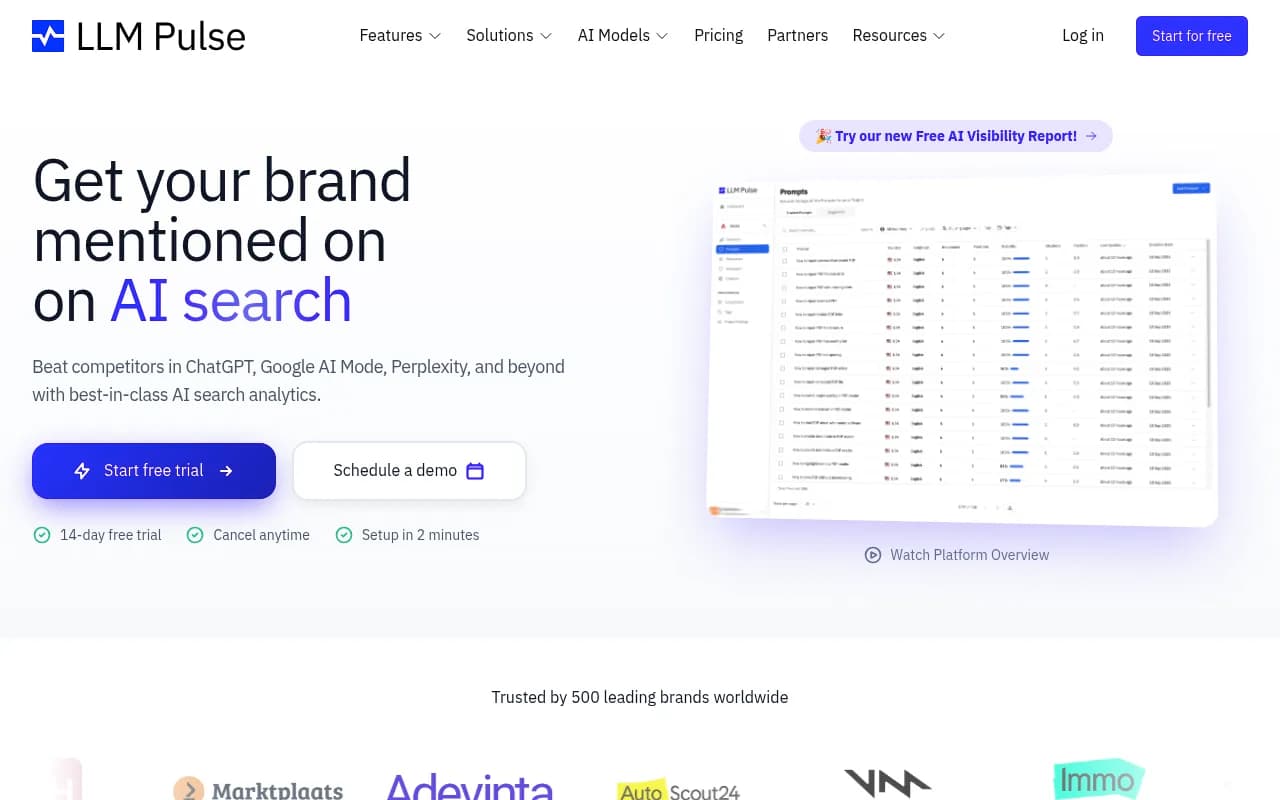
LLM Pulse has a dedicated Claude visibility tracker and is worth considering if Claude is your primary focus.
Rankshift is another monitoring option with a focus on AI search visibility across the major models.

Here's a quick comparison of the main tools:
| Tool | Monitors Claude | Content generation | Competitor tracking | Crawler logs | Free trial |
|---|---|---|---|---|---|
| Promptwatch | Yes | Yes (built-in AI writer) | Yes | Yes | Yes |
| Peec AI | Yes | No | Yes | No | Yes |
| Otterly.AI | Yes | No | Yes | No | Yes |
| LLM Pulse | Yes | No | Limited | No | Yes |
| Rankshift | Yes | No | Yes | No | Yes |
| Semrush AI Toolkit | Yes | No | Yes | No | No |
The core difference between Promptwatch and the rest is the action loop. Most tools show you data and leave you to figure out what to do with it. Promptwatch's Answer Gap Analysis shows you the specific prompts where competitors are visible but you aren't, then the built-in writing agent helps you create content to close those gaps. For teams that want to actually move the needle, that matters.
Step 3: Set up your prompt library
Once you've chosen a tool, the next step is building your prompt library -- the set of queries the tool will run against Claude on a regular basis.
A good prompt library for Claude monitoring covers four categories:
Category discovery prompts: "What are the best [your category] tools?" / "Which [your category] platform should I use for [use case]?"
Problem-based prompts: "How do I [solve problem your product solves]?" / "What's the best way to [task]?"
Comparison prompts: "How does [your brand] compare to [competitor]?" / "[Your brand] vs [competitor] -- which is better?"
Reputation prompts: "Is [your brand] reliable?" / "What are the pros and cons of [your brand]?"
Start with 20-30 prompts and expand from there. Most tools let you organize prompts by category, which makes it easier to spot patterns -- maybe you're visible for comparison queries but invisible for category discovery, which tells you something specific about where to focus.
Step 4: Understand the metrics that matter
Once your monitoring is running, you'll start seeing data. Here's what to actually pay attention to:
Mention rate: The percentage of prompts where your brand appears in Claude's response. This is your headline number. A mention rate below 20% for your core category prompts is a red flag.
Sentiment: Is Claude describing your brand positively, neutrally, or negatively? Claude tends to be balanced, but if it's consistently hedging on your brand ("some users report issues with...") that's worth investigating.
Share of voice: How often do you appear relative to competitors for the same prompts? If three competitors consistently appear and you don't, that gap is your opportunity.
Citation sources: What sources is Claude drawing on when it mentions brands in your category? Reddit threads, review sites, industry publications? Knowing this tells you where to focus your off-site presence.
Position in response: Being mentioned first vs. fifth in a list matters. Track where in the response your brand appears.
Step 5: Diagnose why you're not appearing
If your monitoring reveals gaps -- and it probably will -- the next question is why. Claude's training data and real-time web access (Claude can browse the web in some configurations) both influence what it says. The main reasons brands are invisible in Claude:
Thin or absent web presence: If there's not much written about your brand on authoritative sites, Claude has nothing to draw on. This is the most common issue for newer or smaller brands.
No third-party validation: Claude is cautious about recommending brands that only appear in their own marketing materials. Reviews on G2, Capterra, or Trustpilot, mentions in industry publications, and discussions on Reddit all signal legitimacy.
Content that doesn't match conversational queries: Your website might be optimized for keyword-based search but not for the natural language questions Claude users ask. "Best project management tool for remote teams" is different from "project management software."
Competitor content dominance: If competitors have published extensive comparison content, guides, and category resources, they've built the kind of topical authority Claude rewards.
Step 6: Build content that Claude wants to cite
This is where monitoring turns into optimization. The goal is to give Claude high-quality, citable information about your brand and category.
Build topical authority: Create comprehensive content clusters around your core topics. A single blog post won't move the needle. A hub-and-spoke content structure -- a main pillar page supported by 8-12 related articles -- signals to Claude that you're a serious resource on the topic.
Write for conversational queries: Structure content around the questions your audience actually asks. Use natural language headers like "How does [your product] handle [use case]?" rather than keyword-stuffed titles.
Earn third-party citations: Get reviewed on major platforms. Contribute to industry publications. Participate in relevant Reddit communities (genuinely, not spammily). These third-party mentions are what Claude uses to validate brand recommendations.
Use structured data: Schema markup helps AI models understand what your content is about. FAQ schema is particularly useful for the question-based queries that Claude handles.
Be specific about your differentiation: Claude responds well to content that clearly articulates what makes a product different. Vague positioning ("we're the best solution for your needs") gets ignored. Specific claims ("the only tool that does X for Y use case") are more citable.
If you're using Promptwatch, the Answer Gap Analysis feature does a lot of this diagnostic work automatically -- it shows you which prompts competitors are winning and what content topics are missing from your site. The built-in AI writing agent can then generate articles specifically engineered to fill those gaps.
Step 7: Monitor third-party citation sources
One thing most teams overlook: Claude doesn't just use your website. It draws on the broader web, including Reddit, review platforms, YouTube, and industry publications. Monitoring what Claude cites when it talks about your category is as important as monitoring whether it mentions your brand.
If Claude is consistently citing a particular Reddit thread or G2 review page when recommending tools in your space, that's a signal. You want your brand to appear in those sources, or to create better content that earns citations instead.
Tools like Promptwatch surface which external sources AI models are drawing on, which gives you a prioritized list of where to build your off-site presence. Most monitoring-only tools don't show you this.
Step 8: Set up alerts and reporting cadence
Monitoring is only useful if you act on it. Set up a reporting cadence that matches your team's capacity:
Weekly: Check mention rate and sentiment for your top 10 priority prompts. Flag any significant changes.
Monthly: Full review of share of voice vs. competitors. Identify the 3-5 prompts where you've improved and the 3-5 where you've dropped. Assign content tasks based on gaps.
Quarterly: Audit your prompt library. Add new prompts based on emerging use cases or competitor moves. Remove prompts that are no longer relevant.
Most tools support email alerts for significant changes -- set these up so you're not relying on remembering to log in.
Common mistakes to avoid
A few things that trip up teams new to Claude monitoring:
Treating it like Google rank tracking: Claude visibility is probabilistic, not deterministic. The same prompt can get different responses. Track trends over multiple runs, not single data points.
Only monitoring brand name queries: The highest-value opportunity is category and problem-based queries, where you can capture users who don't know your brand yet.
Ignoring sentiment: Being mentioned isn't enough. If Claude consistently qualifies your brand with caveats ("though some users find the pricing steep"), that's a reputation issue worth addressing.
Optimizing for Claude in isolation: Claude, ChatGPT, Perplexity, and Google AI Overviews all draw on overlapping sources. Content that earns citations in one model tends to help in others. Build for the ecosystem, not a single model.
Waiting for perfect data before acting: Start with 20 prompts and imperfect tracking. The insights you get from even basic monitoring will be more valuable than waiting until you have a perfect setup.
Putting it together
Monitoring your brand in Claude isn't complicated, but it does require a different mindset than traditional SEO. There's no rank to track in the traditional sense -- just presence or absence in responses that millions of users are reading and acting on.
The setup is straightforward: define your prompts, pick a tool, track your metrics, diagnose your gaps, and create content that gives Claude something to cite. The teams winning in AI search right now aren't doing anything exotic -- they're just doing this systematically while most of their competitors are still focused entirely on Google.
Start with a free trial of one of the tools above, run your first prompt audit, and see where you actually stand. The results are usually surprising.