Key takeaways
- Most GEO platform free trials run 7-14 days, but the majority of users spend the first few days on setup and never test the features that actually matter
- The biggest mistake is treating a trial like a product demo -- you need to bring real data (your brand, your competitors, your actual prompts) from day one
- Monitoring features are easy to evaluate in a trial; content generation and optimization features take longer but matter more for ROI
- Not all "free trials" are equal -- some restrict key features, some require a credit card, and some give you a watered-down version of the product
- The best way to compare platforms is to run parallel trials on the same prompt set, then compare what each tool tells you to do differently
The GEO and AI visibility space has exploded. There are now dozens of platforms claiming to help you appear in ChatGPT, Perplexity, Claude, Google AI Overviews, and every other AI search surface that matters. Most of them offer a free trial. Most trials get wasted.
The problem isn't the tools. It's that people start a trial without a plan, poke around the dashboard for a few days, and then either convert without really knowing if the tool fits their needs -- or cancel because nothing clicked. Neither outcome is great.
This guide is about fixing that. Whether you're evaluating your first GEO platform or comparing five of them side by side, here's how to actually learn something useful before you hand over a credit card.
What you're actually evaluating during a trial
Before you sign up for anything, get clear on what you're trying to learn. There are really three distinct questions:
- Does this tool track the right things for my brand?
- Does it help me understand why I'm not visible where I should be?
- Does it help me fix it?
Most tools answer question one reasonably well. Fewer answer question two. Very few answer question three. That gap is the most important thing to probe during any trial.
The monitoring-only tools -- and there are a lot of them -- will show you a dashboard of brand mentions, share of voice, and citation rates. That data is useful. But if the tool stops there, you're left doing the analysis and content work yourself. That's fine if you have the team for it. If you don't, you need a platform that closes the loop.
Keep this distinction in mind as you read the rest of this guide. It will shape which features you prioritize testing.
Before you start: the setup that makes or breaks a trial
The single biggest mistake people make is starting a trial with generic data. They type in their brand name, pick a few obvious prompts, and wait to see what happens. That's not a trial -- that's a demo.
Here's what to prepare before you activate any trial:
Your actual prompt set. Think about how your customers actually search for what you sell. Not "what is [your category]" but the specific, intent-driven questions they ask AI engines. "What's the best [your product type] for [specific use case]?" "Which [your category] tools do agencies use?" "Compare [your brand] vs [competitor]." Write down 20-30 of these. You'll use the same list across every platform you test, which makes comparison meaningful.
Your top 3-5 competitors. You want to see where they appear and you don't. If a tool can't show you competitive visibility gaps, that's important to know.
A baseline. Before you start, manually query ChatGPT, Perplexity, and Google AI Overviews with a few of your prompts. Screenshot the responses. This gives you a ground truth to compare against what each tool reports.
A clear success metric. What would make this trial a success? "I found three content gaps I didn't know about" is a good metric. "The dashboard looked nice" is not.
Day-by-day trial framework
Most trials run 7-14 days. Here's how to use that time.
Days 1-2: Setup and data quality check
Get the tool configured with your brand, competitors, and prompt set. Then immediately check data quality. Does the tool's reported visibility match your manual baseline? If the tool says you're mentioned in 40% of ChatGPT responses for a given prompt, but your manual check shows you're not mentioned at all, that's a red flag worth investigating before you go further.
Also check: how many AI models does the tool actually monitor? Some tools advertise broad coverage but only query 3-4 models at the entry tier. If you care about Claude or DeepSeek or Grok specifically, verify they're included in the plan you're testing.
Days 3-4: Competitive gap analysis
This is where you find out if the tool has any real analytical depth. Look for:
- Which prompts are your competitors visible for that you're not?
- What content are they being cited for?
- Are there high-volume prompts in your category where nobody is winning consistently?
If the tool gives you a clear list of specific gaps with actionable context, that's genuinely valuable. If it just shows you a share-of-voice chart without telling you why the gap exists, you'll need to do that analysis yourself.
Days 5-6: Content and optimization features
This is the most underutilized part of most trials, and it's the most important. If the platform has content generation or optimization features, use them now. Generate at least one piece of content using the tool's recommendations and compare it to what you'd produce without it. Is the output grounded in real citation data? Does it address the specific angles AI models seem to want? Or is it generic SEO content with a GEO label on it?
If the tool has crawler log analysis (showing which AI bots are visiting your site and which pages they're reading), check that too. It's a surprisingly revealing feature -- you might find that GPTBot is crawling your homepage but never reaching your most relevant product pages.
Days 7+: Reporting and workflow fit
Can you get the data out in a format your team will actually use? Check the export options, any integrations with tools you already use (Google Search Console, Looker Studio, etc.), and whether the reporting is clear enough to share with a client or executive who doesn't live in the platform.
Also: how much time did this take? A tool that requires 3 hours a week of manual work to get value from is a different investment than one that surfaces insights automatically.
The features that separate good tools from great ones
Here's a practical comparison of the capabilities that matter most, and how to test each one during a trial:
| Feature | What to test | Why it matters |
|---|---|---|
| LLM coverage | Check which models are included in your tier | Missing Claude or Gemini means blind spots |
| Prompt gap analysis | Can it show you specific prompts you're losing? | This is the core value proposition |
| Content generation | Is output grounded in citation data, or generic? | Generic content won't get cited |
| Crawler log monitoring | Can you see which AI bots hit your site? | Reveals indexing issues you can't see otherwise |
| Competitor benchmarking | Side-by-side visibility vs named competitors | Essential for prioritizing effort |
| Traffic attribution | Does it connect AI visibility to actual visits? | Closes the ROI loop |
| Prompt volume data | Does it tell you which prompts are worth targeting? | Prevents wasted effort on low-traffic queries |
| Reporting/export | Can you share results without a platform login? | Matters for agencies and internal stakeholders |
Not every tool does all of these. The question is which ones matter most for your situation.
Running parallel trials: how to compare platforms fairly
If you're seriously evaluating multiple platforms, the only way to compare them fairly is to use the same inputs. Same brand, same competitors, same prompt set, same time window.
A few things to watch for when comparing:
Discrepancies in visibility scores. Two tools tracking the same prompts on the same models will often report different numbers. This isn't necessarily a sign that one is wrong -- methodology differences (how often they query, which model versions they use, how they handle variation in responses) explain a lot. But if the discrepancy is large, ask both vendors to explain it.
What the tool recommends you do. After a week of data, what does each platform tell you to do next? A monitoring-only tool will show you a dashboard and leave you to figure out the next step. A more complete platform will surface specific content gaps, suggest topics to cover, and show you which pages need optimization. The quality of that guidance is often the biggest differentiator.
How the trial itself is structured. Some platforms offer full feature access during the trial. Others restrict key features (often content generation or advanced analytics) to paid tiers. If you can't test the features you'd actually pay for, the trial isn't telling you much.
Tools worth trialing in 2026
Here are some of the platforms worth putting through this framework, depending on what you're trying to accomplish.
For end-to-end optimization (monitoring + content + attribution):
Promptwatch is the platform I'd start with if you want to go beyond monitoring. It tracks 10 AI models, surfaces content gaps through Answer Gap Analysis, generates articles grounded in citation data (880M+ citations analyzed), and closes the loop with traffic attribution. The crawler log feature -- showing you which AI bots are hitting your site and which pages they're reading -- is something most competitors don't offer at all. The trial lets you test the core loop: find a gap, generate content to address it, see if visibility improves.

For monitoring-focused tracking:
Otterly.AI is one of the more accessible entry points if you're just getting started with AI visibility monitoring. It covers the major models and is priced lower than most alternatives. Worth trialing if your main need is brand mention tracking rather than optimization.
Otterly.AI

Profound has strong prompt research capabilities and covers up to 10 models at enterprise tier. It's more expensive but well-suited to teams that need deep prompt intelligence.
Profound

For teams already using traditional SEO tools:
Semrush has added AI Toolkit features to its existing platform. If you're already a Semrush subscriber, it's worth exploring what's included before paying for a separate GEO tool. The limitation is that it uses fixed prompts rather than letting you define your own, which reduces its usefulness for competitive gap analysis.
Ahrefs has Brand Radar, which is effectively free if you're already subscribed. Similar caveat: fixed prompts and no AI traffic attribution, but useful as a starting point.
For agencies managing multiple clients:
Rankscale is built with agency workflows in mind. Multi-client dashboards and reporting features are worth testing if you're managing 10+ brands.
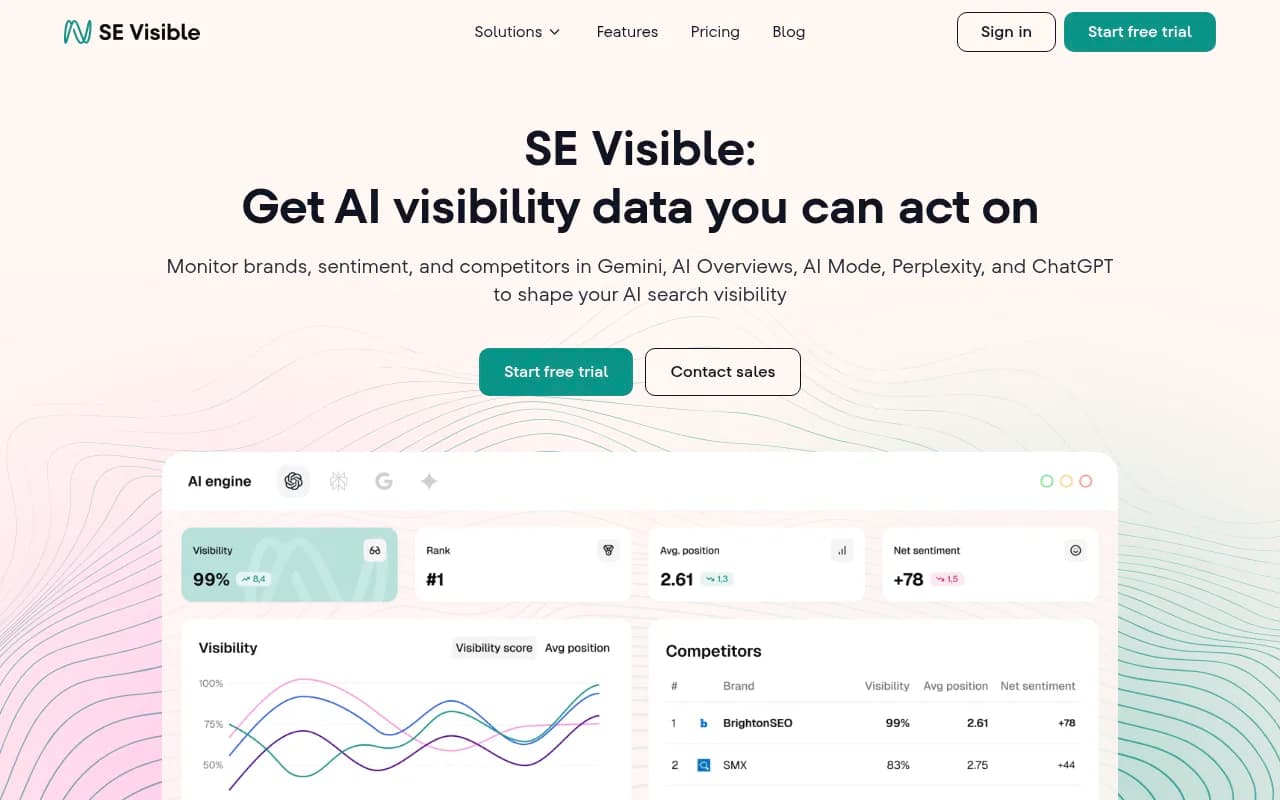
SE Visible offers multi-brand, multi-country tracking and is worth evaluating for agencies with international clients.
For lighter-weight monitoring:
Peec AI offers flexible model selection and is reasonably priced for smaller teams. Good for testing the basics before committing to a more expensive platform.

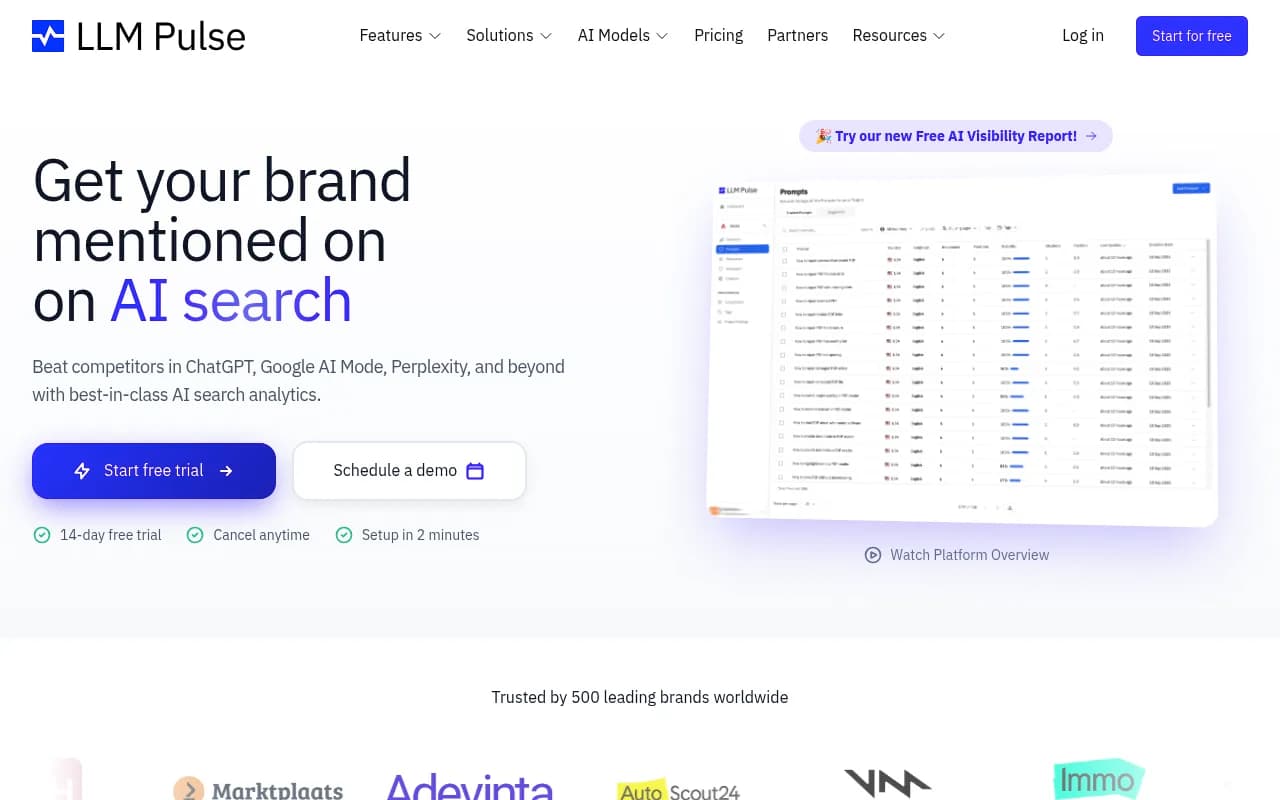
LLM Pulse is a simpler option for teams that just want to track brand mentions across the major models without a lot of configuration overhead.
Red flags to watch for during any trial
A few things that should make you pause before converting:
Data that can't be explained. If a tool shows you visibility scores but can't tell you which specific responses those scores come from, the data is hard to trust. Good platforms let you drill down to the actual AI response that cited (or didn't cite) your brand.
Trials that hide the features you actually need. If content generation or gap analysis is locked behind a higher tier, and the trial only gives you the monitoring dashboard, you're not really evaluating the product. Ask for access to the full feature set, or at least a live demo of the restricted features.
No clear answer to "what do I do next?" After a week of data, the platform should be able to tell you something specific: here are the prompts you're losing, here's why, here's what content would help. If the answer is just "your share of voice is 23%," that's monitoring data, not optimization guidance.
Slow data refresh. Some tools only update visibility data weekly or even monthly. For a category that moves as fast as AI search, that's often not enough. Check the refresh frequency during your trial.
Making the final call
After your trial, you should be able to answer these questions:
- Did the tool find gaps I didn't already know about?
- Did it tell me specifically what to do about them?
- Did the data quality hold up against my manual baseline?
- Would my team actually use this week to week, or would it collect dust?
- Does the ROI math work at the plan I'd actually need?
That last question matters more than it sounds. A lot of GEO platforms price their most useful features at higher tiers. Make sure you're evaluating the plan you'd actually subscribe to, not the entry-level version that strips out the features you care about.
The GEO space is still maturing. Tools are adding features quickly, pricing is shifting, and the underlying AI models they track keep changing. A platform that's right for you today might need to be re-evaluated in six months. Building the habit of running structured trials -- rather than just signing up and hoping for the best -- is the skill that will serve you longest.