Key takeaways
- A new client can be live in AI visibility tracking in about 60 minutes if you do the thinking before you touch the tool: intake, competitor list, and a prompt set drafted in advance.
- Build prompt sets from three types (organic non-brand, brand-specific, competitor comparison). Source behavior differs by type, so a single flavor gives a skewed baseline.
- Track engines separately. ChatGPT cites roughly 5 sources per answer, while Google AI Overviews and Perplexity cite about 10, so one engine's result tells you little about another's.
- Never report a single-day number. KIME's tracking data (Jul 26 to Oct 26, 2026) showed one well-known brand's daily AI share of voice swinging between 0% and 19.6%. Use multi-day averages.
- Onboarding is only half the job. Set up crawler access and analytics in the same session, or you will be able to report visibility but never explain it.
Why one hour is realistic
Most agencies burn a week on AI visibility onboarding because the work gets tangled up with strategy. Somebody opens a tool, stares at an empty prompt list, and starts brainstorming. That is where the days go.
The fix is separating onboarding from analysis. Onboarding is configuration: who is the client, who are they up against, what do their buyers ask, and which engines matter. Analysis comes after you have a few days of data. If you keep those apart, an hour is plenty.
This guide uses a time-boxed checklist. The numbers are targets, not laws. A client with six product lines and four markets will run over. A local service business will finish early.
| Step | Time box | Output |
|---|---|---|
| 1. Intake call or form | 10 min | Brand facts, markets, competitors, buyer questions |
| 2. Workspace and project setup | 5 min | Client workspace with brand aliases |
| 3. Competitors and engines | 5 min | Competitor set, engine list per market |
| 4. Prompt set | 15 min | 25 to 50 prompts across three types |
| 5. Technical access | 10 min | Crawler logs, analytics script, Search Console |
| 6. Baseline and sanity check | 10 min | First responses reviewed, aliases fixed |
| 7. Reporting setup | 5 min | Scheduled report, cadence agreed |
Before the hour starts: the intake pack
The hour only works if the client has already given you a few things. Send a short form 48 hours ahead. Do not accept "we'll figure it out on the call".
Ask for:
- The exact brand name, plus every variant buyers use (abbreviations, old names, product names, common misspellings).
- Three to six real competitors, including at least one the client would rather not admit to.
- Countries and languages that matter commercially. Be strict here, because most tools fix a monitor's language and location at creation.
- The top ten questions sales hears from prospects. This is gold. It beats any keyword tool for prompt ideas.
- Admin access, or a developer contact, for the CDN or CMS, plus Google Search Console and analytics.
- What the client believes AI says about them today. You will compare this to reality in step 6.
If the client cannot answer the sales-questions item, interview an account executive for 15 minutes before onboarding. The prompts that come out of that conversation are better than anything you will generate cold.
Step 1: run the intake call (10 minutes)
Use the call to confirm the form and push on three things.
First, the competitor list. Clients name the competitors they respect, not the ones AI actually recommends. You will fix this later with auto-discovered competitors, but start with their list.
Second, the goal. "More visibility" is not a goal. Pick one: win more mentions in commercial prompts, fix a wrong claim AI keeps repeating, get cited more often, or measure AI traffic and conversions. The goal decides which metrics lead your reports.
Third, who reads the reports. A CMO wants share of voice and a trend line. An SEO lead wants citations, crawler errors, and page-level detail. Decide now, because it determines cadence and format.
Step 2: create the workspace (5 minutes)
One client, one workspace or project. Keep competitive sets isolated so client A's competitors never show up in client B's dashboard. Agency tools differ here, and "unlimited clients" usually means unlimited workspaces, not unlimited tracking. Prompts, credits, or responses are still the real cap, so check what your plan counts.
Add the brand and every alias from the intake form. If the brand name is also a common word (think "Notion" or "Apple" style problems), write explicit analysis instructions defining what counts as a mention. Skipping this is the number one cause of garbage baselines.
If you are still choosing a platform, Promptwatch has agency plans (Kick-off at $199/mo, Growth at $399/mo, Scale at $799/mo) with unlimited projects, prompts, and team seats, and you can confirm current pricing at promptwatch.com/pricing. Its agency solution page covers pitch projects and multi-client setup.

Step 3: lock in competitors and engines (5 minutes)
Enter the competitor list from intake. Then pick engines by where the client's buyers actually search, not by what the tool supports.
A sensible default:
- ChatGPT, Google AI Overviews, Google AI Mode, Perplexity, and Gemini for nearly everyone.
- Microsoft Copilot for B2B audiences.
- Claude, Grok, Meta AI, or DeepSeek only when the client's buyers use them. KIME's agency guide makes the same call.
Track engines separately in reporting. Promptwatch Data's average sources per response report shows ChatGPT citing about 5 sources per answer, Google AI Overviews about 10, and Perplexity almost exactly 10 every day. Copilot is the odd one: its average swung from under 2 to nearly 17 within a few weeks. Judge Copilot on monthly trends, not weekly snapshots.
That difference matters for client expectations. A brand can look fine in Perplexity and invisible in ChatGPT, simply because the engines hand out citations differently. One agency analysis found that for 37 of 60 tracked brands, a different competitor led on different assistants for the same questions. Show at least two engines in any report.
Step 4: build the prompt set (15 minutes)
This is the step that takes the longest, and the one worth getting right. Aim for 25 to 50 prompts per client to start. You can grow later.
Mix the three prompt types
Promptwatch Data's unique domains per ChatGPT response report (Sep 28 to Oct 4, 2026) shows why you need all three. Organic prompts with no brand named cited 10 or more domains in 52.5% of responses. Brand-specific prompts behaved differently: 5 domains was the most common count (14.9%), and only 21.3% hit 10 or more. Competitor comparison prompts landed near the organic pattern, with 49.1% citing 10 or more.
In practice:
- Organic prompts (roughly 50%): "best project management software for construction firms". These measure whether the client is in the consideration set.
- Competitor comparison prompts (roughly 25%): "Client vs Competitor A for mid-size teams". These show how you are framed next to rivals.
- Brand-specific prompts (roughly 25%): "is Client good for enterprise?", "Client pricing". These show what AI says once someone already knows you.
Source the prompts fast
In order of usefulness:
- The sales questions from intake.
- Google Search Console queries with lots of impressions, rewritten as natural questions.
- People Also Ask results for the client's core terms.
- Competitor pages and review-site headings.
Add personas if the client sells to distinct buyers, such as a CFO and an IT lead. Same product, very different questions.
If you want to write prompts that read the way ChatGPT actually searches, the free ChatGPT query fan-out generator helps, and the Academy's query fan-outs guide explains why. One caution on the data: Promptwatch's ChatGPT query fanouts report shows averages of roughly 1 to 2 searches per response in the charted period, so don't promise clients that every prompt triggers a dozen searches.
Agencies tracking their own pitch use a similar approach. Kreativa Group suggests structured prompts like "which marketing agencies specialize in paid media for e-commerce brands" to see whether your agency surfaces. It works for client prompts too.
Step 5: technical access (10 minutes)
This step separates reporting from diagnosis. Visibility numbers tell you what AI says. Crawler and analytics data tell you why.
Do these while the client's developer is on the call, or send them a precise ticket:
- AI crawler logs. Connect the CDN or host (Cloudflare, CloudFront, Fastly, Vercel, Netlify) or install a WordPress plugin. Promptwatch's AI crawler logs are IP-verified, so spoofed bots get filtered out. See which pages GPTBot, ClaudeBot, and PerplexityBot read, and which return errors.
- Visitor analytics or a GA4 check. ChatGPT stopped sending a referrer on October 8, 2026, so tag links with utm_source=chatgpt.com where you can, and read the attributing AI traffic guide before you promise attribution numbers.
- Google Search Console and Bing Webmaster Tools, so you can later ask which pages rank but never get cited.
- robots.txt and llms.txt review. The free Agentic Readiness Check shows which AI crawlers can read the site, and the AI crawler URL inspector checks a specific page.
If the client's robots.txt blocks AI crawlers by accident, you just found your first win, and it took ten minutes.
Step 6: baseline and sanity check (10 minutes)
Run the monitor and read the first batch of responses by hand. Do not skip this. Tools are not psychic.
Check for:
- False negatives. The brand is clearly named in a response but not counted. Fix aliases or analysis instructions.
- False positives. A different company with a similar name is being counted.
- Missing competitors. If AI keeps recommending a rival that is not in your set, add it.
- Surprising claims. Note any wrong statement about pricing, features, or location. These feed a fact-check list for later.
Then record the baseline. Small samples lie, and a single day lies more. KIME's data showing one brand's daily share of voice bouncing between 0% and 19.6% is the warning here. Tell the client the first week is a calibration period and the headline number will be a multi-day average.
Step 7: set up reporting (5 minutes)
Before you leave, agree on what the client sees and when.
- Cadence: weekly internal check, monthly client report. Weekly client reports mostly teach clients to panic over noise.
- Format: scheduled PDF to their inbox, or a Looker Studio view if they already live there. Be aware that none of the seven tools KIME scored documents a fully native white-label client portal, so most agencies deliver branded PDFs or Looker Studio.
- Metrics: pick three. For example visibility score, share of voice, and citations to the client's own domain. Read them together. Low share of voice is a coverage problem. Late position is a prominence problem. Mentions without self-citations point to content or crawlability.
Promptwatch schedules PDF reports to any inbox, and white-label PDFs are available to white-label organizations. Its Visibility Score and Share of Voice definitions are worth pasting into the client's first report so nobody argues about what the numbers mean.
Which tool for which agency
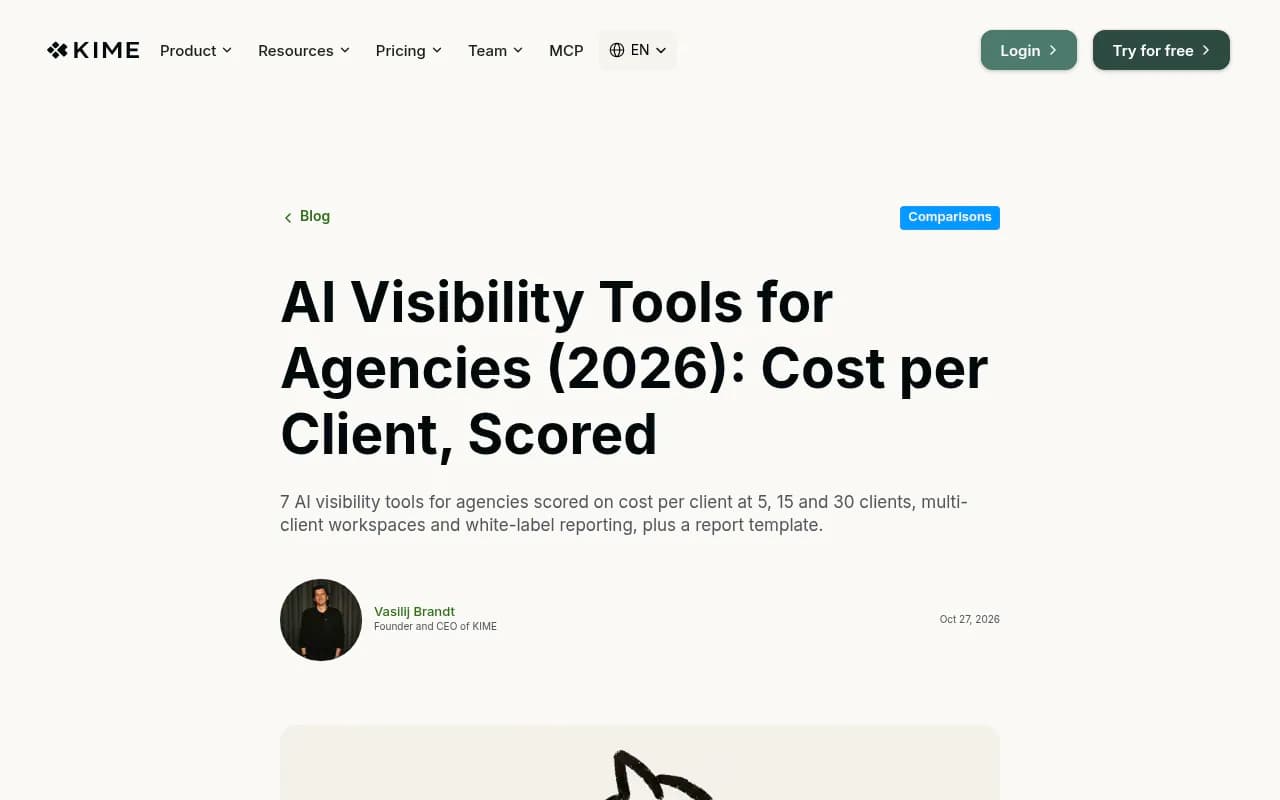
The tool decides how repeatable this hour is. Per-client cost matters too. KIME's October 2026 analysis, based on 25 prompts per client on three engines run daily, put cost per client between roughly $26 (Otterly at 30 clients) and about $402 (Profound at 30 clients). KIME makes one of the tools it scores, so treat that as one vendor's math and verify pricing yourself.
| Tool | Strongest for agencies | Watch out for |
|---|---|---|
| Promptwatch | Monitoring plus action: crawler logs, content gap analysis, Content Agent, Action Board, agency plans with unlimited projects | Content Agent and AEO articles are on Business and Enterprise, not agency plans |
| Profound | Deep per-client prompt sets, agency workspaces | Higher cost per client at scale |
| Peec AI | Mid-market economics, unlimited seats | Basic tracking, no crawler logs or content generation |
| Otterly.AI | Lowest cost per client at scale | No real prompt volume data, no content generation |
| Scrunch | Agency program economics | Limits not published for cost modelling |
| AthenaHQ | Action Center with next steps | Prompt volume model undisclosed |
Profound
Otterly.AI


A few opinions. If you only need a reporting layer, the cheap trackers do the job, and Brandlight makes a fair point in its own agency guide that clients can buy that layer directly for around $99. What they cannot buy is the work: fixing crawl errors, publishing pages AI cites, earning mentions on pages the client does not own. So pick a tool for the retainer you want to sell, not the dashboard you want to show.
This is where an end-to-end platform pays off. Most of this workflow, from prompts to crawler logs to content gaps to publishing to measuring whether the page got cited, can live in one product. Promptwatch's Content Agents can plan, write, and publish to WordPress, Webflow, or Framer, then track whether the page gets crawled, cited, and clicked. Crisp reported 2x higher conversion rates from AI traffic versus traditional channels, and Monks uses Answer Gap reports to build content roadmaps for enterprise clients. For a head-to-head view of any competitor above, the GEO platform comparison is a good starting point, and the GEO software directory at bestgeosoftware.com lists more options.
The 60-minute checklist
Copy this into your project template.
BEFORE (48h ahead)
[ ] Intake form returned: brand aliases, competitors, markets, sales questions
[ ] Admin or developer contact for CDN/CMS, GSC, analytics

MINUTES 0-10   Intake call: goal, audience for reports, competitor sanity check
MINUTES 10-15  Workspace created, aliases and analysis instructions added
MINUTES 15-20  Competitors entered, engines chosen per market
MINUTES 20-35  25-50 prompts: 50% organic, 25% comparison, 25% brand
MINUTES 35-45  Crawler logs, analytics script, GSC/Bing connected
MINUTES 45-55  First responses read by hand, aliases fixed, wrong claims logged
MINUTES 55-60  Scheduled report set, cadence and 3 headline metrics agreed

AFTER
[ ] Day 7: review multi-day averages, not single days
[ ] Day 14: first action list (crawl errors, content gaps, wrong claims)
[ ] Day 30: first client report with trends and recommended work
Mistakes that blow the hour
- Starting with strategy. Configure first, analyze later.
- Prompt sets full of brand queries. They flatter the client and hide the real problem, which is organic visibility.
- One engine only. You will report good news that is not true elsewhere.
- Mixing markets in one monitor. Keep each country and language separate.
- Promising a number in week one. Daily swings are large, and a single snapshot can make a prospect look fine or hopeless.
- Forgetting the technical layer. Without crawler data you will see that a page is not cited but not know whether AI could even read it.
After onboarding: the first 30 days
Week one is calibration. Do not make decisions. Week two, review the multi-day averages and build the first action list: crawler errors, pages missing from the sitemap, prompts where competitors are cited and the client is not. Weeks three and four, publish against the biggest gaps and start tracking those pages individually.
For a longer structure, the Academy's 90-day GEO program and its guide to GEO for agencies are good templates. Promptwatch's free AI visibility report is also a quick way to produce a no-login baseline for a prospect before they sign.
If you would rather not run this yourself, agencies like 1001 SEO Media handle GEO onboarding and ongoing optimization as a managed service. Otherwise, run the hour, protect your multi-day averages, and let the first month of data decide what you pitch next.