Key takeaways
- Profound withdrew its $99 Starter and $399 Growth self-serve plans in mid-September 2026. Brands now choose between a 7-day Trial and custom-priced Enterprise, so many teams are re-evaluating.
- A clean migration takes about 30 days: export and audit in week 1, shortlist and pilot in week 2, run both tools in parallel in week 3, cut over in week 4.
- Platform changes can look like tool differences. Compare tools over the same fixed time window, and use Perplexity as your most stable test bench.
- Export your history before any plan lapses. The Trial has no history, exports, or API, so waiting costs you data.
- Decide up front whether you need monitoring only, or monitoring plus the work of fixing gaps (content, crawler access, traffic attribution).
Why teams are leaving Profound right now
I'll be fair to Profound first. It is a capable product, it just raised a $180M Series D at a $1.8B valuation on September 15, 2026, and it is clearly building toward something bigger than a dashboard. The homepage now pitches an "AI Marketer" with Context Manager, Agents, Sheets, Documents, and sponsored-answer creative. On October 16 it launched a new generation of Agents, and the older node-based ones became "Workflows" with a Migrate button that converts them.
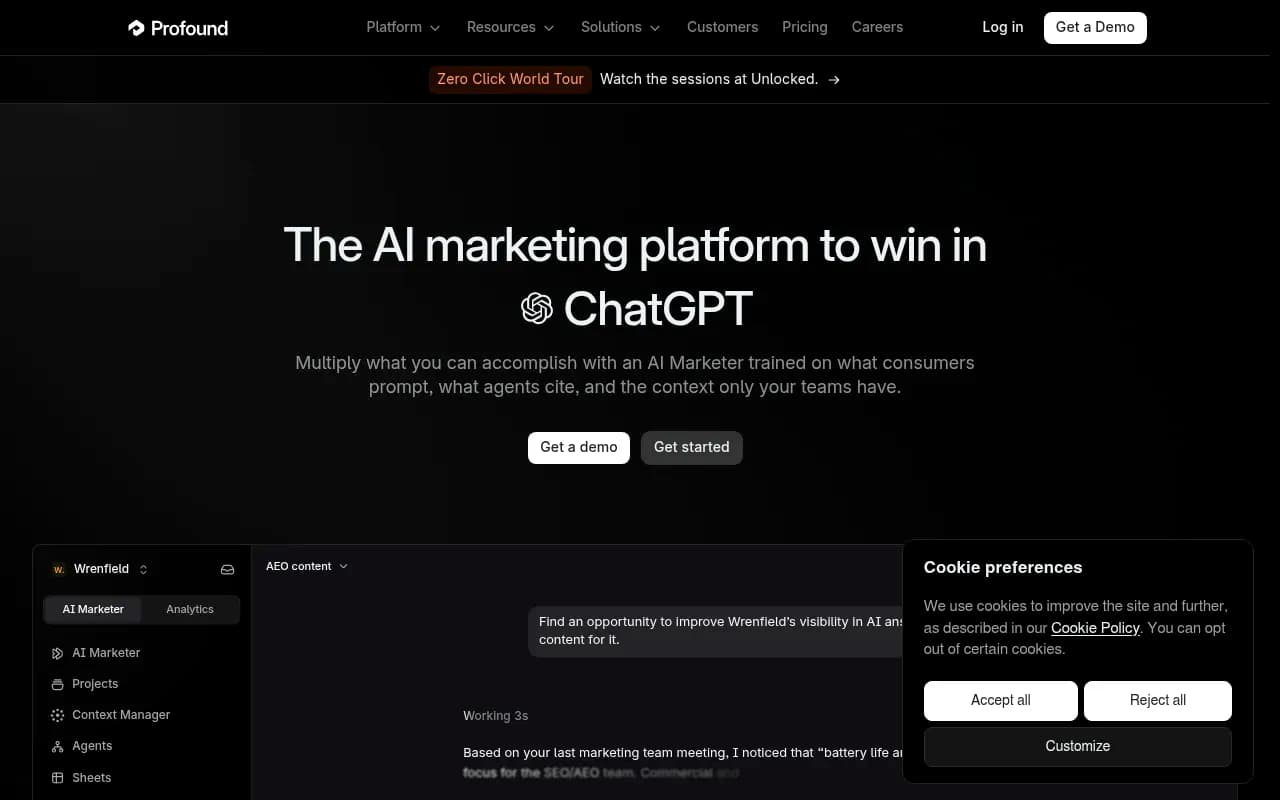
That direction is the main reason migrations are happening. Three things tend to trigger them:
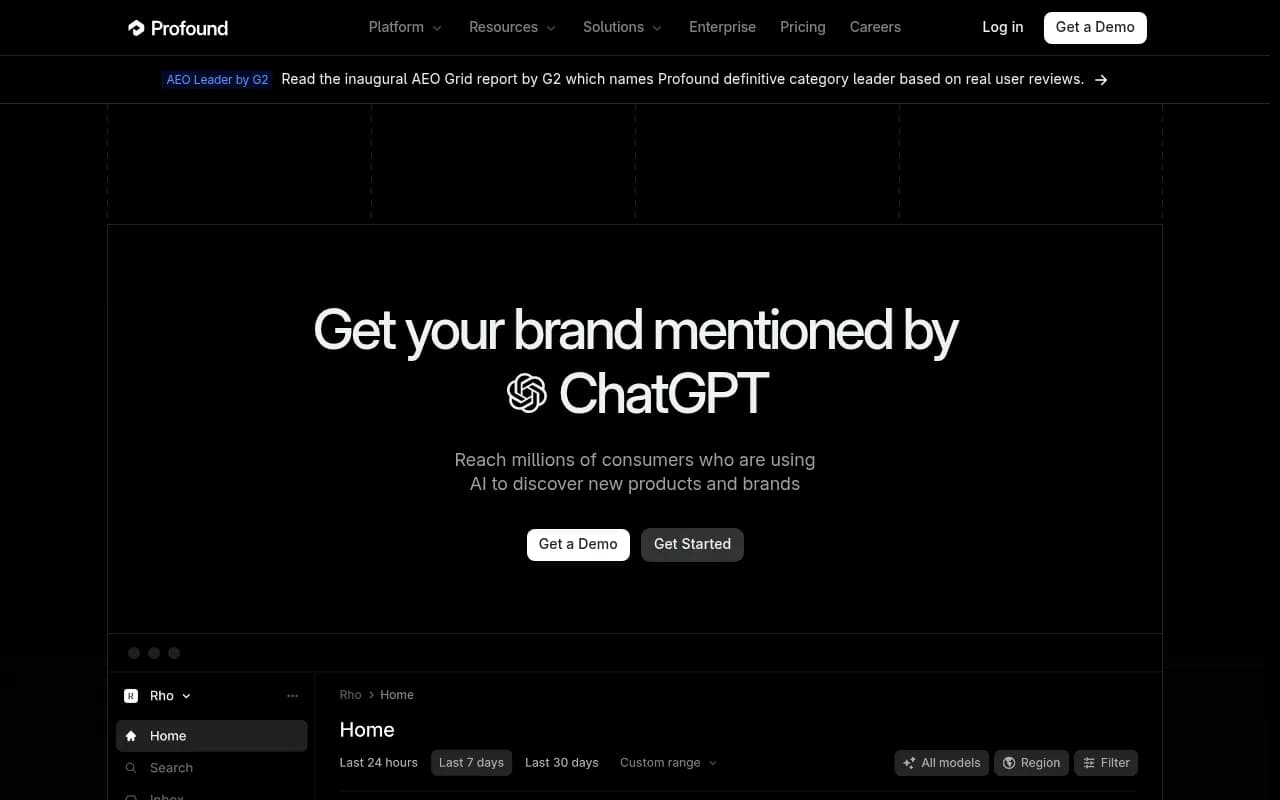
- Pricing access. According to GEO Toolbox, the $99 Starter and $399 Growth plans were listed on September 14 and reported gone by September 17. What is left for brands is a free 7-day Trial (50 prompts daily on ChatGPT, Gemini, and Google AI Overviews, one language, one region, no history, exports, or API) and custom Enterprise pricing. Enterprise has no published price. One competing vendor estimates $2,000 to $5,000+ per month, but that is an unverified third-party guess.
- Product drift. If you bought a monitoring tool and the roadmap is now an agentic marketing suite, you may be paying for surface area you will not use.
- Gaps in the work after the dashboard. Seeing a visibility gap is the easy half. Fixing it is where teams stall.
A warning before you read any "Profound alternatives" roundup: many still quote the old $99 and $399 plans. Check anything you read against Profound's pricing page.
Profound
The 30-day plan at a glance
| Week | Goal | Output |
|---|---|---|
| 1 (days 1-7) | Export, audit, and define requirements | Data archive, prompt inventory, must-have list |
| 2 (days 8-14) | Shortlist and pilot 2-3 tools | Scored shortlist, pilot monitors live |
| 3 (days 15-21) | Parallel run with a fixed time window | Parity report, gap list |
| 4 (days 22-30) | Cut over, retrain team, cancel | New dashboards, reports, workflows live |
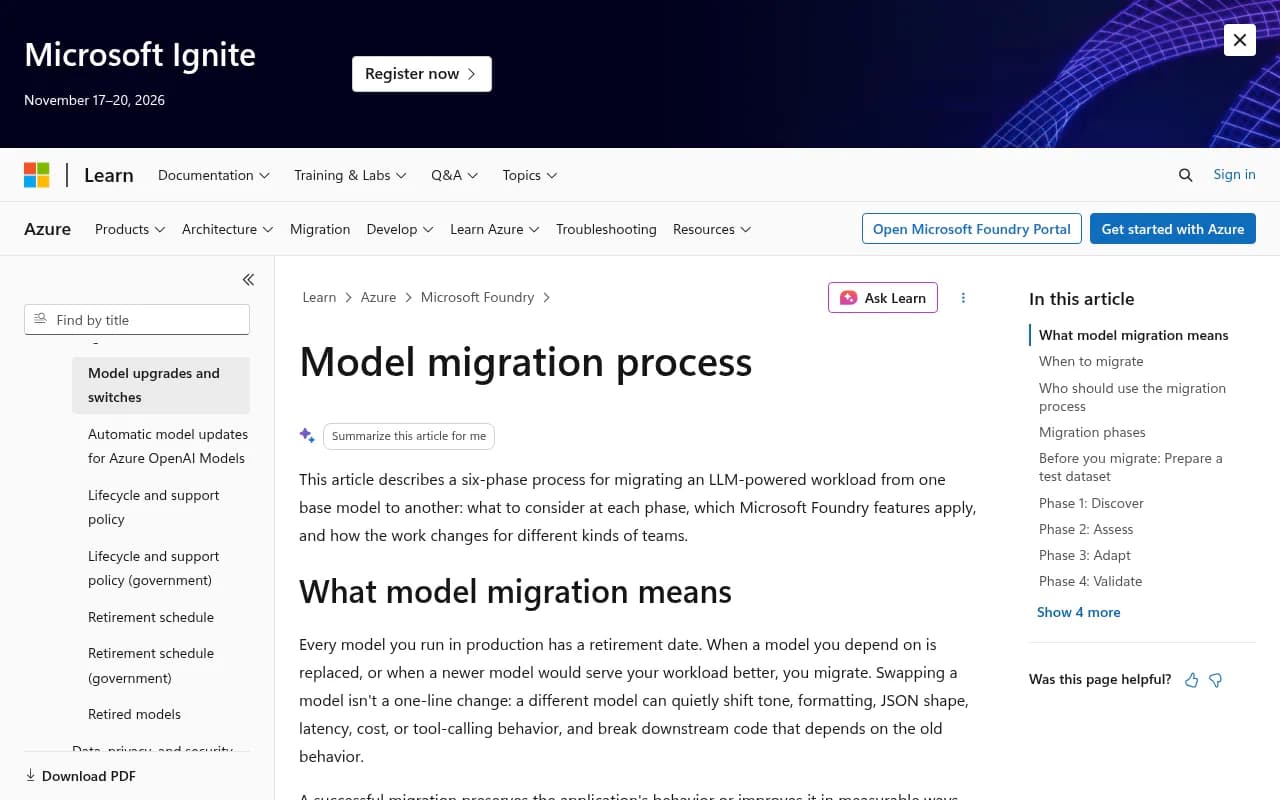
Microsoft's guidance on migrating an LLM workload between models is about a different problem, but its core idea transfers well: a swap is not a one-line change, so you need a repeatable process to detect drift, adapt safely, and prove quality before broad rollout. That is exactly what weeks 2 and 3 do for your visibility data.
Week 1: export, inventory, and decide what you actually need
Export everything you can, today
I did not find a documented Profound offboarding procedure, so do not assume one exists. What I can say from the reported plan details: the Trial has no history or exports, and the old Growth tier had CSV and JSON exports. Enterprise lists all-time history, CSV/JSON exports, and API access.
Practical advice:
- Export prompts, responses, citations, and competitor lists to CSV or JSON before your plan changes or lapses.
- Screenshot or PDF the dashboards your leadership actually looks at. Reports are the hardest thing to reconstruct.
- Save your Visibility, Share of Voice, and sentiment trendlines as raw numbers, not just charts. You will want a baseline to compare against later.
- If you are on an agency plan, export per client workspace. Agency Growth was reported at $99 per month base plus $399 per client workspace (sources disagree on the base fee, so verify on the live page).
- Document any Workflows or Agents you built. Their logic will not port, so write down what each one did in plain English.
If you cannot get history out, say so now and plan for a visible break in your trend lines. Telling stakeholders in week 1 is far better than explaining a gap in month 3.
Inventory your prompts
Your prompt set is the asset that matters most. Sort it into:
- Branded prompts (your name, product, pricing)
- Competitor comparison prompts
- Category and organic discovery prompts
- Prompts that drive revenue versus prompts that were added because they were easy
Then re-audit the wording. Promptwatch's data on ChatGPT query fanouts shows average fanout length falling from about 117 characters in early December 2025 to roughly 53 characters from April 2026, and queries per response dropping from 2.15 to around 1.0 in the data we scraped. Long, conversational prompts written a year ago may not resemble how ChatGPT searches today. A migration is a good excuse to prune and rewrite.
Write your requirements list
Be blunt. Which of these do you need?
- Engines covered (ChatGPT, Perplexity, Gemini, Claude, Copilot, AI Overviews, AI Mode)
- Real-UI collection versus API-only answers
- Countries, languages, and city-level tracking
- Exports, API, and MCP access
- AI crawler logs and AI-referred traffic attribution
- Content creation and publishing, or monitoring only
- Client-ready reporting and white-labeling (agencies)
- Security: SOC 2 or ISO 27001, SSO
This list becomes your scorecard in week 2.
Week 2: shortlist and pilot
Decide which category you are buying
The tools in this space fall into three groups, and mixing them up is how teams end up migrating twice.
| Category | What it does | Examples |
|---|---|---|
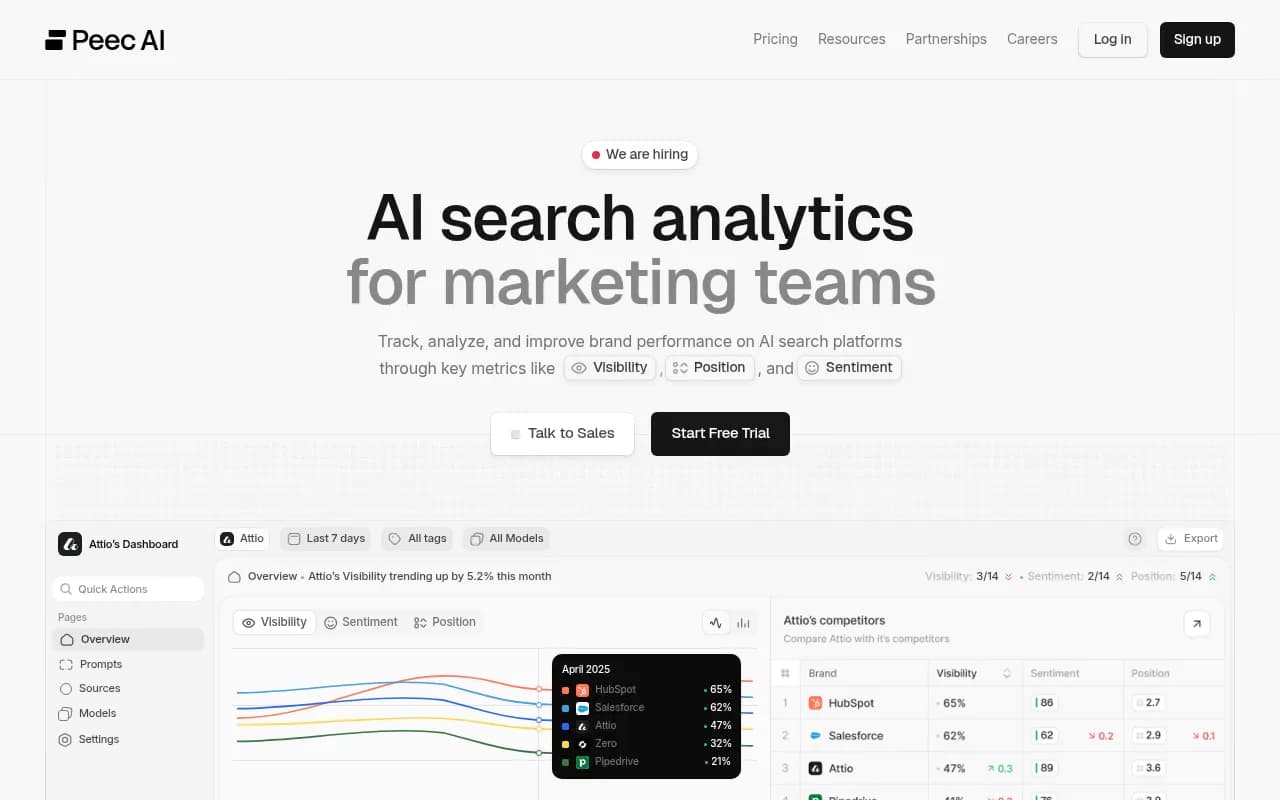
| Prompt trackers | Report whether you were mentioned | Otterly.AI, Peec AI, Rankshift |
| Suites with AI add-ons | Bolt AI tracking onto classic SEO | Semrush, Ahrefs Brand Radar |
| End-to-end AI visibility platforms | Track, trace sources, create content, measure results | Promptwatch |
If your only complaint with Profound is price, a tracker may be enough. If your real problem is that you see the gaps and nobody closes them, you want the third category.
Published self-serve pricing to compare
These figures come from vendor and affiliate-style sources gathered in October and November 2026. Verify each on the vendor's own page.
| Tool | Entry price | Notes |
|---|---|---|
| Otterly.AI | Lite $29/mo (15 prompts); Standard $189/mo (100 prompts); Premium $489/mo | ChatGPT, AI Overviews, Perplexity, Copilot included; Claude and Gemini are add-ons |
| Peec AI | Starter $95/mo; Pro $245/mo; Advanced $495/mo | Agency plans reported from $245 to $795 |
| Promptwatch | Essential $95/mo; Professional $245/mo; Business $579/mo | All models on every plan; agency plans from $199/mo. Confirm at promptwatch.com/pricing |
| HubSpot AEO | $50/mo (reported) | Fixed prompt sets are a common complaint about suite add-ons |
Otterly.AI

Where Promptwatch fits
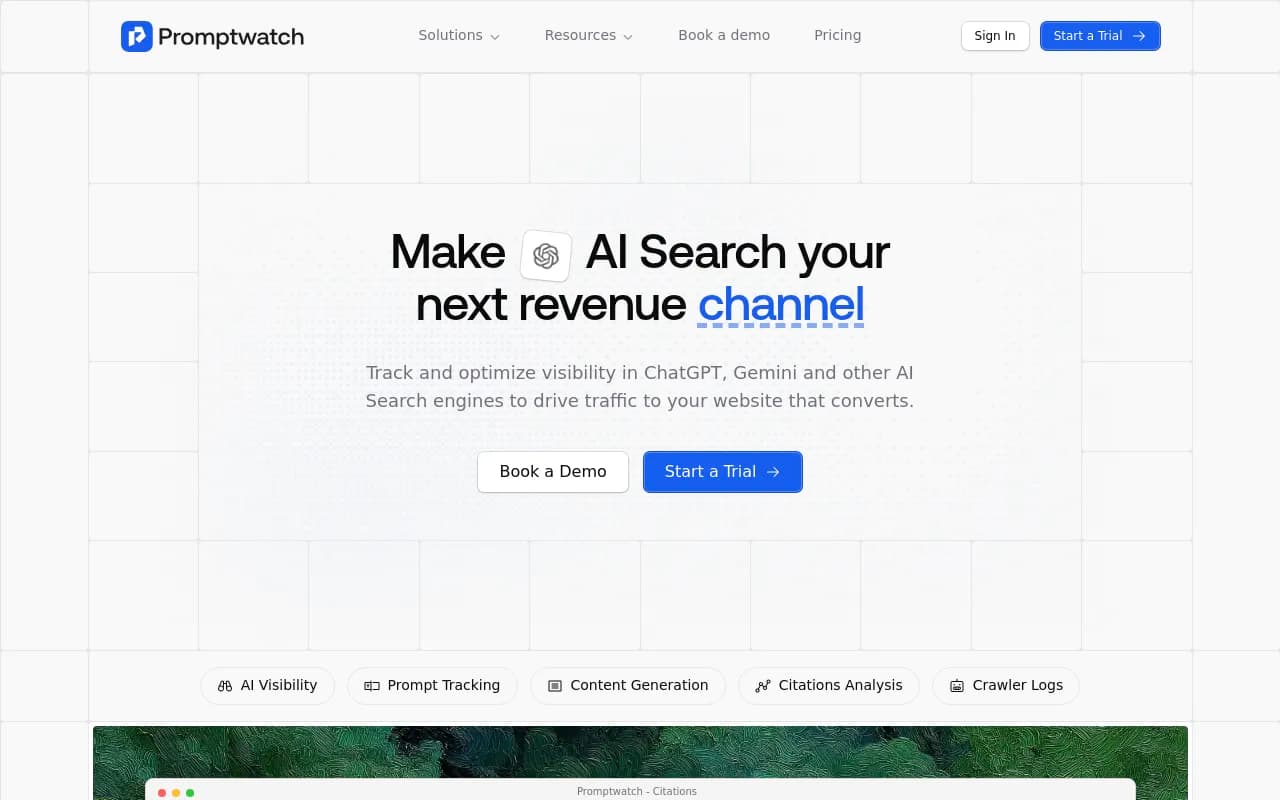
If your replacement needs to do more than monitor, Promptwatch is the one I would put in the pilot. It collects from the real interfaces of ChatGPT, Google AI Overviews, AI Mode, Gemini, Perplexity, Copilot, and others in each country and language you pick, then goes past the dashboard: IP-verified AI crawler logs show whether bots can read your pages, the Action Board prioritizes what to fix, and the Content Agent writes and publishes pages to WordPress, Webflow, or Framer, then tracks whether each one gets crawled, cited, and clicked.
A few specifics that matter for a Profound migration:
- Every plan includes all supported AI models, unlimited seats, Brand Narrative, visitor analytics, site audits, and MCP and API access. Essential is $95/mo, Professional $245/mo, and Business $579/mo (the first plan with the Content Agent, faster-than-daily tracking, and local targeting).
- Agency plans (Kick-off $199, Growth $399, Scale $799 per month) include unlimited projects and pitch projects.
- It is ISO/IEC 27001 certified and GDPR compliant, which helps if procurement flagged SOC 2 requirements.
- There is a head-to-head comparison with Profound if you want the feature matrix. The free AI visibility report and 7-day trial are the lowest-effort way to pilot.
If you want to survey more options in the category first, the directory at bestgeosoftware.com lists GEO platforms side by side.
Run the pilot properly
For each shortlisted tool, create one monitor with the same 25 to 50 prompts, the same countries and languages, and the same competitors you track in Profound. Do not pilot with a different prompt set and then wonder why the numbers differ. Brand aliases and analysis rules matter here too. If your brand name is also a common word, set the rules for what counts as a mention before comparing anything.
Week 3: parallel run and parity check
This is the week most teams rush, and it is the one that prevents regret.
Pick a fixed window
Platform behavior moves. Promptwatch's data showed ChatGPT citations per response dropping around the GPT-5.3 rollout on March 4, 2026, and ChatGPT started using the site: operator at scale on August 8, 2026, jumping from about 0.4% to about 17% of fanout queries overnight. Either event could look like "Tool B disagrees with Tool A" if your two tools sampled on different days. Compare both tools over the same dates, and ideally the same hours.
Use the stable engines as your test bench
From Promptwatch's sources-per-response data:
- Perplexity cites almost exactly 10 sources per response, day after day. It is the best engine for checking whether two tools agree.
- Google AI Overviews sits near 10 sources and is steady.
- ChatGPT averages about 5 sources on web-search answers.
- Copilot swung from under 2 sources to nearly 17 within weeks before settling. Judge Copilot on monthly trends, not weekly snapshots.
So if tools disagree on Perplexity, investigate. If they disagree on Copilot for one week, shrug.
What to compare
| Check | What to look for | Acceptable gap |
|---|---|---|
| Mention rate (Perplexity) | Same prompts, same window | A few points; large gaps mean a collection difference |
| Citation domains | Overlap of top 10 cited domains | Majority overlap |
| Competitor ranking | Order of top 3 brands | Same top 3 in most prompts |
| Sentiment direction | Up, flat, or down | Same direction; absolute scores differ by method |
| Report output | Can you build the report leadership uses? | Must be yes |
Absolute numbers will not match. Visibility scores are computed differently in every tool. What you care about is whether trends and rankings agree, and whether the new tool surfaces something Profound did not.
Also test the unglamorous stuff: How fast do exports work? Does the API cover what your reporting pipeline needs? Can you set up scheduled reports? One caveat: I did not verify prompt import, history portability, or export parity for each alternative, so ask each vendor directly and test it during the pilot.
Check your crawler and traffic story
This is where a monitoring-only swap leaves value on the table. A mention without a self-citation usually means a content or crawlability problem. If you have no crawler logs, you cannot tell the difference. Tools like Promptwatch's AI crawler logs cover that, and its guide on attributing AI traffic explains how to measure what AI search actually sends you. Note that ChatGPT stopped sending a referrer on October 8, 2026, so tagged links (utm_source=chatgpt.com) are worth setting up.
Week 4: cut over
Days 22-25: rebuild reporting
- Recreate the three dashboards your leadership reads. Start with visibility over time, share of voice against competitors, and top cited domains.
- Schedule PDF reports to the same recipients, on the same day of the week, so nobody notices a change except for the better.
- Document the new metric definitions. Visibility Score here is not the same as Profound's score, and you should say so in the first report.
- Label the migration date on every trend chart. A note on the chart saves a dozen questions.
Days 26-28: move workflows
Profound Workflows and Agents will not port. Map each one to its replacement:
| Profound job | Replacement approach |
|---|---|
| Weekly visibility report | Scheduled dashboard PDF or scheduled chat in Slack |
| Competitor check | Competitor heatmap and alerts in the new tool |
| Content briefs from visibility gaps | Content gap analysis plus a content agent or your own writers |
| Page refreshes for citation decay | Page tracking plus a refresh workflow |
If you want automation without a full suite, workflow tools like Zapier or n8n can bridge exports and APIs.
Days 29-30: retire Profound cleanly
- Confirm exports are complete and stored somewhere you control.
- Check your contract terms. Self-serve plans were annual billing only, so the cancel date matters.
- Remove Profound from stakeholder dashboards and calendars so no one keeps checking the old numbers.
- Tell the team in writing which tool is now the source of truth.
Do not cancel before the parallel run has finished. Keeping both for one billing cycle is a cheap insurance policy.
Common mistakes
- Comparing different time windows. Covered above, and it is the number one cause of false alarms.
- Migrating prompts verbatim. Rewrite the ones that no longer match how engines search.
- Treating a cheaper tracker as a like-for-like swap. If you used Profound's content and agent features, a bare tracker will feel like a downgrade.
- Ignoring agency needs. Agencies need pitch workspaces, white-labeled PDFs, and per-client billing. Check the agency tier of each shortlisted tool, not the brand tier.
- Trusting stale pricing articles. Several top-ranking alternatives pages still describe the $99 and $399 plans.
Who should replace Profound, and who should stay
Stay if you are on Enterprise, happy with the contract, and actively using Aim and Agents. That is a real use case, and migrating away from something that works for the sake of it is a waste of a month.
Move if you were a self-serve customer caught by the plan withdrawal, if you are paying for features you do not use, or if you need crawler logs, traffic attribution, and content publishing in one place rather than a separate stack. For teams in that last group, a pilot of Promptwatch alongside your current setup, using the week-3 checks above, will tell you quickly whether it is worth the switch. If you work for an agency and want help running the move, 1001 SEO Media handles AI search and GEO engagements and uses Promptwatch as its own platform.
Either way, the order of operations is the same: export first, pilot with identical inputs, compare over one fixed window, and cancel last.