Key takeaways
- ChatGPT and other AI models give different brand recommendations depending on the user's location -- city-level tracking is no longer optional for local and multi-location brands.
- Most AI visibility tools track brand mentions globally but lack city or state-level granularity; only a handful support genuine geo-targeted prompt monitoring.
- The core workflow is: set up geo-targeted prompts, monitor AI responses by location, identify gaps versus competitors, then create locally-relevant content to close those gaps.
- Tracking alone isn't enough -- you need to connect AI visibility data to actual traffic and revenue to know what's working.
- Tools like Promptwatch support state/city-level tracking natively, making them a practical choice for brands that need local AI visibility data at scale.
Why city-level ChatGPT tracking matters now
Here's something that catches a lot of marketers off guard: when someone in Austin asks ChatGPT "what's the best HVAC company near me," they get a different answer than someone asking the same question in Denver. AI models factor in location context -- either from the user's stated location, their IP, or clues in the prompt itself.
This means your brand's AI visibility isn't one number. It's dozens of numbers, one for each city where your customers are searching.
For national brands with local presence, this is a real problem. You might be doing well in Chicago and invisible in Phoenix. You'd never know unless you're running geo-targeted prompt monitoring.
For local businesses, the stakes are even higher. If a competitor is getting recommended by ChatGPT in your city and you're not, you're losing customers you don't even know you're losing. Traditional rank tracking won't surface this. Google Search Console won't either.
AI-powered search now accounts for a significant share of local queries. Prompts like "best dentist in [city]," "which plumber near me is available tonight," and "top-rated restaurant in [neighborhood]" are increasingly going to ChatGPT, Perplexity, and Google AI Overviews rather than a traditional search results page.
The brands that figure out city-level AI tracking first will have a meaningful head start.
How AI models handle location in local queries
Before you set up any tracking, it helps to understand what's actually happening when someone asks ChatGPT a local question.
ChatGPT and similar models handle location in a few different ways:
Explicit location in the prompt. When a user types "best coffee shop in Seattle," the model treats Seattle as the geographic context and pulls from training data and web search results relevant to that city.
Inferred location from context. Some AI interfaces pass location metadata (like the user's IP-based region) to the model. ChatGPT's web search mode can use this. The result is that two users asking the same prompt can get different answers based on where they're located.
No location context. For generic prompts without location signals, the model tends to recommend nationally-known brands or the most-cited sources in its training data -- which often means larger competitors with more web presence.
This has a direct implication for tracking: you can't just run one prompt and call it done. You need to run location-specific variants of your key prompts and compare the responses.
Setting up geo-targeted prompt monitoring
Step 1: Build your prompt list with city variants
Start by identifying the 10-20 prompts most relevant to your business -- the questions your customers actually ask when they're looking for what you sell. Then create city-specific variants for each.
For a dental practice chain, that might look like:
- "Best dentist in [city] for emergency appointments"
- "Which dental clinic in [city] accepts new patients?"
- "Affordable teeth whitening in [city]"
For a SaaS company with regional sales teams, it might be:
- "Best CRM for small businesses in [city]"
- "Top marketing agencies in [city]"
Aim for 5-10 cities that matter most to your revenue. If you're a national brand, prioritize your top markets. If you're regional, focus on the cities where you have physical presence or active sales.
Step 2: Choose your tracking approach
You have two options: manual spot-checking or automated platform monitoring.
Manual tracking works for a quick baseline. Open ChatGPT, run each prompt with a city appended, and record whether your brand appears, where it appears in the response, and what competitors are mentioned. Do this across a few AI models (ChatGPT, Perplexity, Google AI Overviews) and you'll have a rough picture within a few hours.
The problem with manual tracking is that it doesn't scale and it's not repeatable. AI responses vary by session, and you can't track trends over time without consistent, automated monitoring.
Automated platform monitoring is what you need for ongoing tracking. Several tools now support geo-targeted prompt monitoring, though the depth of location granularity varies significantly.
Step 3: Configure location-specific personas
The best AI visibility platforms let you define custom personas that simulate a user in a specific city or region. This means the platform runs your prompts as if it were a user in Austin, or Berlin, or Sydney -- and captures the AI response accordingly.
This is more accurate than just appending a city name to a prompt, because it also accounts for location-based differences in AI model behavior when location metadata is passed.
Tools for city-level AI visibility tracking
Not all AI visibility tools support geo-targeted tracking. Here's an honest breakdown of what's available.
| Tool | City/state tracking | Multi-model coverage | Content generation | Crawler logs |
|---|---|---|---|---|
| Promptwatch | Yes (state/city) | 10+ models | Yes (built-in) | Yes |
| Profound | Limited | 9+ models | No | No |
| Otterly.AI | No | 4 models | No | No |
| Peec AI | No | Limited | No | No |
| Rankshift | Basic | 3 models | No | No |
| LLM Pulse | No | 4 models | No | No |
| TrackMyBusiness | Basic | 3 models | No | No |
Promptwatch is one of the few platforms that supports state and city-level tracking natively on its Professional plan and above. You can run the same prompt from different geographic contexts and compare how your brand appears across locations.

For local businesses that need to track visibility across specific cities, this matters a lot. Most monitoring-only tools run prompts from a single location and give you a global average -- which tells you almost nothing about whether you're winning in the markets that matter.
Profound

Profound is strong on enterprise-level monitoring across multiple AI engines, but city-level granularity is limited compared to what Promptwatch offers.

Rankshift covers ChatGPT, Perplexity, and a few other models with basic location filtering. Good for smaller teams that need a lighter-weight option.
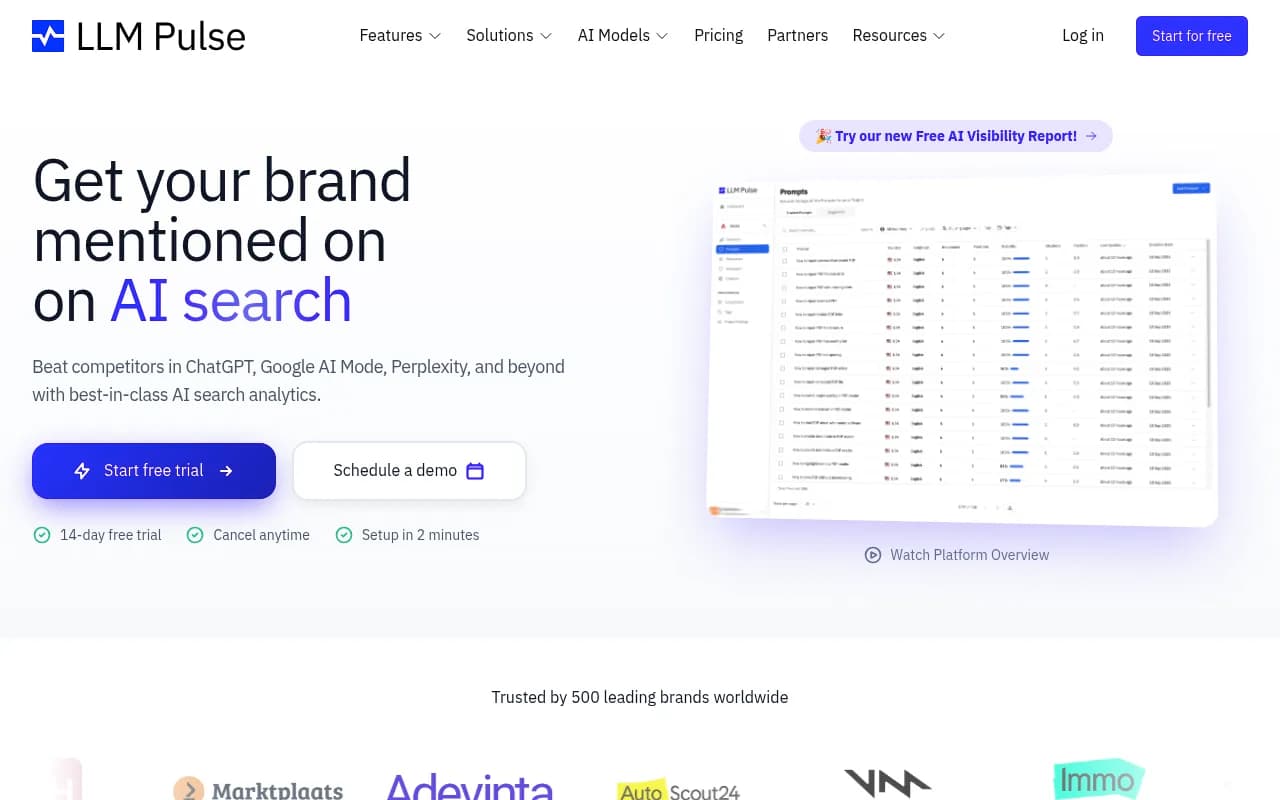
LLM Pulse tracks brand mentions across major AI models but doesn't currently offer city-level segmentation. Useful for national brand monitoring.
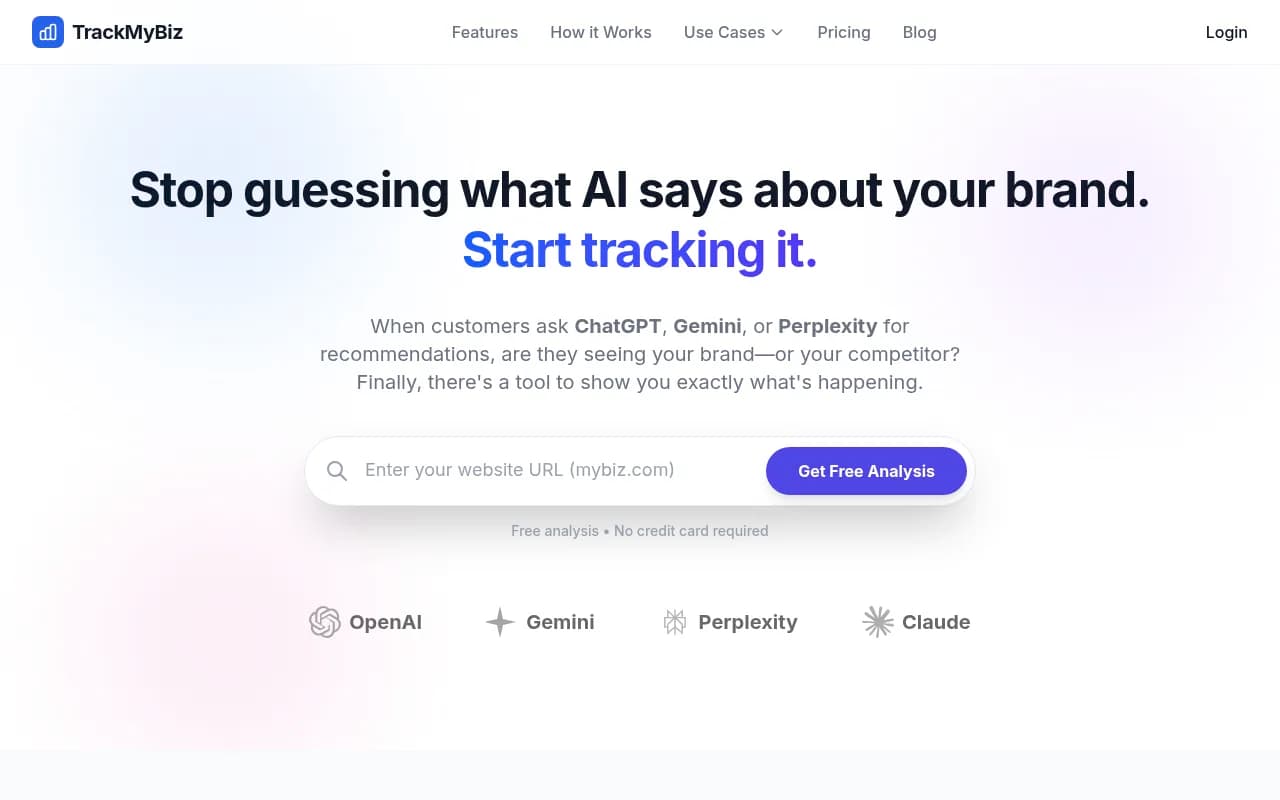
TrackMyBusiness focuses on what ChatGPT, Gemini, and Perplexity say about your brand, with some basic location context options.
What to measure once you're tracking
Running prompts is the easy part. Knowing what to do with the data is where most teams get stuck.
Visibility rate by city
For each city-prompt combination, track whether your brand appears in the AI response at all. This is your baseline visibility rate. If you're appearing in 3 out of 10 prompts in Chicago but 8 out of 10 in New York, that's a gap worth investigating.
Position in response
Being mentioned fifth in a list of recommendations is very different from being the first brand named. Track where in the response your brand appears -- first mention, middle of a list, or buried at the end.
Competitor share by city
Who's getting recommended instead of you in the cities where you're not appearing? This tells you which competitors have stronger AI presence in specific markets, and what kind of content they're producing that you're not.
Sentiment and context
How is your brand described when it does appear? "A reliable option for budget-conscious buyers" is different from "the top-rated choice in the area." Some platforms track sentiment alongside mentions.
Trend over time
AI model responses change as models are updated and as new content gets indexed. Track your visibility rate week-over-week to see whether your optimization efforts are working.
Why you're invisible in some cities (and how to fix it)
If you're tracking and finding gaps -- cities where competitors appear but you don't -- there are usually a few root causes.
Missing local content
AI models cite content that's relevant to the query. If you don't have content that mentions specific cities, neighborhoods, or local context, the model has nothing to cite. A national brand with generic content will consistently lose to a local competitor that has city-specific landing pages, local case studies, and location-relevant blog posts.
The fix: create content that explicitly addresses the cities you want to rank in. This doesn't mean keyword-stuffed location pages. It means genuinely useful content -- local guides, city-specific comparisons, customer stories from specific markets.
Weak citation footprint in local sources
AI models don't just pull from your website. They pull from third-party sources: local news sites, review platforms, Reddit threads, local business directories, and industry publications. If your brand isn't being mentioned in these sources in a given city, you're less likely to appear in AI responses for that city.
The fix: build local citations. Get covered by local media. Encourage reviews on platforms AI models tend to cite. Participate in local community discussions online.
Competitors have more structured data
AI models respond well to clearly structured content -- FAQs, how-to guides, comparison tables, and content with explicit entity markup. If your competitors have this and you don't, they'll get cited more often.
The fix: audit your top pages for structure. Add FAQ sections, use schema markup for local business data (address, hours, service area), and make sure your content answers specific questions clearly.
Your pages aren't being crawled by AI bots
This is a technical issue that most teams overlook. If AI crawlers (GPTBot, ClaudeBot, PerplexityBot) are being blocked by your robots.txt or encountering errors on your key pages, the models can't index your content -- and they can't cite what they haven't read.
Tools like Promptwatch provide real-time AI crawler logs that show exactly which pages each AI bot is visiting, how often, and whether they're hitting errors. This is genuinely useful data that most platforms don't offer.
Building a local AI content strategy
Once you know which cities have gaps, you need a content plan to close them. Here's a practical framework.
Identify the specific prompts you're losing
Don't just know that you're invisible in Dallas. Know which prompts you're invisible for. "Best [service] in Dallas" is different from "affordable [service] near downtown Dallas" -- and the content you need to create is different too.
Platforms with answer gap analysis (Promptwatch calls this Answer Gap Analysis) will show you exactly which prompts competitors are winning that you're not. That's your content priority list.
Create city-specific content that answers real questions
For each high-priority city-prompt combination, create content that directly answers the question. This might be:
- A dedicated city landing page that goes beyond just listing your address
- A local guide ("The complete guide to [service] in [city]")
- A comparison post ("Best [service] providers in [city]: what we found")
- A local FAQ page that addresses common questions from customers in that city
The content needs to be genuinely useful, not just a thin page designed to game AI citations. AI models are getting better at distinguishing between authoritative content and filler.
Publish on platforms AI models cite
Your website is one source. But AI models also cite Reddit, Yelp, Google Business profiles, local news sites, and industry directories. Publishing useful content in these places -- or getting mentioned there -- expands your citation footprint beyond your own domain.
For local visibility specifically, your Google Business Profile matters more than many marketers realize. AI models increasingly pull from structured local business data when answering location-specific queries.
Track the results and iterate
After publishing new content, monitor your visibility rate for the target city-prompt combinations over the following 4-8 weeks. AI models don't update instantly -- there's a lag between when content is published and when it starts getting cited. But you should see movement within a month or two if the content is well-structured and genuinely addresses the query.
Connecting local AI visibility to revenue
Tracking visibility is useful. Connecting it to actual business outcomes is what makes it worth the investment.
Traffic attribution from AI sources
Some AI models (Perplexity, Google AI Overviews) send referral traffic when they cite your content. This shows up in Google Analytics as direct traffic or with specific referral sources. Setting up proper UTM tracking and monitoring your llms.txt referral traffic helps you see which AI citations are actually driving clicks.
Promptwatch supports traffic attribution through a code snippet, Google Search Console integration, or server log analysis -- letting you close the loop between AI visibility and actual visits.
Lead source tracking
For local service businesses, ask new customers how they found you. "I asked ChatGPT" is becoming a more common answer. If you're not tracking this, you're missing a growing channel.
Revenue by market
If you're a multi-location business, compare revenue trends in cities where you've improved AI visibility versus cities where you haven't. This is a slower signal but it's the most meaningful one.
Common mistakes to avoid
A few things that consistently trip up teams when they start tracking local AI visibility:
Running prompts only once. AI responses vary between sessions. Run each prompt multiple times and average the results to get a reliable visibility rate.
Tracking only ChatGPT. Your customers use multiple AI models. Someone might use Perplexity for research, ChatGPT for recommendations, and Google AI Overviews for local queries. Track across all relevant models.
Ignoring the "why." If you're invisible in a city, don't just create more content without understanding why. Check whether AI crawlers can access your pages, whether you have local citations, and what content competitors are using that you're not.
Treating AI visibility as separate from SEO. The content that performs well in AI search tends to be the same content that performs well in traditional search -- clear, authoritative, well-structured, and genuinely useful. Don't create a parallel content strategy for AI; integrate it.
Not tracking competitors. Your absolute visibility rate matters less than your visibility relative to competitors. If everyone in your category is invisible in a city, being slightly less invisible doesn't help much. Know who's winning and why.
Getting started: a practical first week
If you're starting from zero, here's a realistic first week:
Day 1-2: Manually run your 10 most important prompts with city variants across ChatGPT and Perplexity. Record whether your brand appears, where, and who else is mentioned. This gives you a baseline.
Day 3: Audit your website for city-specific content. How many pages explicitly mention the cities you care about? Check your robots.txt to make sure you're not blocking AI crawlers.
Day 4-5: Set up an automated tracking tool. For city-level tracking, Promptwatch's Professional plan ($249/month) includes state and city tracking, crawler logs, and content generation. For lighter needs, Rankshift or LLM Pulse work for basic multi-city monitoring.
Day 6-7: Identify your top 3 content gaps -- city-prompt combinations where competitors appear and you don't. These become your first content priorities.
From there, it's a monthly cycle: track, identify gaps, create content, track again.
The brands winning in local AI search right now aren't doing anything magical. They're just tracking more carefully, creating more relevant local content, and iterating faster than their competitors.