Key Takeaways
- AI crawler logs show real-time crawling activity from ChatGPT, Claude, Perplexity, and other AI models — monitoring competitor sites reveals when they publish new content, update existing pages, or launch entirely new content strategies
- Sudden spikes in AI crawler frequency on competitor domains signal major content changes — a competitor going from weekly crawls to daily crawls means they're doing something AI models find valuable
- Only three platforms currently offer AI crawler log tracking: Promptwatch, Scriptbee, and Evertune — most competitors lack this capability entirely, making it a significant competitive advantage
- Combining crawler logs with citation tracking closes the loop — you see when competitors get crawled, then track whether that content actually gets cited in AI responses
- This intelligence lets you reverse-engineer winning strategies before they dominate AI search — spot the pattern, adapt faster, and stay ahead instead of playing catch-up
Why AI Crawler Logs Matter for Competitive Intelligence
When your competitor suddenly starts appearing in ChatGPT responses for prompts you used to own, it didn't happen by accident. Somewhere between their content going live and AI models citing it, there was a crawling phase. AI crawler logs let you see that phase in real time.
Traditional competitive analysis tools show you what's already ranking in Google. By the time you spot a competitor's new content strategy in search results, they're already weeks or months ahead. AI crawler logs flip this dynamic. You see the moment AI models start paying attention to a competitor's site, often before that content shows up in any AI responses.
Think of it as early warning radar. A competitor launches a new content hub, updates their product pages with structured data, or starts publishing daily instead of weekly. AI crawlers notice immediately. You notice their crawling activity. Now you have time to respond before they capture market share in AI search.
What AI Crawler Logs Actually Show You
AI crawler logs are server logs filtered specifically for AI model crawlers. When ChatGPT's crawler (GPTBot), Claude's crawler (ClaudeBot), or Perplexity's crawler hits a website, it leaves traces in server logs just like any other bot. The difference: these traces tell you which AI models are reading which content.
For your own site, crawler logs reveal:
- Which AI models are accessing your content
- Which specific pages they read
- How often they return
- What errors they encounter
- Whether they can render JavaScript content
For competitor sites, the intelligence is different but equally valuable. You can't see their server logs directly, but platforms that aggregate crawler data across multiple domains can show you patterns:
- Crawl frequency changes: A competitor going from sporadic crawls to daily crawls signals new content activity
- New page discoveries: When AI crawlers start hitting URLs that didn't exist before, you know new content launched
- Crawl depth increases: More pages crawled per session means the site structure changed or content volume expanded
- Crawler diversity: Multiple AI models suddenly crawling the same competitor domain suggests something worth investigating
The Three Platforms That Track AI Crawler Activity
Most AI visibility platforms track citations and mentions in AI responses. Only three platforms currently offer true AI crawler log tracking.
Promptwatch: Crawler Logs + Content Gap Analysis
Promptwatch combines real-time crawler logs with content optimization tools. You see which AI models are crawling your site and your competitors' sites, then use that intelligence to create content that gets crawled more frequently.

The platform tracks crawlers from ChatGPT, Claude, Perplexity, Gemini, Meta AI, DeepSeek, Grok, Mistral, and Copilot. For your own domain, you get detailed logs showing:
- Exact timestamps of crawler visits
- Which pages each crawler accessed
- HTTP status codes (200s, 404s, 500s)
- Crawl depth and session duration
- Errors that block AI indexing
For competitive intelligence, Promptwatch's Answer Gap Analysis shows which prompts competitors rank for but you don't. Cross-reference this with crawler activity: if a competitor suddenly gets crawled more frequently and starts appearing for new prompts, you know they launched content targeting those queries.
The built-in AI writing agent then helps you respond. It generates articles grounded in real citation data, prompt volumes, and competitor analysis. You're not guessing what to write — you're creating content engineered to trigger the same crawler interest your competitors are getting.
Pricing starts at $99/month for the Essential plan (1 site, 50 prompts, 5 articles). The Professional plan ($249/month) adds crawler logs, state/city tracking, and 2 sites. Business plan ($579/month) includes 5 sites, 350 prompts, and 30 articles.
Scriptbee: Unlimited Domains with Crawler Monitoring
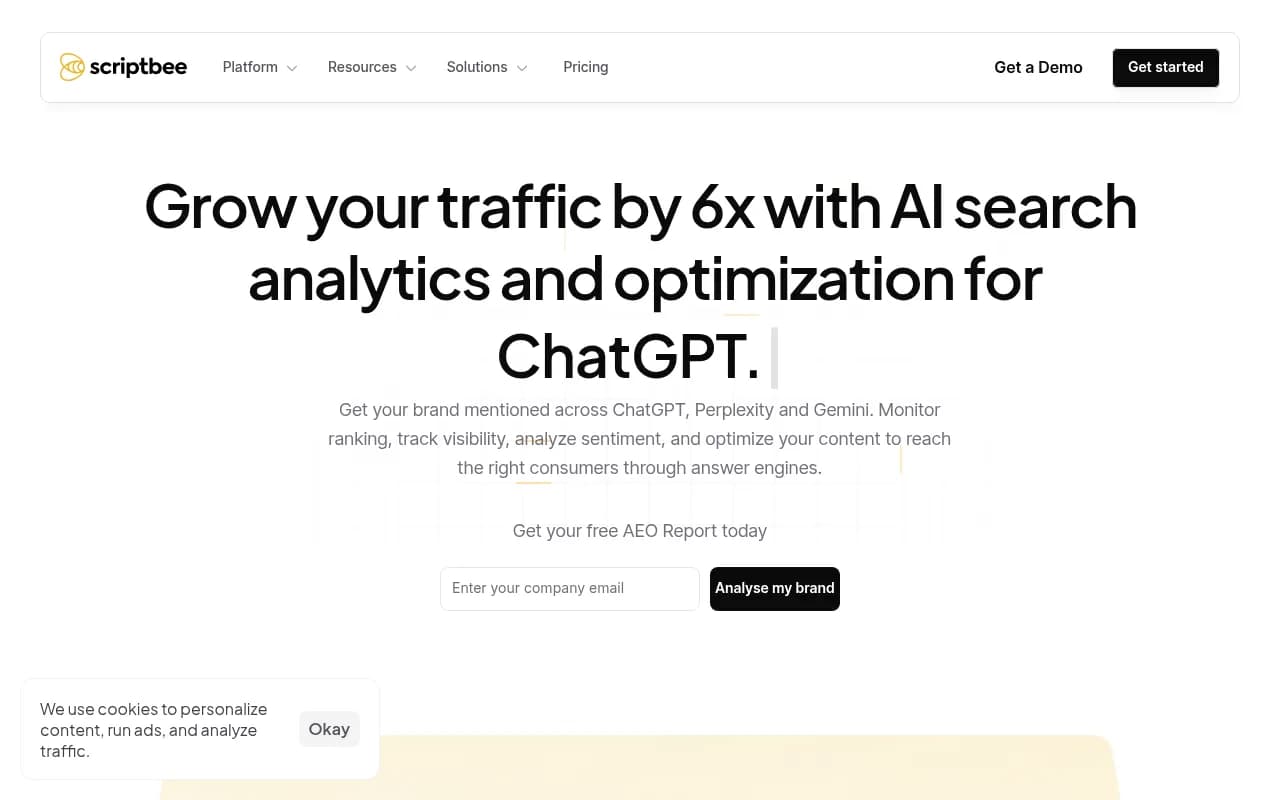
Scriptbee positions itself as the unlimited option. All plans include unlimited domains, making it attractive for agencies monitoring multiple competitor sites. Crawler monitoring shows which AI models are accessing tracked domains and how often.
The platform lacks the content generation and optimization tools that Promptwatch offers. You get visibility into crawler activity but no built-in way to act on that intelligence. For pure monitoring — especially across many domains — Scriptbee works. For closing the loop from insight to action, you'll need additional tools.
Evertune: Enterprise GEO with Crawler Insights
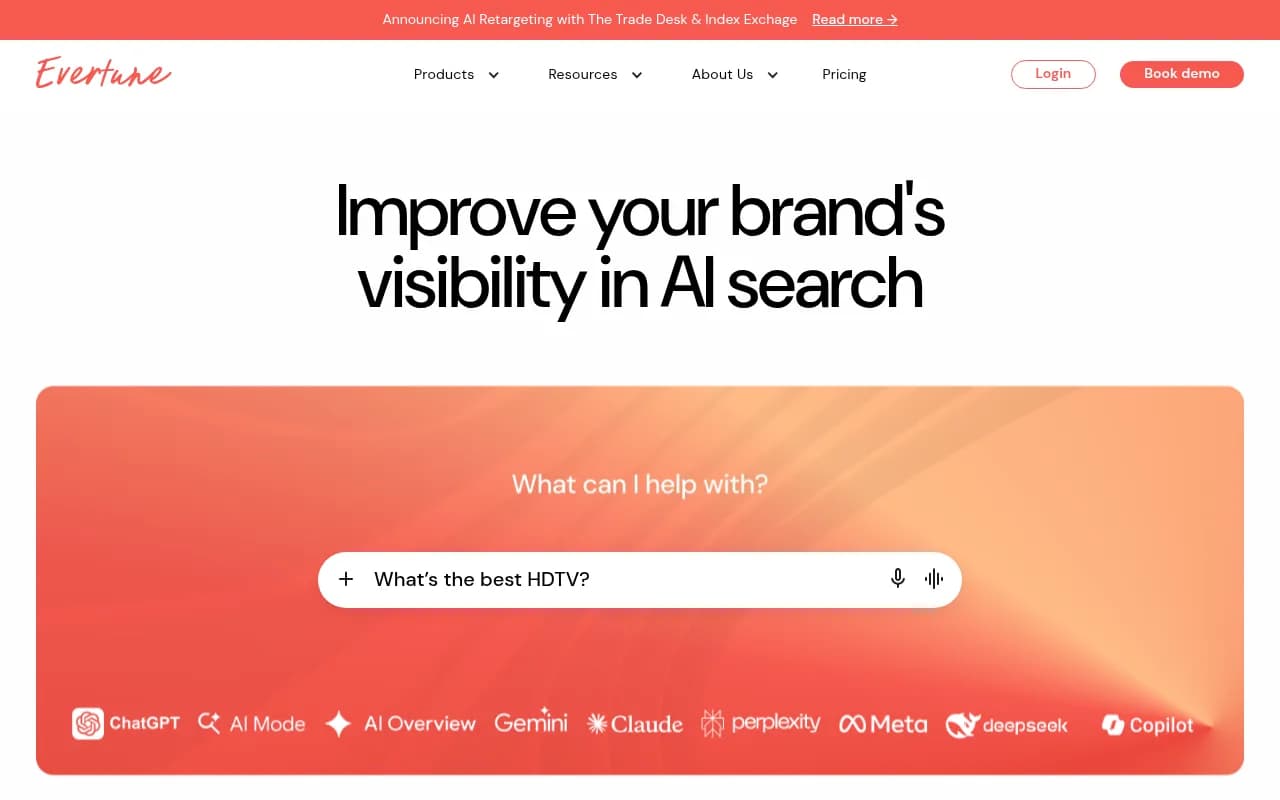
Evertune markets itself as an enterprise solution for Fortune 500 brands. The platform claims to offer crawler tracking as part of its GEO (Generative Engine Optimization) suite, but technical details are sparse. Documentation doesn't specify which AI crawlers are tracked, how frequently data updates, or what granularity the logs provide.
The enterprise focus means custom pricing and likely higher costs than Promptwatch or Scriptbee. If you're already using Evertune for other AI visibility needs, the crawler tracking is a bonus. As a standalone crawler intelligence tool, the opacity around implementation makes it hard to evaluate.
How to Detect Competitor Content Strategy Changes
Spotting a new content strategy requires establishing baselines first. You need to know what normal crawler activity looks like for each competitor before you can identify anomalies.
Step 1: Establish Crawler Baselines
Pick 3-5 direct competitors. Track their domains for at least two weeks to understand normal patterns:
- Average crawl frequency: How many times per week does each AI model crawl the site?
- Typical crawl depth: How many pages per session?
- Peak crawl times: Do crawlers visit more often after new content publishes?
- Crawler diversity: Which AI models regularly crawl this competitor?
Document these baselines. A competitor that normally gets crawled by ChatGPT twice a week with 10-15 pages per session has established a pattern. Deviations from that pattern signal something changed.
Step 2: Set Up Anomaly Alerts
Configure alerts for significant deviations:
- Frequency spikes: Crawl frequency doubles or triples
- New crawler arrivals: An AI model that never crawled this domain suddenly starts
- Depth increases: Crawlers accessing 2x-3x more pages per session
- Error rate changes: Sudden increase in 404s or 500s (suggests site restructuring)
In Promptwatch, you can set custom alerts based on crawler activity thresholds. When a competitor crosses those thresholds, you get notified immediately.
Step 3: Correlate Crawler Activity with Content Changes
When you spot a crawler anomaly, investigate what changed on the competitor's site:
- New content sections: Did they launch a blog, resource hub, or knowledge base?
- Publishing frequency changes: Moved from monthly to weekly or daily publishing?
- Content format shifts: Started creating listicles, comparisons, or how-to guides?
- Structured data additions: Implemented schema markup or enhanced metadata?
- Site architecture changes: New URL structure, internal linking updates, or navigation redesign?
Use a combination of tools:
- Manual site inspection: Visit the competitor's site and look for obvious changes
- Wayback Machine: Compare current site to archived versions from before the crawler spike
- RSS feed monitoring: Subscribe to their blog feed to catch new posts immediately
- Sitemap diffing: Download their sitemap weekly and compare for new URLs
Step 4: Analyze the Content Strategy
Once you identify what changed, analyze why AI models find it interesting:
- Topic coverage: Are they targeting prompts you're not covering?
- Content depth: Longer, more comprehensive articles than before?
- Multimedia additions: Videos, images, or interactive elements?
- Authority signals: More citations, data, or expert quotes?
- User intent alignment: Better match between content and what users actually ask AI models?
Cross-reference with citation tracking. In Promptwatch, you can see if the increased crawler activity translates to more citations in AI responses. A competitor getting crawled more often but not cited more frequently means the content isn't resonating. A competitor getting both crawled and cited more means they found a winning formula.
Step 5: Adapt Faster Than They Can Scale
This is where crawler intelligence becomes a competitive weapon. You spotted the strategy early. Now you can:
- Replicate the winning elements: If they're publishing daily how-to guides and getting crawled more, start publishing similar content
- Differentiate where they're weak: Find gaps in their new strategy and fill them first
- Optimize for the same prompts: Use Answer Gap Analysis to target the exact queries they're winning
- Improve on their execution: Create deeper, better-researched content on the same topics
The goal isn't to copy. It's to learn from their experiments and move faster. They spent weeks or months testing a new approach. You see the results in days and can adapt immediately.
Real-World Example: Detecting a Content Hub Launch
A B2B SaaS company noticed a competitor's domain suddenly getting crawled by ChatGPT daily instead of weekly. Crawl depth increased from 15 pages per session to 60+ pages. Claude and Perplexity also started crawling more frequently.
Investigation revealed the competitor launched a comprehensive resource hub with 40+ guides targeting bottom-of-funnel prompts like "how to choose [product category]" and "[product category] implementation checklist." Each guide included structured data, internal links to product pages, and embedded comparison tables.
Within two weeks, the competitor started appearing in ChatGPT responses for prompts they'd never ranked for before. Citation tracking showed they went from 5 citations per month to 30+ citations per month.
The company responded by:
- Creating their own resource hub with 50+ guides (10 more than the competitor)
- Targeting the same prompts plus adjacent queries the competitor missed
- Adding video walkthroughs and interactive tools the competitor lacked
- Implementing more comprehensive structured data
Three weeks after launching, their crawler activity matched the competitor's. Four weeks in, they started capturing citations for the same prompts. By week six, they were outranking the competitor for several high-value queries.
The key: they spotted the strategy shift within days of launch, not months later when it showed up in traditional SEO metrics.
Combining Crawler Logs with Other Intelligence Sources
Crawler logs are most powerful when combined with other competitive intelligence:
Citation Tracking
See which competitors are actually getting cited in AI responses, not just crawled. A competitor getting crawled frequently but rarely cited has a content quality problem. A competitor getting both crawled and cited frequently has a winning strategy worth studying.
Platforms that combine crawler logs with citation tracking:
| Platform | Crawler Logs | Citation Tracking | Content Generation | Price |
|---|---|---|---|---|
| Promptwatch | Yes (10 models) | Yes (880M+ citations) | Yes (AI writing agent) | $99-579/mo |
| Scriptbee | Yes | Limited | No | Custom pricing |
| Evertune | Yes (details unclear) | Yes | No | Enterprise only |
| Otterly.AI | No | Yes | No | $49-199/mo |
| Peec.ai | No | Yes | No | $99-299/mo |
Otterly.AI


Backlink Analysis
Crawler activity often correlates with backlink acquisition. A competitor getting crawled more frequently might be running a link building campaign. Tools like Ahrefs or Semrush can show if they're gaining new referring domains.
Content Velocity Tracking
Monitor how fast competitors publish new content. Tools like Page Modified or custom RSS monitoring can alert you when new pages go live. Correlate publication dates with crawler activity spikes.
Social Signal Monitoring
Competitors promoting new content on social media often see increased crawler activity shortly after. Tools like Brand24 or BuzzSumo can track social mentions and engagement.
Common Crawler Activity Patterns and What They Mean
Different crawler patterns signal different strategic shifts:
Pattern 1: Sudden Frequency Spike
What it looks like: Crawl frequency jumps from weekly to daily or multiple times per day
What it means: Major content update, new content hub launch, or site-wide optimization
How to respond: Investigate immediately. This is the highest-priority signal.
Pattern 2: Gradual Frequency Increase
What it looks like: Crawl frequency slowly increases over weeks or months
What it means: Consistent publishing schedule, ongoing content expansion, or improving content quality
How to respond: Study their publishing cadence and content types. Match or exceed their consistency.
Pattern 3: New Crawler Arrival
What it looks like: An AI model that never crawled this domain suddenly starts
What it means: Content now meets that model's quality threshold, or the site fixed technical issues blocking that crawler
How to respond: Check if your site is accessible to the same crawler. If not, fix blocking issues.
Pattern 4: Depth Increase Without Frequency Change
What it looks like: Crawlers visit at the same frequency but access more pages per session
What it means: Improved internal linking, better site architecture, or more interconnected content
How to respond: Audit your internal linking structure. Make sure crawlers can discover all your content.
Pattern 5: Error Rate Spike
What it looks like: Sudden increase in 404s, 500s, or timeout errors
What it means: Site migration, URL structure change, or technical problems
How to respond: Wait and watch. If they don't fix it quickly, you have a temporary advantage.
Technical Setup: Getting Crawler Log Access
To track AI crawler activity on your own site, you need server-level access or a platform that aggregates crawler data.
Option 1: Direct Server Log Analysis
If you have access to your web server logs, you can filter for AI crawler user agents:
- ChatGPT: GPTBot
- Claude: ClaudeBot or Anthropic-AI
- Perplexity: PerplexityBot
- Google Gemini: Google-Extended
- Meta AI: Meta-ExternalAgent or FacebookBot
- Bing/Copilot: Bingbot
Parse logs with tools like AWStats, GoAccess, or custom scripts. Look for patterns in access frequency, pages visited, and errors encountered.
This approach works but requires technical expertise and ongoing maintenance. Most marketers prefer platforms that handle log analysis automatically.
Option 2: Use a Platform with Built-In Crawler Tracking
Promptwatch, Scriptbee, and Evertune all offer automated crawler log tracking. You add your domain, and the platform monitors crawler activity in real time.
For competitive intelligence, these platforms aggregate data across multiple domains. You can't see raw server logs from competitor sites, but you can see patterns in how AI crawlers interact with those domains.
Option 3: Combine Both Approaches
Use direct server log analysis for your own site (maximum detail) and a platform for competitor monitoring (aggregated patterns). This gives you the deepest intelligence on your own crawler activity plus visibility into competitor patterns.
Ethical Considerations and Limitations
Monitoring competitor crawler activity raises questions about what's fair game and what crosses ethical lines.
What's clearly acceptable:
- Tracking publicly available information about how AI crawlers interact with competitor sites
- Analyzing patterns in crawler frequency and behavior
- Using insights to improve your own content strategy
- Studying competitor content that's publicly accessible
What's questionable:
- Attempting to access competitor server logs directly
- Using crawlers to scrape competitor content at scale
- Copying competitor content verbatim instead of creating original work
- Deliberately trying to block competitors from being crawled
Limitations to acknowledge:
- Crawler activity doesn't guarantee citations. A site can get crawled frequently but never cited if content quality is poor.
- Correlation isn't causation. A crawler spike might coincide with a content launch but could also be triggered by external factors (backlinks, social mentions, etc.).
- Aggregated data is less precise than direct log access. Platforms can show patterns but not every individual crawler request.
- AI models don't crawl in real time. There's often a delay between content publication and crawler discovery.
Beyond Detection: Using Crawler Intelligence to Win
Spotting a competitor's new content strategy is valuable. Responding faster and better is what actually moves the needle.
The companies winning in AI search in 2026 aren't just monitoring. They're building systems that turn crawler intelligence into action:
- Automated alerts when competitor crawler patterns change
- Content gap analysis to identify exactly what competitors are covering that you're not
- AI-powered content generation to create optimized responses at scale
- Citation tracking to measure whether your responses are working
- Continuous optimization based on what's getting crawled and cited
This is the action loop that separates monitoring platforms from optimization platforms. Most competitors (Otterly.AI, Peec.ai, AthenaHQ, Search Party) stop at step one. They show you data but leave you stuck figuring out what to do with it.
Promptwatch closes the loop. You see the crawler activity. You identify the content gaps. You generate optimized content. You track the results. Then you do it again, faster and better.
Getting Started Today
If you want to start using AI crawler logs for competitive intelligence:
- Pick 3-5 direct competitors whose AI visibility you want to monitor
- Sign up for a platform with crawler tracking (Promptwatch offers a free trial)
- Establish baselines by tracking for 2-4 weeks
- Set up anomaly alerts for significant pattern changes
- Create a response workflow for when alerts trigger
The goal isn't to obsess over every crawler request. It's to build an early warning system that gives you time to respond before competitors capture market share in AI search.
In 2026, the brands winning in AI search aren't the ones with the biggest budgets or the most content. They're the ones with the best intelligence and the fastest response loops. Crawler logs are how you get both.