Key takeaways
- Most prompt trackers look alike in a demo. The differences show up in how they collect data, how many times they run each prompt, and whether they can tell you why a number moved.
- Ask whether data comes from the real ChatGPT or AI Overviews interface or from an API. The two can return different answers and different citations.
- Platform behavior changes overnight. ChatGPT's citations per response dropped about 27% around the GPT-5.3 rollout, so a tool without trend context will blame you for changes you didn't cause.
- A tool that only reports a score leaves the work to you. The best ones connect tracking to crawler data, traffic and content fixes.
- Pricing should be read per response, not per prompt, and you should confirm everything on the vendor's own page.
Why red flags matter more than feature lists
Every vendor in this category will show you a dashboard with a visibility score, a share of voice chart and a competitor table. They all look convincing. I've sat through enough demos to know that the screen tells you almost nothing about whether the number underneath is any good.
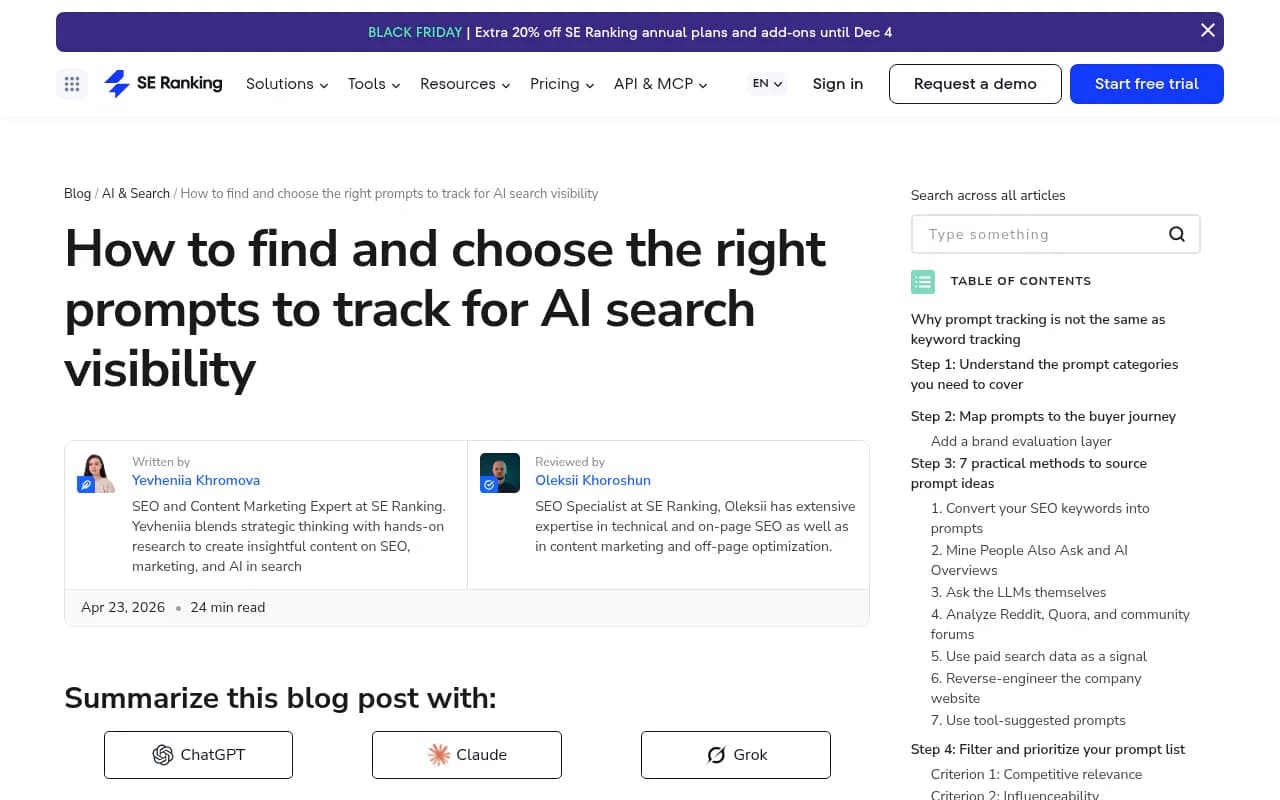
Prompt tracking is also a strange kind of measurement. As SE Ranking's team put it in their guide to choosing prompts, you get no reliable query volume, no fixed positions and technically infinite prompt variations. The same question can return different brand recommendations depending on session context, location or history. Kevin Indig's June 2026 Growth Memo makes a similar point in its subtitle: AI visibility is measurable, but the mistake is running it like a rank tracker.
So the quality of a tool depends on method, not polish. The nine questions below are the ones I would put to any vendor before signing an annual contract.
Question 1: Where does your data actually come from?
The first thing to ask is whether responses are collected from the real user interface of each AI product or from the API.
This matters because user-facing answers, citations and shopping recommendations can differ from API output. An API call to a model with no search layer tells you what the model believes from training data. It does not tell you what a buyer sees when they open ChatGPT Search or Google AI Mode. Both views are useful, but a tool should be clear about which one it is giving you.
Red flag: the vendor can't or won't say. Or the answer is "we use the OpenAI API" for a metric labeled "ChatGPT visibility."
Promptwatch collects from the actual interfaces of ChatGPT, Google AI Overviews, Google AI Mode, Gemini, Perplexity, Copilot and others, in each country and language, and tracks API models alongside to show what they know from training data. Its data collection explainer walks through the difference.

Question 2: How many times do you run each prompt?
One run per prompt is a coin flip with a chart on top. LLM answers vary from run to run, so a single sample can show you in position one today and absent tomorrow without anything changing.
The common practice described in the Growth Memo piece is to define 25 to 50 prompts split across brand, category and problem, then run several repetitions of each. Pravin Kumar's write-up on how many prompts you need makes the same argument: one run misleads you.
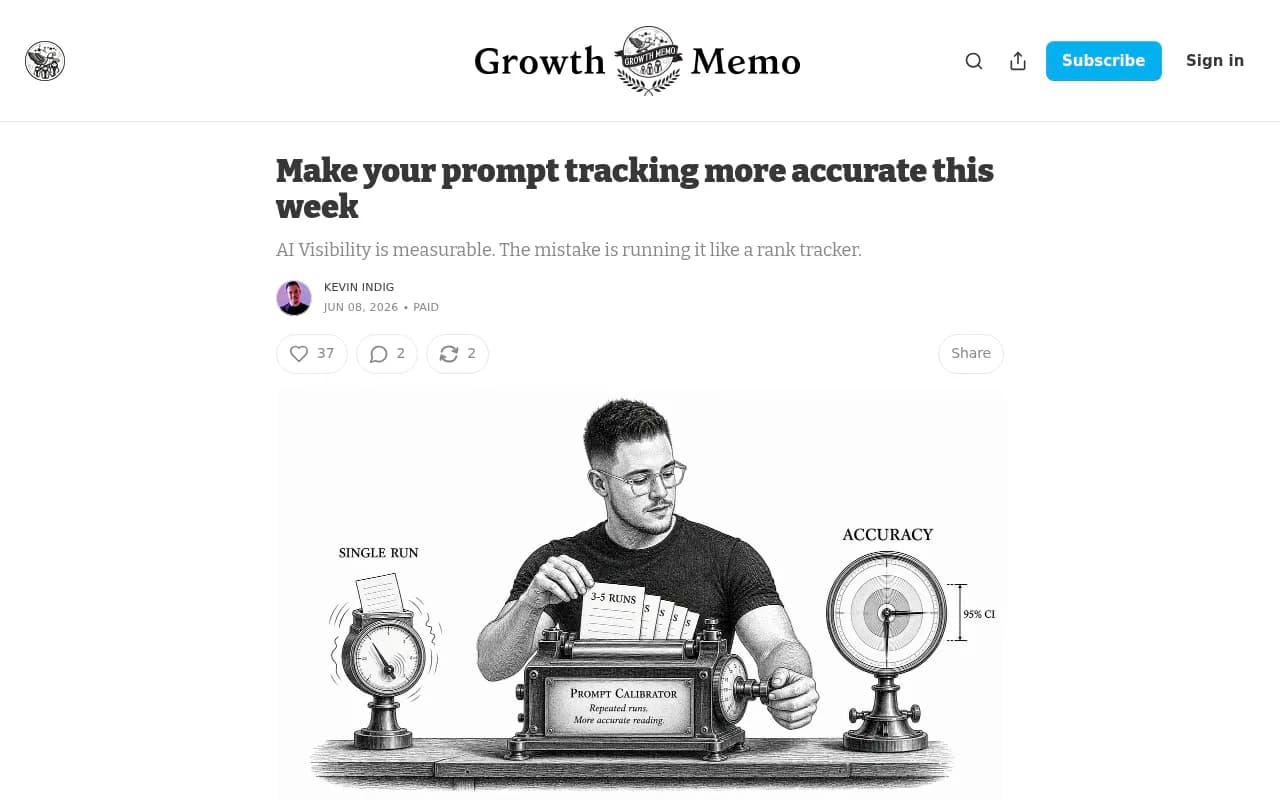
Ask the vendor how they handle variance. Do they average across runs? Do they report a confidence range? Can you see the individual responses behind a number? If the answer is a single daily snapshot and a trend line, treat the score as directional at best.
Question 3: Can I see the raw responses and citations behind every metric?
A visibility score without the underlying responses is a black box. You should be able to click a number and read the actual answers, see which sources were cited and where your domain landed in the list.
This is also how you catch scoring errors. Brand names that are common words get misread constantly. A tool should let you define what counts as a mention, for instance through plain-language analysis instructions, and let you merge aliases and spot-check the results.
Red flag: scores only, no response browser. Or a response browser that shows summaries rather than the text the model produced.
Question 4: Does the tool tell me when the platform changed, not me?
This is the question most buyers never ask, and it is the one I care about most.
AI platforms change behavior without announcement. Promptwatch Data's report on the GPT-5.3 rollout found that the average number of sources cited per search-enabled ChatGPT response fell from about 6.4 in the week before March 4, 2026 to roughly 4.7 to 4.9 by late March. That is about 27% fewer, it hit GPT-5.3, GPT-5.4 and GPT-5-Mini at once, and it had not recovered a month later.
Imagine your citation count fell 27% that week. Without platform-level context you would assume your content decayed and start rewriting pages. With it, you would know the whole market moved.
Then there is the August 8, 2026 change, when ChatGPT started using the site: operator at scale. The share of fanout queries using it jumped from 0.37% to 16.8% in a day, and average fanout queries per response rose from about 1.08 to about 1.83. Nobody's content changed. The retrieval behavior did.
Ask the vendor:
- Do you track citations per response over time, not just my citations?
- Do you annotate model releases or platform shifts on trend charts?
- Can I compare my movement against a market baseline?
Red flag: trend lines with no annotations and no baseline. You will be blaming yourself for things OpenAI did.
Question 5: Can it show query fan-outs, and does it keep them current?
When an AI engine answers a question, it often runs several web searches behind the scenes. Those are query fan-outs, and they are where retrieval actually happens. Knowing which searches fire for your tracked prompts tells you what pages and phrasing the model is hunting for. There is more in the query fan-out guide if you want the background.
Fan-out behavior is unstable. According to Promptwatch's ChatGPT query fanout data, average fanouts per response were 2.15 in early December 2025 and about 1.84 by early March 2026, and average query length dropped from about 117 characters to the high 80s over the same stretch. Any keyword mapping you built from last quarter's fan-outs may already be stale.
So ask two things. Can the tool show fan-outs per prompt and per model? And does it flag when the pattern shifts so you can rebuild your mappings? A static export from three months ago is not a feature.
Question 6: Who chooses the prompts, and are they ones my buyers would use?
A tool is only as good as the prompt set inside it. Most teams default to "best [category] tool" prompts and call it done, which, as SE Ranking points out, covers one thin slice of how buyers use AI. Momentic's guide on building a prompt set worth tracking adds that you should balance framing so it doesn't drive the findings, and test prompts until their answers are consistent.
What to ask the vendor:
- Can I import prompts from Search Console, People Also Ask or my own keyword list?
- Can I tag prompts by type (organic, brand-specific, competitor comparison) and by intent, so comparison prompts don't skew category metrics?
- Can I run prompts as different personas?
- Is there any volume or difficulty data, or is every prompt equal?
Red flag: the tool auto-generates 200 prompts for you on day one and bills you for them. Quantity is not coverage.
Question 7: Does it connect tracking to what happens on my site?
This is where most monitoring-only tools stop. They tell you that you were or weren't mentioned. They can't tell you whether an AI crawler ever fetched the page you wanted cited, or whether any AI visitor arrived and converted.
The Ryan Robinson video titled "AI Prompt Tracking is a Waste of Time" argues that chasing prompt rankings does little for traffic and customers. I couldn't pull the video's content, so I won't summarize his argument beyond the title. But the criticism is fair when a tool is only a scoreboard. Visibility that never touches traffic or revenue is a vanity number.
Ask whether the vendor offers:
- IP-verified AI crawler logs, so you can tell an access problem from a content problem
- AI-referred visitor analytics with conversions
- Search Console and Bing data next to AI data
- Page-level tracking, so you can see whether a specific URL gets cited
Promptwatch's AI crawler logs and visitor analytics are built for exactly this, and the guide to attributing AI traffic explains how to read them. One practical note: ChatGPT stopped sending a referrer on October 8, 2026, so check that any attribution tool can count visits tagged with utm_source=chatgpt.com.
Question 8: What happens after the dashboard tells me I'm invisible?
Prompt trackers answer "was my brand mentioned?" The harder question is what to do about it. Be wary of tools that stop at a score.
Ask to see the workflow after the diagnosis:
- Does it map your existing pages against the prompts AI answers (content gap analysis)?
- Does it prioritize actions, or hand you a PDF?
- Can it draft and publish content to your CMS, and then check whether that page got crawled, cited and clicked?
This is the real dividing line in the category. Some tools monitor. A smaller group closes the loop: monitor, trace sources, act, measure. Promptwatch is in that second group, with an Action Board, a Content Agent and CMS publishing to WordPress, Webflow and Framer, then page tracking to see if the fix worked. Crisp, for example, scaled to 5 to 10 articles per day and saw 2x higher conversion rates from AI traffic than from traditional channels.
That said, not every team needs execution tooling. If you have a strong content team and just want clean measurement, a focused tracker is fine. The red flag is paying for a monitoring tool while being promised outcomes it can't produce.
Question 9: How is pricing built, and what does a response cost?
Pricing pages for this category are full of traps. Prompt count is the headline number, but cost depends on how many responses you get per prompt, how many models and countries are included, and what is locked behind higher tiers.
Check:
- Responses per month, not just prompts
- Whether all AI models are included or sold as add-ons
- Whether country, state and city tracking cost extra
- Seat limits, project limits and API access
- Whether tracking frequency beyond daily needs a bigger plan
- What happens if a payment is past due (does tracking stop and leave gaps in your data?)
As a reference point, Promptwatch lists Essential at $95/mo (50 prompts, 6,000 responses), Professional at $245/mo (150 prompts, 18,000 responses) and Business at $579/mo (350 prompts, 42,000 responses), with unlimited team seats and all models on every plan. Confirm current numbers at promptwatch.com/pricing before you budget, because plans change.
The nine questions at a glance
| # | Question | Green flag | Red flag |
|---|---|---|---|
| 1 | Where does data come from? | Real UI collection, API models labeled separately | Unclear, or API output sold as "ChatGPT visibility" |
| 2 | How many runs per prompt? | Multiple runs, visible variance | One run, one snapshot |
| 3 | Can I see raw responses? | Full response and citation browser | Scores only |
| 4 | Does it flag platform changes? | Citations-per-response trends, release annotations | Trend lines with no baseline |
| 5 | Are fan-outs visible and current? | Per-prompt, per-model fan-outs | Static or no fan-out data |
| 6 | Who picks prompts? | Importable, taggable, persona-aware | Bulk auto-generated sets |
| 7 | Link to site data? | Crawler logs, visitor analytics, Search Console | Mentions only |
| 8 | What happens next? | Gap analysis, actions, publishing, re-measurement | Dashboard and a PDF |
| 9 | Pricing structure? | Per-response clarity, all models included | Hidden add-ons, vague limits |
How common tools tend to fit
This is a general positioning guide, not a verdict. Features change quickly, so run the nine questions against each vendor yourself.
| Category | Examples | Typical strength | Typical gap |
|---|---|---|---|
| End-to-end AI visibility platforms | Promptwatch | Monitoring plus crawler logs, traffic data and content execution | Heavier than needed if you only want a scoreboard |
| Enterprise monitoring suites | Profound, Scrunch AI | Deep tracking and reporting | Higher price points, less execution |
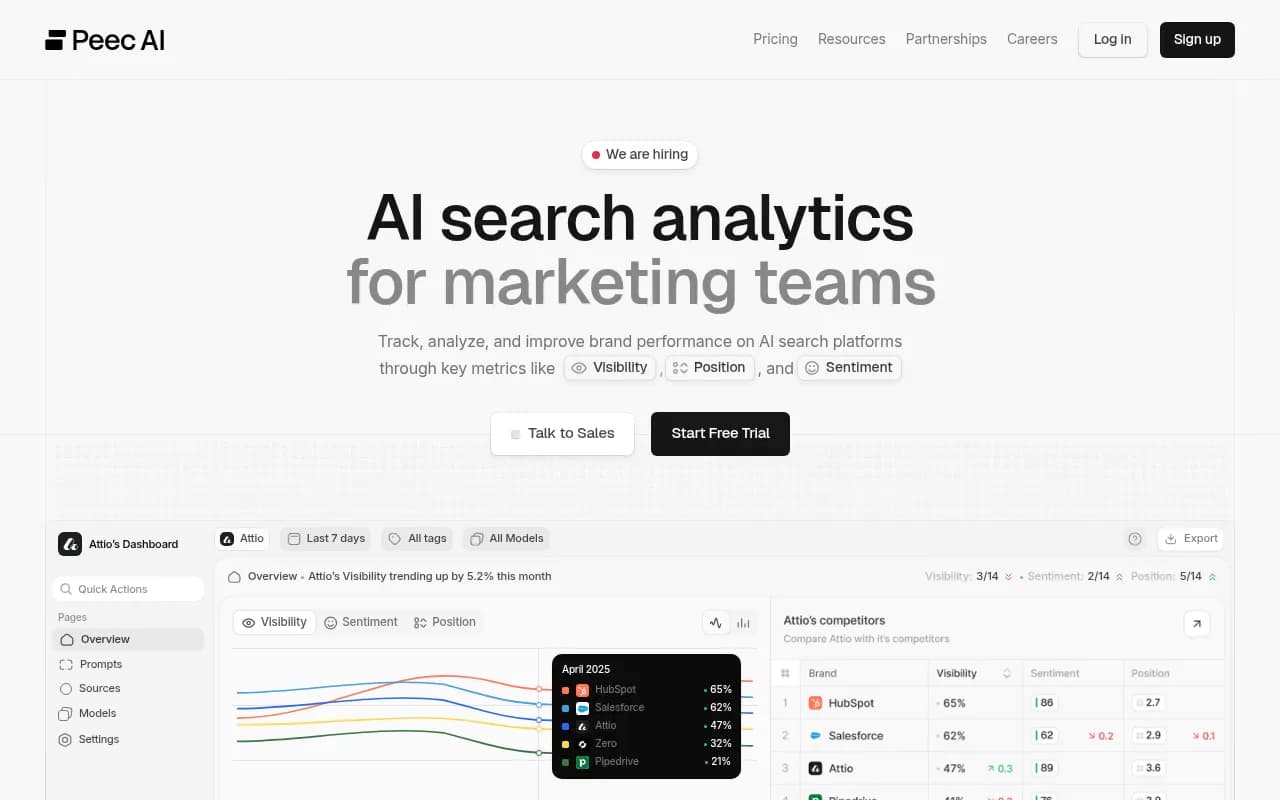
| Lightweight prompt trackers | Otterly.AI, Peec AI | Simple setup, low entry cost | No crawler logs, no visitor analytics, no content generation |
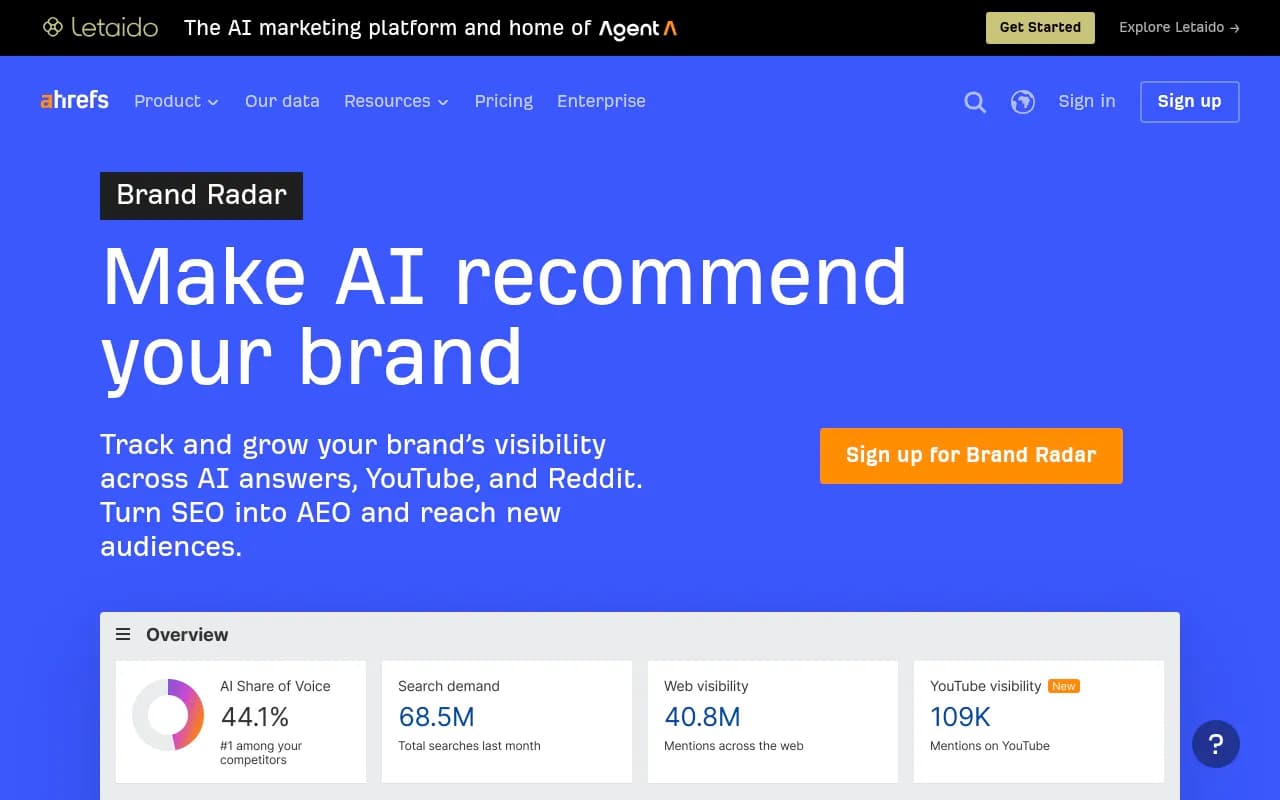
| SEO suite add-ons | Semrush, Ahrefs Brand Radar | Familiar interface, existing data | Fixed prompt sets, shallower AI-specific data |
If you want to compare a wider field, the GEO software directory at bestgeosoftware.com lists dozens of options, and Promptwatch's own 2026 side-by-side comparison covers the main players feature by feature. Some of the tools in our catalog worth checking against these questions include:
Profound
Otterly.AI

How to run the vendor test in practice
Questions are good, but a trial is better. Here is a short process that surfaces most problems in a week or two.
Load the same prompts into two tools
Pick 25 to 30 prompts across brand, category and problem types. Put them into your shortlisted tools and compare the responses, not the scores. If two tools disagree wildly on what ChatGPT said about you, one of them is collecting differently.
Check the citations against the live product
Open ChatGPT or Google AI Mode yourself, run three or four of the same prompts and compare sources. Some variance is normal. Systematic differences mean the tool is leaning on an API or a different retrieval path.
Pick a page and follow it
Choose one page you want cited. Does the tool show whether AI crawlers fetched it, whether it appeared in any response, and whether it sent a visitor? If the trail goes cold at "mentioned or not," you have your answer about depth.
Ask them about a recent platform change
Bring up the March GPT-5.3 citation drop or the August site: operator shift and ask what their product showed customers at the time. Vendors that watch the platforms will have a specific answer. Others will pivot to a slide.
Final thoughts
The category is young, and no tool measures AI answers perfectly. That is not the red flag. The red flag is a vendor pretending otherwise, hiding the raw data, or selling a score without a way to improve it.
If you want to start without committing, Promptwatch has a 7-day free trial on monthly billing and a free AI visibility report that scans how ChatGPT, Gemini and Perplexity talk about your brand. For more on the research behind these questions, the Promptwatch Data hub publishes regularly updated reports on citation behavior, crawlers and fan-outs. Take the nine questions into every demo, write down the answers, and compare them side by side. The tool that answers plainly, and shows you its raw data, is usually the one worth paying for.